
Daybox - Task Timer
Timeboxing & ADHD Timer
Designed for iPhone, iPad
Free · In-app purchases
- Age rating4+
- CategoryProductivity
- DeveloperScott Hanson
- LanguagesEnglish
- Size17.3 MB
Links to the official App Store page
Download.org hosts no file of Daybox - Task Timer. The button opens its official App Store page, published by Scott Hanson. Listing last checked on Nov 17, 2026.
Screenshots
About
Stack your tasks. Hit start. Daybox flows through them automatically — no tapping, no switching, no interruptions. Just frictionless focus from one task to the next.
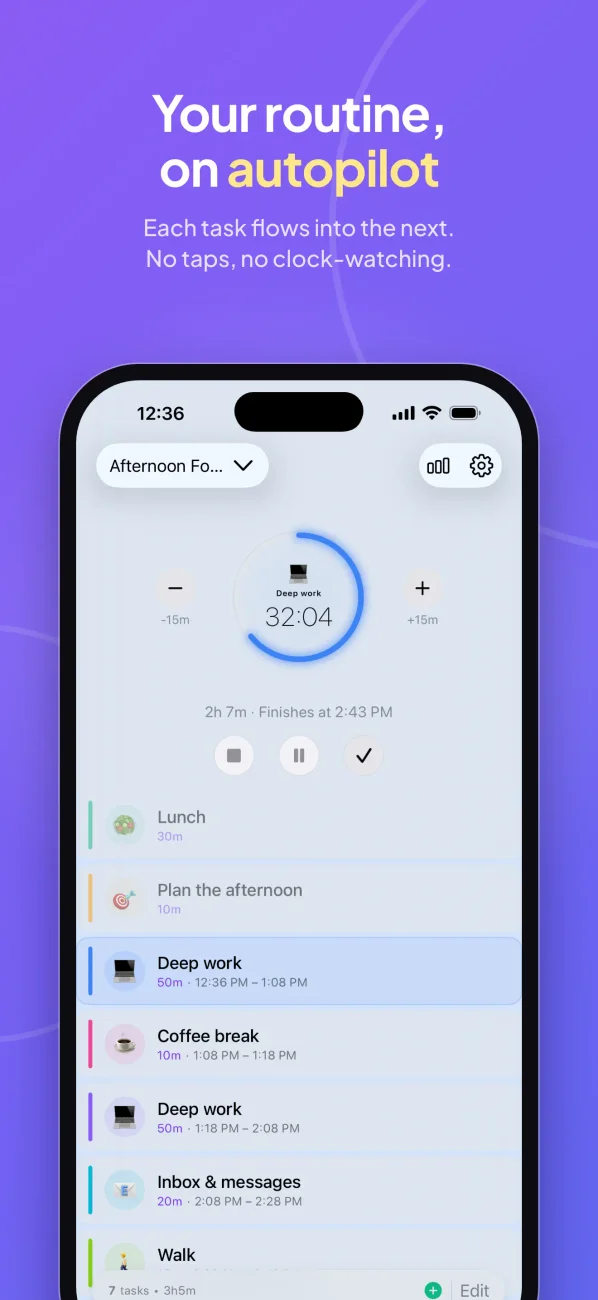
Daybox is a timeboxing timer that works like a playlist for your day. Add your tasks, set durations, and let the timer auto-advance through your list. When one task ends, the next begins — keeping you in flow without lifting a finger.
HOW IT WORKS
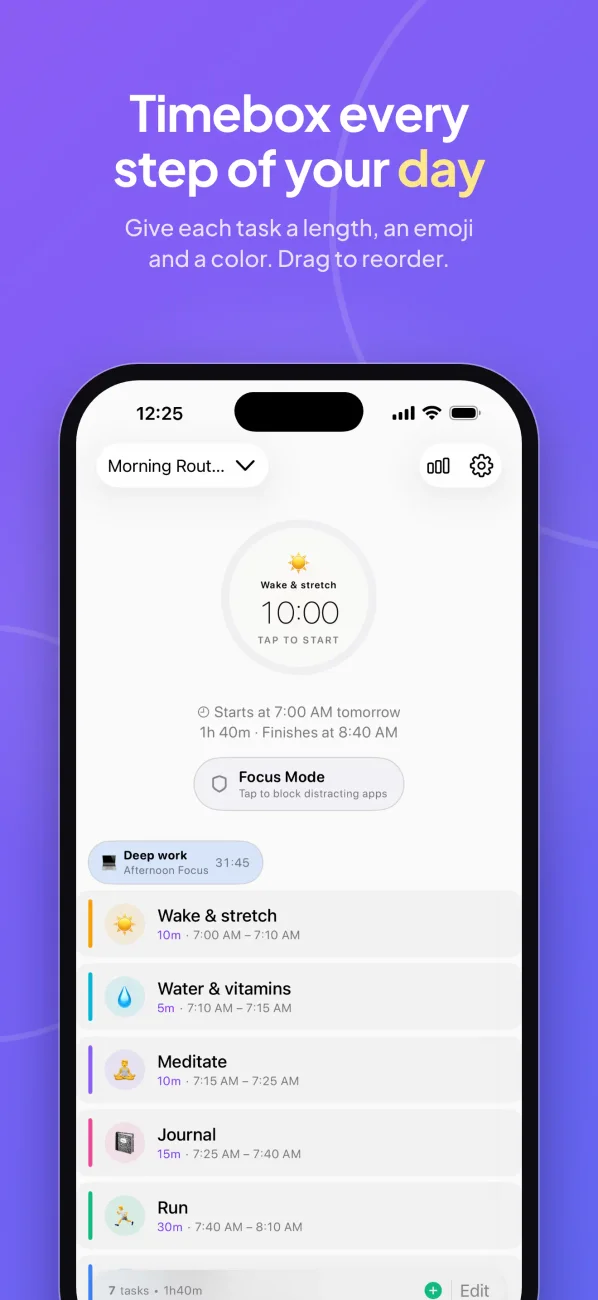
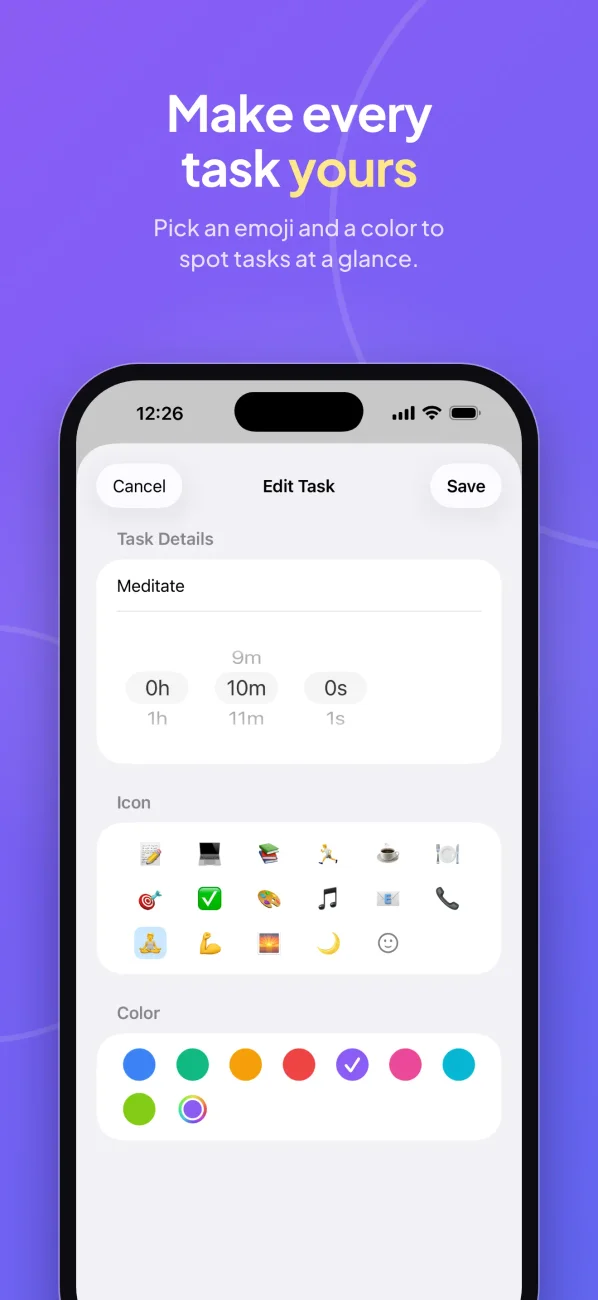
- Add tasks with custom durations, emoji icons, and colors
- Drag to reorder your task list anytime
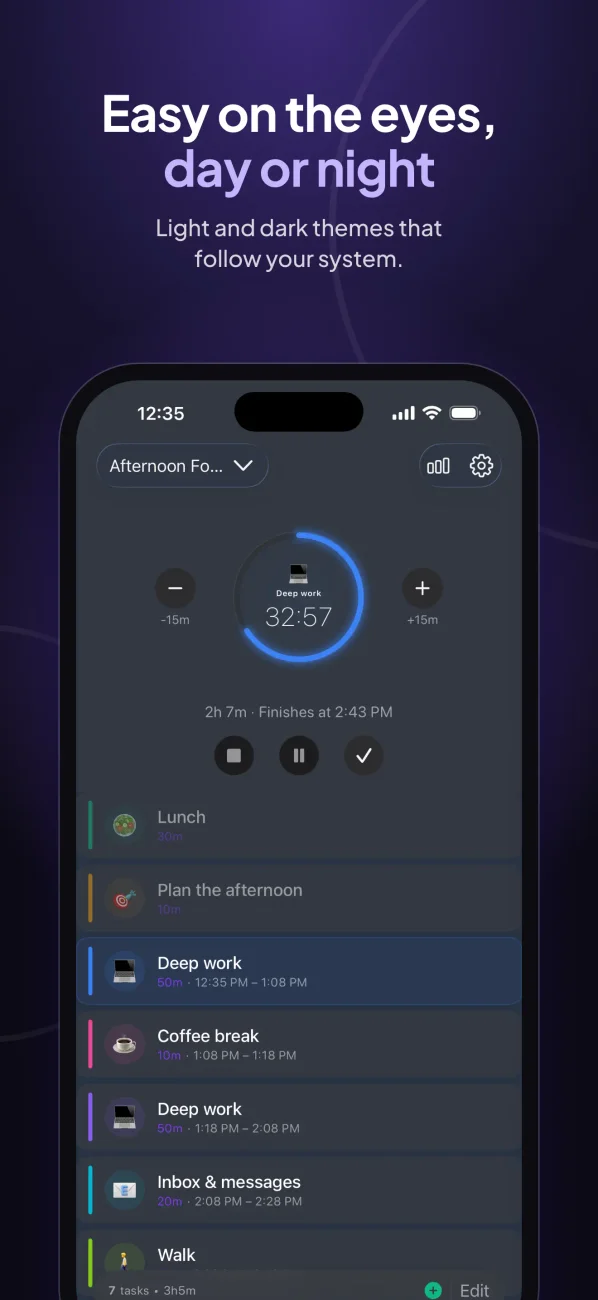
- Hit play — the timer counts down and auto-advances through each task
- Adjust time on the fly with smart +/- buttons that adapt to the remaining duration
- Audio cues signal each transition so you stay in the zone
STAY FOCUSED, STAY INFORMED
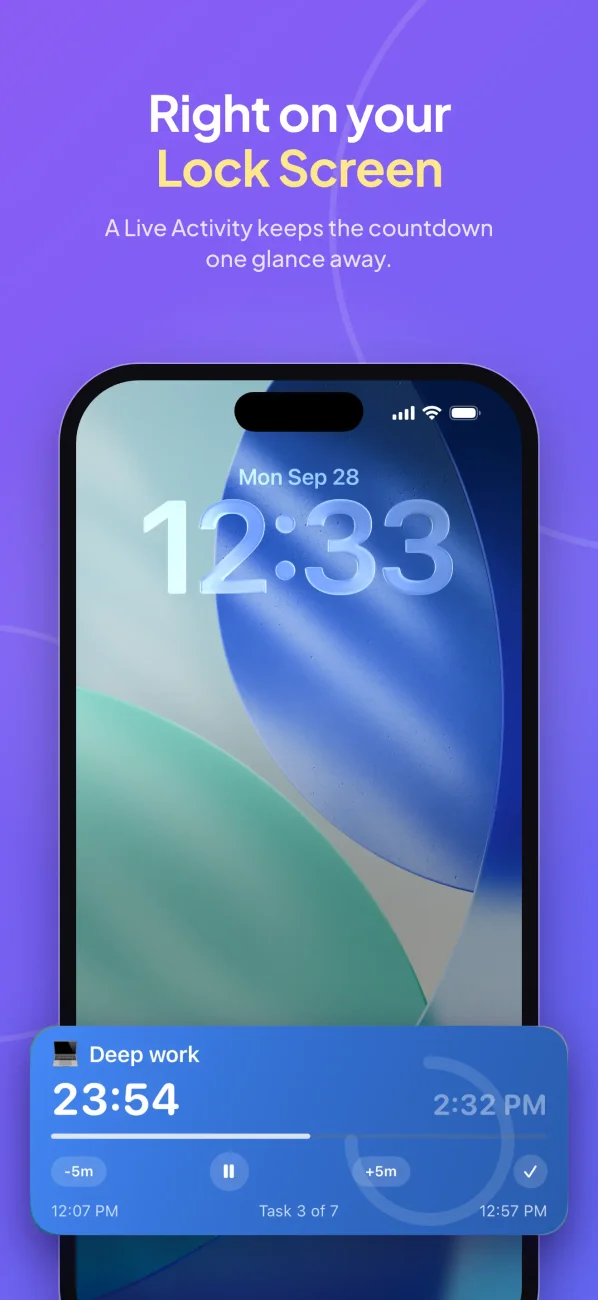
- Live Activities show your timer on the lock screen and Dynamic Island
- Keep Screen Awake mode so your timer is always visible
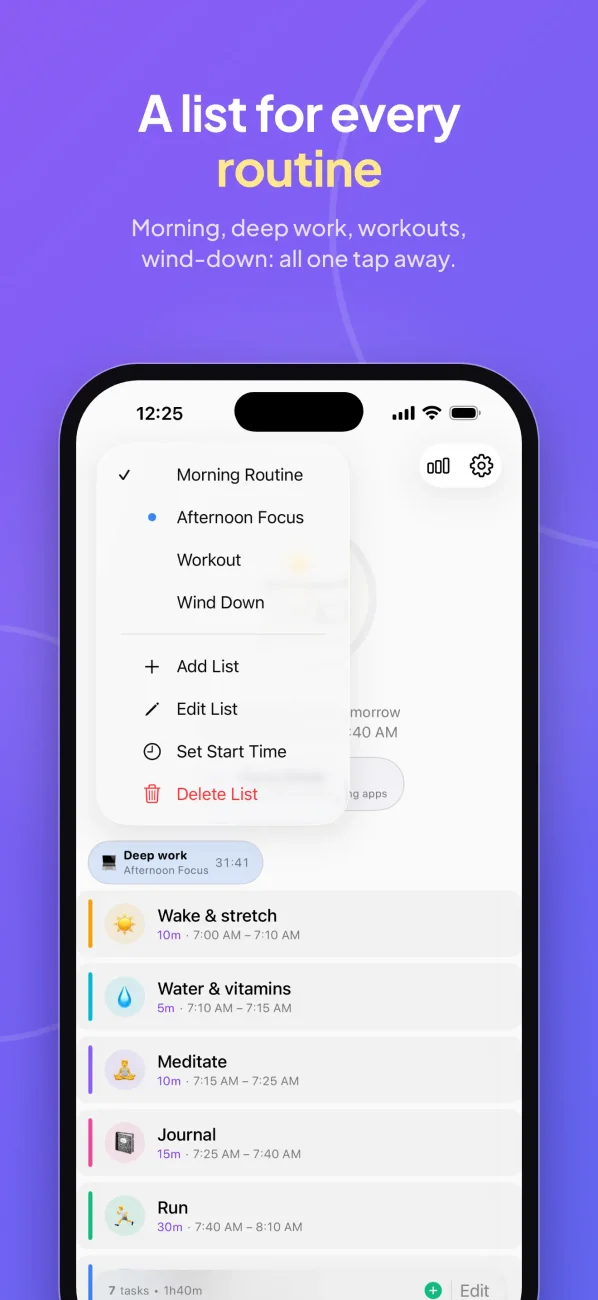
- Organize tasks into color-coded categories
- Skip, reorder, or jump to any task mid-session with intuitive gestures
SYNC ACROSS DEVICES
- Sign in with just your email — no passwords
- Your tasks and categories sync instantly
- Real-time timer sync lets you start on one device and continue on another
DESIGNED FOR FLOW
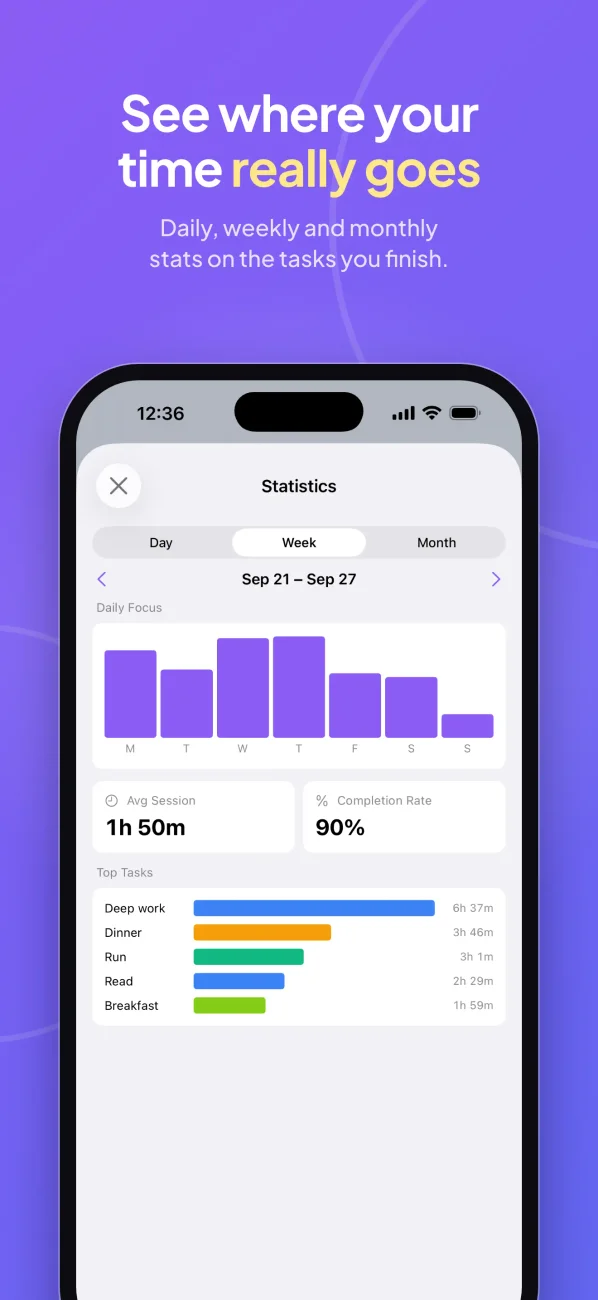
Daybox doesn't ask you to learn a methodology or track your productivity stats. There are no streaks, no gamification, no guilt. Just a simple, beautiful timer that keeps your day moving forward.
Popular with those with ADHD who benefit from time-aware structure, Daybox is also perfect for daily routines, study sessions, workout circuits, cooking, cleaning sprints, creative blocks, or any time you want structure without rigidity.
Terms of Use (EULA): https://www.apple.com/legal/internet-services/itunes/dev/stdeula/
What’s new
Version 1.7.1 · Nov 13, 2026
Timers can now count up
New tasks pick their own color and emoji
Get a heads-up before a task ends (Pro)
Accessibility improvements
App privacy
What Scott Hanson declares on the App Store about how this app handles data.
-
Data linked to you
May be collected and linked to your identity.
- Location
- Contact info
- Identifiers
- Usage data
Privacy practices may vary, for example with the features you use or your age.
Information
- Seller
- Scott Hanson
- Category
- Productivity
- Version
- 1.7.1
- Updated
- Nov 13, 2026
- Released
- Mar 16, 2026
- Size
- 17.3 MB
- Requires
- iOS 17.2 or later
- Age rating
- 4+
- Price
- Free
- In-app purchases
- Yes
- Languages
- English
- Copyright
- © 2026
You might also like
-
 DayBox: Time Blocking PlannerDaily Schedule & Focus Timer
-
 FlowStack: Focus & RoutineTo Do List, Timer & Pomodoro
-
 Set · ADHD Task ManagerPlan your day, keep it moving.
-
 MetaTimer Timeboxing for ADHDPlan your day, track your time
-
 Timii Task TimerTask Timer & Time Tracker
-
 Flowmo: Flowmodoro TimerEnter Flow & Stay Focused
-
 InControl - ADHD Daily PlannerRoutines, reminders & focus
-
 Time Blocking for ADHD: AlignDaily Planner, To-Do & Habits
-
 Amazing Marvin: ADHD PlannerDaily To Do List & Tasks
-
 ADHD Organizer: Llama LifeFocus timer, habits, routines