
Daybridge Calendar
One calendar for work and life
Designed for iPhone, iPad
Free · In-app purchases
- Age rating4+
- CategoryProductivity
- DeveloperDaybridge Software Limited
- LanguagesEnglish+ 6 more
- Size98.3 MB
Links to the official App Store page
Download.org hosts no file of Daybridge Calendar. The button opens its official App Store page, published by Daybridge Software Limited. Listing last checked on Nov 23, 2026.
Screenshots


About
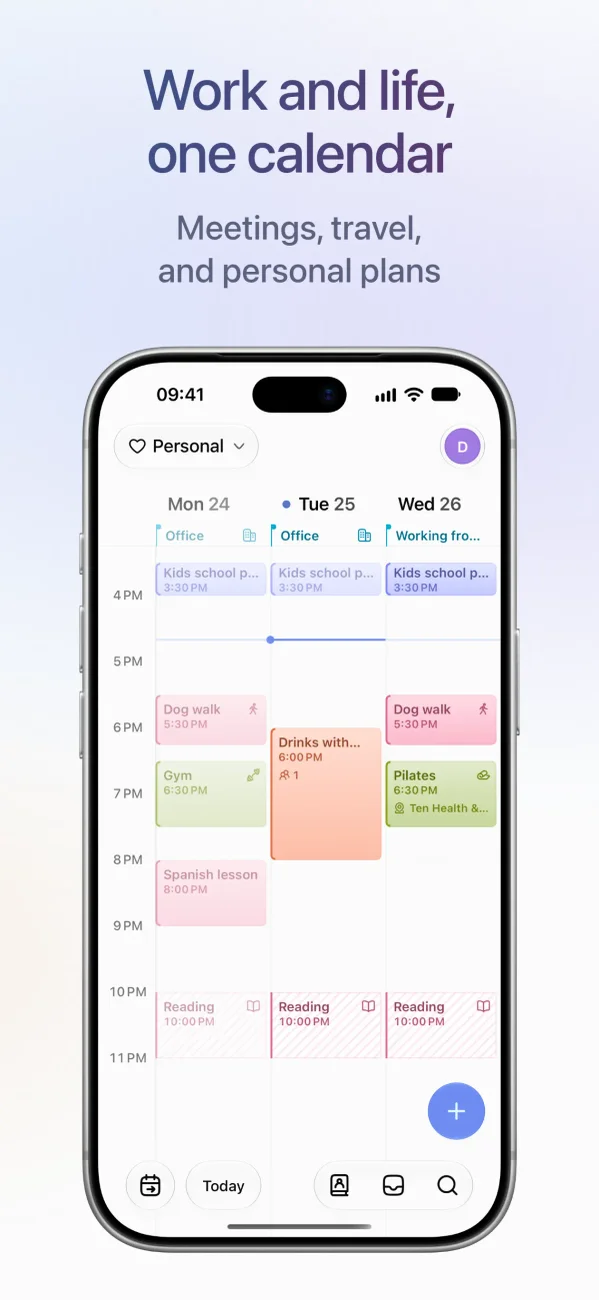
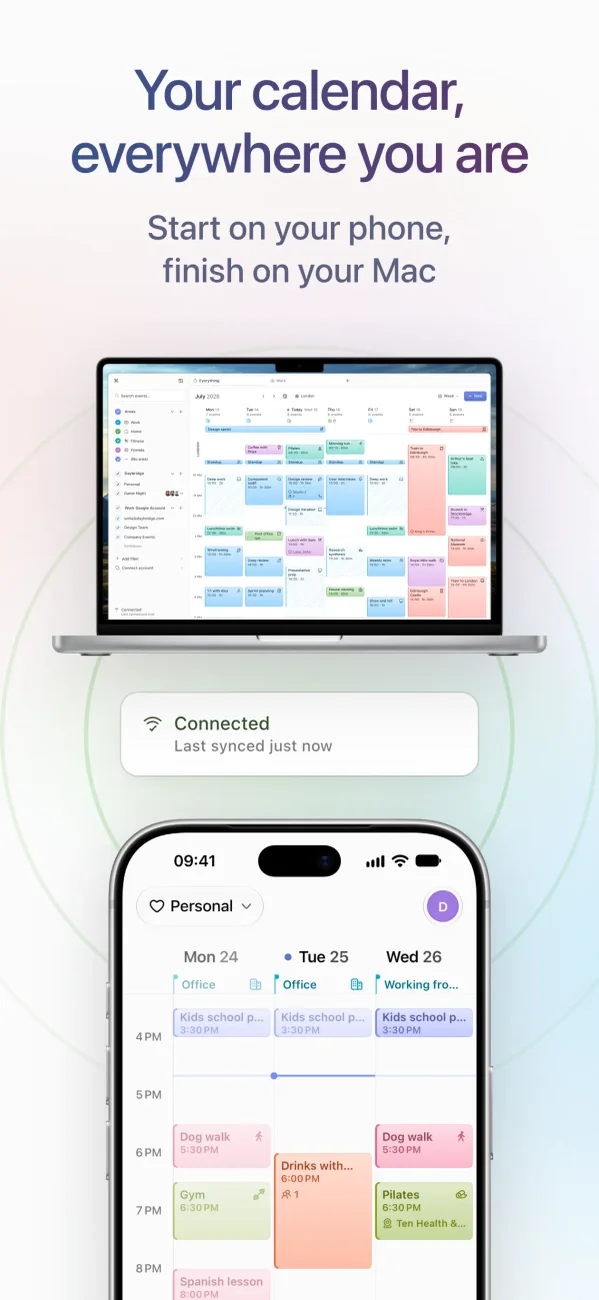
Stop juggling calendars. Daybridge puts meetings, travel and personal plans in one fast, beautiful calendar you'll actually enjoy using.
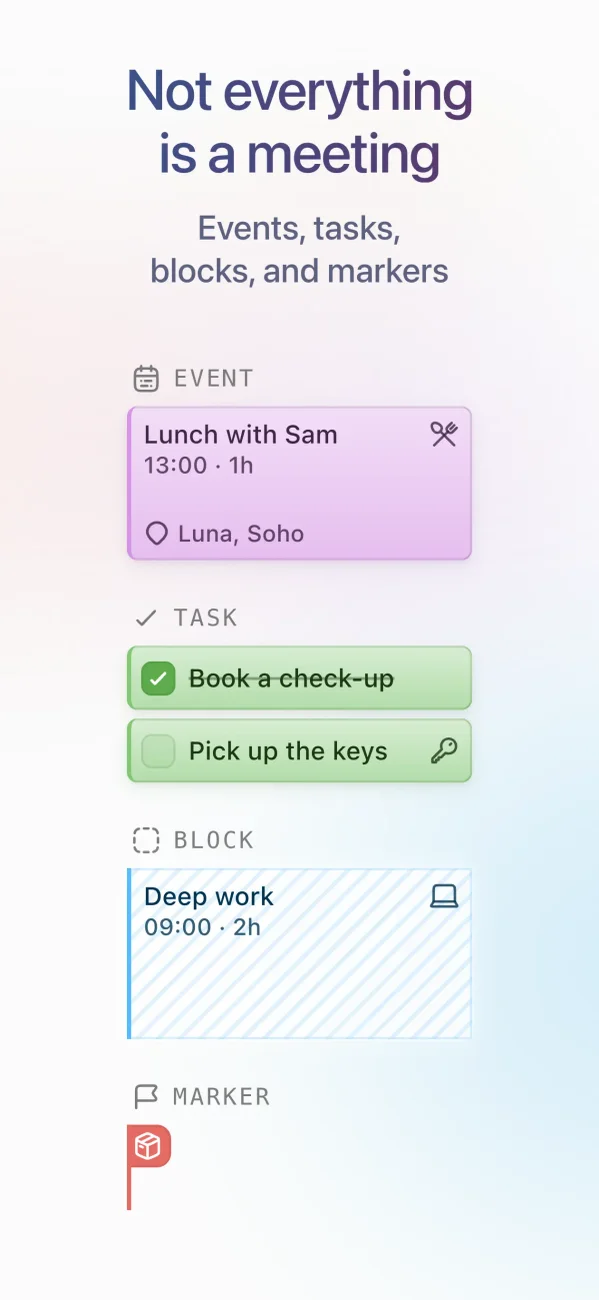
Bring your events and tasks together in one place, with flexible layouts, shared calendars, customizable notifications, world clock time zones, and home and lock screen widgets.
With Daybridge, you can:
• Plan events and tasks side by side, so everything you need to do lives alongside everything you've got on
• See your schedule your way, as a single day, several days at a glance, or a scrolling agenda list of everything coming up
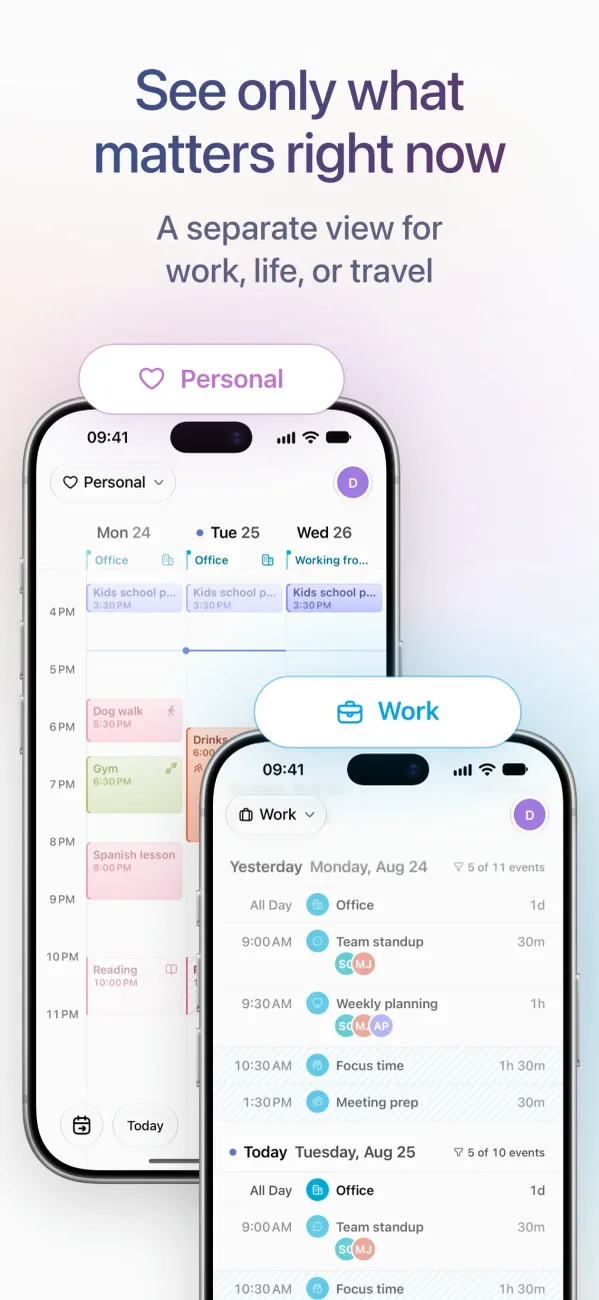
• Manage every side of your life in one place by categorising events with Areas
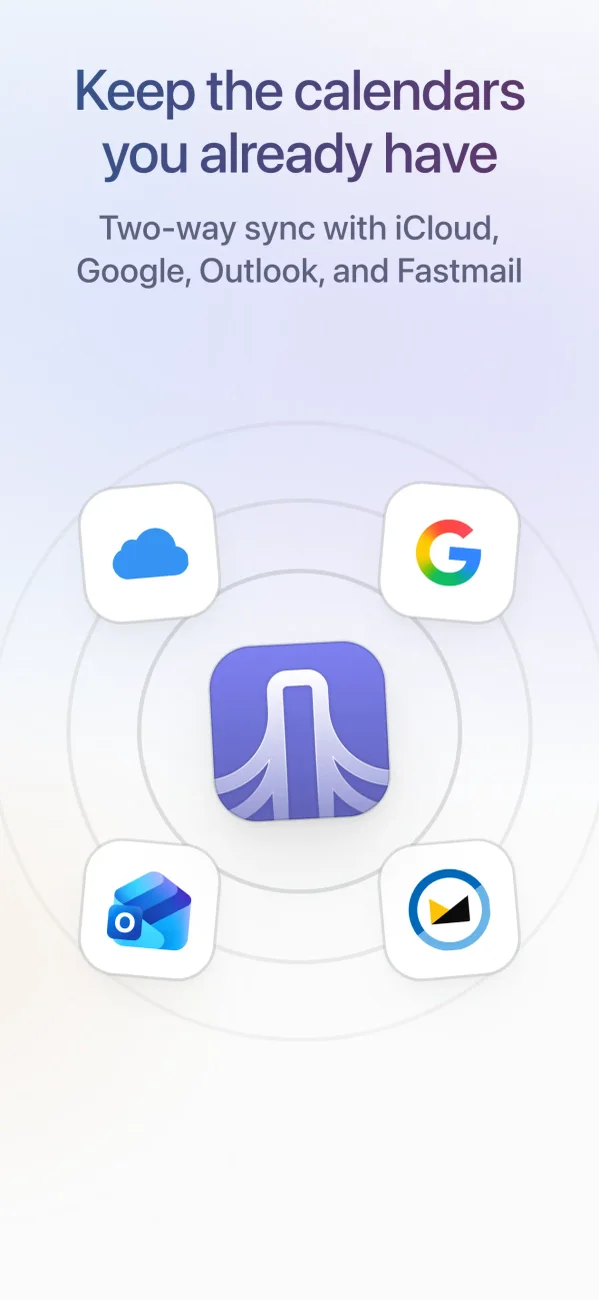
• Connect your iCloud, Google, Outlook, and Fastmail accounts to see work and personal events together
• Create shared calendars to stay in sync with friends and family - directly in Daybridge
• Use widgets to see upcoming events, the local time in your saved time zones, and more, on your home screen and lock screen
• Never miss a thing with fully customizable real-time notifications
• Get invited to events easily by creating a profile and picking a username
• Pick up where you left off across Daybridge for Web, Mac, and more, with automatic syncing
Apple's standard Terms of Use (EULA) applies: https://www.apple.com/legal/internet-services/itunes/dev/stdeula/
Our Privacy Policy: https://daybridge.com/legal/privacy-policy
What’s new
Version 3.41.0 · Nov 21, 2026
• You can now mirror events from one calendar to another, so that your personal appointment shows as ‘Busy’ on your work calendar
• Customize your app with new day and dusk home screen icons in settings
• Fixed a missing delete option when you touch and hold on a repeating event
• Fixed being unable to reset the name of saved locations
• Fixed an incorrect message when removing yourself from a shared calendar
Recent Updates:
• Improved support for Siri AI on supported devices
• Select multiple events at once to copy, delete, or perform other actions on
• Freely move events between any calendar
• Import events from .ics files
• Subscribe to .ics and webcal calendars
App privacy
What Daybridge Software Limited declares on the App Store about how this app handles data.
-
Data linked to you
May be collected and linked to your identity.
- Location
- Contact info
- Contacts
- User content
- Identifiers
- Diagnostics
-
Data not linked to you
May be collected but is not linked to your identity.
- Usage data
Privacy practices may vary, for example with the features you use or your age.
Information
- Seller
- Daybridge Software Limited
- Category
- Productivity
- Version
- 3.41.0
- Updated
- Nov 21, 2026
- Released
- Apr 11, 2022
- Size
- 98.3 MB
- Requires
- iOS 18.4 or later
- Age rating
- 4+
- Price
- Free
- In-app purchases
- Yes
- Languages
- English, Dutch, French, German, Italian, Portuguese, Spanish
- Copyright
- © 2022-2026 Daybridge Software Limited
You might also like
-
 Frido (Vintage)Swipe to plan your day
-
 Triage 2First aid for your inbox
-
 Keep It MobileNotebook & Document Organizer
-
 Superlist: To Do List & NotesAI Meetings, Tasks & Reminders
-
 OLD: Pile - Collect BookmarksPrivate boards & file manager
-
 GladysYour drag & drop assistant
-
 Rocket 135: To-Do List & TasksPlanner, Reminders & Tasks
-
 Quick Notes - SupasendCapture quickly notes & tasks
-
 Remind Me FasterQuick-entry for Reminders
-
 Simple Calendar : QuarterplanEasy Minimalist Task Organizer