Keep It Mobile
Notebook & Document Organizer
Designed for iPhone, iPad
Free · In-app purchases
- Age rating17+
- CategoryProductivity
- DeveloperSteve Harris
- LanguagesEnglish+ 2 more
- Size35.5 MB
Links to the official App Store page
Download.org hosts no file of Keep It Mobile. The button opens its official App Store page, published by Steve Harris. Listing last checked on Nov 16, 2026.
Screenshots


About
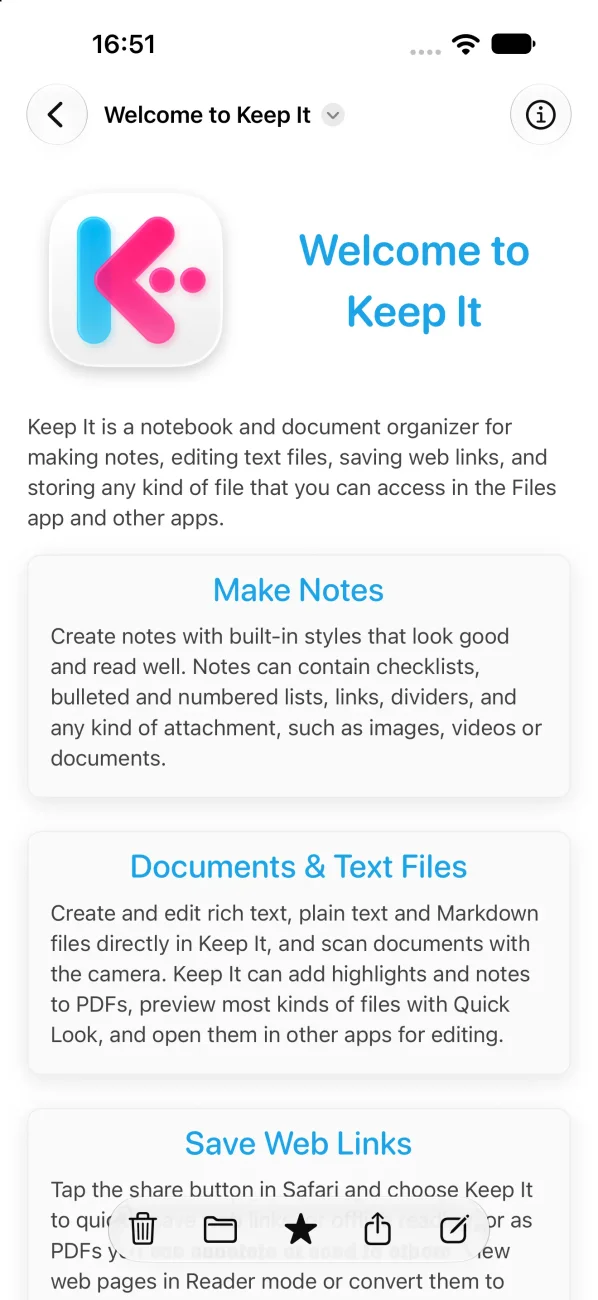
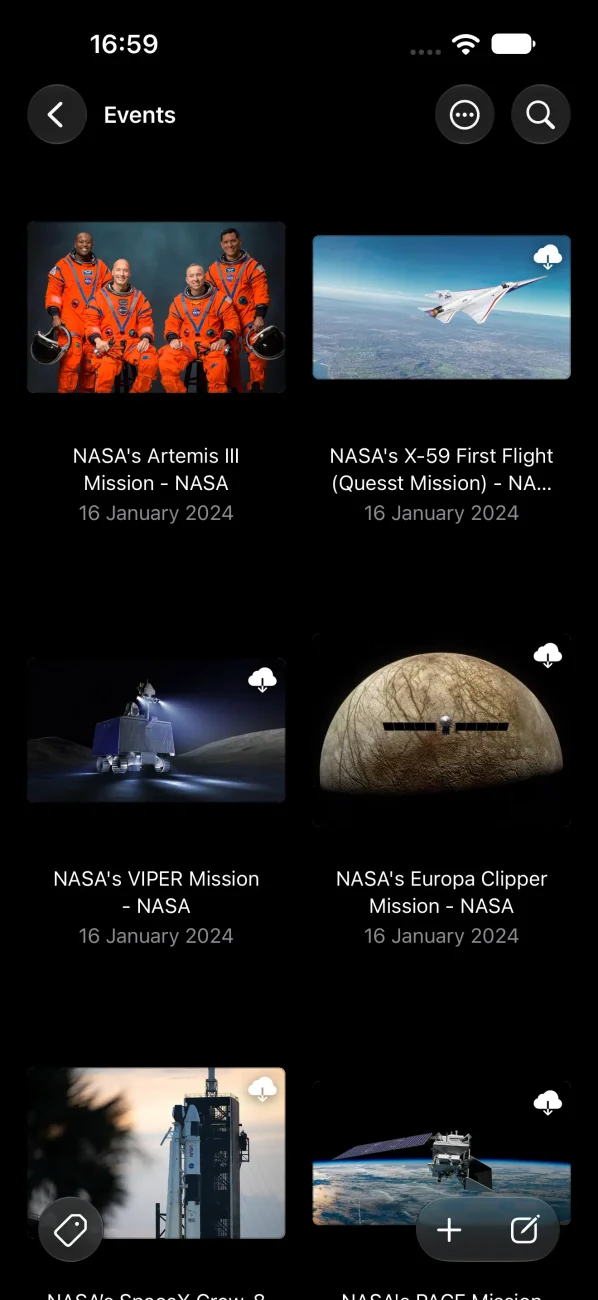
Keep It for iPad and iPhone is a powerful notebook and document organizer that can be used on its own or in conjunction with Keep It for Mac, available separately.
Keep It can create and edit notes, rich text, plain text and Markdown files, scan documents, edit PDFs, archive emails, save web links in a variety of formats, preview and search just about any kind of file, and organize these in a variety of ways. All the files, folders and tags you store in Keep It are available in the Files app, can be opened and edited in other applications, and shared with other Keep It users via iCloud.
Notes, Documents and Everything Else
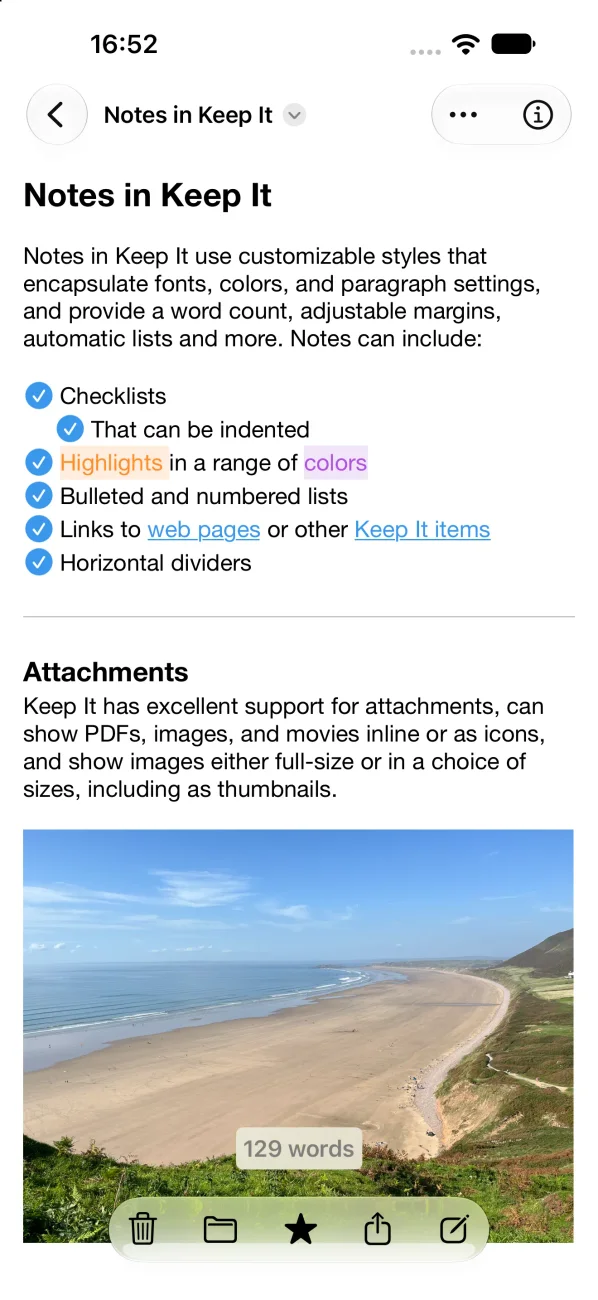
• Create notes with styles, checklists and attachments that look good and read well on all your devices
• Create and edit rich text, plain text and Markdown files
• Adjustable display margins and word count available in all Keep It’s text editors
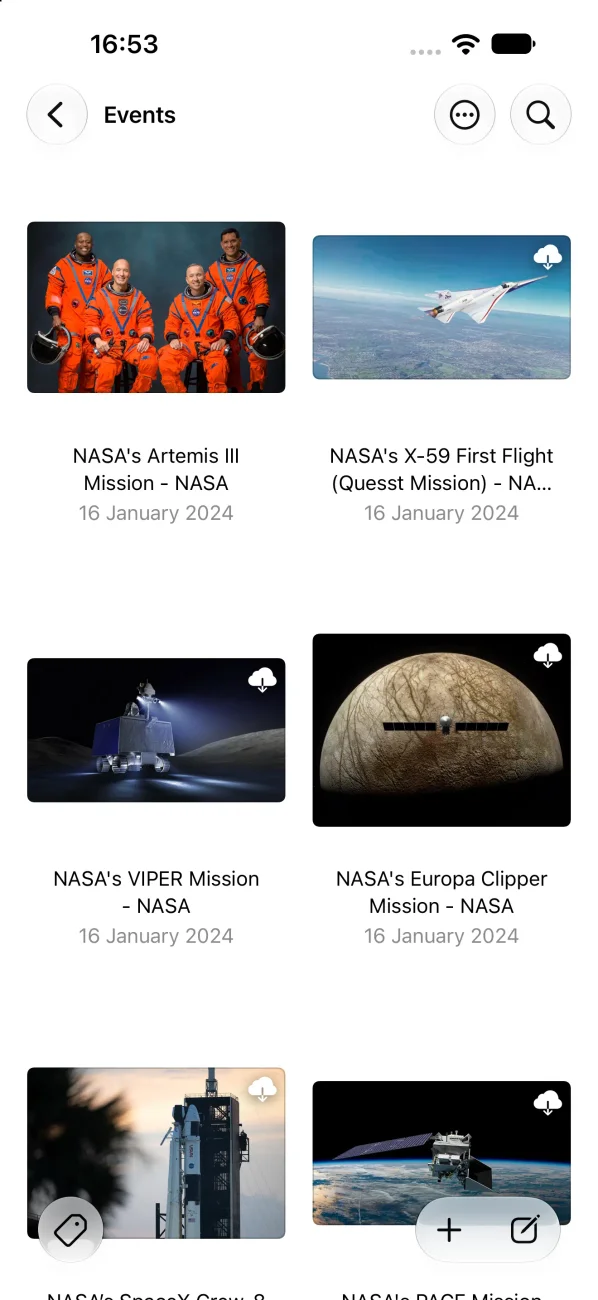
• Scan documents, add photos or videos, and save any kind of file to Keep It’s library
• Edit PDFs, play movies, and preview everything else with Quick Look
• Save web links for offline viewing as PDFs or web archives
• Create templates or empty files in any format using stationery
• View and work with mail messages and their attachments
• Merge multiple items into a single note
Organize
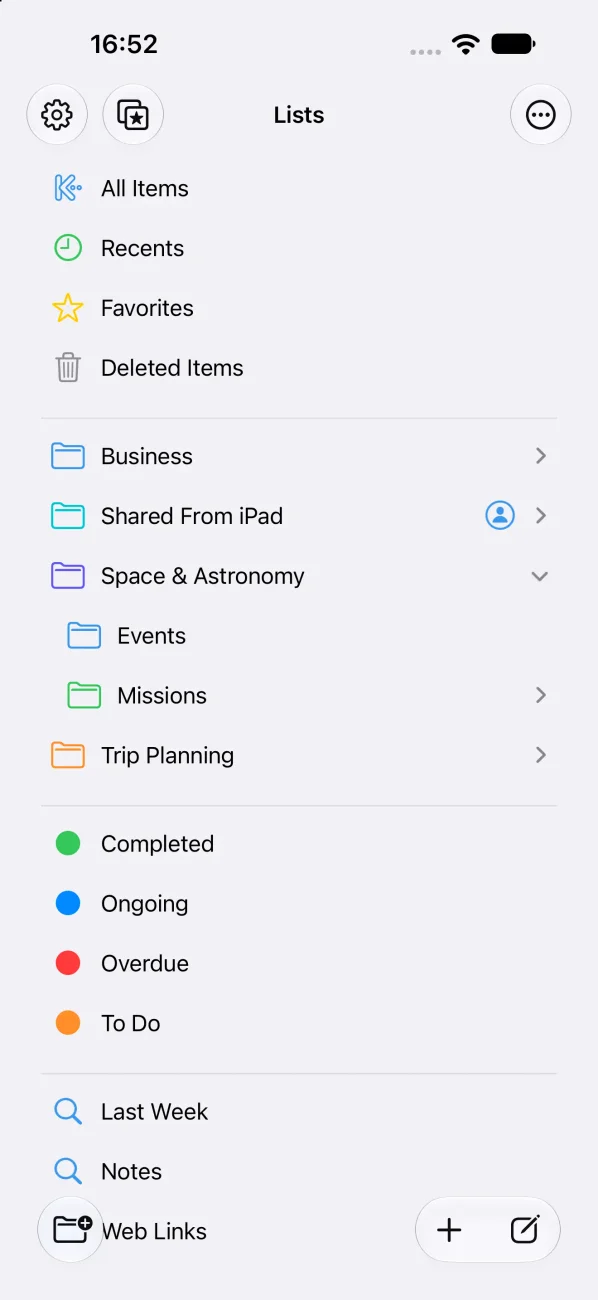
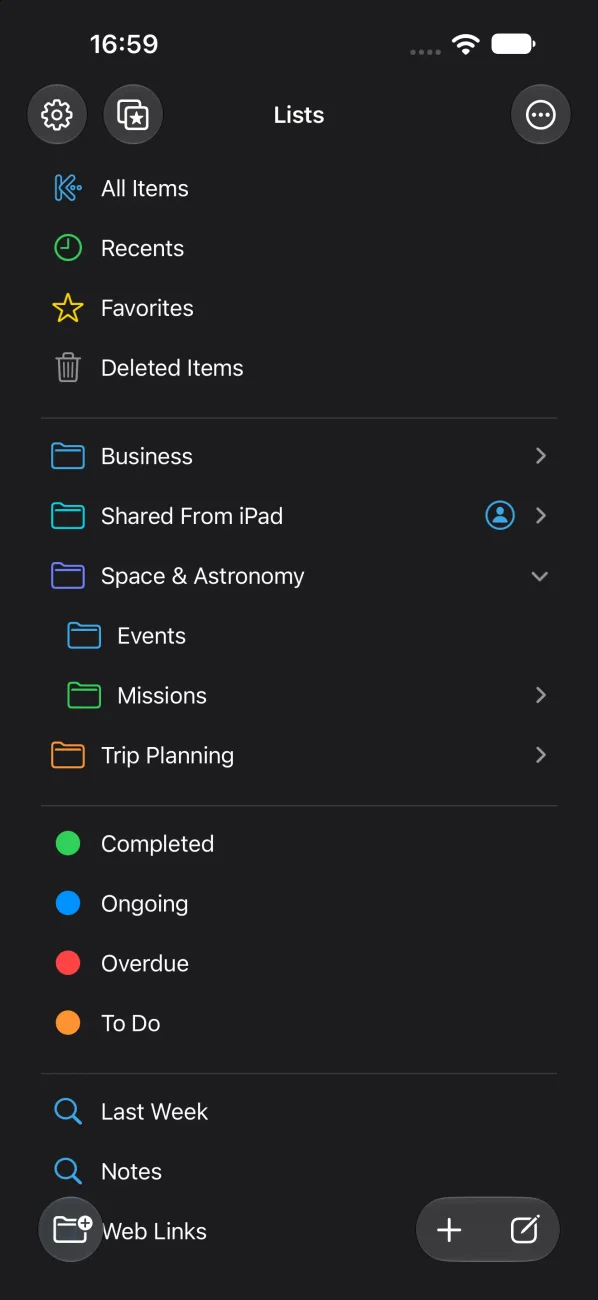
• Use folders to organize things hierarchically
• Swipe right on a folder to focus the sidebar on it and its children
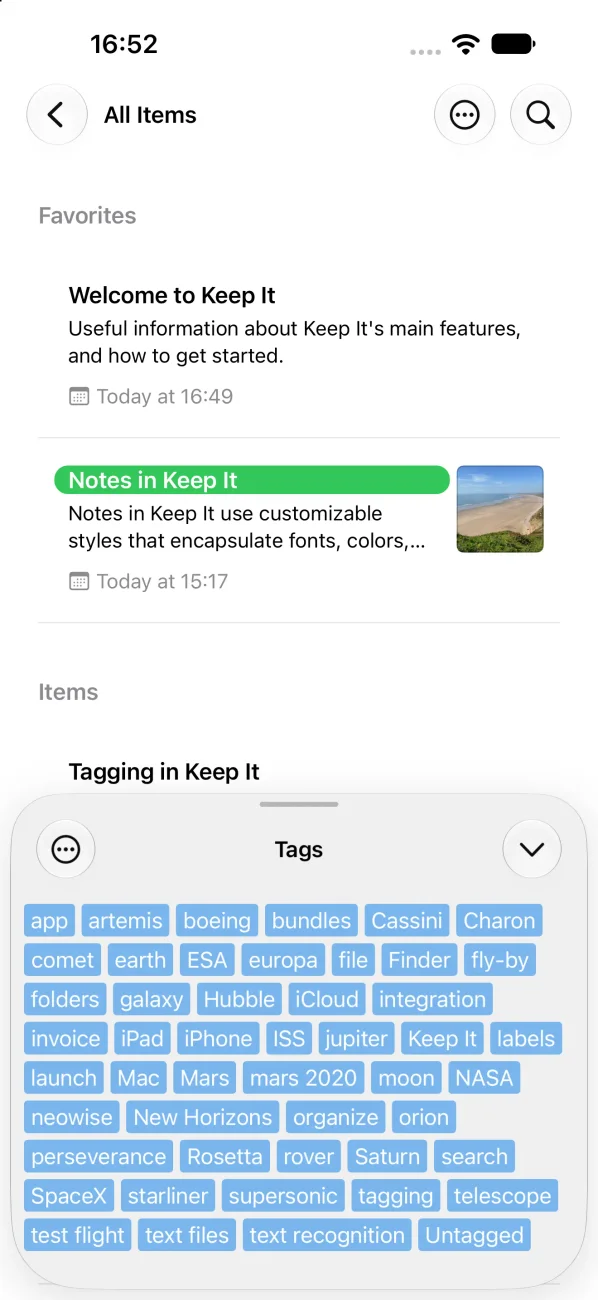
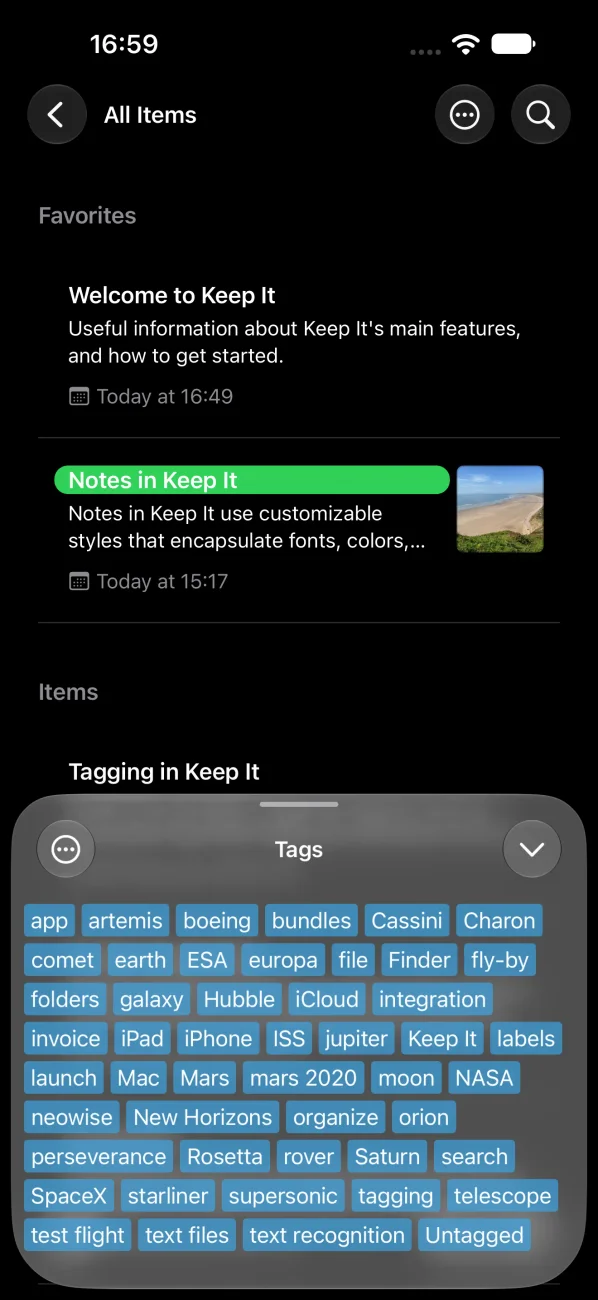
• Add tags to items and filter items with one touch using the Tag Filter
• Use color-coded labels to quickly identify items
• Use bundles to collect items together and see them in more than one place
• See favorite items, and add lists to the Favorites Bar
• All lists can have their own sort settings and colors
Works With Other Apps
• Add text, links, and files to Keep It using its share extension
• Access and manage all the files, folders and tags you add to Keep It in the Files app
• Open files for editing in other apps from within Keep It or their document browser
• Share items in Keep It to other apps using the Share sheet
• Drag text, images, links, files and mail messages to Keep It
• Automate Keep It with Shortcuts
Search
• Search for items by their names, kind, content, dates, tags and more
• Combine suggestions to create complex queries with ease
• Step through found text in notes, editable text documents, web pages, and PDFs
• Save searches to the sidebar for reuse
Keep It on iPad
• Use Quick File to file items quickly using a keyboard-friendly interface
• Use Quick Open to quickly navigate to any list or item by typing its name
• Constrain the width when editing notes or text files in full screen mode
• Annotate PDFs and images and add sketches to notes with Apple Pencil
And More…
• Use the Recents list to see things you’ve added or viewed lately
• Share folders and items with other Keep It users via iCloud
• Encrypt any file with a password
• Copy clickable links to items and lists in Keep It
• See items that link to the current item and navigate between them
SUBSCRIPTIONS
Use of Keep It Mobile requires a paid subscription that you can purchase in the app.
A choice of monthly and yearly subscriptions is available, and these include a free trial.
Payment will be charged to your iTunes Account following the free trial, unless you cancel the subscription at least 24-hours before the end of the trial period.
The subscription will automatically renew unless auto-renew is turned off at least 24-hours before the end of the current period.
Your iTunes Account will be charged for renewal within 24-hours prior to the end of the current period.
Subscriptions may be managed and auto-renewal may be turned off by going to your Account Settings after purchase.
Any unused portion of a free trial period, if offered, will be forfeited when the user purchases a subscription to that publication, where applicable.
Terms of Use:
https://reinventedsoftware.com/keepit/ios/terms.html
What’s new
Version 2.9.4 · Nov 12, 2026
- Fixed an issue where Keep It would not be able to continue the initial fetch of a full library from iCloud after switching away from the app on iOS 27 or iPadOS 27.
- Fixed a crash that could occur when showing the Tag Filter on iPadOS 27.
- Fixed a crash that could occur when selecting or attempting to delete an invalid saved search.
- Library Settings is no longer shown as a popover on iPad or iPhone Duo.
App privacy
What Steve Harris declares on the App Store about how this app handles data.
-
Data not collected
The developer does not collect any data from this app.
Privacy practices may vary, for example with the features you use or your age.
Information
- Seller
- Steve Harris
- Category
- Productivity
- Version
- 2.9.4
- Updated
- Nov 12, 2026
- Released
- Sep 15, 2017
- Size
- 35.5 MB
- Requires
- iOS 18.6 or later
- Age rating
- 17+
- Price
- Free
- In-app purchases
- Yes
- Languages
- English, Arabic, Hebrew
- Copyright
- © 2004-2026 Reinvented Software
You might also like
-
 GladysYour drag & drop assistant
-
 OLD: Pile - Collect BookmarksPrivate boards & file manager
-
 Unit: Notes & To-Do ListNotepad, checklist & planner
-
 Quick Notes - SupasendCapture quickly notes & tasks
-
 Rocket TypistText Expander
-
 FSNotesMarkdown & Plain Text Editor
-
 Daybridge CalendarOne calendar for work and life
-
 Dropshare - File Sharing ToolUpload Anything Anywhere
-
 KipitLike it. Share it. Keep it.
-
 Memo AI - Voice Notes TakerRecord & Transcribe Memos