DayDrop: The Best Countdown
Countdowns & Streaks
Designed for iPhone, iPad
Free · In-app purchases
- Age rating4+
- CategoryLifestyle
- DeveloperAlex Le bolc'h
- LanguagesEnglish+ 6 more
- Size9.3 MB
Links to the official App Store page
Download.org hosts no file of DayDrop: The Best Countdown. The button opens its official App Store page, published by Alex Le bolc'h. Listing last checked on Nov 17, 2026.
Screenshots

About
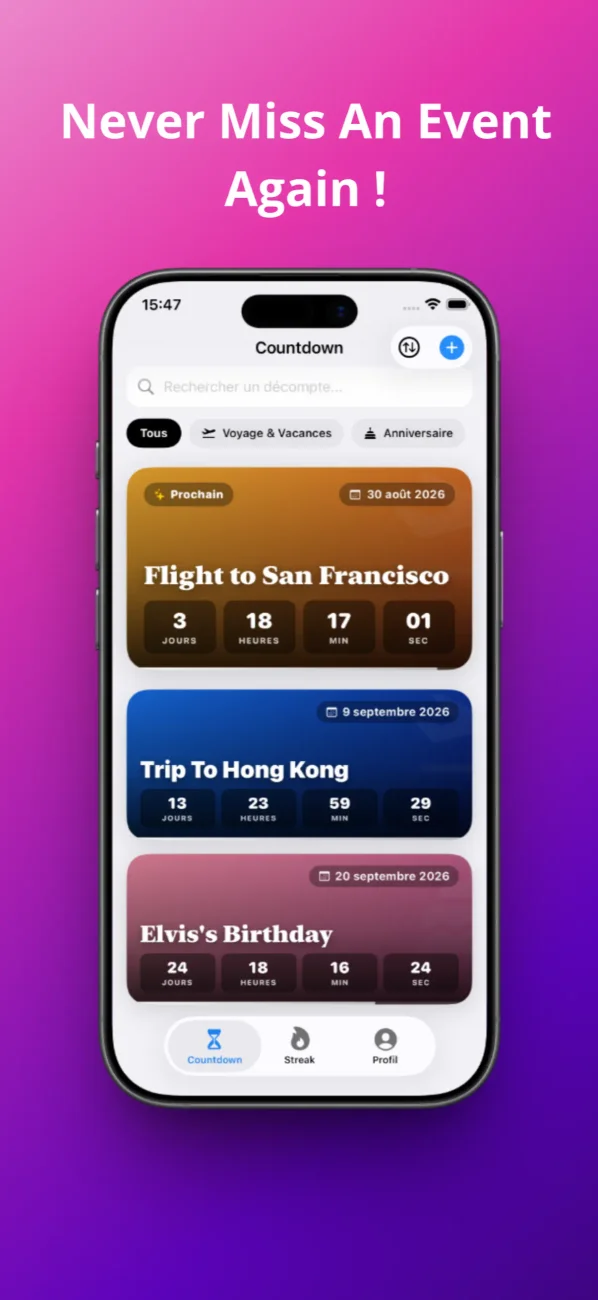
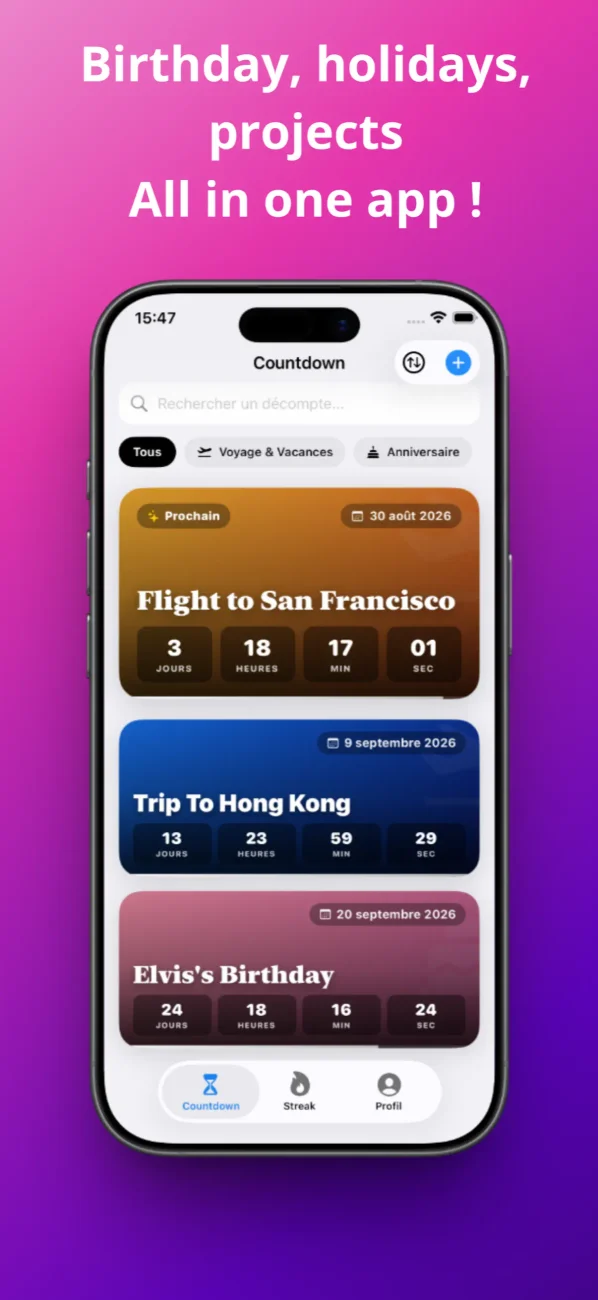
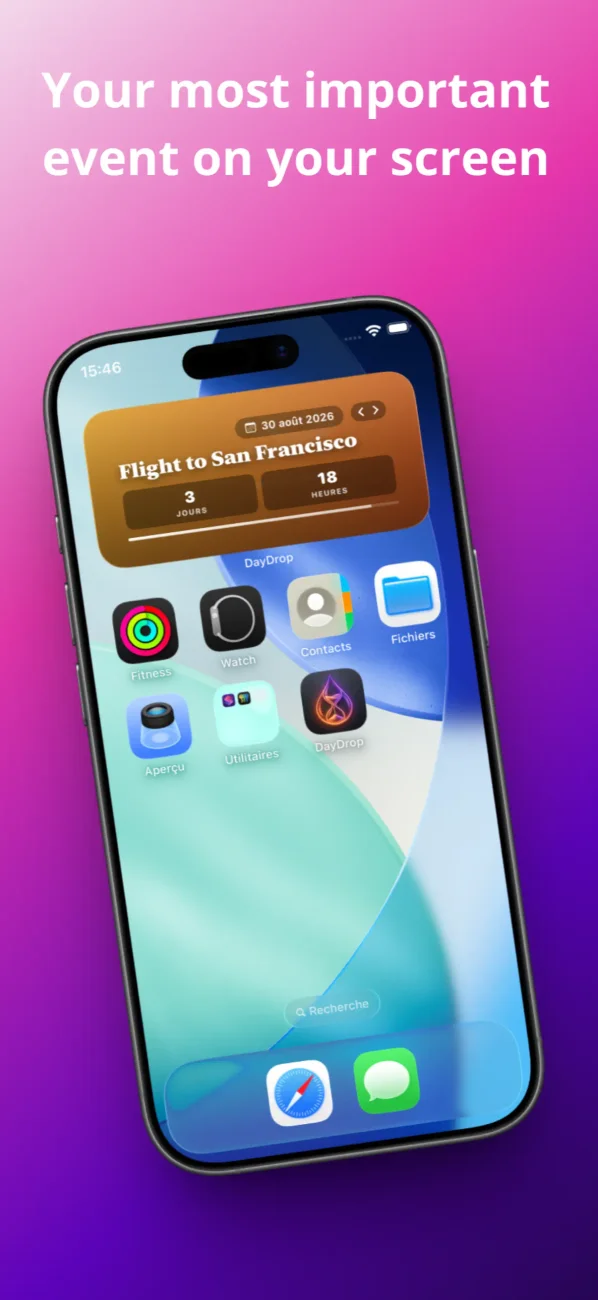
DayDrop is a countdown and habit-tracking app. Every event becomes a poster: your photo full-bleed, a giant number and the emoji of your choice, on your Home Screen and your Apple Watch.
TWO EXPERIENCES IN ONE APP:
1. COUNTDOWNS (days left): Feel the excitement build for your summer holidays, weddings, birthdays, concerts, game releases or exams.
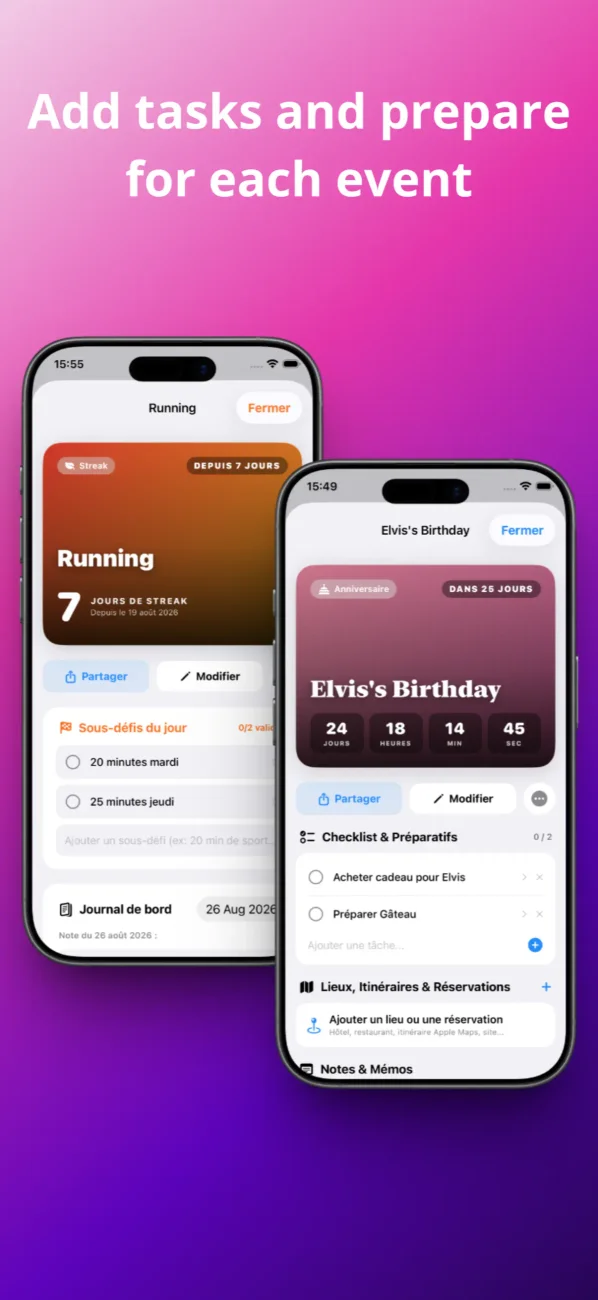
2. STREAKS (days since): Celebrate every win! Track your days without sugar, quitting smoking, your running streaks or relationship milestones.
KEY FEATURES:
• Your style, your rules: your photos, vibrant gradients, editorial typefaces and any emoji you like.
• Gallery: all your countdowns and streaks together in a mosaic of posters.
• iOS, macOS & watchOS widgets: small, medium, large, Lock Screen, Control Center and Apple Watch complications.
• Siri, Shortcuts & Spotlight: "How many days until Tokyo in DayDrop?"
• Import birthdays from your Contacts in one tap.
• Complete event hub: a prep checklist, notes and booking links for every event.
• Live clock: second-by-second countdown on the big day, in a Live Activity and the Dynamic Island.
• Celebrations & milestones: automatic notifications and confetti for key moments (30 days left, 7 days left, the big day, 30-day streak, 100 days).
• iCloud sync and JSON backup.
• Secure lock: protect your events with Face ID or a PIN code.
DAYDROP PRO: unlimited events, every widget, iCloud sync, custom photos, Live Activity and sharing without a watermark. One-time purchase or a yearly subscription that renews automatically; cancel anytime in your Apple Account settings.
A smooth experience with no intrusive ads, crafted with care by Vesparys Studio.
Terms of Use: https://www.vesparysstudio.fr/conditions-generales-d-utilisation.html
Privacy Policy: https://www.vesparysstudio.fr/politique-de-confidentialite.html
What’s new
Version 1.5 · Nov 6, 2026
What's new in DayDrop 1.5:
• A more colorful design: every screen gets vivid tones, and each event page takes on the colors of its poster.
• Bigger posters: an event page now fills almost the whole screen, and your photos are shown in full, never cropped.
• New "Full screen" size for your posters in the Gallery.
• 6 new gradients, and more vivid tones for all the others.
• The "Editorial" style now uses the real Playfair typeface.
• Places and bookings: edit, delete, reorder them and copy an address.
• Address suggestions as you type, and a mini map for each place.
• The event's next place now shows in the Live Activity.
• Widgets in your events' colors, with the new "Aurora" style.
App privacy
What Alex Le bolc'h declares on the App Store about how this app handles data.
-
Data not collected
The developer does not collect any data from this app.
Privacy practices may vary, for example with the features you use or your age.
Information
- Seller
- Alex Le bolc'h
- Category
- Lifestyle
- Version
- 1.5
- Updated
- Nov 6, 2026
- Released
- Aug 27, 2026
- Size
- 9.3 MB
- Requires
- iOS 18.0 or later
- Age rating
- 4+
- Price
- Free
- In-app purchases
- Yes
- Languages
- English, French, German, Italian, Japanese, Portuguese, Spanish
- Copyright
- © 2026 Alex Le Bolc’h
You might also like
-
 'Til — Countdown WidgetDays Until Every Big Moment
-
 Katsu'fidLifestyle
-
 Ever Date Day CounterCount the days that matter
-
 HelpilyYour family, organized
-
 Lifeline: Days Since & UntilCountdown Widget & Streaks
-
 Countdown: Days & Event TimerDays Until & Since, Widgets
-
 ATO — Days Since Last TimeLast done, countdown & widget
-
 KeepsDay: Days Until EventsBirthdays, Trips & Widgets
-
 Mila's Countdown Timer WidgetsBirthday and Event Count Down
-
 CasaZurichZurich City App