
DayMap
Life's a Journey, Take a Map
Designed for iPhone, iPad, Mac
Free · In-app purchases
- Age rating4+
- CategoryProductivity
- DeveloperWhetstone Apps, LLC
- LanguagesEnglish+ 5 more
- Size17.1 MB
Links to the official App Store page
Download.org hosts no file of DayMap. The button opens its official App Store page, published by Whetstone Apps, LLC. Listing last checked on Nov 20, 2026.
Screenshots
About
Most productivity apps make one thing easy. Some manage tasks. Others focus on projects, calendars, or notes. But real life doesn't fit into just one — your projects shape your schedule, and your schedule decides what you get done today. DayMap brings them together — one clear view of where you are, where you're headed, and what to do next:
• Capture ideas before they slip away
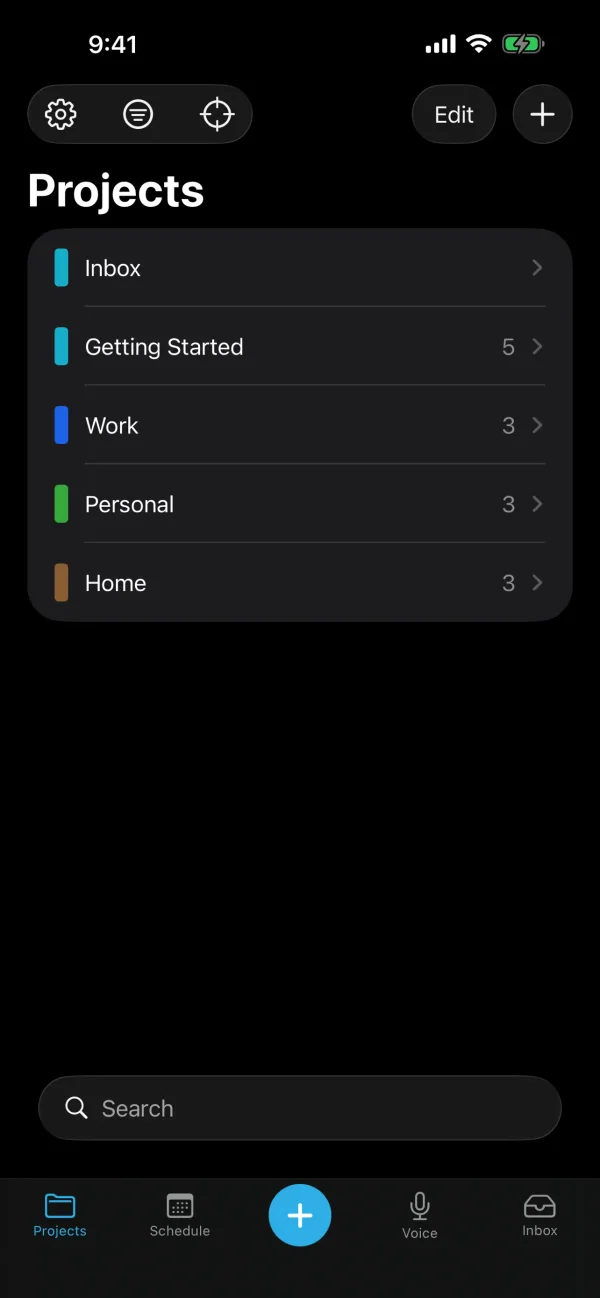
• Organize them into color-coded projects
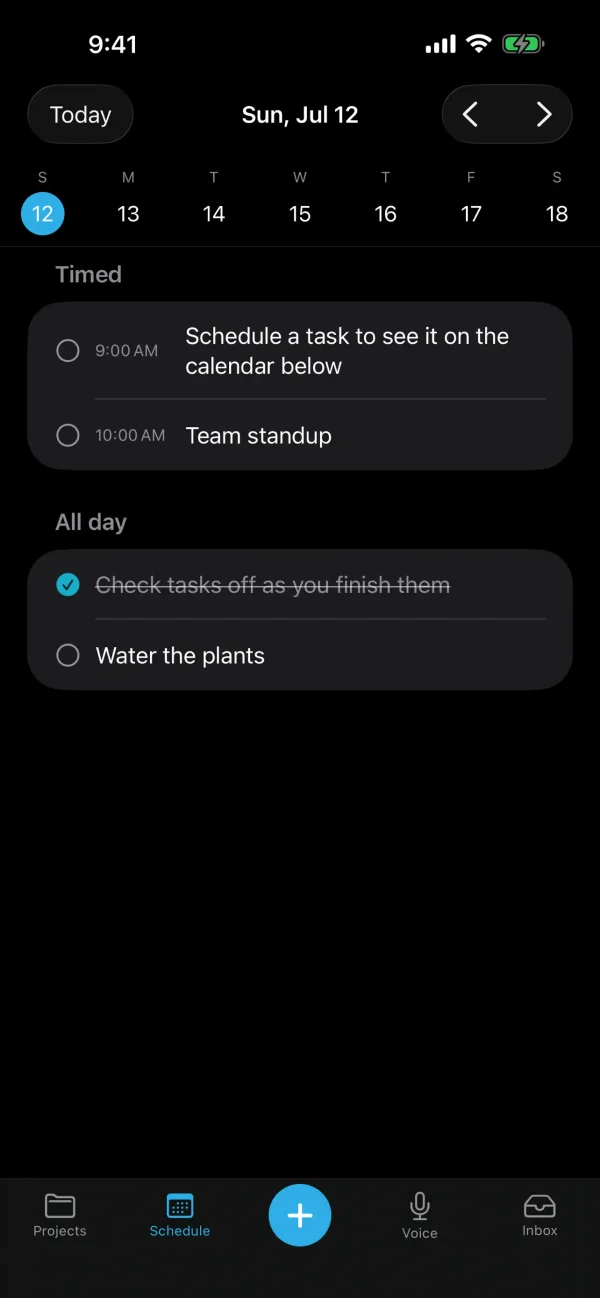
• Schedule them on a built-in calendar
• Focus on today's next step
FEATURES
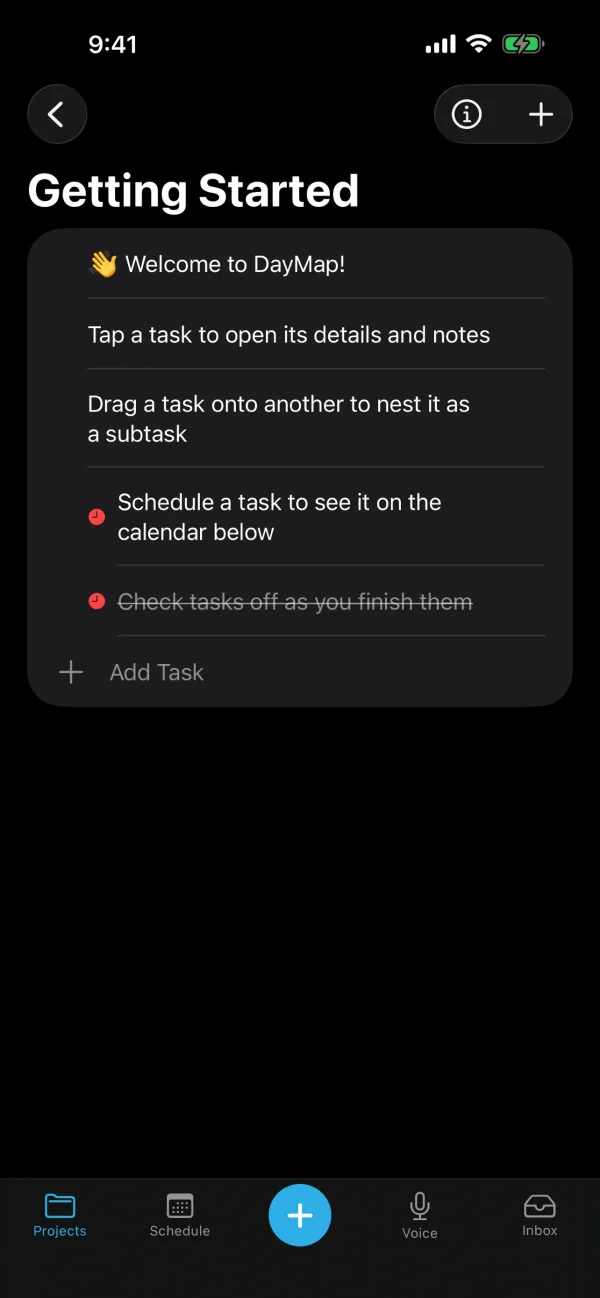
• Project board — clean, color-coded columns
• Tasks & subtasks — break big things into doable steps
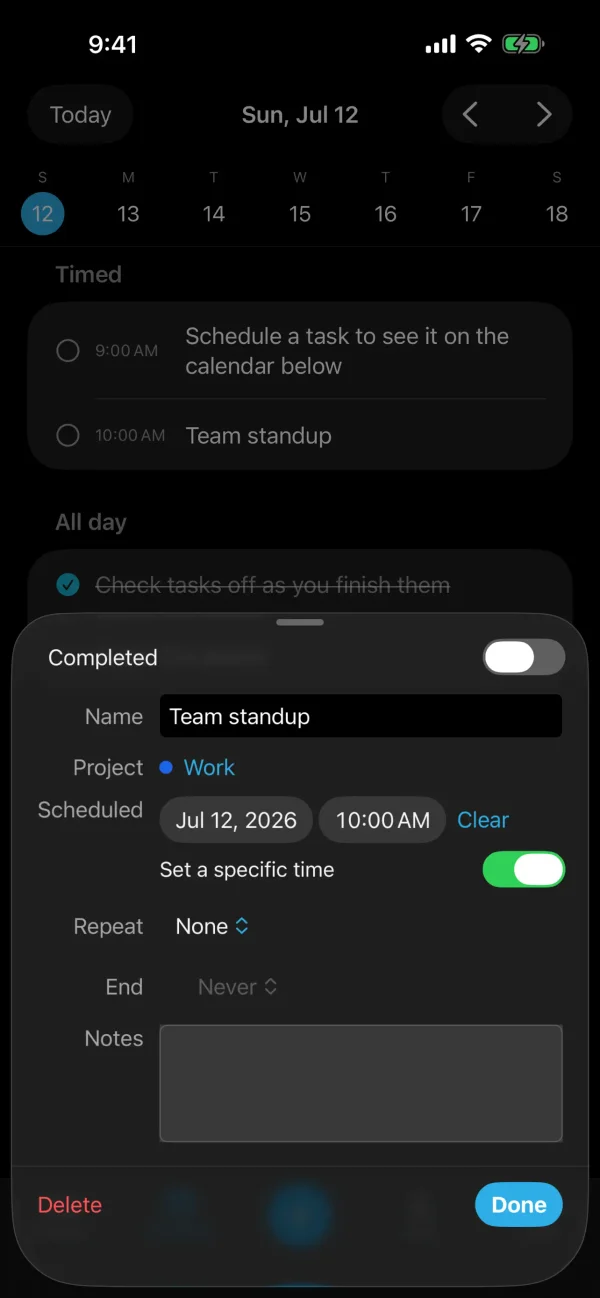
• Built-in scheduler — drag a task onto the calendar to plan your week, or see everything ahead in Upcoming
• Notes & links — keep info (and tappable links) with any task or project
• Focus mode — see just what matters for a chosen day
• Quick capture — jot to your Inbox by keyboard or voice
• Areas — group projects by area of life
• Use Waypoints to track habits
• Print or share — a day, a week, or a whole project, as PDF or plain text
• On your Home Screen — a Today widget, plus Siri, Shortcuts, and Spotlight search
• Apple Watch — today's tasks on your wrist
DAYMAP PRO unlocks iCloud sync across Mac, iPad, iPhone & Apple Watch, calendar mirroring to Apple Calendar, recurring tasks, contexts, and unlimited projects. Free to start with up to 5 projects on one device.
Whether you're leading a business, serving in ministry, running a household, or building a side project — know where you are, see where you're headed, and choose your next step. One day at a time.
Terms of Use (EULA): https://www.apple.com/legal/internet-services/itunes/dev/stdeula/
What’s new
Version 1.60 · Nov 19, 2026
Fixed: on iPad, a Waypoint question's explanation could be cut off. It now shows in full, and scrolls when it is long.
Fixed: with "Carry unfinished work to today" on, unfinished tasks only moved when DayMap was started fresh. They now move when you come back to an app left open or in the background overnight.
Waypoint's questions are easier to set up. Tap the pencil in Waypoint to add your own, answer one with check boxes, and see the panel as it will look while you edit.
App privacy
What Whetstone Apps, LLC declares on the App Store about how this app handles data.
-
Data not collected
The developer does not collect any data from this app.
Privacy practices may vary, for example with the features you use or your age.
Information
- Seller
- Whetstone Apps, LLC
- Category
- Productivity
- Version
- 1.60
- Updated
- Nov 19, 2026
- Released
- Jul 27, 2026
- Size
- 17.1 MB
- Requires
- iOS 17.0 or later
- Age rating
- 4+
- Price
- Free
- In-app purchases
- Yes
- Languages
- English, French, German, Japanese, Portuguese, Spanish
- Copyright
- © 2026 Whetstone Apps, LLC
You might also like
-
 Paso: Timeline PlannerFlexible tasks & notes planner
-
 FASTER: Must Do TodayDaily tasks & focus timer
-
 Flipnotes - Digital NotebookThe Fastest Notes App.
-
 OYD: Daily Planner & CalendarAuto Schedule Tasks & To-Dos
-
 Plnnr AI: Daily PlannerYour day, planned & replanned
-
 Domani - Daily PlannerEvening Planner & To-Do List
-
 Remainder: Timebox To Do ListDaily Planner & App Blocker
-
 Emery: Daily PlannerGuilt-Free Planning
-
 Peekdo: Lock Screen To-Do ListSort by urgent and important
-
 Nudge: Reminders & To DosThe simple reminder app