
Paso: Timeline Planner
Flexible tasks & notes planner
Designed for iPhone, iPad, Mac, iPod touch
Free · In-app purchases
- Age rating4+
- CategoryProductivity
- DeveloperMACIEJ BRZEZINSKI
- LanguagesEnglish
- Size70.9 MB
Links to the official App Store page
Download.org hosts no file of Paso: Timeline Planner. The button opens its official App Store page, published by MACIEJ BRZEZINSKI. Listing last checked on Nov 20, 2026.
Screenshots

About
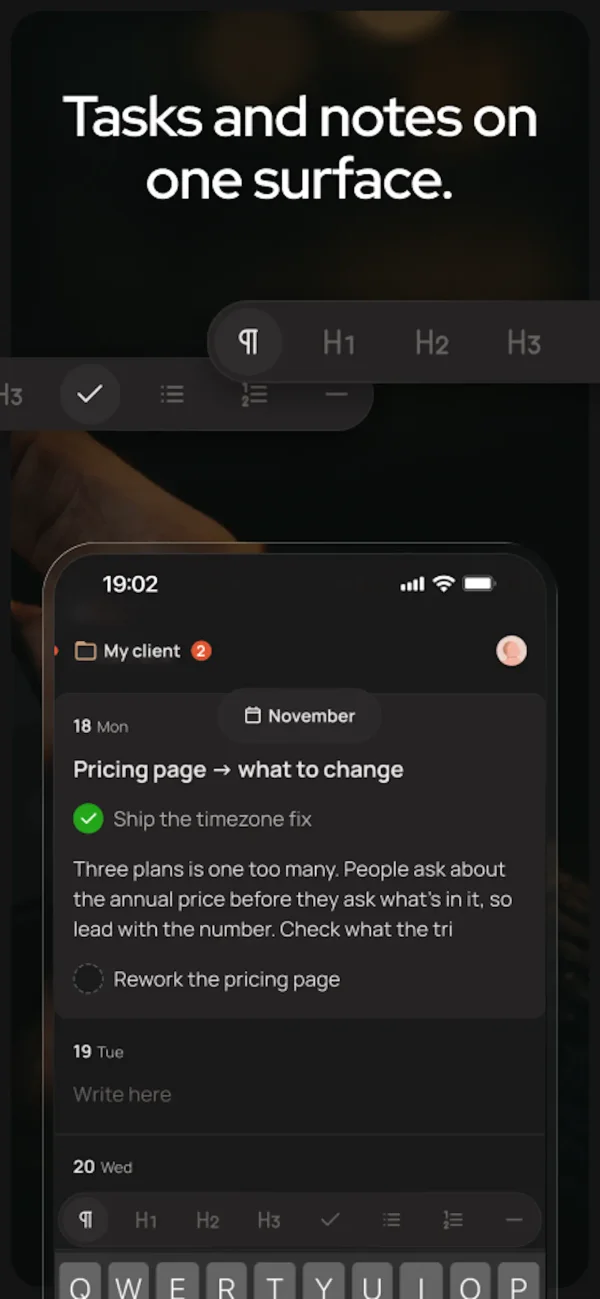
Paso is a minimalist planner that puts tasks and notes on a timeline.
See your week clearly. Plan calmly. Make steady progress without overwhelm.
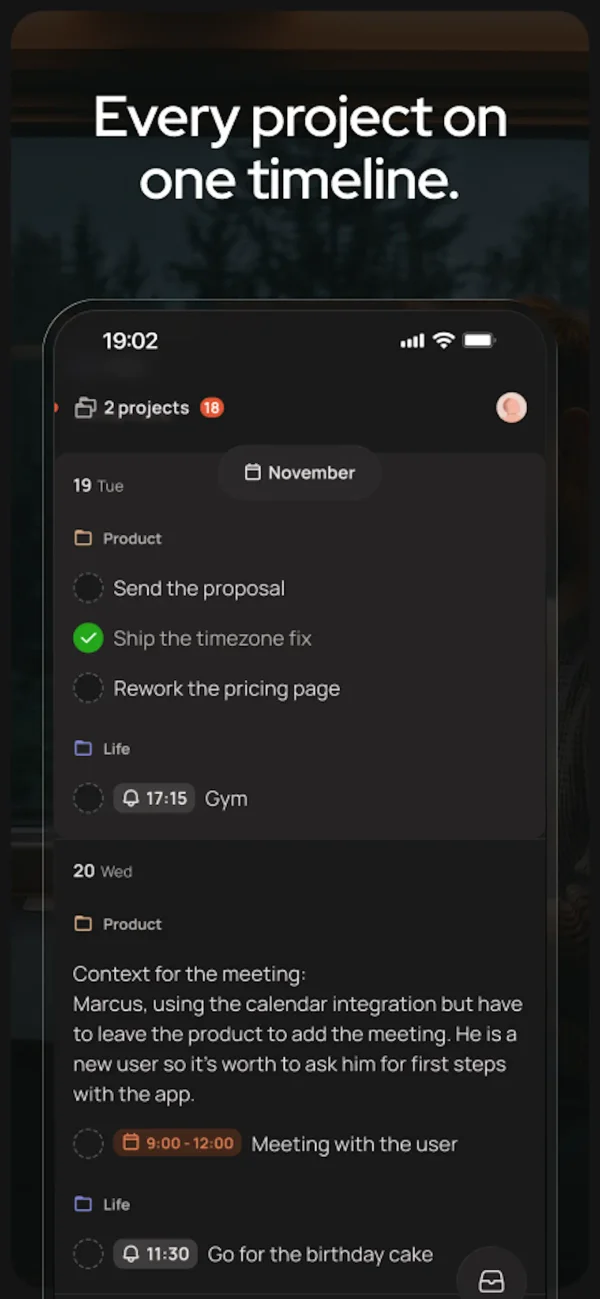
Most productivity apps push you into endless lists. Paso shows your life as a continuous timeline, where notes, tasks and reflections live together in context.
Plan on a timeline
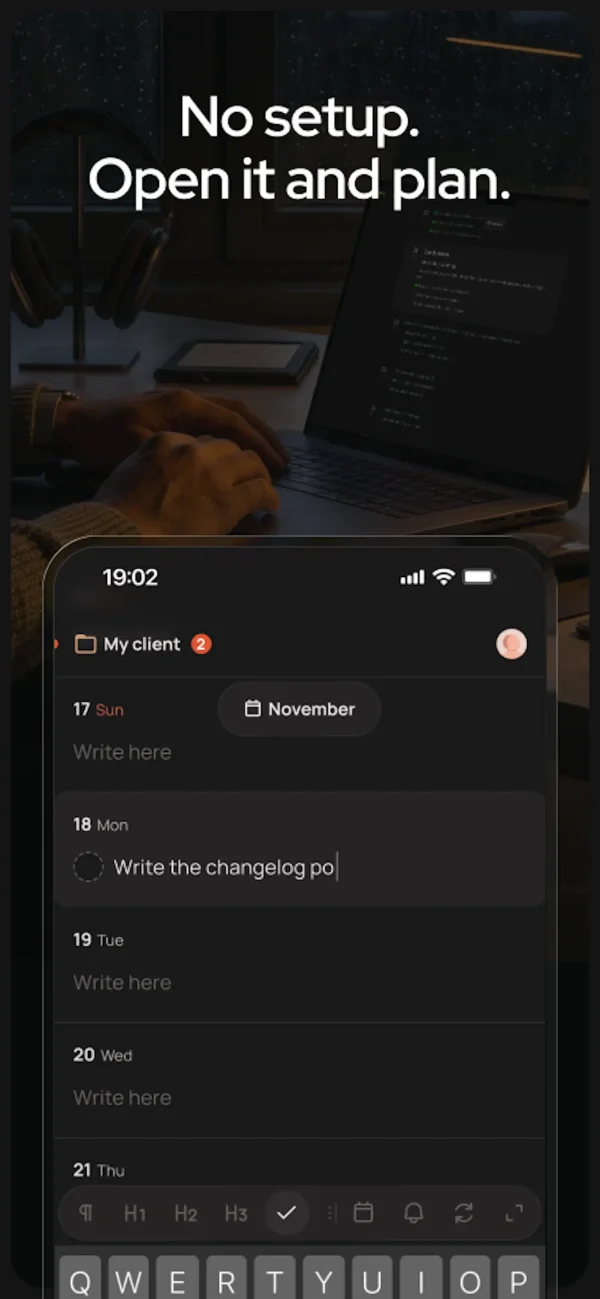
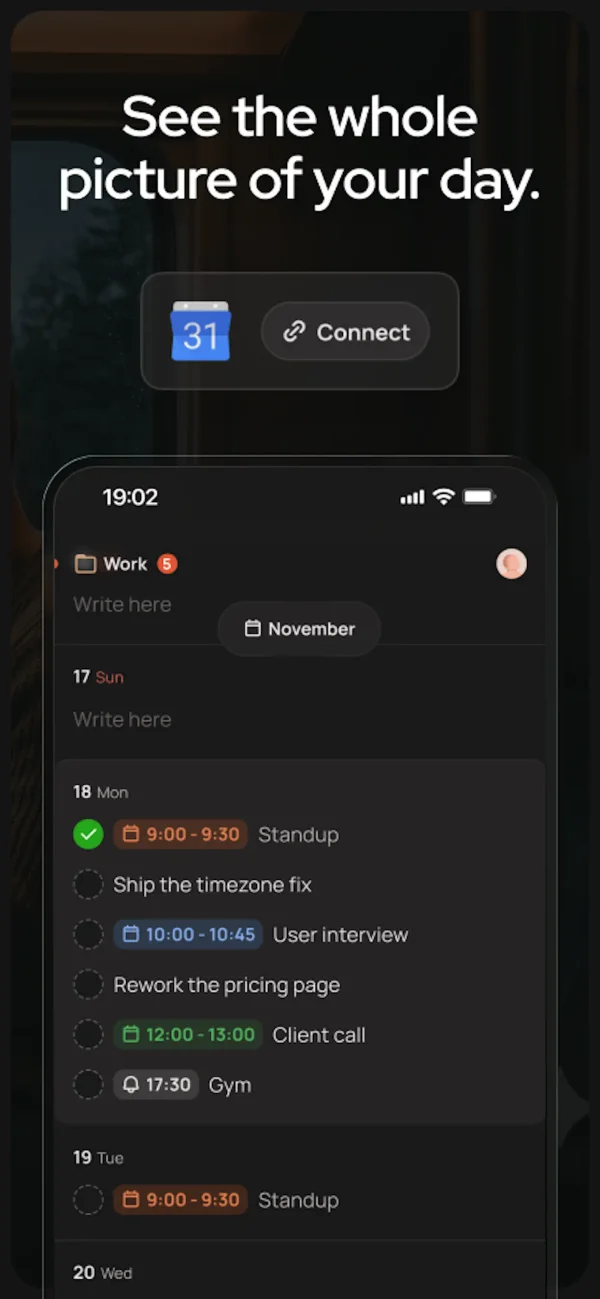
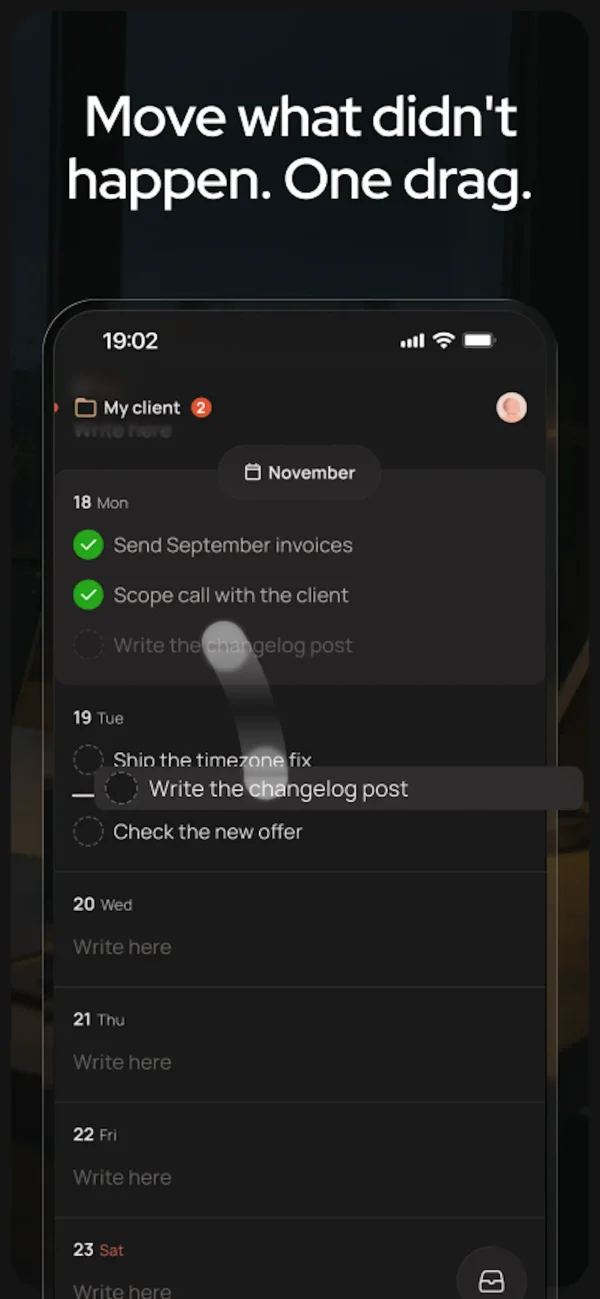
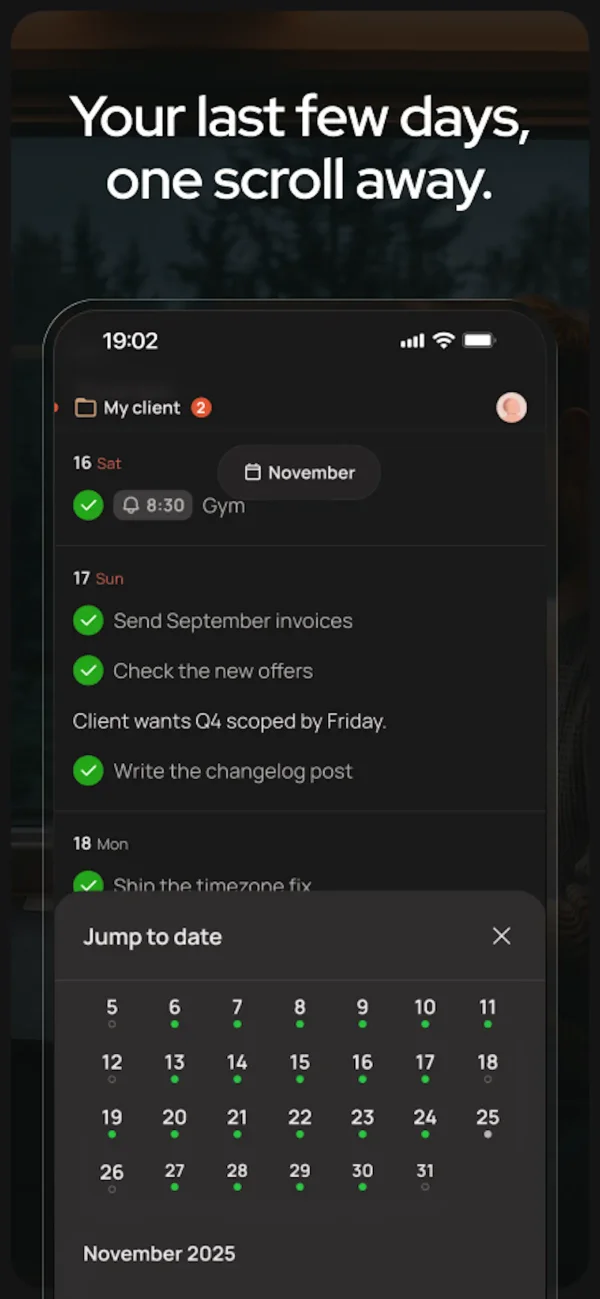
Schedule tasks across days and weeks. See how your work connects over time instead of jumping between isolated to-do lists.
Notes and journal in one place
Capture ideas, write reflections, and connect them directly to your plans. No switching between apps.
Simple task management
Create tasks, organize projects, and move items freely on your timeline. No complex systems. No noise.
Built for long-term builders
Paso is designed for founders, creators and professionals who work on projects that never really “end”.
It helps you focus on direction, not just daily output.
If you want:
– a clear weekly overview
– flexible notes connected to real work
– calm productivity without pressure
– a simple planner you’ll actually use
Paso is for you.
Think clearly. Plan calmly. Build consistently.
Terms of Use
https://www.apple.com/legal/internet-services/itunes/dev/stdeula/
What’s new
Version 2.0.36 · Nov 16, 2026
• New phone navigation: swipe left on the timeline or tap the inbox to open your backlog. The assistant now sits at the bottom.
• Go to date and Move to date open in a new floating sheet.
• Task reminders use the same sheet, with clearer states and no times in the past.
• Full-screen settings, opened from your profile.
• Refreshed timeline layout on phones.
• Mac: a cleaner window without the title bar.
• Bug fixes and improvements.
App privacy
What MACIEJ BRZEZINSKI declares on the App Store about how this app handles data.
-
Data used to track you
May be used to track you across apps and websites owned by other companies.
- Usage data
-
Data linked to you
May be collected and linked to your identity.
- Contact info
- Identifiers
- Usage data
- Other data
-
Data not linked to you
May be collected but is not linked to your identity.
- Diagnostics
Privacy practices may vary, for example with the features you use or your age.
Information
- Seller
- MACIEJ BRZEZINSKI
- Category
- Productivity
- Version
- 2.0.36
- Updated
- Nov 16, 2026
- Released
- Nov 27, 2025
- Size
- 70.9 MB
- Requires
- iOS 15.0 or later
- Age rating
- 4+
- Price
- Free
- In-app purchases
- Yes
- Languages
- English
- Copyright
- © Paso Maciej Brzeziński
You might also like
-
 DayMapLife's a Journey, Take a Map
-
 Flipnotes - Digital NotebookThe Fastest Notes App.
-
 Emery: Daily PlannerGuilt-Free Planning
-
 StrideFlow AI: Goal PlannerPlan weeks around real life
-
 Kaizen - Tasks & CalendarAI Planner, Tasks & Time Block
-
 Prism NotesCapture thoughts and links
-
 Tovo – Kanban, Tasks & PlannerOrganize Your Tasks & Projects
-
 To Do MachineDesign your own to-do list.
-
 ACTIS: AI To-Do List PlannerVoice Tasks & Calendar
-
 nocal - calendar reinventedThe most productive calendar