
Deck AI: AI Presentation Maker
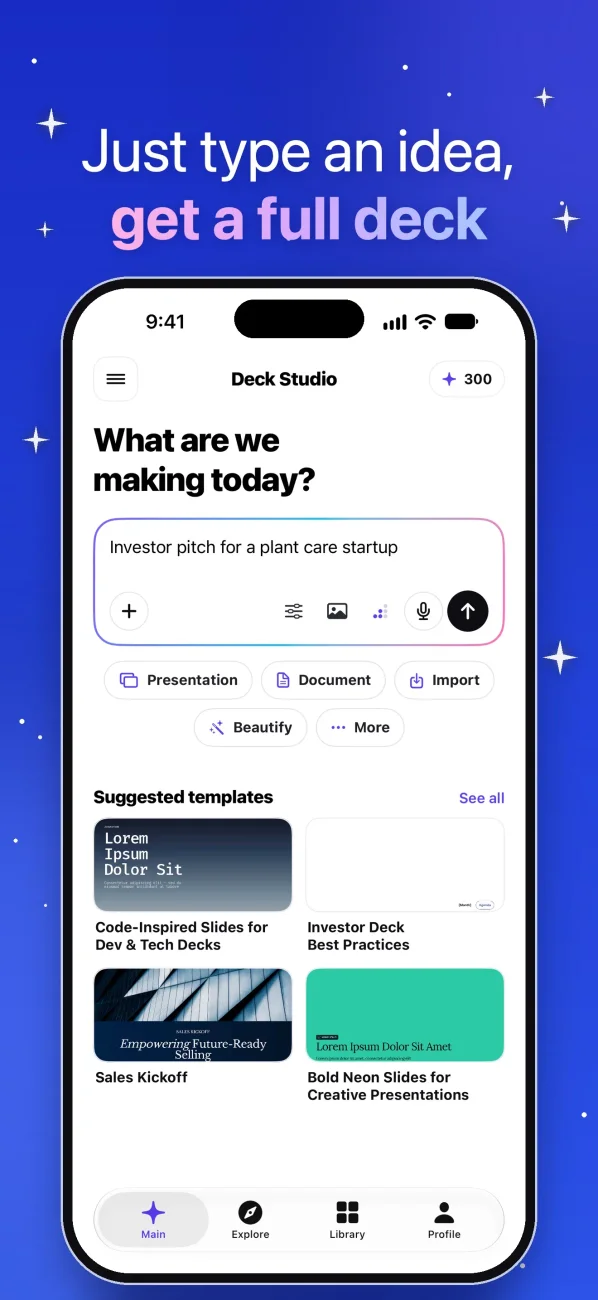
Slides from one line of text
Designed for iPhone, iPad
Free · In-app purchases
- Age rating4+
- CategoryProductivity
- DeveloperAndrii Myhal
- LanguagesEnglish+ 13 more
- Size24.3 MB
Links to the official App Store page
Download.org hosts no file of Deck AI: AI Presentation Maker. The button opens its official App Store page, published by Andrii Myhal. Listing last checked on Nov 24, 2026.
Screenshots

About
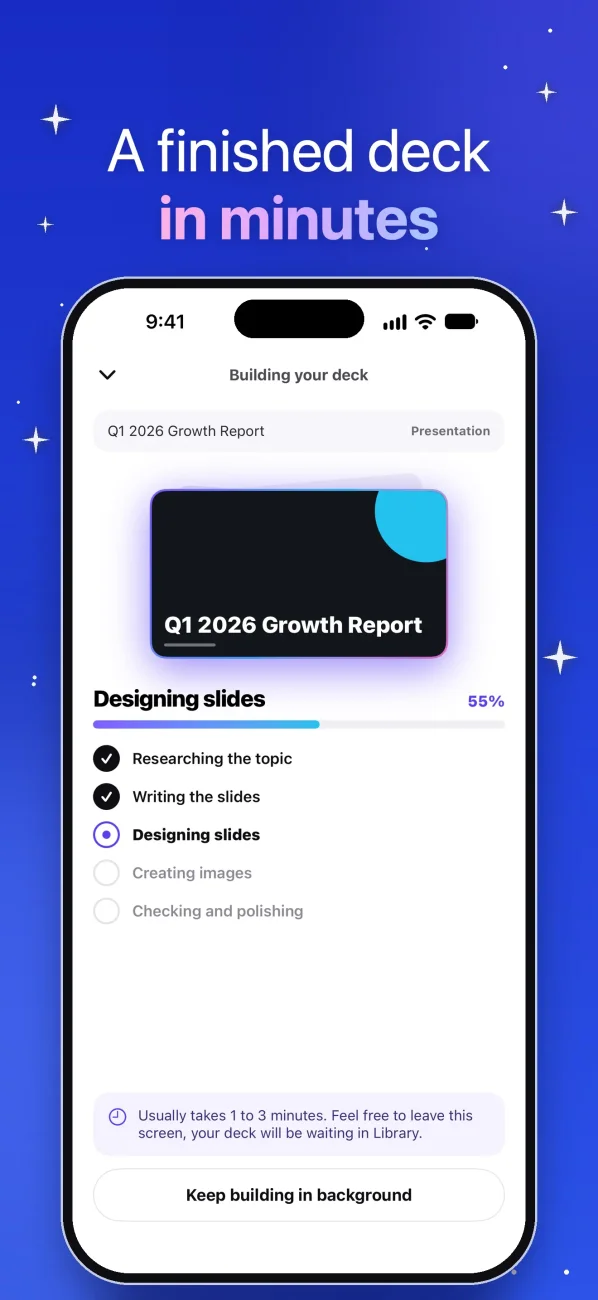
Describe a topic in one line and get a finished, designed presentation in a few minutes. Deck AI writes the slides, picks a design and adds images, then lets you change anything just by asking.
WHAT YOU CAN CREATE
• Presentations for work, school and pitches
• Documents and one-page summaries
• Social carousels and webpages
• A new deck in the style of one of your own decks
START FROM ANYTHING
• A topic or your notes
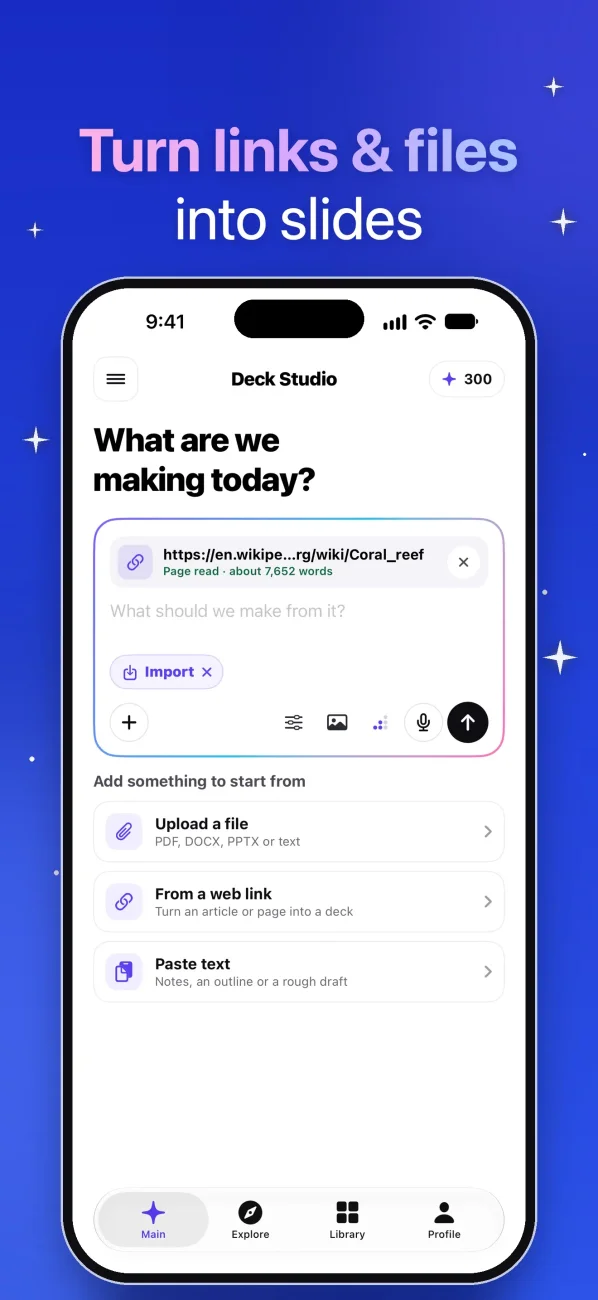
• A file: PDF, DOCX, PPTX or text, or scanned pages
• A web link, or up to 10 links for a researched deck
• Your own photos, placed in the deck
HOW IT WORKS
1. Describe what you need or add your material
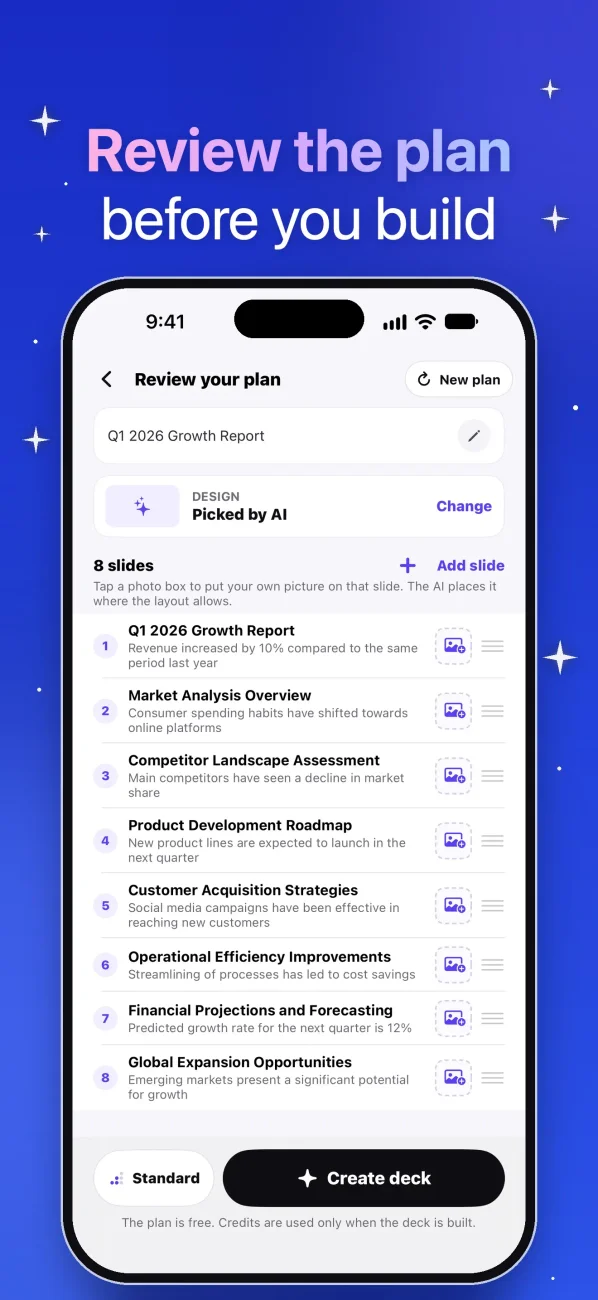
2. Get the deck right away, or review and edit the plan of slides first (Plan mode)
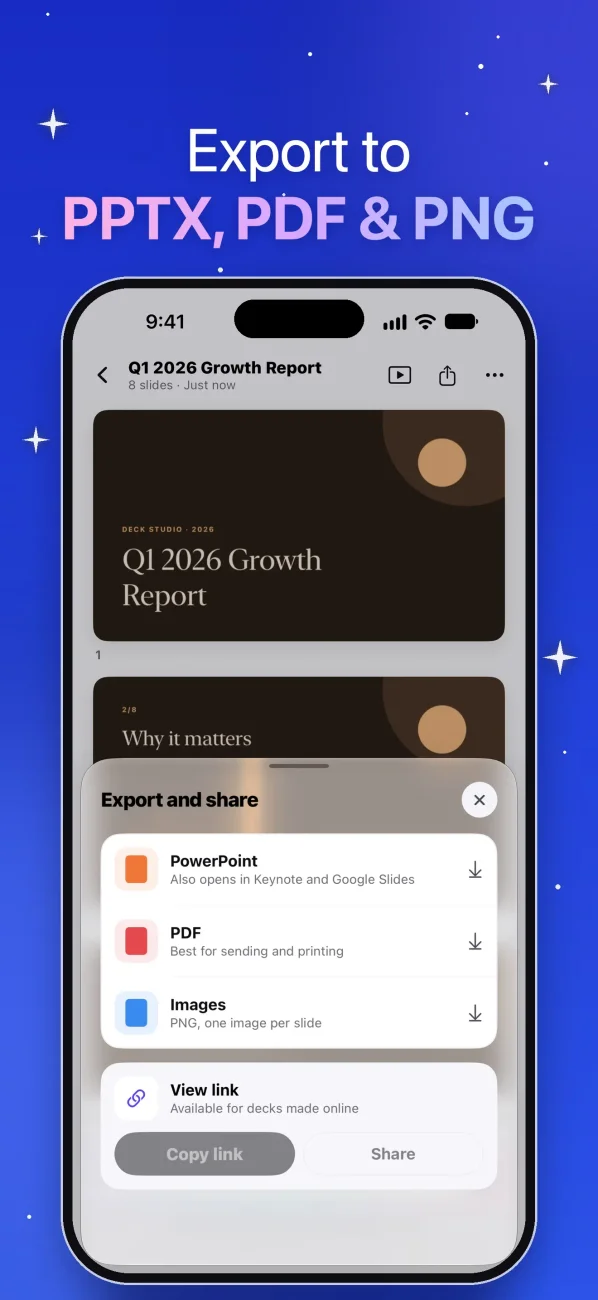
3. Edit by asking the AI, present full screen, export to PPTX, PDF or images, or share a view-only link
MAKE IT YOURS
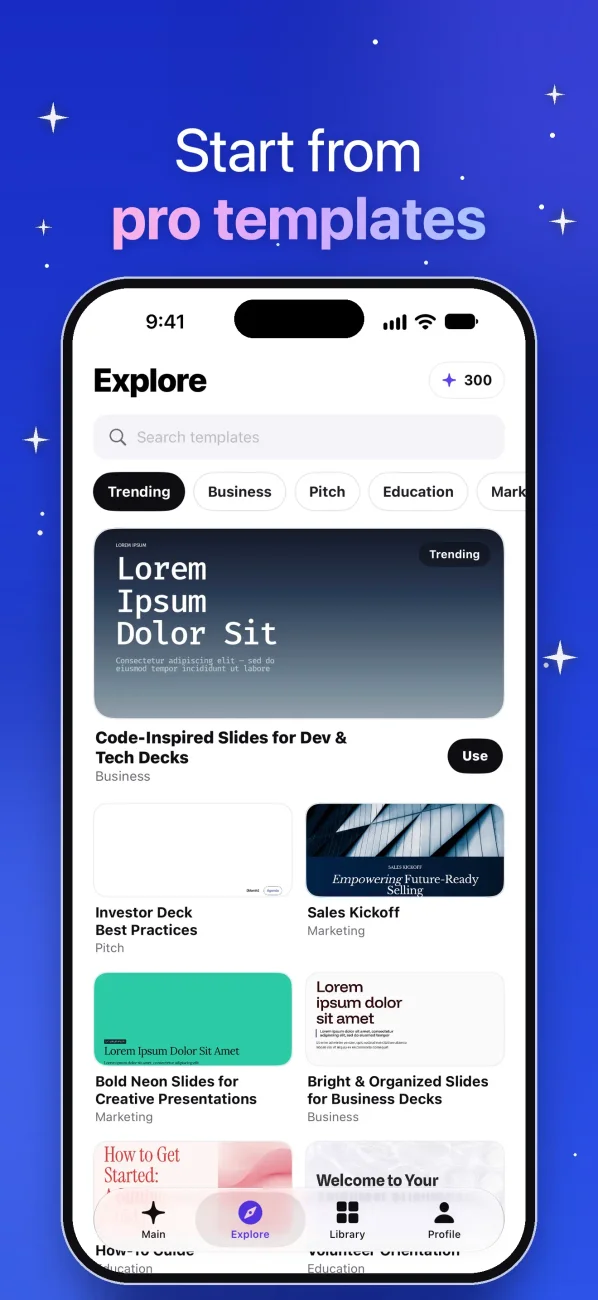
• Dozens of themes and templates
• Slide count, text length, tone and audience
• Images: let the AI decide, pictures next to the text, full-slide images or no images
• Effort: Lite for quick decks, Standard for more polished ones
• Decks in many languages; the app itself comes in 14 languages and works on iPhone and iPad
CREDITS
Creating and editing decks uses credits, charged by the work the AI actually does; a generation that fails uses none. Weekly plan: 500 credits a week. Monthly and yearly plans: 1,000 credits a month. Purchased extra credits do not expire and can be used while your subscription is active. Subscription credits are used first.
Booster (optional): a separate auto-renewable subscription that doubles your plan's credits while the plan is active. It is cancelled separately and adds nothing without a plan.
SUBSCRIPTION
Payment is charged to your Apple ID account at confirmation of purchase. The subscription renews automatically unless it is cancelled at least 24 hours before the end of the current period. Your account is charged for renewal within 24 hours before the end of the current period. You can manage and cancel your subscription in your App Store account settings.
Terms of Use: https://presentation-app.link/terms
Privacy Policy: https://presentation-app.link/privacy
What’s new
Version 1.1 · Nov 10, 2026
Bug fixes and improvements
App privacy
What Andrii Myhal declares on the App Store about how this app handles data.
-
Data not collected
The developer does not collect any data from this app.
Privacy practices may vary, for example with the features you use or your age.
Information
- Seller
- Andrii Myhal
- Category
- Productivity
- Version
- 1.1
- Updated
- Nov 10, 2026
- Released
- Nov 7, 2026
- Size
- 24.3 MB
- Requires
- iOS 17.0 or later
- Age rating
- 4+
- Price
- Free
- In-app purchases
- Yes
- Languages
- English, Arabic, French, German, Italian, Japanese, Korean, Polish, Portuguese, Russian, Spanish, Thai + 2 more
- Copyright
- © 2026 Andrii Myhal
You might also like
-
 Slidery AI: Slides MakerAI Presentation Maker, Creator
-
 Slides AI: Presentation MakerCreate PPTs Fast with AI
-
 ChatPDF - Chat PDF AISummary AI Chat & Ask PDF
-
 HiNoter - AI Note TakerAuto transcribe & summarize
-
 Mind Mapping - MindMeisterBrainstorming and note taking
-
 Teleprompter - VILOTeleprompter for Video
-
 Word Editor: Edit Documents®Write & Edit Word, Office Docs
-
 Gamma AI - Writing PromptsParagraph writer
-
 Weekly Planner - Diary, NotesVisual calendar & to do list
-
 Transkriptor - Speech to TextTranscribe Video & Audio Note