
Deck Pro - Live Effects
Your plugins. Your live rig.
Designed for iPhone, iPad, Mac, iPod touch
Free
- Age rating4+
- CategoryMusic
- DeveloperJoshua Rideout
- Size99.6 MB
Links to the official App Store page
Download.org hosts no file of Deck Pro - Live Effects. The button opens its official App Store page, published by Joshua Rideout. Listing last checked on Nov 18, 2026.
Screenshots
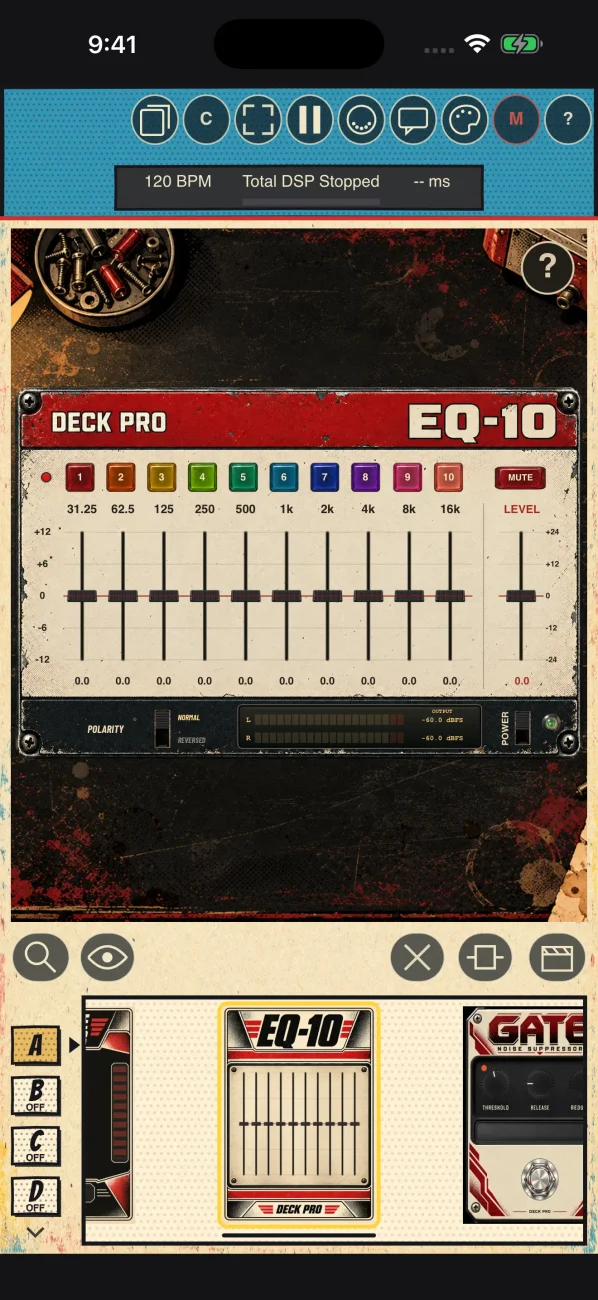
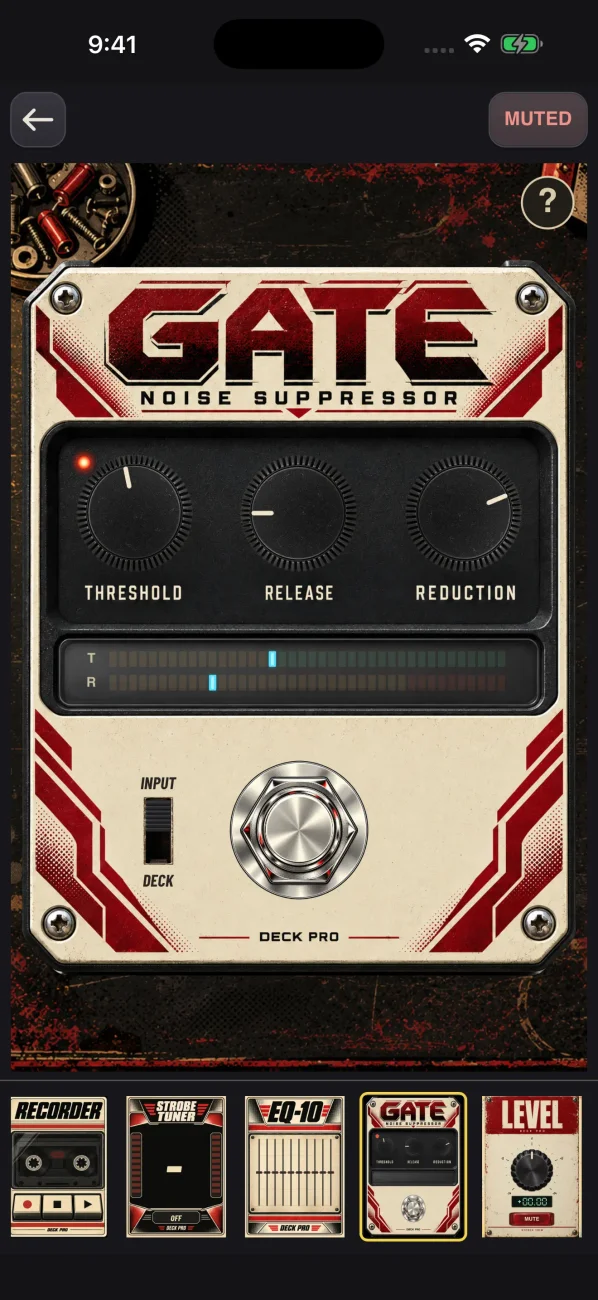
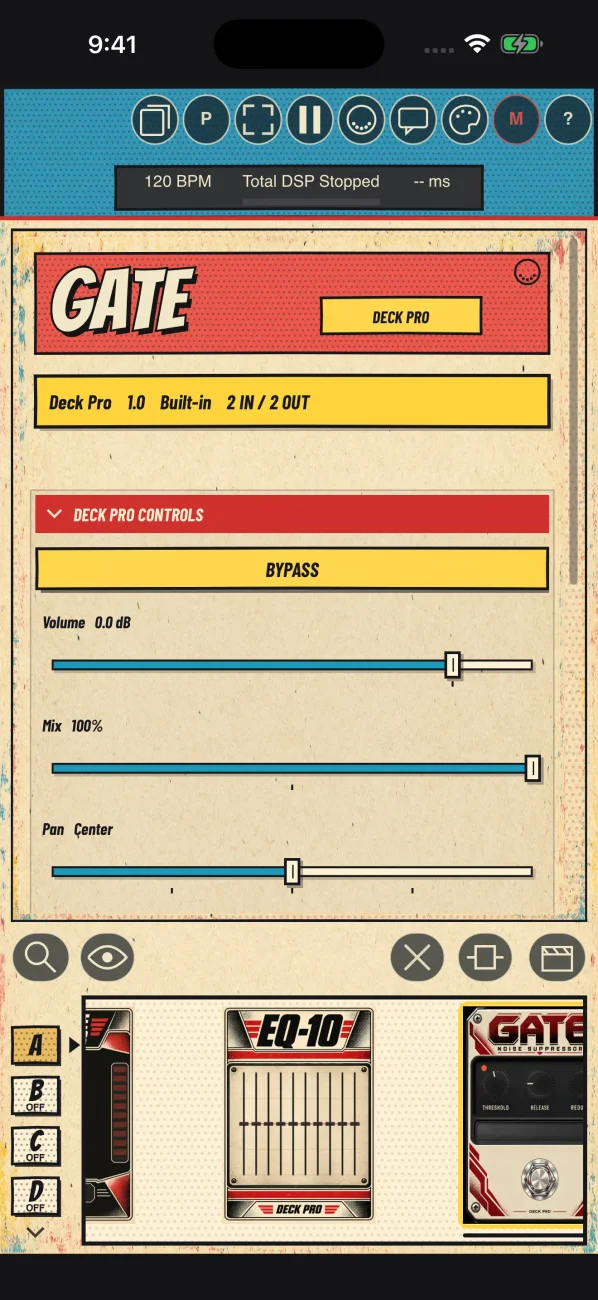
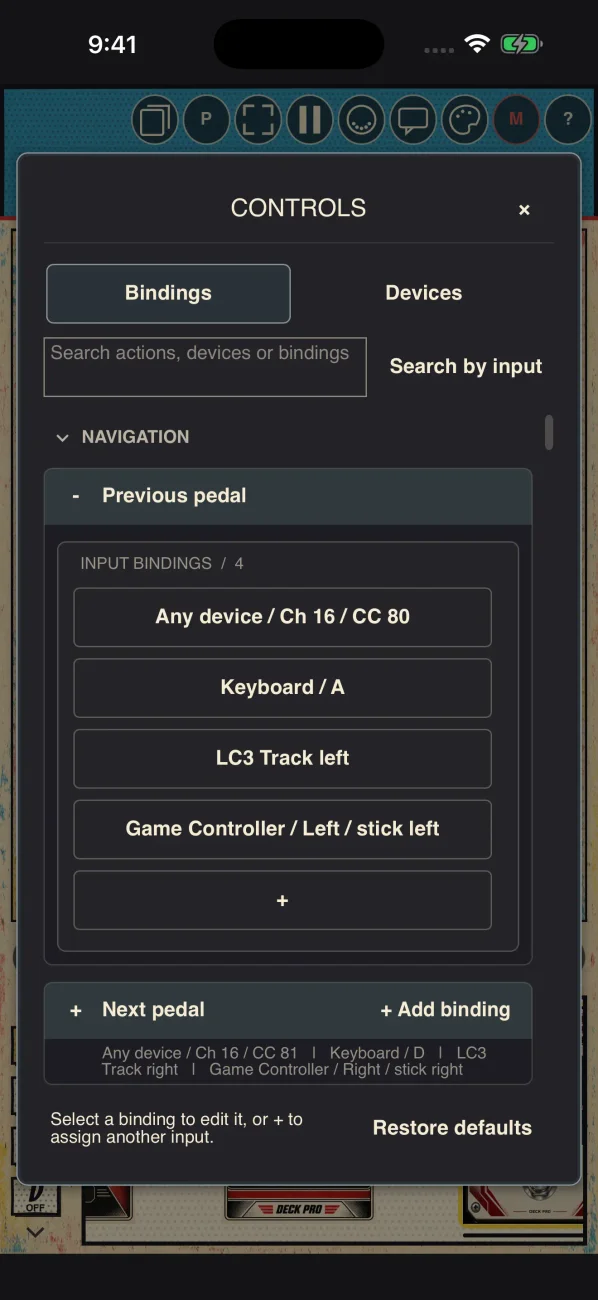
About
Turn your plugins into a pedalboard for live playing. Deck Pro is a free audio plugin host focused on playing your instrument in real time: connect an audio interface, arrange effects as cards, and keep your performance controls close at hand. It is designed for practice, rehearsal and performance, not as a replacement for a DAW.
BUILD YOUR RIG
Create up to eight signal paths with independent input and output routing. Stack effects, blend parallel chains, and adjust each plugin's output level, mix and pan from its card.
READY FOR PERFORMANCE
Save rigs as presets and recall scenes. Learn MIDI controls, assign keyboard shortcuts, and send MIDI messages to external instruments. Search bindings and organize your connected MIDI devices. Compatible Novation Launch Control 3 controllers provide automatic parameter mapping.
STAY IN CONTROL
Open a plugin's own interface or use the properties panel. Set a host tempo, follow MIDI clock, and monitor DSP use and audio latency. Built-in tuning, equalization and recording tools help keep the session moving.
TAKE YOUR PRESETS WITH YOU
With iCloud Drive available, Deck Pro stores presets and recordings in your own iCloud storage. Plugin availability can differ between devices. Missing plugins remain as passthrough placeholders so you can keep the rig's structure and load the plugin again when it becomes available.
Deck Pro is free. No subscription or in-app purchases are required. The tools shown in screenshots are included. Additional hosted plugins are separate products and are not included.
On iPhone and iPad, Deck Pro hosts compatible AUv3 plugins installed through other music apps. Connect a compatible audio interface for instrument input. Use headphones or a suitable monitored audio route before unmuting.
What’s new
Version 1.0.1 · Nov 14, 2026
This update improves routing, plugin compatibility and card images.
• Assign interface channels to the left, right or both sides of a hand, with channel search and custom labels.
• Add Sum to Mono anywhere in a hand, including before another effect.
• Use external sidechain routing and plugin output-pair selection.
• Capture or refresh a plugin card image using the camera button beside MIDI in properties.
• Improved compatibility with plugins that require additional audio buses, plus fixes for plugin images and compact iPhone layouts.
App privacy
What Joshua Rideout declares on the App Store about how this app handles data.
-
Data linked to you
May be collected and linked to your identity.
- Contact info
- User content
- Identifiers
Privacy practices may vary, for example with the features you use or your age.
Information
- Seller
- Joshua Rideout
- Category
- Music
- Version
- 1.0.1
- Updated
- Nov 14, 2026
- Released
- Nov 11, 2026
- Size
- 99.6 MB
- Requires
- iOS 15.0 or later
- Age rating
- 4+
- Price
- Free
- Copyright
- © 2026 Joshua Rideout
You might also like
-
 Augmatic GRE LiteGenerative drum sequencer
-
 DJFX Looper (AUv3)Free loop effect for audio
-
 OFX-1 Texture ReverbTexture and ambient reverb
-
 OneMove AirFree AUv3 high-end enhancer
-
 OR-2 Granular MachineEvolving ambient soundscapes
-
 Signal Rack - Audio MixerHost AUv3, Connect, Route, Mix
-
 GrainfoldGranular Synth for Any Sound
-
 M/S Processor 2AUv3 mid/side stereo processor
-
 Q BIT CrusherBit Crusher with Time Hold
-
 TonwerkSynths & effects as AUv3