- Age rating4+
- CategoryEducation
- DeveloperTucker Briggs
- LanguagesEnglish
- Size1.4 MB
Links to the official App Store page
Download.org hosts no file of DeckLearn. The button opens its official App Store page, published by Tucker Briggs. Listing last checked on Nov 18, 2026.
Screenshots
About
Turn any spreadsheet into a flashcard deck, then study until every card sticks.
DeckLearn imports a plain CSV file — a column of questions, a column of answers — and turns it into a deck you can quiz yourself on. No accounts, no subscription, no internet connection. Just your cards and your progress, on your phone.
IMPORT IN SECONDS
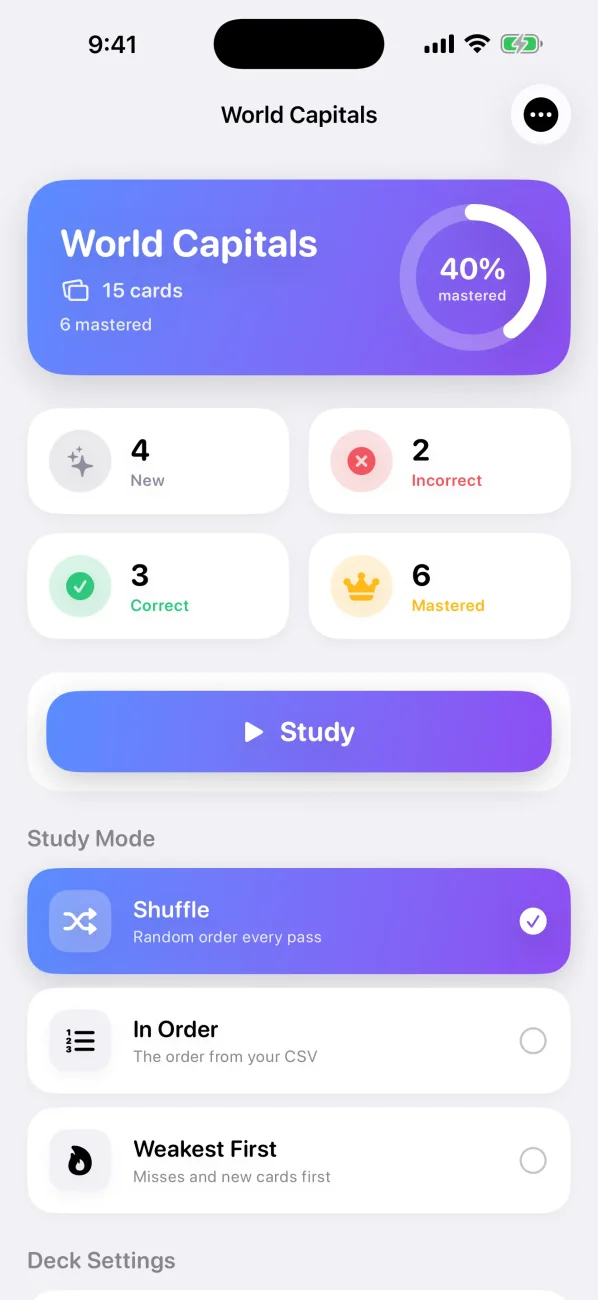
Pick a CSV and DeckLearn does the rest. It detects header rows automatically, handles quoted fields and commas inside answers, and shows you a live preview before anything is created. Files with extra columns work too — you choose which two become the front and back of each card.
STUDY THE WAY THAT WORKS
Three modes, switchable any time:
• Shuffle — a fresh random order every pass
• In Order — exactly the order from your file
• Weakest First — the cards you keep missing come first
New cards always come before ones you've seen, and the same card never appears twice in a row.
MASTERY, NOT GUESSWORK
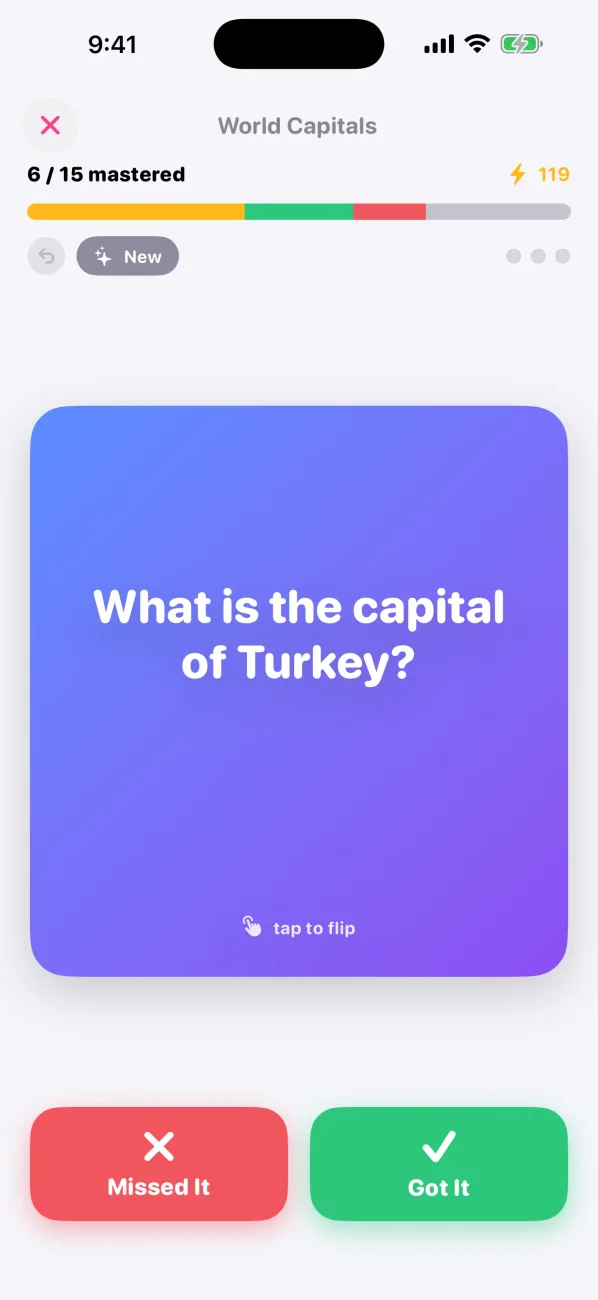
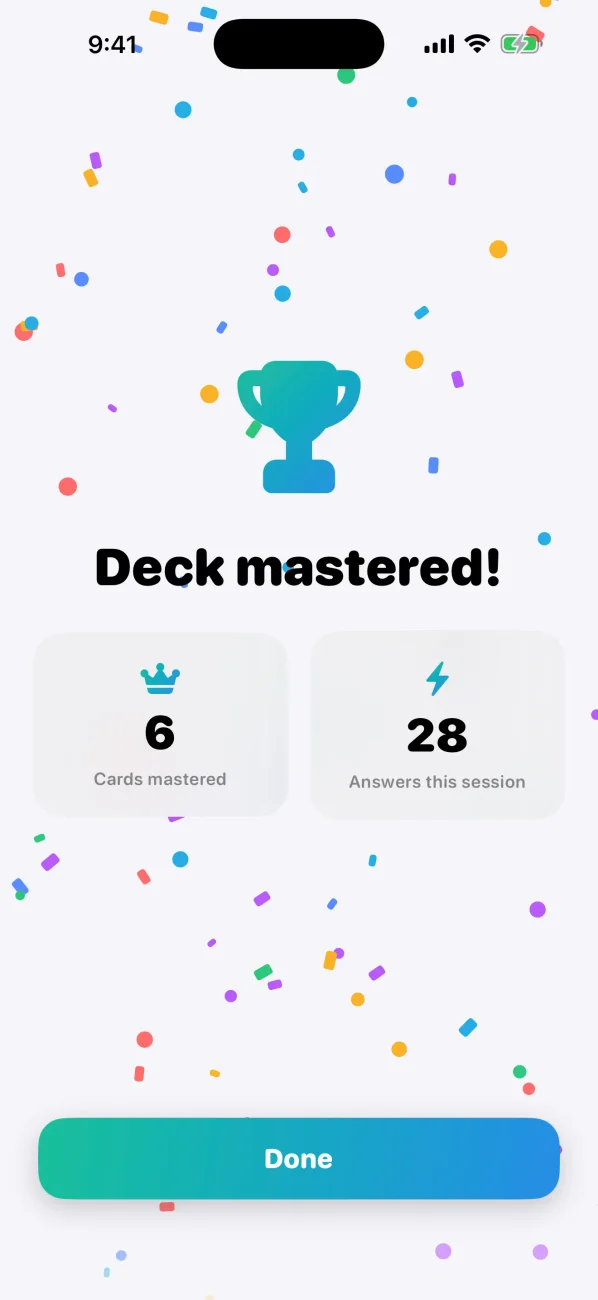
Every card moves through New, Incorrect, Correct, Mastered. A card is mastered once you get it right several times in a row — three by default, adjustable per deck. Miss it, and the streak resets. Cards you've mastered leave the rotation so you spend your time on what you don't know yet.
SPOT CHECKS KEEP IT HONEST
Mastered cards get quietly mixed back in now and then to make sure they really stuck. Tune how often, or switch it off entirely.
TWO-WAY CARDS
Studying a language? Turn on reversible cards and DeckLearn will quiz you in both directions — term to definition and back again. Each direction tracks its own streak, and a card counts as mastered only when both are solid. Focus on one direction at a time whenever you want.
SEE YOUR PROGRESS
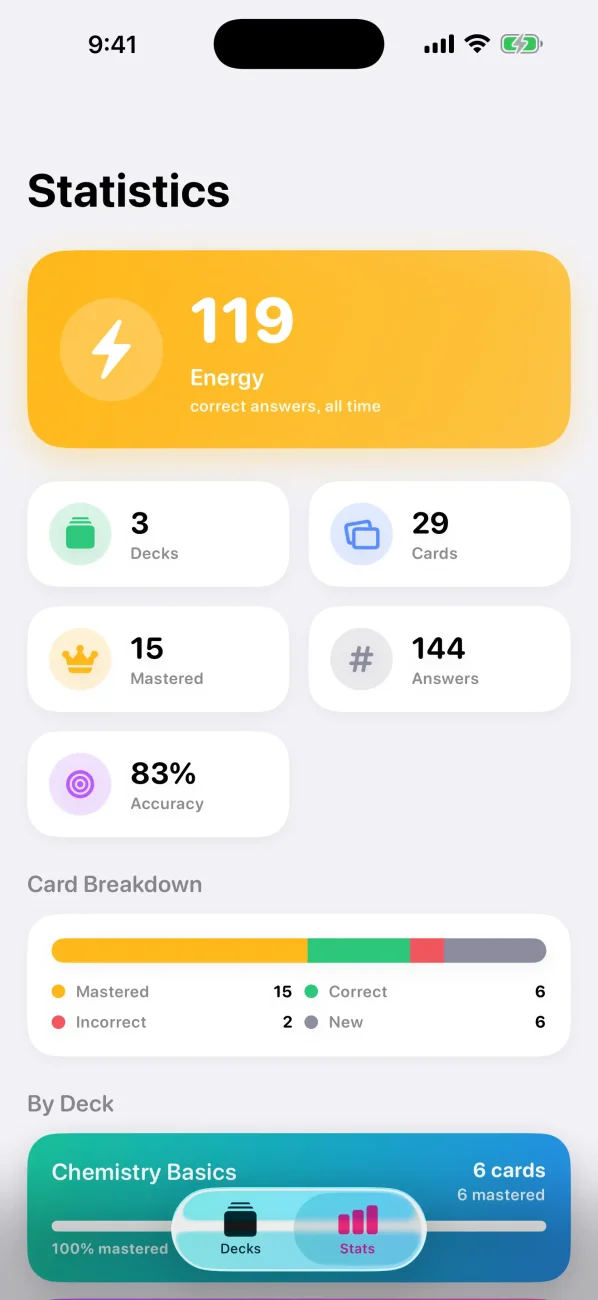
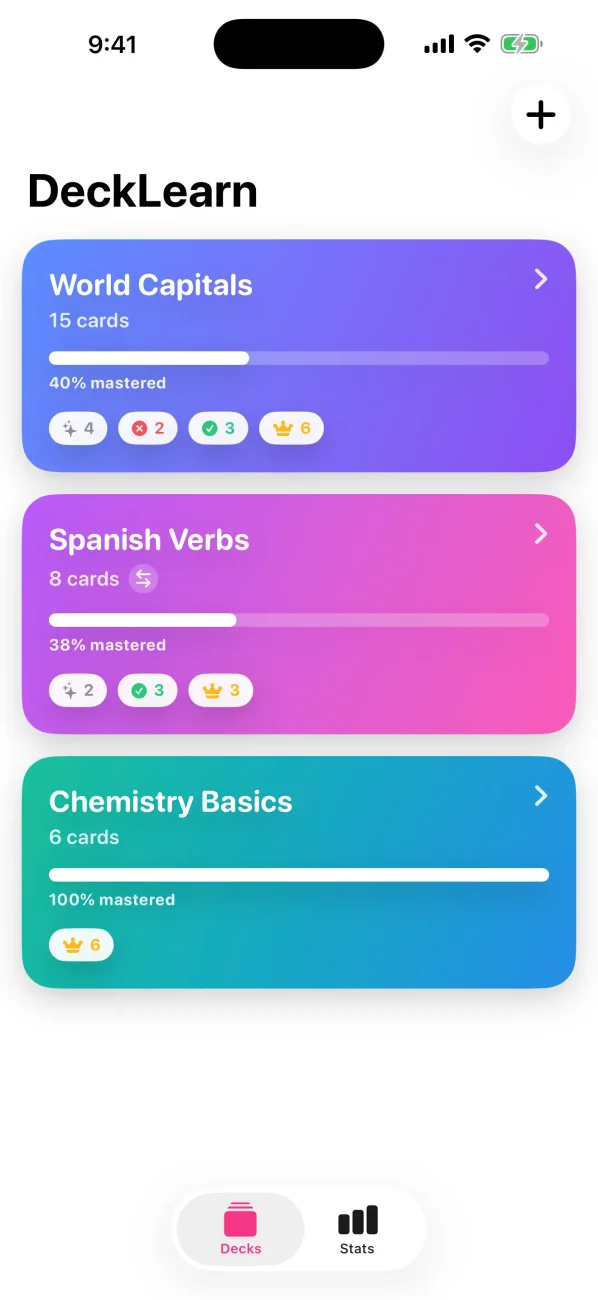
Every deck shows a live mastery ring and a colour-coded breakdown of where your cards stand. A statistics dashboard totals it all up across every deck — cards mastered, answers given, overall accuracy, and the running Energy count of every correct answer you've ever made.
BUILT-IN SAFETY NET
Graded a card wrong by accident? One tap takes it back. Reset a single card, or an entire deck, whenever you want a clean start.
PRIVATE BY DESIGN
DeckLearn has no accounts, no ads, no analytics, and no network access of any kind. Your decks never leave your iPhone. There is nothing to sign up for and nothing to opt out of.
Requires iPhone running iOS 17 or later.
What’s new
Version 1.1 · Oct 7, 2026
• Sort your decks by recently practiced, name, or date created
• Review fully mastered decks to keep them fresh
• Shuffle now mixes both directions of reversible cards evenly
• Import: choose whether your CSV's first row is a header, and quotes inside values no longer break imports
• Undo, spot checks, and mastery tracking are more accurate
• Easier-to-read status colors
App privacy
What Tucker Briggs declares on the App Store about how this app handles data.
-
Data not collected
The developer does not collect any data from this app.
Privacy practices may vary, for example with the features you use or your age.
Information
- Seller
- Tucker Briggs
- Category
- Education
- Version
- 1.1
- Updated
- Oct 7, 2026
- Released
- Aug 23, 2026
- Size
- 1.4 MB
- Requires
- iOS 17.0 or later
- Age rating
- 4+
- Price
- Free
- Languages
- English
- Copyright
- © 2026 Tucker Briggs
You might also like
-
 Kanji MemoryEducation
-
 Salah Sense: Prayer TrackerPrayer Times & Rakah Counter
-
 FlipStudy: FlashcardsEducation
-
 uFlashModern Flashcards Made Simple
-
 Voice Translate: Translator AISpeak, Scan & Learn Languages
-
 Spanish Phrase Book LearnLearn to Speak Spanish Easy
-
 Abnormal TranslatorNo more robotic translations
-
 IPA ReaderLearn English Read & Translate
-
 PodClass - PDF to PodcastStudy notes into audio
-
 VortaroEsperanto Dictionary / Vortaro