- Age rating4+
- CategoryEducation
- DeveloperRichard Wheatley
- LanguagesEnglish
- Size85.1 MB
Links to the official App Store page
Download.org hosts no file of FlipStudy: Flashcards. The button opens its official App Store page, published by Richard Wheatley. Listing last checked on Nov 18, 2026.
Screenshots
About
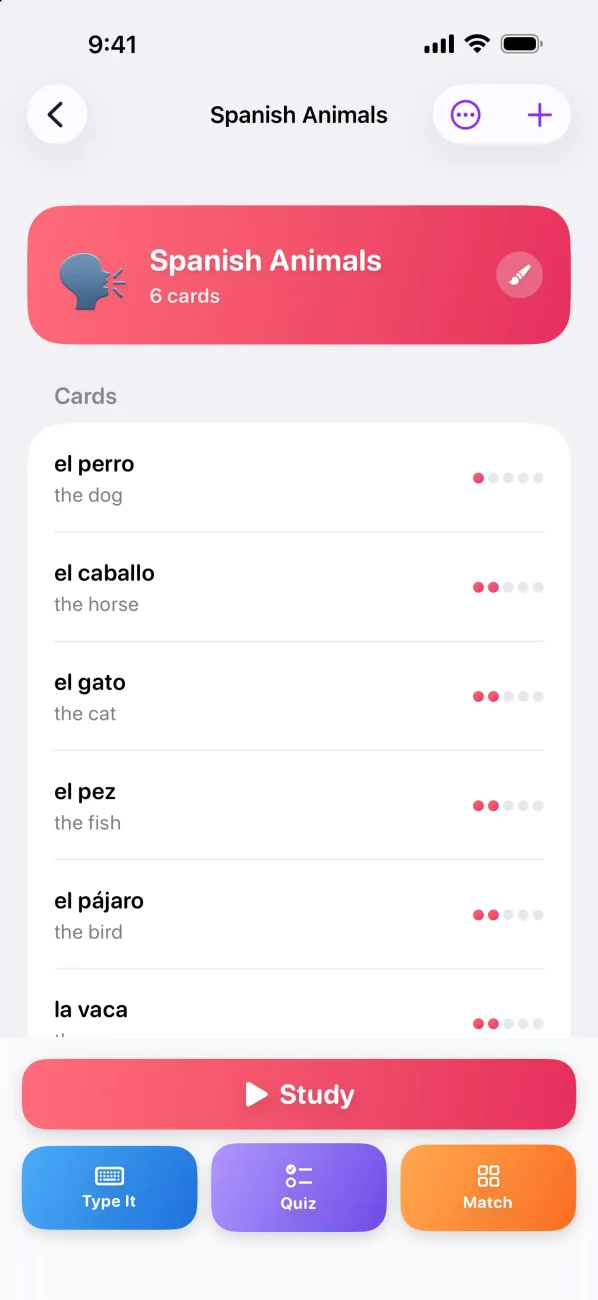
FlipStudy is a bright, friendly flashcard app for students and language learners.
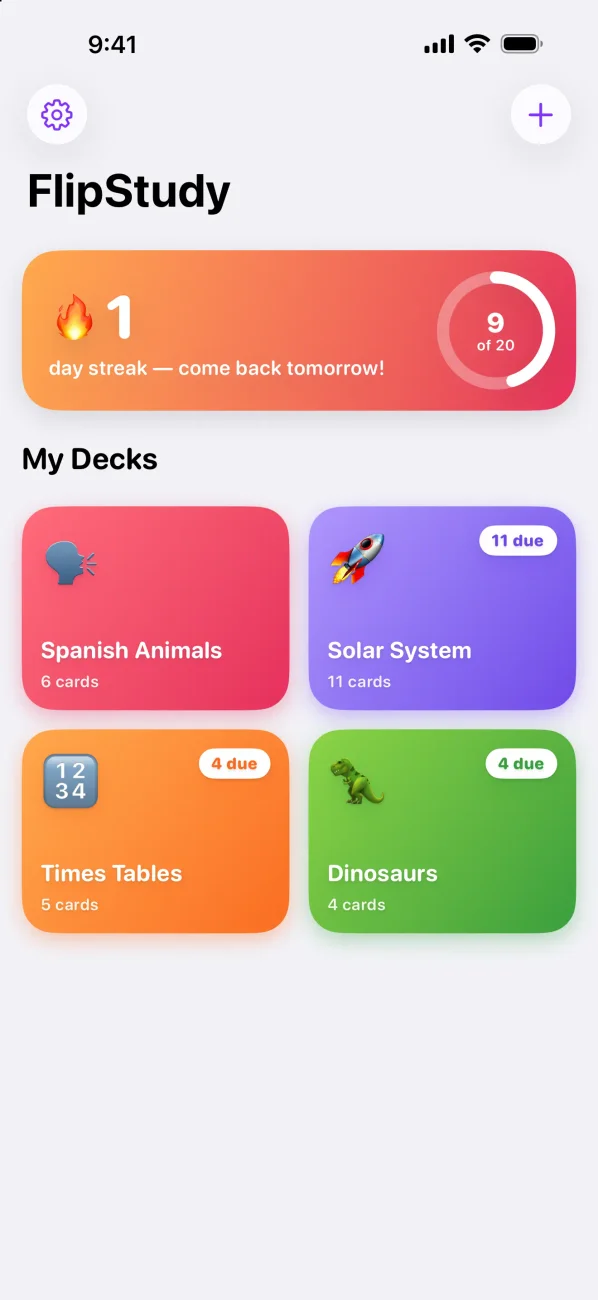
Make a deck, add cards, and study with spaced repetition (a Leitner box system) that brings back the cards you miss more often — so you spend your time on what you haven't learned yet.
FOUR WAYS TO STUDY
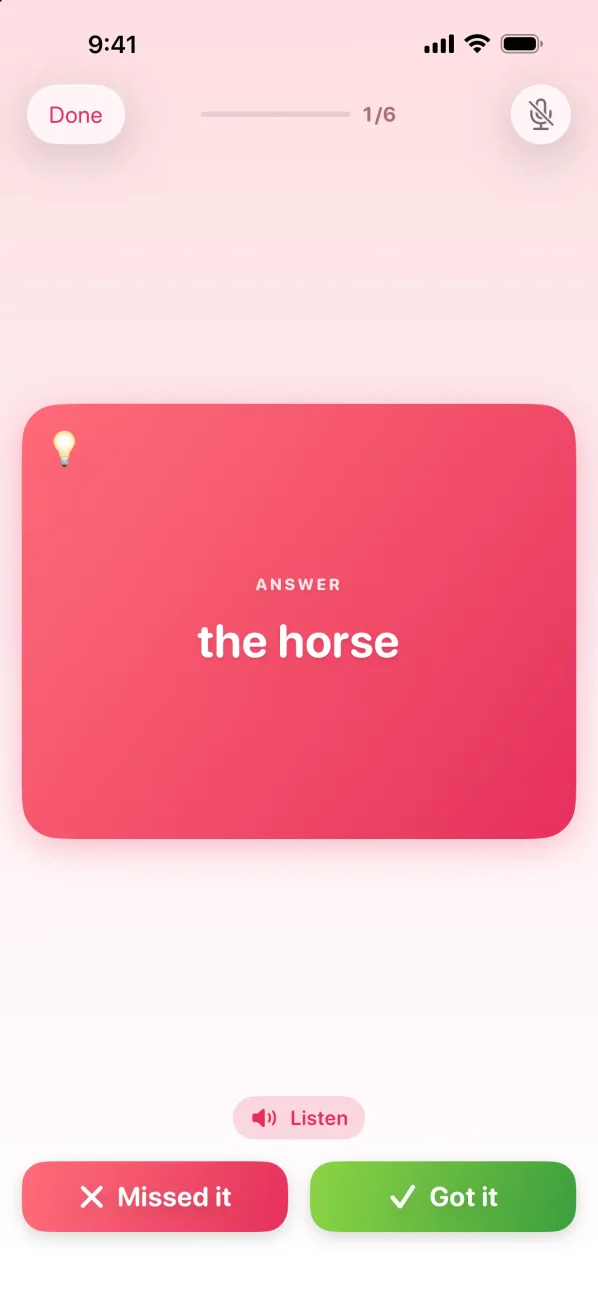
- Flip: see the question, flip for the answer
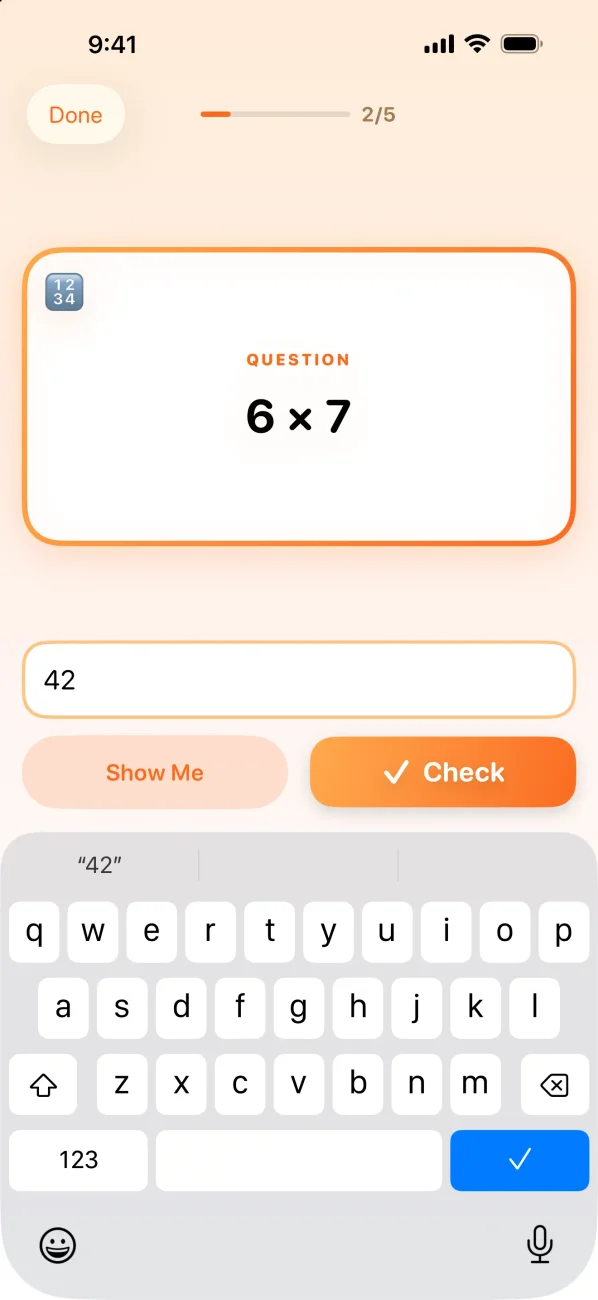
- Type It: type the answer from memory (small typos are forgiven)
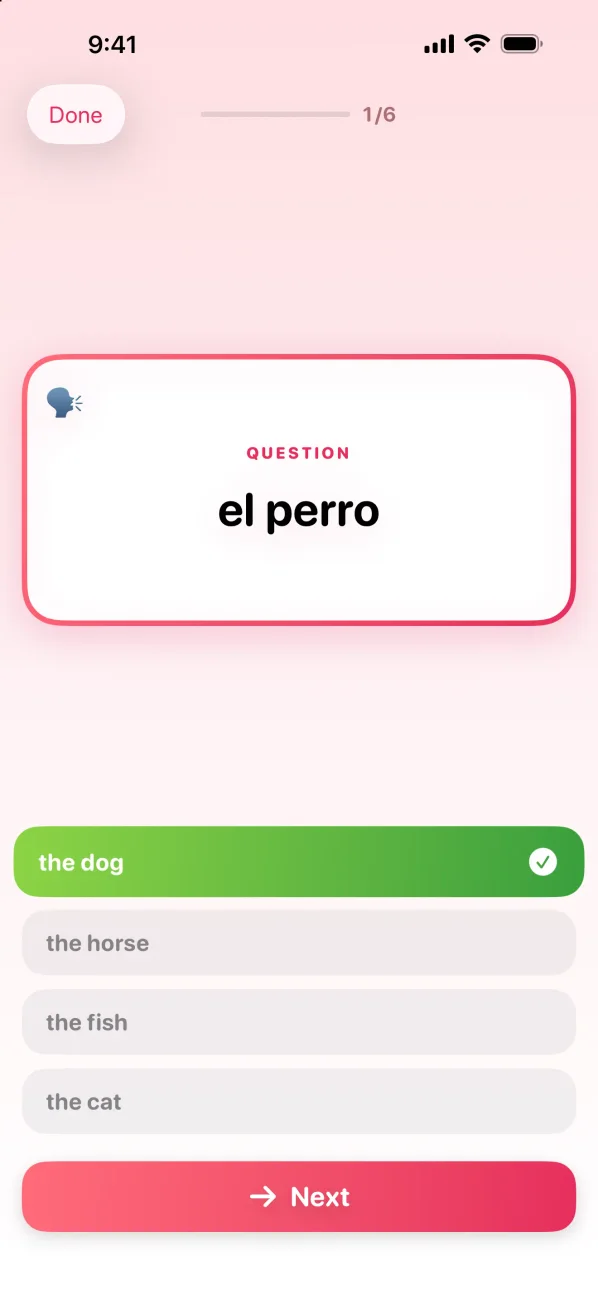
- Quiz: pick the right answer from a few choices
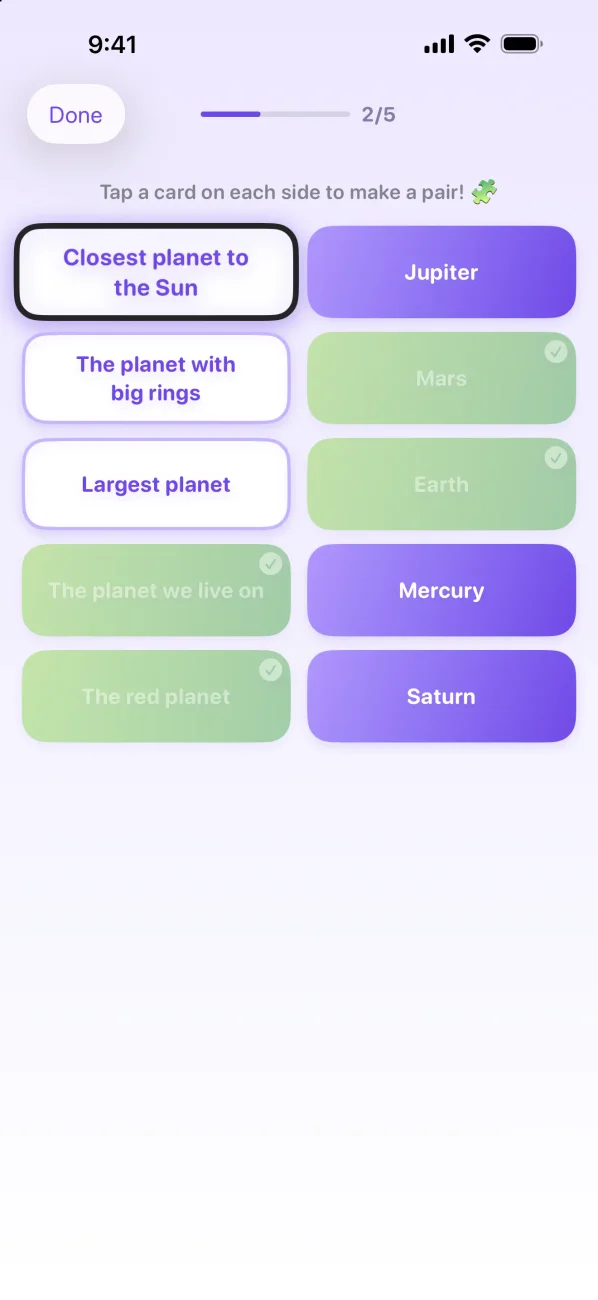
- Match: race to pair every question with its answer
SMART DECKS, FREE FOR EVERYONE
Make a deck from a typed subject, or turn a photo of a page into cards. Apple Intelligence does it right on your iPhone. Requires an iPhone with Apple Intelligence.
ADD WORDS IN SECONDS
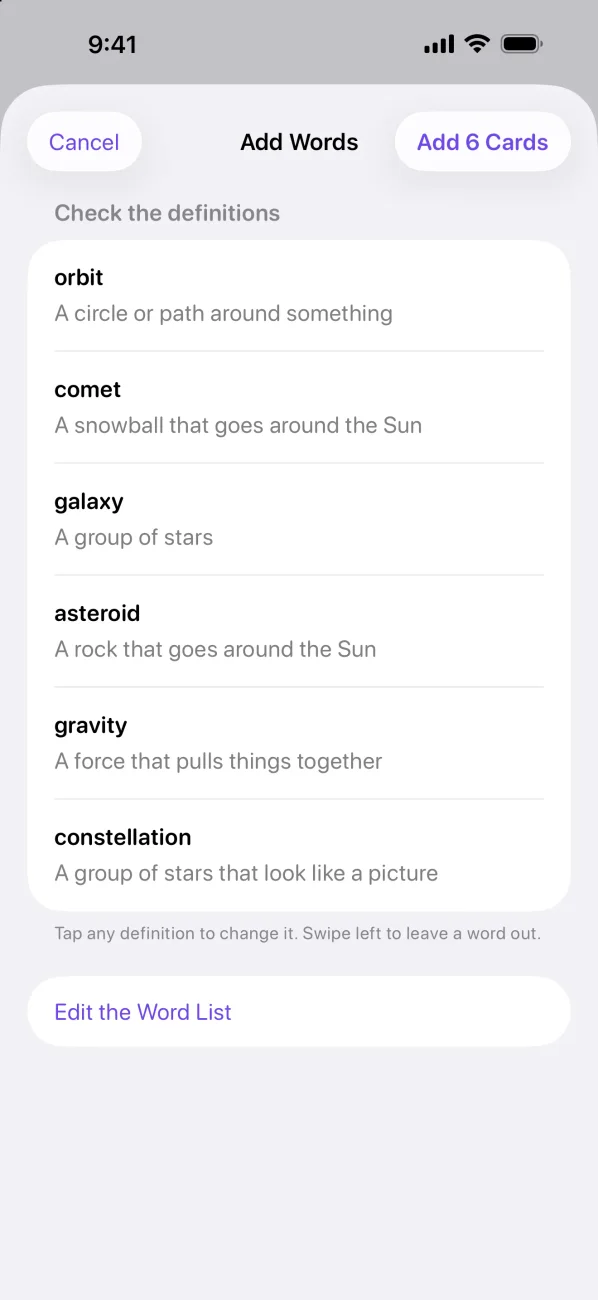
Paste or type a list of words and FlipStudy writes a kid-friendly definition for each (with Apple Intelligence). Check them, change any you like, and they're in your deck.
TRANSLATE AS YOU GO
Type the English side of a card and let the built-in translator fill in the other side — Italian, Spanish, French, German, Portuguese, Japanese, or Chinese. It runs on your device: free and private. Prefer to type the answer yourself? You can.
HEAR IT SPOKEN
Tap Listen to hear the answer read aloud in its own language, not an English voice — or say the answer out loud and FlipStudy checks it.
KEEP THE STREAK GOING
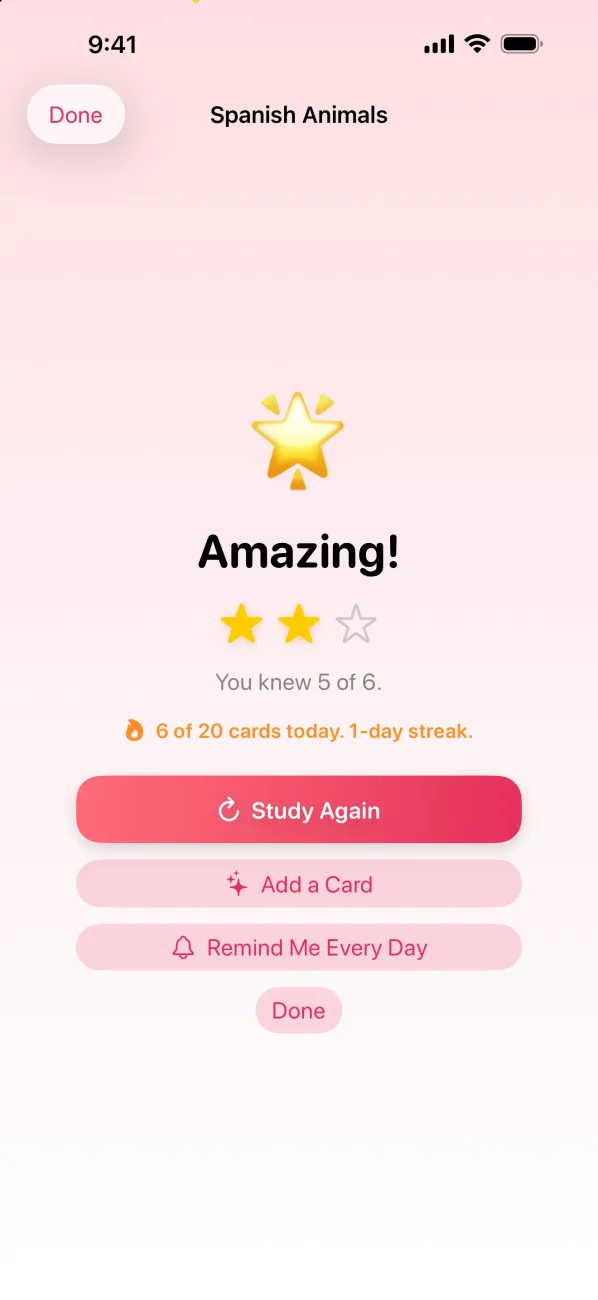
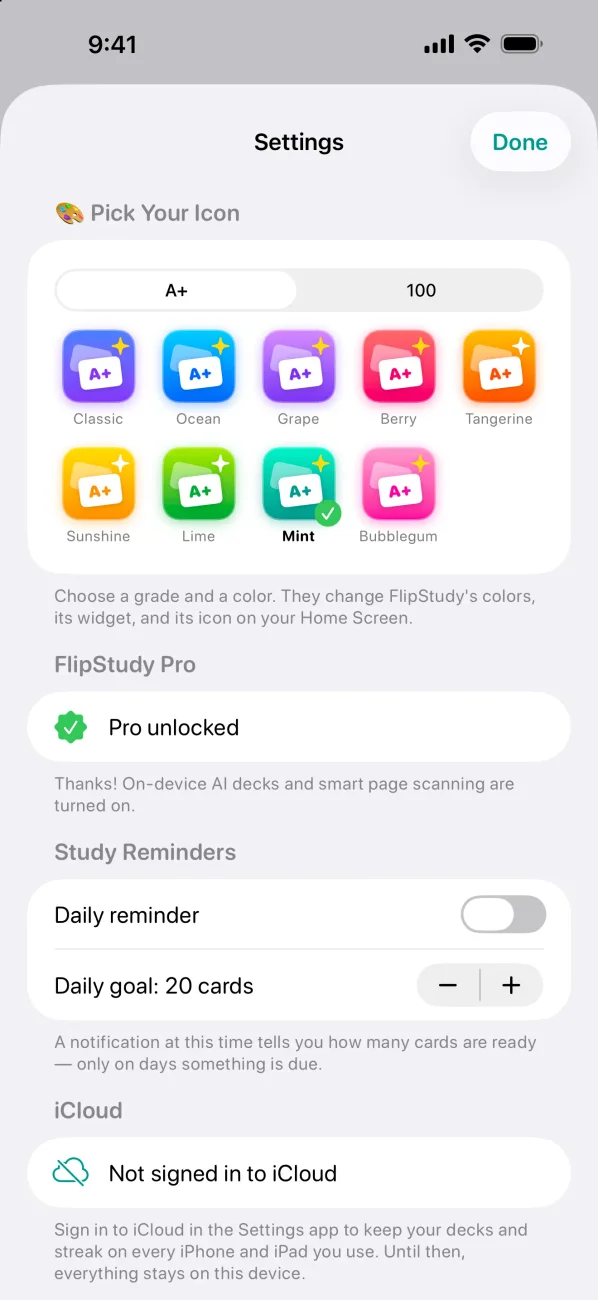
- A daily goal and a streak to come back for
- An optional daily reminder, only on days something is due
- Home Screen widgets: one shows the cards waiting for you, and Flip a Card lets you study right on the Home Screen
ASK SIRI
- “Study Dinosaurs in FlipStudy” opens any deck, ready to flip
- “How many cards are due in FlipStudy?”
- “Add a card in FlipStudy”, then tell Siri the front and the back
- “Make a deck in FlipStudy” and name a subject (with Apple Intelligence)
MAKE IT YOURS
Give every deck its own color and emoji, and pick FlipStudy's app icon — an A+ or a 100, in nine colors.
ON ALL YOUR DEVICES
Your decks sync through your own iCloud account to your iPhone and iPad.
PRIVATE BY DEFAULT
No accounts. No ads. No analytics. Your decks stay on your devices and in your own private iCloud, and the Apple Intelligence features run on your iPhone. An optional cloud translation feature (off by default) uses your own API key and sends text directly to your chosen provider — never through us.
FREE, WITH NOTHING LOCKED
Everything in FlipStudy is free for everyone. If your family enjoys it, a grown-up can leave an optional tip in Settings. FlipStudy never asks.
What’s new
Version 1.9 · Nov 14, 2026
Study with Siri: say “Study Dinosaurs in FlipStudy” (any deck’s name works), or ask “How many cards are due in FlipStudy?” You can add a card or make a deck out loud too.
New Flip a Card widget: study right from your Home Screen. Flip the card, then tap Knew it or Missed it.
Everything in FlipStudy is now free for everyone: make a deck from a typed subject, scan a page into cards, and get AI definitions, with nothing to buy. If your family enjoys FlipStudy, a grown-up can leave an optional tip in Settings › Support FlipStudy.
App privacy
What Richard Wheatley declares on the App Store about how this app handles data.
-
Data not linked to you
May be collected but is not linked to your identity.
- User content
Privacy practices may vary, for example with the features you use or your age.
Information
- Seller
- Richard Wheatley
- Category
- Education
- Version
- 1.9
- Updated
- Nov 14, 2026
- Released
- Jul 10, 2026
- Size
- 85.1 MB
- Requires
- iOS 26.0 or later
- Age rating
- 4+
- Price
- Free
- In-app purchases
- Yes
- Languages
- English
- Copyright
- © 2026 Richard Wheatley
You might also like
-
 QuackyBrushFreestyle 3D/AR sculpt & paint
-
 TuqaTafsir, hifz, prayer & qibla
-
 ABC Kids: Phonics & AlphabetLearn Numbers, Tracing & 123
-
 debunqedCheck before sending money
-
 Vokari – Flashcards & LearnFlashcards from any photo
-
 Lang Offline: Travel Phrases49 languages, ready offline
-
 FocusGrid - Schulte TableConcentration, Focus plus
-
 Learn Vocabulary: Smart VocabWord of the Day & Word Games
-
 Braincup - Brain TrainingFocus, logic & math trainer
-
 ADHD Focus by EasyReadManage ADHD for Study & Work