- Age rating4+
- CategoryEducation
- DeveloperChristopher Arnold
- LanguagesEnglish
- Size2.4 MB
Links to the official App Store page
Download.org hosts no file of Deja Entendu Study. The button opens its official App Store page, published by Christopher Arnold. Listing last checked on Nov 21, 2026.
Screenshots

About
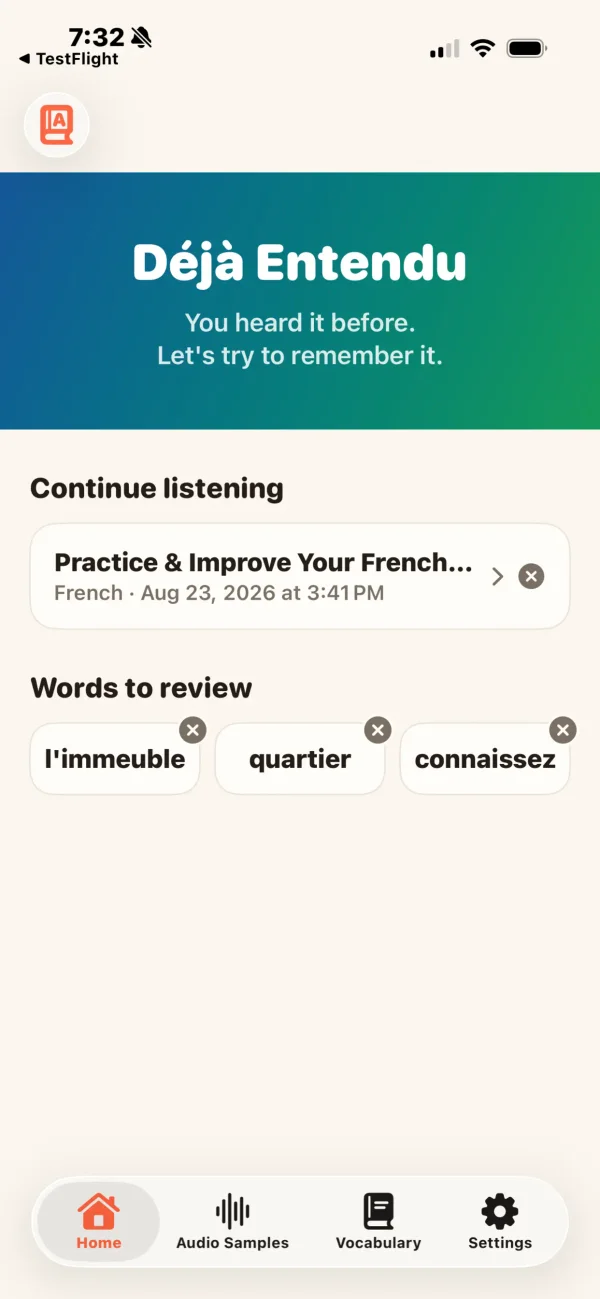
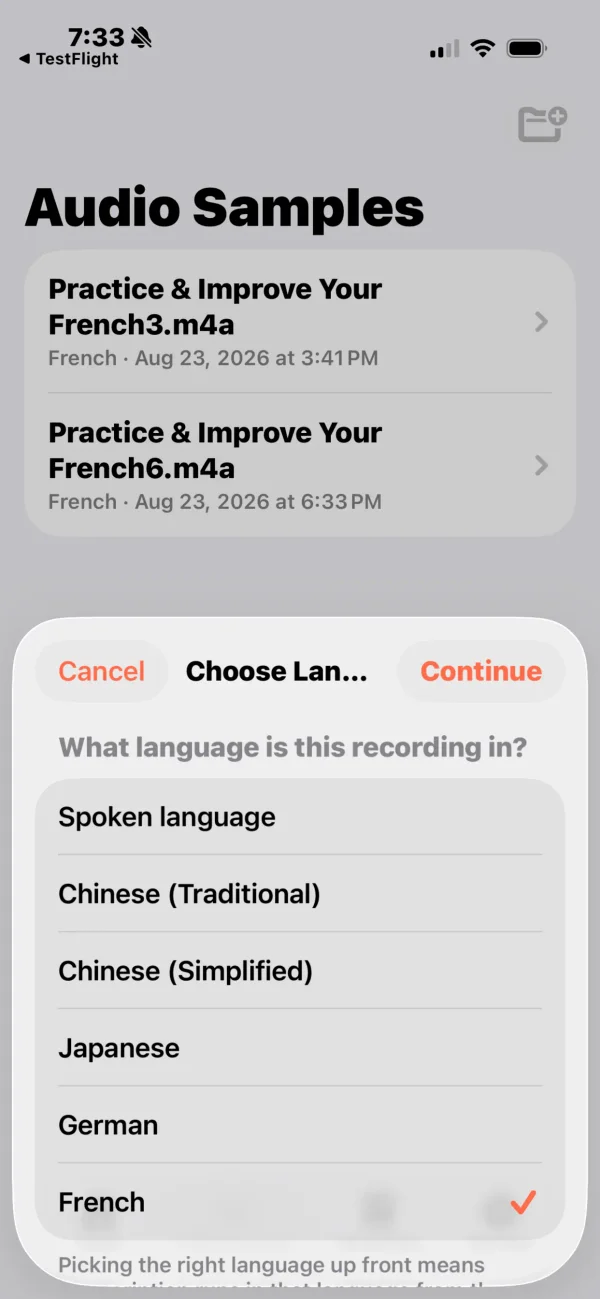
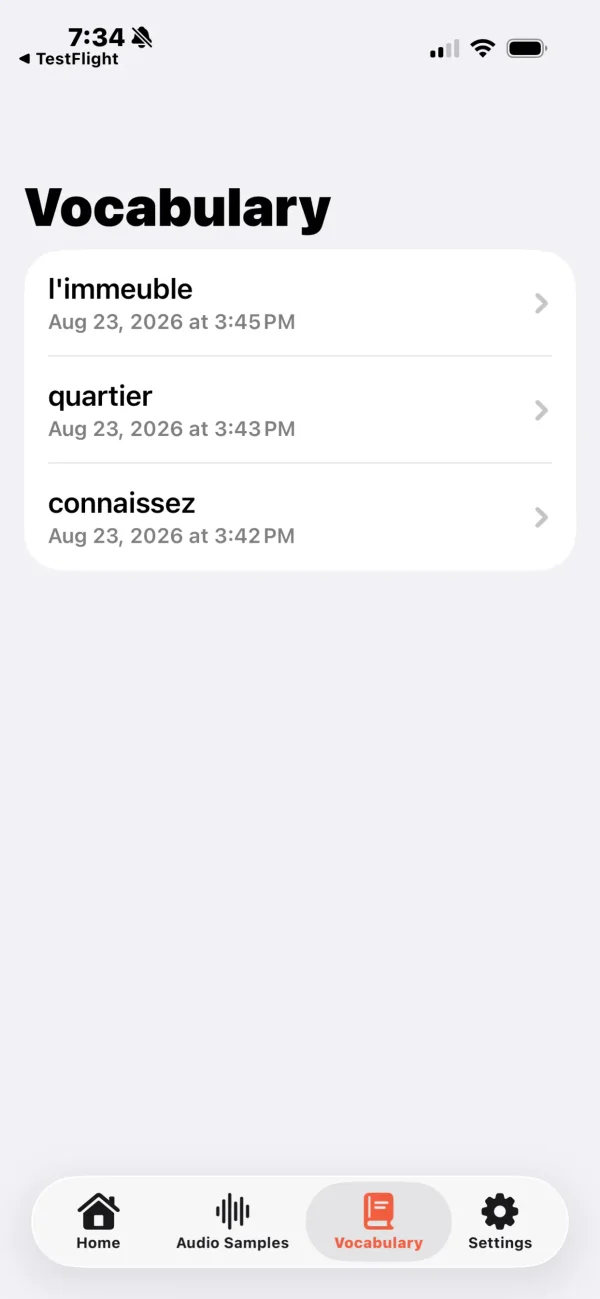
Déjà Entendu ("Already heard" in French) allows iOS, iPadOS and macOS owners to dive into translate, transcribe and create flash cards from images, recordings or sound samples on their device. It is not a cloud service. So you can be assured that any use of the on-device content analysis that Apple Intelligence performs stays private to you. Import your class notes provided by teachers or translate mp3 files and audio clips that you've made or that you've purchased previously. New options for speeding or slowing pronunciation guides is introduced with the updated version along with options for direct speech input to the transcription tool. Social channels for extra How To instructions are accessible from the Home Tab.
We hope you enjoy learning more of the languages that inspire you through our apps!
What’s new
Version 1.1 · Oct 21, 2026
Vocabulary Settings Expansion - This release allows users to select more languages and supplemental dictionaries for download from Apple language packs to supplement the existing Apple Intelligence LLM vocabulary for flashcard creation. When users have their own pdf dictionaries for specialized terms or vocabulary outside of the scope of the default languages, they can upload that file from their device to complement the range of languages they can translate to.
Pronunciation Guide Speeds - A new toggle for speeding up and slowing down the pronunciation guide has been introduced into the Settings menu and integrated into the Samples and Vocabulary tabs. This allows focused pronunciation study at the user's preferred speed.
How To Guide - A more detailed discussion of the functions of the app and tool usage is introduced into the Home Screen.
Direct Speech Sample - A new utility in the Samples menu allows a user to speak their language sample directly into the transcription tool. This feature does not save audio files on device. It writes directly into transcription the way an uploaded audio sample would.
Vocabulary List Share Option - Some students may wish to migrate or share their flashcard list from the Vocabulary section of the app to some other language learning tools. The Share option is now featured at the top of the Vocabulary list to enable this data portability feature.
Sorting Features for Vocabulary - Over time the user may wish to sort long lists in the Vocabulary by term, language or time of flashcard creation. This option has also been added to the Samples tab.
Social Channels - To assist language learners in discovering and utilizing the new features of the app, we have introduced a direct link to three social media channels from the How To Guide. The developer offers tutorials on concepts of how to use audio transcription, optical character recognition from photos, pdf or image-based study of foreign languages and tips on how to use the app for translating lyrics or the user's own spoken audio. Social channels will release episodic stories for leveraging the app in daily use across Bluesky, Instagram and Facebook along with a Feedback from for feature feedback.
App privacy
What Christopher Arnold declares on the App Store about how this app handles data.
-
Data not collected
The developer does not collect any data from this app.
Privacy practices may vary, for example with the features you use or your age.
Information
- Seller
- Christopher Arnold
- Category
- Education
- Version
- 1.1
- Updated
- Oct 21, 2026
- Released
- Sep 18, 2026
- Size
- 2.4 MB
- Requires
- iOS 26.0 or later
- Age rating
- 4+
- Price
- $0.99
- Languages
- English
- Copyright
- © Christopher Arnold 2026
You might also like
-
 Native TonguesRapid Passive Immersion
-
 Head StudyEducation
-
 Westerville Public LibraryReference
-
 Vassar MobileOfficial Vassar College app
-
 AVL CollectsReference
-
 HazAdapt: Emergency Safety AppOn-the-go hazard guide
-
 Coffee Break: Learn LanguagesLearn Spanish, Chinese, French
-
 CE5 ContactDr. Steven Greer
-
 University of MDThe official UMD mobile app
-
 Artemis Mission TrackerNASA Moon Missions Live