- 対象年齢4+
- カテゴリ教育
- 開発元Christopher Arnold
- 言語英語
- サイズ2.4 MB
App Storeの公式ページにリンクしています
Download.orgはDeja Entendu Studyのファイルを一切ホストしていません。ボタンを押すと、Christopher Arnoldが公開しているApp Storeのアプリページが開きます。ページの最終確認:2026/11/21。
スクリーンショット

概要
開発元はこのテキストをお使いの言語で提供していません。
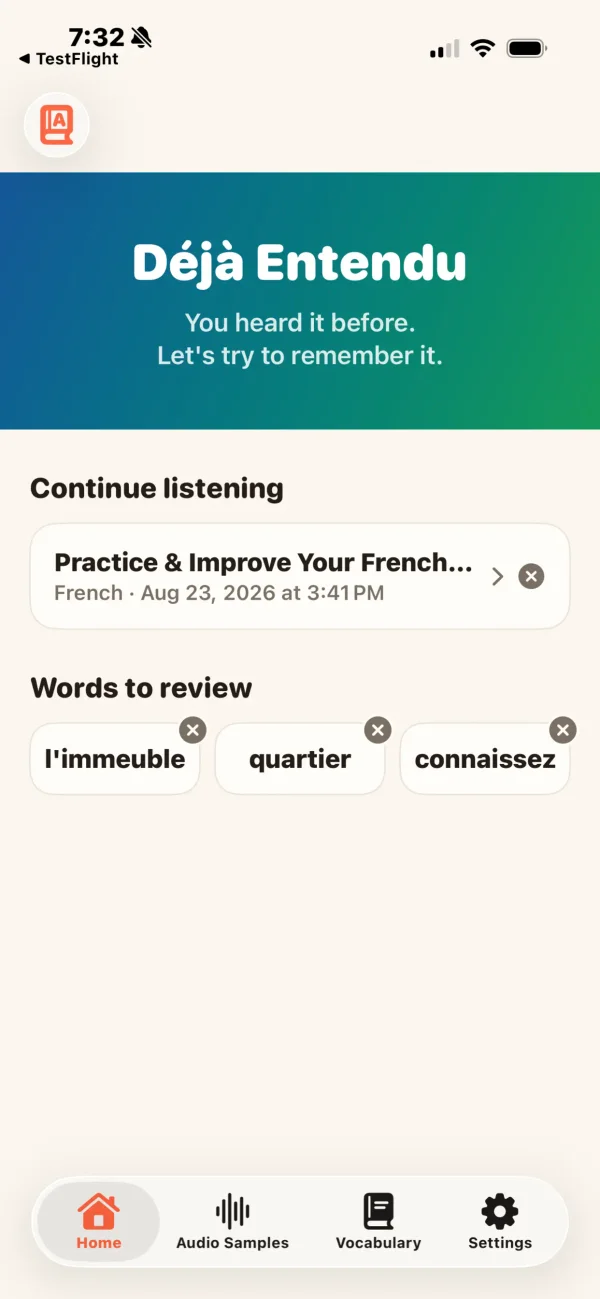
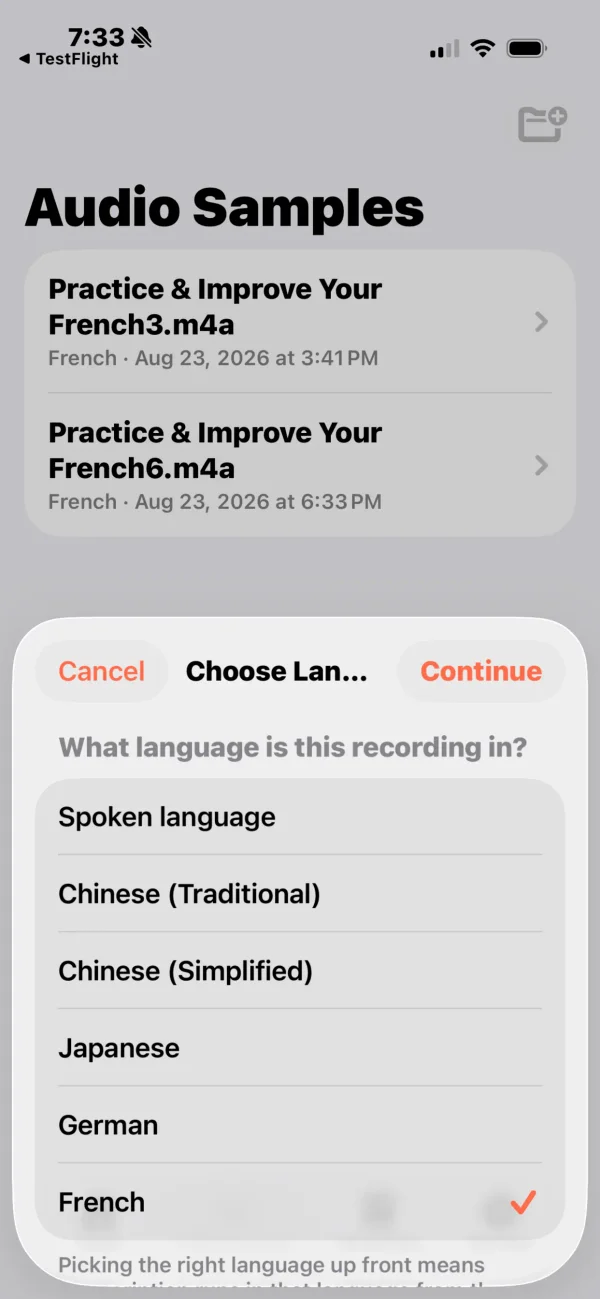
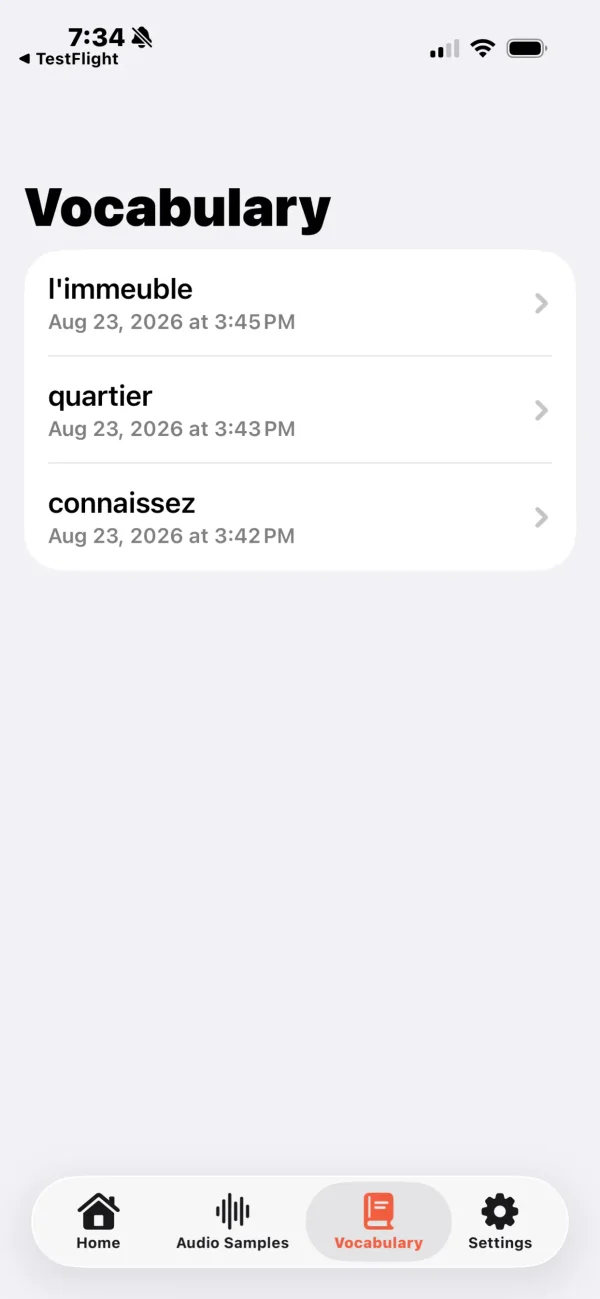
Déjà Entendu ("Already heard" in French) allows iOS, iPadOS and macOS owners to dive into translate, transcribe and create flash cards from images, recordings or sound samples on their device. It is not a cloud service. So you can be assured that any use of the on-device content analysis that Apple Intelligence performs stays private to you. Import your class notes provided by teachers or translate mp3 files and audio clips that you've made or that you've purchased previously. New options for speeding or slowing pronunciation guides is introduced with the updated version along with options for direct speech input to the transcription tool. Social channels for extra How To instructions are accessible from the Home Tab.
We hope you enjoy learning more of the languages that inspire you through our apps!
新機能
バージョン 1.1 · 2026/10/21
Vocabulary Settings Expansion - This release allows users to select more languages and supplemental dictionaries for download from Apple language packs to supplement the existing Apple Intelligence LLM vocabulary for flashcard creation. When users have their own pdf dictionaries for specialized terms or vocabulary outside of the scope of the default languages, they can upload that file from their device to complement the range of languages they can translate to.
Pronunciation Guide Speeds - A new toggle for speeding up and slowing down the pronunciation guide has been introduced into the Settings menu and integrated into the Samples and Vocabulary tabs. This allows focused pronunciation study at the user's preferred speed.
How To Guide - A more detailed discussion of the functions of the app and tool usage is introduced into the Home Screen.
Direct Speech Sample - A new utility in the Samples menu allows a user to speak their language sample directly into the transcription tool. This feature does not save audio files on device. It writes directly into transcription the way an uploaded audio sample would.
Vocabulary List Share Option - Some students may wish to migrate or share their flashcard list from the Vocabulary section of the app to some other language learning tools. The Share option is now featured at the top of the Vocabulary list to enable this data portability feature.
Sorting Features for Vocabulary - Over time the user may wish to sort long lists in the Vocabulary by term, language or time of flashcard creation. This option has also been added to the Samples tab.
Social Channels - To assist language learners in discovering and utilizing the new features of the app, we have introduced a direct link to three social media channels from the How To Guide. The developer offers tutorials on concepts of how to use audio transcription, optical character recognition from photos, pdf or image-based study of foreign languages and tips on how to use the app for translating lyrics or the user's own spoken audio. Social channels will release episodic stories for leveraging the app in daily use across Bluesky, Instagram and Facebook along with a Feedback from for feature feedback.
アプリのプライバシー
このアプリのデータの取り扱いについて、Christopher ArnoldがApp Storeで申告している内容です。
-
データの収集なし
開発元はこのアプリからデータを収集しません。
プライバシーの取り扱いは、ご利用の機能やお客様の年齢などに応じて異なる場合があります。
情報
- 販売元
- Christopher Arnold
- カテゴリ
- 教育
- バージョン
- 1.1
- 更新日
- 2026/10/21
- リリース
- 2026/9/18
- サイズ
- 2.4 MB
- 必要条件
- iOS 26.0以降
- 対象年齢
- 4+
- 価格
- ¥150
- 言語
- 英語
- 著作権
- © Christopher Arnold 2026