DeMinds
Content to Markdown Assets
Designed for iPhone, iPad, Mac, iPod touch
Free · In-app purchases
- Age rating4+
- CategoryProductivity
- DeveloperYongguo Fan
- LanguagesEnglish+ 9 more
- Size17.3 MB
Links to the official App Store page
Download.org hosts no file of DeMinds. The button opens its official App Store page, published by Yongguo Fan. Listing last checked on Nov 23, 2026.
Screenshots


About
Your content is still there. Your work should not have to start over.
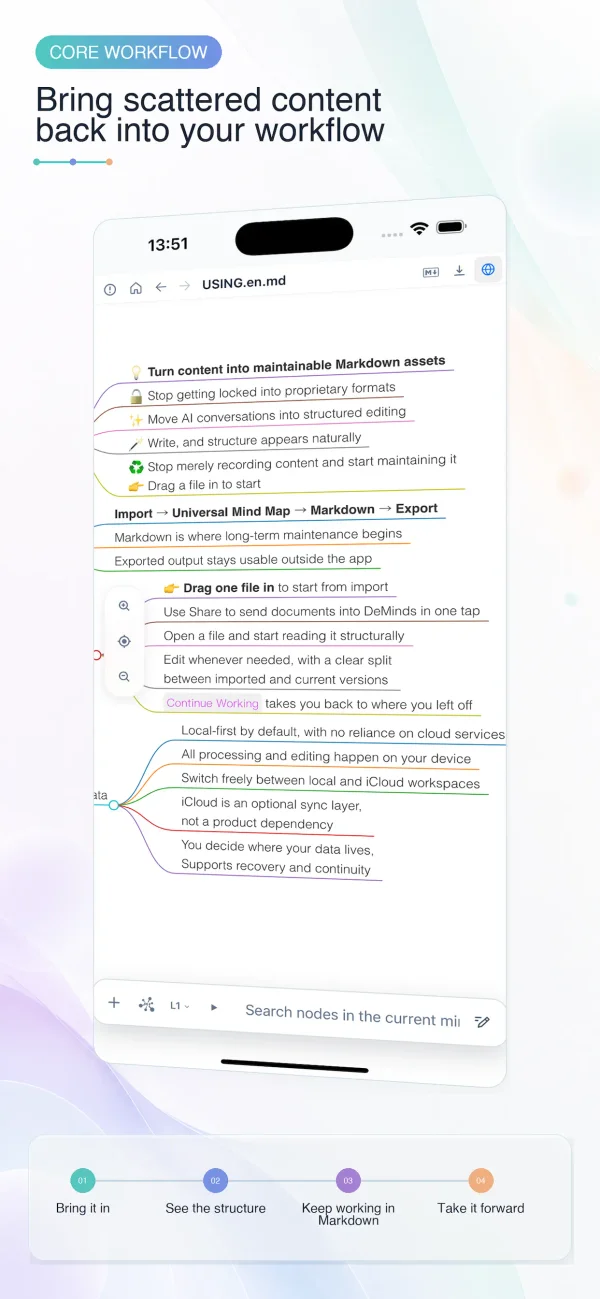
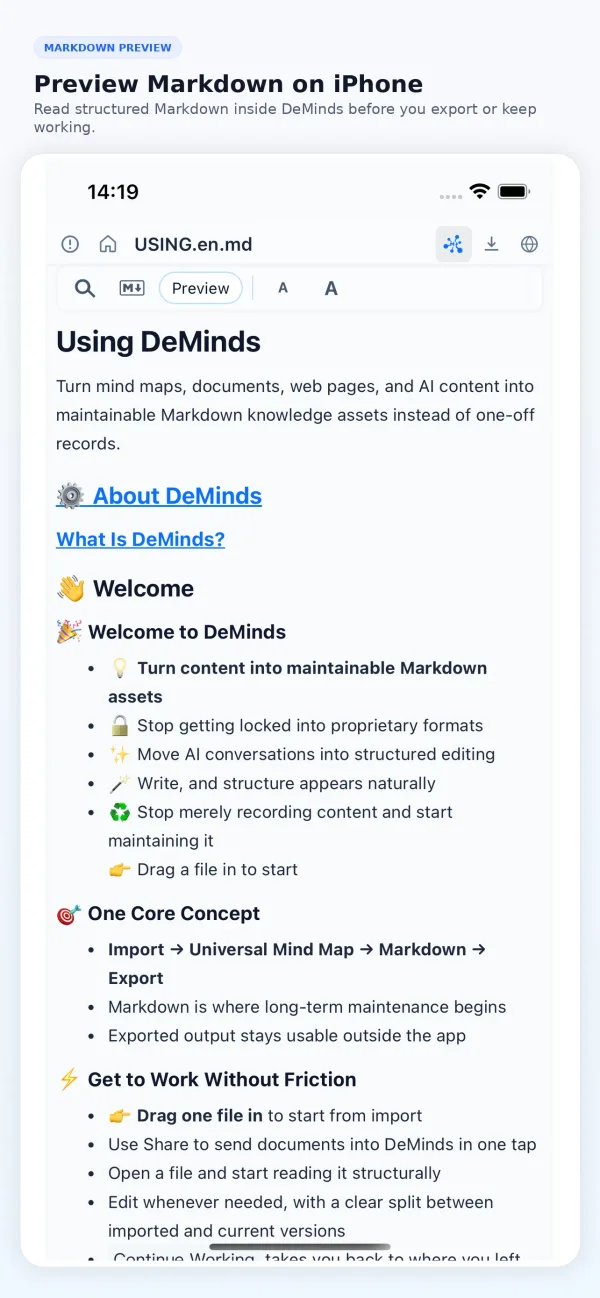
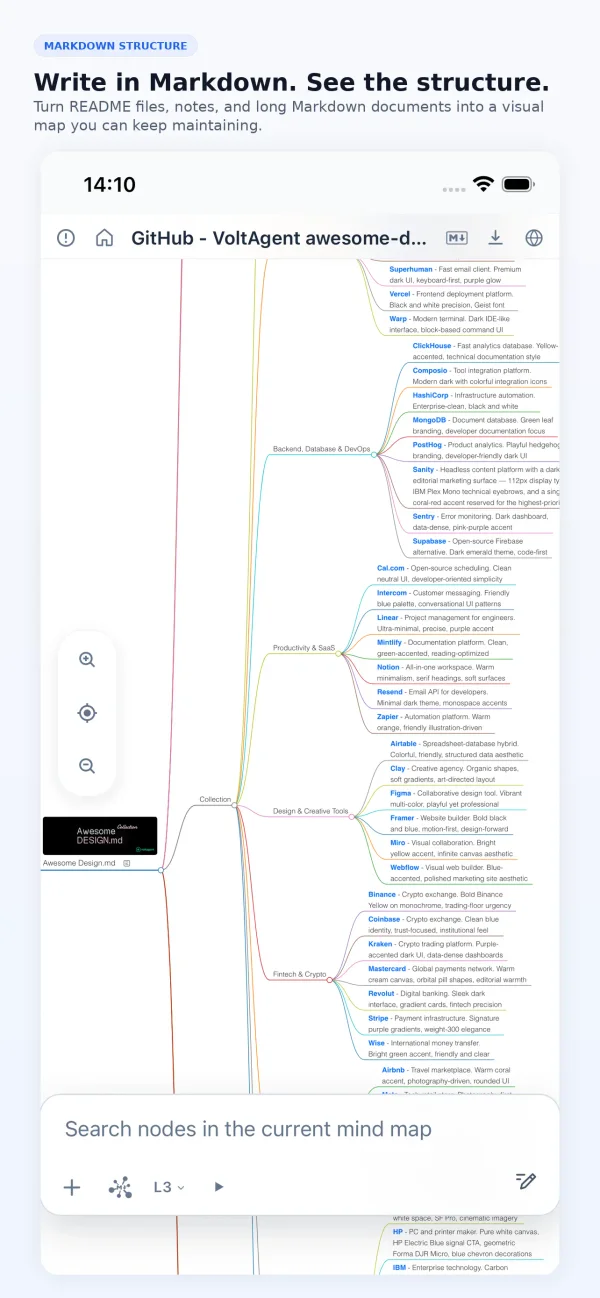
DeMinds is a local-first Markdown and mind map workspace. It brings files, web pages, mind maps, and shared links together as structured Markdown documents you can keep editing and reusing.
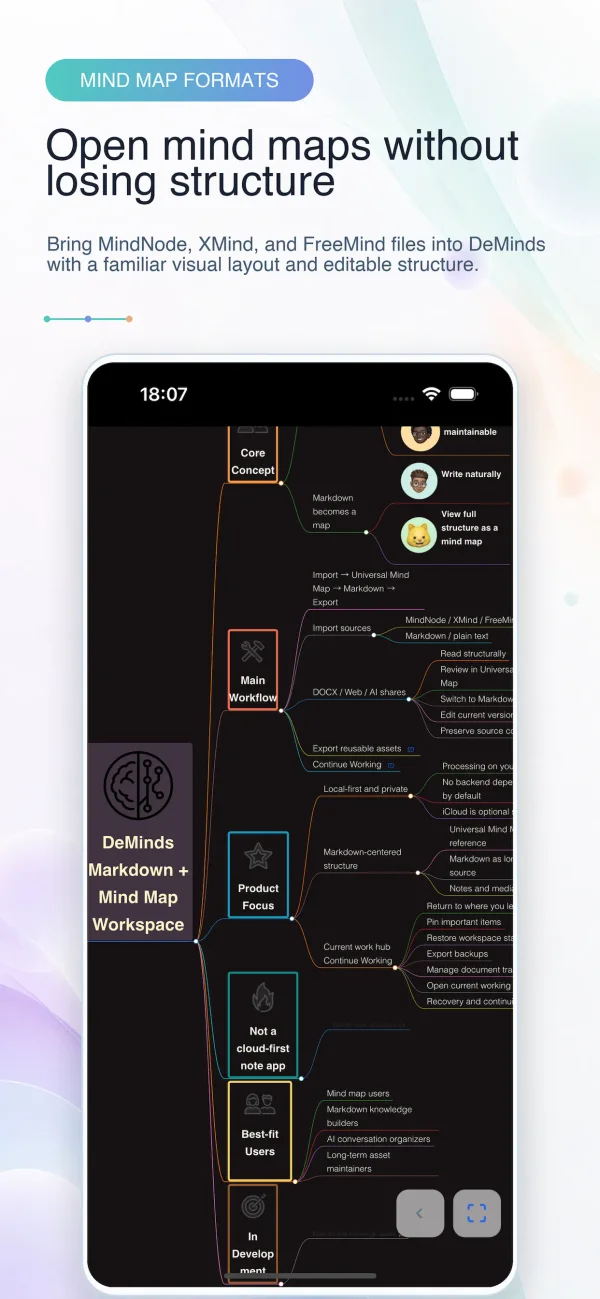
Open supported MindNode, XMind, and FreeMind maps, along with Markdown, TXT, DOCX, HTML, and OPML documents. Choose content from a Markdown Package or Obsidian Vault. Hierarchy, links, and images are preserved whenever possible.
With DeMinds, you can:
• See the text and the whole picture
On supported wide screens, read Markdown Preview or edit in Markdown or Rich beside the Universal Mind Map, even in Focus Mode. Jump from a node to its text while keeping your draft and Undo history. Saving refreshes the map and, where possible, keeps branches and Notes expanded or collapsed as you left them.
• Adjust the structure directly
In the Universal Mind Map, rename supported nodes, add siblings or children, and delete branches. Changes are saved in the same Markdown document.
• Edit content and Notes
Use Rich to edit supported text, images, code, tables and formulas visually, or Markdown for precise edits and unsupported content. Create, preview and edit node Notes in the same card. Complex tables from DOCX or HTML are read-only in Rich; edit their source in Markdown. In the document editor, add and reuse project images or delete saved images confirmed to be unused.
• Bring in online content
Open supported public documents, web and research articles, public ChatGPT share links, and X articles readable without signing in. Follow links from a public GitHub README to related Markdown documents.
• Pick up where you left off
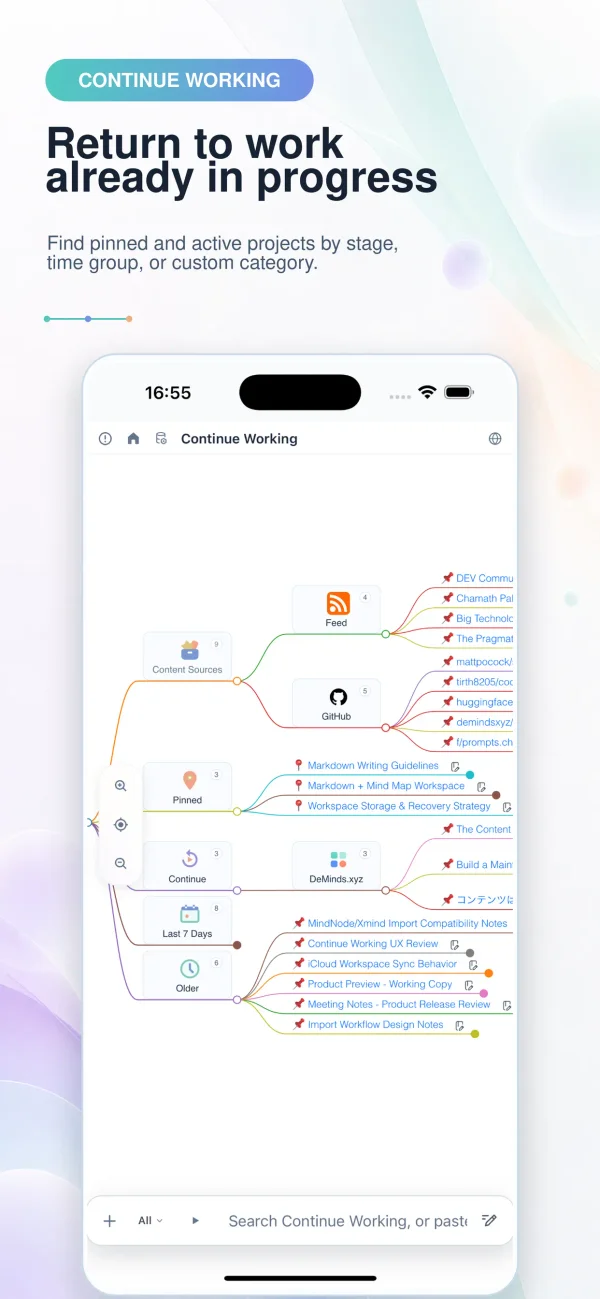
Find projects by stage, time or Category in Continue Working. Compare or restore saved versions in Version History. Manually check public Feed or GitHub README Content Sources for updates. “Continue with AI…” prepares a file for an external AI tool, with an optional request for an AI Editorial Note. You share it yourself and compare returned edits before applying them.
• Choose your Workspace
Switch between Local Workspace and iCloud Workspace. Add selected missing projects without replacing existing ones; a full replacement needs separate confirmation. iCloud availability depends on your device and account.
• Take your work with you
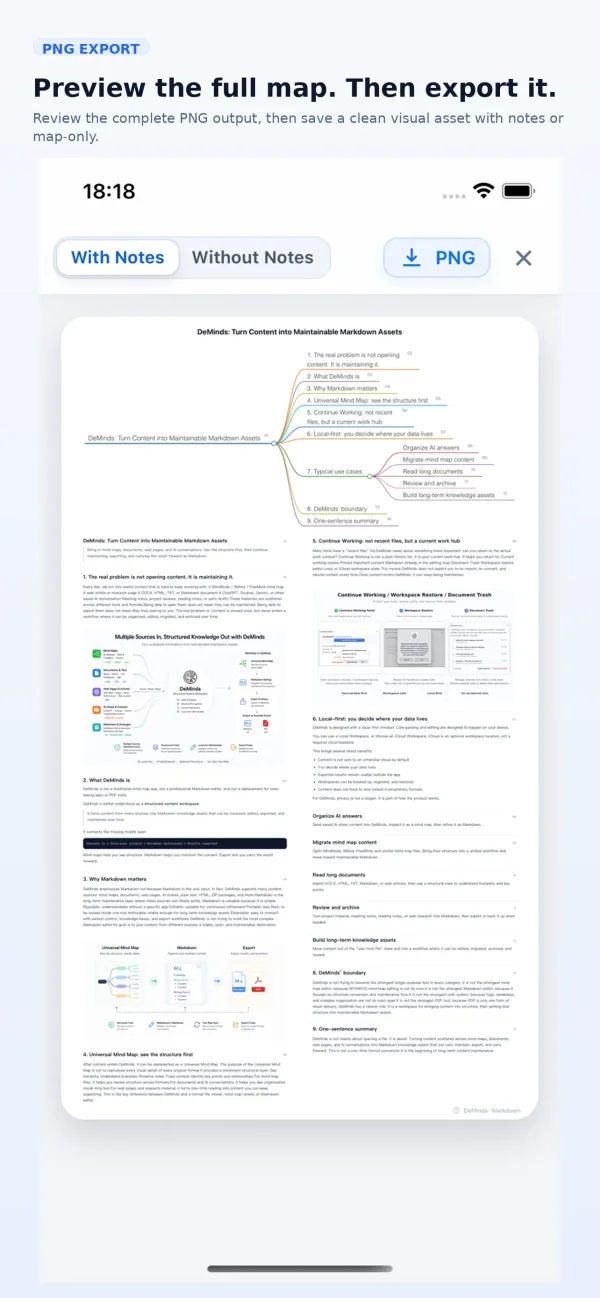
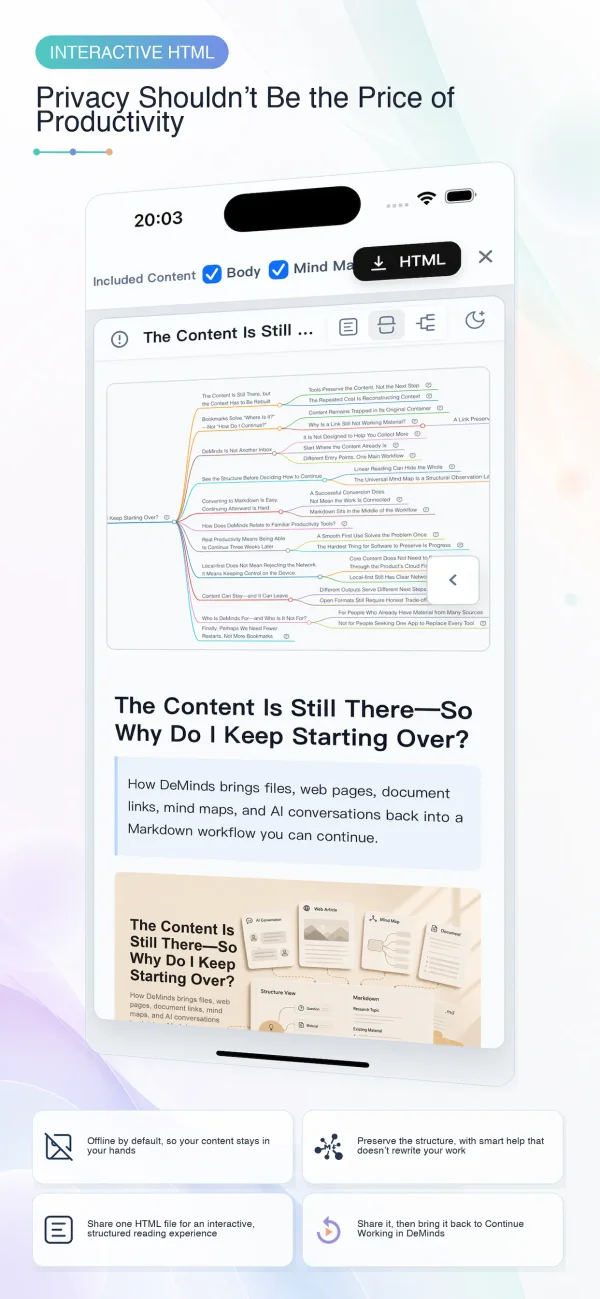
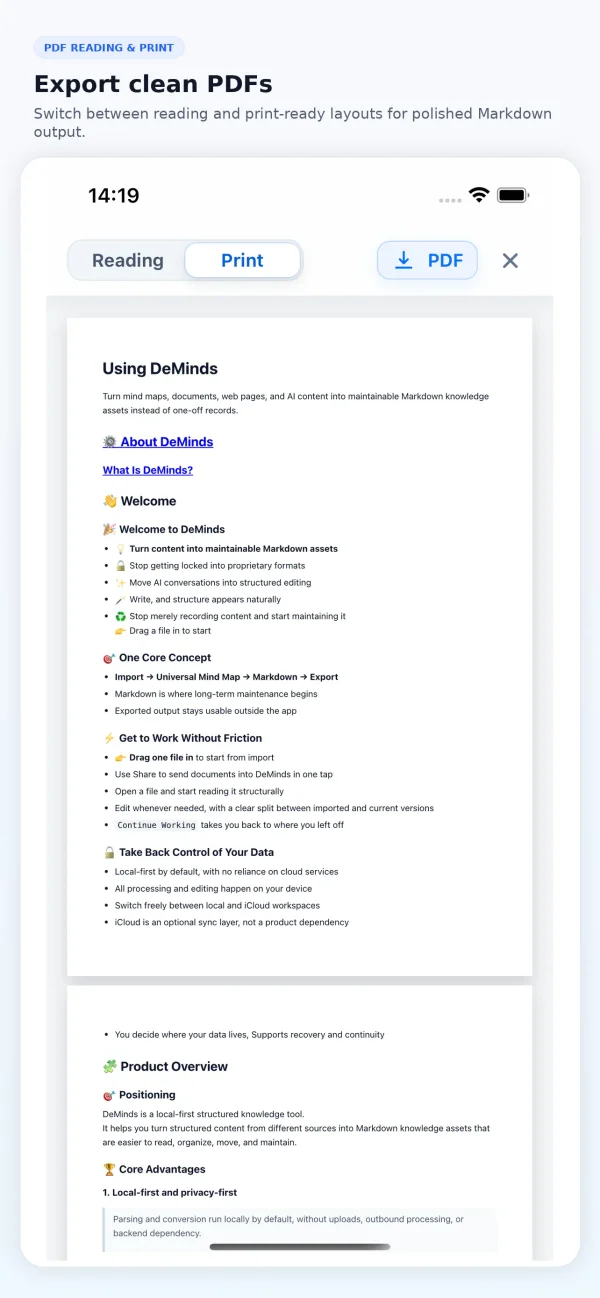
Export a Markdown File, a Standard Markdown Bundle with assets, or a PDF. With DeMinds Plus, export a Full Mind Map as PNG, create a read-only Interactive View with text, map or both, and publish it publicly through GitHub Pages in your own account. Others can read it and download Markdown in a browser without DeMinds, or open a supported online view in the app. Disconnecting GitHub does not delete published files.
On iOS 18 or later, where supported by the system, temporarily translate the preview, map titles, and Notes without changing the original.
Core work in DeMinds needs no account. Documents, edits, and history are processed on your device or in your chosen Workspace, not on DeMinds servers. Web pages, remote documents, Content Sources, iCloud, translation, and publishing use the relevant network or system services when you enable those features.
DeMinds Plus also adds the Original Mind Map, Presentation Playback, Workspace Backup import, and a higher project limit in Continue Working.
Privacy Policy: https://deminds.xyz/privacy
Terms of Use (EULA): https://www.apple.com/legal/internet-services/itunes/dev/stdeula/
What’s new
Version 1.0.70 · Nov 21, 2026
• Edit eligible titles, lists and tasks directly in your Mind Map.
• Enjoy smoother saving and version history while working with documents and Notes.
• Work with supported nested lists and blank paragraphs more smoothly in Notes.
App privacy
What Yongguo Fan declares on the App Store about how this app handles data.
-
Data not collected
The developer does not collect any data from this app.
Privacy practices may vary, for example with the features you use or your age.
Information
- Seller
- Yongguo Fan
- Category
- Productivity
- Version
- 1.0.70
- Updated
- Nov 21, 2026
- Released
- May 28, 2026
- Size
- 17.3 MB
- Requires
- iOS 15.0 or later
- Age rating
- 4+
- Price
- Free
- In-app purchases
- Yes
- Languages
- English, French, German, Japanese, Korean, Portuguese, Russian, Simplified Chinese, Spanish, Traditional Chinese
- Copyright
- © 2026 DeMinds
You might also like
-
 Memon for MobileThree-pane rich text note app
-
 SolmariProductivity
-
 Markdown Editor & AI NotesCanvas notebook, Apple Pencil
-
 PromptBolt - AI Prompt TypingOne-Tap Insert from Keyboard
-
 Telepromptly - Script PromptWrite, Scroll, Record
-
 Bulletlist: OutlinerAn outliner that keeps up
-
 Thoughtree: Mind Map & OutlineBrainstorm, Plan & Take Notes
-
 Lucid: Second BrainOffline PARA notes, no account
-
 QuirepadCollect text as you browse
-
 Hjarni Notes & MemoryYour notes, your AI's memory.