
Bulletlist: Outliner
An outliner that keeps up
Designed for iPhone, iPad, iPod touch
Free
- Age rating4+
- CategoryProductivity
- DeveloperNozemans Software PTE LTD
- LanguagesEnglish
- Size10.4 MB
Links to the official App Store page
Download.org hosts no file of Bulletlist: Outliner. The button opens its official App Store page, published by Nozemans Software PTE LTD. Listing last checked on Nov 23, 2026.
Screenshots
About
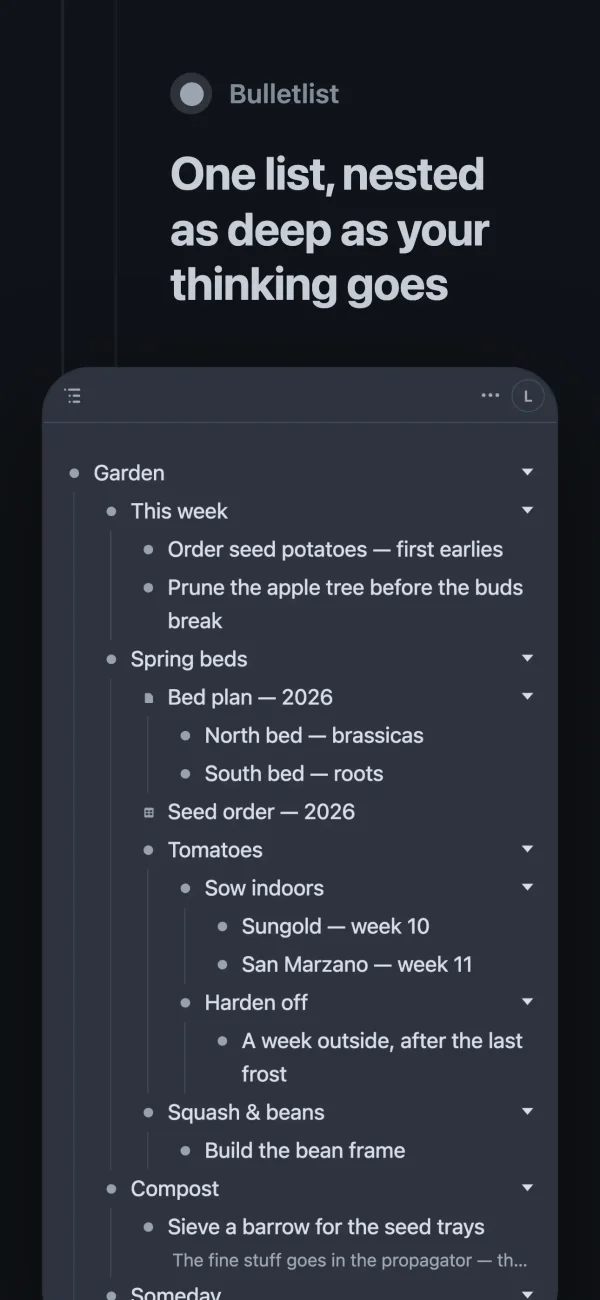
Bulletlist is an outliner. One list, nested as deep as your thinking goes, and
nothing else in the way.
Every line is a bullet. Press Return for the next one, Tab to move it under the
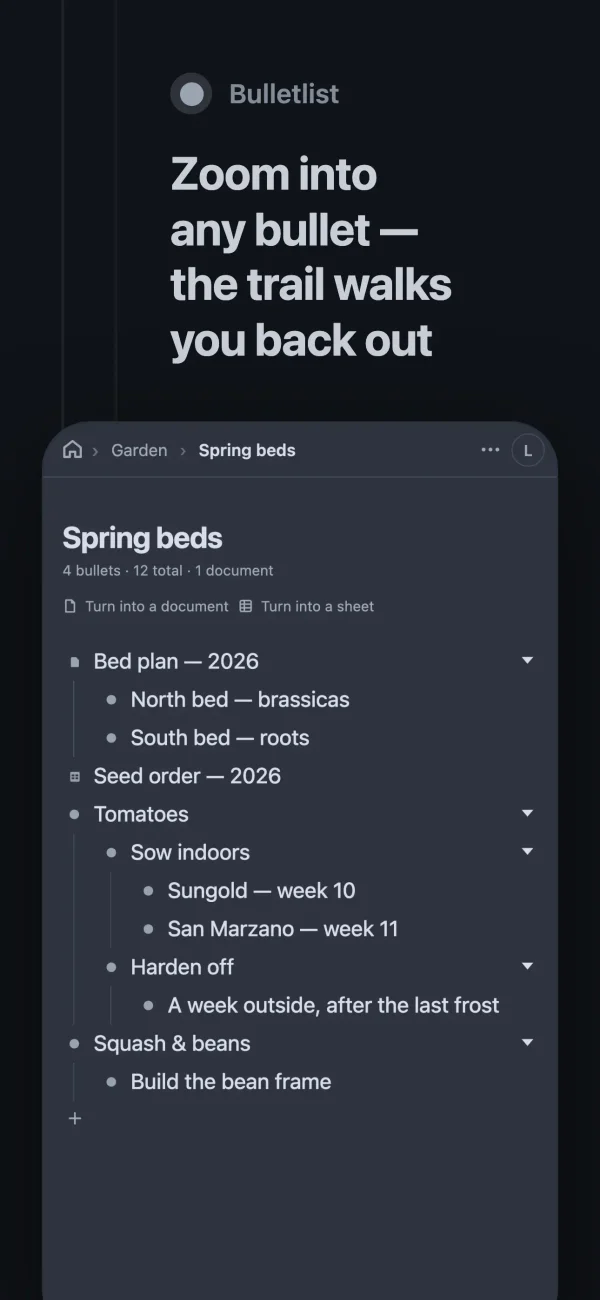
one above, and keep going. Zoom into any bullet to make it the whole screen, then
walk back out through the trail at the top — so a long outline is read a room at a
time instead of all at once.
Built for keyboards
Bulletlist takes the shortcuts you already know from the outliners you have used
before, without inventing new ones. Move a bullet with Shift-Command-Up. Complete
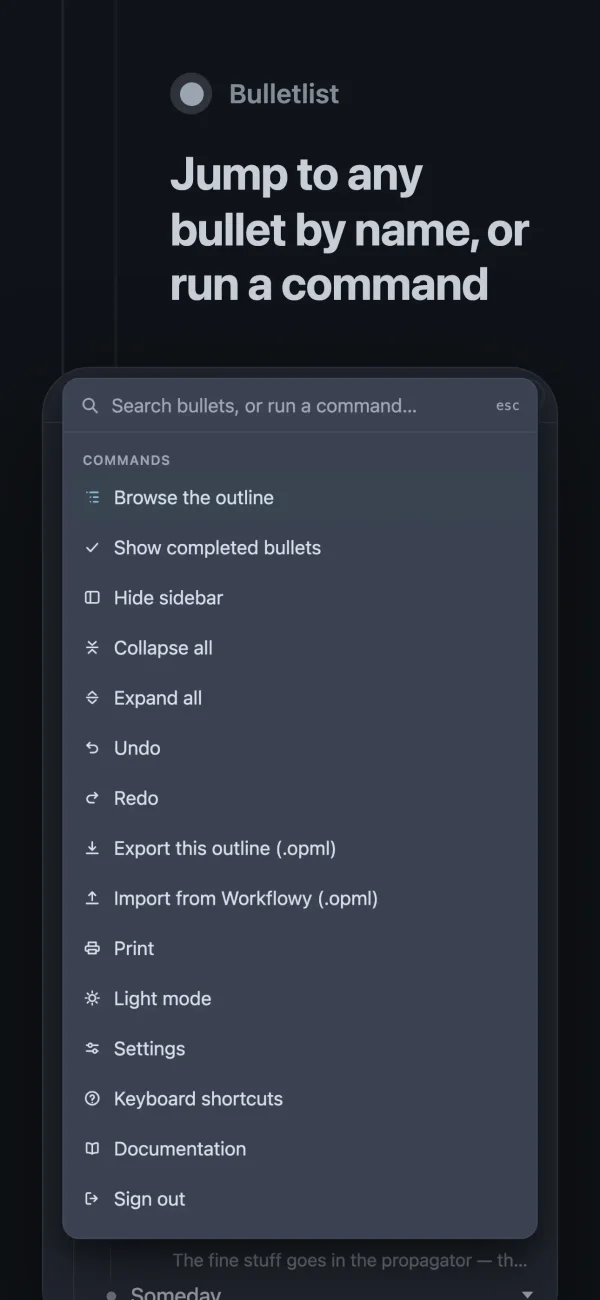
it with Command-Return. Jump to any bullet by name with Command-K. Press
Command-/ for the whole list, in the app, grouped by what it applies to.
Built for thumbs too
Swipe a row to indent it. Long-press to pick it up and drop it anywhere, at any
level. The editing bar rides the top of the keyboard instead of hiding under it,
and the back gesture goes back through the bullets you zoomed into.
Yours, and readable without us
Your outline lives in your own storage under your own account. Google Analytics
measures how the app is used — screens opened, and counts of bullets added,
completed and moved — and never receives a bullet, a note or a search. There is
no advertising identifier, nothing sold, and no third party watching you type.
Export the whole thing as an OPML file whenever you like, and it opens in any
outliner.
Works offline
The app is on your device, not in a browser tab. Write on a plane and it syncs
when you land. Edits made on two devices are merged rather than one overwriting
the other.
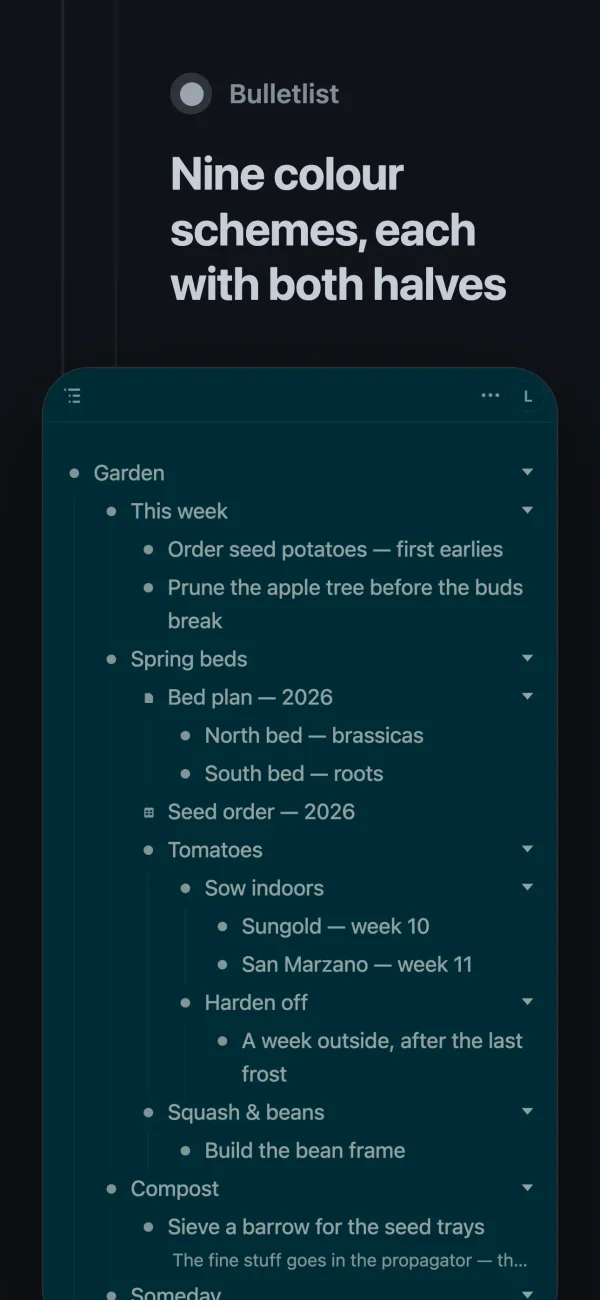
Nine colour schemes
Light and dark are separate from which colours those two words mean. Paper is
ours; the other eight are Solarized, Gruvbox, Everforest, Stone, Dracula,
Catppuccin, Nord and GitHub, each with both of its halves, for people who already
know which one they want.
Sign in with your email address and a code. There is no password to invent and
none to lose.
What’s new
Version 1.5.5 · Nov 17, 2026
Fixes a shared list that could be emptied for everyone after deleting it and pressing Undo. When your sign-in expires, the app now asks you to sign in again instead of quietly stopping sync.
App privacy
What Nozemans Software PTE LTD declares on the App Store about how this app handles data.
-
Data linked to you
May be collected and linked to your identity.
- Contact info
- User content
Privacy practices may vary, for example with the features you use or your age.
Information
- Seller
- Nozemans Software PTE LTD
- Category
- Productivity
- Version
- 1.5.5
- Updated
- Nov 17, 2026
- Released
- Aug 19, 2026
- Size
- 10.4 MB
- Requires
- iOS 15.0 or later
- Age rating
- 4+
- Price
- Free
- Languages
- English
- Copyright
- © 2026 Lauren ten Hoor
You might also like
-
 Outliner by codediaryYour ideas, organized
-
 Bullet: OutlinerOutliner Structured Thinking
-
 PaperTrail: Document OrganizerReceipts, scans & reminders
-
 Local Routine TrackerDaily habits, step by step
-
 Aravel: Idea Notes & OrganizerTrack, map & plan next steps
-
 PastePlop — Mobile CompanionDesktop clipboard, on hand
-
 ADHD Task Outliner: FinishTraxPlan small steps you can start
-
 Capsule ListShopping List | Todo List
-
 CopyNest: Clipboard ManagerSave, Search & Manage Copies
-
 Structured OutlinerProductivity