
Desktop Drop - File Transfer
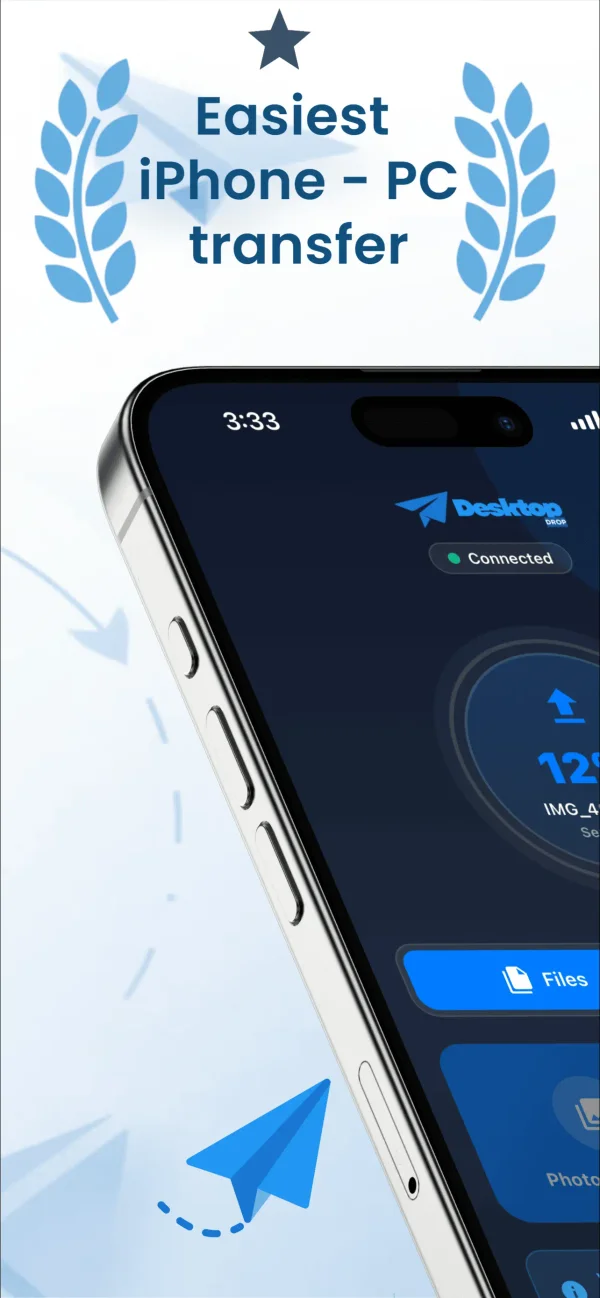
Instant PC to Phone Transfer
Designed for iPhone, iPad, iPod touch
Free
- Age rating4+
- CategoryProductivity
- DeveloperMahad Shahid
- LanguagesEnglish
- Size46.8 MB
Links to the official App Store page
Download.org hosts no file of Desktop Drop - File Transfer. The button opens its official App Store page, published by Mahad Shahid. Listing last checked on Nov 15, 2026.
Screenshots
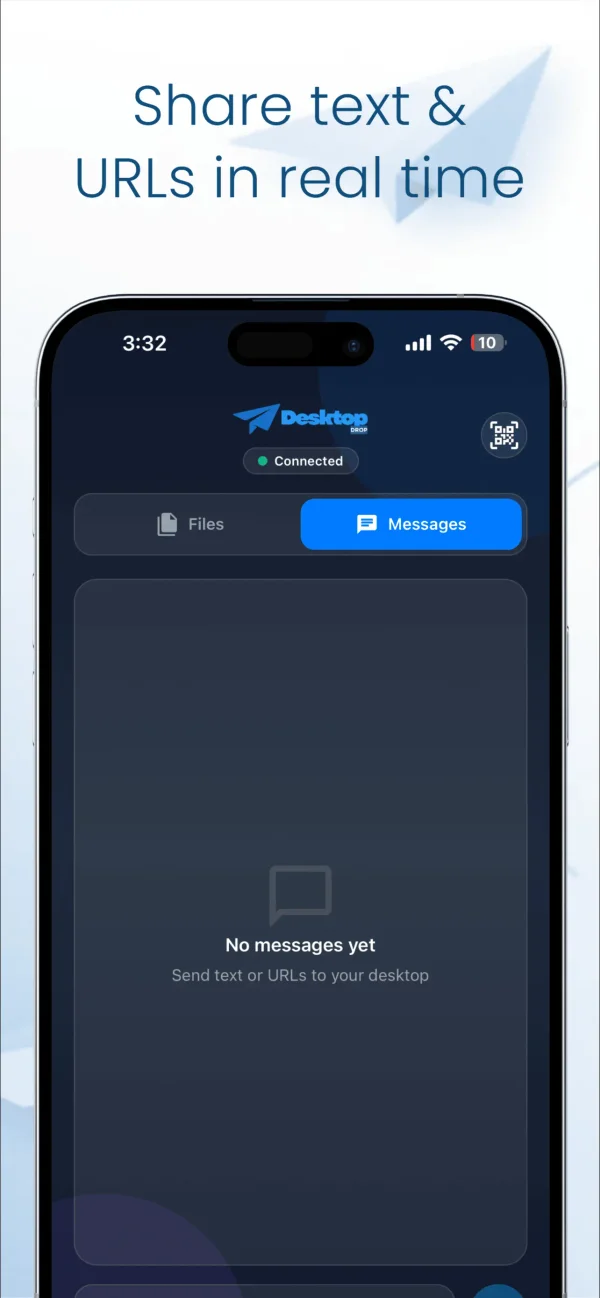
About
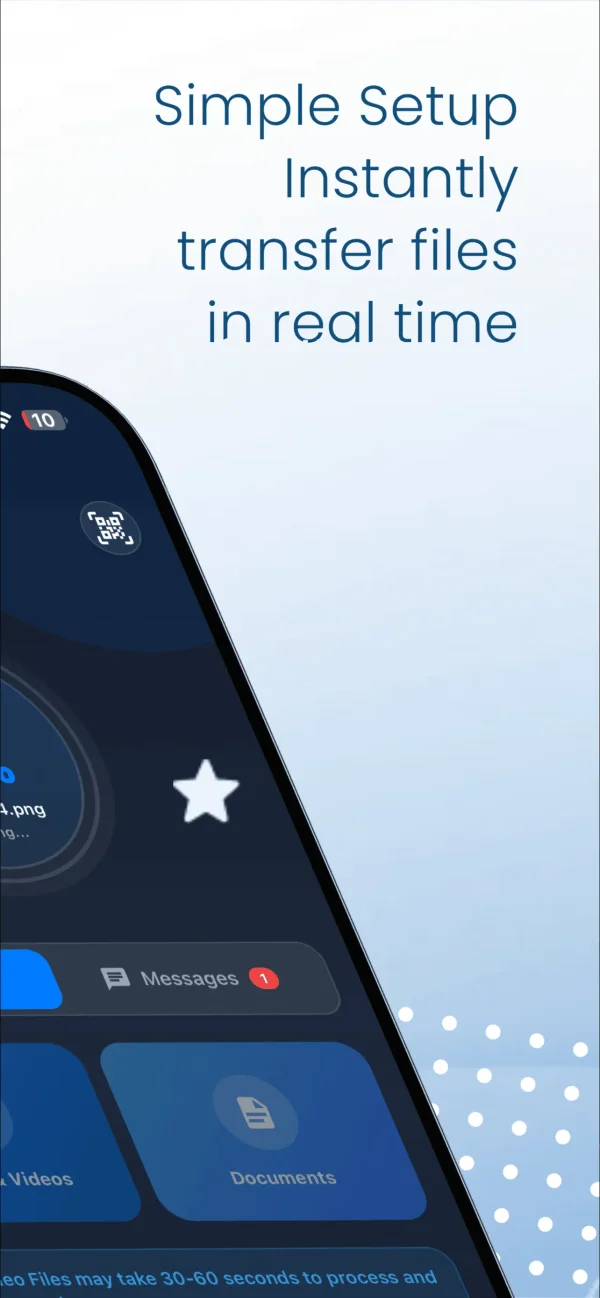
No cables. No cloud. No apps to install on your computer. Just scan and send.
Works only if both devices are connected to same network, providing easy connection setup and lightening fast file transfer speed
HOW IT WORKS:
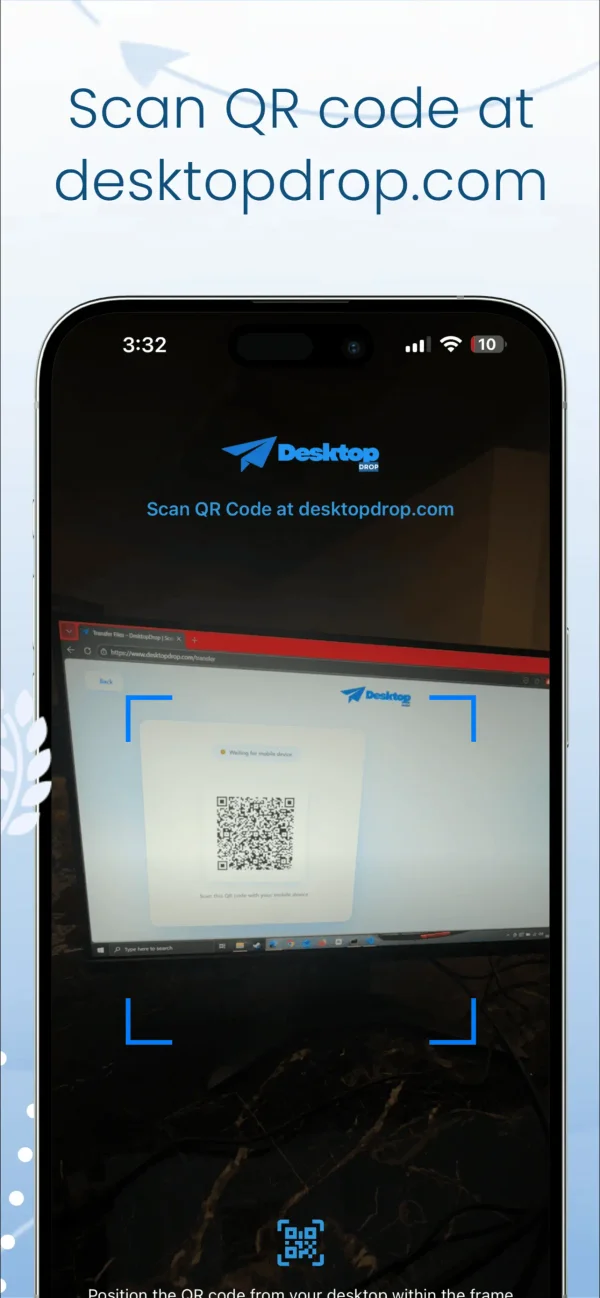
Open desktopdrop.com on your computer
Scan the QR code with this app
Transfer files instantly at blazing speed
PERFECT FOR:
Software developers moving code & logs
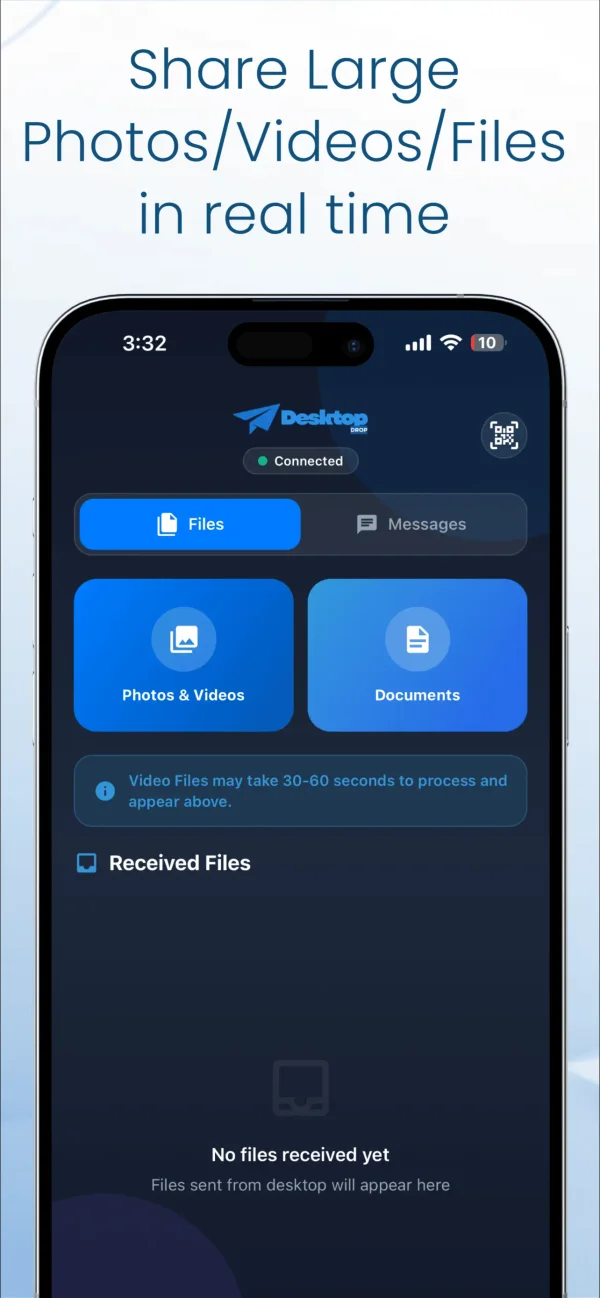
Sharing photos, videos, and documents
Sending URLs and text between devices
Anyone tired of emailing files to themselves
WHY DESKTOP DROP?
-> 10x Faster - Direct peer-to-peer connection
-> Works Anywhere - Cross-platform
-> Zero Setup - No desktop app required, just a browser
-> Private & Secure - Direct connection, nothing stored in the cloud
-> No Size Limits* - Transfer large files up to 2GB
-> Send Text & URLs Too - Not just files
USE CASES:
-> Move photos from your phone to edit on desktop
-> Share screenshots instantly while debugging
-> Transfer documents without emailing yourself
-> Send URLs from mobile browsing to your computer
Quick file sharing during presentations
No subscriptions. No file size upselling. Just fast, simple transfers.
Files stay between your devices—we never see or store your data.
What’s new
Version 1.0.8 · Jan 12, 2026
Bugs Resolved
App privacy
What Mahad Shahid declares on the App Store about how this app handles data.
-
Data used to track you
May be used to track you across apps and websites owned by other companies.
- Identifiers
- Usage data
-
Data not linked to you
May be collected but is not linked to your identity.
- Identifiers
- Usage data
Privacy practices may vary, for example with the features you use or your age.
Information
- Seller
- Mahad Shahid
- Category
- Productivity
- Version
- 1.0.8
- Updated
- Jan 12, 2026
- Released
- Dec 11, 2025
- Size
- 46.8 MB
- Requires
- iOS 15.1 or later
- Age rating
- 4+
- Price
- Free
- Languages
- English
- Copyright
- © Desktop Drop
You might also like
-
 Sejam NotesProductivity
-
 PDF Edit Studio: Editor & SignConvert to Word, Merge, Redact
-
 Chroma Calc Pro: CalculatorScientific & 100+ Tools
-
 OpenFile - Preview any FilePreview 100+ File Formats
-
 PromptDock AICreate & Reuse Prompts
-
 Photo Cleaner - Clean MasterPower Clean & Clean Up
-
 Passport Photo Booth: Photo IDPassport Booth, ID Photo Maker
-
 Image & Photo PDF MakerJPG, PNG to PDF & Scan
-
 Tom: Transcribe Audio & VideoTranscriber offline manager