
DetailsPro
Design tool for SwiftUI™
Designed for iPhone, iPad, Mac
Free · In-app purchases
- Age rating4+
- CategoryDeveloper Tools
- DeveloperFun Focus Software LLC
- LanguagesEnglish
- Size32.3 MB
Links to the official App Store page
Download.org hosts no file of DetailsPro. The button opens its official App Store page, published by Fun Focus Software LLC. Listing last checked on Nov 8, 2026.
Screenshots
About
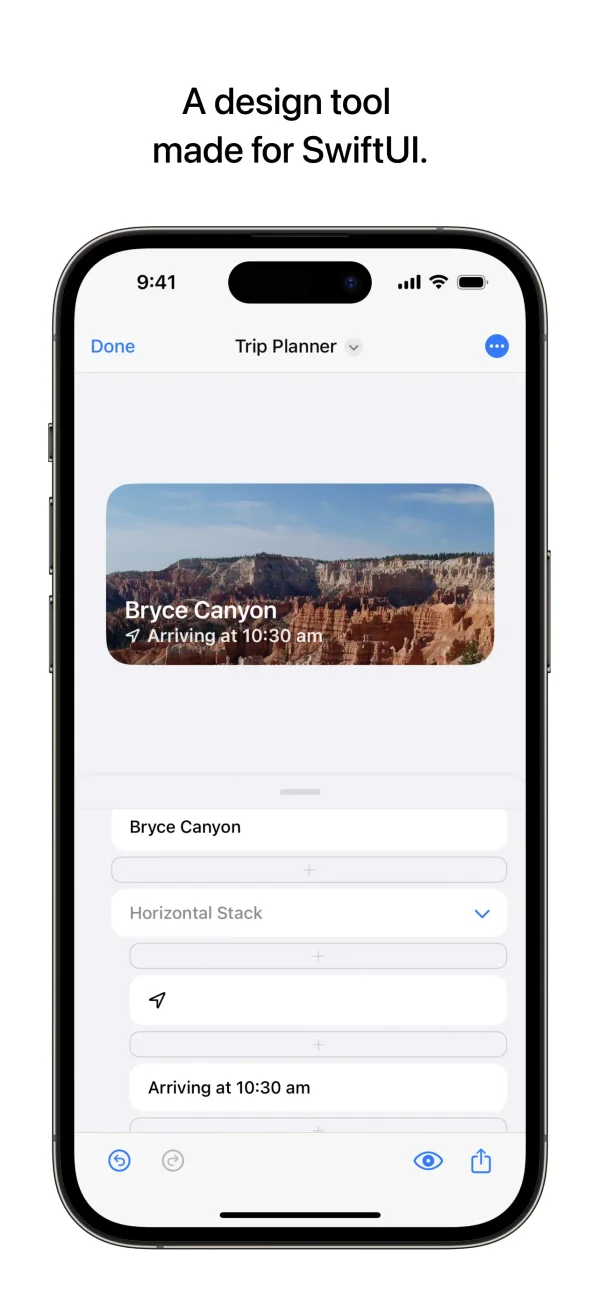
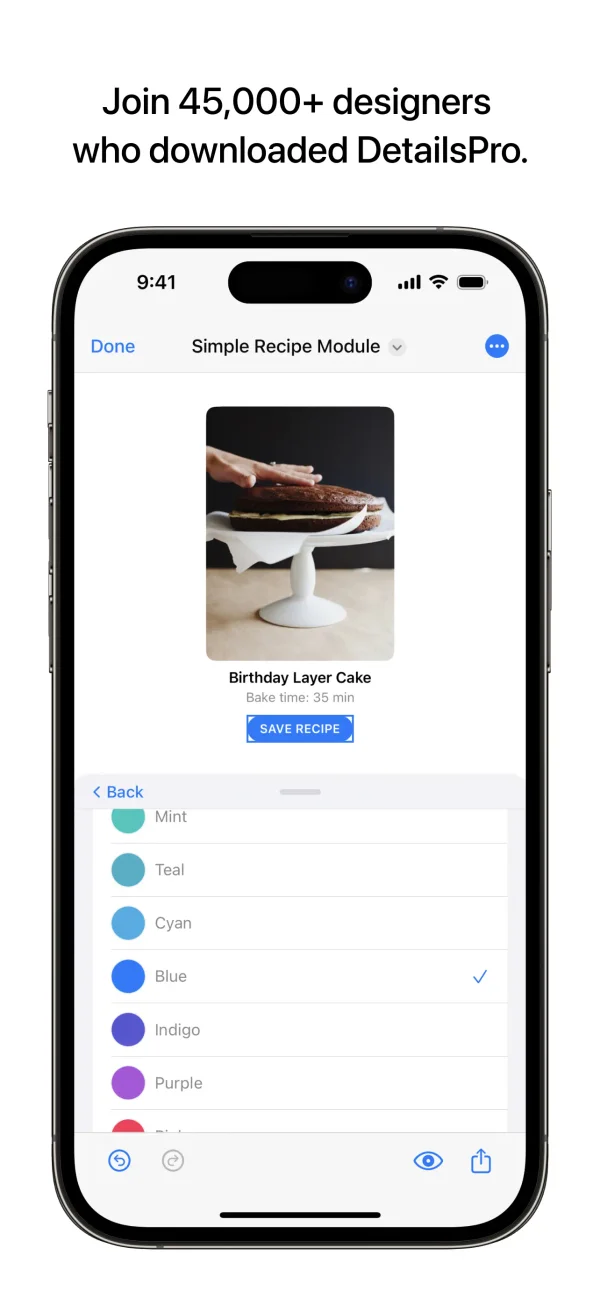
DetailsPro is a design tool made for Apple designers and SwiftUI.
- Create with SwiftUI views like VStack, Text, Image, and more
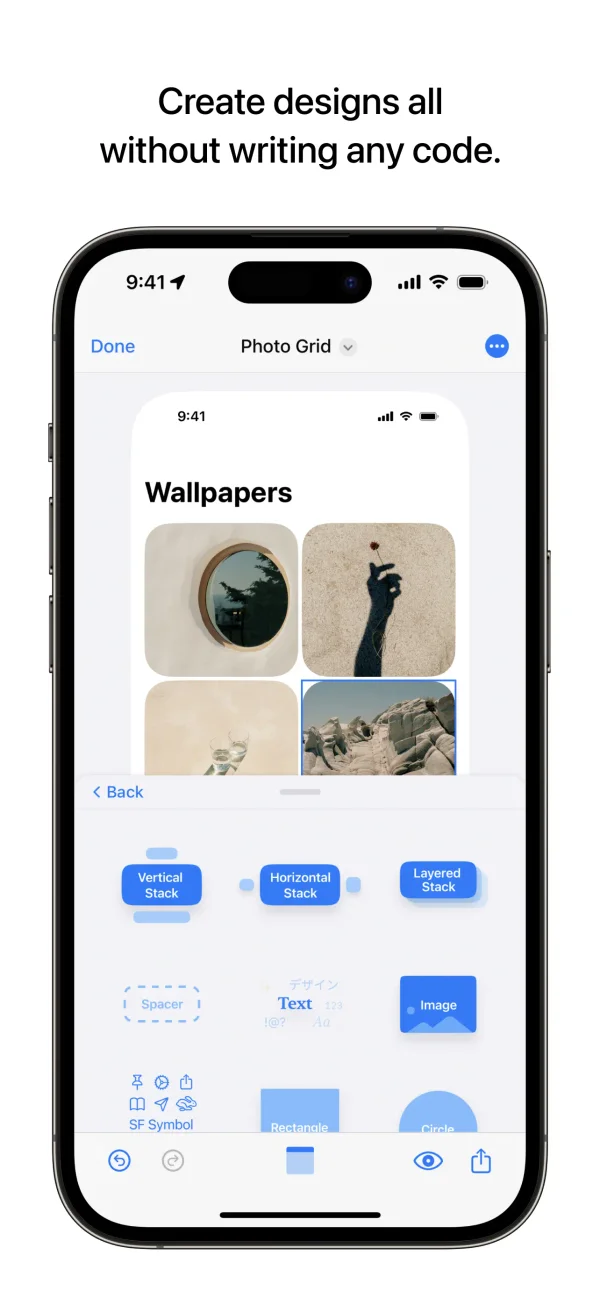
- Make real designs without writing any code
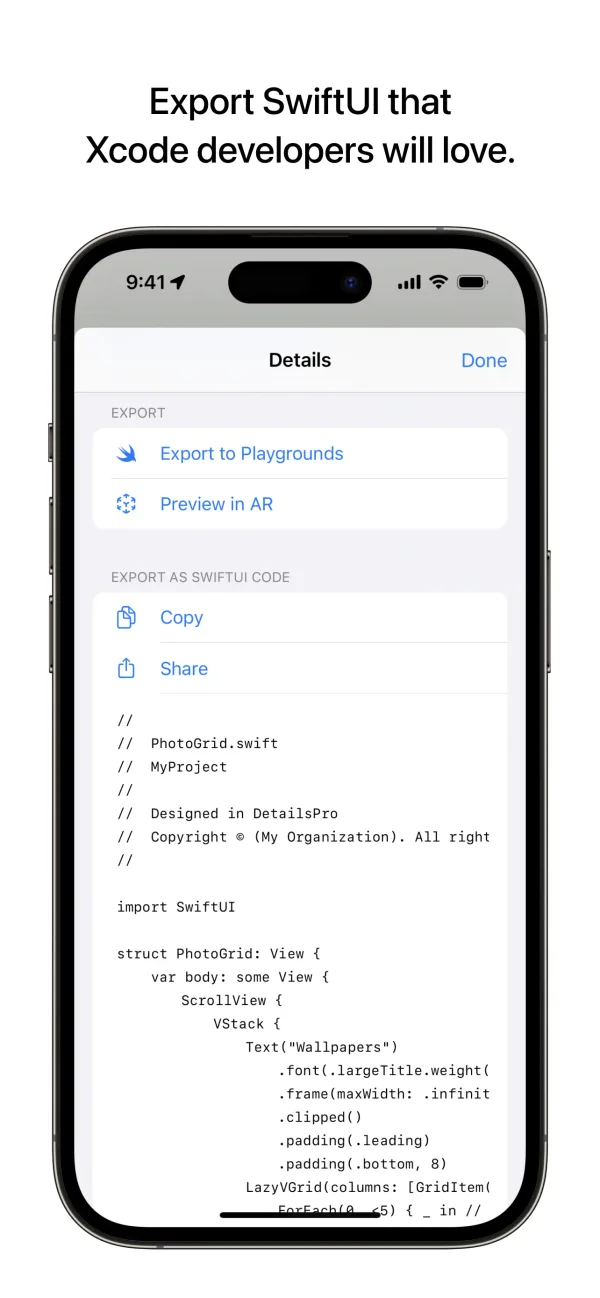
- Export to Xcode, Swift Playgrounds, and more
- Available free forever with unlimited files
- Optionally upgrade to Premium for all tools and templates
- Design from iPhone, iPad, Mac, and Apple Vision Pro
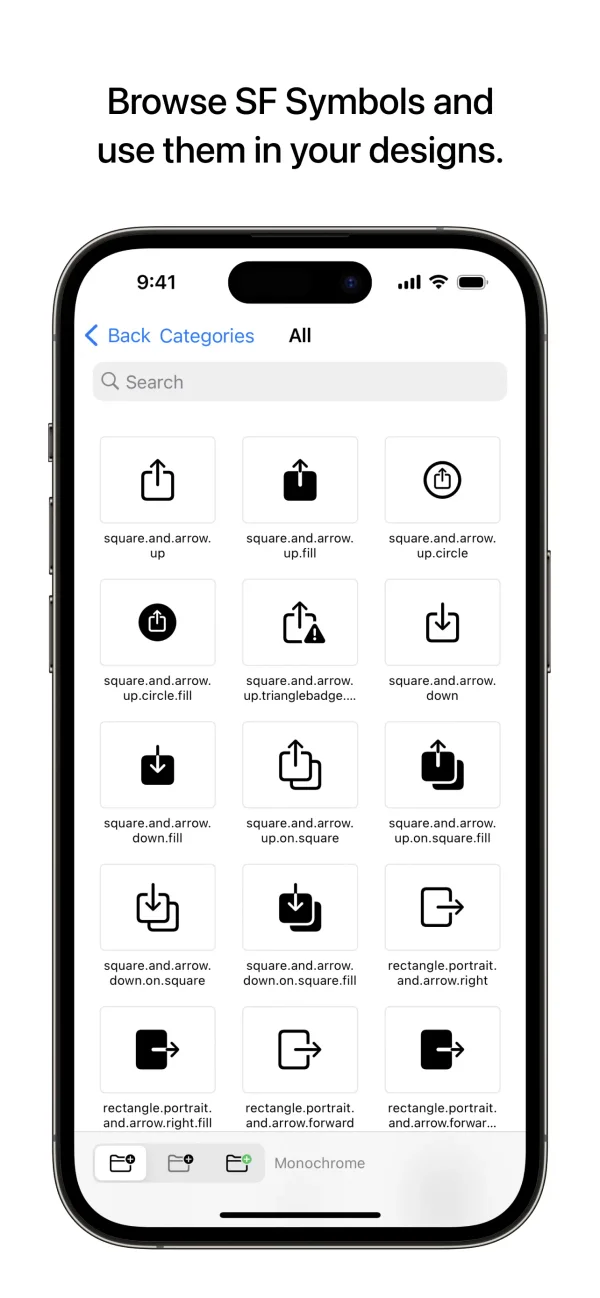
- Browse SF Symbols categories
- Test widget designs natively on your Home Screen
- Preview designs live on a second device
Features:
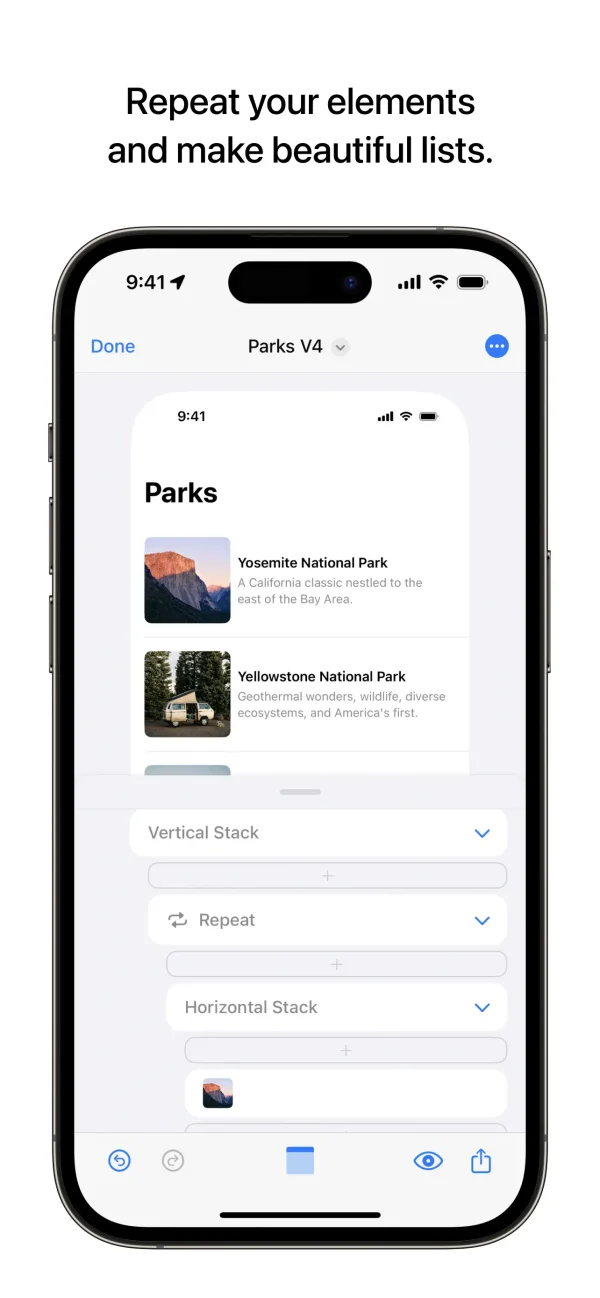
- VStack, HStack, ZStack
- Text, Images, Shapes
- Intuitive Overlays, Backgrounds, and Masks
- Dividers, Spacers
- Grids, Scrolls
- Visual Effect Blur Views
- SF Symbols
- Gradients
- Maps
- Frame, Padding modifiers
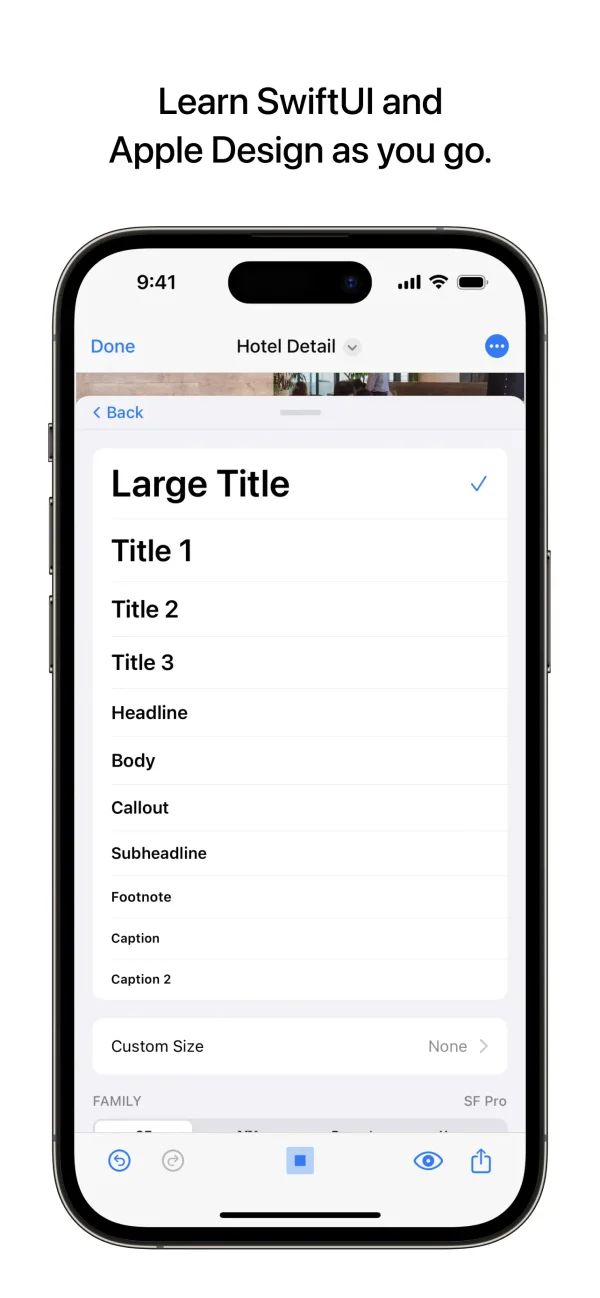
- All Text modifiers like kerning, lineHeight, font, fontWeight, and more
- Liquid Glass modifiers
- Effects modifiers like colorMultiply, opacity, offset, rotate, and scale
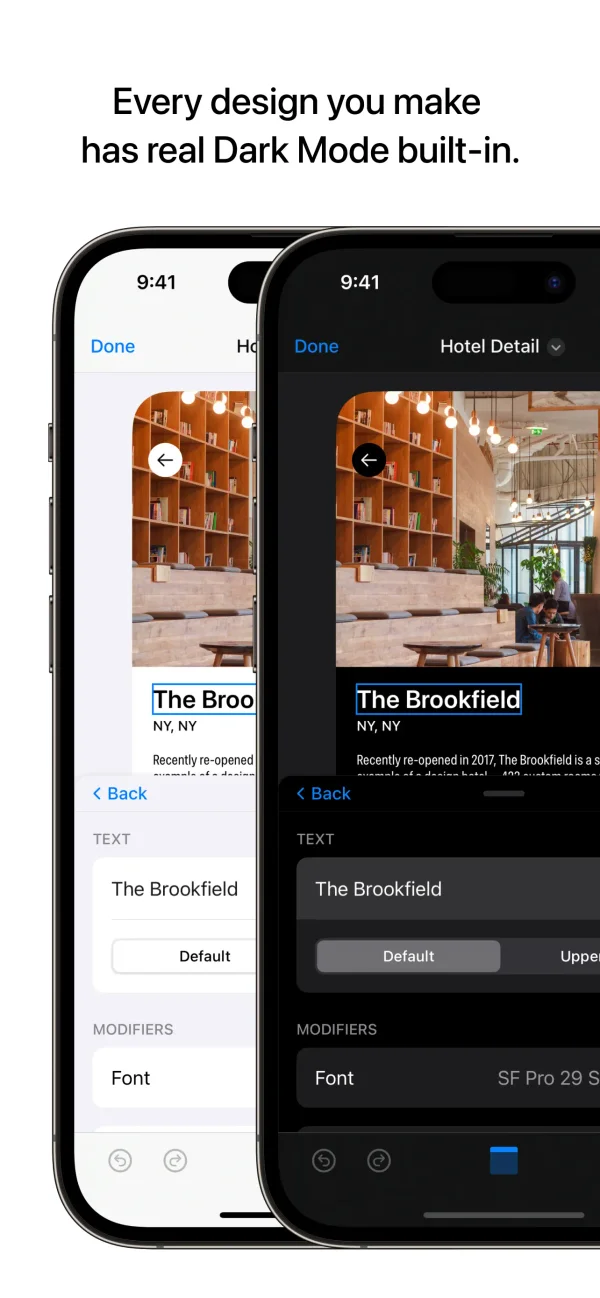
- Dark mode and light mode
- Built-in size templates for iPhone, iPad, and other devices
- Import and export as .detailspro files
- Export to Swift Playgrounds
- Export to Xcode as Swift files
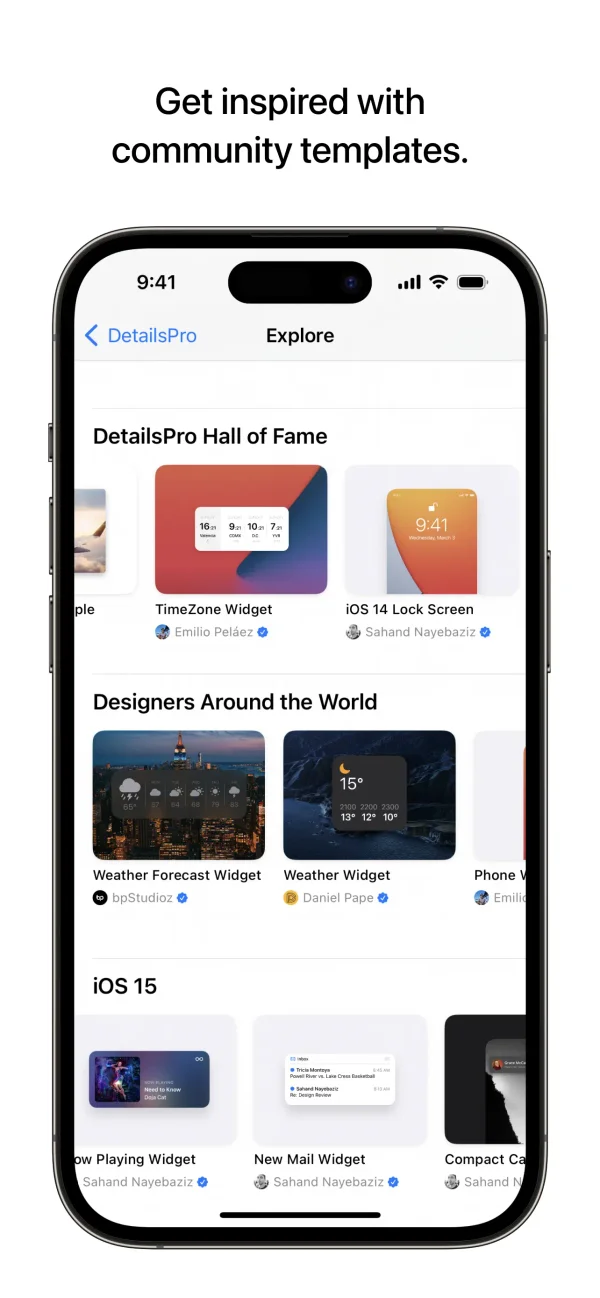
- Download community templates
Templates: Kick start your next design update with built-in SwiftUI design templates and community templates that are being updated all the time. Save time and get straight to your idea without having to set up a full development environment.
Split Mode: Check your design in Dark Mode and Light Mode more easily than ever by previewing both at the same time. Choose from System, Dark, Light, or Split Mode for your design environment and switch between them instantly.
"...the tools you need to start designing an app in SwiftUI using just an iOS device." - 9to5Mac
Your DetailsPro subscription will automatically renew unless you turn off auto-renew at least 24 hours before the current period ends. You can go to Settings > iTunes & App Store > Apple ID > Subscriptions to manage your membership. Your iTunes Account will be charged when the purchase is confirmed.
Read more about our terms and conditions here:
https://detailspro.app/terms
Read more about our privacy policy here:
https://detailspro.app/privacy
What’s new
Version 6.20.0 · Oct 9, 2026
iPhone 18 Pro and iPhone 18 Pro Max template sizes are available.
App privacy
What Fun Focus Software LLC declares on the App Store about how this app handles data.
-
Data linked to you
May be collected and linked to your identity.
- Identifiers
-
Data not linked to you
May be collected but is not linked to your identity.
- Diagnostics
Privacy practices may vary, for example with the features you use or your age.
Information
- Seller
- Fun Focus Software LLC
- Category
- Developer Tools
- Version
- 6.20.0
- Updated
- Oct 9, 2026
- Released
- Sep 9, 2020
- Size
- 32.3 MB
- Requires
- iOS 26.0 or later
- Age rating
- 4+
- Price
- Free
- In-app purchases
- Yes
- Languages
- English
- Copyright
- Copyright © Fun Focus Software LLC
You might also like
-
 HTTPBot: API & HTTP ClientAPI, MCP & WebSocket Debugger
-
 InteractfulLearn SwiftUI
-
 Swifter for SwiftUIDesign and code ressources
-
 Git client - Working Copyfor GitHub and self-hosted
-
 JellyCutsSupercharge your Shortcuts
-
 SixDfor SwiftUI x Design
-
 Prompt 3The SSH app with speed & style
-
 JaysonJSON editor with Shortcuts
-
 Blink Shell, Build & CodeThe Pro tool for developers