
Jayson
JSON editor with Shortcuts
Designed for iPhone, iPad
Free · In-app purchases
- Age rating4+
- CategoryDeveloper Tools
- DeveloperSimon B. Støvring
- LanguagesEnglish
- Size40.8 MB
Links to the official App Store page
Download.org hosts no file of Jayson. The button opens its official App Store page, published by Simon B. Støvring. Listing last checked on Nov 21, 2026.
Screenshots
About
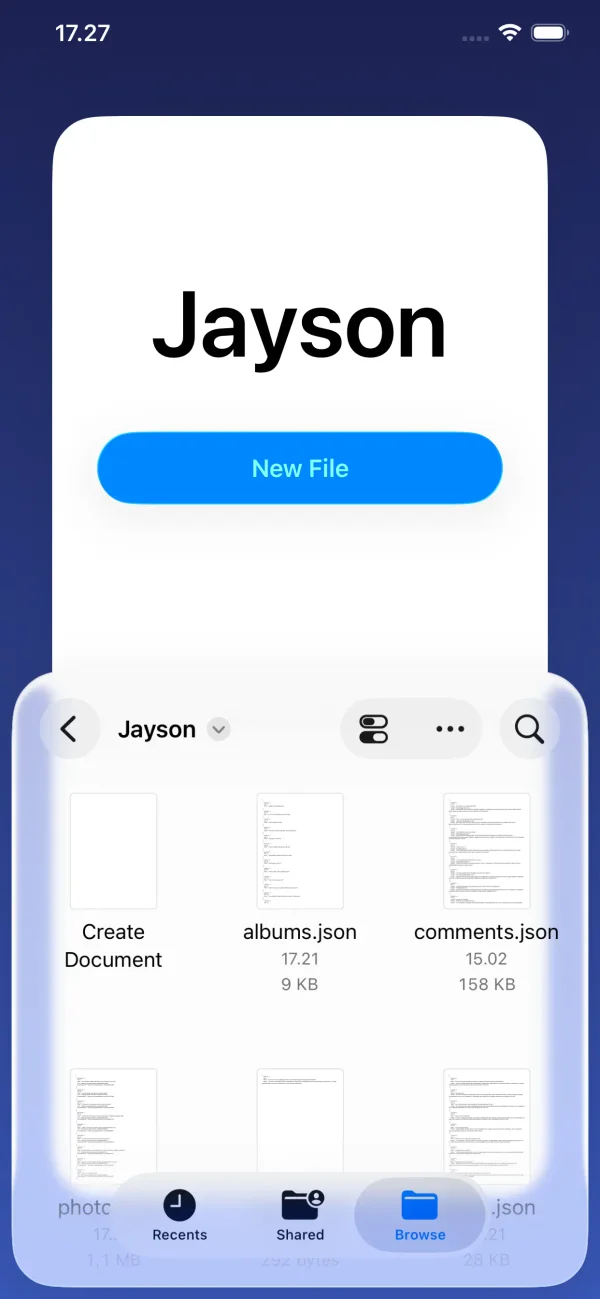
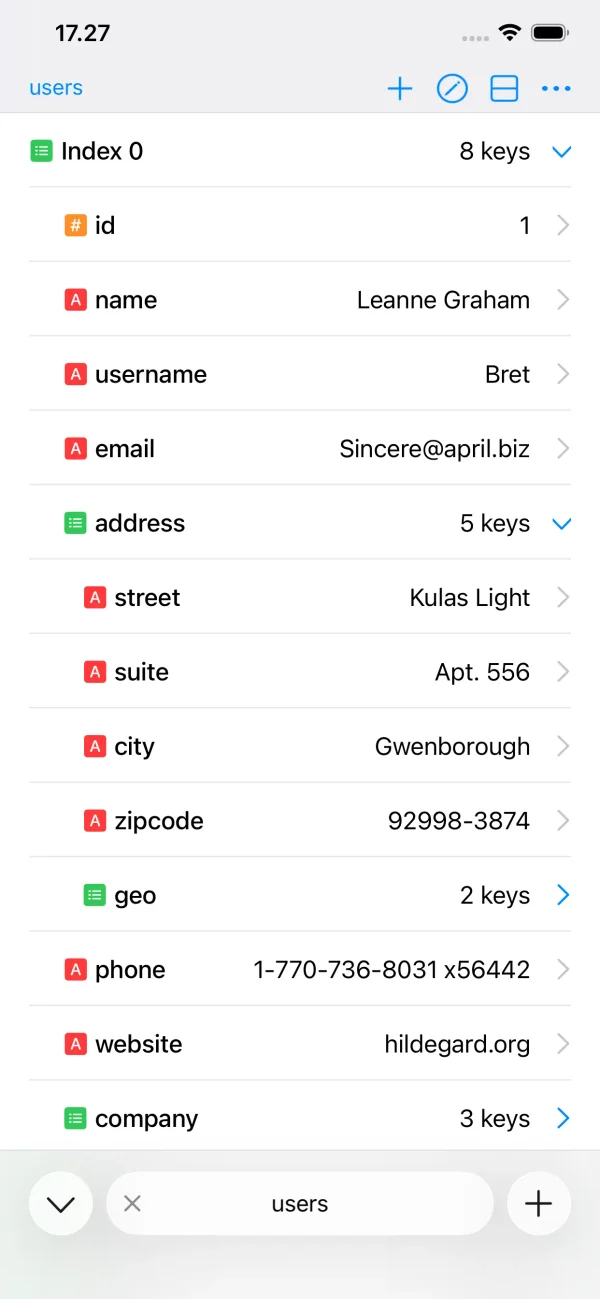
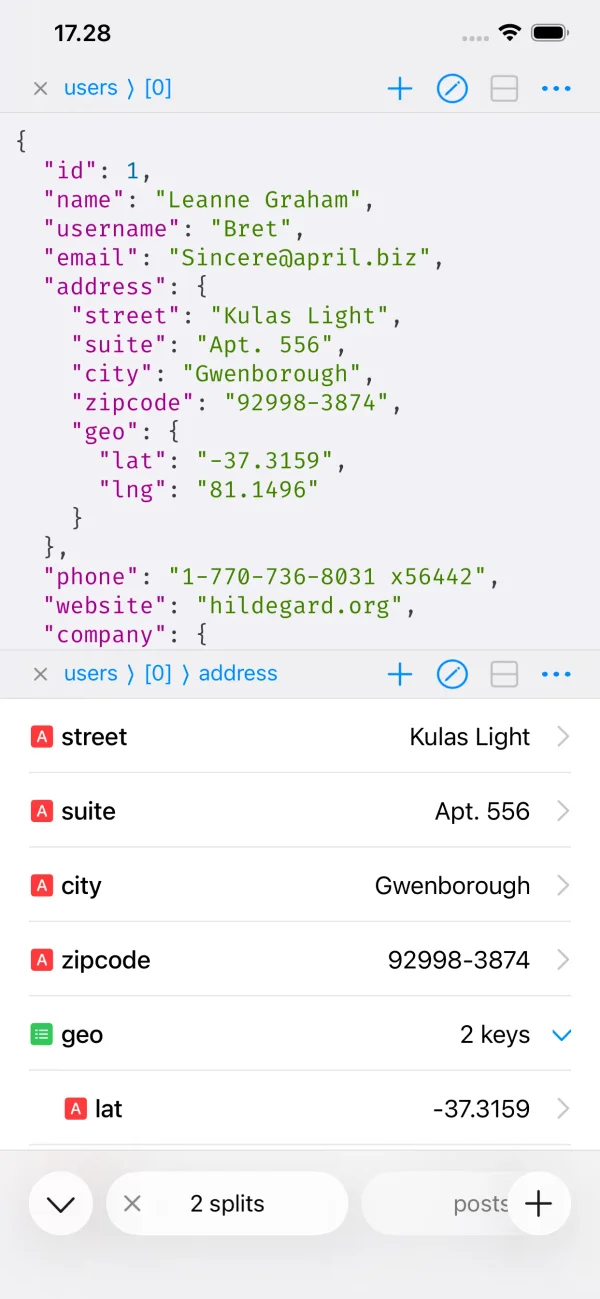
Jayson is a JSON viewer and editor for iPhone and iPad. Browse JSON as a structure, edit values, and save your changes back to the file.
Whether you're inspecting an API response, checking a config file, or making a quick fix on the go, Jayson turns raw JSON into something you can actually read and change.
BROWSE AND EDIT
- Open JSON files stored on your device or in iCloud Drive.
- Toggle between a structured table view and syntax highlighted text.
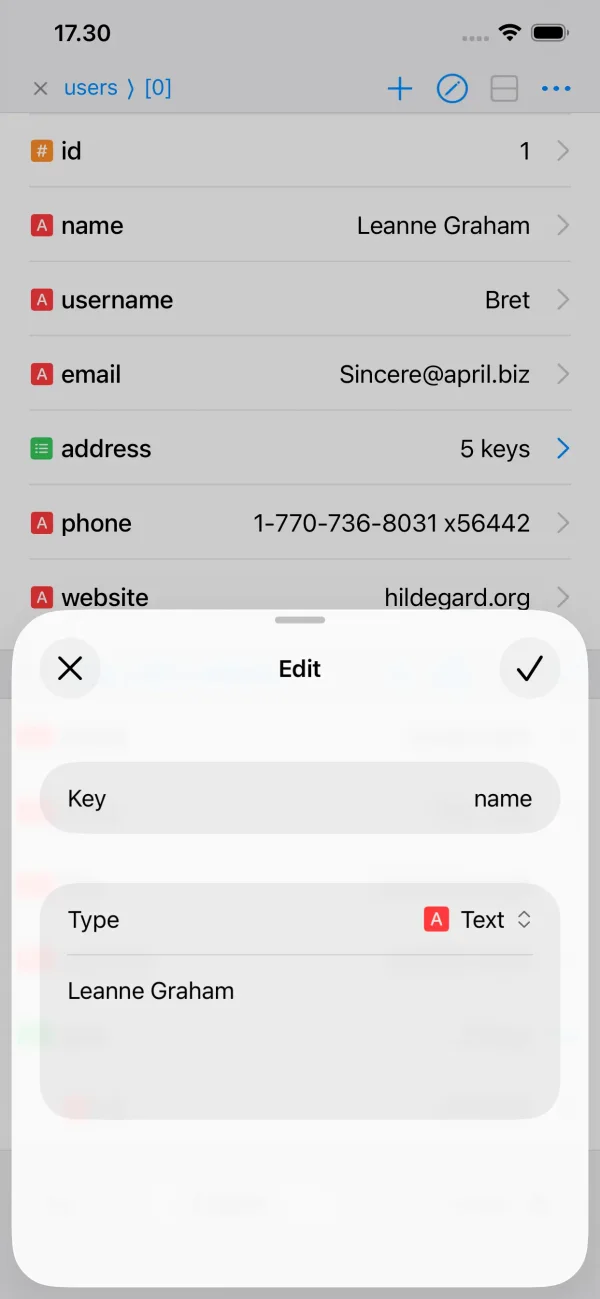
- Add new values and keys, and save your changes back to the file.
- Parse text or the contents of a URL from your clipboard into JSON.
- Highlight a key from a child of an array to get a quick overview of your data.
TABS, SPLITS, AND WINDOWS
- Switch between files, or different objects in a single file, using tabs.
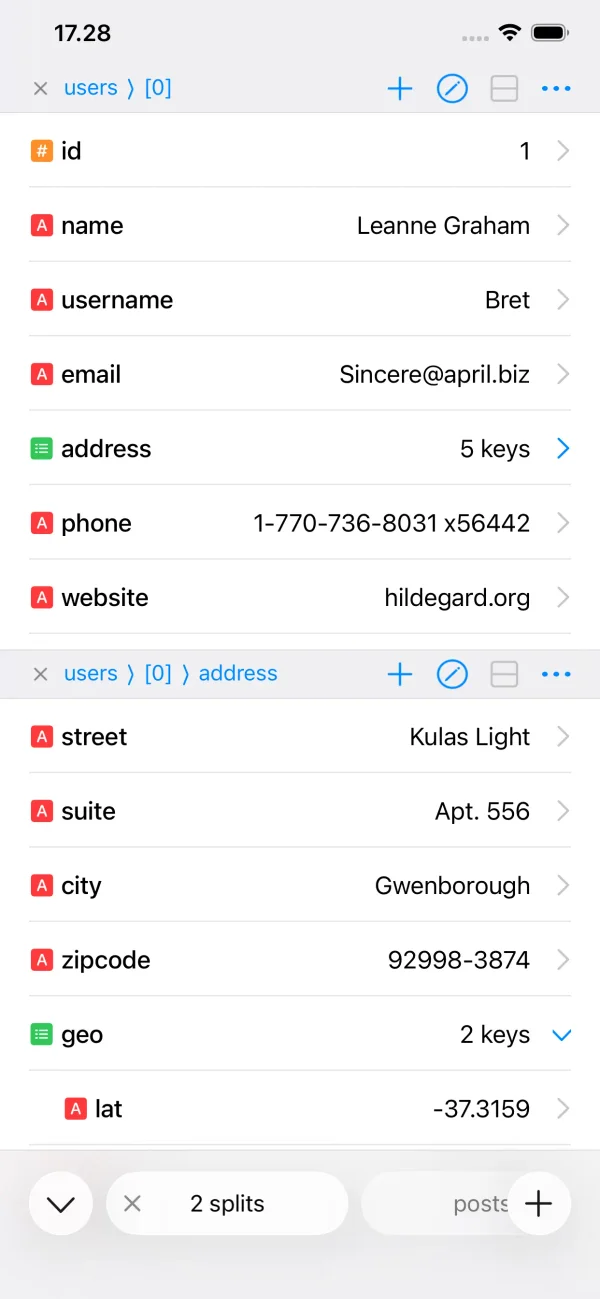
- Compare JSON in a single file or across files using multiple splits.
- Open multiple windows on the iPad.
WORKS WITH SHORTCUTS
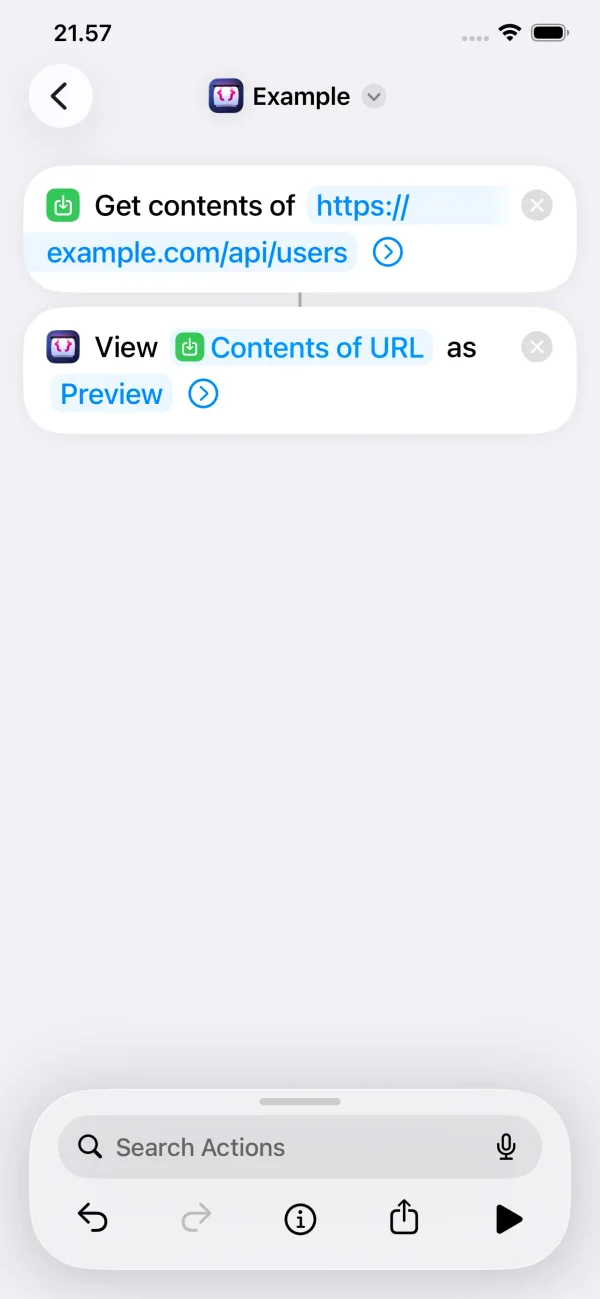
Jayson integrates with Shortcuts, which comes in handy for debugging API calls, previewing JSON files, and building workflows around JSON.
- Pass a response from Get Contents of URL to Jayson to see how it is structured.
- Open JSON as a document you keep working on, or as a temporary preview.
- Format JSON and hand the result to the next action, using spaces or tabs.
FREE, WITH AN OPTIONAL UPGRADE
Jayson's core functionality is free. Browsing, editing, saving, splits, Shortcuts, and working with up to two tabs at a time cost nothing.
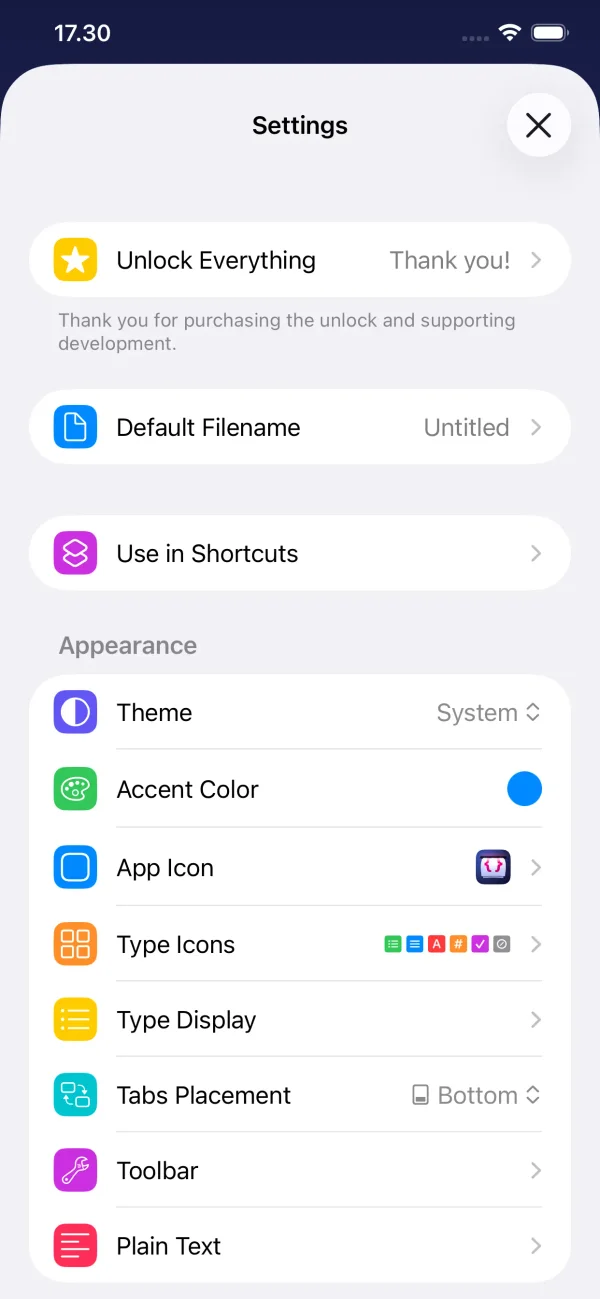
A one-time in-app purchase enables having more than two tabs open at once, switching between light and dark themes, and personalizing the app icon, accent color and type icons.
One purchase, no subscription.
What’s new
Version 1.5.3 · Sep 10, 2026
Brings small optimizations for iOS 27.
App privacy
What Simon B. Støvring declares on the App Store about how this app handles data.
-
Data not collected
The developer does not collect any data from this app.
Privacy practices may vary, for example with the features you use or your age.
Information
- Seller
- Simon Stovring
- Category
- Developer Tools
- Version
- 1.5.3
- Updated
- Sep 10, 2026
- Released
- Feb 2, 2019
- Size
- 40.8 MB
- Requires
- iOS 26.0 or later
- Age rating
- 4+
- Price
- Free
- In-app purchases
- Yes
- Languages
- English
- Copyright
- © 2026 Simon B. Støvring
You might also like
-
 Debug AnywhereInspect web / DevTools
-
 Git client - Working Copyfor GitHub and self-hosted
-
 Network SnifferInspect HTTPS / Socket Request
-
 WebView - TesterTest your webpage in a WebView
-
 nRF Device Firmware UpdateDeveloper Tools
-
 KodexA powerful code editor
-
 Swifty Compiler: Swift IDECode Editor & Playground
-
 Blink Shell, Build & CodeThe Pro tool for developers
-
 Supanator: Supabase ManagerPostgres SQL Editor & Alerts
-
 Textastic Code EditorText, Coding, SFTP Client, SSH