- Age rating4+
- CategoryUtilities
- DeveloperJohn Millhouse
- LanguagesEnglish
- Size13.1 MB
Links to the official App Store page
Download.org hosts no file of Dial Timer. The button opens its official App Store page, published by John Millhouse. Listing last checked on Nov 17, 2026.
Screenshots
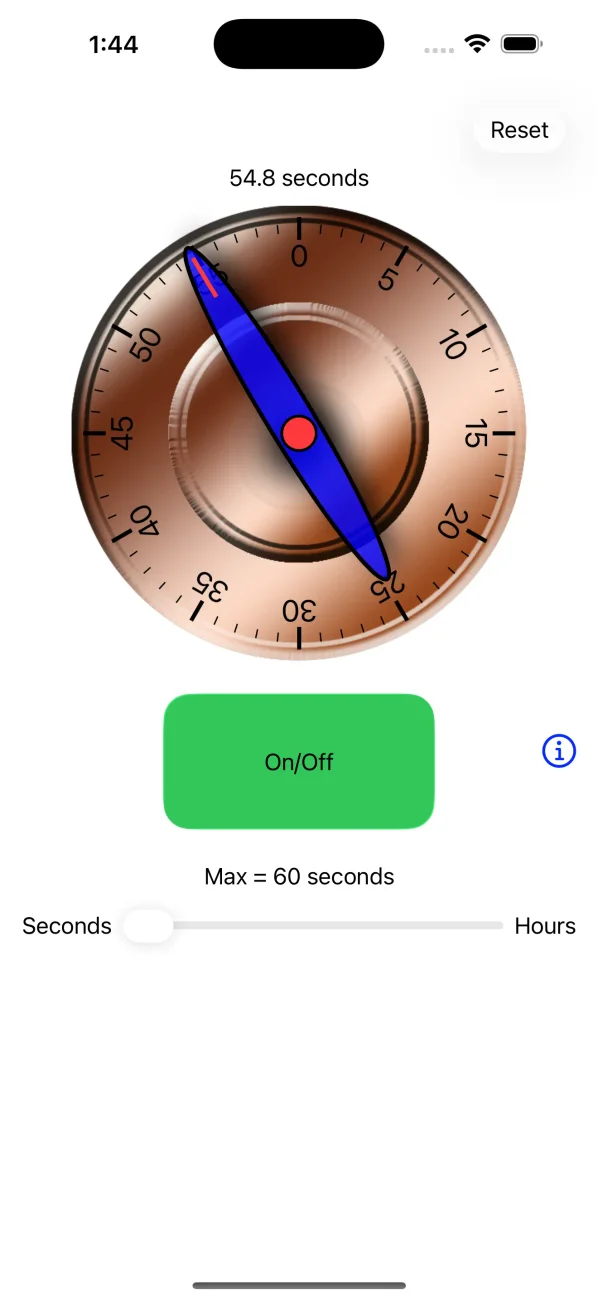
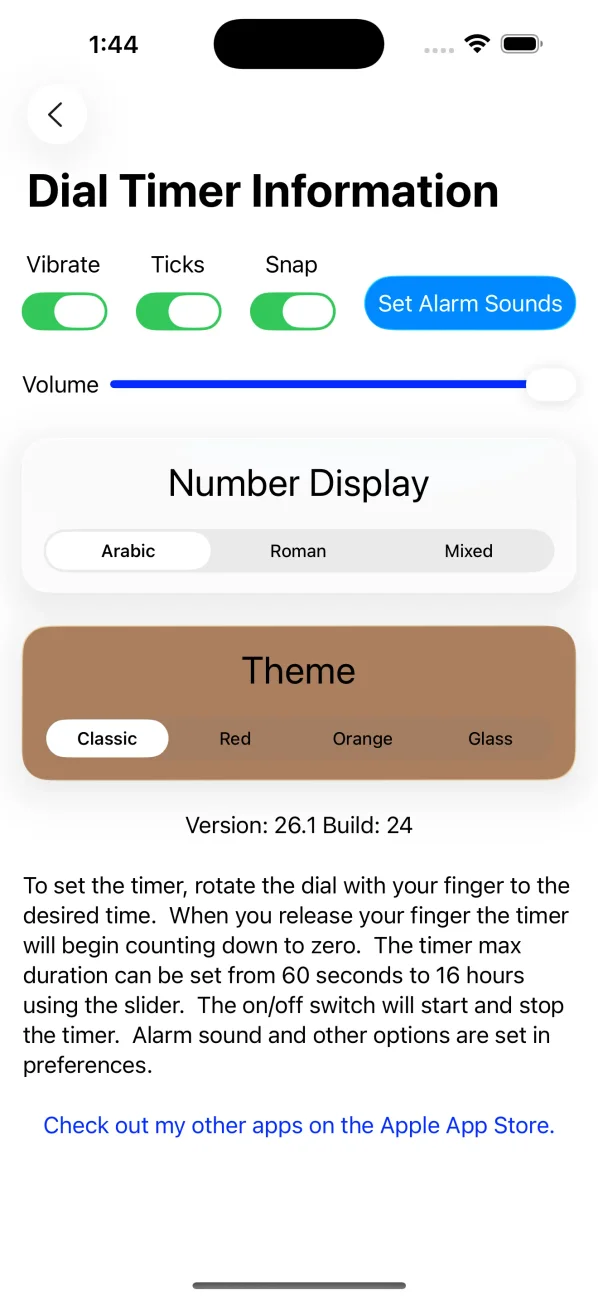
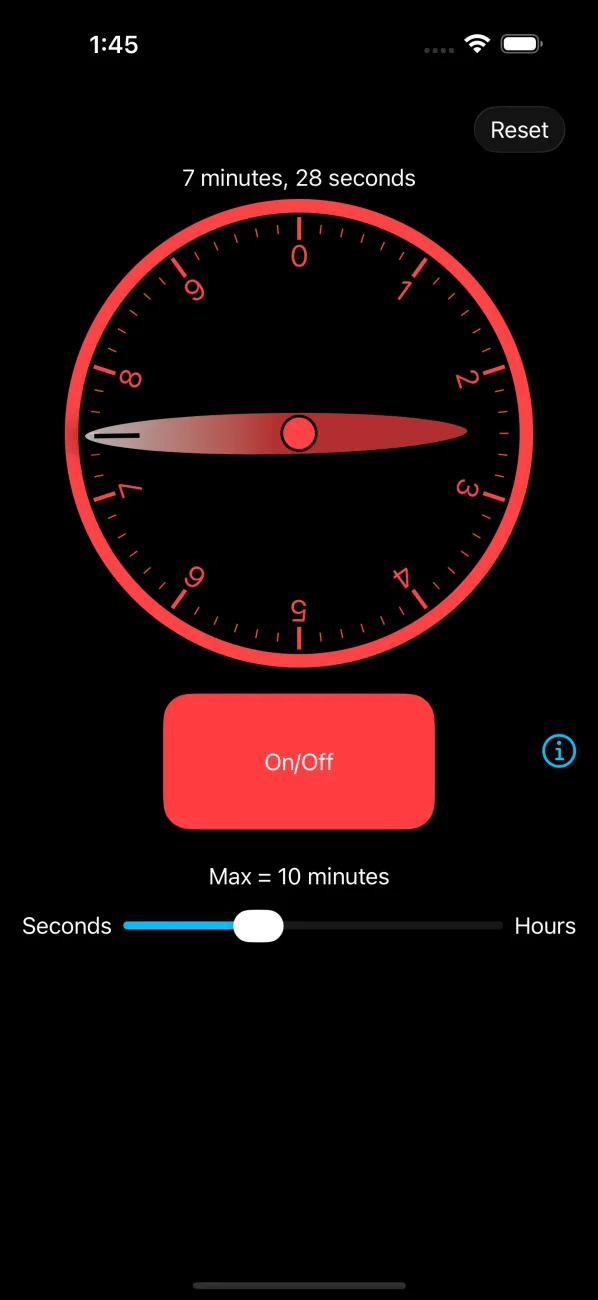

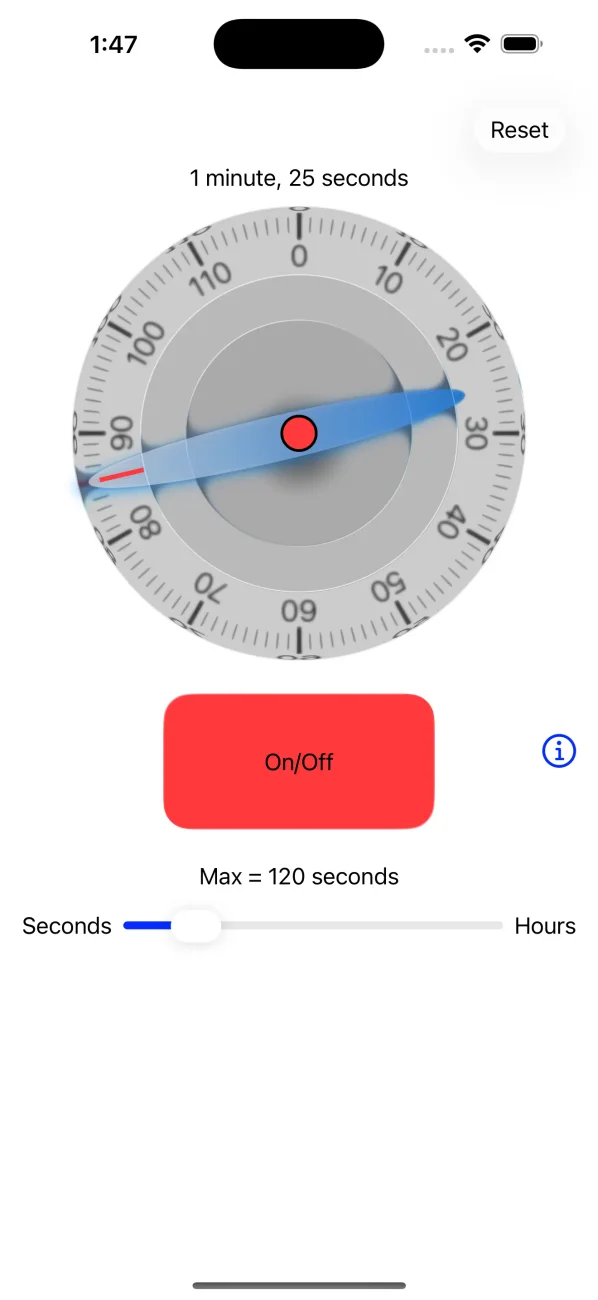
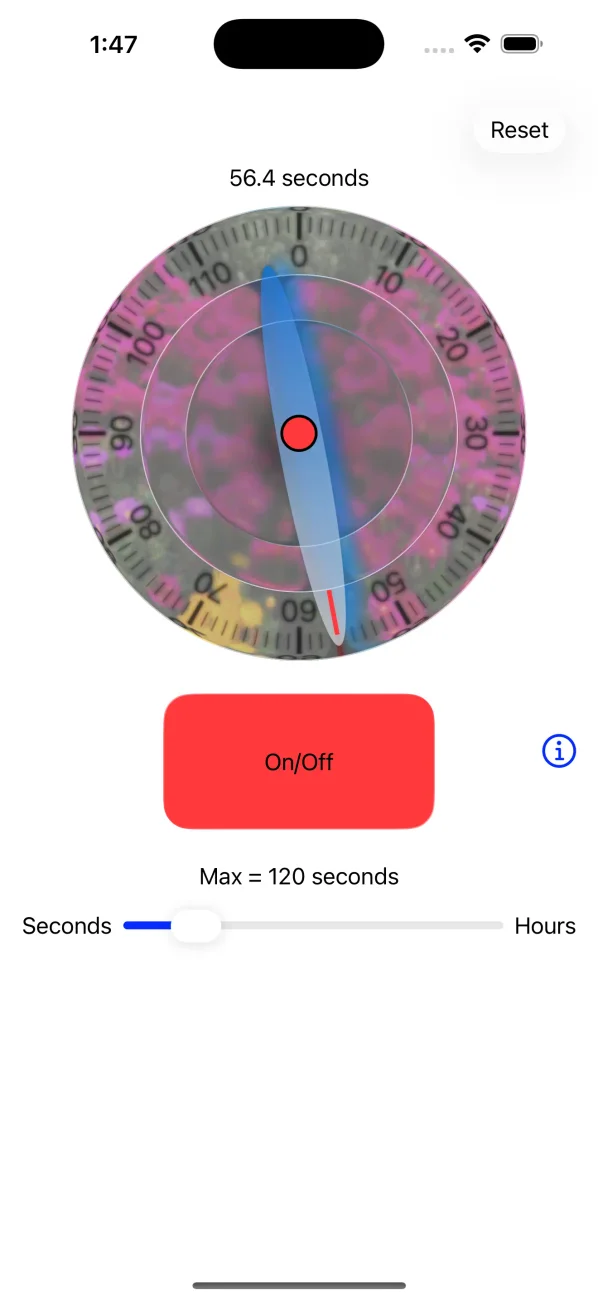

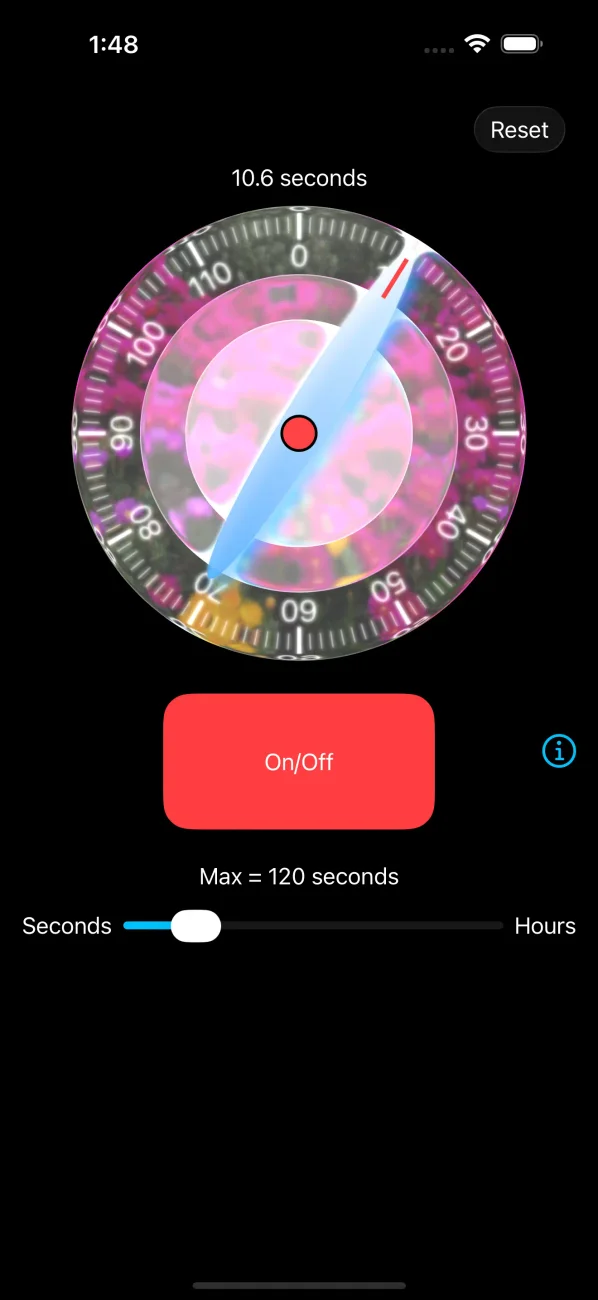
About
A dial timer. To set the timer, rotate the dial with your finger to the desired time. When you release your finger the timer will begin counting down to zero. The timer max duration can be set from 60 seconds to 16 hours. The on/off button will start and stop the timer. Dial Timer will send a notification if your device is in sleep mode.
What’s new
Version 26.4 · May 24, 2026
Added haptic feedback when snap is on.
App privacy
What John Millhouse declares on the App Store about how this app handles data.
-
Data not collected
The developer does not collect any data from this app.
Privacy practices may vary, for example with the features you use or your age.
Information
- Seller
- John Millhouse
- Category
- Utilities
- Version
- 26.4
- Updated
- May 24, 2026
- Released
- Apr 14, 2020
- Size
- 13.1 MB
- Requires
- iOS 17.6 or later
- Age rating
- 4+
- Price
- Free
- Languages
- English
- Copyright
- © 2016-2025
You might also like
-
 Smart Stopwatch and TimerUtilities
-
 Colored TimerBring color to your time
-
 Disco Timer: Visual CountdownSpeech Timer, Kitchen Clock
-
 Timer®Countdown clock timer
-
 timer. - Multi Countdown TimerLive Activities / Widget Timer
-
 Kitchen Timer - Simple CookingBaking, boiling & meal prep
-
 Stopwatch & Countdownusing large-sized numbers
-
 Timer-Kitchen timer&StopwatchKitchen timer & Stopwatch
-
 Stopwatch´Utilities
-
 Stopwatch°Multi Stop Watch