Dialshade: Clock Widgets
Aesthetic Analog & Digital
Designed for iPhone, iPad
Free · In-app purchases
- Age rating4+
- CategoryUtilities
- DeveloperValentin Spoeth
- LanguagesEnglish+ 8 more
- Size271.9 MB
Links to the official App Store page
Download.org hosts no file of Dialshade: Clock Widgets. The button opens its official App Store page, published by Valentin Spoeth. Listing last checked on Nov 22, 2026.
Screenshots



About
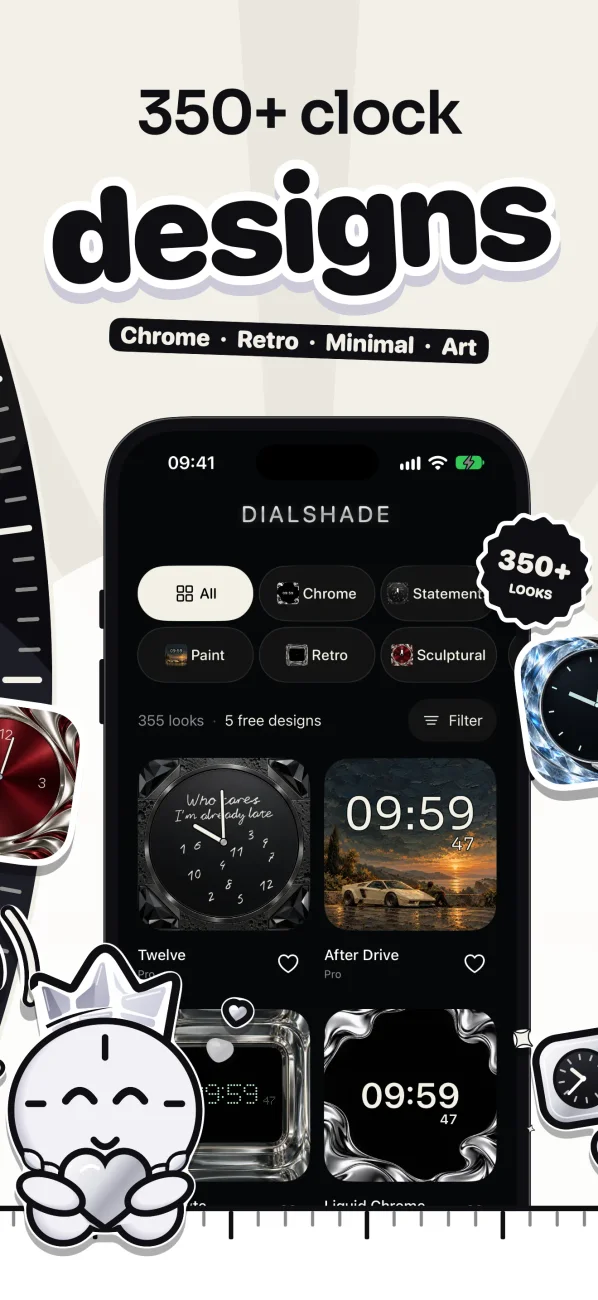
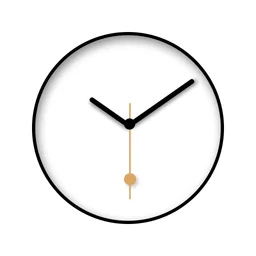
Aesthetic clock widgets for your Home Screen: 350+ analog, digital and hybrid designs, from liquid chrome and retro metal to painted scenes and minimal typography.
NEW: MEET TICK
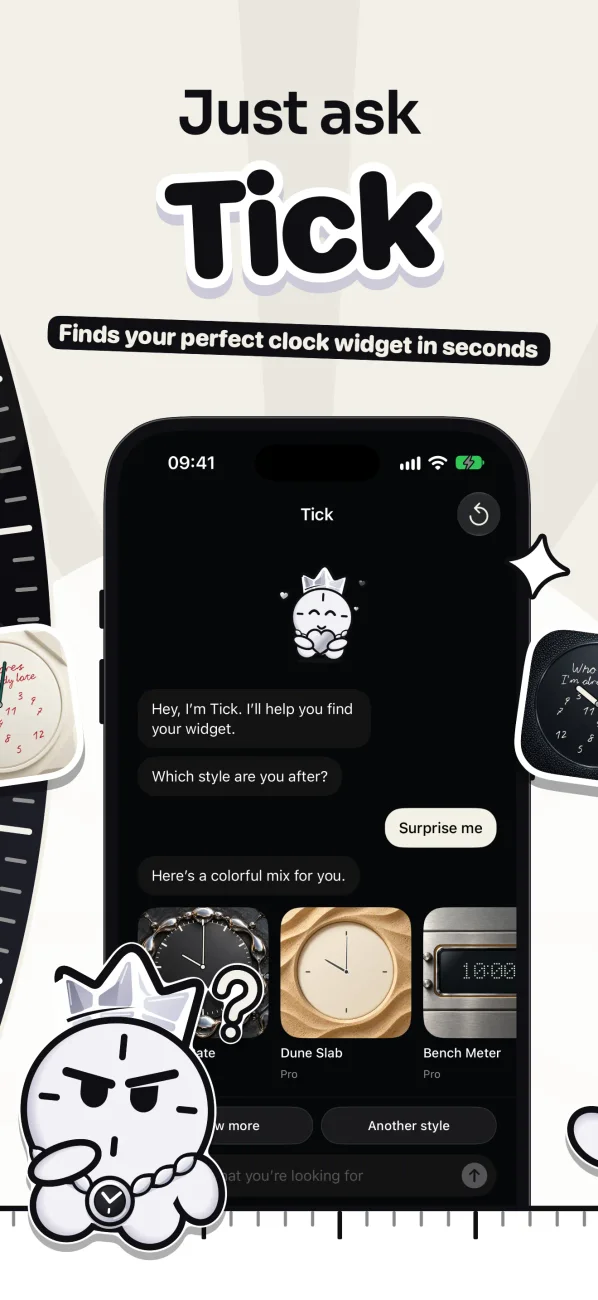
Tick is Dialshade's little clock companion with a silver crown. Tick shows you around, cheers when you save a favorite and helps you find your next look.
FIND YOUR WIDGET IN SECONDS
• Ask Tick in the Chat tab: pick a style, choose analog or digital, and Tick suggests matching designs.
• Or type what you are looking for, for example "chrome analog".
• Not sure yet? "Surprise me" mixes looks from every collection, "Free only" shows the free designs.
• The search runs entirely on your device.
350+ CLOCK DESIGNS
• Collections such as Chrome, Statements, Paint, Retro and Sculptural.
• Analog, digital and hybrid clock faces.
• Small and Medium Home Screen widgets.
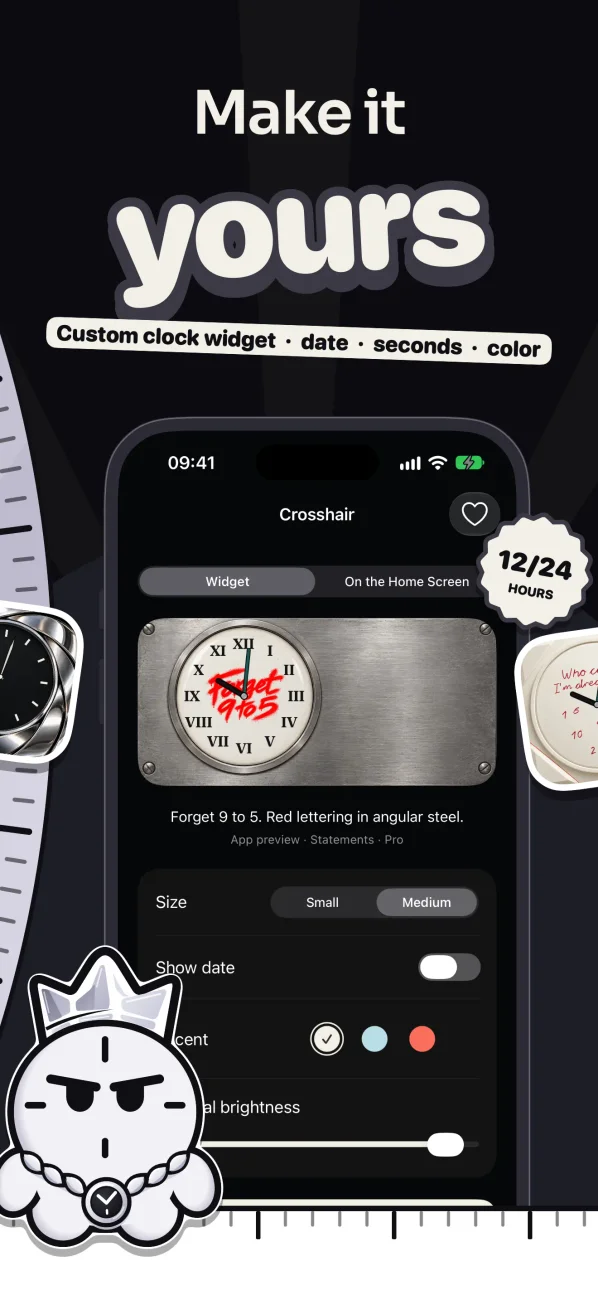
MAKE IT YOURS
• Depending on the design: accent color, material brightness, date, seconds and 12/24-hour time.
• Save named looks and give every widget its own look.
• Preview a look on a simulated Home Screen before you add it.
EASY TO SET UP
Choose a design, customize it and save your look. Add a Dialshade widget to your Home Screen, then select your saved look. An in-app guide walks you through the steps.
START FOR FREE
Five designs are free to use. Dialshade Pro unlocks the complete catalog through a monthly or annual subscription, or a one-time purchase. Prices and any available trial offers are shown before purchase.
No separate account required. Your favorites and saved looks stay on your device. No ads in the app.
PLEASE NOTE
Available options vary by design. iOS manages widget updates and system appearance; seconds displays may be limited by system and power-saving settings. Requires iOS 18 or later.
Subscriptions renew automatically unless canceled at least 24 hours before the current period ends. Manage subscriptions in your Apple Account settings. A one-time purchase does not automatically cancel an existing subscription.
Privacy: https://dialshade.com/en/privacy/
Terms of Use (Apple EULA): https://www.apple.com/legal/internet-services/itunes/dev/stdeula/
Support: https://dialshade.com/en/support/
What’s new
Version 1.2 · Nov 15, 2026
Meet Tick! Dialshade now has a little clock companion with a silver crown.
• New Chat tab: tell Tick which style you like, analog or digital, or just type what you are looking for – Tick suggests matching clock widgets.
• "Surprise me" mixes looks from every collection.
• Refreshed onboarding and Pro screen, new floating tab bar.
• Smaller fixes and polish.
App privacy
What Valentin Spoeth declares on the App Store about how this app handles data.
-
Data linked to you
May be collected and linked to your identity.
- Purchases
- Identifiers
- Usage data
Privacy practices may vary, for example with the features you use or your age.
Information
- Seller
- Valentin Spoeth
- Category
- Utilities
- Version
- 1.2
- Updated
- Nov 15, 2026
- Released
- Oct 22, 2026
- Size
- 271.9 MB
- Requires
- iOS 18.0 or later
- Age rating
- 4+
- Price
- Free
- In-app purchases
- Yes
- Languages
- English, French, German, Italian, Japanese, Korean, Portuguese, Simplified Chinese, Spanish
- Copyright
- © 2026 Valentin Spöth
You might also like
-
 NiceClock Analog ProThe beautiful analog clock app
-
 EmpireClockUtilities
-
 Duo Keyboard: Resize & SplitOne-handed, 30 languages
-
 DSClock WidgetUtilities
-
 PxClock WidgetUtilities
-
 Dzvin: Morphing Clock WidgetAurora flip clock & alarm
-
 Easy Clock - Calendar WidgetsAnalog & digital desk clock
-
 A Clock For YouClock faces and hourglass
-
 eyelight - Illuminate the DarkExplore Hidden Spaces
-
 Clockist: Desk Clock & DaysFlip clock, widgets, countdown