Diaryx: Journal & Archive
Archival-grade provenance
Designed for iPhone, iPad, Mac
Free · In-app purchases
- Age rating4+
- CategoryProductivity
- DeveloperAdam Harris
- Size110.2 MB
Links to the official App Store page
Download.org hosts no file of Diaryx: Journal & Archive. The button opens its official App Store page, published by Adam Harris. Listing last checked on Nov 26, 2026.
Screenshots
About
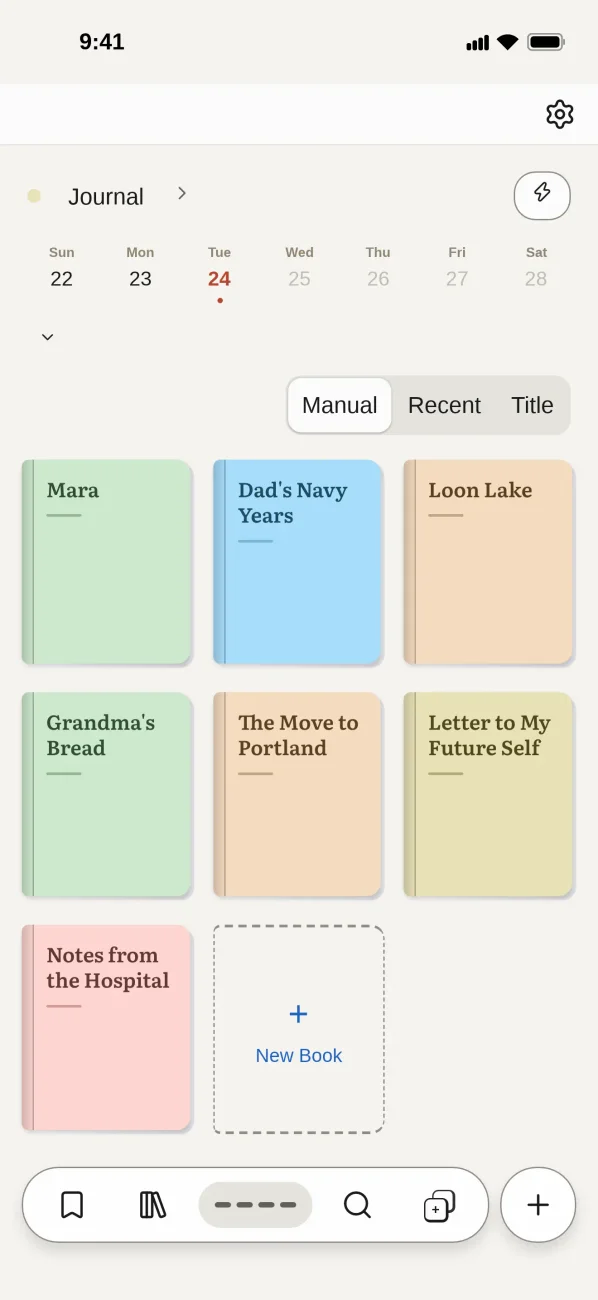
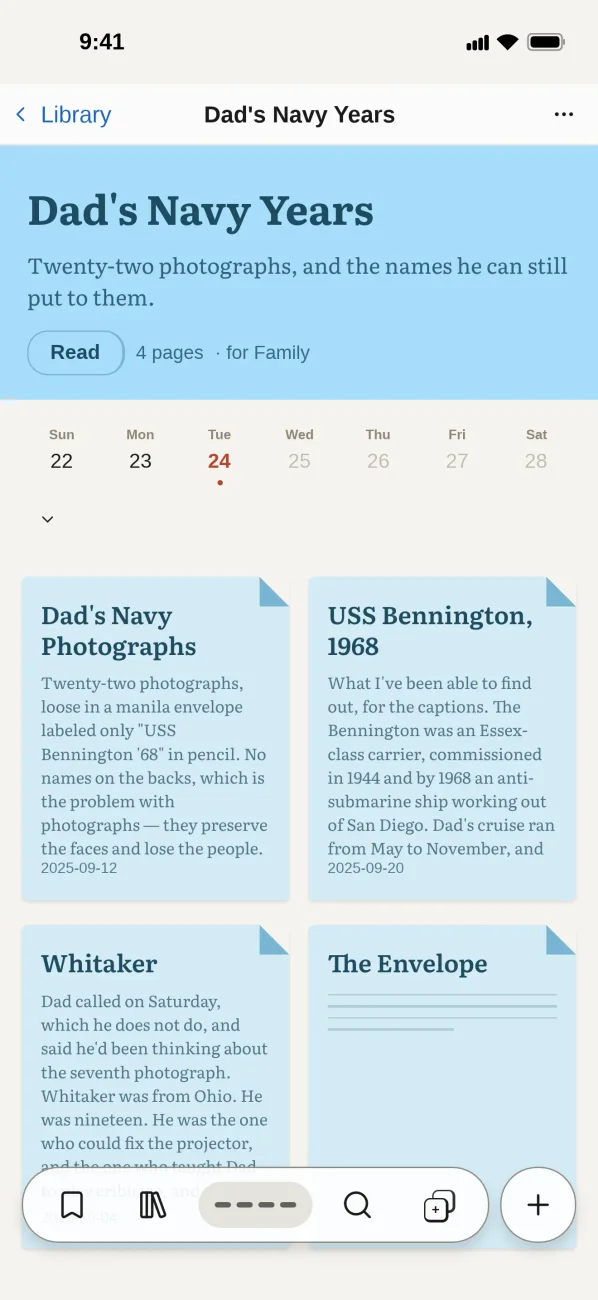
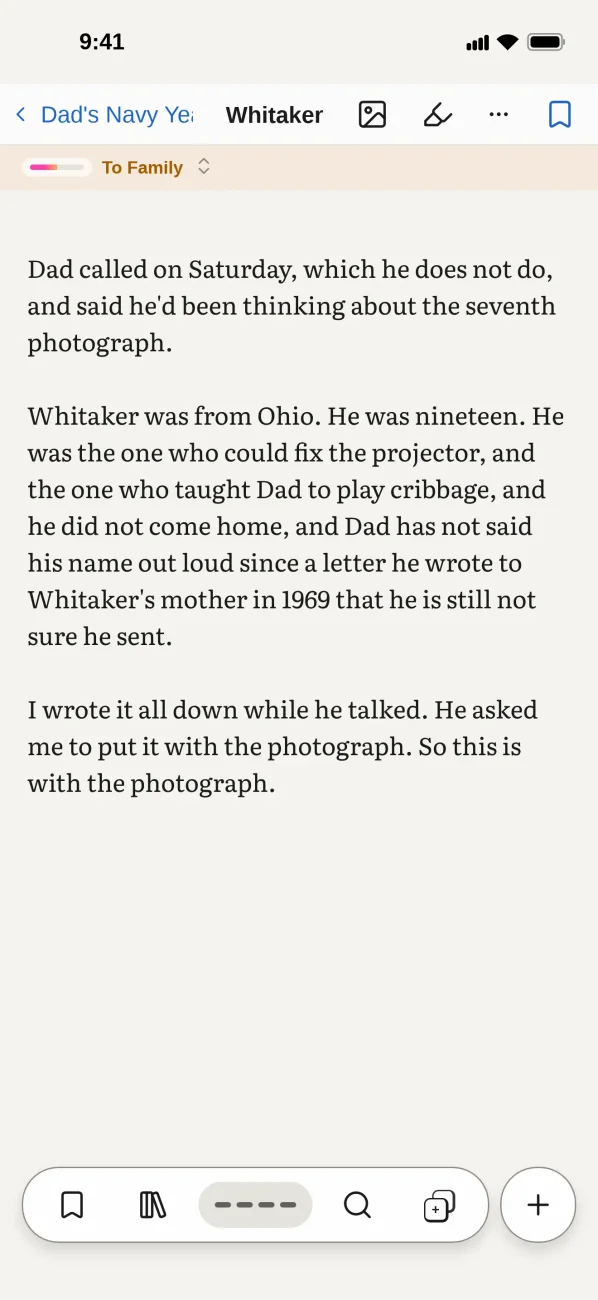
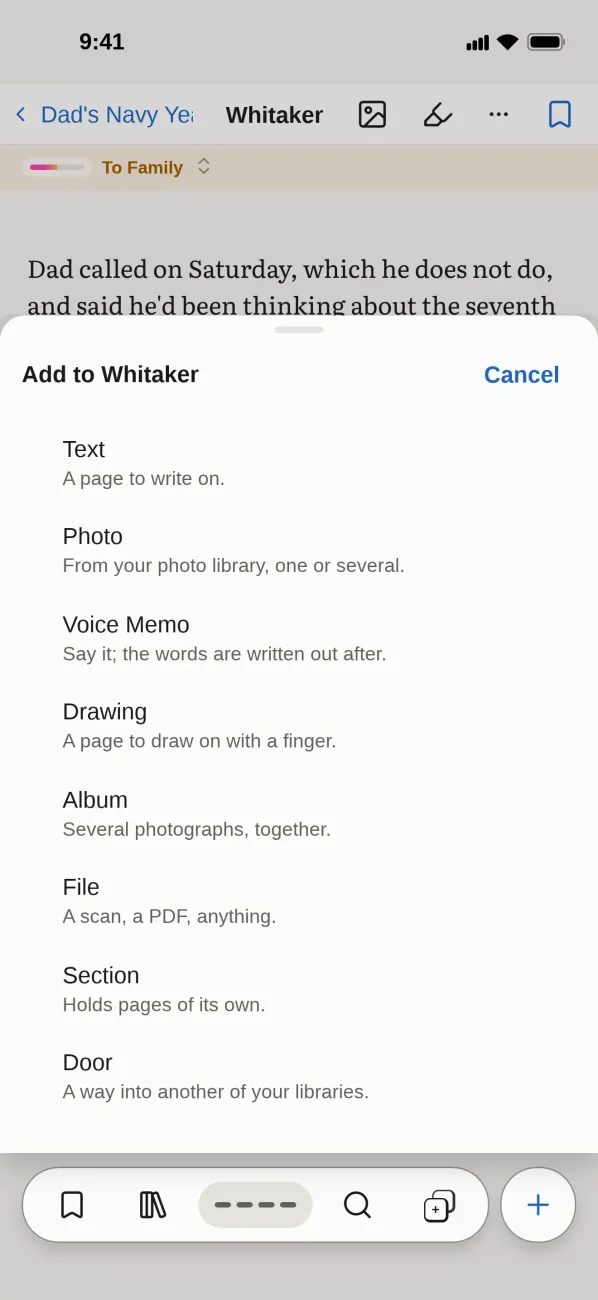
Diaryx is your very own "papers project"---a place for the most important documents in your life, so they can be kept safe, transcribed, annotated, and safely shared with friends and family.
IF DIARYX DISAPPEARED, YOU WOULD LOSE NOTHING
Your files are stored as readable plaintext on your device. You don't need an app to view them or understand them. So, your files stay yours.
CIRCLES: SHARE WITH THE RIGHT PEOPLE
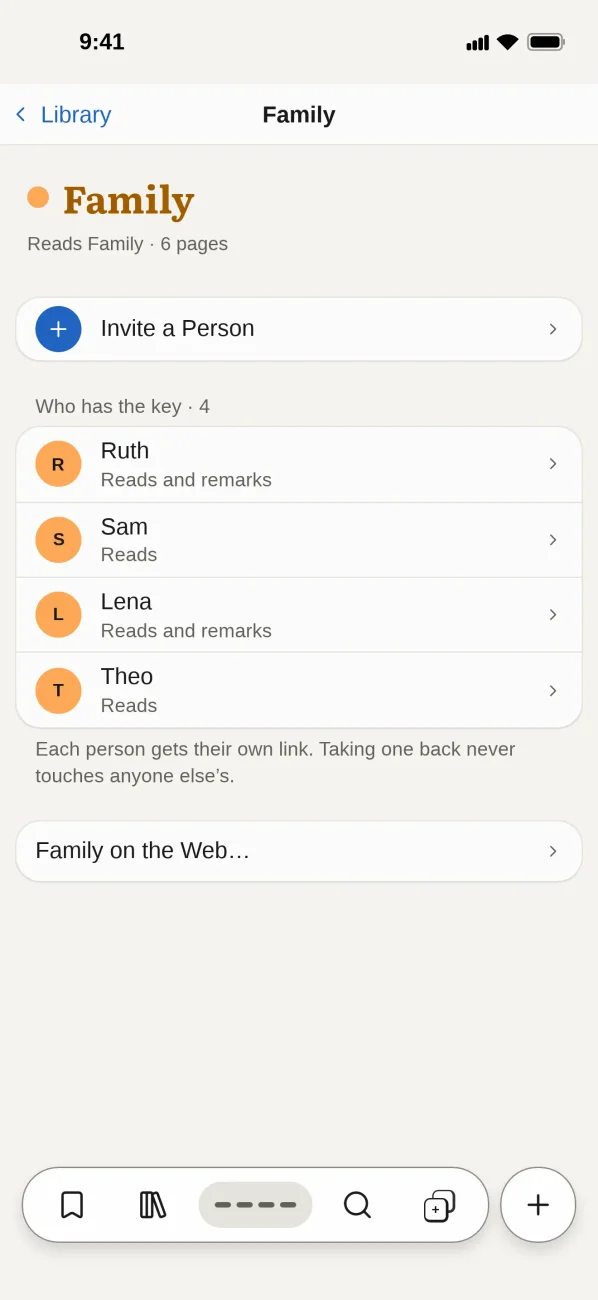
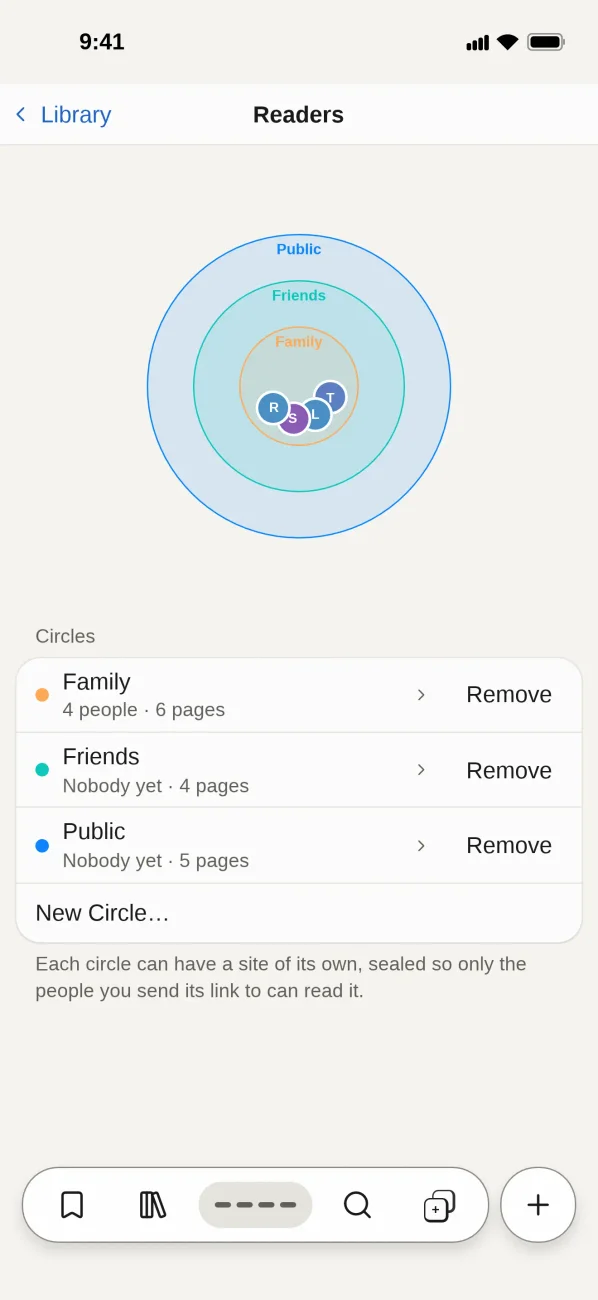
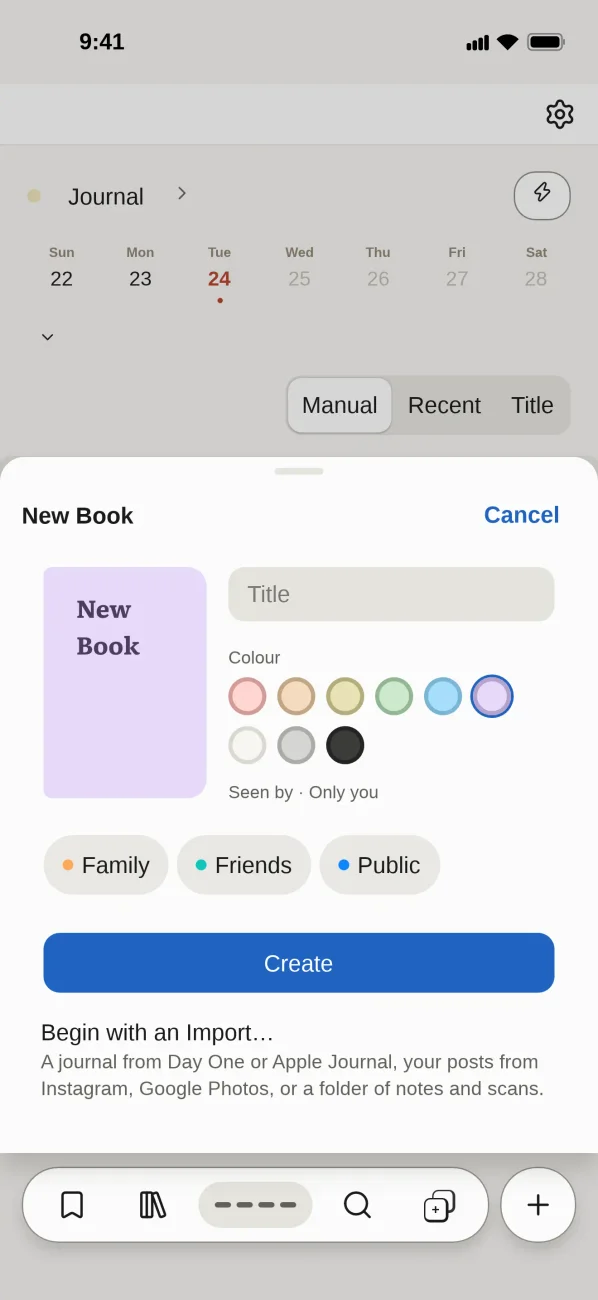
Mark any page with a circle, such as "family" or "friends." Share with them a filtered view of your papers.
Invite one person at a time. The person you invite does not need an account or app—only a link to your website.
THEY WRITE BACK
Any reader, given access, can sign in and leave a remark on a page: a note, a highlight, a correction, a memory of their own.
BRING WHAT YOU ALREADY HAVE
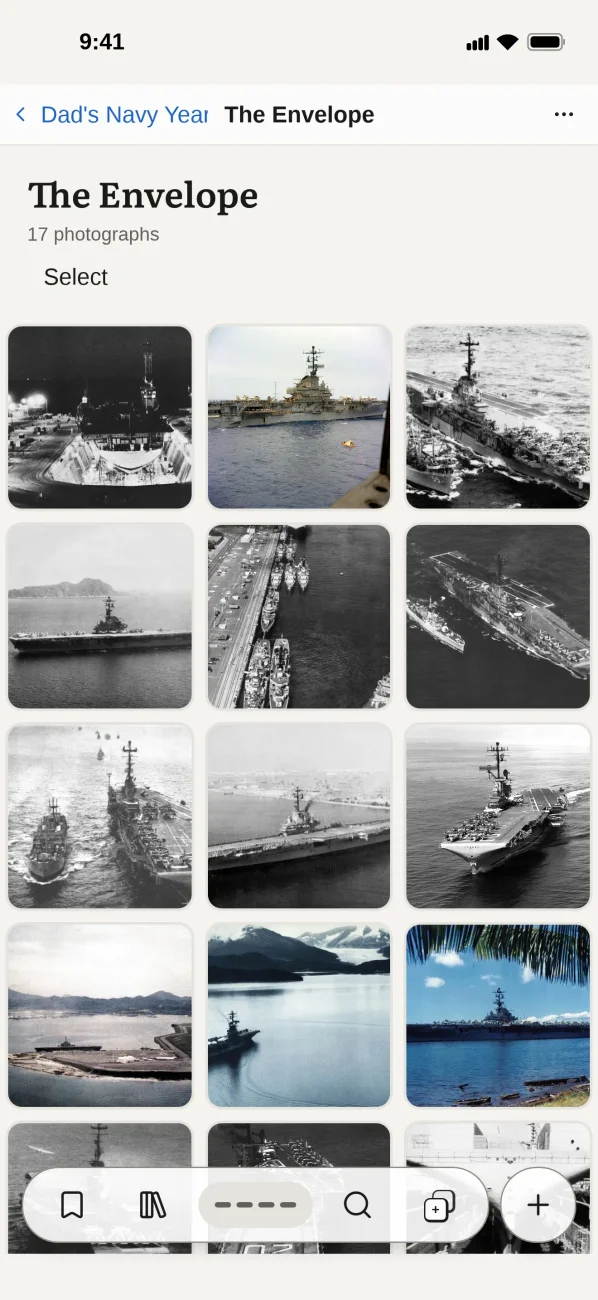
Import a journal from Day One or Apple Journal, your posts from Instagram, your Google Photos, or a folder of notes and scans. Each comes in as the pages of a book of its own, with its photos and videos.
BORROWED FROM ARCHIVISTS
Libraries and archives use techniques to keep documents trustworthy across generations. Diaryx brings that to the scale of one family.
- FIXITY: Diaryx records a fingerprint of every attachment, so damage from a failing drive or a bad sync can be detected immediately. Entries themselves are kept in a content-addressed history, and can be fingerprinted too by turning on Content checksums in Settings.
- HISTORY: Every save can be kept as a snapshot, and every circle gets its own history containing only what its readers were shown. Forgetting something removes it from every history that quoted it.
- EMBEDDED METADATA: Each file contains its own metadata, which means a document is never separated from its most important information.
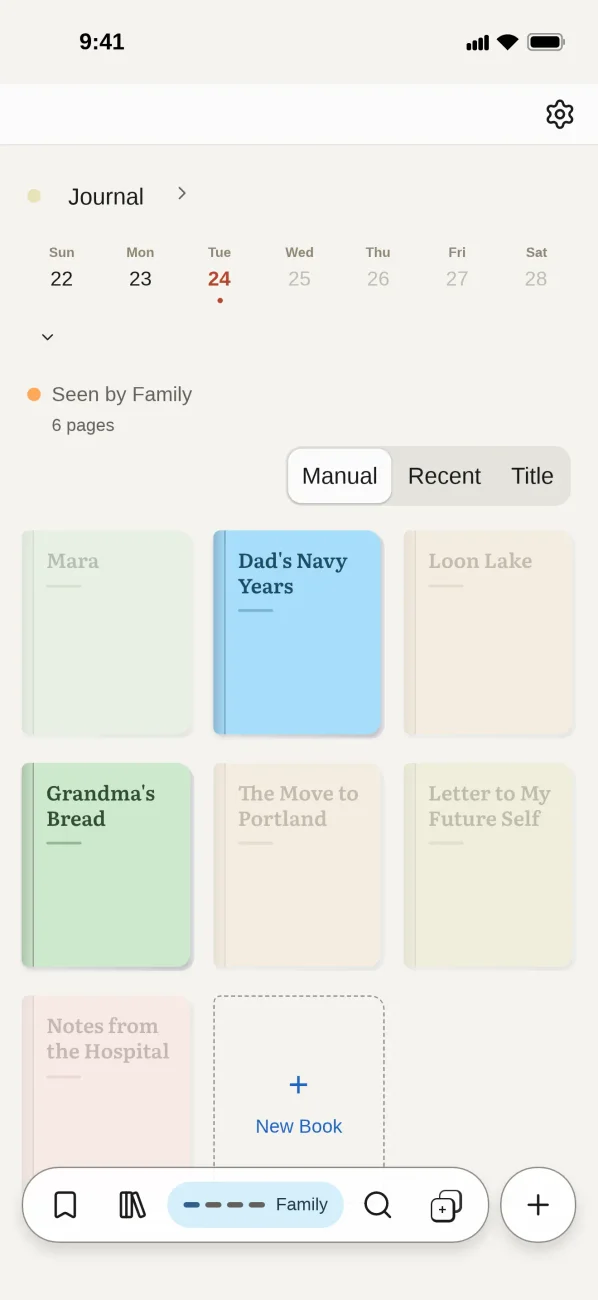
- POLYHIERARCHY: Arrange the same collection by year, person, place, or any arbitrary thing, without moving a single file. One archive may have many different ways to look at it.
- SELF-REPAIRING: Detect issues with your files on-demand (such as fixity drift) and choose to fix it either automatically or manually.
Note: Diaryx does *not* currently automate backups or automatically scan your files for issues. It is recommended to regularly do the following for best possible outcomes for your files:
- Backup your folder via the Files app to a variety of locations
- Run Check Library (in Settings) to detect sync or bitrot issues.
DIARYX PLUS — $4.99/MONTH
Close, Family, Friends and Public, with their own diaryx.org address, are included free. A Diaryx Plus subscription allows you to share up to 50 circles, publish up to 10 sites, and use custom domains.
Diaryx Plus is an auto-renewable subscription, $4.99/month. It includes 100 GB of photos and files, synced or published (free accounts get 1 GB), photos and files up to 100 MB each (free accounts get 10 MB), up to 10 published sites (free accounts get 1), up to 50 circles to share them with (free accounts get 1, with Close, Family, Friends and Public counting as one), and up to 10 custom domains (free accounts get none). Writing and reading in Diaryx are free and need no subscription, and the text you write never counts against storage on any plan.
Payment is charged to your Apple Account at confirmation of purchase. It renews automatically unless turned off at least 24 hours before the end of the period; manage or cancel in your Apple Account settings.
- Terms of Use: https://diaryx.org/terms.html
- Privacy Policy: https://diaryx.org/privacy.html
What’s new
Version 3.7.1 · Nov 25, 2026
ONE CONVERSATION
A remark and its replies now read as one conversation.
READ WHAT OTHERS SHARE WITH YOU
Somebody else's writing, or what a space's members give it, opens as a library of its own, to read and remark on.
DIARYX CLOUD
A library in Diaryx Cloud opens from Settings › Libraries without waiting for its photos; a photo left in the cloud downloads when you look at it. The shelf says what Diaryx Cloud is waiting on, and you can decline a device asking to be let in.
A LIGHTER TOUCH
- Hold a finger on something for a preview over a short menu.
- A photo flies out of the tile you opened it from.
- Menus are shorter, Settings is an index, and there is a new Soft theme.
- The app keeps still where Reduce Motion is on.
AND
- Publishing a circle also updates the spaces that read it.
- A publish no longer fails over a file that isn't on this device.
- Fixes for notes, sheets and the shelf.
App privacy
What Adam Harris declares on the App Store about how this app handles data.
-
Data not collected
The developer does not collect any data from this app.
Privacy practices may vary, for example with the features you use or your age.
Information
- Seller
- Adam Harris
- Category
- Productivity
- Version
- 3.7.1
- Updated
- Nov 25, 2026
- Released
- Aug 3, 2026
- Size
- 110.2 MB
- Requires
- iOS 26.0 or later
- Age rating
- 4+
- Price
- Free
- In-app purchases
- Yes
- Copyright
- © 2026 Adam Harris
You might also like
-
 StuffioOrganize Your Belongings
-
 Spacy: Home Inventory & QRQR Labels, Boxes & Search
-
 WhichDrawer: Drawer InventoryFind Parts, Tools & Supplies
-
 My Stuff - Inventory TrackerHome Belongings & Insurance
-
 Workshop AI: Tool InventoryScan, Track & Organize Tools
-
 WhereBox – Home InventoryKnow where everything is
-
 HomeAIQ: Your Home, ManagedHome maintenance, care & tasks
-
 Organize By InaboxNever lose your stuff again
-
 Plantekn - Draw Floor PlansFloor plan & room planner
-
 LDSBotLDS AI Chatbot