
Digital Traffic Control Diary
Work zone photos to map data.
Designed for iPhone, iPad
Free · In-app purchases
- Age rating4+
- CategoryProductivity
- DeveloperPurposeBuilt Systems, LLC
- LanguagesEnglish
- Size17.3 MB
Links to the official App Store page
Download.org hosts no file of Digital Traffic Control Diary. The button opens its official App Store page, published by PurposeBuilt Systems, LLC. Listing last checked on Nov 16, 2026.
Screenshots


About
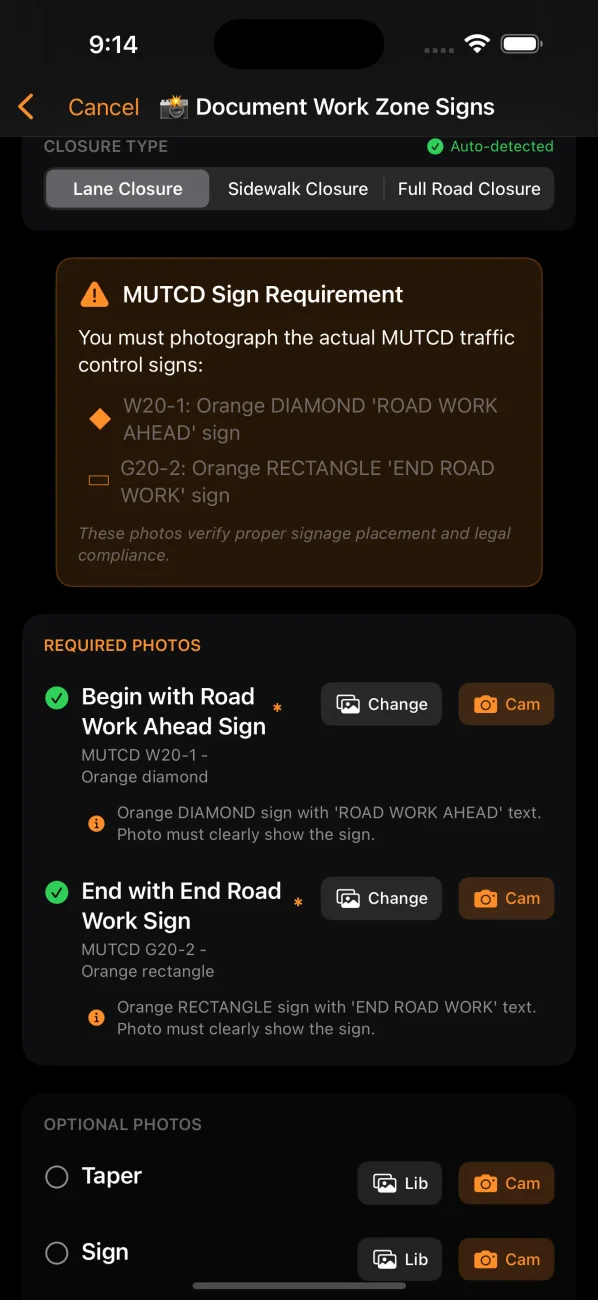
Digital Traffic Control Diary transforms how contractors and DOT agencies manage work zone compliance. Replace paper forms with AI-powered digital documentation that meets MUTCD and federal traffic control standards.
AI-POWERED SIGN RECOGNITION
Point your camera at any traffic control sign and watch AI instantly identify MUTCD codes, verify placement compliance, and create geo-tagged documentation. No more manual logging- AI does it for you.
AUTOMATED DAILY DIARIES
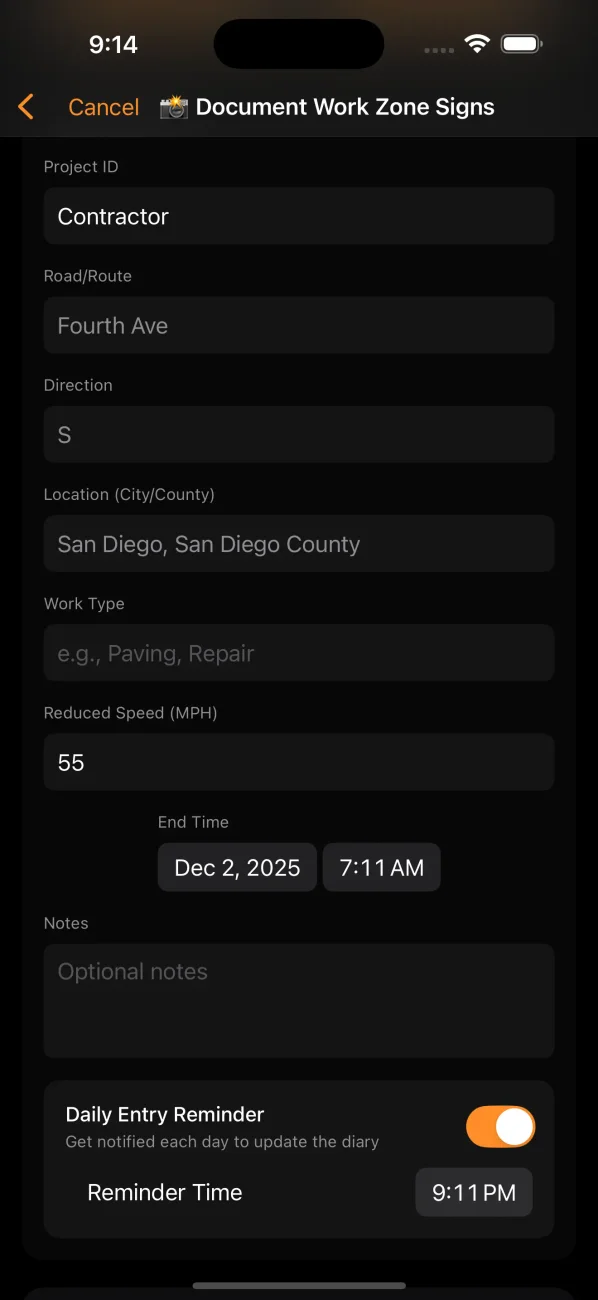
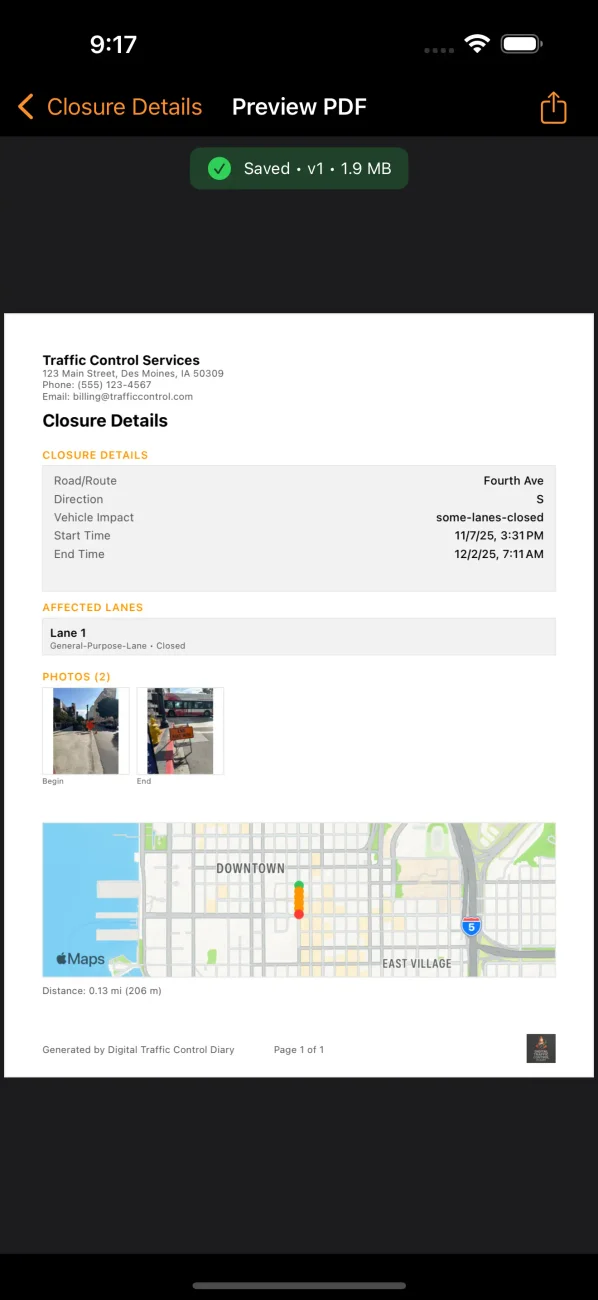
Generate federal-compliant daily diaries automatically from your field
work. GPS-verified photos, timestamped entries, weather conditions, and
crew logs combine into professional reports instantly. Export as PDFs for
DOT submission or client delivery.
SMART INVOICING
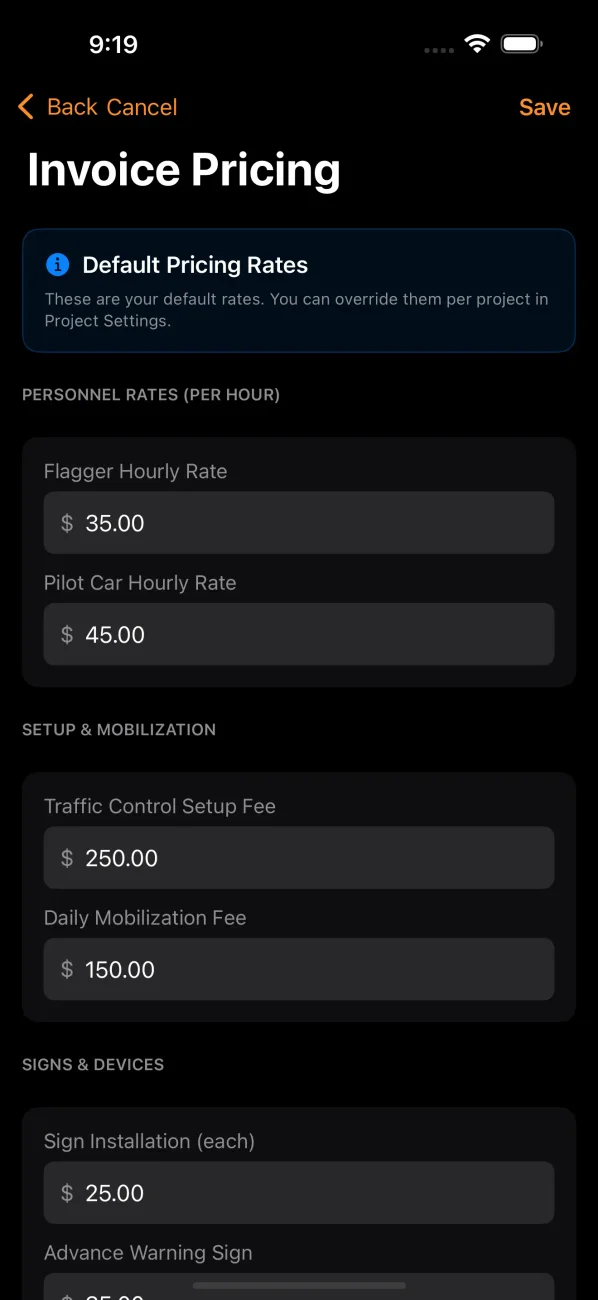
Convert daily diaries into professional invoices with one tap. Use default billing rates for routine work or customize project-specific pricing. Track labor hours, equipment usage, and materials automatically.
REAL-TIME WZDx FEEDS
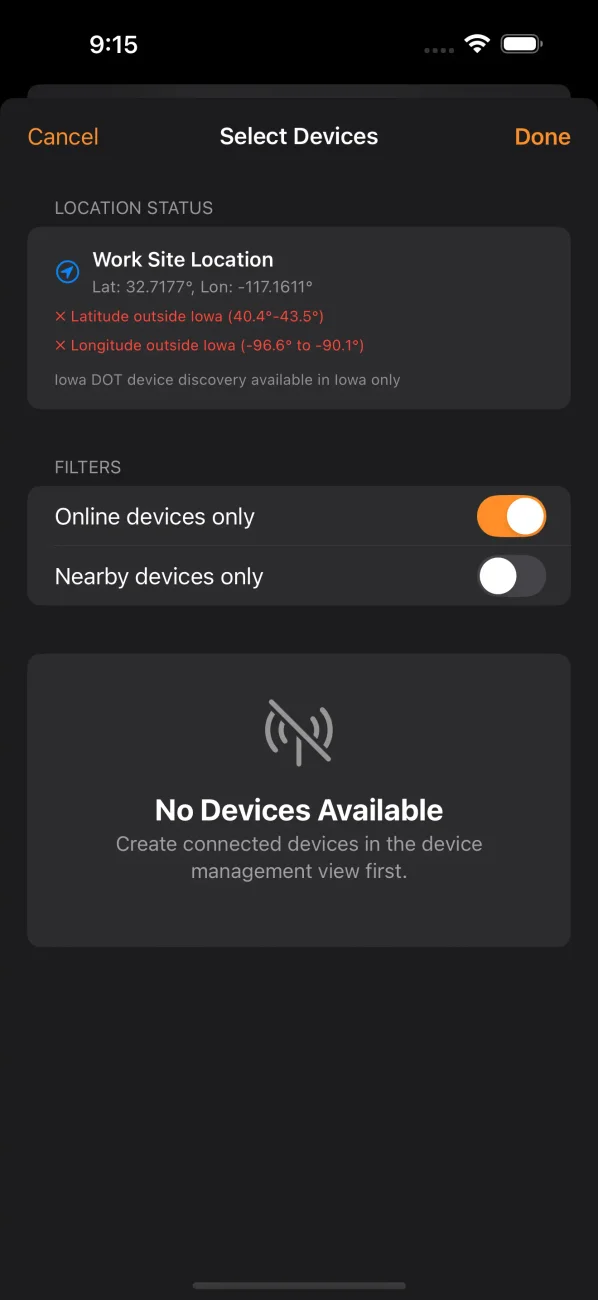
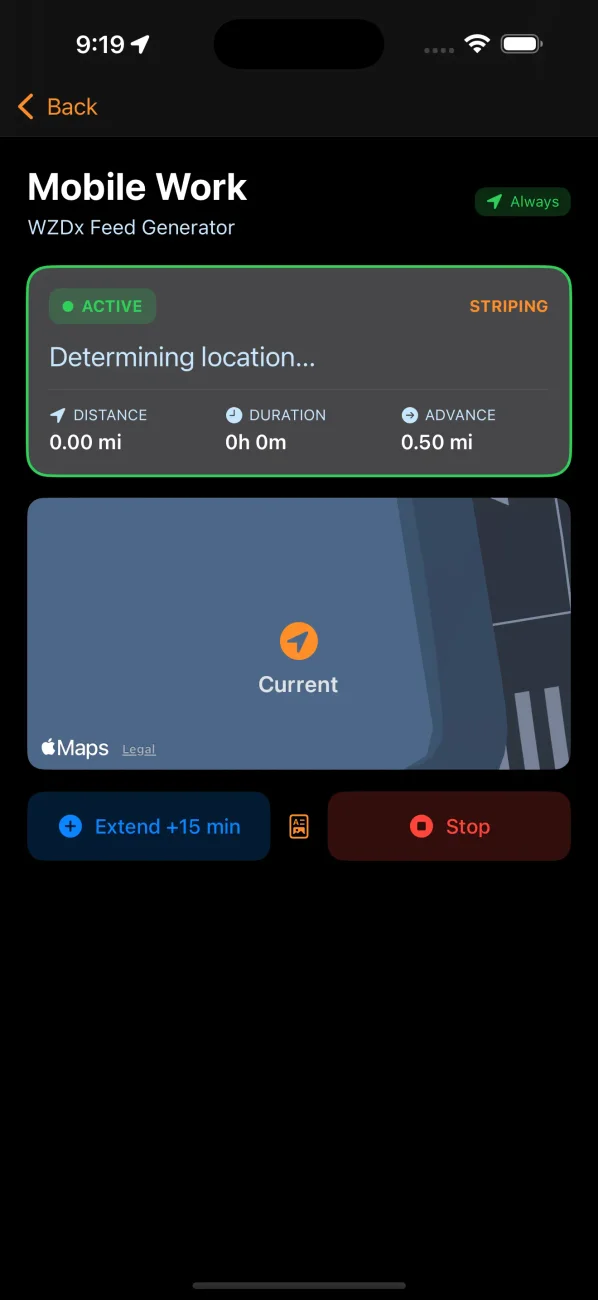
Every contractor deserves modern technology. DTCD generates real-time Work Zone Data Exchange (WZDx v4.2) feeds for any closure- no enterprise budget required. Integrate with state 511 systems, navigation apps, and connected vehicle platforms automatically.
MOBILE OPERATIONS TRACKING
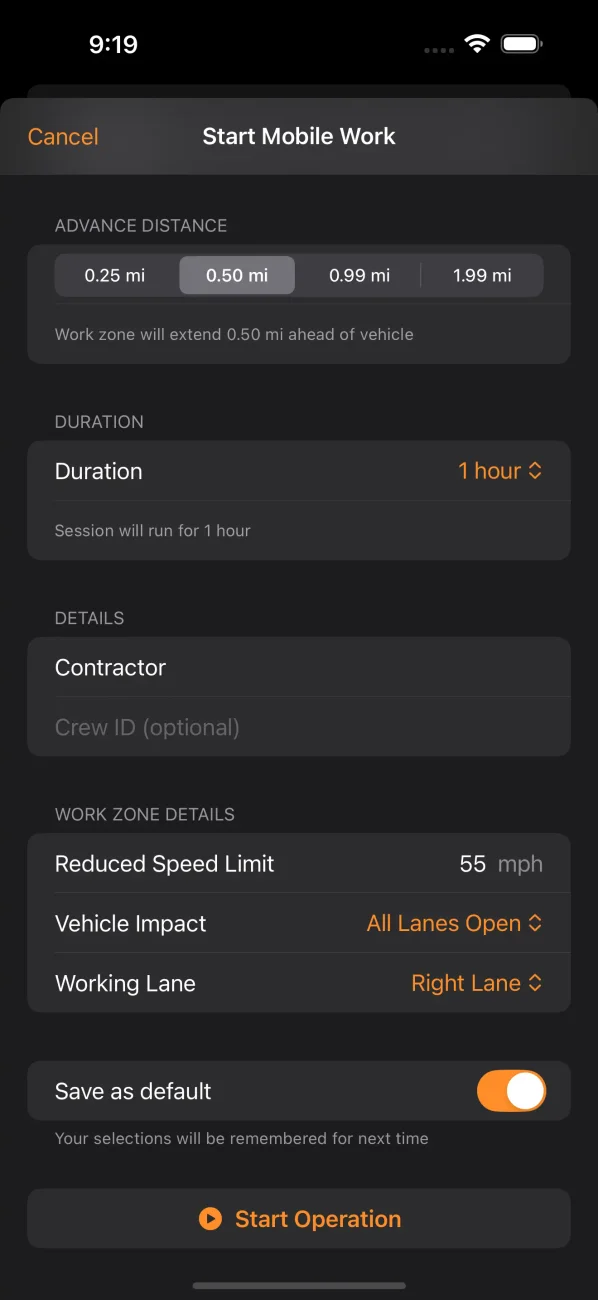
Striping crews, street sweepers, mowing operations, and maintenance vehicles get live GPS tracking with automatic WZDx broadcasting. Agencies see your mobile work zones in real-time without manual reporting.
OFFLINE-FIRST DESIGN
Work in remote areas without cell service. All features work offline and sync automatically when connected. Your documentation never stops, even when connectivity does.
SUBSCRIPTION REQUIRED. $9.99 a month or $109.99 annually for iOS application. See https://dtcd.purposebuilt.systems/ for dashboard options.
BUILT FOR THE FIELD
• MUTCD-compliant documentation
• GPS-verified photo capture
• Real-time crew messaging
• Project-based organization
• Contractor-agency collaboration
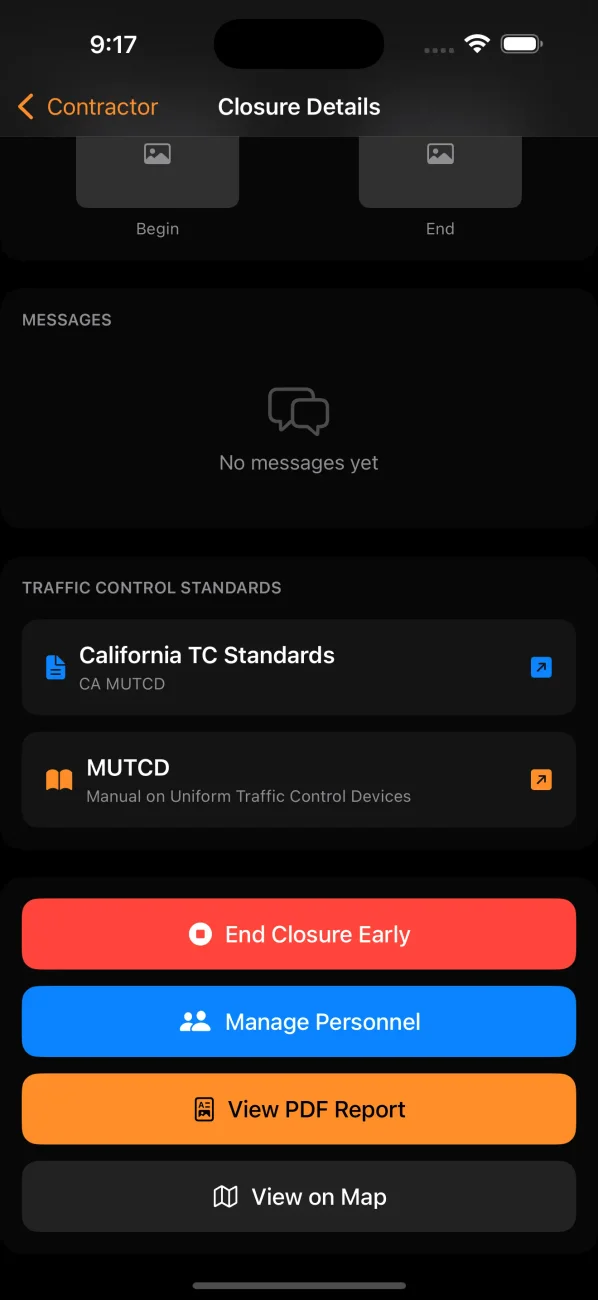
• Audit-ready compliance reports
From solo operators to local agencies. From single closures to complex highway projects. Professional documentation at affordable prices.
Privacy Policy: https://digital-traffic-control-f1cc2.web.app/privacy.html
Terms of Service: https://digital-traffic-control-f1cc2.web.app/terms.html
What’s new
Version 1.1.4 · Jun 26, 2026
A major update, rebuilt for speed and reliability:
• Offline mode - work with no signal; auto-syncs when you reconnect.
• Smarter sign & speed-limit capture - better auto-detection, centered focus, no duplicates.
• Sign in with Apple now works reliably.
• Redesigned crew messaging with read receipts and safety-alert cards.
• Incident reports with PDF export.
• Plan-sheet overlays anchored to your GPS location.
• Reliable restore after reinstall, opt-in worker presence, and many stability fixes.
App privacy
What PurposeBuilt Systems, LLC declares on the App Store about how this app handles data.
-
Data linked to you
May be collected and linked to your identity.
- Identifiers
-
Data not linked to you
May be collected but is not linked to your identity.
- Location
- User content
Privacy practices may vary, for example with the features you use or your age.
Information
- Seller
- PurposeBuilt Systems, LLC
- Category
- Productivity
- Version
- 1.1.4
- Updated
- Jun 26, 2026
- Released
- Dec 8, 2025
- Size
- 17.3 MB
- Requires
- iOS 17.0 or later
- Age rating
- 4+
- Price
- Free
- In-app purchases
- Yes
- Languages
- English
- Copyright
- © 2025 PurposeBuilt Systems
You might also like
-
 SMERCH Smart MerchandisingSmart Merchandising done right
-
 RoadsoftProductivity
-
 Transmed MerchandisingProductivity
-
 Grade Rod CalculatorElevation and Grade Rod Height
-
 Groupthink AssistantKeep up with people you know
-
 Cesium Developer ConferenceProductivity
-
 VATA7Wireless LED Gear Controller
-
 FileZen - File ManagerFile Manager File Comparison
-
 Stratsys MeetingsEffective meeting tool
-
 Tweakify - AI Photo EditorEdit any image with a prompt