
Direction: Offline Navigator
Follow the White Arrow
Designed for iPhone, iPad
Free · In-app purchases
- Age rating4+
- CategoryNavigation
- DeveloperGrand Apps Avenue Company Limited
- LanguagesEnglish+ 6 more
- Size77.5 MB
Links to the official App Store page
Download.org hosts no file of Direction: Offline Navigator. The button opens its official App Store page, published by Grand Apps Avenue Company Limited. Listing last checked on Nov 16, 2026.
Screenshots




About
The easiest fully offline navigator to help you stay oriented.
Save locations, follow the arrow, and navigate to destinations or photo spots with a simple, clear interface — no internet required.
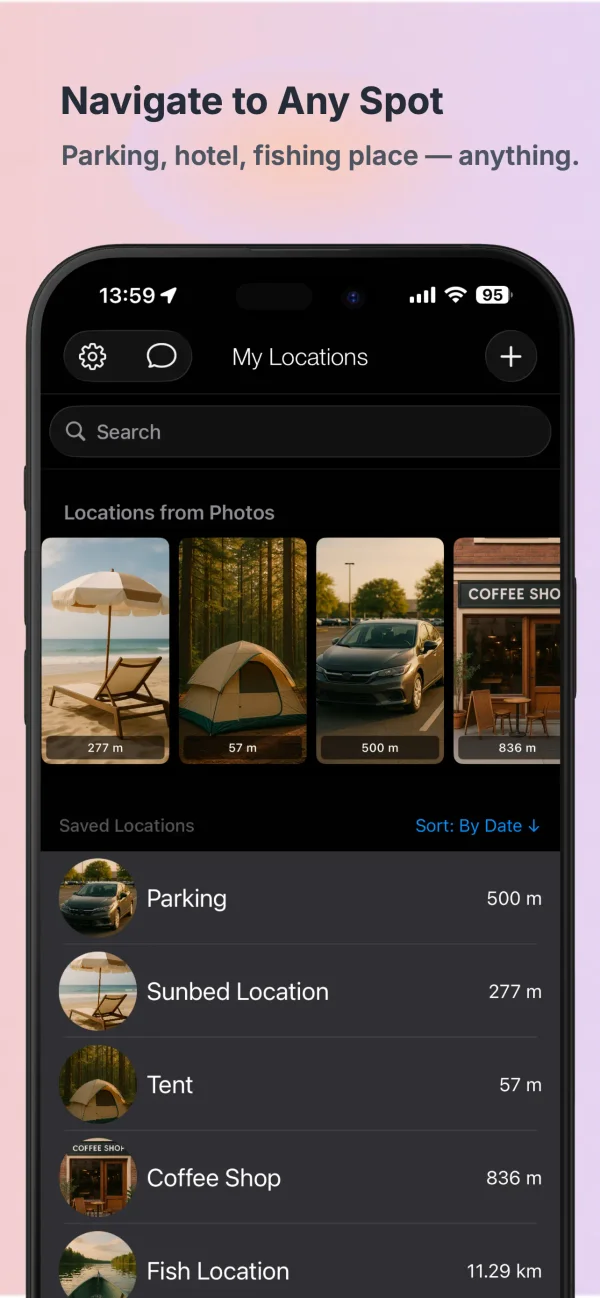
Perfect for keeping track of your parking spot, finding a meeting point, locating your hotel or campsite, and much more.
Stay Oriented Offline
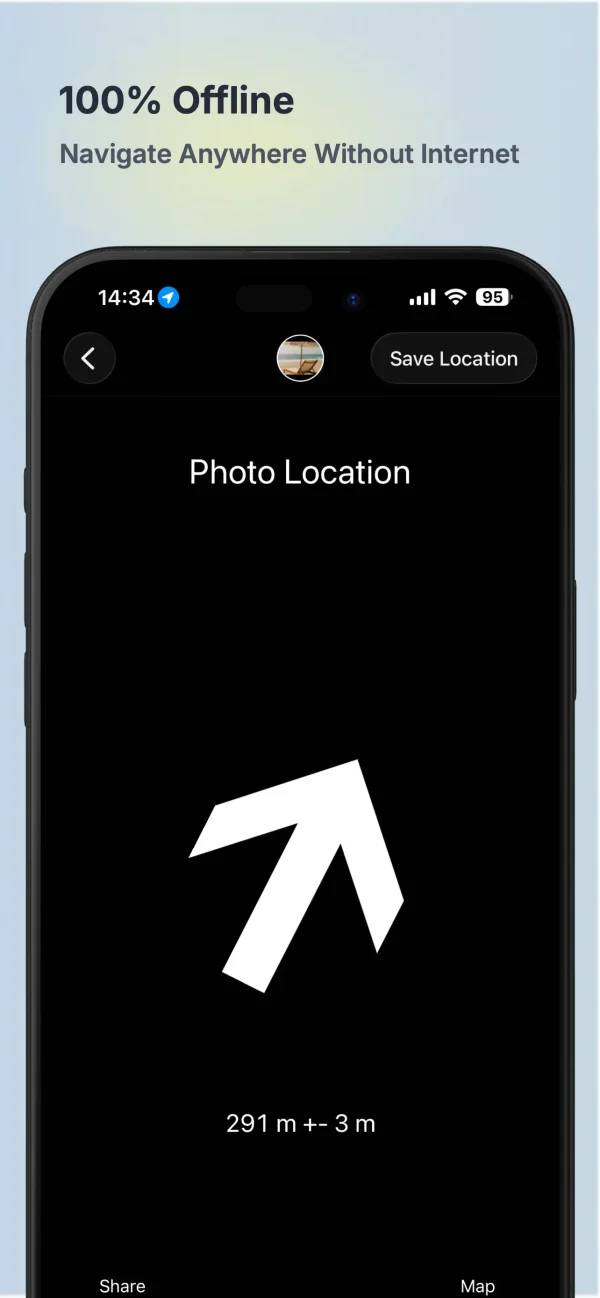
This navigator is designed to be used without an internet connection. The streamlined interface makes it easy to move toward any point you choose.
Save Locations & Follow the Arrow
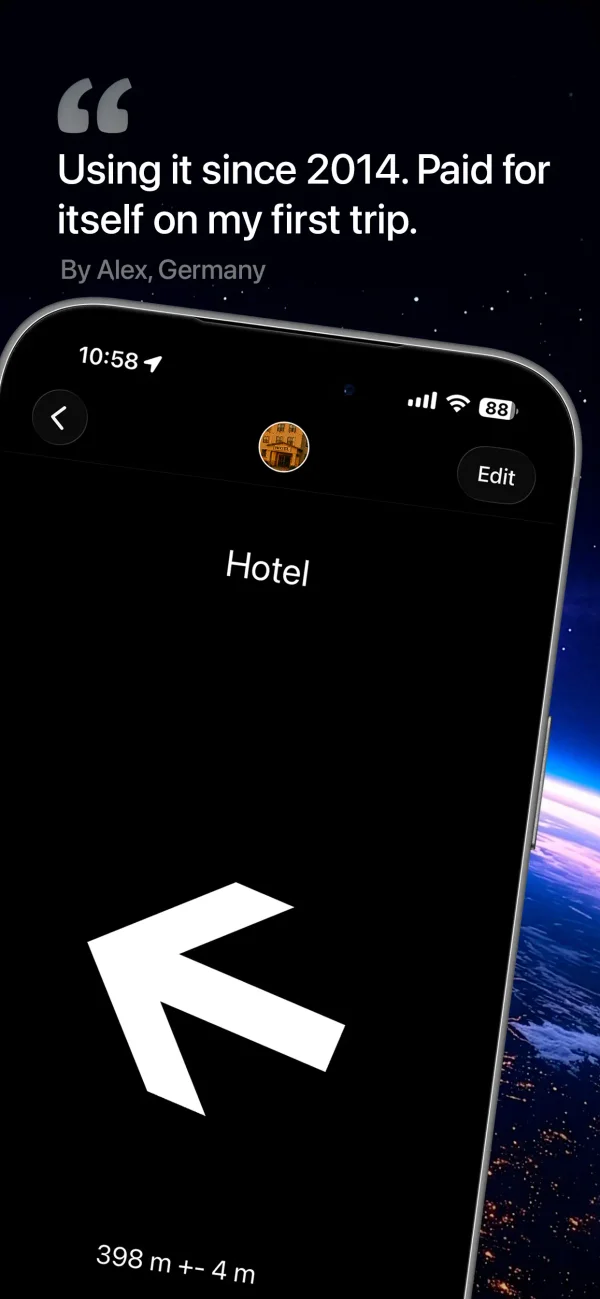
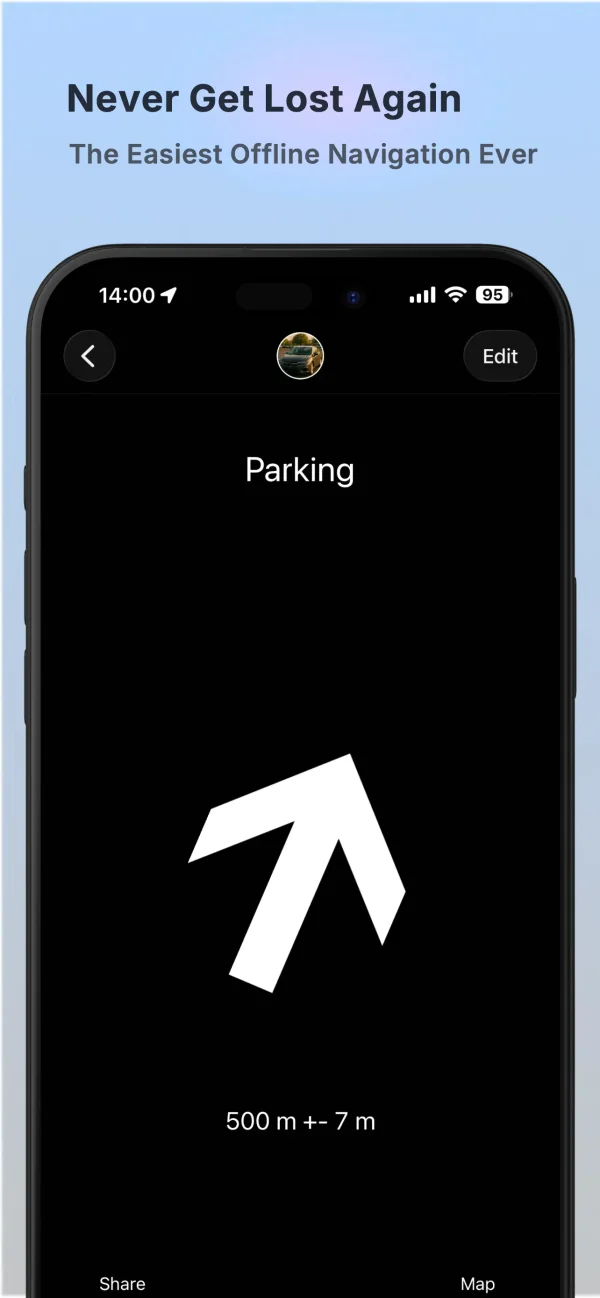
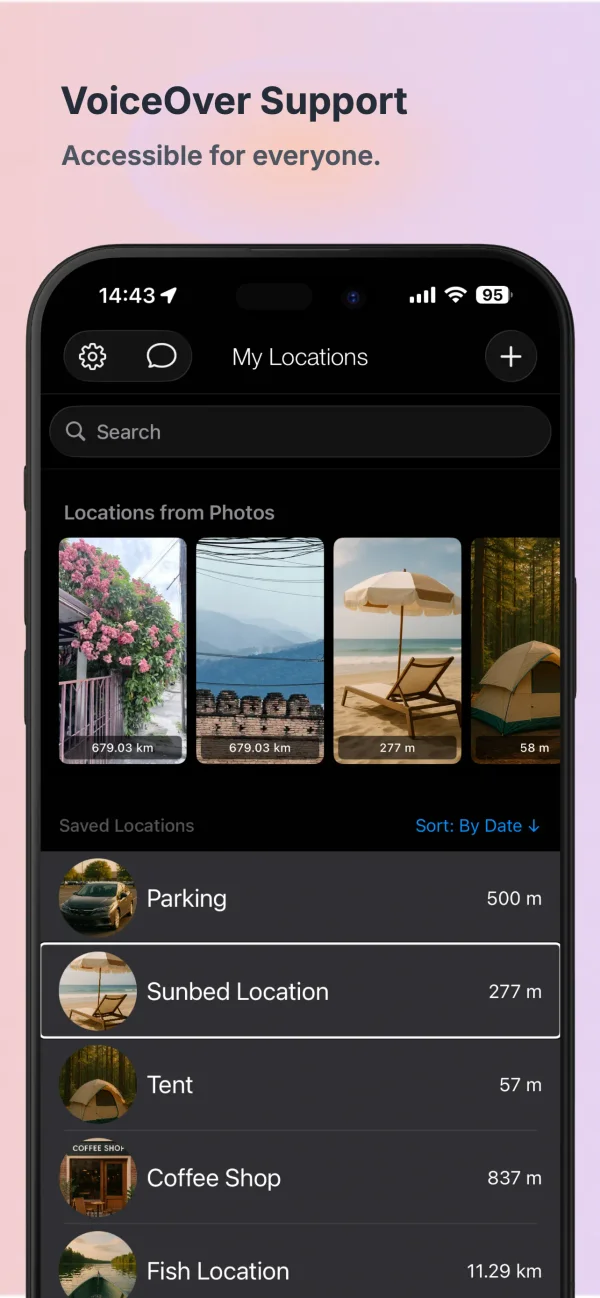
Save any place with a tap and follow the white arrow to reach it.
No complicated maps. No confusing routes.
Choose a point and walk directly toward it.
Navigate Using Your Photos
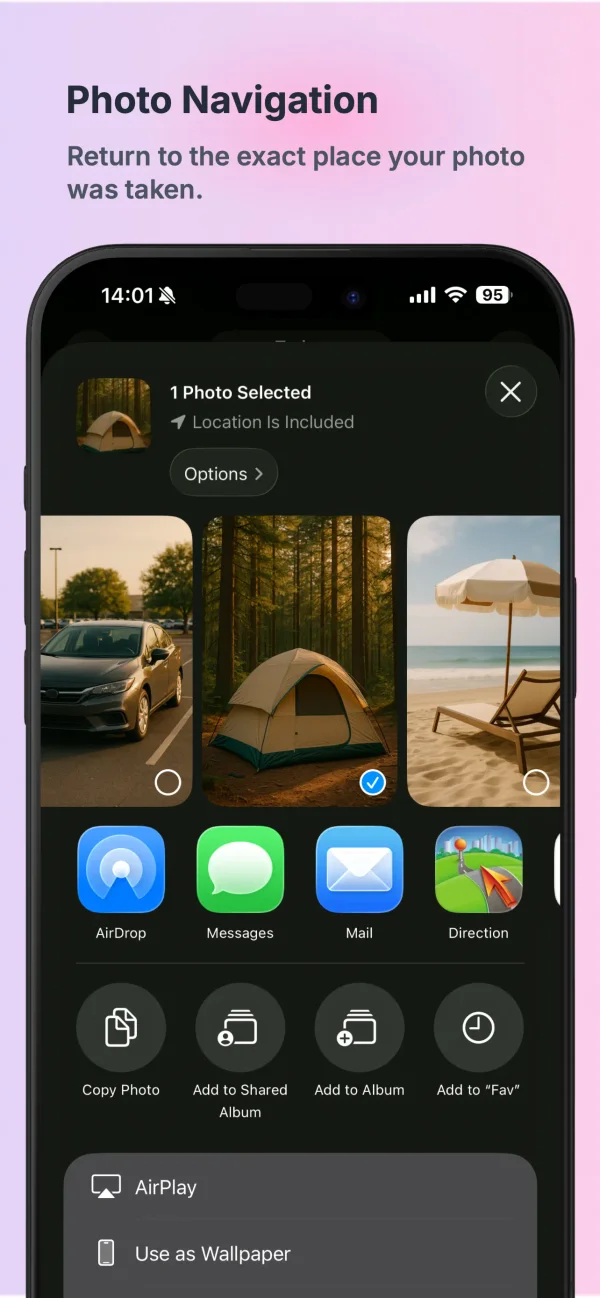
Jump to locations directly from your images. The app reads GPS metadata in your photos, allowing you to return to those places without typing coordinates.
Fully Offline Navigation
Saved locations remain available at all times, and the arrow helps guide you toward your destination using offline functionality.
iCloud Sync Across Devices
Your saved locations sync automatically through iCloud.
Start on one device and continue on another — everything stays up to date.
VoiceOver Friendly
Navigation and interface elements are optimized for VoiceOver, supporting blind and low-vision users.
Hear clear guidance with distance, degrees, and direction changes.
Widgets for Instant Access
Save places or start navigating right from your Home Screen using quick-access widgets.
Built-In Support Chat
If you need help, the integrated support chat provides quick and friendly assistance without searching through help pages.
Privacy Policy: https://turroo.com/strelka/policy
Terms of Use: https://turroo.com/strelka/terms
If you choose to purchase Pro, payment will be charged to your Apple ID account at confirmation of purchase. The subscription renews automatically unless canceled at least 24 hours before the end of the current period. Your account will be charged for renewal within 24 hours before the period ends. You can manage and cancel subscriptions in your App Store account settings. If you don’t purchase Pro, you can continue using the app for free.
What’s new
Version 10.2 · Nov 6, 2026
Bug fixes and performance improvements.
App privacy
What Grand Apps Avenue Company Limited declares on the App Store about how this app handles data.
-
Data used to track you
May be used to track you across apps and websites owned by other companies.
- Identifiers
-
Data linked to you
May be collected and linked to your identity.
- Identifiers
-
Data not linked to you
May be collected but is not linked to your identity.
- Purchases
- Identifiers
- Usage data
- Diagnostics
Privacy practices may vary, for example with the features you use or your age.
Information
- Seller
- Grand Apps Avenue Company Limited
- Category
- Navigation
- Version
- 10.2
- Updated
- Nov 6, 2026
- Released
- Jun 28, 2012
- Size
- 77.5 MB
- Requires
- iOS 17.6 or later
- Age rating
- 4+
- Price
- Free
- In-app purchases
- Yes
- Languages
- English, French, German, Portuguese, Russian, Spanish, Ukrainian
- Copyright
- © 2012-2026 Grand Apps Avenue
You might also like
-
 Where2Go: GPS Photo CompassFind places & points by pic
-
 Seeker: Arrow Compass & MapGPS Navigation for Outdoors
-
 kmaps.co - Navigate OfflineReach Destination with Privacy
-
 Glamis Guide: Offline Dune MapImperial Sand Dunes, no signal
-
 Offline.mapsTravel
-
 Orbit: Walking Route PlannerAdd stops. Walks that fit.
-
 Country Days TrackerStay visa and tax compliant
-
 Offline GPS NavigationMaps & Driving Directions
-
 Pocket Earth MapsOffline Maps & Travel Guides
-
 FlyTrack-Live Flight Tracking3D Airplane Map, Cockpit View