DualWave DJ – Music Mixer
BPM Sync, Loops & Recording
Designed for iPhone, iPad, iPod touch
Free · In-app purchases
- Age rating4+
- CategoryMusic
- DeveloperGiovanni Emanuele Spina
- LanguagesEnglish
- Size14.1 MB
Links to the official App Store page
Download.org hosts no file of DualWave DJ – Music Mixer. The button opens its official App Store page, published by Giovanni Emanuele Spina. Listing last checked on Nov 25, 2026.
Screenshots




About
Mix your own music on iPhone and iPad. DualWave DJ gives you two independent decks, a crossfader, performance pads, and a recorder so you can take a pair of tracks from the first cue to a finished set. Use it to rehearse a single transition, build a set from your files, or listen back to a new routine.
SET UP YOUR DECKS
Load different tracks on Deck A and Deck B. Read the waveforms to find a break, a downbeat, or the start of a chorus. Check the detected BPM and musical key as you choose what comes next. Adjust the pitch by hand or use Sync to match the two tempos. Use Key Lock when you want to change the speed while keeping the key, and nudge a track with its jog wheel when a beat lands a little early or late.
SHAPE THE HANDOFF
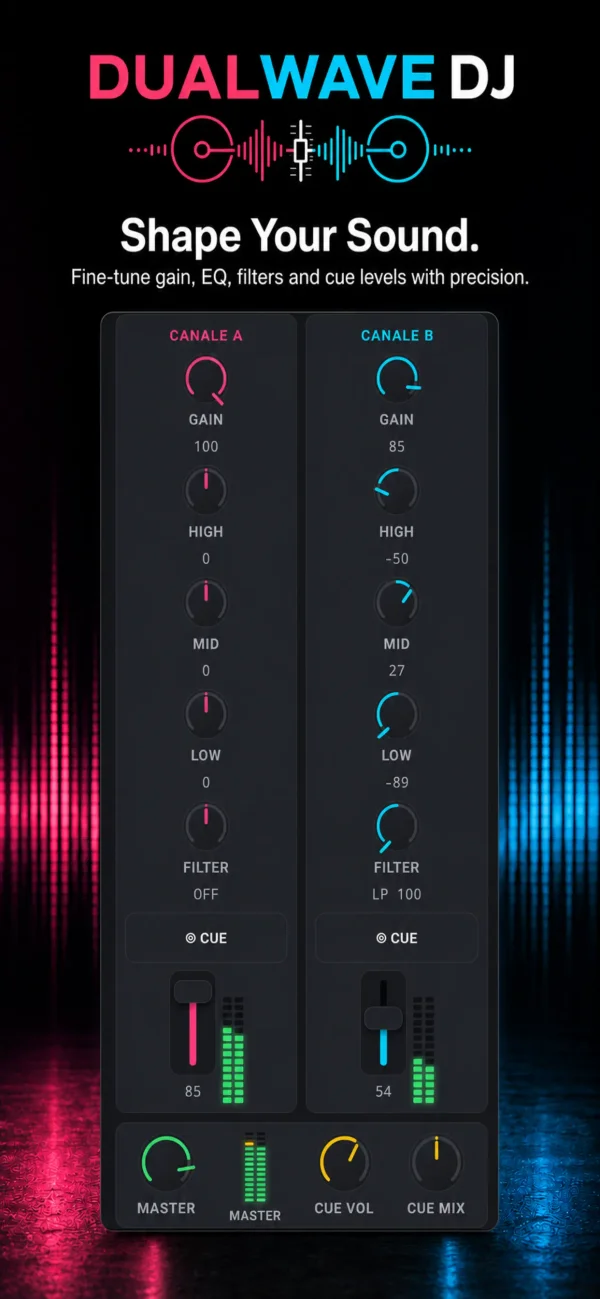
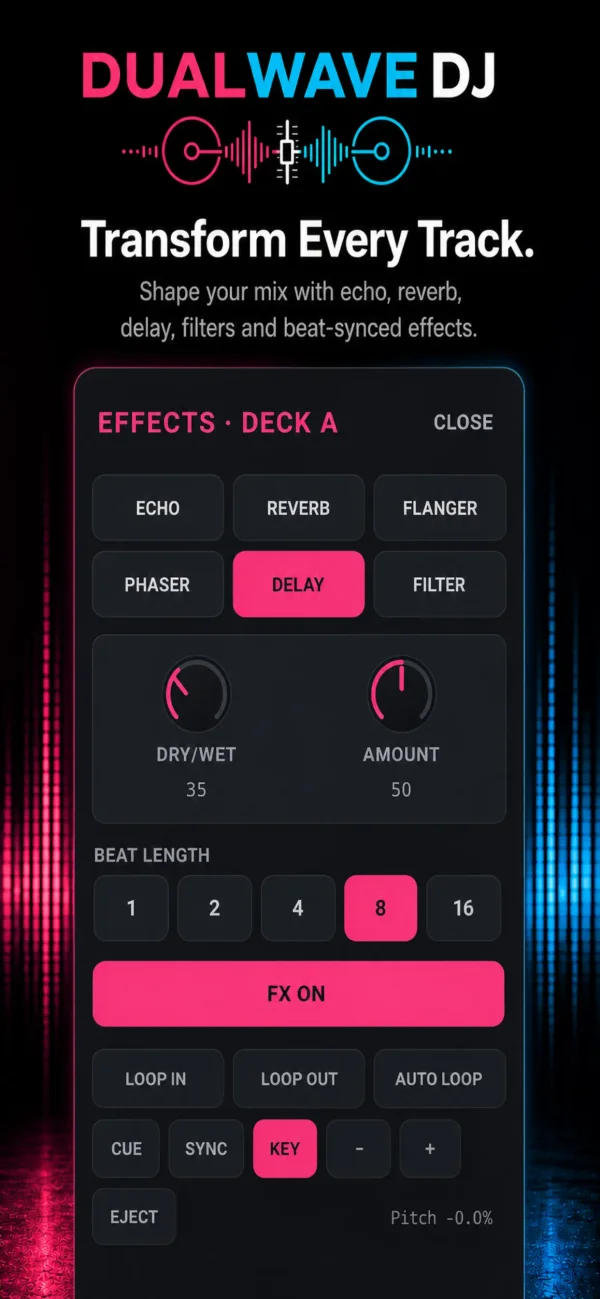
Balance the two channels with gain and volume, then decide how slowly or quickly to move the crossfader. Use the three-band EQ and filter to make room for the next track. For instance, bring the incoming track in with less bass, then swap the low end where the phrases meet. Use echo or reverb to let the outgoing track trail off, or use flanger and filter sweeps to change its tone. Use the master level to control the combined output without changing the balance between the two channels.
PLAY THE MOMENT
Mark useful entry points and breaks with Hot Cues. Jump back to a marked section to rehearse it, or keep a few beats running with Auto Loop while you line up the next track. Set loop in and out points by hand when you want your own boundaries. The sampler pads let you add a hit to a fill or a transition.
BUILD A LIBRARY THAT WORKS FOR YOU
Bring in compatible audio files individually or in batches, add tracks from ZIP archives, or extract audio from compatible videos on your device. Search by track name, browse by album or artist, and star the files you reach for most. Filter by BPM and key when you need a track that fits the pair already on your decks. With a compatible audio setup, use headphone cueing to preview a track before bringing it into the mix.
SAVE THE SESSION AND THE TAKE
Keep your work as a project and reopen the session to try a different transition. Export the project in .dualwave format and keep the original tracks available for reopening. When you like the way it sounds, record the set. Record the console output, voice alone, or both together for an introduction or commentary. Listen to your take in the app and export it as MP3 or WAV.
ADD VISUALS TO A SET
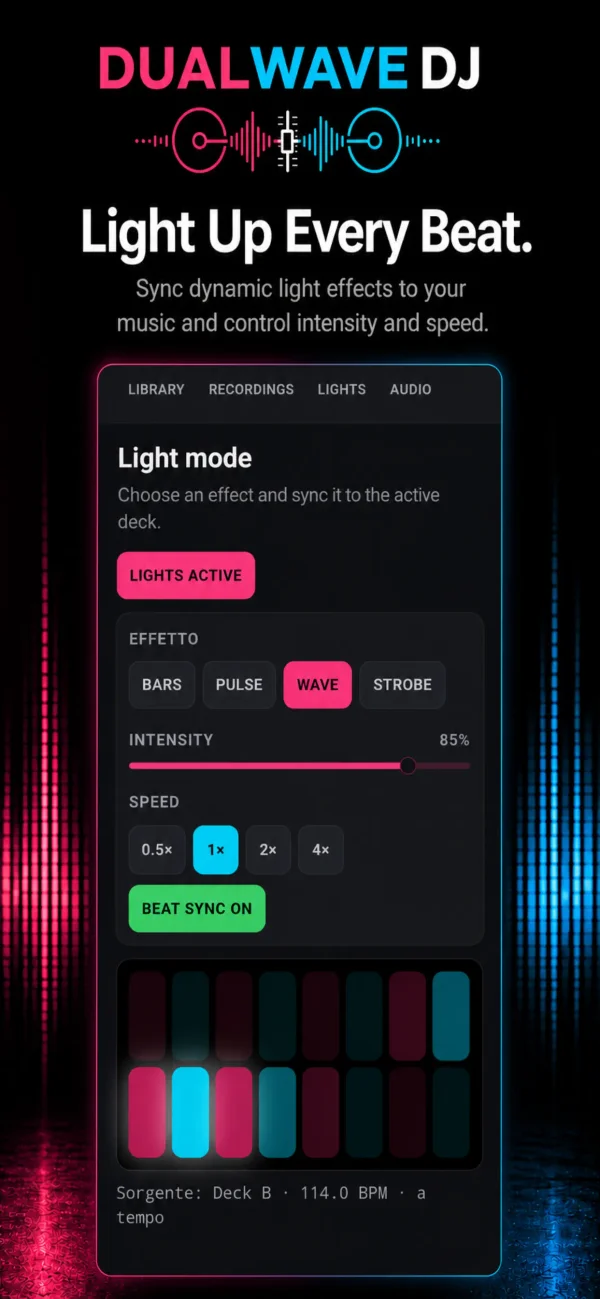
Turn on the lights view for beat-synced bars, pulses, or waves. Set the brightness and animation speed to suit the room while you work the decks.
What’s new
Version 2.1 · Nov 24, 2026
Improved the user experience and made mixing easier.
App privacy
What Giovanni Emanuele Spina declares on the App Store about how this app handles data.
-
Data used to track you
May be used to track you across apps and websites owned by other companies.
- Location
- Identifiers
- Usage data
- Diagnostics
-
Data linked to you
May be collected and linked to your identity.
- Location
- Identifiers
- Usage data
- Diagnostics
-
Data not linked to you
May be collected but is not linked to your identity.
- Purchases
- Diagnostics
Privacy practices may vary, for example with the features you use or your age.
Information
- Seller
- Giovanni Emanuele Spina
- Category
- Music
- Version
- 2.1
- Updated
- Nov 24, 2026
- Released
- Aug 24, 2026
- Size
- 14.1 MB
- Requires
- iOS 15.0 or later
- Age rating
- 4+
- Price
- Free
- In-app purchases
- Yes
- Languages
- English
- Copyright
- © Giovanni Emanuele Spina
You might also like
-
 DJ Mixer - Mix Music & RemixAuto Mix Songs & DJ Studio
-
 KeepDJ - DJ Mixer ConsoleLive Mixing & Set Recorder
-
 AlyDeejay: Dj App & AI AutomixMix Music & Perform Live
-
 SpinCut DJMix, Scratch & Controller DJ
-
 Mezcla: Learn to DJ & MixBeatmatch course for beginners
-
 Guanche's DJ BoothTwo-deck offline DJ mixer
-
 DJ Mix DeckTwo decks. Your own music.
-
 OpenDeck DJBeat-synced single-deck player
-
 AI DJ Studio: Stems & MixerSplit any song into layers
-
 DJ Scratcher NeoVinyl Turntable & Song Mixer