- Age rating4+
- CategoryProductivity
- DeveloperAli Eldessouki
- LanguagesEnglish
- Size18.0 MB
Links to the official App Store page
Download.org hosts no file of Do's. The button opens its official App Store page, published by Ali Eldessouki. Listing last checked on Nov 20, 2026.
Screenshots
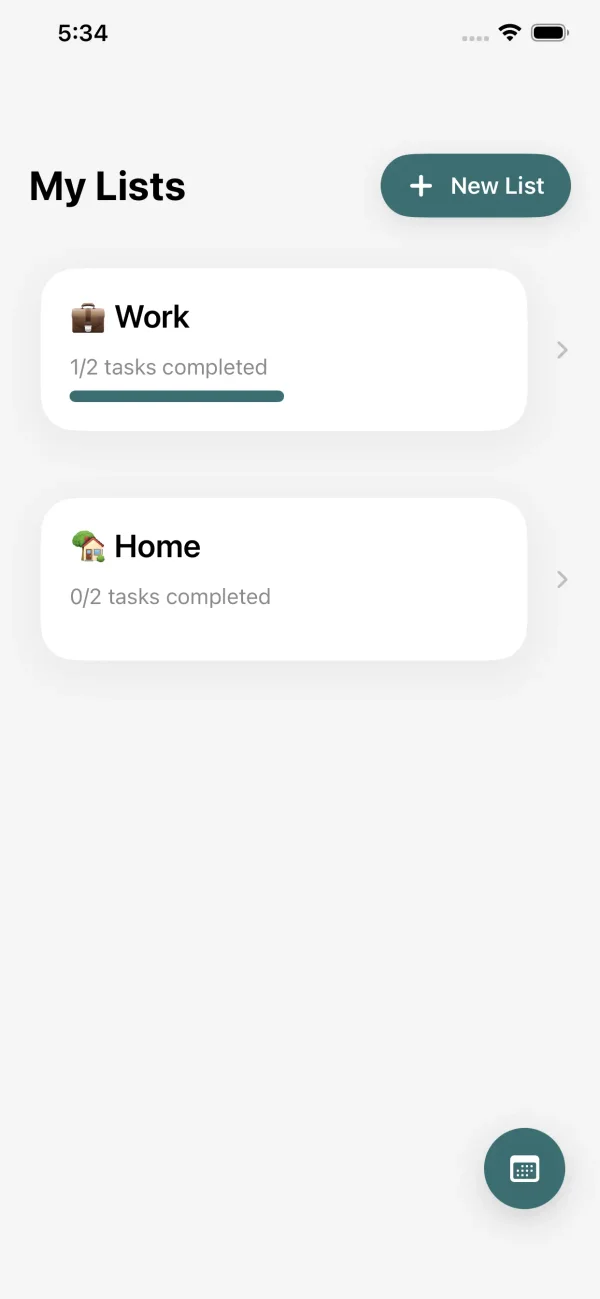
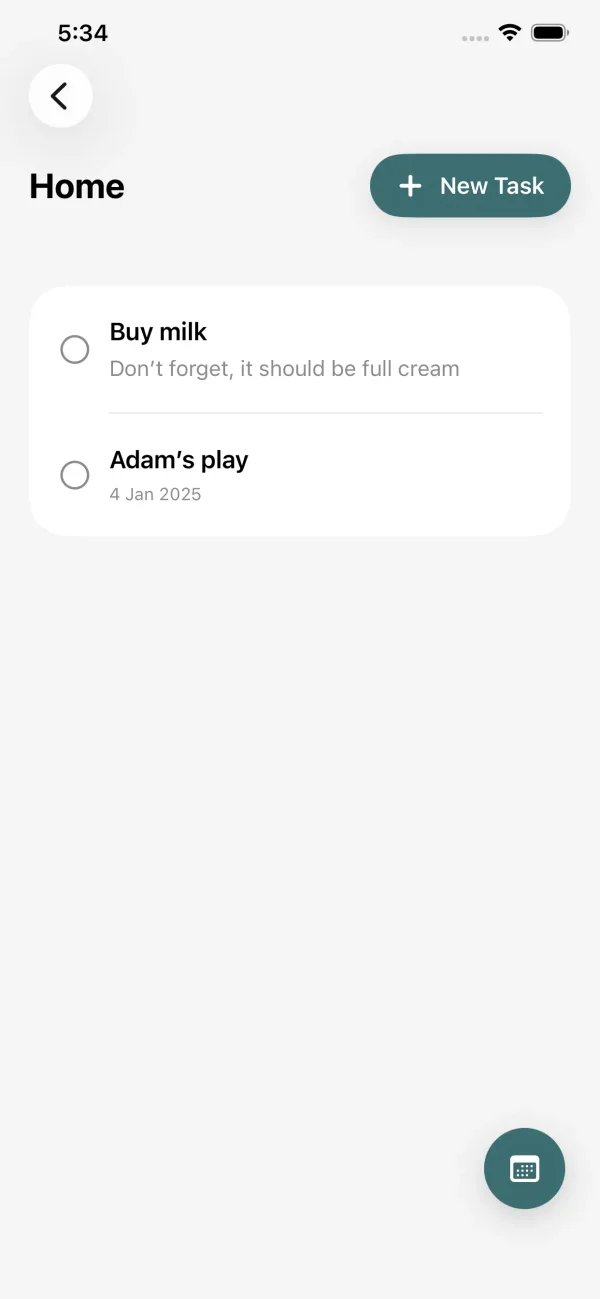
About
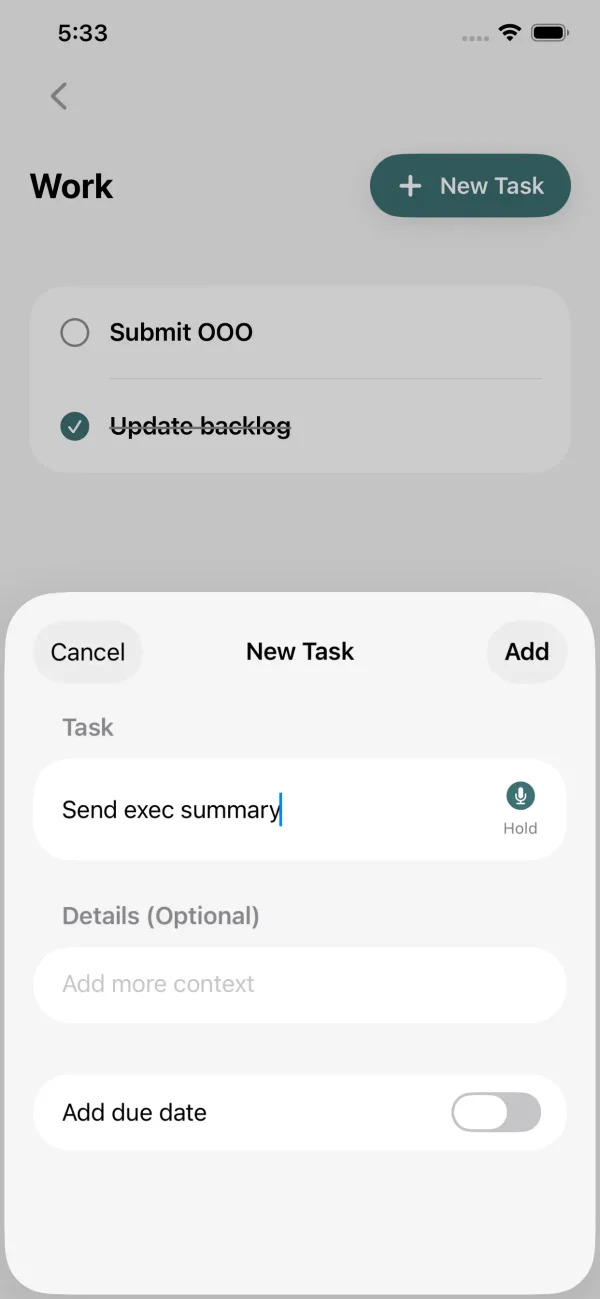
Do’s helps you stay organized without feeling overwhelmed. Create simple lists in seconds, keep track of what matters, and enjoy a clear view of your day as it unfolds.
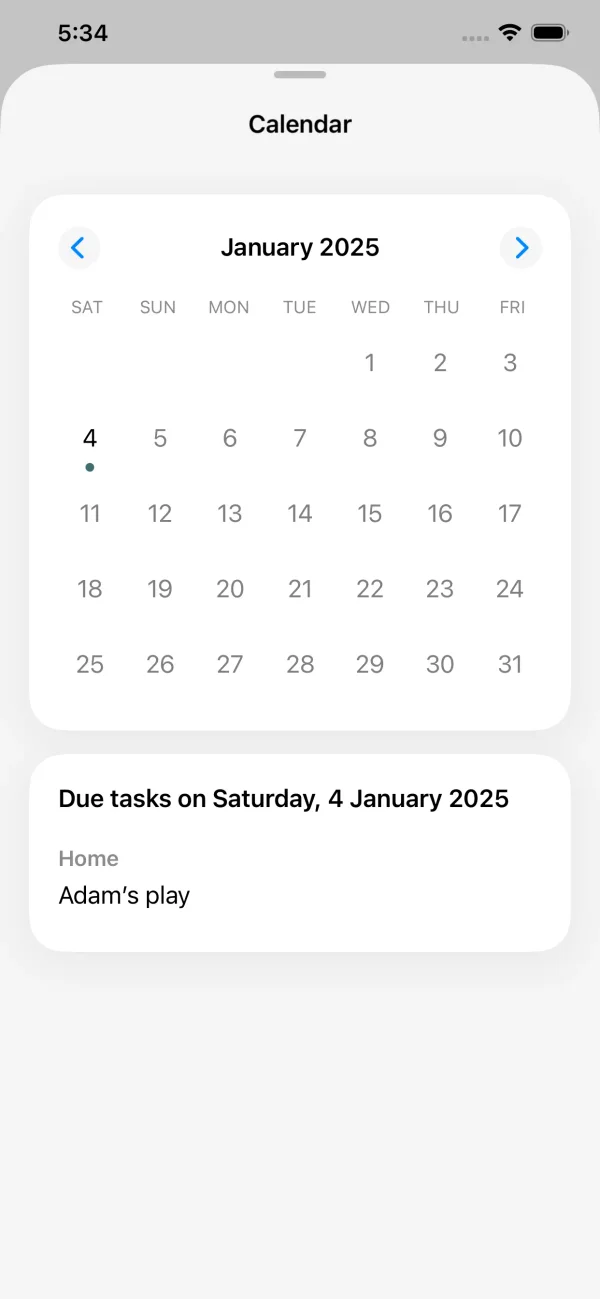
Whether you are managing errands, schoolwork, or weekend plans, everything stays easy to scan and effortless to update. Add new items with a tap, keep things tidy with subtle visual cues, and check in on what is coming up whenever you need a quick snapshot.
Why people enjoy using Do’s
• Fast capture: Adding a new list or task takes almost no thought, making it easier to stay on track
• Clear priorities: Gentle visual cues and distinct lists help you instantly see where your attention should go
• Helpful reminders at a glance: When something is coming up, a small in-app cue makes sure you will not miss it
• See your progress: A simple stats view shows what you have completed this week and how long your streak is
• No account needed: Your lists and tasks stay on your device, and you never have to sign up or sign in
Do’s is designed to feel friendly, lightweight, and stress free so you can organize life’s tasks while keeping your mind clear.
What’s new
Version 1.0.2 (1) · Sep 2, 2026
Put things in the right order
Drag any list or task to move it. Your order is saved, so everything stays exactly where you left it.
Know how you're doing
The new Stats screen shows how much you've finished this week, your current daily streak, and your all-time total. Tap Stats in the bottom bar.
Reminders in one tap
Setting a reminder no longer means scrolling the time picker. Pick a suggested time and you're done. Rolling out gradually over the coming days.
Tell us when something's off
Shake your device, or tap the floating button, to send us a report with a screenshot attached.
App privacy
What Ali Eldessouki declares on the App Store about how this app handles data.
-
Data linked to you
May be collected and linked to your identity.
- Contact info
- Identifiers
-
Data not linked to you
May be collected but is not linked to your identity.
- User content
- Usage data
- Diagnostics
Privacy practices may vary, for example with the features you use or your age.
Information
- Seller
- Ali Eldessouki
- Category
- Productivity
- Version
- 1.0.2 (1)
- Updated
- Sep 2, 2026
- Released
- Dec 2, 2025
- Size
- 18.0 MB
- Requires
- iOS 26.0 or later
- Age rating
- 4+
- Price
- Free
- Languages
- English
- Copyright
- © 2025 Ali Eldessouki
You might also like
-
 AutoPulseProductivity
-
 Pointron - Focus time trackerThe ultimate focus tracker
-
 OFFLIGHTProductivity
-
 Bookmark App: DoubleMemorySave links, images & notes
-
 Stupido: Voice To-DosUpdate your list instantly!
-
 Compass - Local AIOn-device AI assistant.
-
 Bravo LinkProductivity
-
 Re:mindr - Quick RemindersReminder, ToDo & Planner
-
 AI Phone Call AgentOpenCall: AI Calls & Leads
-
 Quran-Station100+ Stations & Sahaba stories