Doc Reader: Text to Speech
Listen to Docs in Any Language
Designed for iPhone, iPad
Free · In-app purchases
- Age rating4+
- CategoryProductivity
- DeveloperETHAN SCOTT TROKIE
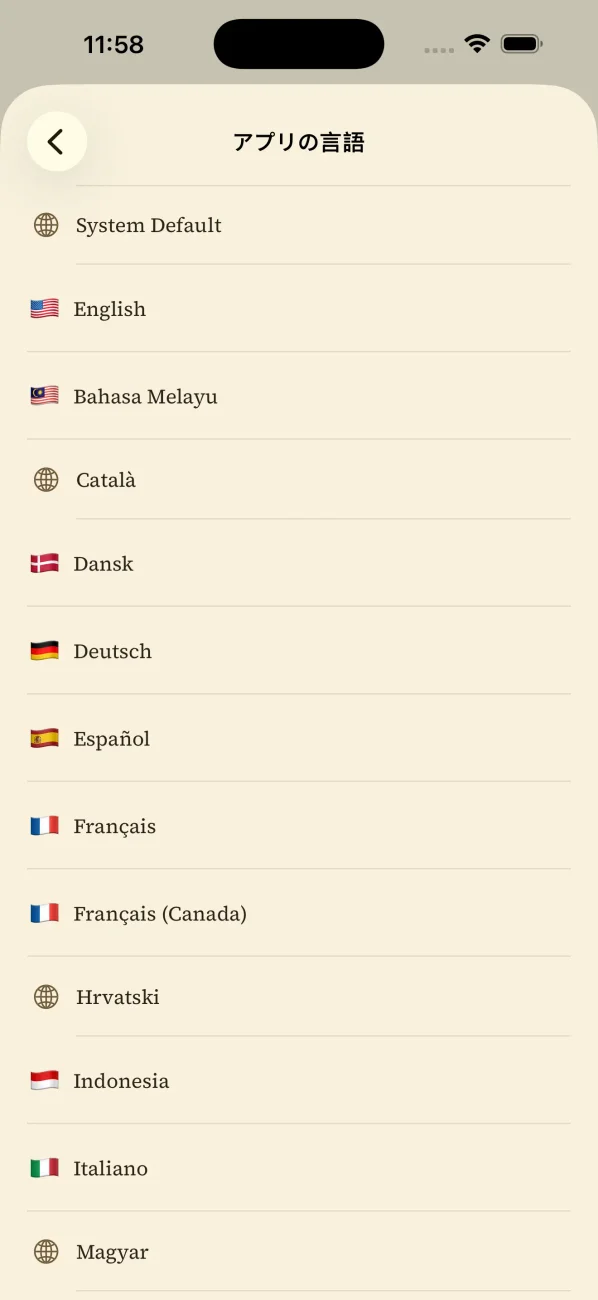
- LanguagesEnglish+ 36 more
- Size1.7 GB
Links to the official App Store page
Download.org hosts no file of Doc Reader: Text to Speech. The button opens its official App Store page, published by ETHAN SCOTT TROKIE. Listing last checked on Nov 26, 2026.
Screenshots
About
Turn your PDFs and websites into a listening experience — in 41 languages.
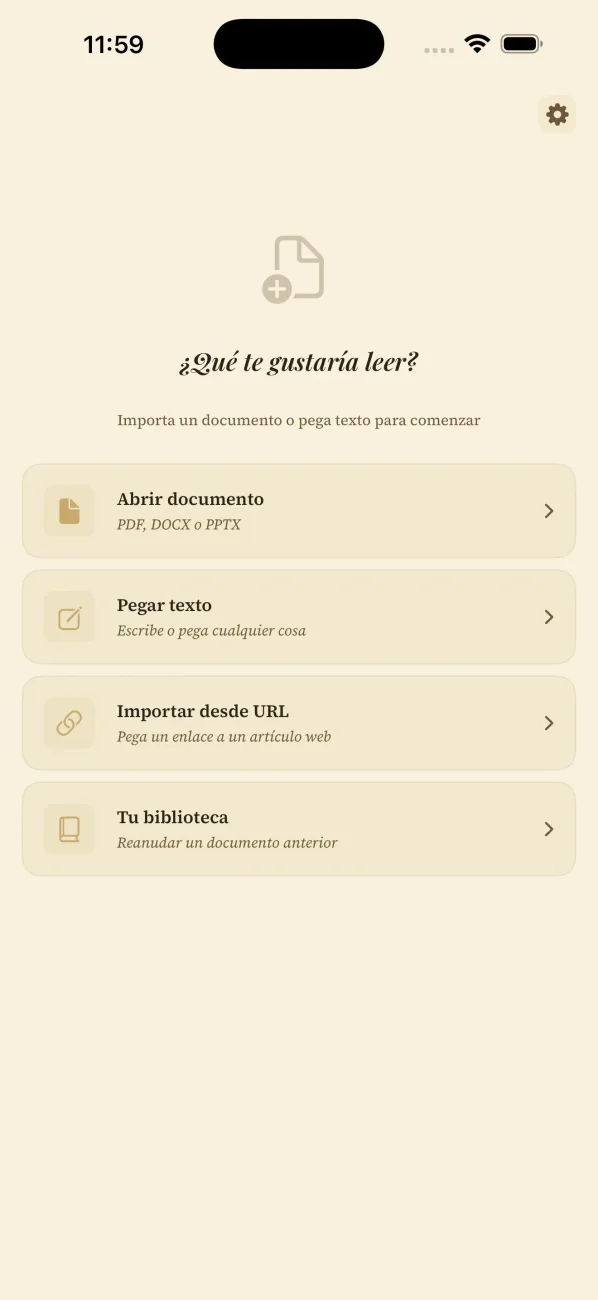
DocReader converts any PDF, website, or document into natural-sounding speech so you can absorb textbooks, research papers, lecture notes, and articles while commuting, exercising, or doing chores.
Why students and academics love it:
- Listen to any PDF from Safari, Mail, Files, or Google Drive
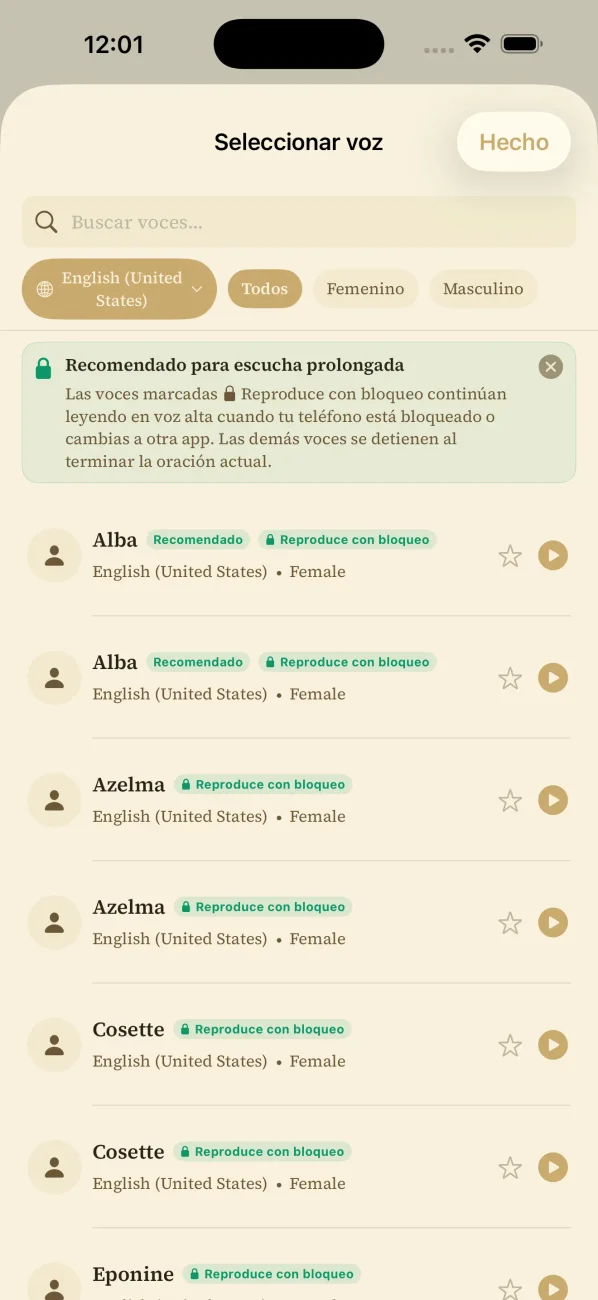
- Natural-sounding voices in English, Spanish, French, German, Portuguese, Russian, Japanese, Chinese, Korean, Hindi, and Arabic
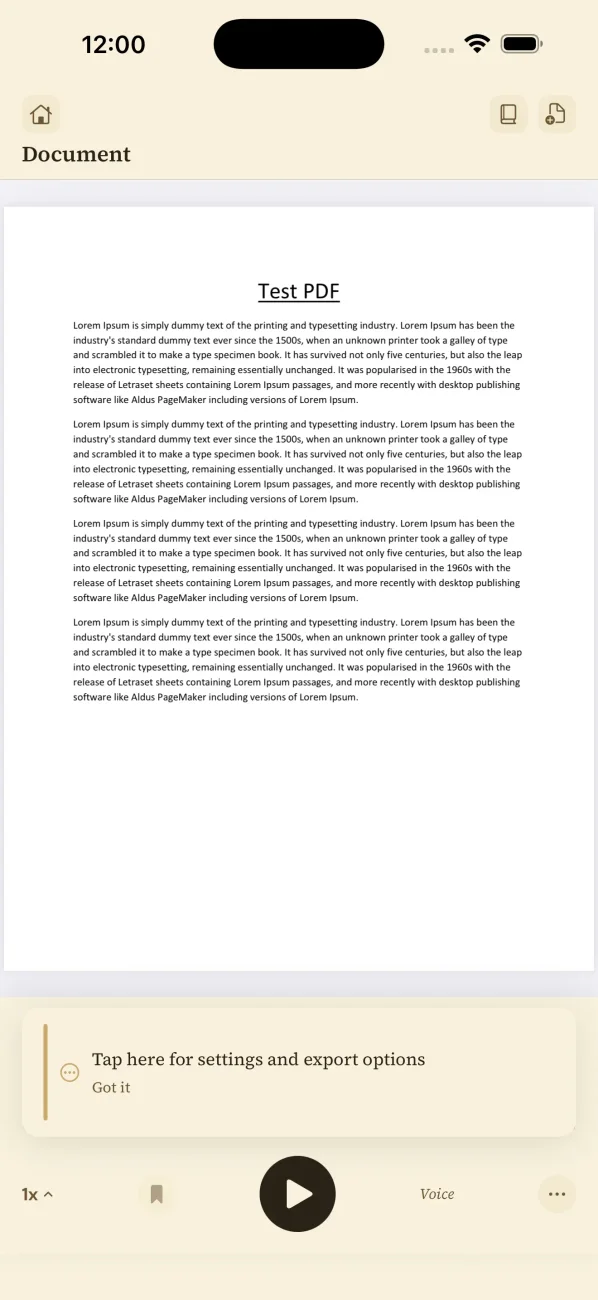
- Adjustable speed from 0.5x to 2.0x — slow down for dense material or speed up for review
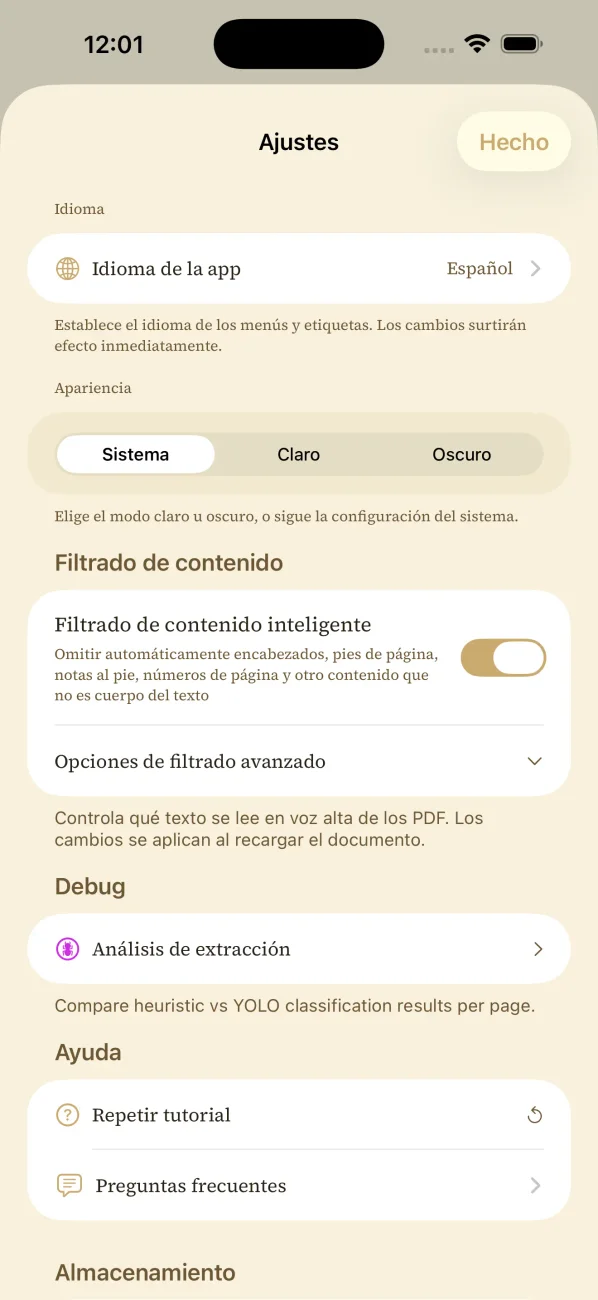
- Keeps playing in the background — switch apps without losing your place
100% free. No catches: No subscriptions. No token limits. No "premium" tier. DocReader is completely free to use with no restrictions — today and always.
Perfect for:
- Reviewing lecture slides and course readings on your commute
- Listening to research papers while at the gym
- Turning long-form articles into audio during your morning routine
- Making dense academic material easier to absorb through listening
- Reading PDFs in your native language with a natural voice
- Accessibility — hear any PDF read aloud with a natural voice
Private by design: Everything runs on your device. Your documents never leave your phone. No accounts. No cloud processing. No data collection.
How it works:
1. Open a PDF in DocReader from any app
2. Pick a voice — choose from multiple languages
3. Tap play
4. Listen
What’s new
Version 2.0.1 · Oct 13, 2026
New voices introduced. More natural sounding voices while you're phone is closed or you're in other apps!!
App privacy
What ETHAN SCOTT TROKIE declares on the App Store about how this app handles data.
-
Data not linked to you
May be collected but is not linked to your identity.
- Diagnostics
Privacy practices may vary, for example with the features you use or your age.
Information
- Seller
- ETHAN SCOTT TROKIE
- Category
- Productivity
- Version
- 2.0.1
- Updated
- Oct 13, 2026
- Released
- Apr 5, 2026
- Size
- 1.7 GB
- Requires
- iOS 18.0 or later
- Age rating
- 4+
- Price
- Free
- In-app purchases
- Yes
- Languages
- English, Bengali, Bulgarian, Catalan, Croatian, Czech, Danish, Dutch, Finnish, French, German, Greek + 25 more
- Copyright
- © Ethan Trokie 2026
You might also like
-
 Save Button AppProductivity
-
 CopyPasta - Clipboard HistoryManage copy paste records
-
 Snippets: Quick Markdown NotesSync via iCloud
-
 Murmur Keyboard - AI PoweredPowerful Private AI Dictation
-
 TensorChat: Private AIIntelligence on your terms
-
 TimeZone Vanguard: World ClockTime Zone Converter & Planner
-
 InksignalRead faster, Focus better
-
 KeyVox: AI Voice KeyboardNo Subscription. AI Dictation.
-
 AI ToneFixRewrite tone, keep every fact