
- Age rating4+
- CategoryProductivity
- DeveloperDylan Shade
- LanguagesEnglish
- Size16.9 MB
Links to the official App Store page
Download.org hosts no file of Inksignal. The button opens its official App Store page, published by Dylan Shade. Listing last checked on Nov 17, 2026.
Screenshots
About
Reading on a screen can feel slow and tiring. Your eyes jump line to line, your focus breaks, and long reading lists keep growing.
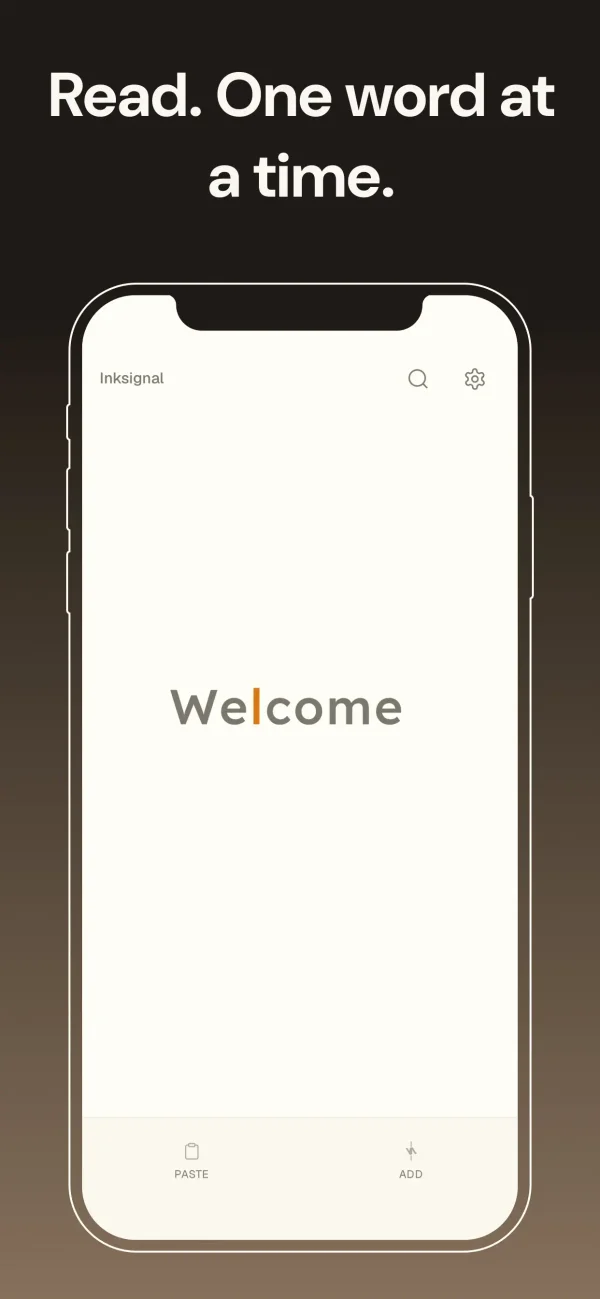
Inksignal gives you another way to read. It uses RSVP (Rapid Serial Visual Presentation): words appear one at a time at a fixed focal point, so you can keep your place and move faster with less eye strain.
Built for students, researchers, and knowledge workers.
What you can do with Inksignal:
- Read at your pace: 100 to 1000+ words per minute with live speed control
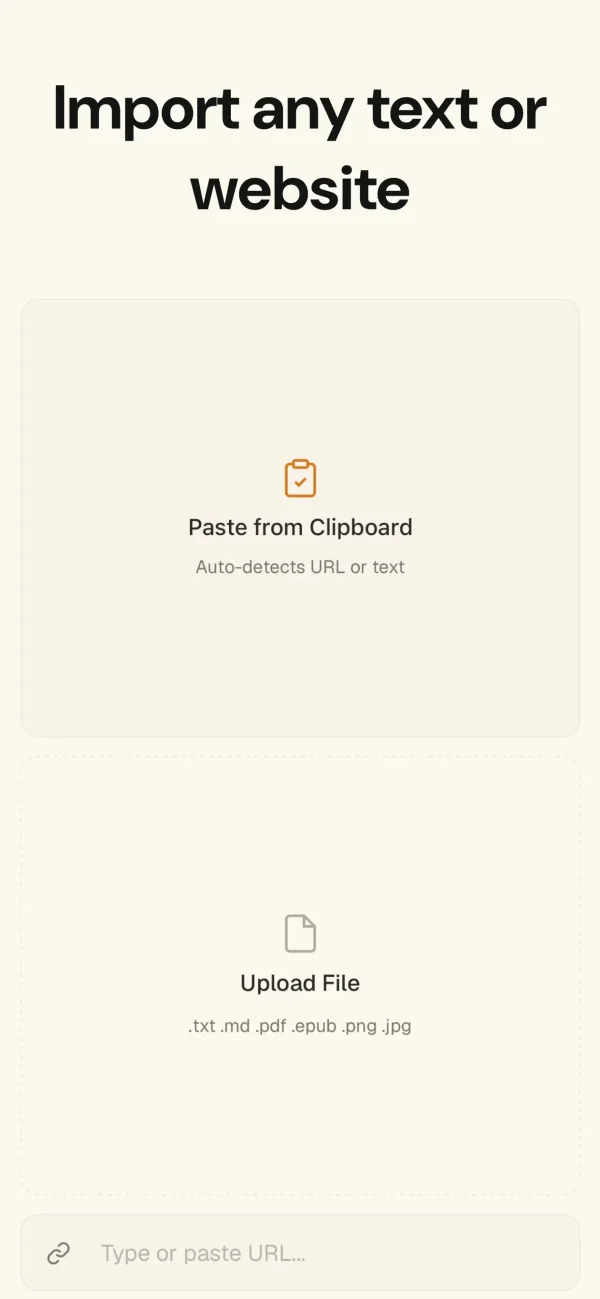
- Import real content: TXT, Markdown, PDF, and EPUB
- Paste any URL and read extracted article text
- Pull text from screenshots and photos with OCR
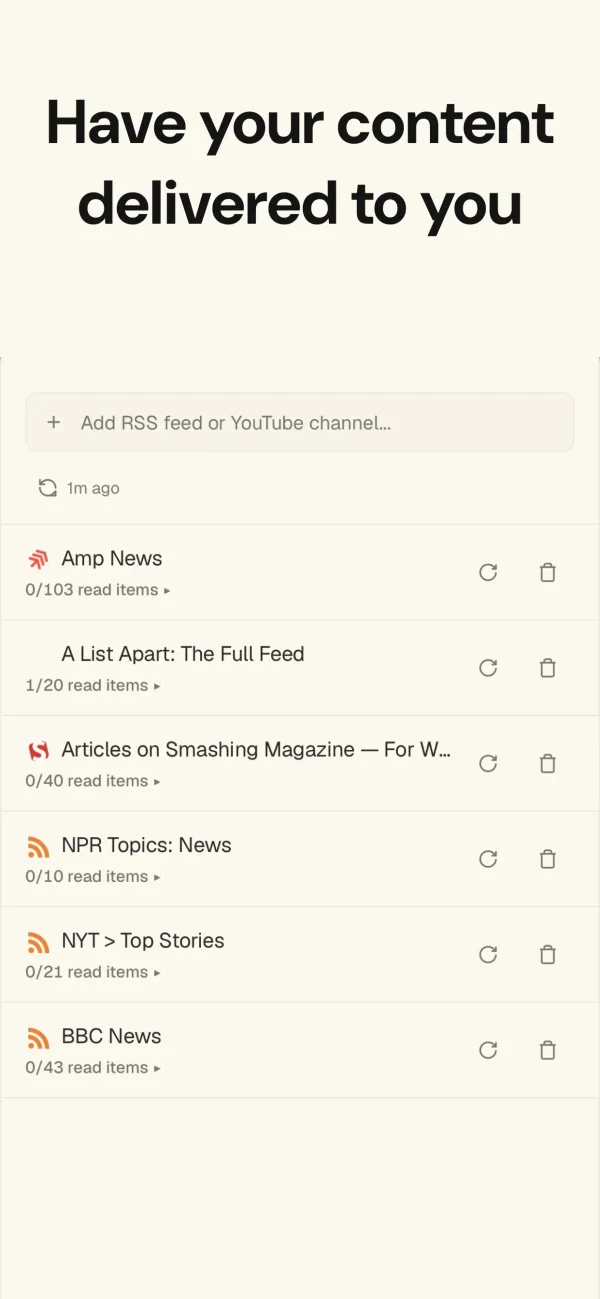
- Load YouTube transcripts from video links
- Control playback from the keyboard (play, pause, jump, speed up/down)
- Stay focused with a minimal interface that gets out of the way
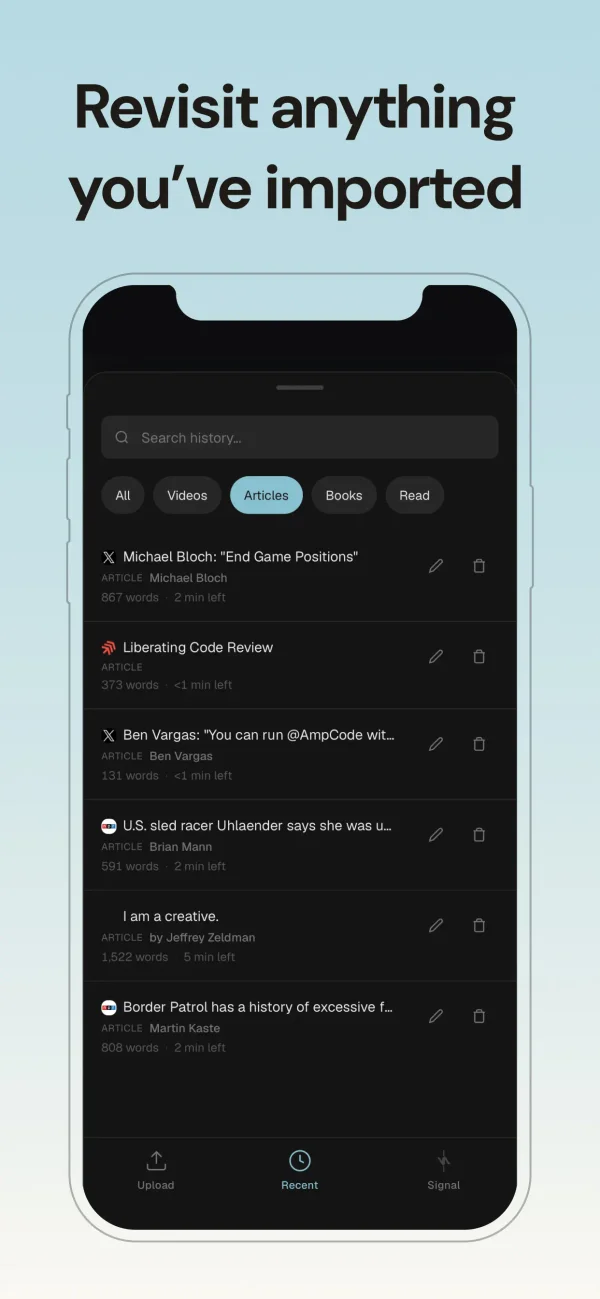
Use it to review class material, clear article backlogs, or process docs before meetings.
If you read a lot and want to do it faster without burning out your eyes, Inksignal is built for you.
App privacy
What Dylan Shade declares on the App Store about how this app handles data.
-
Data not collected
The developer does not collect any data from this app.
Privacy practices may vary, for example with the features you use or your age.
Information
- Seller
- Dylan Shade
- Category
- Productivity
- Version
- 1.0
- Updated
- Mar 1, 2026
- Released
- Mar 1, 2026
- Size
- 16.9 MB
- Requires
- iOS 17.0 or later
- Age rating
- 4+
- Price
- Free
- Languages
- English
- Copyright
- © 2026 DPS Labs
You might also like
-
 PearstudioPrompts, PDFs & AI refinement
-
 Snippets: Quick Markdown NotesSync via iCloud
-
 Resurface: Forget NothingSave anything. Forget nothing.
-
 SkyPilot ProYour Aviation Command Center
-
 NoterivMarkdown notes in plain files
-
 MemuraRemembers everything for you
-
 Texty Copy: Fields & OCRCapture fields, not just text
-
 Doc Reader: Text to SpeechListen to Docs in Any Language
-
 Ki-noteYour Personal Knowledge Vault
-
 Snapwell: Inspiration LibraryOrganized with AI