
Doc Scanner App & PDF Printer
For HP, Canon, Epson, Brother
Designed for iPhone, iPad, iPod touch
Free · In-app purchases
- Age rating4+
- CategoryBusiness
- DeveloperSmart Mobile Apps FZCO
- LanguagesEnglish
- Size264.9 MB
Links to the official App Store page
Download.org hosts no file of Doc Scanner App & PDF Printer. The button opens its official App Store page, published by Smart Mobile Apps FZCO. Listing last checked on Nov 12, 2026.
Screenshots
About
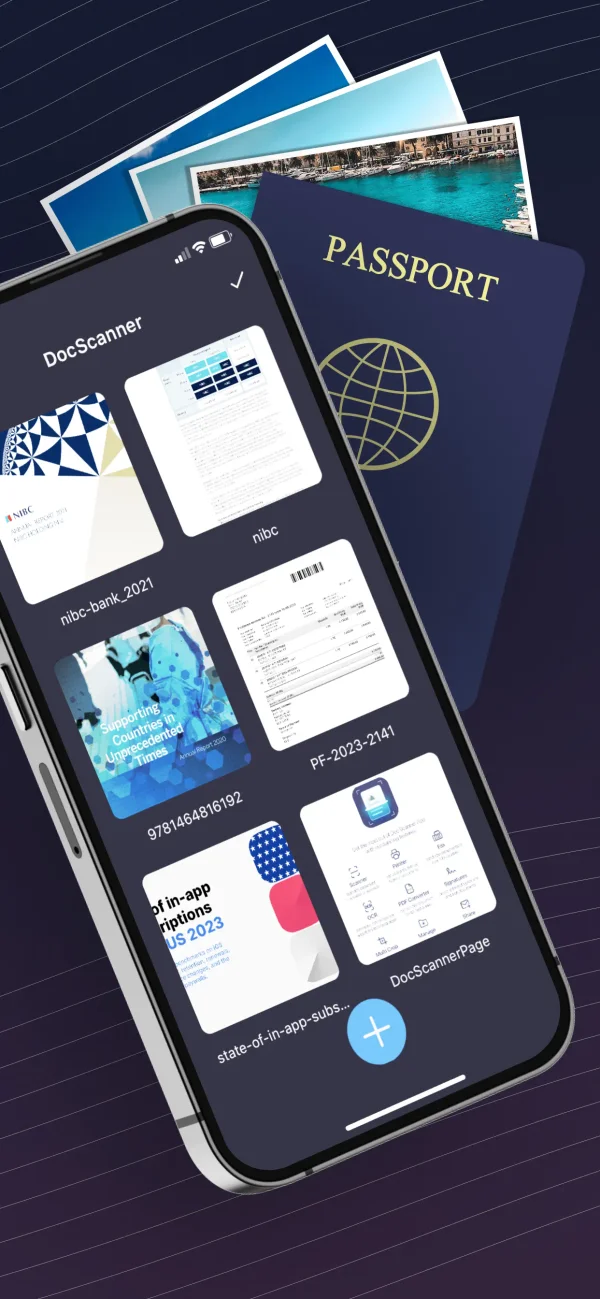
Doc Printer App & PDF Scanner is the only tool you need to work with documents anywhere you are: SCAN, PRINT, FAX, EDIT, MANAGE and SHARE your documents and files in a few taps! Remote office in your pocket for modern remote work!
SCANNER
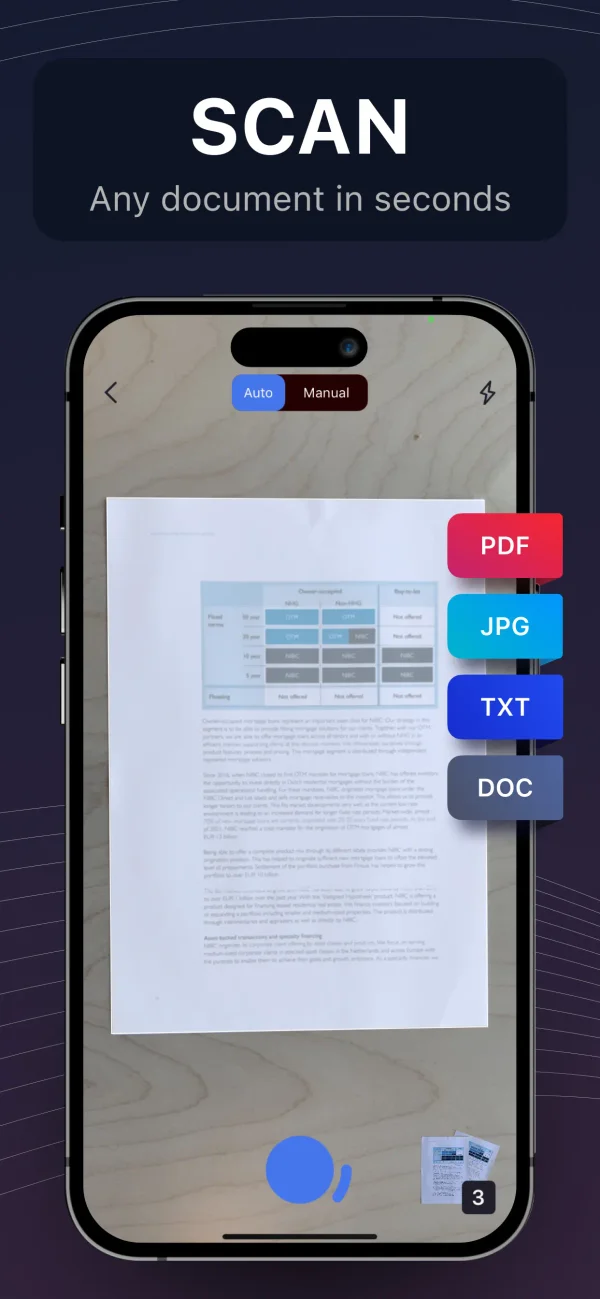
- Scan documents, photos, books, papers, receipts, business cards and so on
- Smart scan feature: auto-border detection, color correction and noise removing features
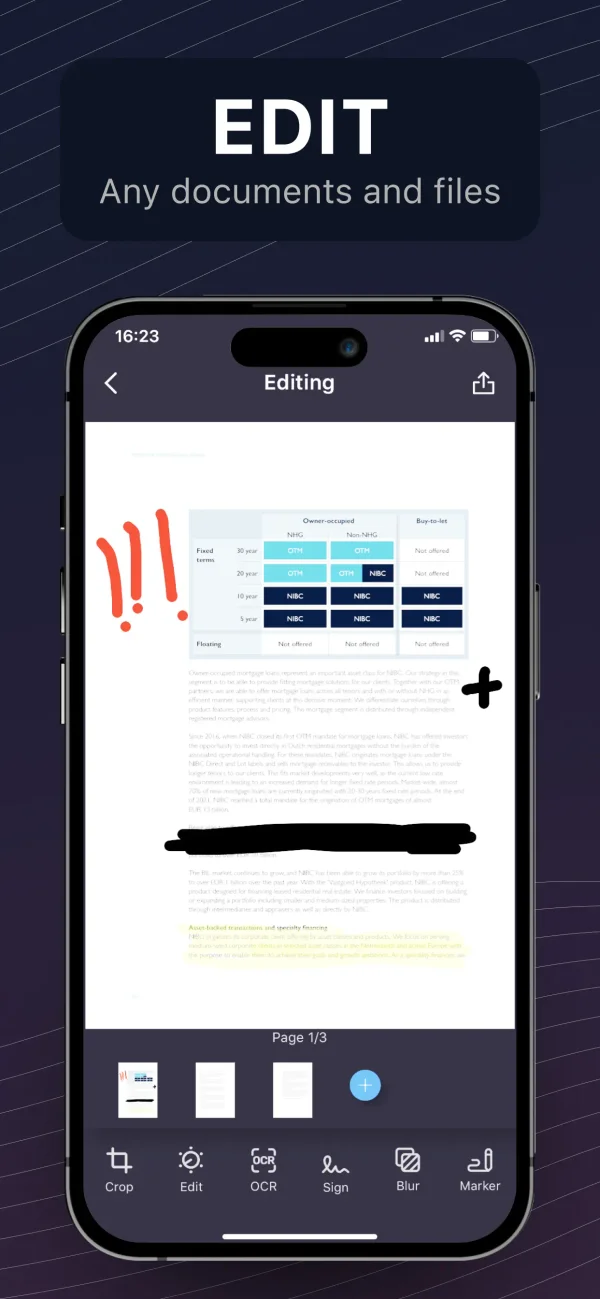
- Edit your scans: add signatures, modify, delete, insert and make all the necessary changes
- Built-in OCR feature: recognize text from your scans and edit it as you want
PRINTER
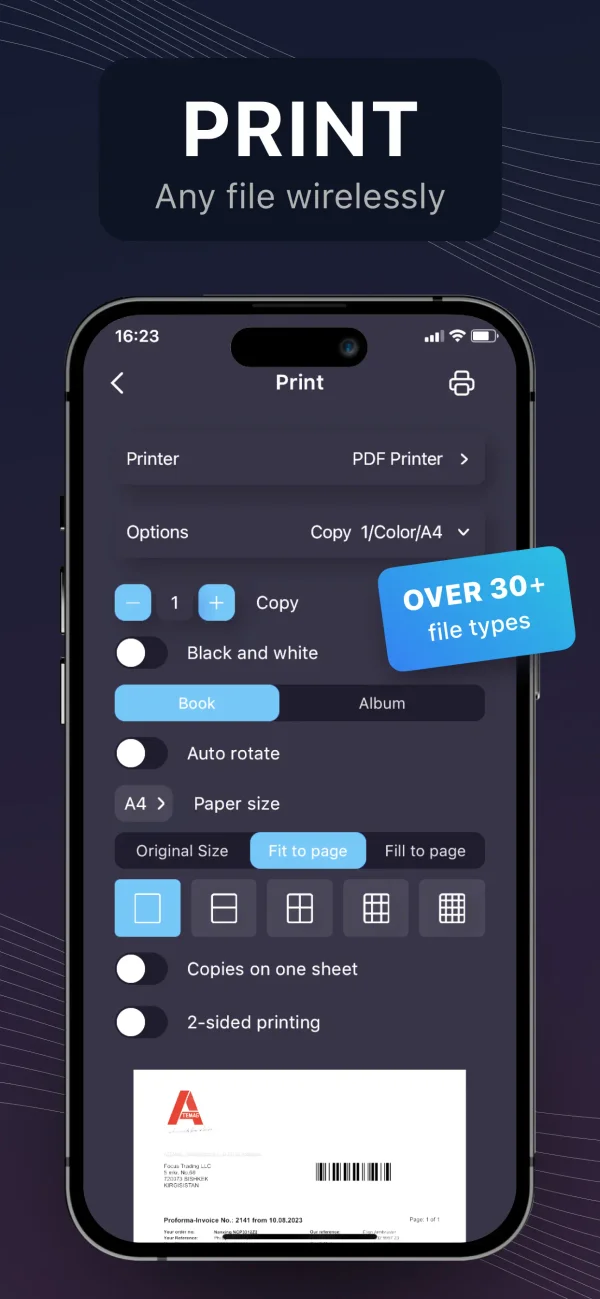
- Print any files and over 30+ types of documents: PDF, Pages, Numbers, DOC, XLS, PPT and so on
- Print photos, web-pages, email attachments, clipboard texts, contacts and many more
- Wide settings options: paper size, orientation, range, borders, 1/2-sided printing, color/bw/grayscale and many more
- Over 1000 printer models supported and counting
FAX
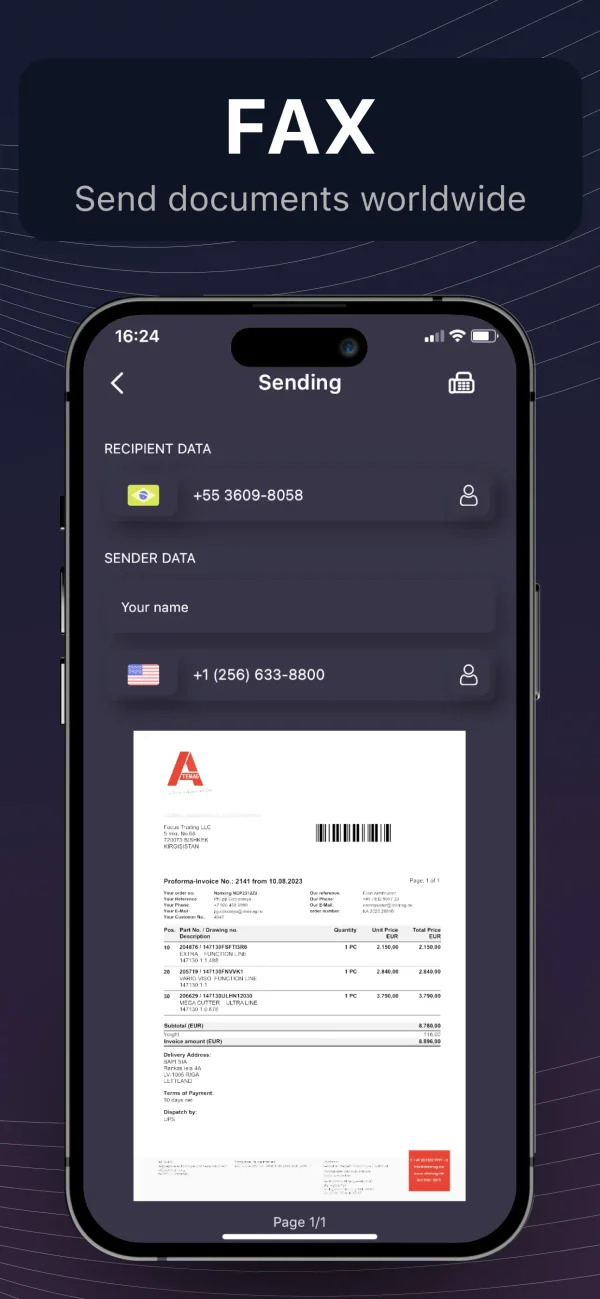
- Fax any documents and photos to over 100 countries worldwide
- Over 30+ types of documents are supported
- Preview, Edit and Sign faxes
- Send faxes at affordable and transparent pricing
EXTENDED FEATURES:
- CLOUDS SUPPORT iCloud, Google.Drive, Dropbox, etc
- PDF CONVERTER: convert anything to PDF, edit and share it
- SHARE DOCUMENTS: sms, email, social networks, cloud services
- 100% UP TO DATE: iOS 17 ready with the support of all the latest iPhone models
Doc Printer App & PDF Scanner is free to use with limited functions. Premium version provides unlimited access to apps features. Payment will be charged to iTunes Account at confirmation of purchase. Subscription automatically renews unless auto-renew is turned off at least 24-hours before the end of the current period. Account will be charged for renewal within 24-hours prior to the end of the current period, and identify the cost of the renewal. Subscriptions may be managed by the user and auto-renewal may be turned off by going to the user's Account Settings after purchase. Any unused portion of a free trial period, if offered, will be forfeited when the user purchases a subscription to that publication.
Terms and Conditions: http://doc-scan-app.com/terms.html
Privacy Policy: http://doc-scan-app.com/privacy.html
What’s new
Version 2.4 · Nov 20, 2023
Bug fixes and minor improvements
App privacy
What Smart Mobile Apps FZCO declares on the App Store about how this app handles data.
-
Data used to track you
May be used to track you across apps and websites owned by other companies.
- Usage data
-
Data linked to you
May be collected and linked to your identity.
- Usage data
-
Data not linked to you
May be collected but is not linked to your identity.
- Contacts
- User content
- Identifiers
- Usage data
- Diagnostics
- Other data
Privacy practices may vary, for example with the features you use or your age.
Information
- Seller
- Smart Mobile Apps FZCO
- Category
- Business
- Version
- 2.4
- Updated
- Nov 20, 2023
- Released
- Jul 7, 2021
- Size
- 264.9 MB
- Requires
- iOS 12.0 or later
- Age rating
- 4+
- Price
- Free
- In-app purchases
- Yes
- Languages
- English
- Copyright
- © 2023 Grigoriy Vinokurov
You might also like
-
 Calendar & To Do List: HomeHugShared Family Planner with AI
-
 Scanner App Pro: Pdf DocumentsScan best document, Clever cam
-
 BeatMarket: stocks investmentsStock market. Finance tracker
-
 Easy Print : Smart Printer AppPDF, Photos, Scan for Printers
-
 Daily planner & Life organizerPersonal digital calender, gtd
-
 GenAI: AI ChatBot AssistantPowered by GPT 4 & Gemini Bard
-
 ChatBot Turbo AI AssistantPowered by ChatGPT API
-
 Printer: PDF to Word & ScanPrint, Excel & Text Converter
-
 Goal Tracker – AmbitionistOrganize your life, bucketlist
-
 Invoice Maker - PDF CreatorGenerate invoices & estimates