Easy Print : Smart Printer App
PDF, Photos, Scan for Printers
Designed for iPhone, iPad, iPod touch
Free · In-app purchases
- Age rating4+
- CategoryBusiness
- DeveloperMobile Ocean
- LanguagesEnglish+ 11 more
- Size22.4 MB
Links to the official App Store page
Download.org hosts no file of Easy Print : Smart Printer App. The button opens its official App Store page, published by Mobile Ocean. Listing last checked on Nov 21, 2026.
Screenshots

About
Effortless Printing at Your Fingertips
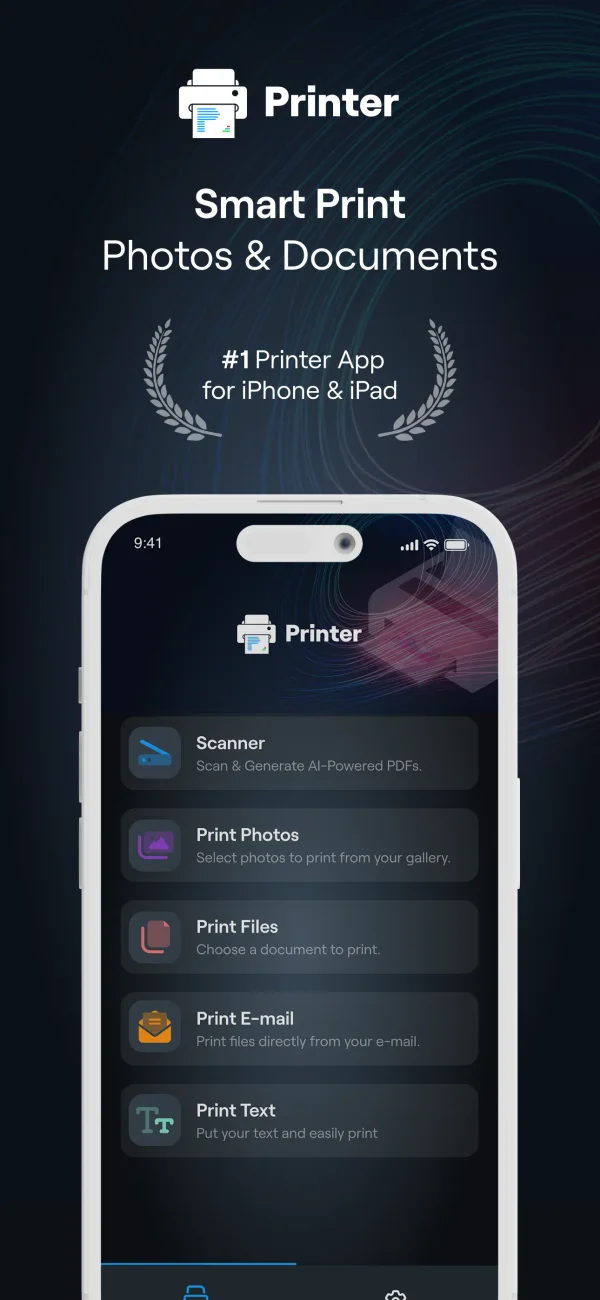
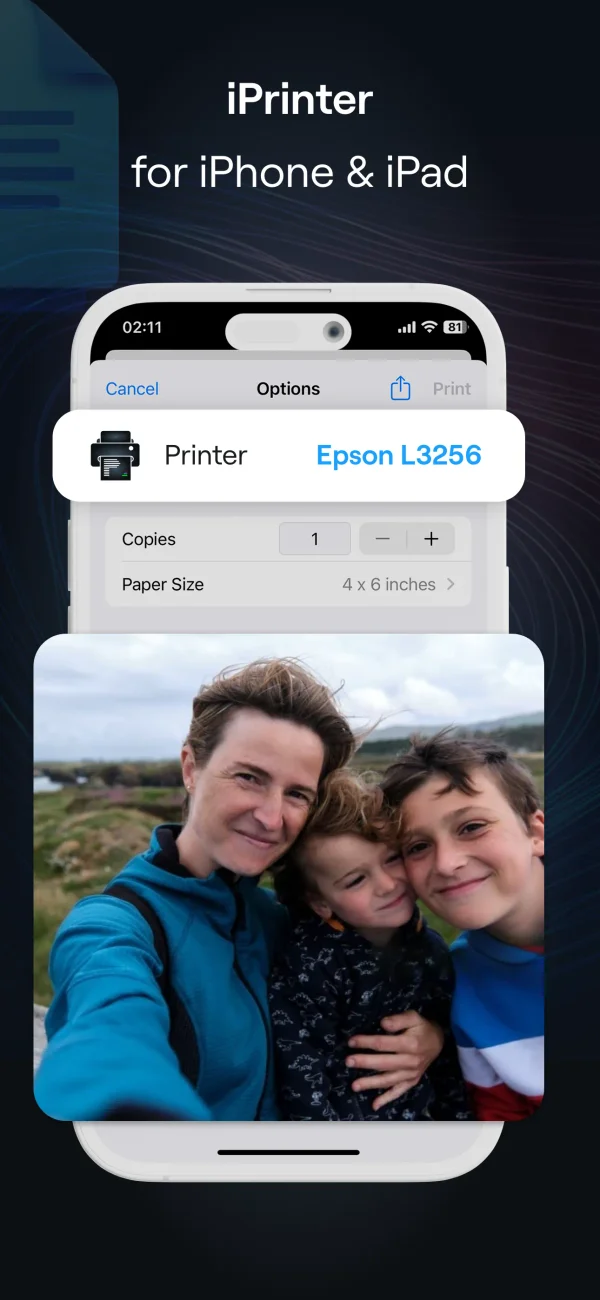
Printing has never been easier! Smart Printer App offers seamless printing with support for over 8,000 wireless printers. Whether you need to print documents, photos, web pages, or even files from your Dropbox or Google Drive, Printer has got you covered. Our intuitive interface and powerful features make printing a breeze. Simply select your document or photo, customize it with our built-in tools, and send it to print within seconds.
Key Features:
Printing from iOS Devices
- Print photos and documents
- Print web pages and contacts
- Direct printing from Dropbox or Google Drive
- Supports 20+ file formats including PDF, DOCX, PAGES, and TXT
- Share or print scanned documents
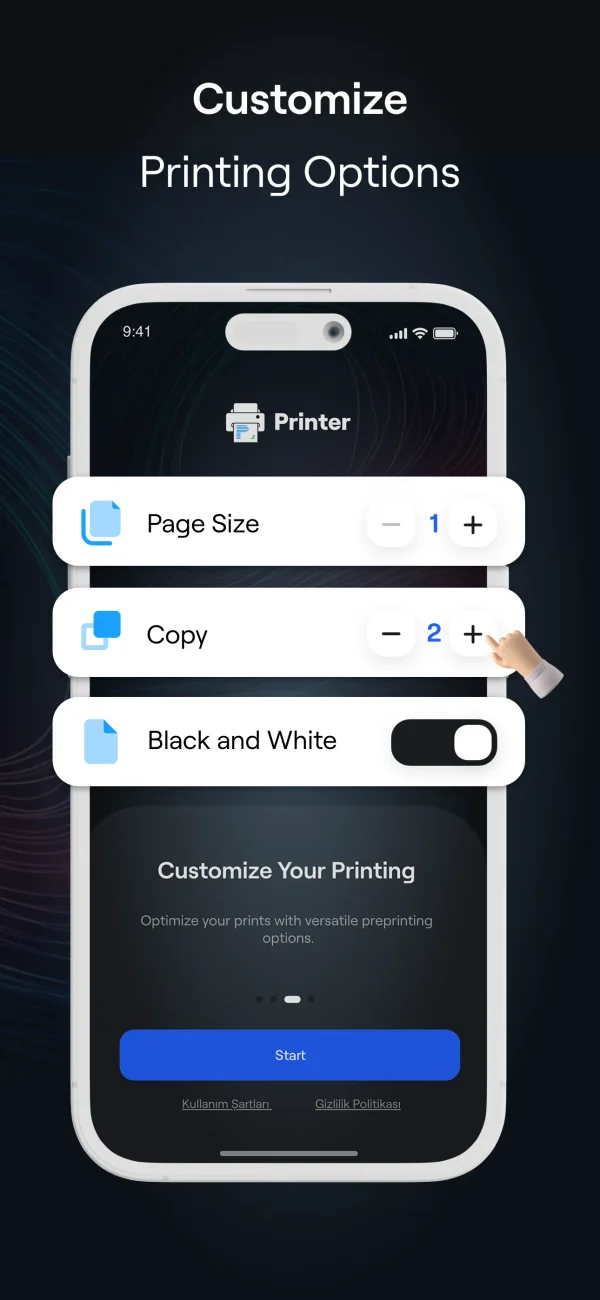
Advanced Printing Options
- Customize page orientation
- Choose one or two-sided printing
- Select the number of pages per sheet
- Print in black and white or color
- Adjust paper size (A3, A4, B5, etc.)
- Specify the number of copies
- Define printing range
- Explore various built-in photo editing options
Compatible with All AirPrint Printers
Printer seamlessly integrates with all printer models supporting AirPrint technology. No matter your printer type, enhance your printing experience with Printer!
About Subscriptions and Terms of Use:
- For Unlimited Features of Printer App, some Premium subscriptions are needed.
- Payment will be made from your iTunes account after you confirm the purchase.
- Subscriptions will auto-renew at the end of each term if it is not canceled 24 hours before the end of the purchasing term.
- The user can manage subscriptions. Auto-renew can be turned off from iTunes account settings.
- You can cancel your subscriptions by entering: http://support.apple.com/en-us/HT202039
- Privacy Policy: https://sites.google.com/view/iprinterapp/privacy-policy
- Terms of Use: https://sites.google.com/view/iprinterapp/terms-of-use
What’s new
Version 1.2 · Jan 27, 2024
Minor bug fixes.
App privacy
What Mobile Ocean declares on the App Store about how this app handles data.
-
Data not collected
The developer does not collect any data from this app.
Privacy practices may vary, for example with the features you use or your age.
Information
- Seller
- MOBILEOCEAN BILISIM YAZILIM ANONIM SIRKETI
- Category
- Business
- Version
- 1.2
- Updated
- Jan 27, 2024
- Released
- Oct 24, 2023
- Size
- 22.4 MB
- Requires
- iOS 12.4 or later
- Age rating
- 4+
- Price
- Free
- In-app purchases
- Yes
- Languages
- English, Arabic, Danish, French, German, Indonesian, Italian, Portuguese, Russian, Spanish, Swedish, Turkish
- Copyright
- © Mobileocean Bilisim Yazilim
You might also like
-
 Air Printer App Smart PrintPrint Photos, PDF & Scan Docs
-
 print photos .printer app smart printer scan
-
 iPrint: Smart Printer AppPrint Photos, ePrint, Scanner
-
 Printer App: Smart WiFi PrintFax, Scan, Photo & Document
-
 Cloud Ready printerPrint to canon, brother, HP ..
-
 Smart Printer App: PDF & PhotoPrint Documents & Photos
-
 Air Printer App: Smart PDFScan Photos, Docs & AirPrint
-
 Printer - Smart Air iPrint AppPrint for PDF, Photo, Document
-
 Smart Air Printer Pro & ScanPrint Photos and Scanner App
-
 Air Printer App:Scan to PDFSmart print for HP,Canon,Epson