DocBox - Personal document hub
Document Manager & Backup
Designed for iPhone, iPad, iPod touch
In-app purchases
- Age rating4+
- CategoryUtilities
- LanguagesEnglish
- Size96.1 MB
Links to the official App Store page
Download.org hosts no file of DocBox - Personal document hub. The button opens its official App Store page, published by . Listing last checked on Nov 9, 2026.
Screenshots
About
Keep important documents organized and ready when you need them.
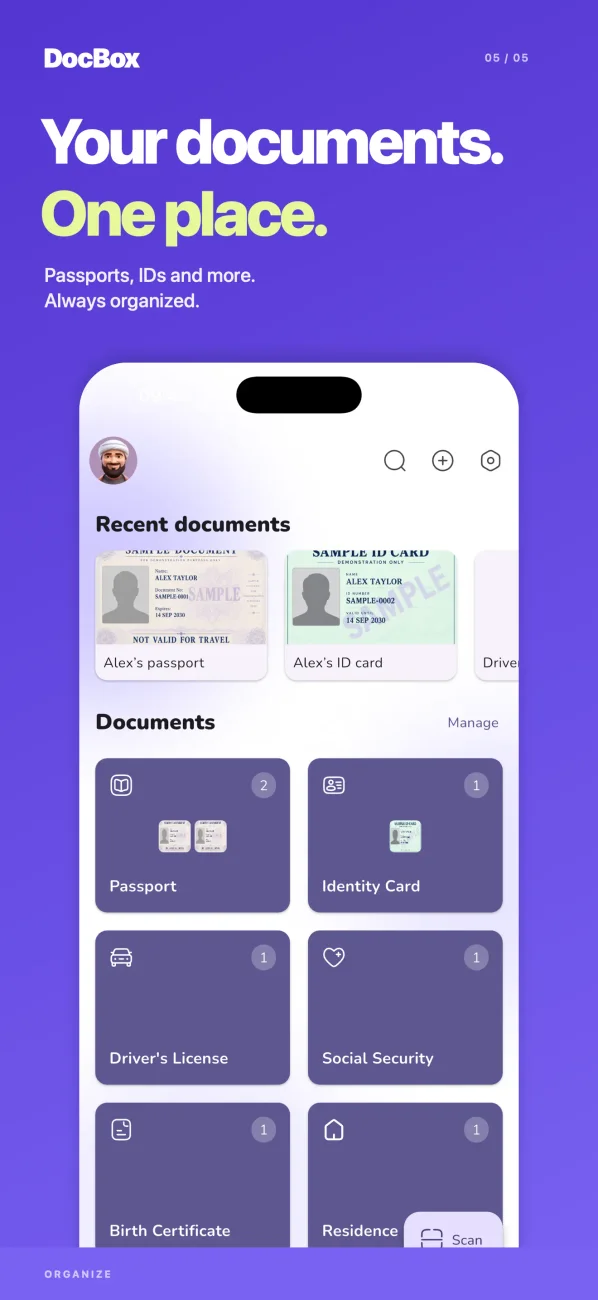
Scan or import passports, ID cards, driver’s licenses, certificates and other records. DocBox keeps their images, files and key details together in one clear library.
SCAN AND ORGANIZE
• Capture multi-page documents or import existing photos and files
• Keep document numbers, expiry dates, tags and attachments together
• Create custom document types for the way you organize
• Use separate profiles for family members
OCR AND FULL-TEXT SEARCH
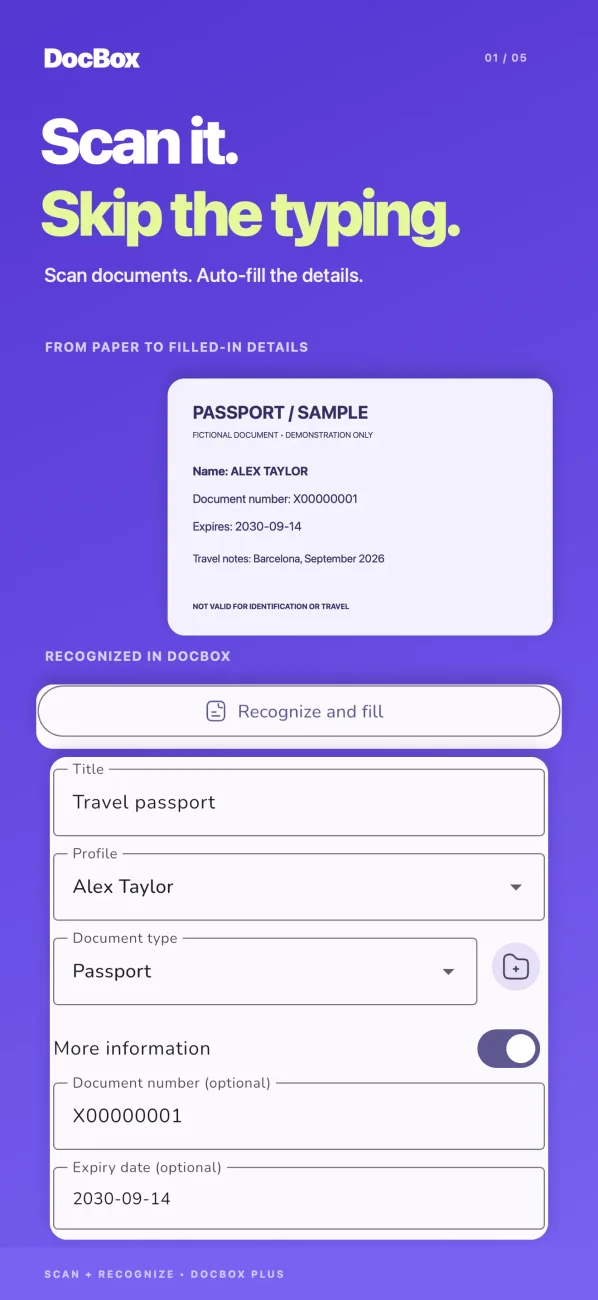
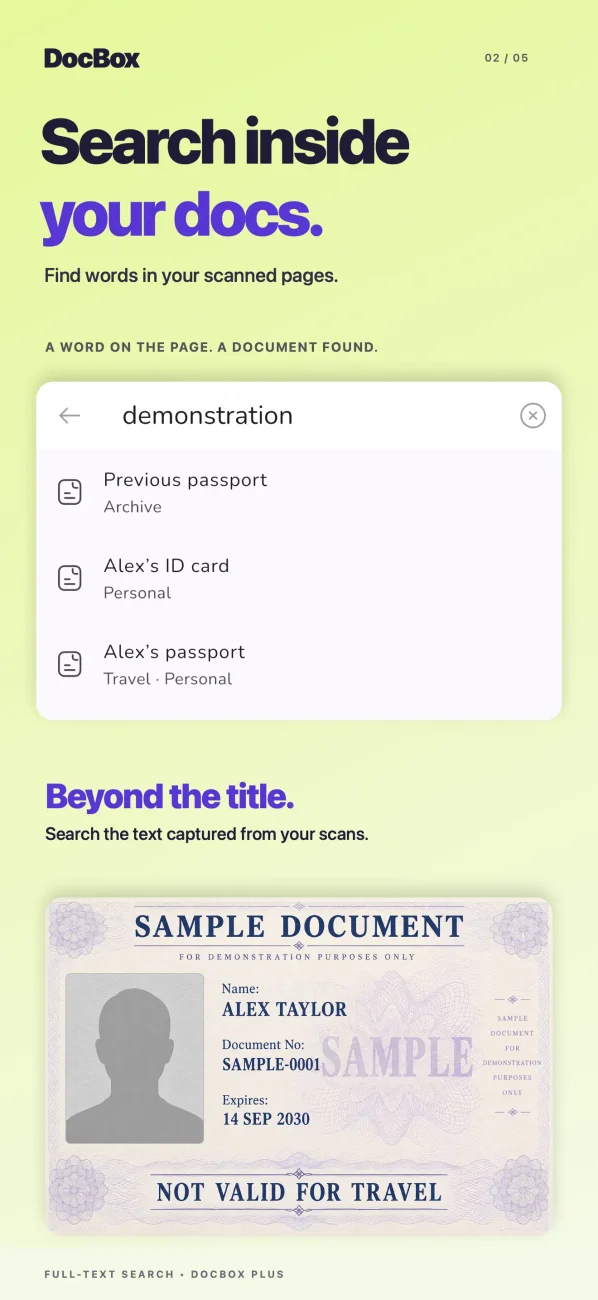
DocBox Plus can recognize text in document images, suggest a document type, and fill in a detected document number and expiry date. Search that recognized text later to find a document even when the words are not in its title or tags.
NEVER MISS AN EXPIRY DATE
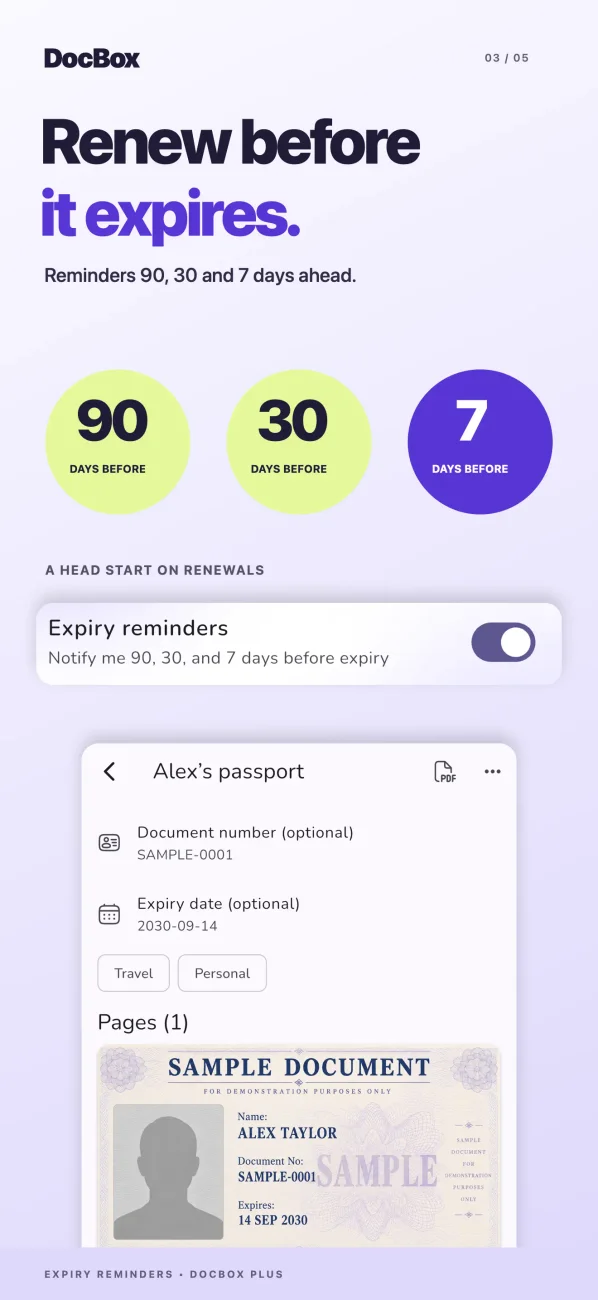
Add an expiry date and receive reminders 90, 30 and 7 days before it expires, so you have time to renew important documents.
PRIVATE BY DEFAULT
Documents are stored in DocBox’s private app storage on your device by default. Protect access with your device’s supported authentication method, such as fingerprint or face recognition.
OPTIONAL GOOGLE DRIVE BACKUP
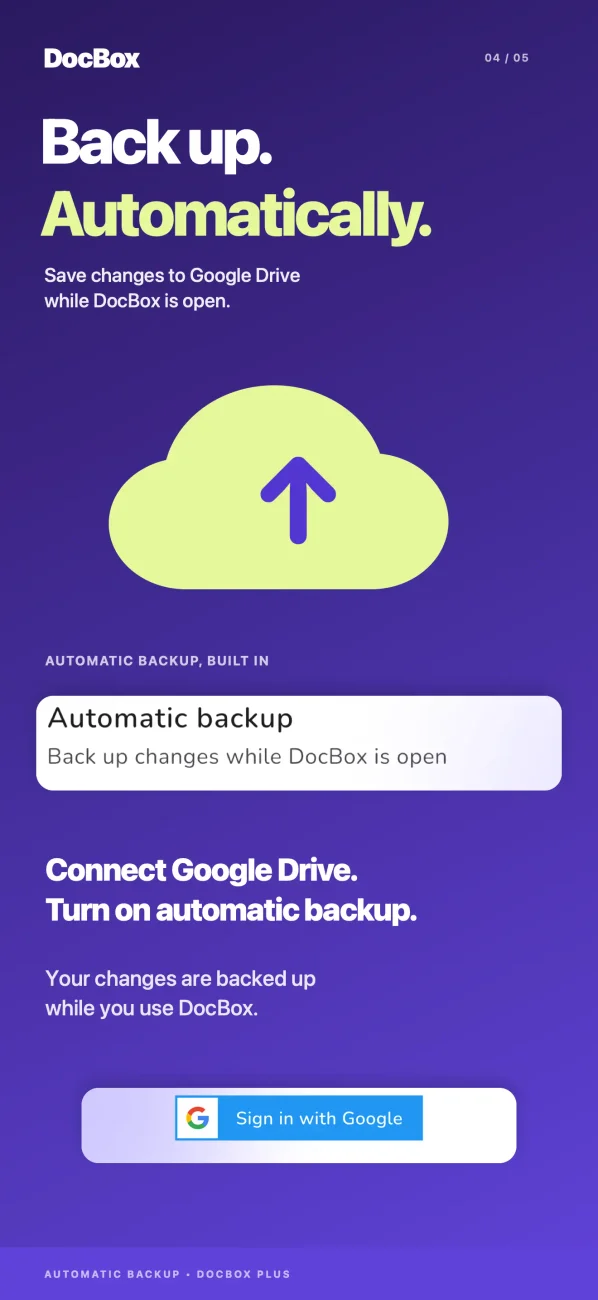
Connect your Google Drive account to back up and restore your DocBox library. With automatic backup enabled, DocBox saves changes while the app is open.
MORE USEFUL FEATURES
• Visual document previews
• Fast search by title, type, number or tag
• PDF export
• Google Drive backup and restore
• Multiple recognition languages
Whether you are preparing for a trip, keeping family records organized or tracking important expiry dates, DocBox helps you find the right document faster.
Some features—including OCR auto-fill, OCR text search, expiry reminders and automatic backup—require DocBox Plus. Google Drive sign-in is required for cloud backup. Notification permission is required for reminders.
OCR searches text recognized from image pages, not the contents of PDF or Office attachments. Choose Automatic, Chinese, English, Japanese or Korean recognition in Settings.
Terms of Use (EULA): https://www.apple.com/legal/internet-services/itunes/dev/stdeula/
What’s new
Version 2.0.3 · Nov 2, 2026
Move documents between categories from the document menu.
Improved access to DocBox Plus purchase options.
App privacy
What declares on the App Store about how this app handles data.
-
Data not collected
The developer does not collect any data from this app.
Privacy practices may vary, for example with the features you use or your age.
Information
- Seller
- 啸 胡
- Category
- Utilities
- Version
- 2.0.3
- Updated
- Nov 2, 2026
- Released
- May 26, 2026
- Size
- 96.1 MB
- Requires
- iOS 15.5 or later
- Age rating
- 4+
- In-app purchases
- Yes
- Languages
- English
- Copyright
- ©2026 The 1 Studio
You might also like
-
 Torto: Document VaultPrivate Document Vault
-
 DocStore-Document VaultUtilities
-
 Untility - Timeline WidgetsStunning widgets for events
-
 SunsightsUtilities
-
 IJSVaultUtilities
-
 DocSafe: Document OrganiserYour Document Organizer
-
 Bank Card ManagerDigital Bank Card Wallet
-
 FileLuSync - Auto File BackupFile syncing and cloud backup
-
 Remote Mouse: Deck PointerKeyboard & Trackpad for PC
-
 Formula Calculator #Complete calculations quickly