
Remote Mouse: Deck Pointer
Keyboard & Trackpad for PC
Designed for iPhone
Free · In-app purchases
- Age rating12+
- CategoryUtilities
- DeveloperMinistry Of Good Vibes LLC
- LanguagesEnglish+ 7 more
- Size66.5 MB
Links to the official App Store page
Download.org hosts no file of Remote Mouse: Deck Pointer. The button opens its official App Store page, published by Ministry Of Good Vibes LLC. Listing last checked on Nov 23, 2026.
Screenshots

About
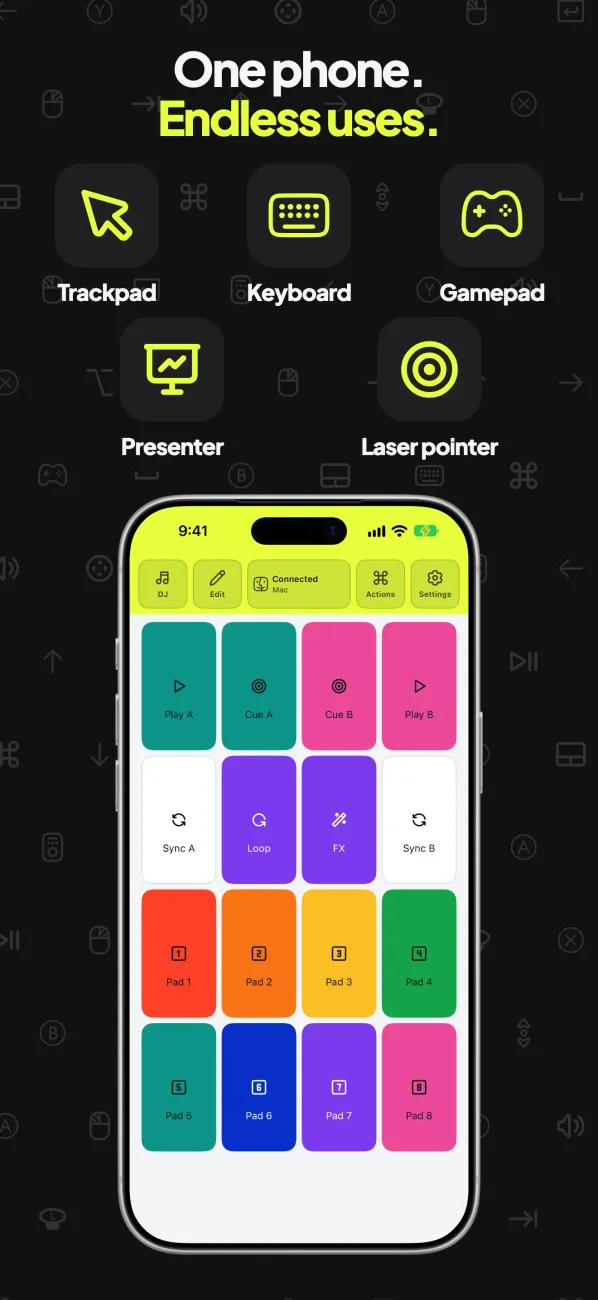
Turn your iPhone into a Bluetooth mouse, trackpad, keyboard, presenter and gamepad for compatible computers, tablets and handhelds. Move the pointer, type on the big screen, click through your slides or keep your shortcuts one tap away.
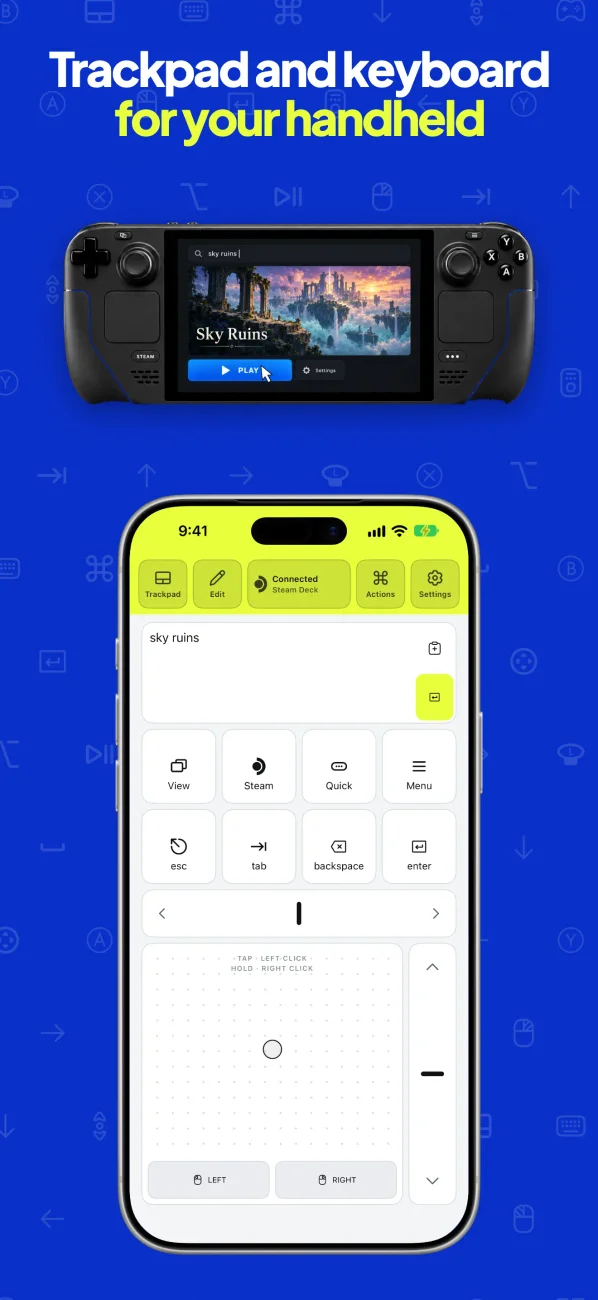
• Trackpad and mouse: point, click, right-click, scroll and drag. Set the pointer speed and scroll direction.
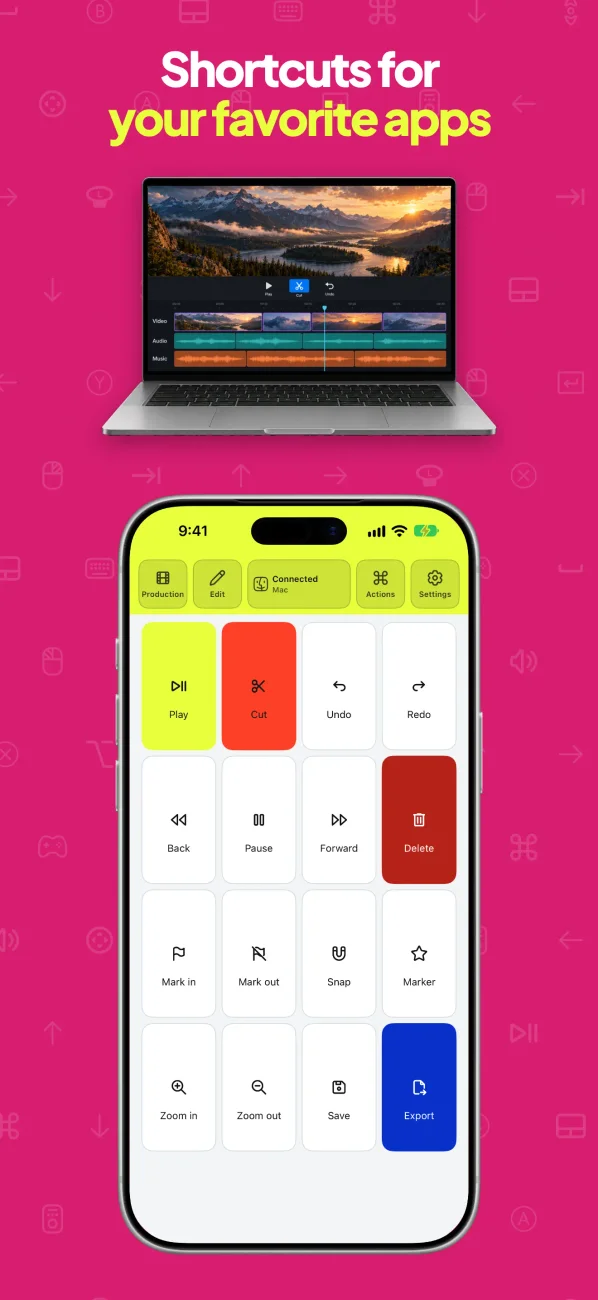
• Remote keyboard: type live, or write a longer text on your phone and send it to the connected device. Enter, Tab, Esc and the arrows stay on screen, and hotkey layouts keep the shortcuts of popular apps in reach.
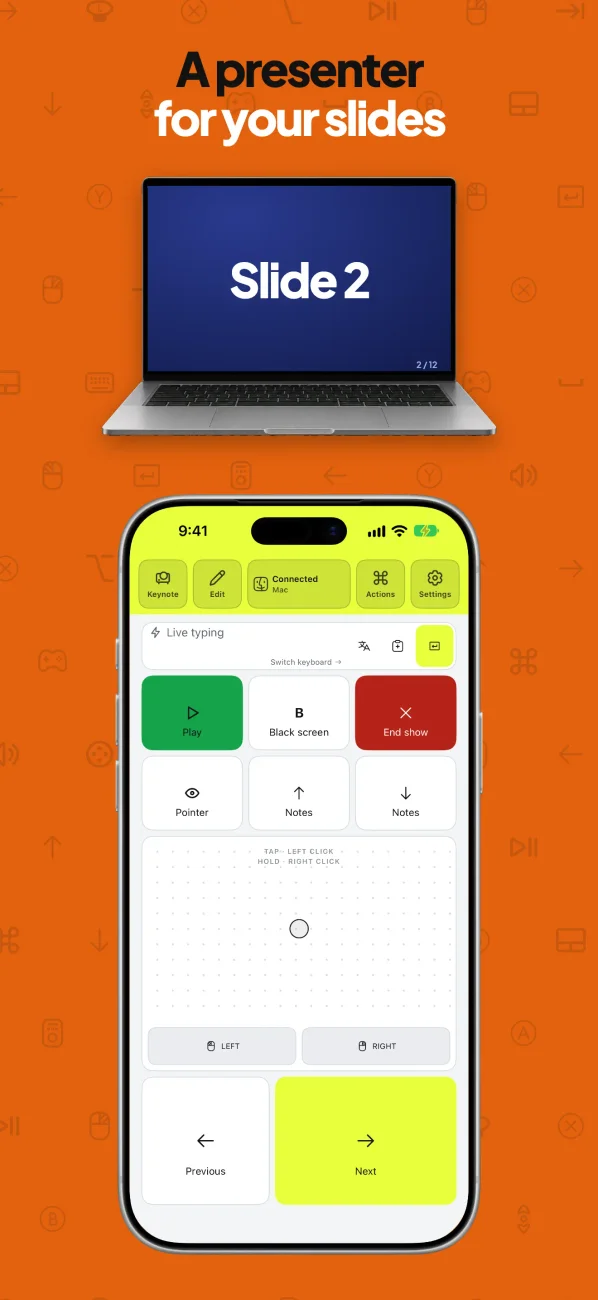
• Presenter and slide clicker: next and previous slide, laser pointer, pen and black screen together, with layouts for popular presentation apps on Mac and Windows.
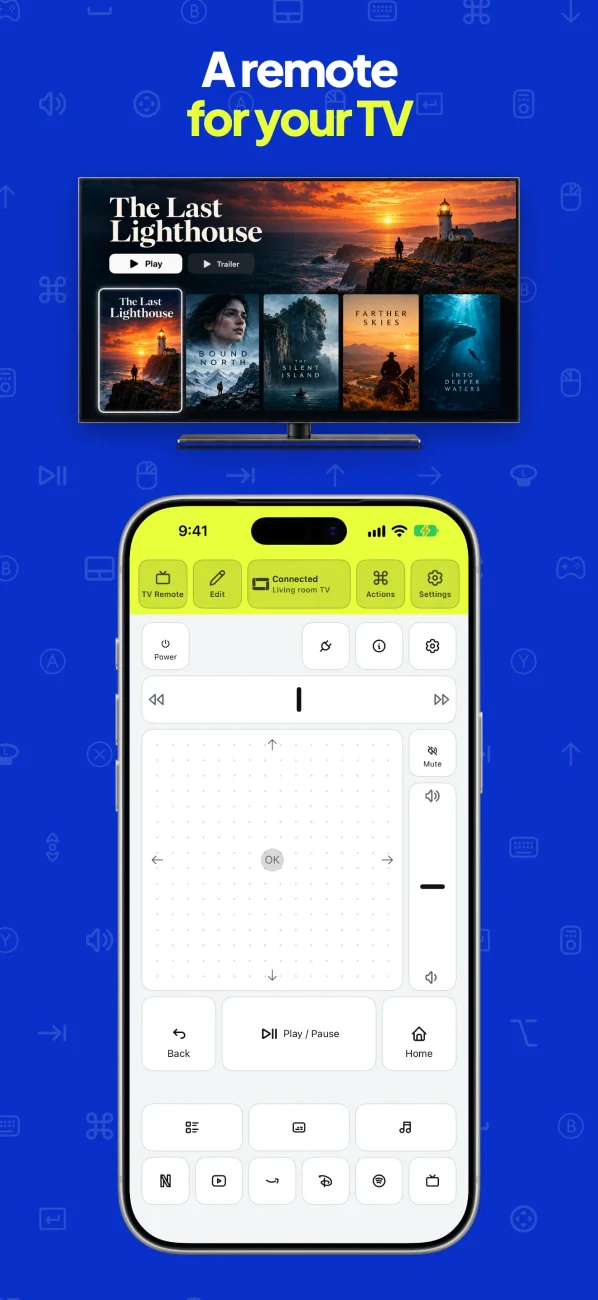
• Media keys: play, pause, volume and track controls for the connected device.
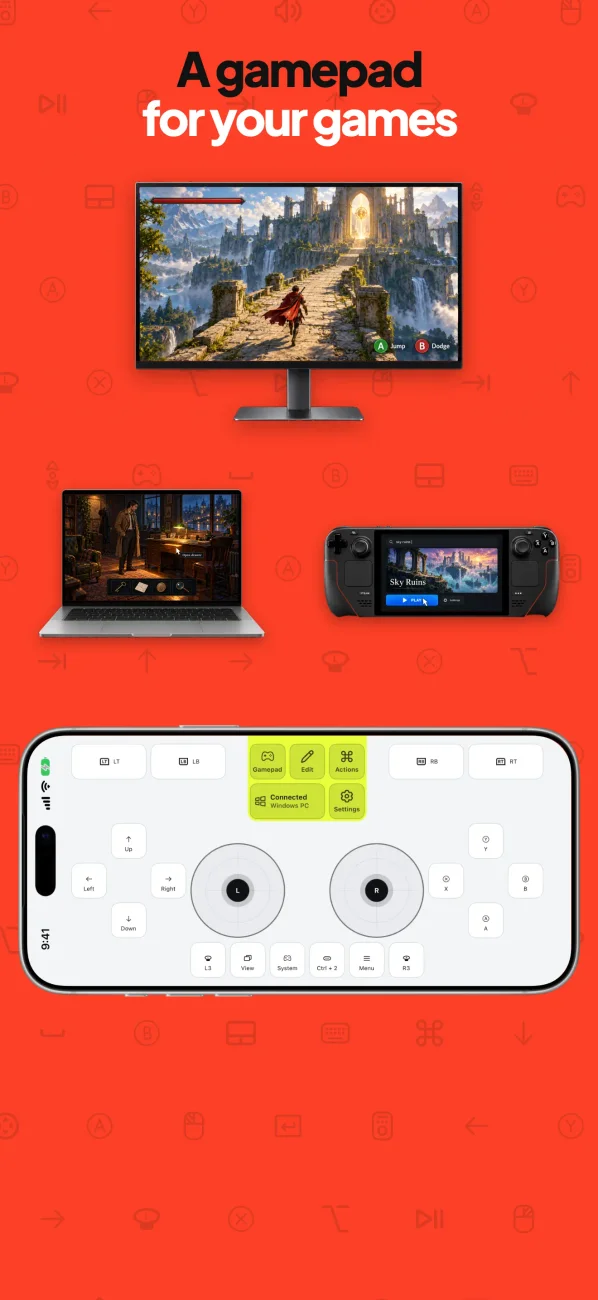
• Gamepad: two sticks, a D-pad, face buttons, bumpers and triggers. Gamepad support depends on the host: it works in Steam on a Mac, a Windows PC and a Steam Deck, and other games may not detect it.
• Ready-made layouts: browse the preset catalog for presentations, video calls, video editing, coding, DJ sets, streaming and games, and add the ones you need.
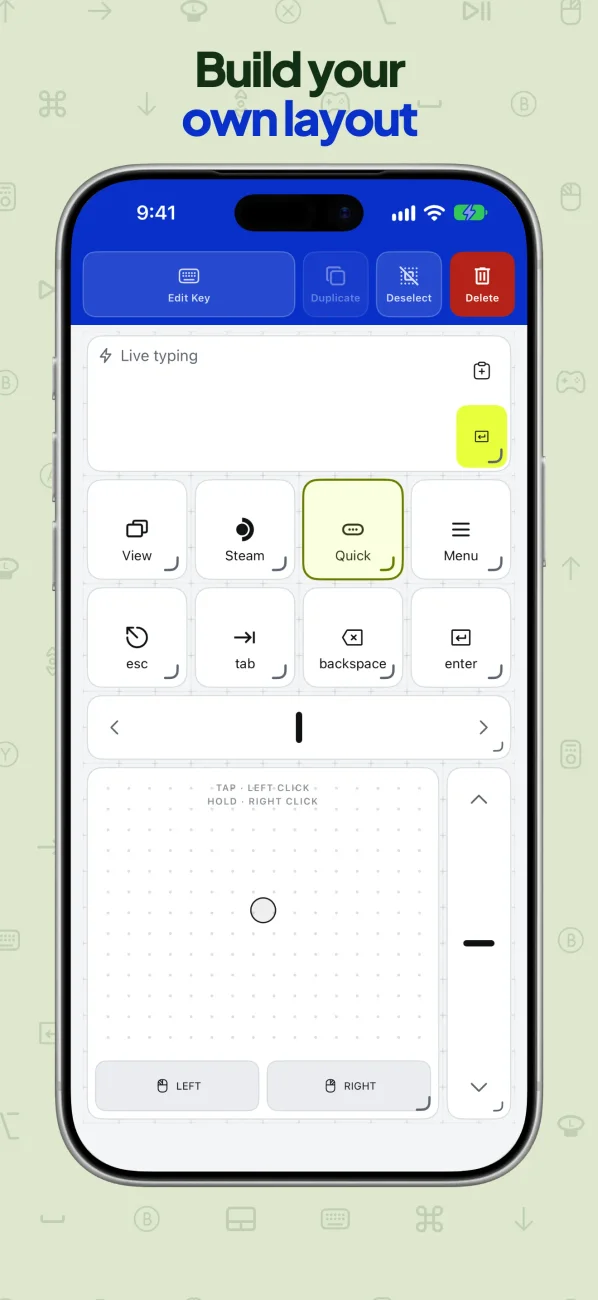
• Your own layout: combine keys, text fields, trackpads, sticks and scroll strips. Choose colors and icons, or add a picture to a layout.
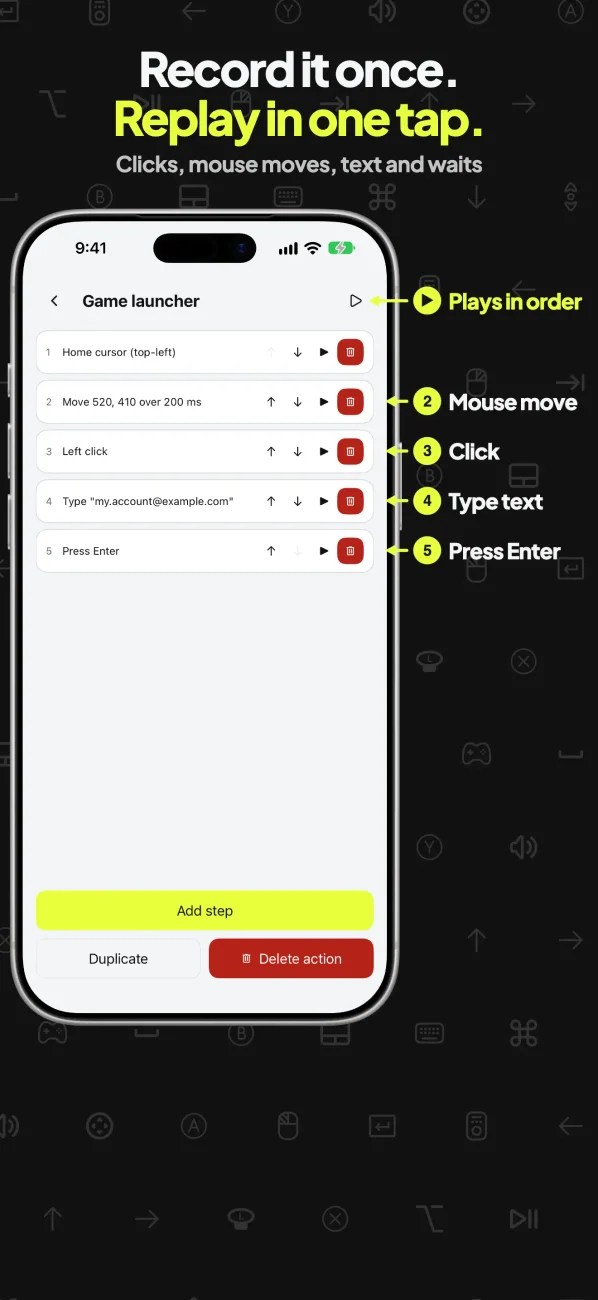
• Macros: record clicks, mouse moves, typed text, key presses and waits, then replay them with one tap. Playback depends on the active app, window and focus.
CONNECTION
Works over Bluetooth with a Mac, a Windows or Linux PC, an iPad and a Steam Deck. Deck Pointer controls one device at a time.
With an iPad as the host, keyboard, mouse and media controls are available; gamepad input is not guaranteed.
If Windows stops connecting after you close the app, see https://deckpointer.com/win/
Deck Pointer Pro is optional: a weekly or yearly subscription, or a one-time lifetime purchase. It unlocks the layout editor and your own layouts, Actions (macros), more than one device and the Pro layouts. Subscriptions renew automatically until cancelled in Settings › Apple Account › Subscriptions.
Setup guides: https://deckpointer.com/support/
Privacy policy: https://deckpointer.com/privacy/
Terms of Use: https://deckpointer.com/terms/
Support: hello@deckpointer.com
Deck Pointer is an independent app and is not affiliated with or endorsed by Valve, Apple or Microsoft. Steam Deck is a trademark of Valve Corporation.
What’s new
Version 1.9.1 · Nov 22, 2026
Important stability update: the app no longer freezes for a few seconds while you control your device. Smaller fixes.
App privacy
What Ministry Of Good Vibes LLC declares on the App Store about how this app handles data.
-
Data used to track you
May be used to track you across apps and websites owned by other companies.
- Purchases
- Identifiers
- Usage data
-
Data linked to you
May be collected and linked to your identity.
- Purchases
- Location
- User content
- Identifiers
- Usage data
- Diagnostics
Privacy practices may vary, for example with the features you use or your age.
Information
- Seller
- Ministry Of Good Vibes LLC
- Category
- Utilities
- Version
- 1.9.1
- Updated
- Nov 22, 2026
- Released
- Oct 24, 2026
- Size
- 66.5 MB
- Requires
- iOS 17.0 or later
- Age rating
- 12+
- Price
- Free
- In-app purchases
- Yes
- Languages
- English, Arabic, Japanese, Korean, Portuguese, Russian, Spanish, Turkish
- Copyright
- © 2026 Ministry Of Good Vibes LLC
You might also like
-
 Trackpad: Mouse & KeyboardBluetooth Remote for Mac
-
 RPad: Remote Trackpad & MousePresentation Remote & Laser
-
 Pocket Board: Keyboard & MouseBluetooth Trackpad & Numpad
-
 CursorSpot - Mouse HighlighterPointer Highlight & Jump
-
 PadLinker: Trackpad & KeyboardWireless remote mouse
-
 Game Controller for Smart TVPlay TV Games & Remote Control
-
 Bluetooth MouseWireless Mouse & Keyboard
-
 TabletHIDCustom Gamepad & Touch Mouse
-
 PalmoteMac mouse, keyboard & control
-
 Torto: Document VaultPrivate Document Vault