
Dococo: PDF Scanner & Editor
OCR Reader, Signer & Converter
Designed for iPhone, iPad, Mac
In-app purchases
- Age rating4+
- CategoryProductivity
- DeveloperDwi Randy
- LanguagesEnglish
- Size12.6 MB
Links to the official App Store page
Download.org hosts no file of Dococo: PDF Scanner & Editor. The button opens its official App Store page, published by Dwi Randy. Listing last checked on Nov 12, 2026.
Screenshots
About
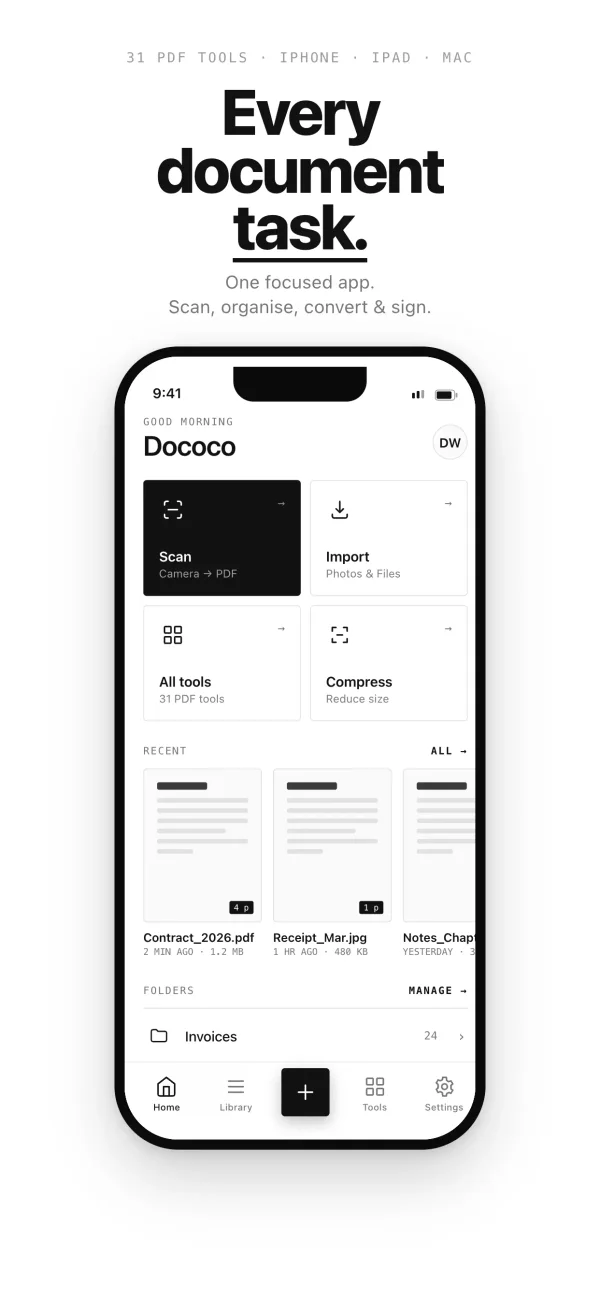
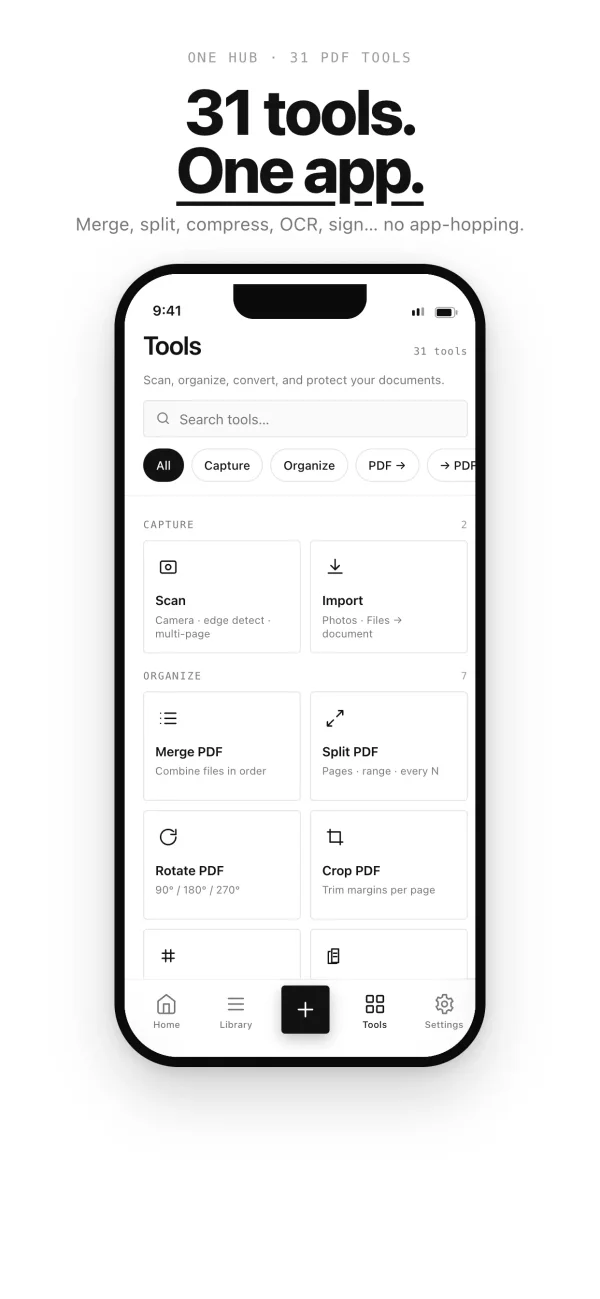
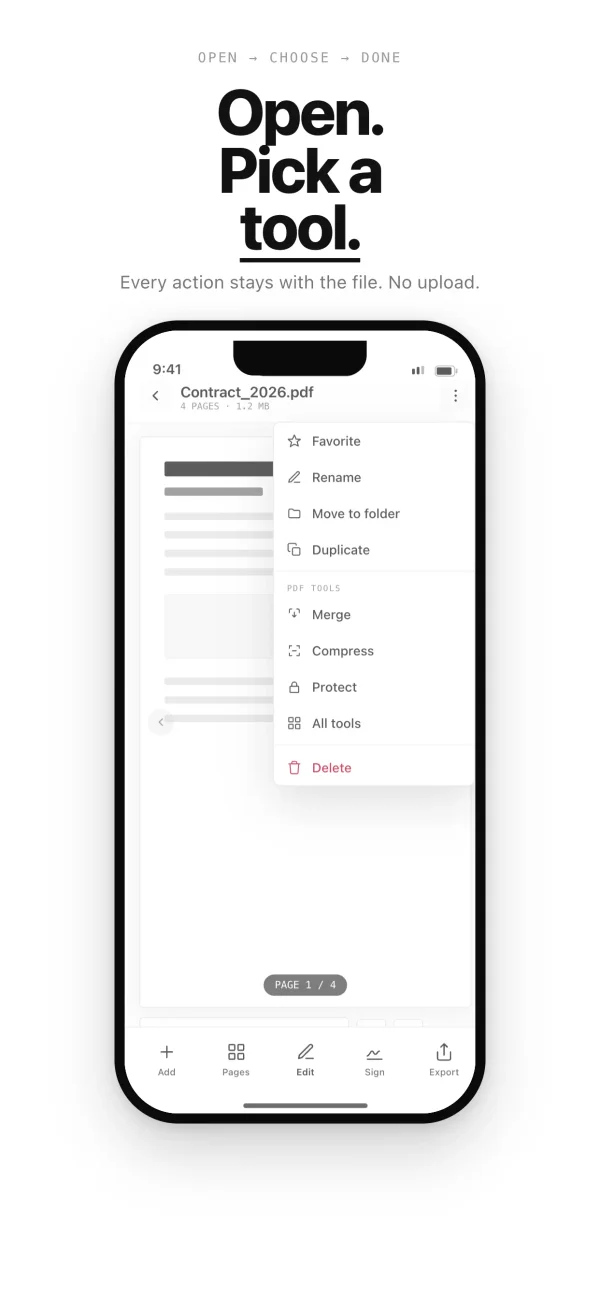
Scan documents to PDF, then merge, compress, OCR, sign, convert, and protect — 31 tools on iPhone, iPad, and Mac. On-device. No account.
Dococo is a document scanner and PDF toolkit that stays on your device. Open the app and get to work: no signup, no upload, no ads.
SCAN TO PDF
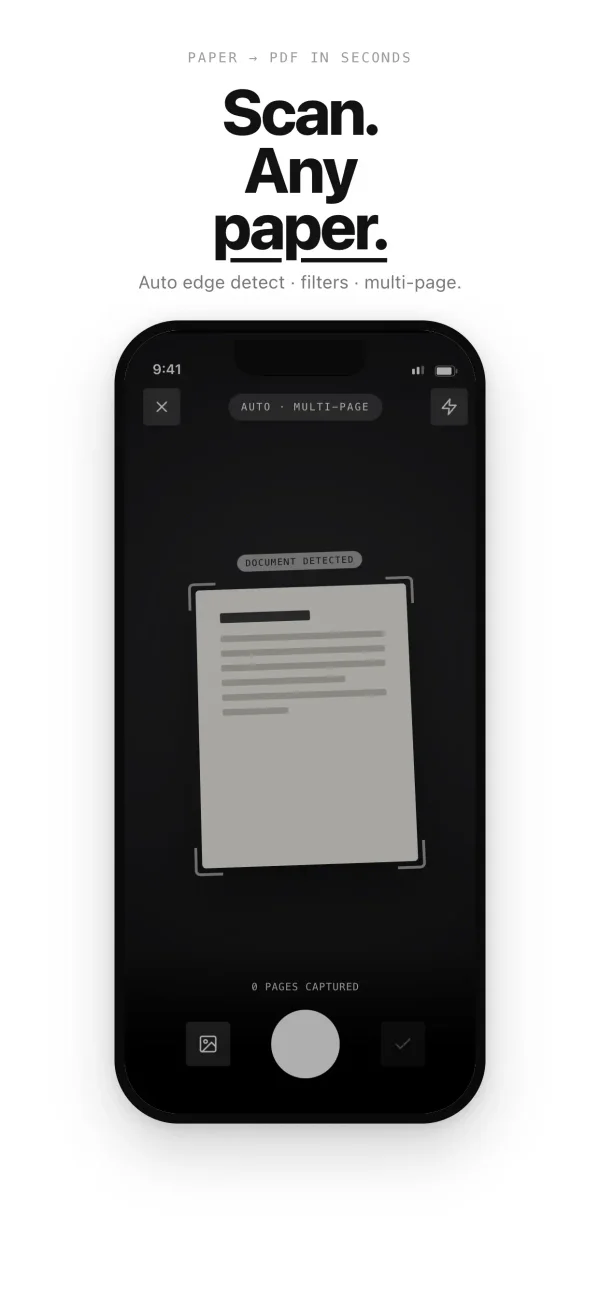
Turn paper into a clean PDF in seconds. Dococo detects edges, corrects perspective, and lets you capture multiple pages in one file.
• Auto crop and edge detection
• Colour, black & white, greyscale, or original
• Import from Photos or Files
ORGANISE PAGES
• Merge and split PDFs
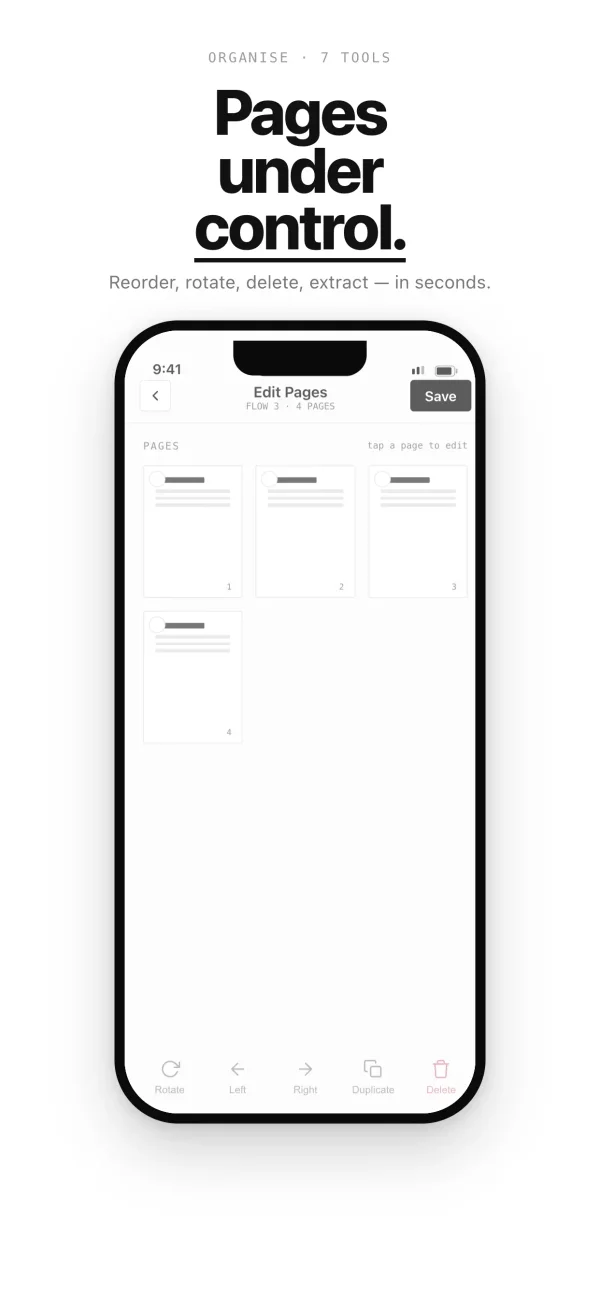
• Rotate, crop, extract, and reorder pages
• Add page numbers, headers, and footers
OPTIMISE AND SEARCH
• Compress large files so they are easier to email
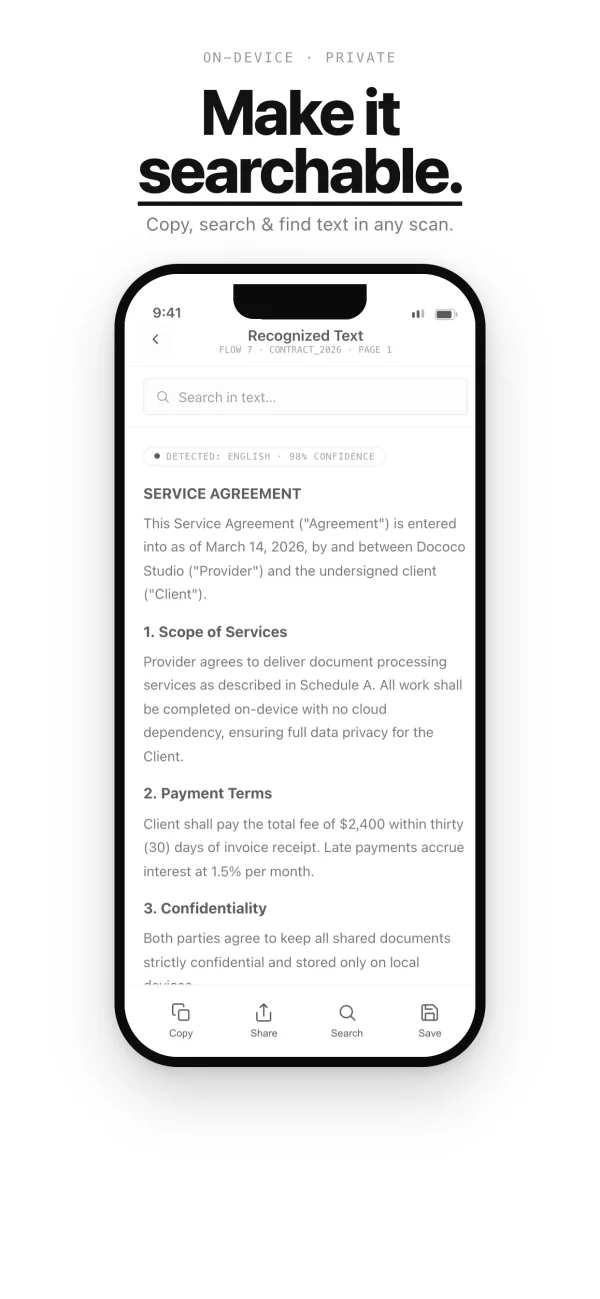
• On-device OCR so scans become searchable
• Repair damaged PDFs
SIGN AND SECURE
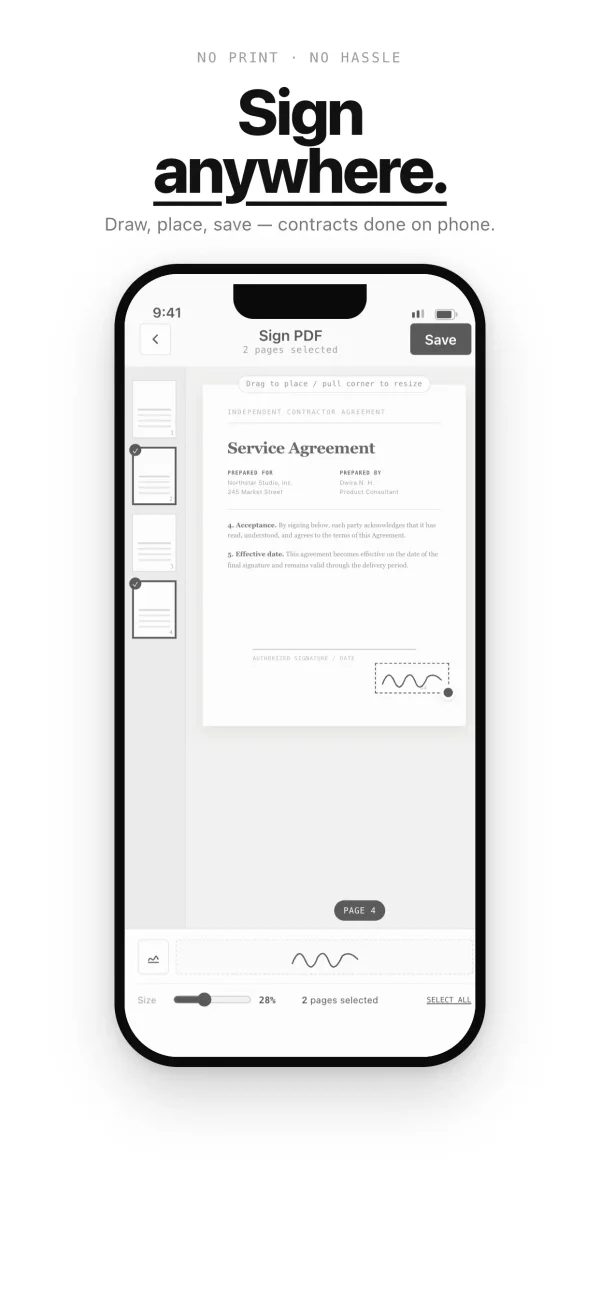
• Draw or import a signature
• Watermark and flatten
• Password-protect or unlock
• Redact sensitive text so it is permanently removed
CONVERT
• Export extracted PDF text to Word, Excel, or PowerPoint
• Create PDFs from images, Office text, or local HTML
• Export pages as JPG
• Compare extracted text between two PDFs
YOUR LIBRARY
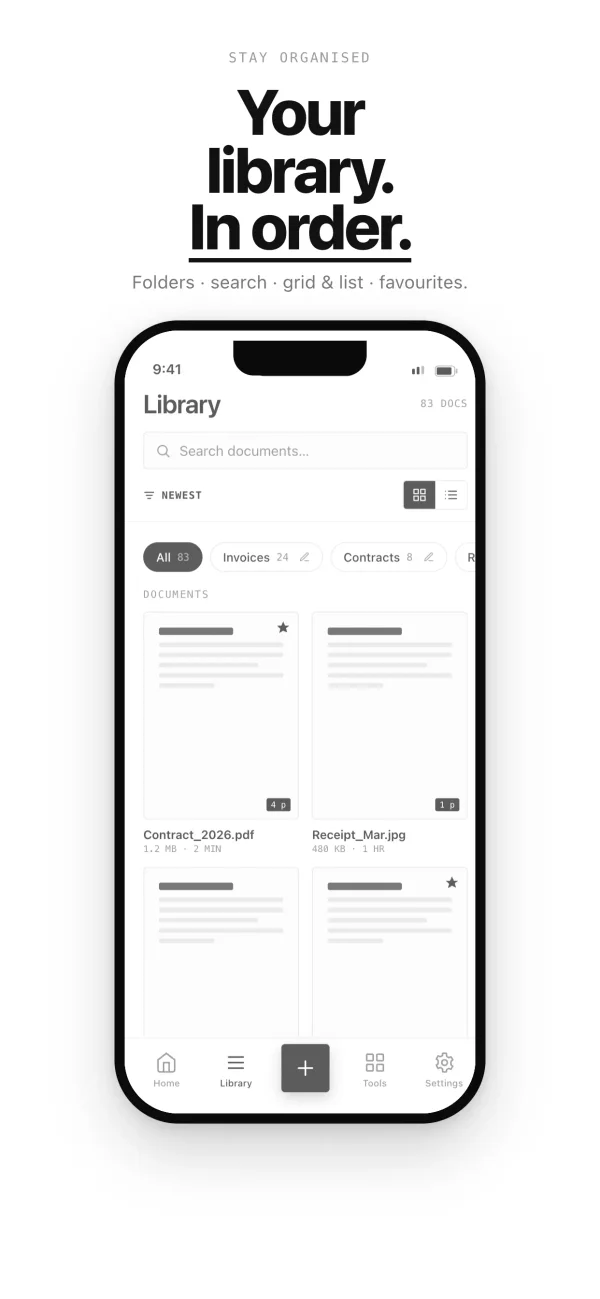
Documents live in a local library with folders, search, and favourites. Recently Deleted keeps files for 30 days. Optional iCloud Sync (off by default) uses your Apple ID so iPhone and Mac stay in sync. Dococo cannot read those files.
FREE AND PRO
Core tools are free for everyday jobs (files up to 10 pages). Dococo Pro unlocks OCR, redaction, and Office conversion, removes single-file page limits, and raises batch queues — monthly, yearly, or a one-time lifetime purchase.
BUILT FOR EVERYDAY PAPERWORK
Scan receipts, homework, contracts, IDs, and notes. Merge handouts, compress a file before you send it, sign a PDF, lock a contract with a password, or make a scan searchable with OCR — without sending documents to a server.
Privacy by design: scanning, OCR, conversion, and export run on your device. Anonymous usage stats and crash reports via Firebase (opt-out in Settings → Support). No ads.
The app interface is currently in English.
SUBSCRIPTIONS
Payment is charged to your Apple ID at confirmation of purchase. Subscriptions automatically renew unless cancelled at least 24 hours before the end of the current period. Your account will be charged for renewal within 24 hours prior to the end of the current period. You can manage and cancel subscriptions in your App Store account settings.
Current prices and available offers are shown in the app for your App Store region.
Privacy Policy: https://dococo.dwirandyh.dev/privacy.html
Terms of Use (EULA): https://dococo.dwirandyh.dev/terms.html
What’s new
Version 1.1.1 · Nov 2, 2026
Performance improvements, bug fixes, and stability improvements across PDF tools and scanning.
App privacy
What Dwi Randy declares on the App Store about how this app handles data.
-
Data not collected
The developer does not collect any data from this app.
Privacy practices may vary, for example with the features you use or your age.
Information
- Seller
- Dwi Randy
- Category
- Productivity
- Version
- 1.1.1
- Updated
- Nov 2, 2026
- Released
- Oct 14, 2026
- Size
- 12.6 MB
- Requires
- iOS 17.0 or later
- Age rating
- 4+
- In-app purchases
- Yes
- Languages
- English
- Copyright
- © 2026 dwirandyh.dev
You might also like
-
 PDF Signature & EditorSign & Edit PDF Documents
-
 PDF Lite: PDF Editor & ReaderPDFs to Word, Photo to PDF
-
 Document Reader - PDF ScannerScan,Convert,View & Edit Docs
-
 Scanner: Scan PDF, Docs, CardsSign, Edit and Share Documents
-
 PDF Editor - Edit PDF & SignAdvanced PDF Converter
-
 PDF AI: Editor, Scanner, ChatSummarize, Translate & Sign
-
 TTS - Text to SpeechEasily convert text to speech
-
 Contacts+ | Address BookEffortless Contact Management
-
 Google AI Edge EloquentUnlimited, no cost dictation
-
 Yahoo Mail: Your Email & InboxOrganize, clean & save finds