Scanner: Scan PDF, Docs, Cards
Sign, Edit and Share Documents
Designed for iPhone, iPod touch
Free · In-app purchases
- Age rating4+
- CategoryProductivity
- DeveloperCODEWAY TECHNOLOGIES - FZCO
- LanguagesEnglish+ 7 more
- Size95.3 MB
Links to the official App Store page
Download.org hosts no file of Scanner: Scan PDF, Docs, Cards. The button opens its official App Store page, published by CODEWAY TECHNOLOGIES - FZCO. Listing last checked on Nov 27, 2026.
Screenshots

About
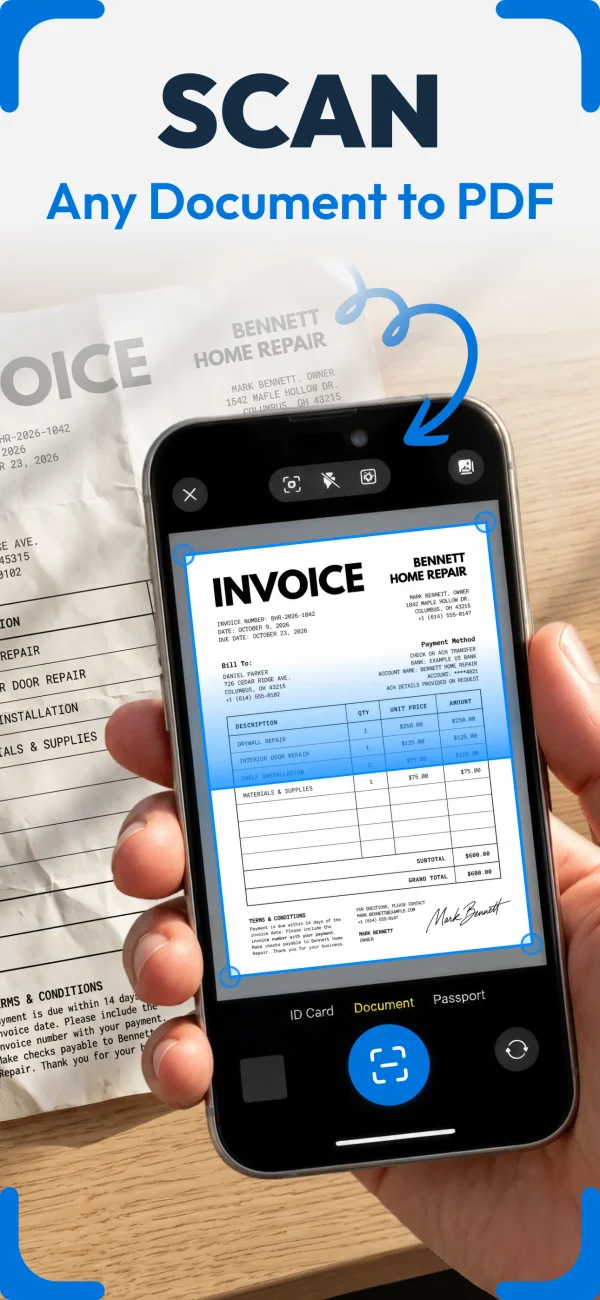
Point your camera at any page and get a clean PDF. Scanner finds the edges, straightens the image and saves a file you can sign, edit and send.
SCAN ANY PAPER DOCUMENT
Hold your phone over a page and the app finds the borders for you. It corrects the angle, so the result looks like a flat page and not a photo taken from above. It crops away the table around the paper and evens out shadows and glare. Capture one page or twenty, and they all land in the same file, in the order you shot them.
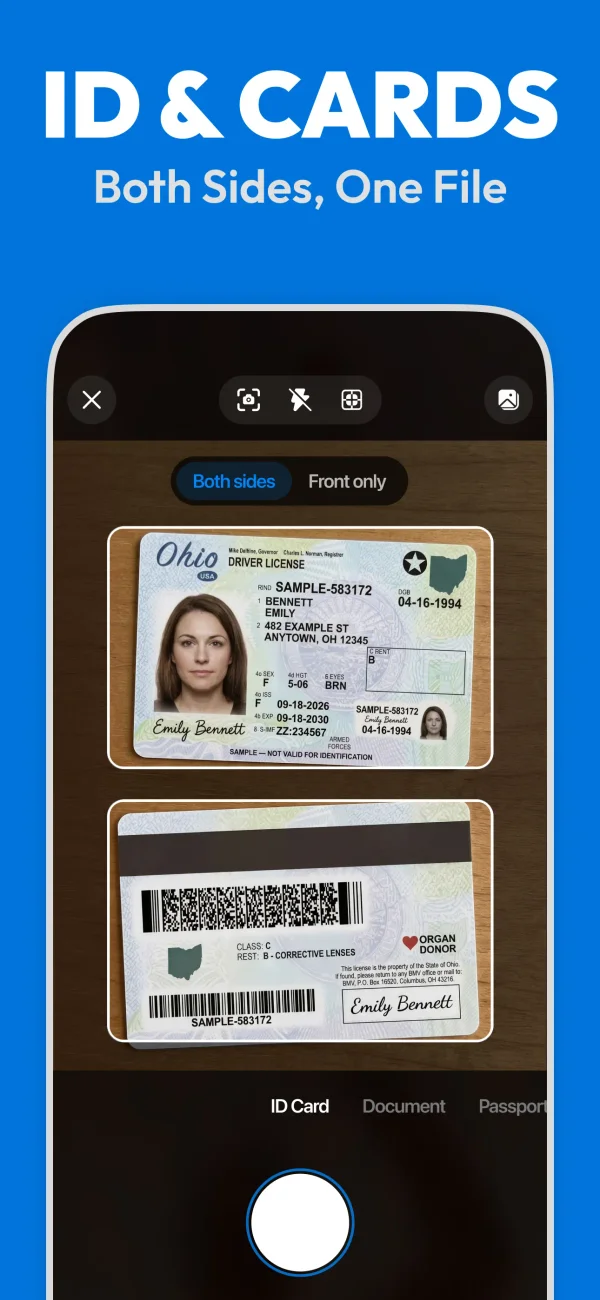
ID CARDS AND SMALL DOCUMENTS
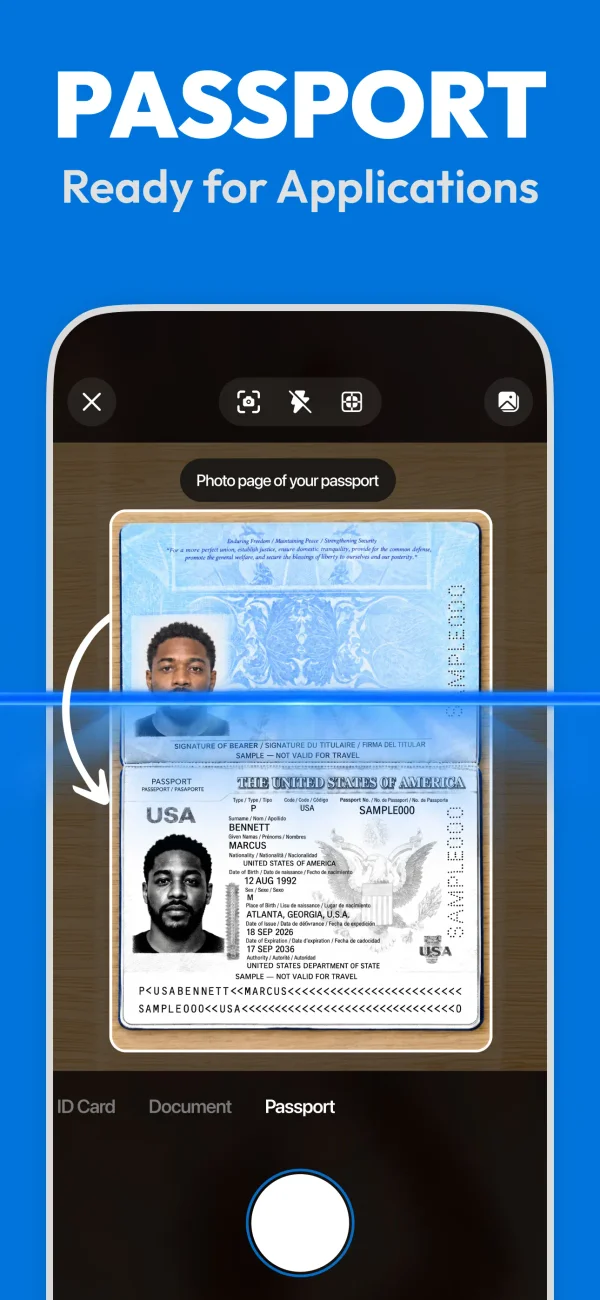
Driver's licenses, insurance cards, business cards and passports have their own capture mode. Front and back go on one page, side by side, so what you send looks like a copy of the card instead of two loose photos.
SEARCH THE TEXT INSIDE YOUR SCANS
Scanner runs text recognition on what you capture, so you can search your library by what is written inside a document and not only by its file name. Look up a name or an invoice number to pull up the page it appears on. Select a paragraph, copy it, and paste it into an email or a note.
SIGN AND SEND IT BACK
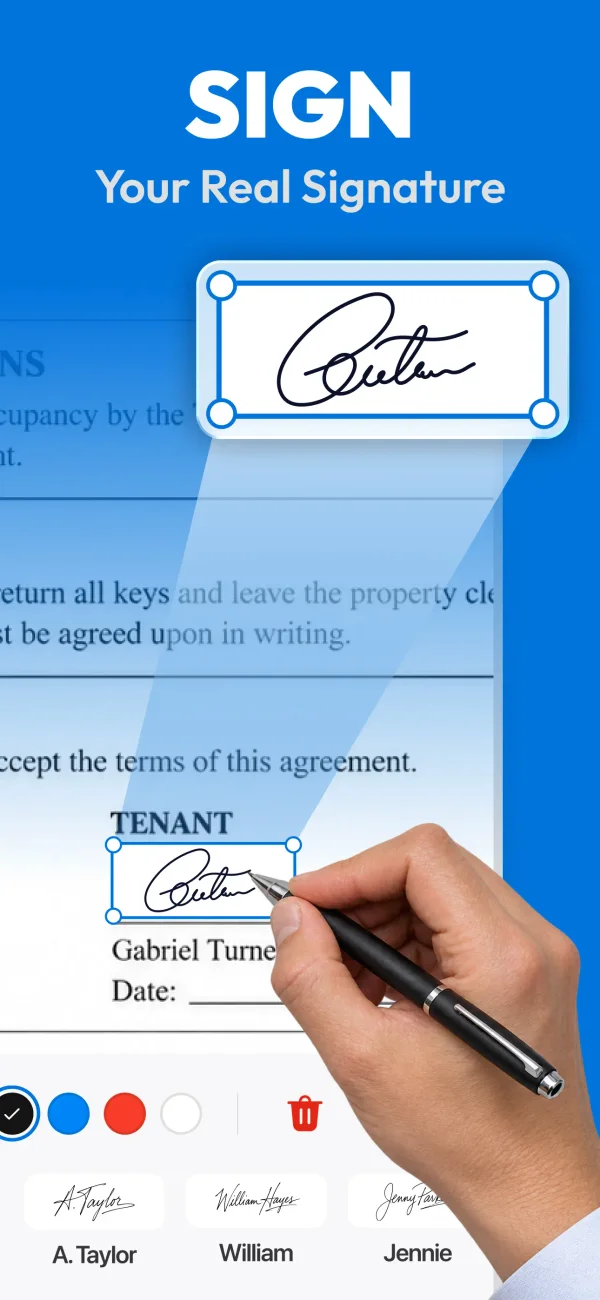
Draw your signature once and keep it. Drop it anywhere on a contract, add the date, fill in the blanks the form leaves you, and send the signed copy straight from the app. You never have to print a page just to sign it and scan it back.
EDIT BEFORE YOU SHARE
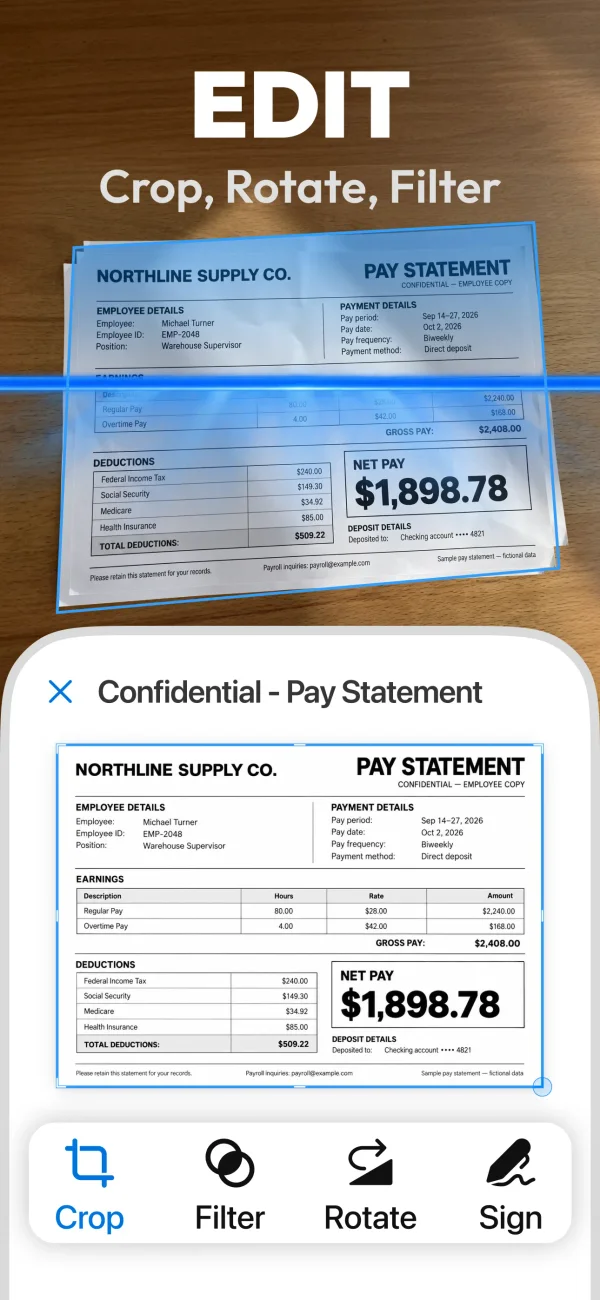
Reorder pages, rotate them, and delete the ones that came out wrong. Add new pages to a file you scanned last week. Rename a document so you can find it later, and pick black and white, grayscale or color for each page.
TURN PHOTOS INTO PDFS
Import pictures from your camera roll and convert them the same way. Pick a few images and they become one document you can send as a single file.
SHARE IT ANYWHERE
Export every scan as a PDF file. Send a document by email or message, or save it into Files. PDF is a standard format, so the people you send it to can open it without installing anything.
EVERYTHING IN ONE PLACE
Keep your scans in folders you name. Move documents between folders, star the ones you come back to, and search across all of them at once.
Privacy Policy: https://static.appscanner.co/privacy-en.html
Terms and Conditions: https://static.appscanner.co/terms-conditions-en.html
What’s new
Version 1.0.4 · Nov 19, 2026
We've improved overall app performance and fixed minor issues for a smoother scanning experience.
App privacy
What CODEWAY TECHNOLOGIES - FZCO declares on the App Store about how this app handles data.
-
Data used to track you
May be used to track you across apps and websites owned by other companies.
- Purchases
- Identifiers
- Usage data
-
Data linked to you
May be collected and linked to your identity.
- Identifiers
- Usage data
-
Data not linked to you
May be collected but is not linked to your identity.
- Purchases
- Identifiers
- Usage data
- Diagnostics
Privacy practices may vary, for example with the features you use or your age.
Information
- Seller
- DEEP FLOW SOFTWARE SERVICES - FZCO
- Category
- Productivity
- Version
- 1.0.4
- Updated
- Nov 19, 2026
- Released
- Oct 23, 2026
- Size
- 95.3 MB
- Requires
- iOS 15.5 or later
- Age rating
- 4+
- Price
- Free
- In-app purchases
- Yes
- Languages
- English, Arabic, French, German, Japanese, Portuguese, Spanish, Vietnamese
- Copyright
- © Codeway 2020
You might also like
-
 Limemo: AI Note TakerRecord & Transcribe Meetings
-
 Notez: AI Note Taker & SummaryRecord Voice, Transcribe Notes
-
 Aurora: Find AnythingJust ask, it's handled
-
 Minine: AI Note TakerRecord, Transcribe, Translate
-
 FreePDF: PDF Converter & ScanPDF Tools Converter Scanner
-
 PDF Guru:Sign & WatermarkScan into PDF & Add Watermarks
-
 AM GPTAI Email & Calendar Assistant
-
 Nottery AI: Voice to TextTranscribe Lectures, Meetings
-
 Convert All+All-in-One Format Converter
-
 Notie: AI Summary & Note TakerTranscribe Meetings Recordings