Docs Editor: Edit Word File
Write, Edit & Format Text
Designed for iPhone, iPad
Free · In-app purchases
- Age rating4+
- CategoryUtilities
- DeveloperJashan Sharma
- LanguagesEnglish
- Size44.0 MB
Links to the official App Store page
Download.org hosts no file of Docs Editor: Edit Word File. The button opens its official App Store page, published by Jashan Sharma. Listing last checked on Nov 12, 2026.
Screenshots

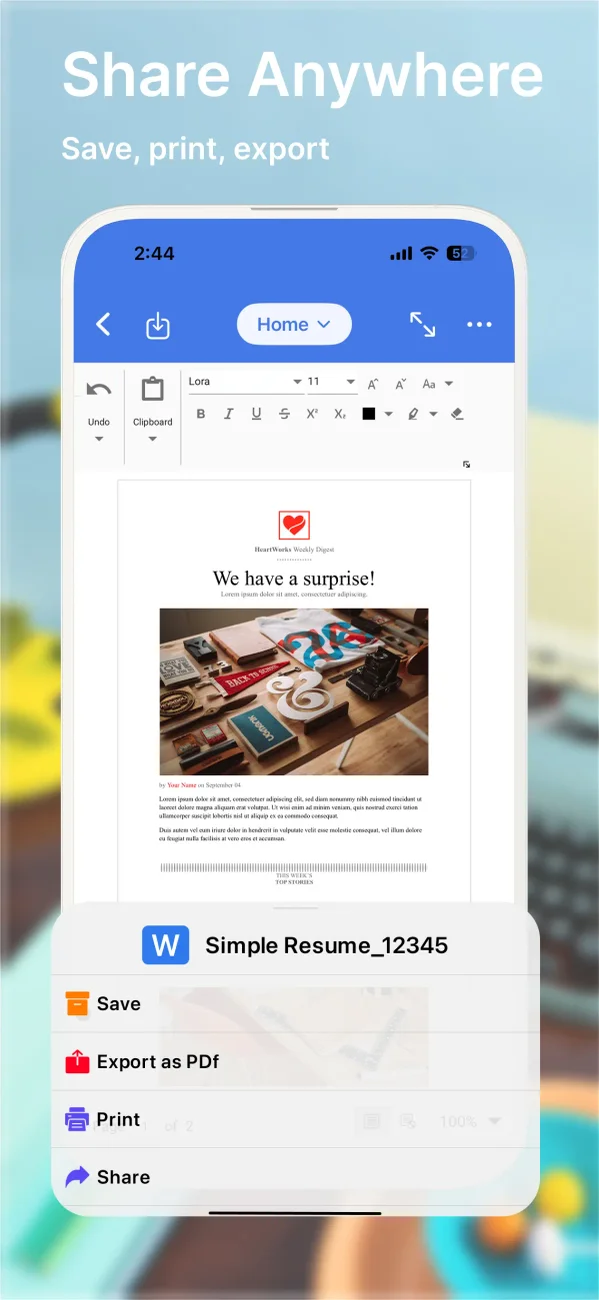
About
Docs Editor is a powerful and user-friendly app that lets you create, edit, view, share, and manage your documents and files on the go. Whether you're a busy professional crafting reports and proposals, a student juggling assignments, or you simply need to jot down quick notes, this app equips you with everything you need to conquer your document needs.
Powerful Interface and Formatting Tools
Intuitive Navigation: Enjoy a sleek, user-friendly interface designed for effortless document and file management.
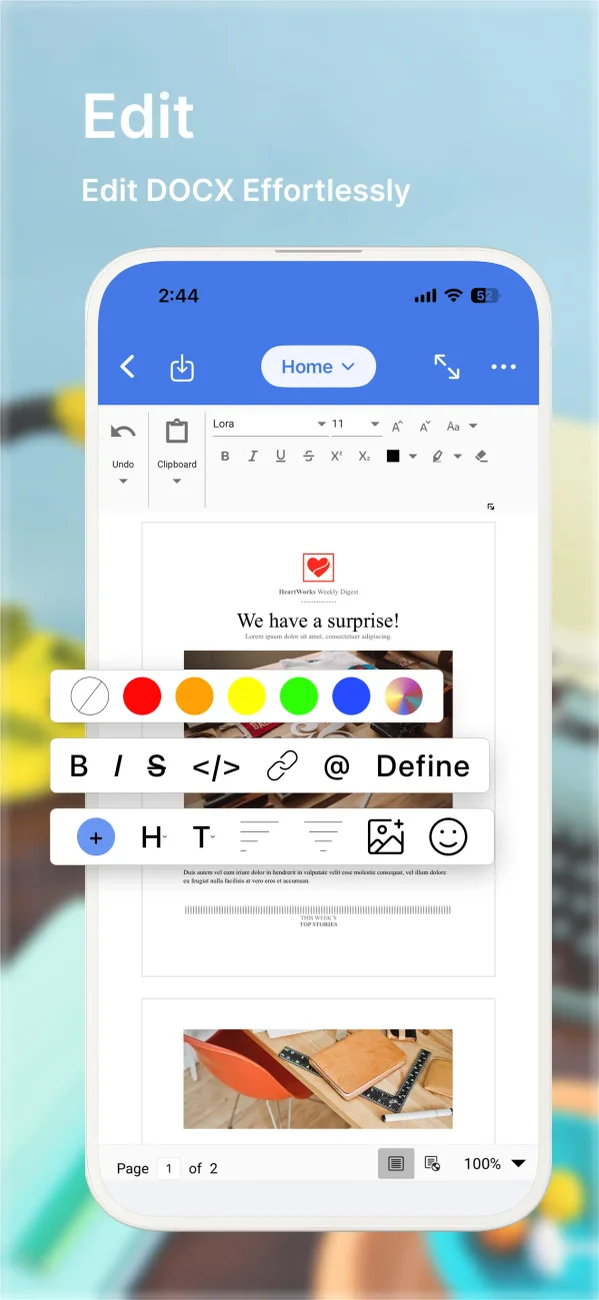
Rich Text Editing: Customize your Word docs with a wide variety of formatting tools (custom fonts, text sizes, bold, italic, underline, and highlight).
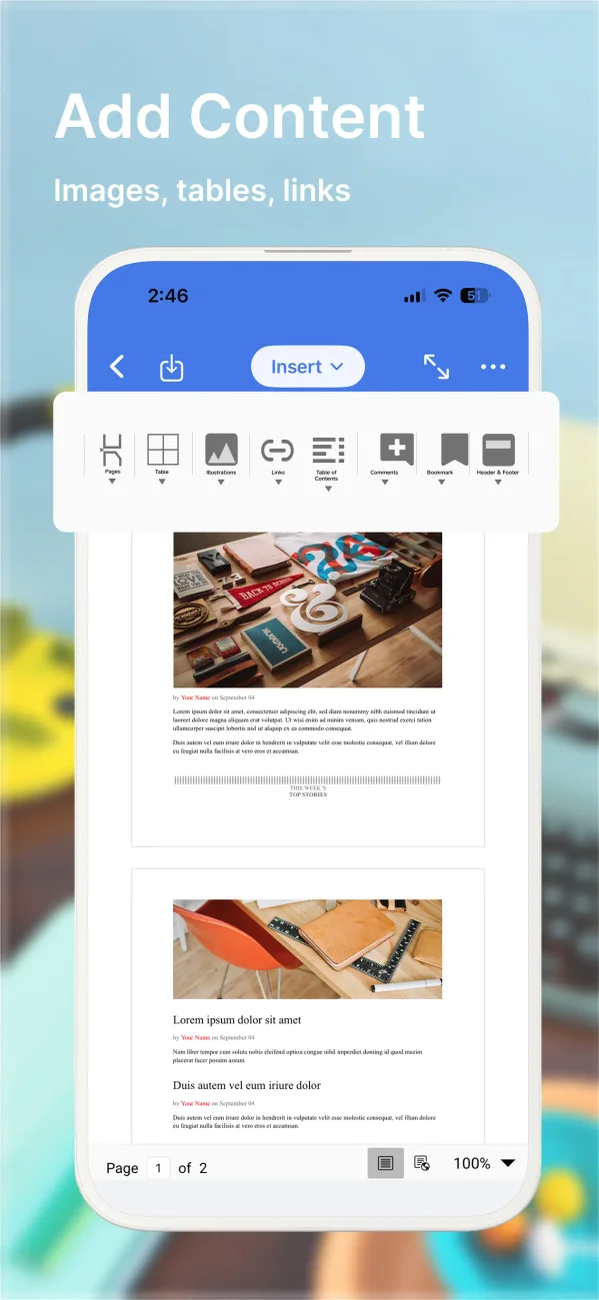
Media & Tables: Seamlessly insert tables, images, and charts directly into your files to create comprehensive reports.
Seamless Collaboration
Real-Time Editing: Create, edit, and annotate documents simultaneously with your team members.
In-Line Commenting: Leave comments directly on specific parts of a document or file to facilitate clear, asynchronous communication and fast feedback.
Top-Tier Security
Password Protection: Lock your essential Word files with passwords to ensure complete data security.
Two-Factor Authentication (2FA): Add an extra layer of protection for authorized access to your sensitive documents.
Robust Privacy: Advanced security features keep your workspace safe from unauthorized viewers.
Universal Compatibility & Cloud Integration
All Major Formats: Read and manage all popular file formats, including Word, DOCX, PDF, XLS, PPTX, and more.
Cloud Syncing: Seamlessly integrate with popular cloud services like Google Drive and Dropbox for easy document sharing and backup.
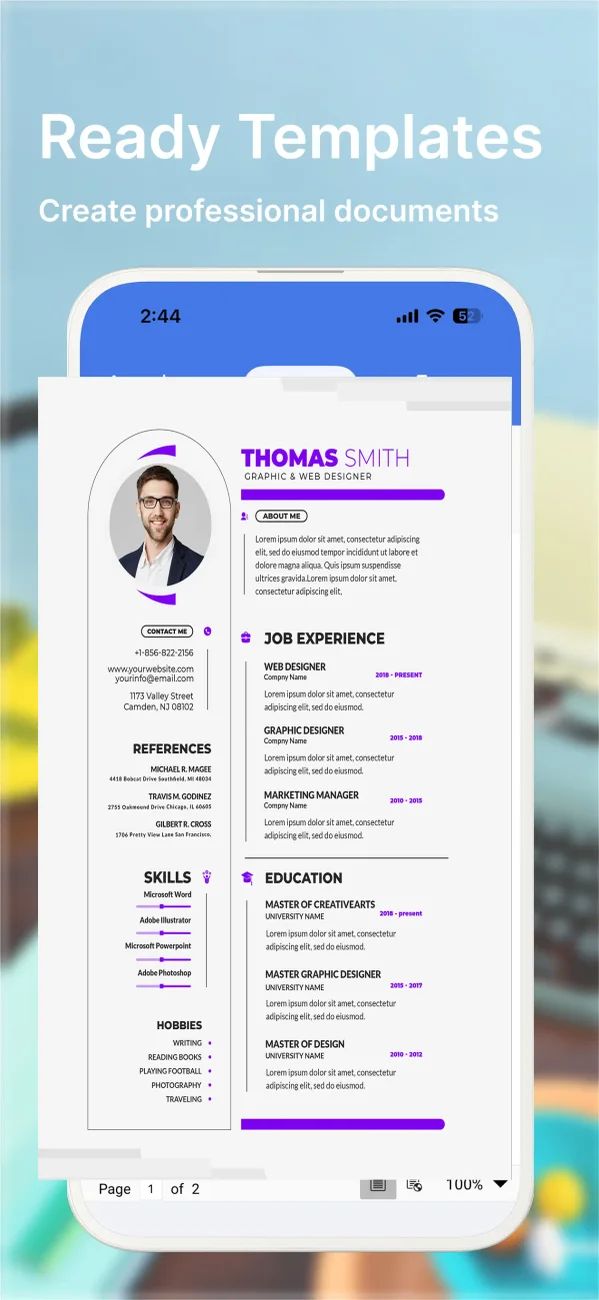
Built-In Templates: Instantly create professional resumes and cover letters using our high-quality existing templates.
Empowering Users in Every Role
Students: Streamline your workflow and excel in your studies. Effortlessly create, view, and share all your school documents. Manage assignments, take organized notes, and create polished presentations that will impress your professors.
Freelancers & Professionals: Enhance your productivity by creating professional Word documents, proposals, and invoices that leave a lasting impression on clients. Work efficiently, deliver high-quality projects on time, and manage your business effectively with seamless file sharing on the go.
Additional Information
Term of Uses - https://sites.google.com/view/terms-of-use-word-editor/home
Privacy Policy - https://sites.google.com/view/privacypolicywordeditor/home
What’s new
Version v1.0.1 · Sep 1, 2026
- Minor bug fixes.
App privacy
What Jashan Sharma declares on the App Store about how this app handles data.
-
Data used to track you
May be used to track you across apps and websites owned by other companies.
- Identifiers
-
Data linked to you
May be collected and linked to your identity.
- Identifiers
- Diagnostics
-
Data not linked to you
May be collected but is not linked to your identity.
- Usage data
Privacy practices may vary, for example with the features you use or your age.
Information
- Seller
- Jashan Sharma
- Category
- Utilities
- Version
- v1.0.1
- Updated
- Sep 1, 2026
- Released
- Jul 15, 2026
- Size
- 44.0 MB
- Requires
- iOS 17.0 or later
- Age rating
- 4+
- Price
- Free
- In-app purchases
- Yes
- Languages
- English
- Copyright
- © 2026 Appyhigh Technology
You might also like
-
 Text Remover & Editor - QutuErase,Edit & Change Photo Text
-
 Word Editor : Docx, XLSX EditEdit DOCX & XLSX Files Easily
-
 PDF Reader & Editor - Ora DocsAll-in-One Document Reader
-
 Word Editor: Reader & WriterDocument editor and reader
-
 Print Photos: Print Exact SizePhotos Printer in Eaxct Size
-
 Voice Changer & Modulator: EQOFun Effects, Change Your Voice
-
 E-Sign Docs: Signature MakerSign Documents, PDF Signer
-
 Dice Roller Virtual - RollioRandom Dice & Decision Tools
-
 Free Remote For Roku TVFast Setup & AI Control
-
 QR Maker: Scan & Create CodesBarcode Scanner + Maker