Docs Scanner & Smart Printer
Print & sign document with ocr
Designed for iPhone, iPod touch
Free · In-app purchases
- Age rating4+
- CategoryBusiness
- DeveloperUladzislau Nasonau
- LanguagesEnglish+ 7 more
- Size26.2 MB
Links to the official App Store page
Download.org hosts no file of Docs Scanner & Smart Printer. The button opens its official App Store page, published by Uladzislau Nasonau. Listing last checked on Nov 20, 2026.
Screenshots
About
Transform your iPhone into a powerful mobile scanner and document printer. Scanner Pro turns any paper into crisp, professional digital files, ready to sign, convert, and share in seconds.
Core Features
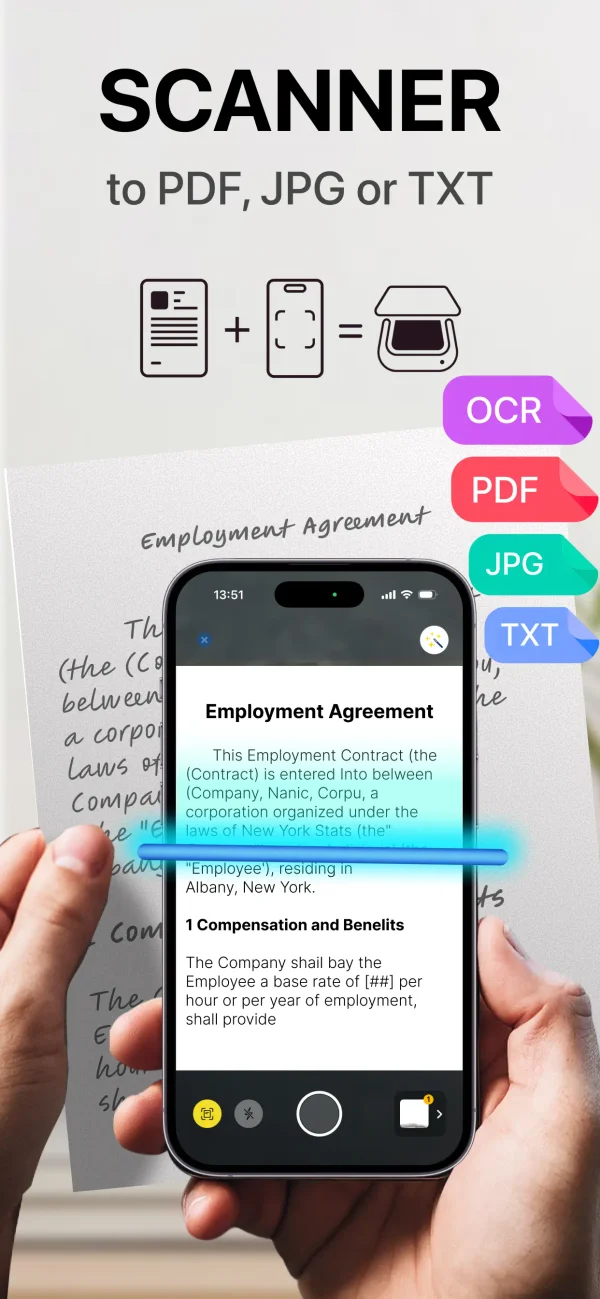
• Smart Document Scanner: Capture flawless scans of receipts, contracts, whiteboards, and multi-page documents. Automatic edge detection and image enhancement ensure perfect results every time.
Create & Convert Flexibly
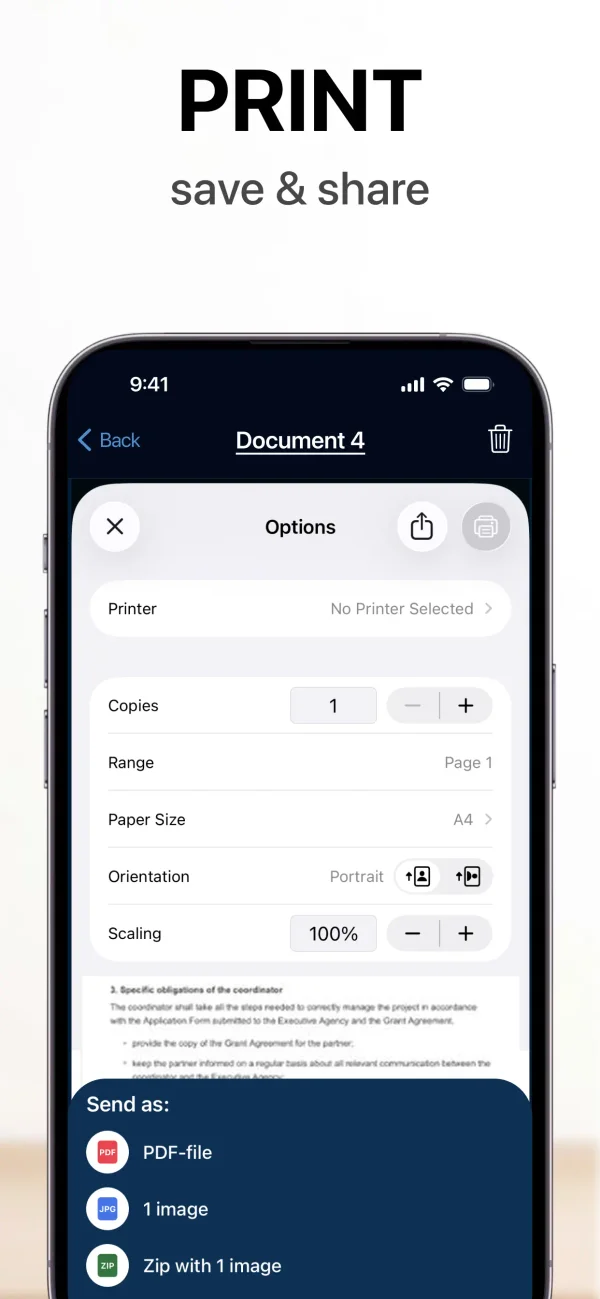
• To PDF: Merge multiple scans into a single, organized PDF file.
• To Images: Extract pages from any PDF as individual JPG or PNG pictures.
• To ZIP Archive: Compress several documents into a neat ZIP file for easy emailing and storage.
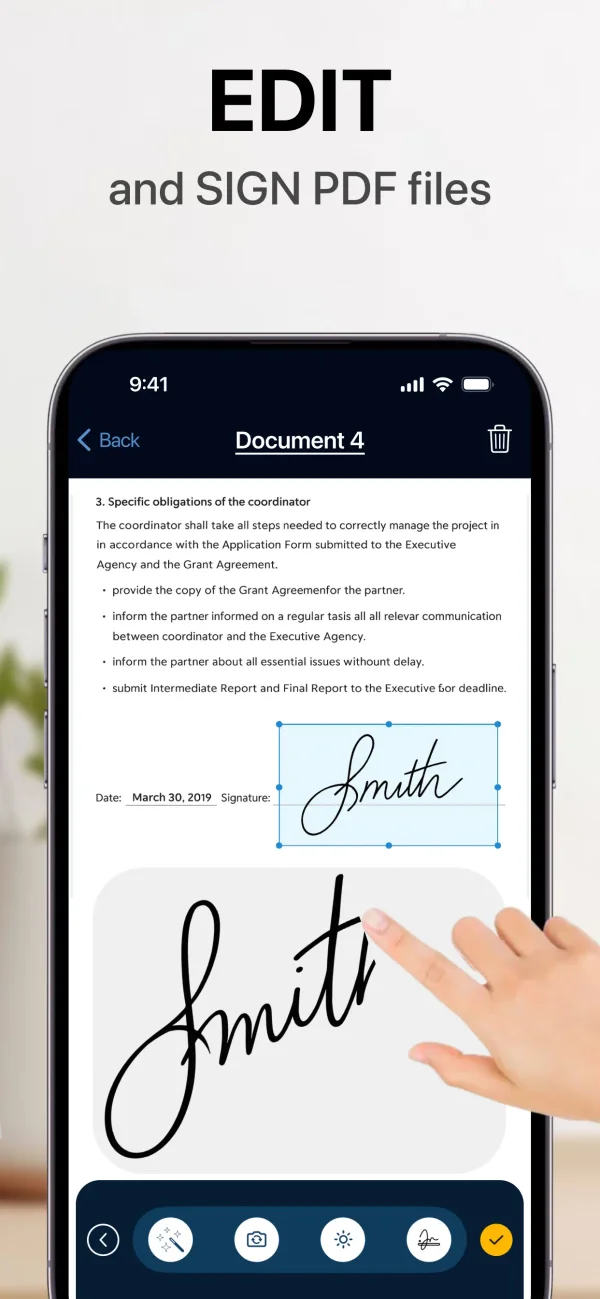
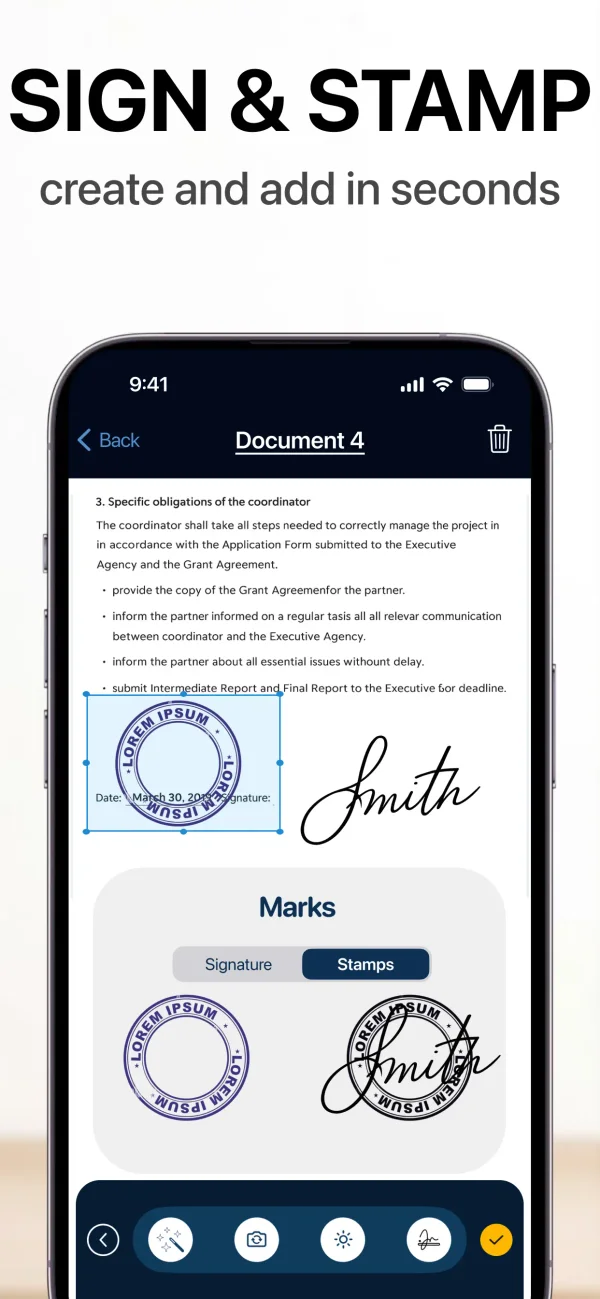
• Instant E-Signature: Sign contracts, forms, and approvals directly on your device. No more printing, wet signing, and rescanning.
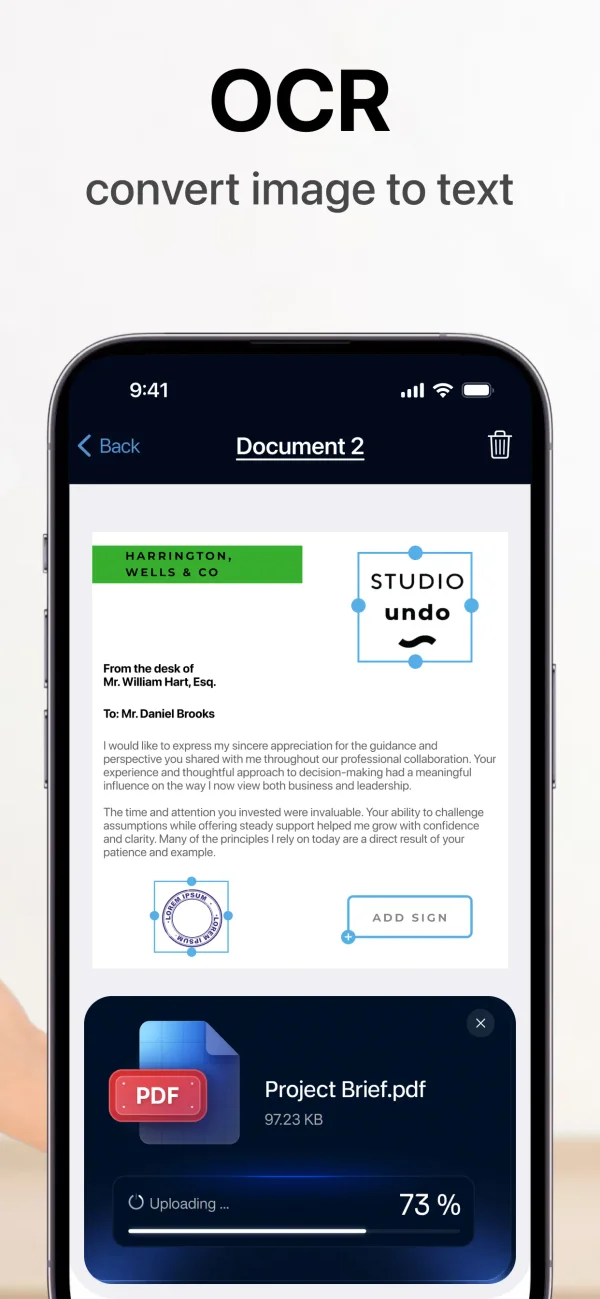
• Print & Lightweight Edit: Send any scan or PDF directly to your AirPrint or network printer. Make quick adjustments: add text, highlight, annotate, crop, or redact sensitive info.
• Organize & Share Effortlessly: Keep everything tidy in customizable folders. Share via email, messages, or upload seamlessly to iCloud Drive, Google Drive, Dropbox, and more.
Your All-in-One Document Workflow:
1. Photo any docs with your camera.
2. Convert to PDF/ZIP/JPG, add your signature, or make quick edits.
3. Save to folders, share with a link, upload to cloud, or print directly.
Privacy & Security First:
Your documents belong to you. All processing is done on-device. Files are stored locally on your iPhone by default, and we do not have access to your data.
Perfect for: business professionals, students, freelancers, home offices, travel, archiving receipts, and anyone looking to go paperless.
Download Scanner now and handle documents the smart way!
*All scanned documents are stored locally on your device, NOT accessible to third parties.
-----------------------
Privacy Policy: https://sites.google.com/view/scannerpdf/privacy-policy
Terms of Use: https://sites.google.com/view/scannerpdf/terms-of-use
We are constantly working on improving the application.
If you have any questions, suggestions, write to us by email ourappshelp@gmail.com
What’s new
Version 1.3.3 · Aug 7, 2026
Improved document scanning and text recognition. We also enhanced app stability, sped up PDF processing, and fixed minor bugs.
App privacy
What Uladzislau Nasonau declares on the App Store about how this app handles data.
-
Data used to track you
May be used to track you across apps and websites owned by other companies.
- Identifiers
-
Data linked to you
May be collected and linked to your identity.
- Identifiers
-
Data not linked to you
May be collected but is not linked to your identity.
- Purchases
- Location
- User content
Privacy practices may vary, for example with the features you use or your age.
Information
- Seller
- Uladzislau Nasonau
- Category
- Business
- Version
- 1.3.3
- Updated
- Aug 7, 2026
- Released
- Oct 11, 2023
- Size
- 26.2 MB
- Requires
- iOS 15.0 or later
- Age rating
- 4+
- Price
- Free
- In-app purchases
- Yes
- Languages
- English, French, German, Portuguese, Russian, Simplified Chinese, Spanish, Traditional Chinese
- Copyright
- © Uladzislau Nasonau
You might also like
-
 Printer Pro: Smart PDF ScannerScan & Print Documents, Photos
-
 Printer App - PDF Scanner ProPrint Photos & Documents
-
 Printer: Print by Air, ScannerScan PDF, Smart Print Photo
-
 Expense Budget: Money ManagerBill Manager and Bill Monitor
-
 Transcribe Now - AI Note TakerVoice to Text Speech Recorder
-
 Smart PDF EditorEdit, annotate & sign PDFs
-
 Authenticator App - Duo Secure2FA codes for favorite service
-
 PDF Scanner Document ConverterConvert Photo, Word to PDF App
-
 Bitop - Buy Bitcoin & CryptoTrade Bitcoin & Cryptocurrency
-
 Passport Photo: ID Maker & AidSupports 120+ Countries