
PDF Scanner Document Converter
Convert Photo, Word to PDF App
Designed for iPhone
Free · In-app purchases
- Age rating4+
- CategoryBusiness
- Developer兰 陈
- LanguagesEnglish+ 11 more
- Size151.3 MB
Links to the official App Store page
Download.org hosts no file of PDF Scanner Document Converter. The button opens its official App Store page, published by 兰 陈. Listing last checked on Nov 23, 2026.
Screenshots

About
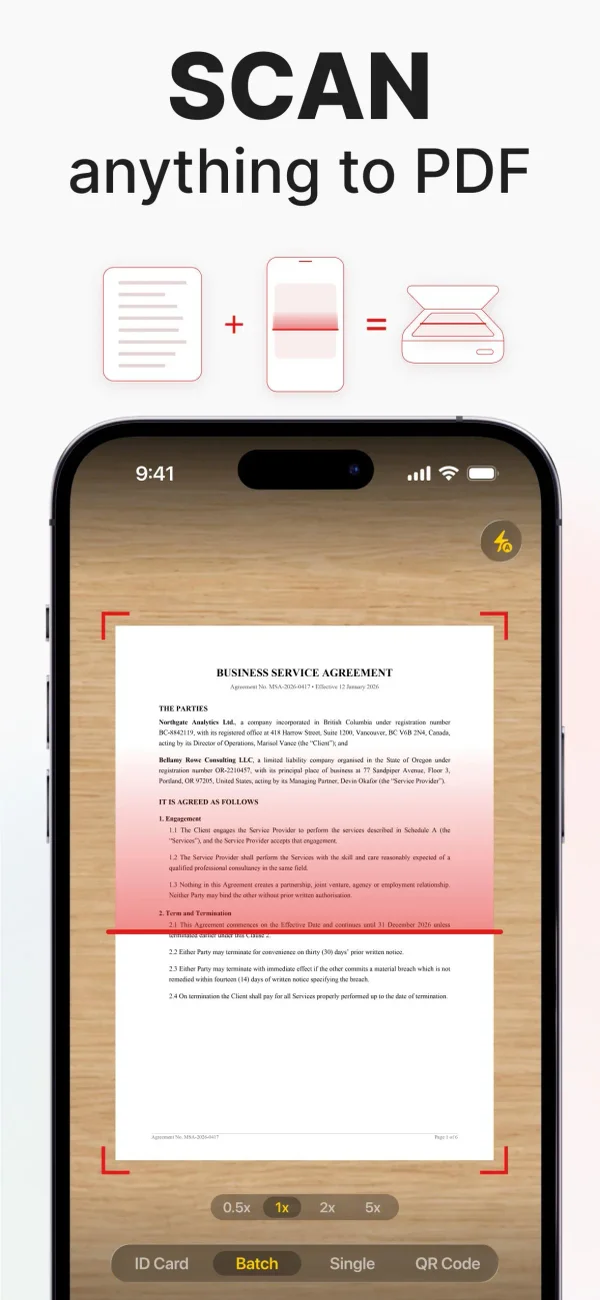
Scan Master turns your iPhone into a document scanner, PDF converter, and OCR text reader. Scan paper to PDF in seconds, convert it to Word, JPG, or TXT, then sign, annotate, and share.
Contracts, invoices, receipts, tax returns, medical records, notes, textbook pages. Everything stays sharp and organized.
Get perfect scans
- AI Enhanced clears shadows, glare, and desk lamp reflections, so a page shot in a normal room still comes out clean
- Straighten fixes the angle for you, no lining the page up perfectly or holding the phone flat
- Switch between color, grayscale, and high-contrast black and white depending on what you are scanning
- Set the look once and apply it to the whole document instead of page by page
Multi-language text recognition
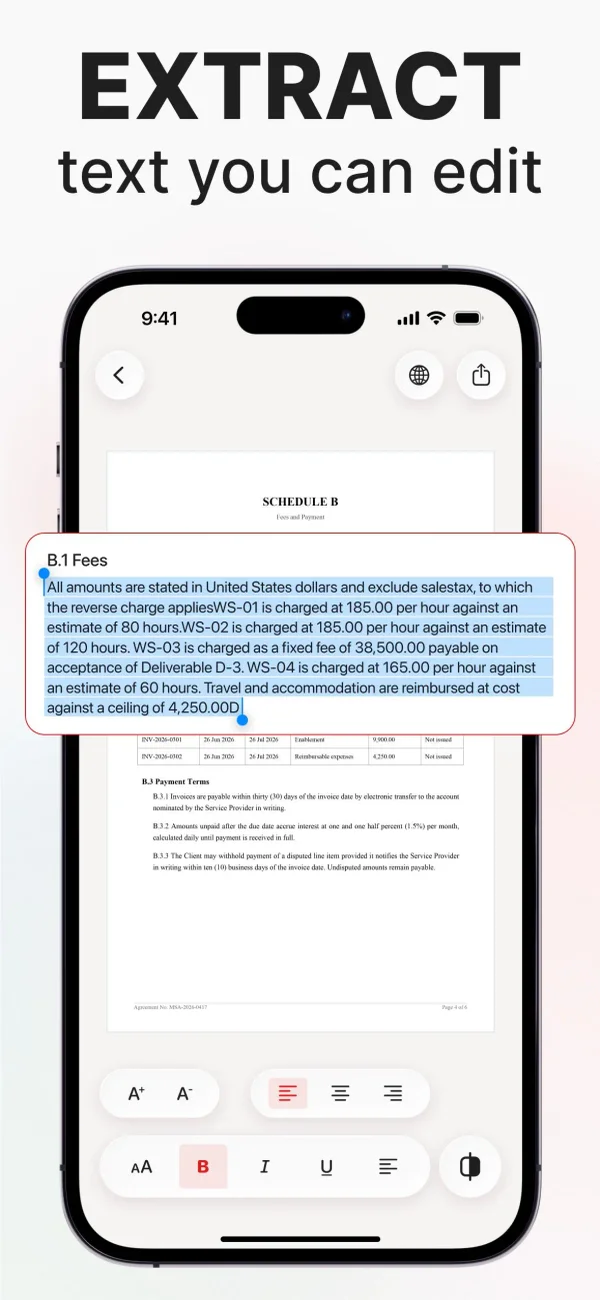
- Pull the text out of a scan so you can search, copy, and reuse it instead of retyping the page
- Detects the language for you, or pick one yourself
- Fix a typo or reformat the result before you send it, right inside the app
- Copy it as plain text, or export as PDF, DOC, or TXT
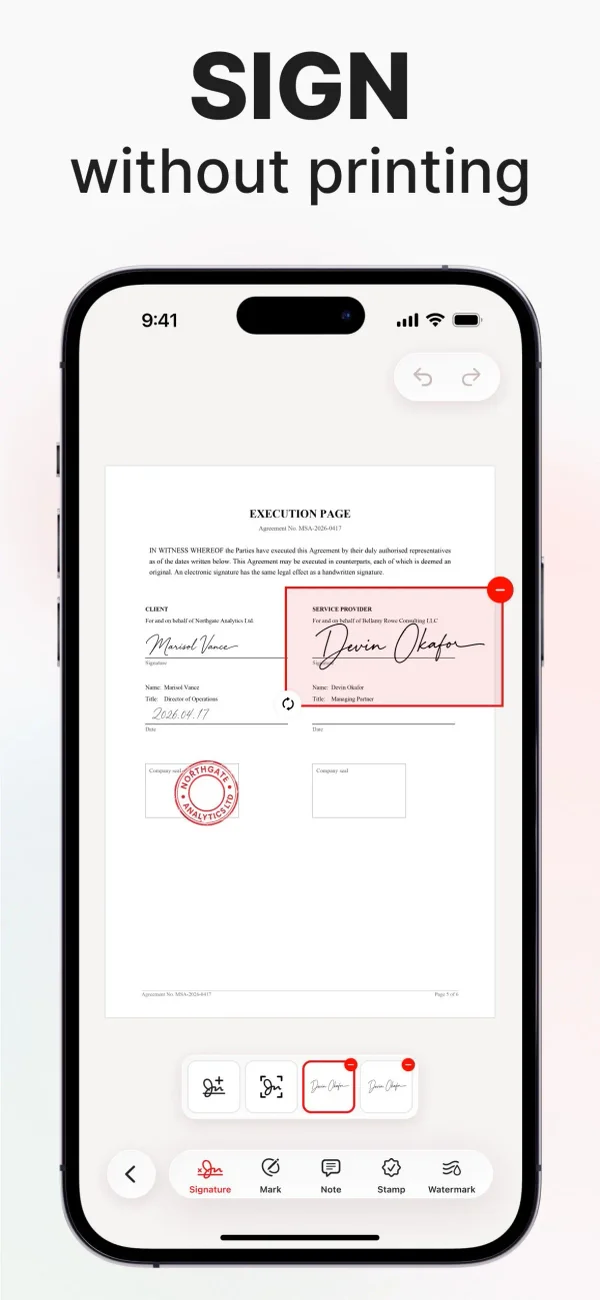
Sign and mark up without printing
- Sign a contract and send it back in a minute, no printer, no scanner, no trip to the office
- Draw your signature once and reuse it on everything after that
- Highlight the clause that matters, or leave a note for whoever reads it next
- Add a stamp or your own watermark before the file leaves your phone
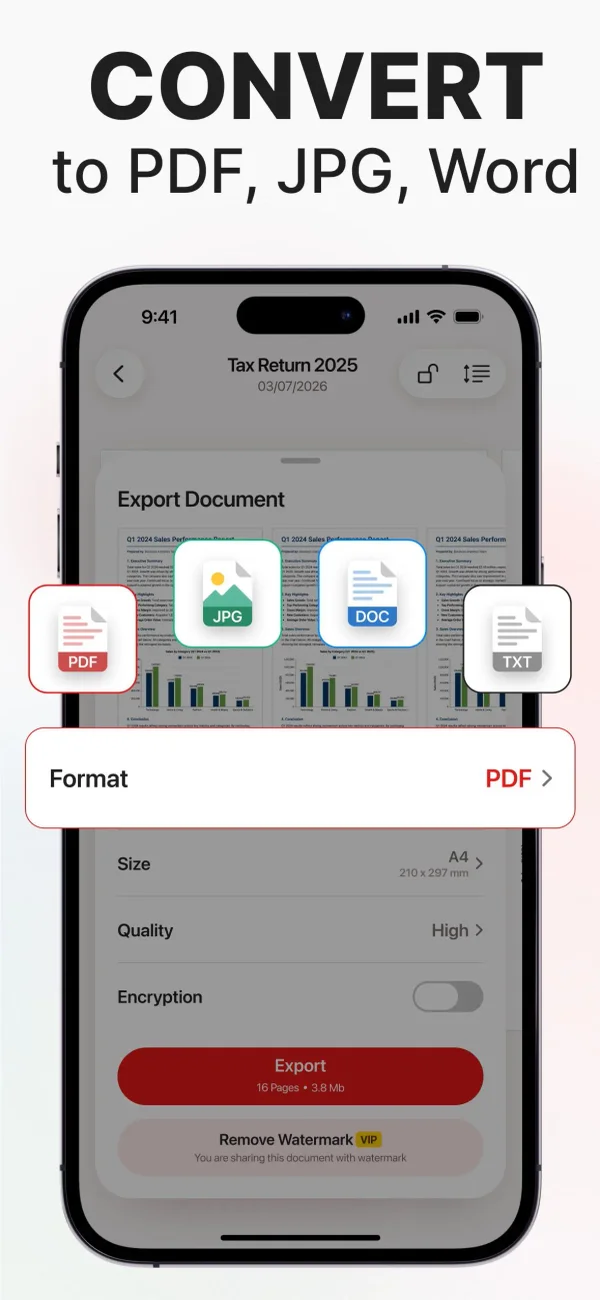
Export in the format you need
- PDF to file it, JPG to share it, DOC or TXT when you still need to edit it
- Send only the pages that matter instead of the whole document
- Adjust size and quality so the file is small enough to email
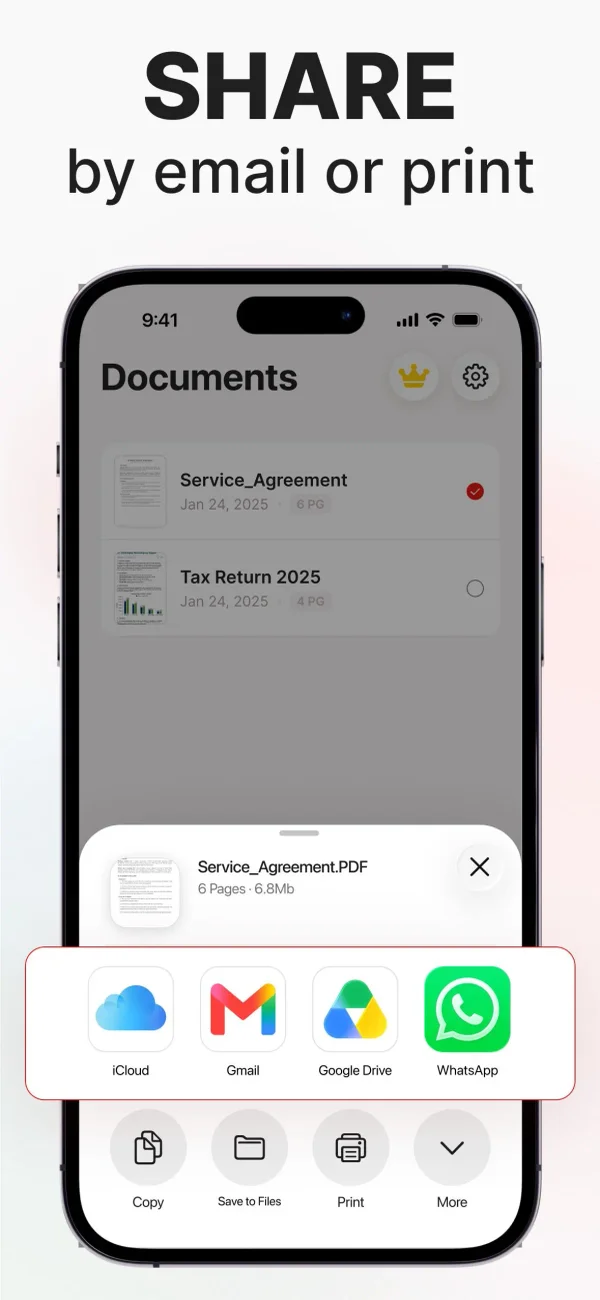
- Straight out to email, AirDrop, print, or Files
Your documents stay on your device
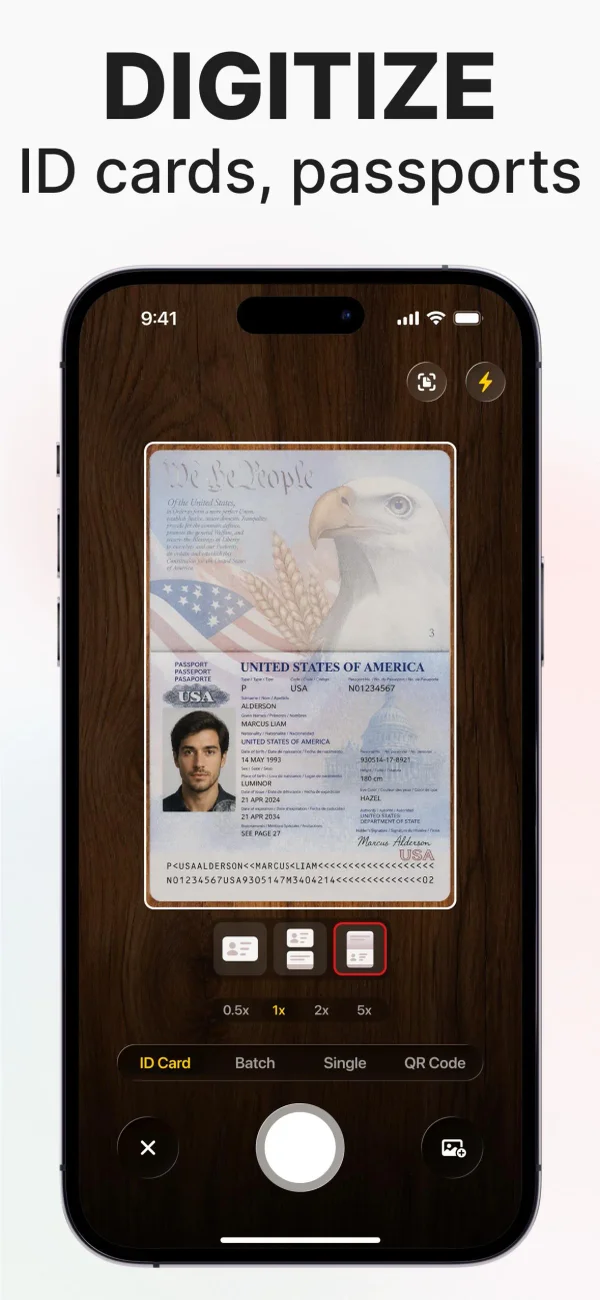
Tax returns, contracts, medical records, and ID documents are not the kind of files that belong on someone else's server. Scan Master scans, processes, and stores everything locally on your iPhone.
- Your documents are never uploaded, and no account is required
- Text recognition runs on your iPhone, not in the cloud
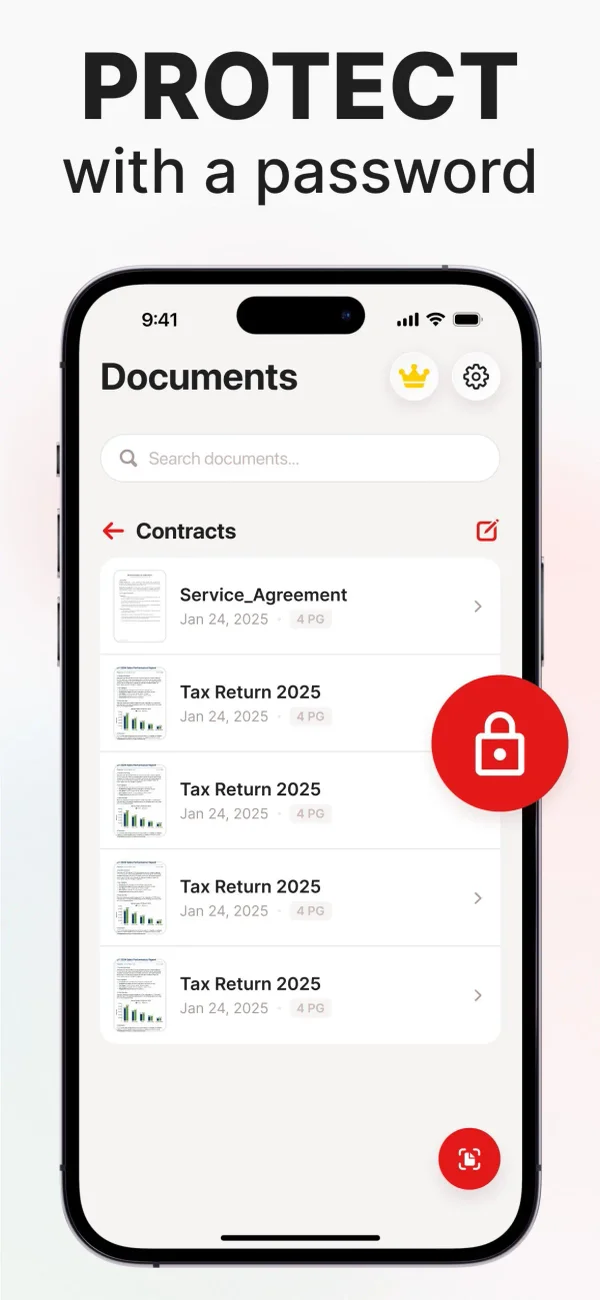
- Lock individual documents behind a password
- Add encryption to any file before you export it
Scan Master Premium
Scan Master is free to use. Premium unlocks batch file import, watermark-free export, file encryption, OCR result export, and advanced editing: signatures, markup, comments, stamps, and custom watermarks.
Free users can export one page at a time with a Scan Master watermark. Selecting multiple pages requires Premium.
Privacy Policy: https://scanmaster.io/scan-master-privacy-policy.html
Terms of Use: https://scanmaster.io/scan-master-terms-conditions.html
Questions or suggestions? Email us at getsupport@scanmaster.io.
What’s new
Version 2.1.5 · Nov 18, 2026
We’ve added more languages for OCR and translation, along with a few improvements and bug fixes.
App privacy
What 兰 陈 declares on the App Store about how this app handles data.
-
Data used to track you
May be used to track you across apps and websites owned by other companies.
- Usage data
-
Data not linked to you
May be collected but is not linked to your identity.
- User content
- Identifiers
- Usage data
- Diagnostics
Privacy practices may vary, for example with the features you use or your age.
Information
- Seller
- 兰 陈
- Category
- Business
- Version
- 2.1.5
- Updated
- Nov 18, 2026
- Released
- Mar 10, 2019
- Size
- 151.3 MB
- Requires
- iOS 16.0 or later
- Age rating
- 4+
- Price
- Free
- In-app purchases
- Yes
- Languages
- English, Arabic, Filipino, French, German, Hebrew, Indonesian, Japanese, Malay, Simplified Chinese, Traditional Chinese, Vietnamese
- Copyright
- © 2026 Scan Master
You might also like
-
 Scanner Document PDF ConverterJpeg photo png image Cam scan
-
 ShiftFlow: Track Team HoursTime Clock Timesheets for Work
-
 Doc Scanner PDF, Convert & OCRScan PDF Documents & Converter
-
 VOMO: Transcribe Audio to TextAI Meeting Notes Taker
-
 Printer Pro - Smart ScannerSmart print and scan app
-
 Sign Documents - eSign PDFScan, Edit & Share! Scanner
-
 Audio Converter : Video to MP3Format Convert & Format Tirm
-
 PDF Converter. Photo to PDFConvert Word Documents to PDF
-
 Screen Time Limit: App BlockerBlock Games & Social Media
-
 AI Call Recorder — RecordeonSave & Listen Voice Memos