DocScan Hub: PDF & OCR Scanner
Scan, Merge PDF & Text OCR
Designed for iPhone, iPod touch
Free · In-app purchases
- Age rating17+
- CategoryUtilities
- Developer萌 耿
- LanguagesEnglish+ 6 more
- Size64.8 MB
Links to the official App Store page
Download.org hosts no file of DocScan Hub: PDF & OCR Scanner. The button opens its official App Store page, published by 萌 耿. Listing last checked on Nov 23, 2026.
Screenshots

About
Your All-in-One Mobile Scanner, OCR & PDF Document Editor
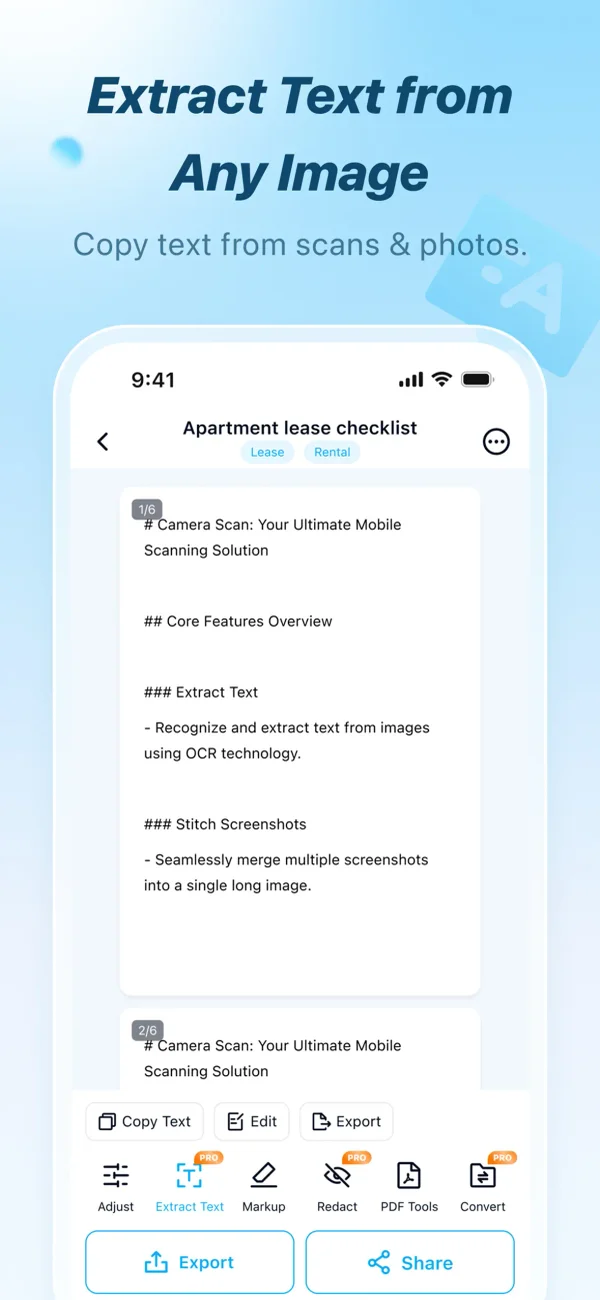
Tired of switching between multiple apps just to scan a receipt, merge a PDF, or redact sensitive info? DocScan Hub streamlines your daily document workflow into one fast, intuitive, and secure app.
Whether you need to scan tax forms, organize study notes, stitch screenshots, or extract text from photos, DocScan Hub helps you capture, edit, process, and share files effortlessly—anytime, anywhere.
KEY FEATURES
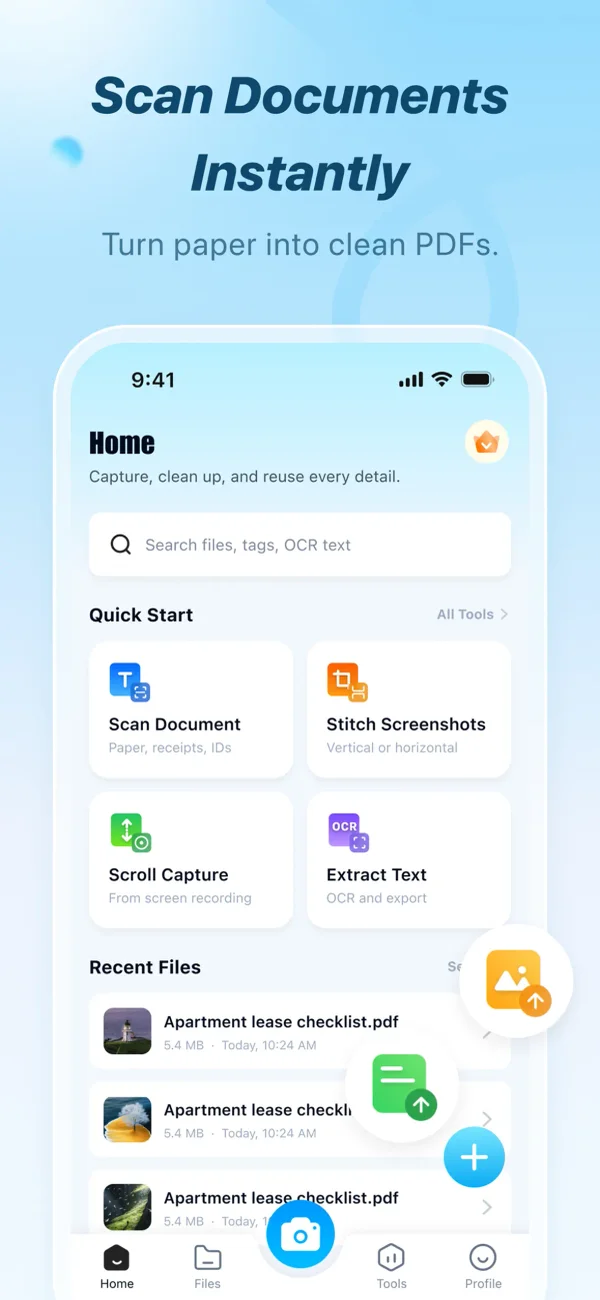
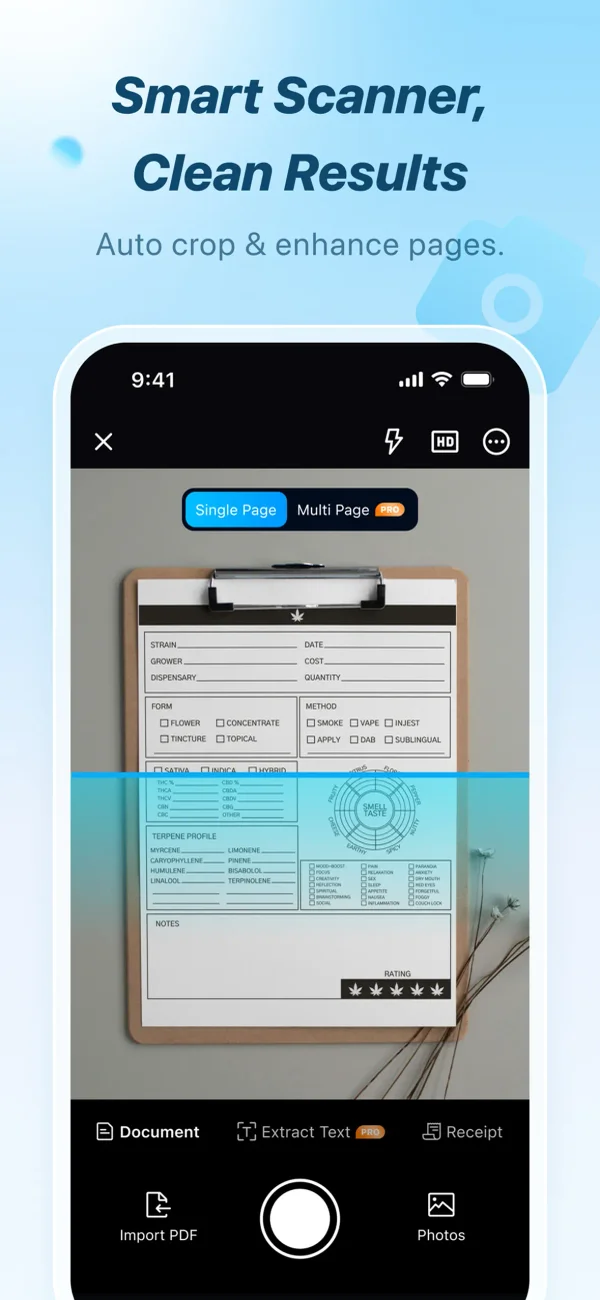
1、HD Camera & Multi-Mode Scanner
• Smart Detection: Auto-crop and clean up scans for Receipts, Whiteboards, Documents, and Slides.
• Single & Batch Scanning: Scan one page quickly or capture multi-page documents seamlessly.
• Import Anything: Easily import photos from your Photos Library, Files app, or internal app storage.
2、Smart File Management & Organization
• Custom Views: Toggle between clean List and Grid views.
• Folder & Tag System: Organize files with nested folders and color-coded tags.
• Batch Actions & Fast Search: Select multiple files to move, export, or delete in seconds. Find any document instantly with global search.
3、Powerful PDF & Image Toolkit
• PDF Utilities: Merge multiple files, split pages, compress file size, and convert formats (PDF to Image & vice versa).
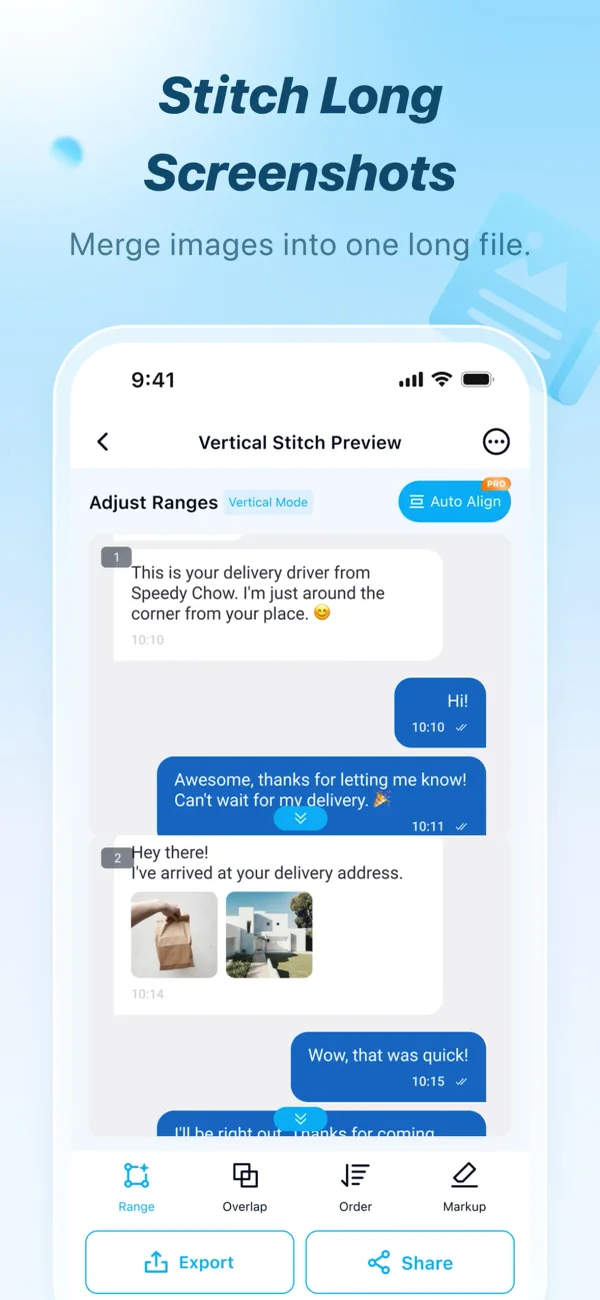
• Screenshot Stitching: Combine multiple photos or rolling screenshots into one seamless long image.
• Text Extraction (OCR): Turn physical documents and images into editable, searchable digital text.
• Privacy & Markup: Add annotations, draw, and obscure sensitive personal data with dark redacting tools before sharing.
4、Seamless iCloud Sync
• Keep your important documents backed up and synchronized across all your iOS devices securely.
PRIVACY FIRST
Your privacy matters. All document processing and local storage happen securely on your device, giving you complete control over your sensitive information.
Download DocScan Hub today and turn your iPhone into a powerful pocket office!
-Payment will be charged to iTunes Account at confirmation of purchase.
-Subscriptions automatically renew unless auto-renew is turned off at least 24-hours before the end of the current period.
-Account will be charged for renewal within 24-hours prior to the end of the current period, and identify the cost of the renewal.
Privacy Policy: http://vortiq7.com/Scan01/privacy
Terms of Use : http://vortiq7.com/Scan01/terms
What’s new
Version 2.1 · Nov 13, 2026
fix some bugs
App privacy
What 萌 耿 declares on the App Store about how this app handles data.
-
Data used to track you
May be used to track you across apps and websites owned by other companies.
- Identifiers
-
Data not linked to you
May be collected but is not linked to your identity.
- User content
- Identifiers
- Usage data
Privacy practices may vary, for example with the features you use or your age.
Information
- Seller
- 萌 耿
- Category
- Utilities
- Version
- 2.1
- Updated
- Nov 13, 2026
- Released
- Nov 4, 2026
- Size
- 64.8 MB
- Requires
- iOS 15.0 or later
- Age rating
- 17+
- Price
- Free
- In-app purchases
- Yes
- Languages
- English, Arabic, French, German, Japanese, Korean, Spanish
- Copyright
- ©耿萌
You might also like
-
 Unhooki: Screen Time BlockerAuto App Limits & Focus Timer
-
 PicCleaner - Photo CleanerSmart Duplicate Photos & Video
-
 ReinClean: Compress PhotosPhoto Cleaner & Compressor
-
 Smart Keyboard:Chat AssistantAI help you reply
-
 Memora: Photo & Video CleanerClean Photos, Videos & Storage
-
 StormClean: Photo CleanerCompress, Vault & Email Clean
-
 Noted — AI Recorder & NotesUtilities
-
 Phone Storage Cleaner, CleanupClean Up Junk & Free Up Space
-
 FlottaRecord.To-Do.Summary.
-
 Tidy Clean: Storage CleanerConvert, Compress & Cleanup