Smart Keyboard:Chat Assistant
AI help you reply
Designed for iPhone
Free · In-app purchases
- Age rating17+
- CategoryUtilities
- Developer享华 汤
- LanguagesEnglish
- Size24.3 MB
Links to the official App Store page
Download.org hosts no file of Smart Keyboard:Chat Assistant. The button opens its official App Store page, published by 享华 汤. Listing last checked on Nov 25, 2026.
Screenshots

About
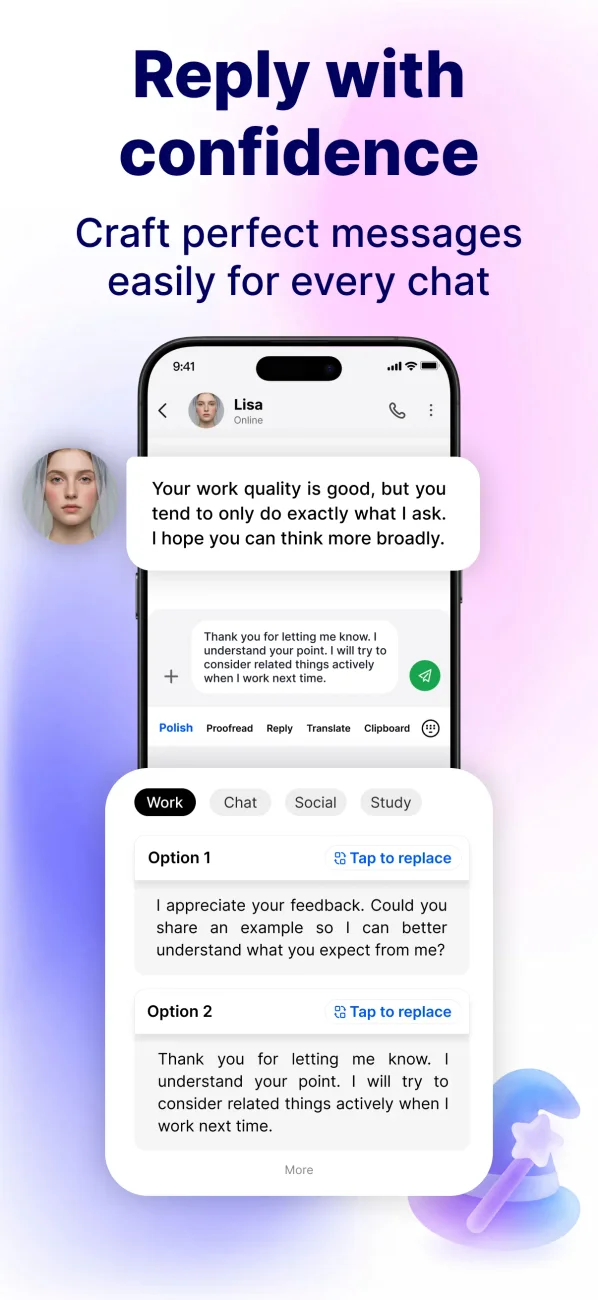
Tired of struggling to craft the perfect reply? Meet your AI Chat Assistant — the all‑in‑one writing tool built to make every message simple, clear and ready to send. Whether you’re replying to texts, emails, social messages or notes, we help you respond with confidence in just one tap.
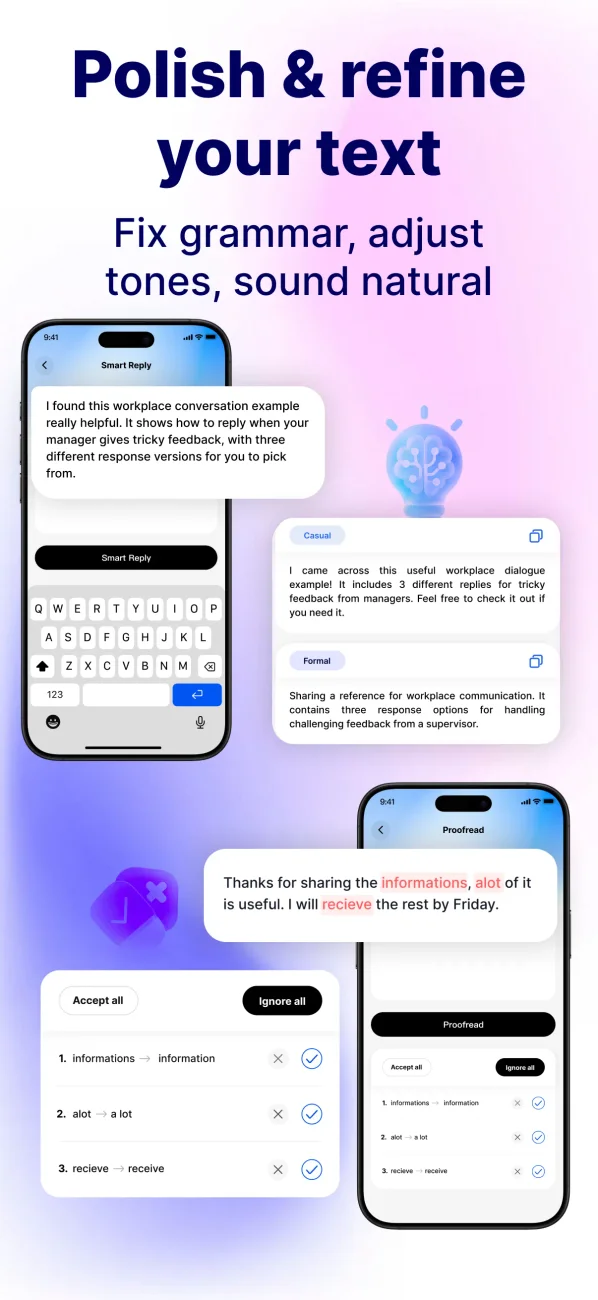
Our core tools are designed for fast, hassle‑free communication. Instantly polish your wording to sound natural, friendly or professional. Run quick grammar checks to catch typos, awkward phrasing and mistakes before you hit send. Use smart reply suggestions when you don’t know what to say — get fitting, context‑aware responses tailored to the tone you want. Need translation on the go? Access reliable offline translation without an internet connection, perfect for travel, chats with foreign friends and cross‑language conversations.
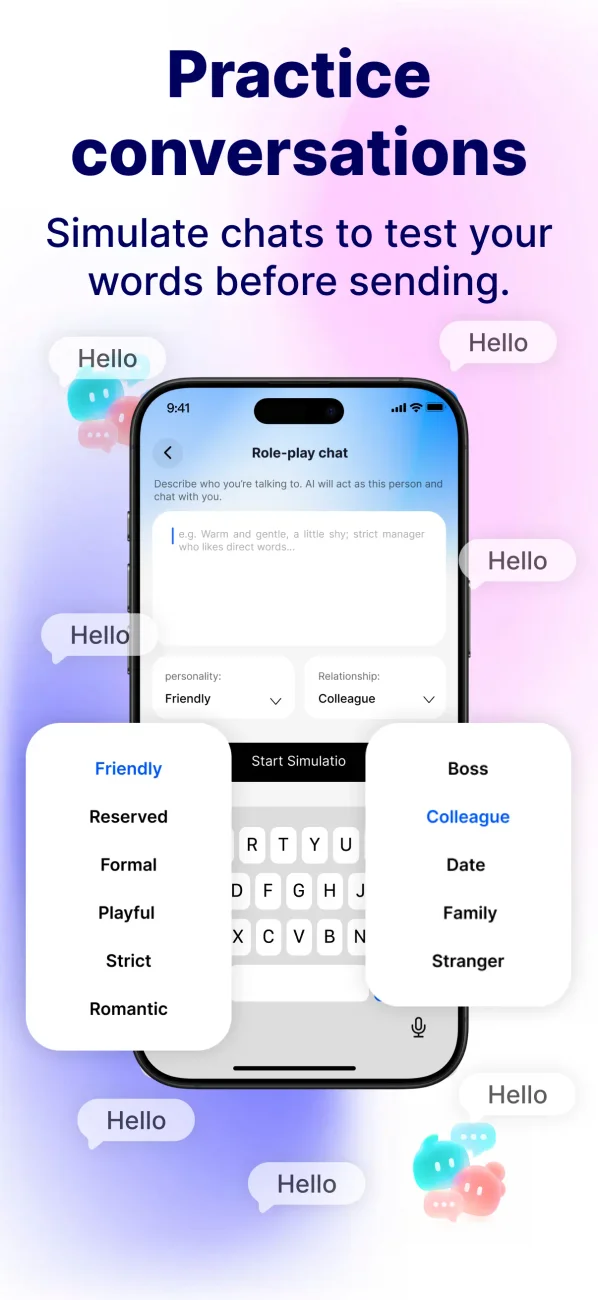
Want to practice conversations before you send a real message? Try our brand-new character simulation chat. Simply describe the personality of who you’re talking to — warm, strict, playful, reserved and more. The AI will act as this person and role-play the whole dialogue with you. Test how your words land, try different replies, and find the best way to communicate smoothly. It’s ideal for preparing tough talks, practicing dating chats, job interviews and daily conversations.
Easily switch between tones: concise, polite, casual, formal, warm and more. Adjust replies to fit any situation, from a quick casual text to an important work message. You can keep your original meaning while refining how it reads. No more staring at a blank screen, overthinking sentences or second‑guessing your grammar.
The clean, lightweight interface lets you jump straight into your task. No mandatory sign‑up required. Open the app and start polishing, checking grammar, generating smart replies, translating or role‑playing right away. Your recent work is saved neatly so you can review and reuse it whenever you need.
We take your privacy seriously. Your text inputs are handled securely to protect your personal content. You can edit, refine and practice messages without worry.
If you have questions, contact us by : tangxianghua09@outlook.com
Terms of Service:https://sites.google.com/view/smartkeyboard-terms/home
Privacy Policy:https://sites.google.com/view/smartkeyboard-privacy/home
Premium Subscription Agreement:https://sites.google.com/view/smartkeyboard-subscription/home
What’s new
Version 1.0.4 · Nov 24, 2026
improve the user experience
App privacy
What 享华 汤 declares on the App Store about how this app handles data.
-
Data used to track you
May be used to track you across apps and websites owned by other companies.
- Identifiers
-
Data not linked to you
May be collected but is not linked to your identity.
- Identifiers
Privacy practices may vary, for example with the features you use or your age.
Information
- Seller
- 享华 汤
- Category
- Utilities
- Version
- 1.0.4
- Updated
- Nov 24, 2026
- Released
- Nov 5, 2026
- Size
- 24.3 MB
- Requires
- iOS 17.6 or later
- Age rating
- 17+
- Price
- Free
- In-app purchases
- Yes
- Languages
- English
- Copyright
- ©xianghua tang
You might also like
-
 ScanLab:Measure.Read.ProtectMeasure. Read. Protect.
-
 FlottaRecord.To-Do.Summary.
-
 DocScan Hub: PDF & OCR ScannerScan, Merge PDF & Text OCR
-
 Noted — AI Recorder & NotesUtilities
-
 ShareWell: Cross-Platform P2PCross‑Platform File Transfer
-
 PDF Pro: AI SummaryPDF Editor & File Converter
-
 NextSend : File TransferShare via APP, Web or Cloud
-
 File Manager:Send & ReceiveOffline LAN File Transfer
-
 Audio Notes : Made EasierRecord, translate and summary
-
 CodeIT:QR Code GeneratorQR Code Reader & Maker Offline