DocScan – PDF Document Scanner
Scan, Sign, Edit & Convert
Designed for iPhone
Free · In-app purchases
- Age rating12+
- CategoryBusiness
- DeveloperTightrope Interactive, Inc.
- LanguagesEnglish
- Size56.2 MB
Links to the official App Store page
Download.org hosts no file of DocScan – PDF Document Scanner. The button opens its official App Store page, published by Tightrope Interactive, Inc. Listing last checked on Nov 20, 2026.
Screenshots


About
Simplify scanning with DocScan: The effortless way to turn your iPhone into a feature-rich PDF scanner and QR code reader!
DocScan is your pocket-sized powerhouse for scanning and editing documents, extracting texts, converting scans to PDFs, and deciphering QR codes with ease and precision. With DocScan, managing paperwork is a breeze, whether you're a professional on the move, a student juggling assignments, or simply organizing personal documents.
FEATURE-PACKED PDF SCANNER
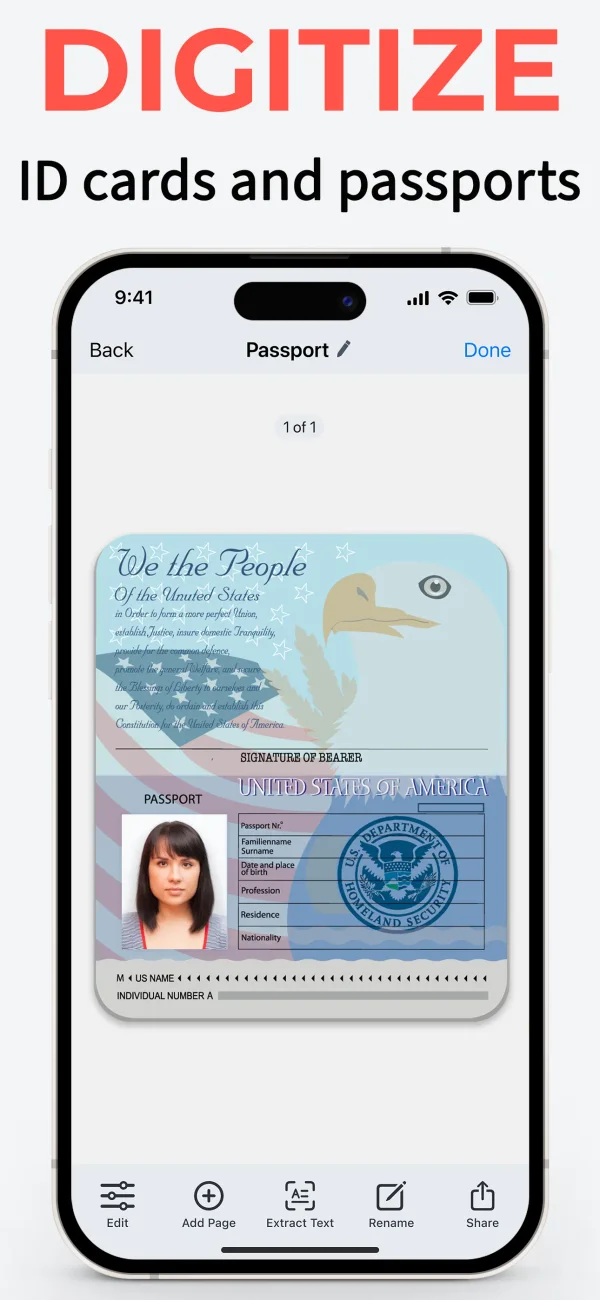
- Quickly digitize documents: Scan receipts, notes, invoices, business cards, and more. Effortlessly export them as high-quality PDF or JPG files.
- Multi-Page PDFs: Assemble multi-page documents with ease. Perfect for reports, presentations, and lengthy contracts.
- Signing: Sign any scanned document with your signature. Create and save custom signatures for easy use later.
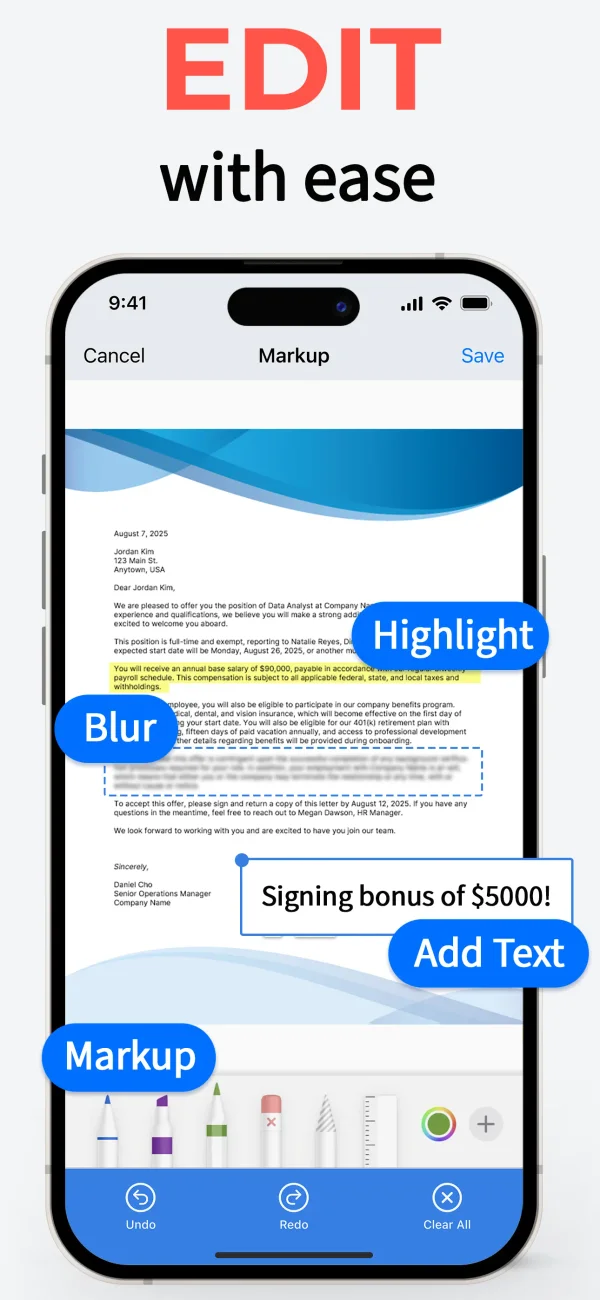
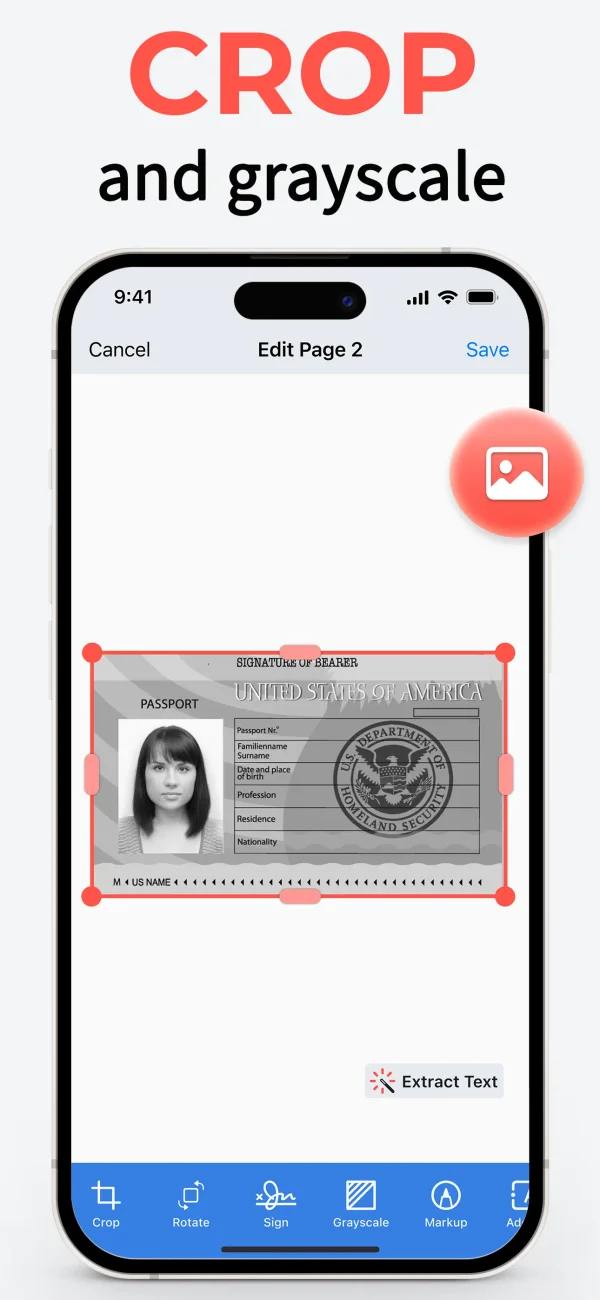
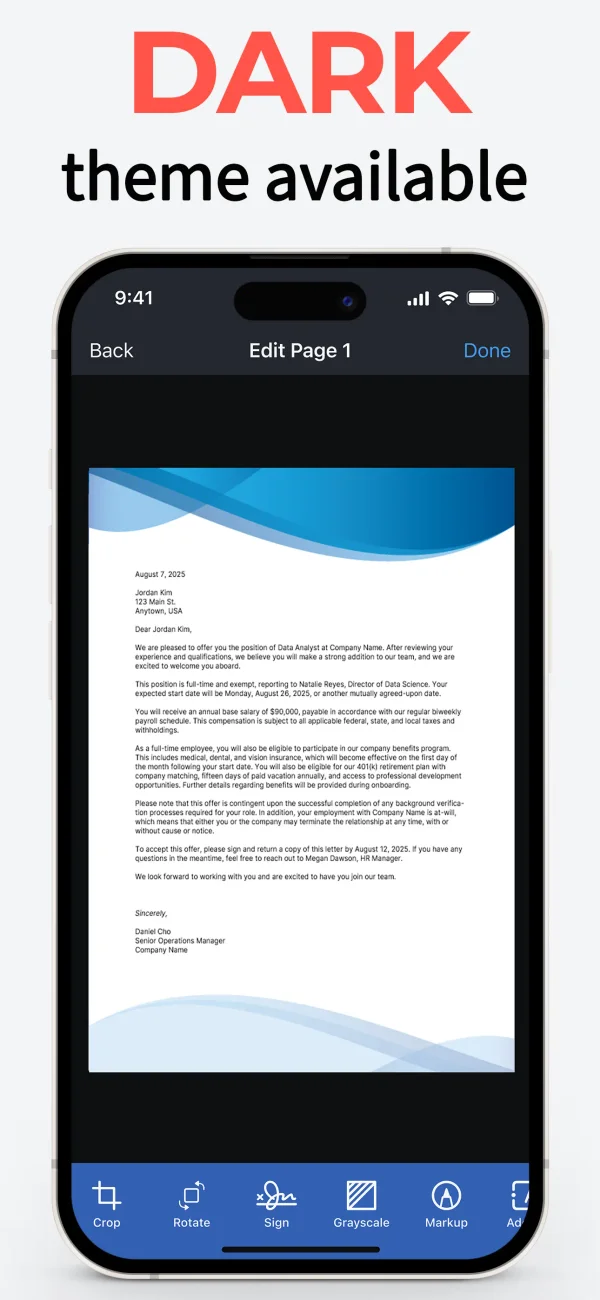
- Edit documents easily: markup, highlight, blur, add formatted text, rotate, crop, grayscale, and remove pages.
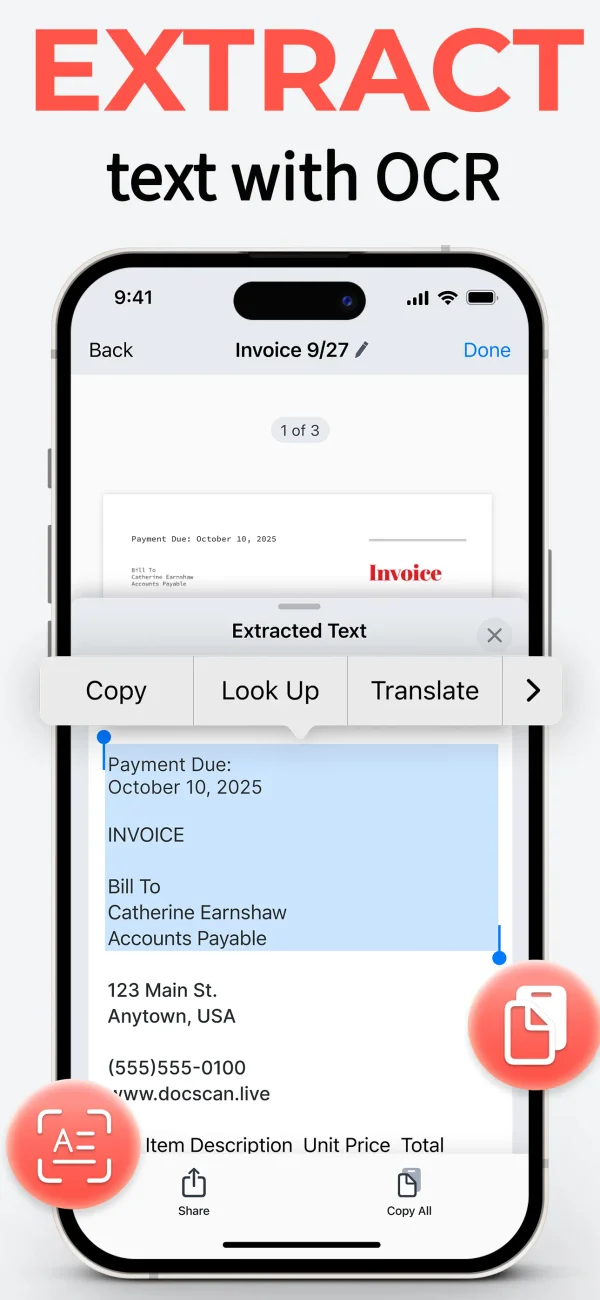
- OCR (optical character recognition): Extract a part of a scanned text and paste it where you need it.
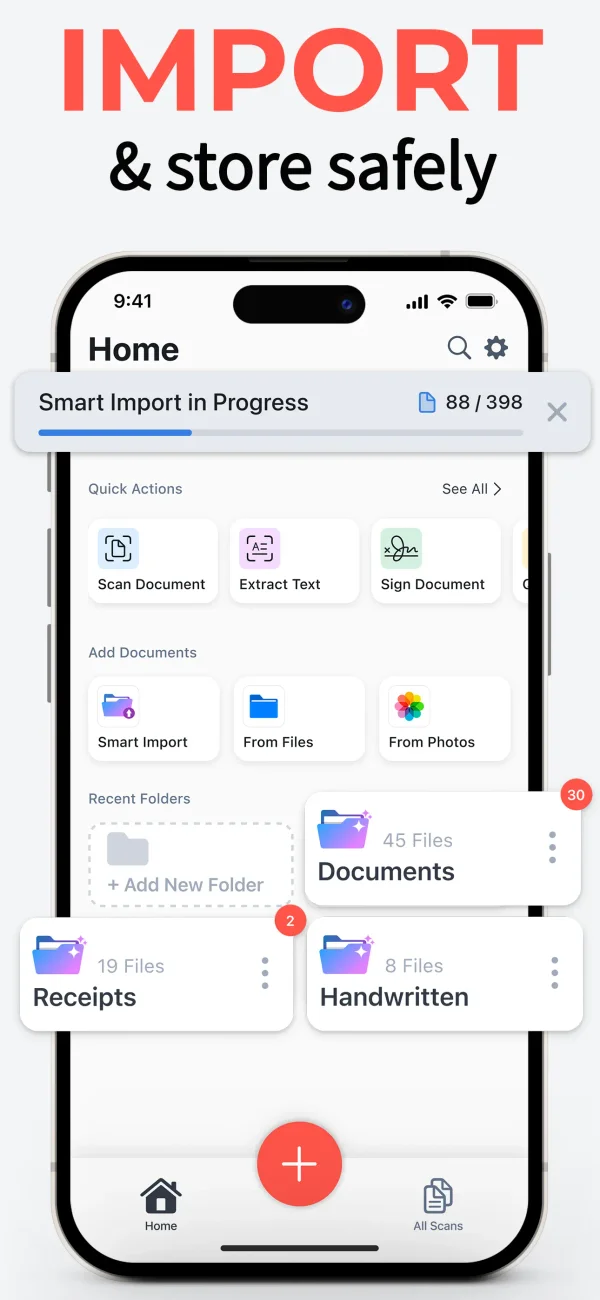
- Import smartly: Automatically detect and import document photos, handwritten notes, and receipts from your photo library into dedicated folders. Simply select a category, and DocScan will sort and sync everything for you.
- Organize files in folders: Streamline your workflow by grouping your business, study, personal, and other documents in dedicated folders.
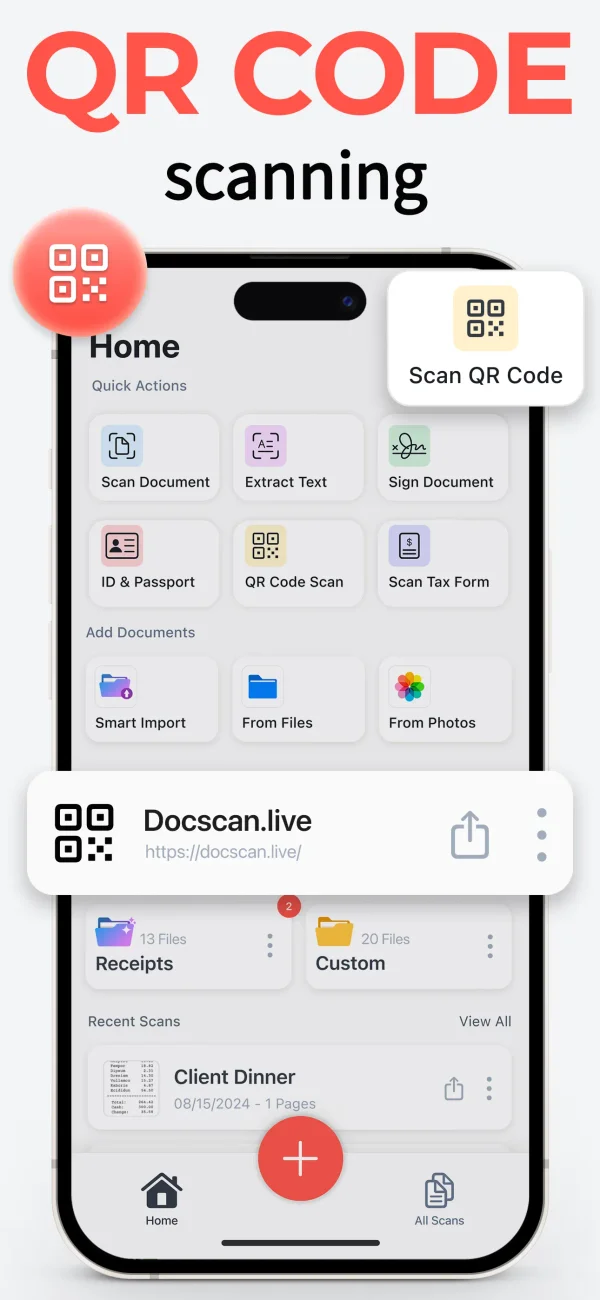
YOUR GO-TO QR CODE READER:
Need to scan a QR code? DocScan handles that seamlessly, making it your all-in-one scanning solution.
SIGN AND SEND
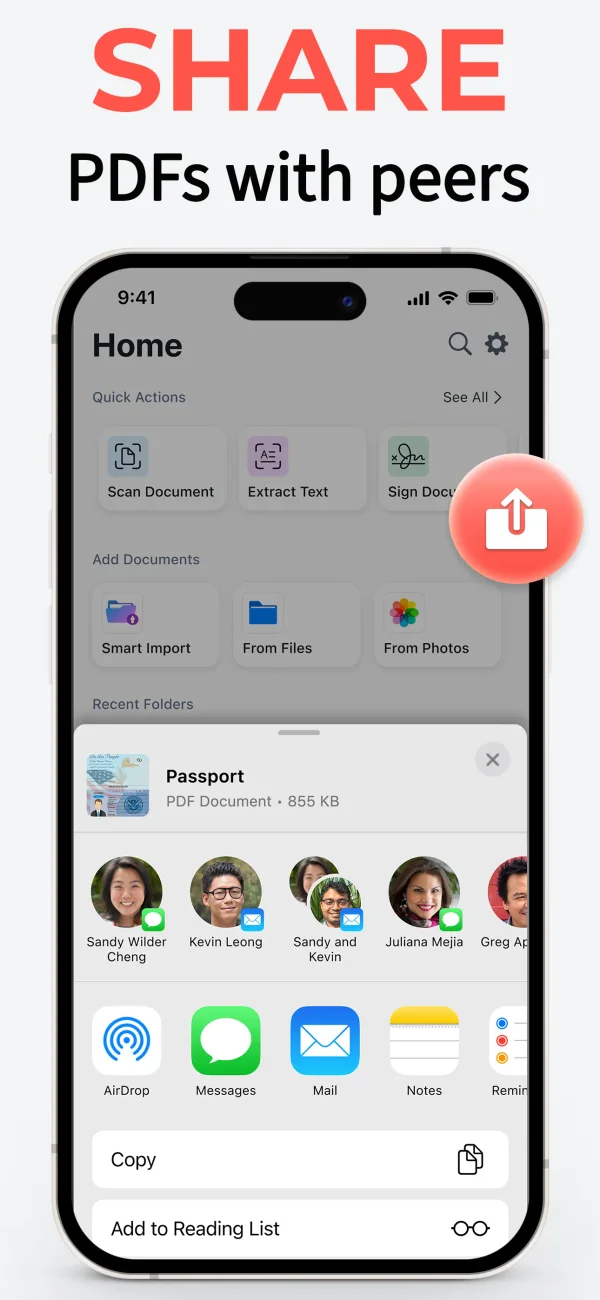
DocScan allows you to scan any paper document and add your signature for easy sending as a PDF.
SAFE AND SECURE
With DocScan, your documents remain confidential. Keep your sensitive PDFs protected from prying eyes.
AI-ENHANCED SCANNING
Advanced AI technology automatically detects borders, enhances sharpness, and corrects perspective—ensuring your scans are clear and readable.
PDF SCANNER FOR EVERY NEED
Whether it's a single receipt or a stack of pages, DocScan caters to all scanning scenarios. It's the document scanner that adapts to you.
USER-FRIENDLY INTERFACE
Enjoy a sleek, intuitive interface that makes scanning documents as simple as snapping a photo.
WHY CHOOSE DOCSCAN?
- Fast and reliable PDF scanning
- Signing and signature management
- Powerful editing tools
- Automatic AI importing
- Optical character recognition
- Advanced AI for perfect scans
- QR code reader integrated
- Secure document management
Experience the next level of scanning with PRO features:
- Scan and share unlimited PDFs
- Sign any document in seconds
- Scan and save multiple page documents
- Extract text with OCR
- Go ad-free for a cleaner interface
Languages supported by OCR: English (United States), French, Italian, German, Spanish (Spain), Portuguese (Brazil), Chinese (Simplified), Chinese (Traditional), Cantonese (Simplified), Cantonese (Traditional), Korean, Japanese, Russian, Ukrainian, Thai, Vietnamese.
When you confirm your purchase, your App Store account will be charged for the subscription cost. Remember, your subscription will renew automatically unless you turn off auto-renew or cancel at least 24 hours before the current period ends.
Jumping into a premium subscription from a free trial? Any unused portion of your trial will be forfeited. Renewal costs will be based on your chosen Subscription Plan.
You can manage your subscriptions and auto-renewal by heading to your Account Settings after purchase. Need assistance? Our Customer Support is here to help.
Download DocScan today and step into a world where document scanning is as fast, easy, and reliable as you need it to be. Your on-the-go office awaits in the palm of your hand!
Disclaimer: Contains AI-generated content & synthetic performers by Tightrope Interactive, Inc.
Privacy Policy: https://docscan.live/privacy-policy/
Terms of Service: https://docscan.live/terms-of-service/
What’s new
Version 2.2.6 · Aug 13, 2026
We're always enhancing DocScan to make scanning faster and smoother. This update polishes every detail for a seamless digitization experience.
App privacy
What Tightrope Interactive, Inc. declares on the App Store about how this app handles data.
-
Data used to track you
May be used to track you across apps and websites owned by other companies.
- Purchases
- Identifiers
- Usage data
-
Data not linked to you
May be collected but is not linked to your identity.
- Purchases
- Identifiers
- Usage data
- Diagnostics
Privacy practices may vary, for example with the features you use or your age.
Information
- Seller
- Tightrope Interactive
- Category
- Business
- Version
- 2.2.6
- Updated
- Aug 13, 2026
- Released
- Nov 10, 2023
- Size
- 56.2 MB
- Requires
- iOS 16.0 or later
- Age rating
- 12+
- Price
- Free
- In-app purchases
- Yes
- Languages
- English
- Copyright
- © 2023–2026 Tightrope Interactive, Inc.
You might also like
-
 Doc Scan - PDF ScannerEdit PDF, Email, Fax & OCR App
-
 Scan Now: PDF Document ScannerDigitize Your Documents Fast
-
 My Scans, best PDF Scanner AppScan, Sign, FAX, Print, Email
-
 Zap Scan: Photo to PDF ScannerDocument & QR Reader Converter
-
 ScanNow: Convert PDF, JPG, DocScanner, Edit, Sign, OCR,Files
-
 Free PDF Scanner App For DocScan Documents & Photo to PDF
-
 Scan to PDF: Converter ScannerPhoto Document Editor,Ad Free
-
 My Scanner: Scan to PDF & EditPDF Converter, Document Editor
-
 Tiny Scanner - PDF Scanner AppScan Documents Convert to PDF
-
 PDF App: Convert, Create, SignPhoto & Word to PDF Converter