DocScan: PDF Scanner App
Scan Documents & Photos to PDF
Designed for iPhone, iPad
Free
- Age rating4+
- CategoryUtilities
- DeveloperKURZ Digital Solutions GmbH & Co. KG
- LanguagesEnglish+ 1 more
- Size4.6 MB
Links to the official App Store page
Download.org hosts no file of DocScan: PDF Scanner App. The button opens its official App Store page, published by KURZ Digital Solutions GmbH & Co. KG. Listing last checked on Nov 15, 2026.
Screenshots
About
DocScan turns your iPhone and iPad into a document scanner. Invoices, receipts, contracts and notes become a clean PDF in seconds, ready to share.
SCAN
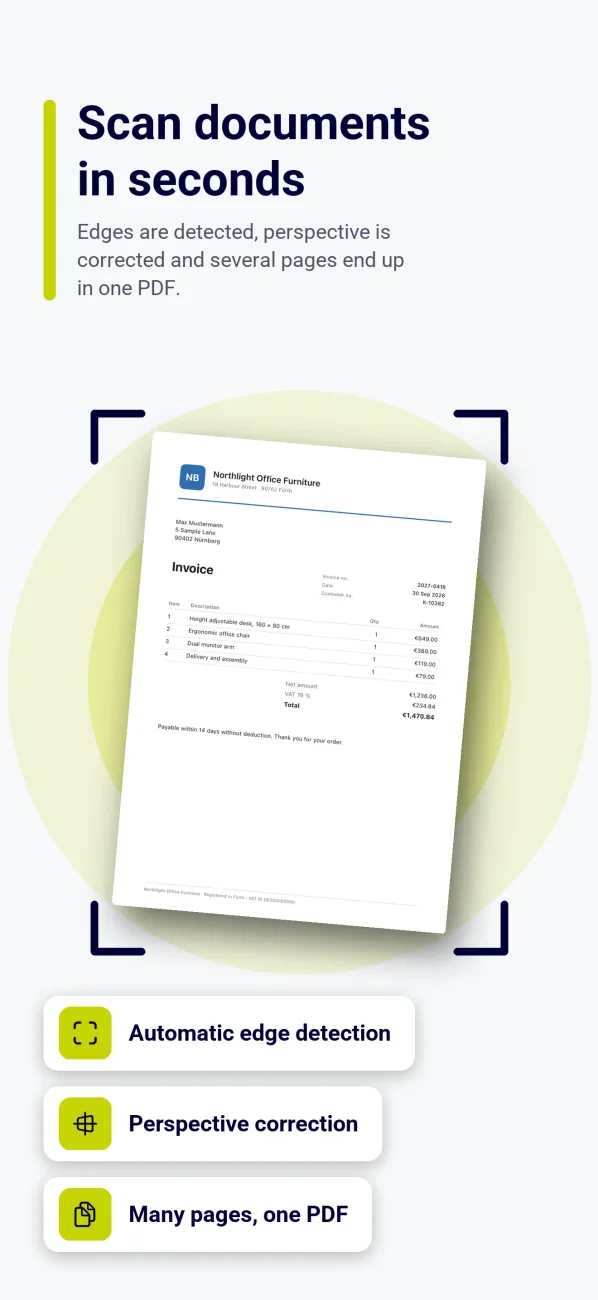
• One tap on Scan opens the camera
• The edges of the document are detected automatically
• Perspective is corrected, skewed shots come out straight
• Scan several pages in a row, they end up in one PDF
PHOTOS AND OTHER APPS
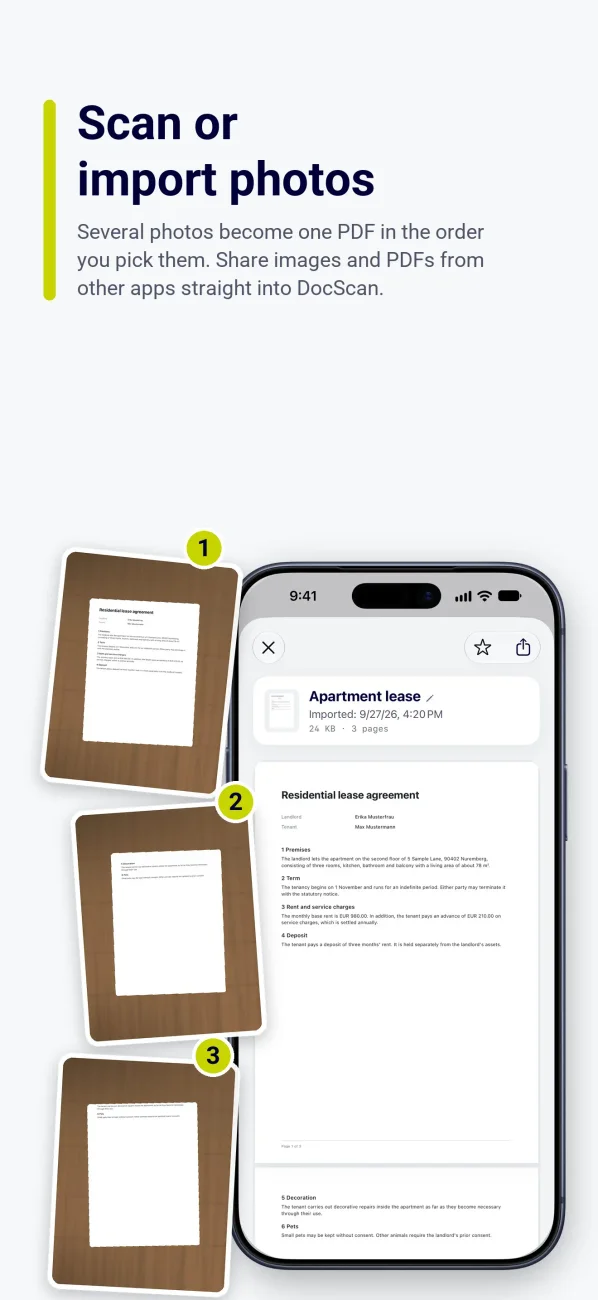
• Pick several photos from your library, they become one PDF in the order you pick them
• Share images and PDFs from other apps straight into DocScan
• Open PDFs from the Files app with DocScan
STAY ORGANIZED
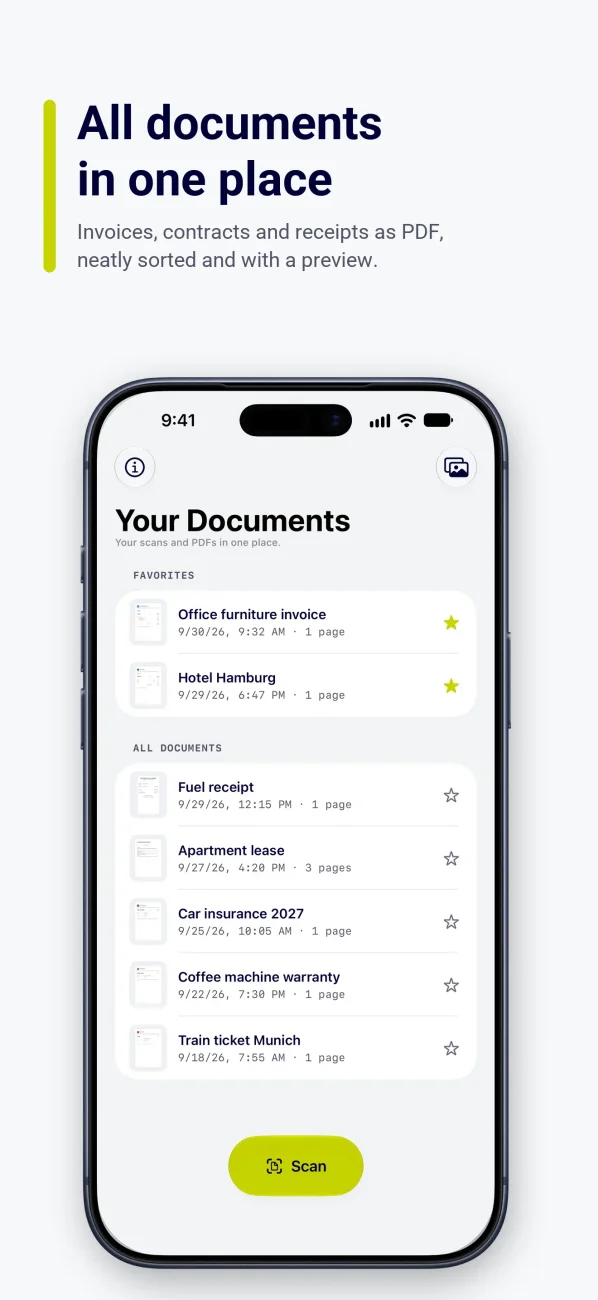
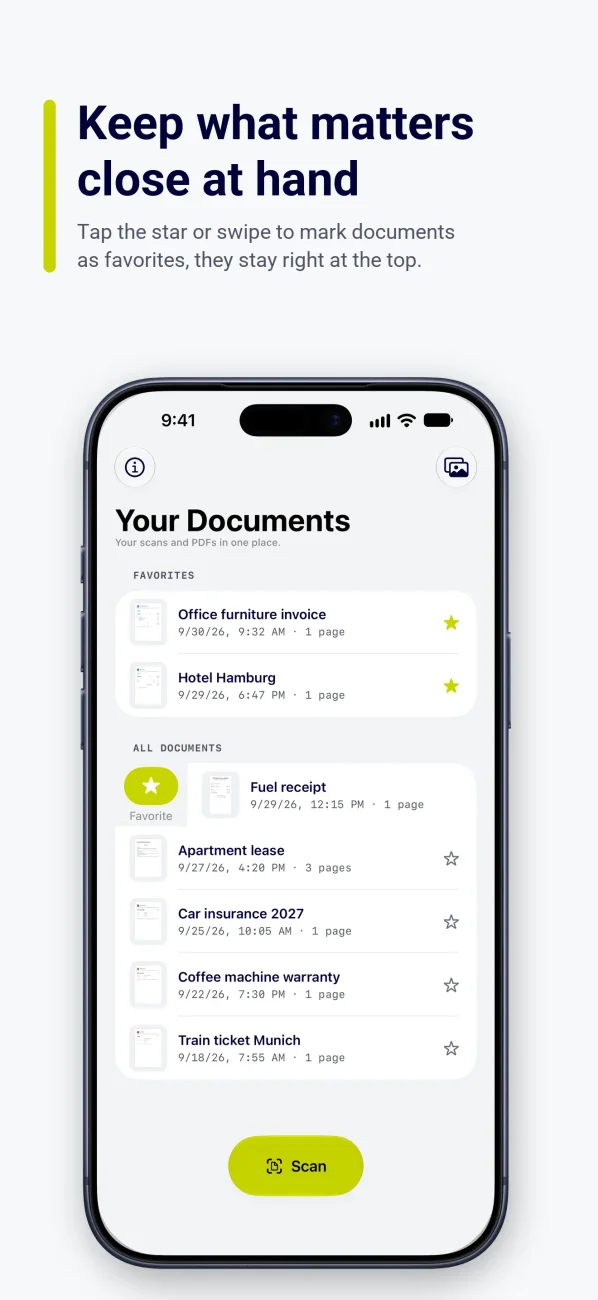
• All documents in one list, with a preview of the first page
• Star important documents as favorites, they stay right at the top
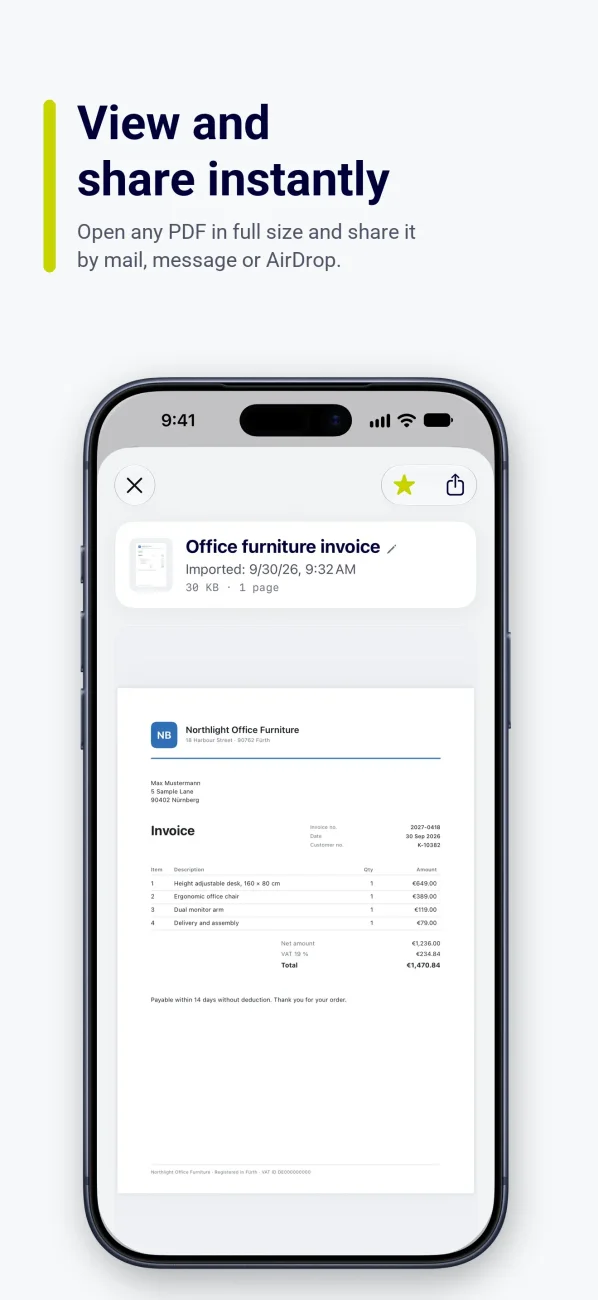
• Rename documents, view them and page through them in full size
• Share by mail, message or AirDrop
ON IPHONE AND IPAD
On iPad and in landscape the open document sits right next to the list. The app follows the light and dark appearance of your device.
YOUR DOCUMENTS STAY WITH YOU
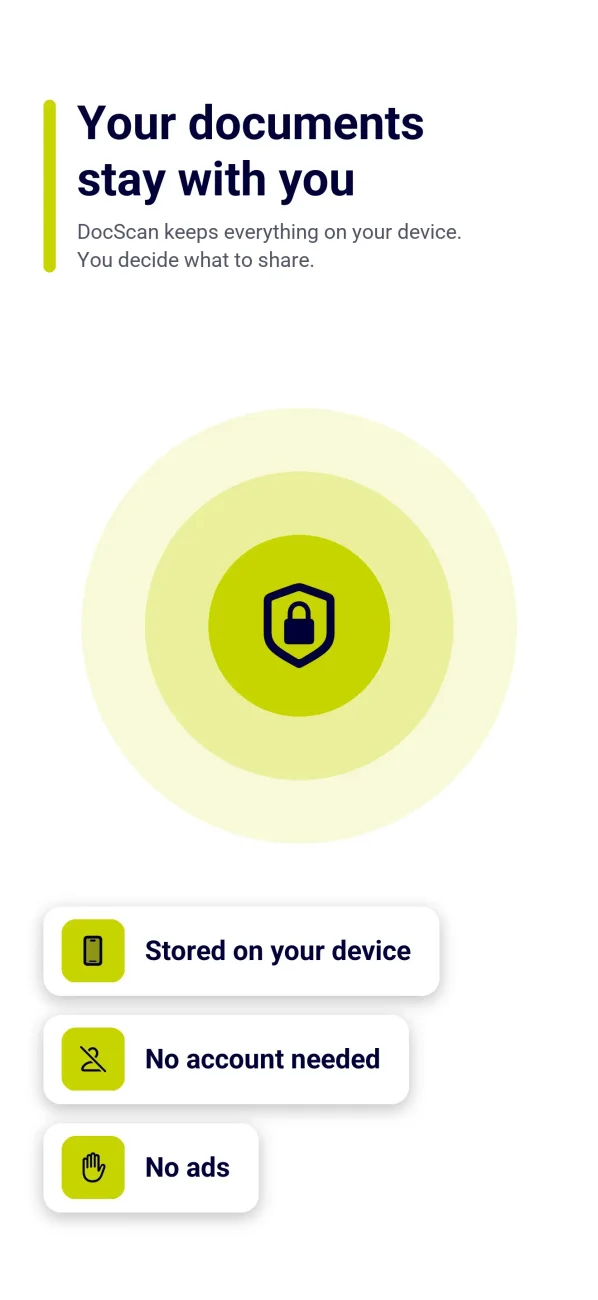
DocScan keeps everything on your device. No account, no ads. You decide what to share.
FOR BUSINESSES
Want DocScan tailored to your company, as a lean app for scanning and uploading documents? Write to us at info@kurzdigital.com.
DocScan is an app by KURZ Digital.
What’s new
Version 2.4.0 · Oct 20, 2026
• New: Support for iPhone Duo. Info, Photos and Scan sit in the side bar, and held like a book, the fold separates the list from the document.
• Shared PDFs are named after the document, for example “Hotel Berlin.pdf”.
App privacy
What KURZ Digital Solutions GmbH & Co. KG declares on the App Store about how this app handles data.
-
Data not collected
The developer does not collect any data from this app.
Privacy practices may vary, for example with the features you use or your age.
Information
- Seller
- KURZ Digital Solutions GmbH & Co. KG
- Category
- Utilities
- Version
- 2.4.0
- Updated
- Oct 20, 2026
- Released
- Dec 8, 2023
- Size
- 4.6 MB
- Requires
- iOS 26.0 or later
- Age rating
- 4+
- Price
- Free
- Languages
- English, German
- Copyright
- © 2026 KURZ Digital Solutions GmbH & Co. KG
You might also like
-
 DocScan - A Powerful Scanner!Scan unlimited, scan anything!
-
 ValiGate®Utilities
-
 Meta AnchorUtilities
-
 DocScan : PDF Scanning AppScan, Edit and Convert PDFs
-
 Scale ManagerManage your Headscale servers
-
 Doc Scan - PDF Photo ScannerImage to text, OCR document
-
 praemium CockpitUtilities
-
 Simple Doc mobile scanner appScan edit create signature PDF
-
 Telkino: VNC Remote DesktopRemote desktop, no cloud
-
 QR Live Scanner: Barcode & NFCScan Products, Generate Codes