Docsly: Smart Document Vault
Documents, organized and safe
Designed for iPhone, iPad
- Age rating4+
- CategoryProductivity
- DeveloperDenys Kotenko
- LanguagesEnglish+ 16 more
- Size19.9 MB
Links to the official App Store page
Download.org hosts no file of Docsly: Smart Document Vault. The button opens its official App Store page, published by Denys Kotenko. Listing last checked on Nov 12, 2026.
Screenshots

About
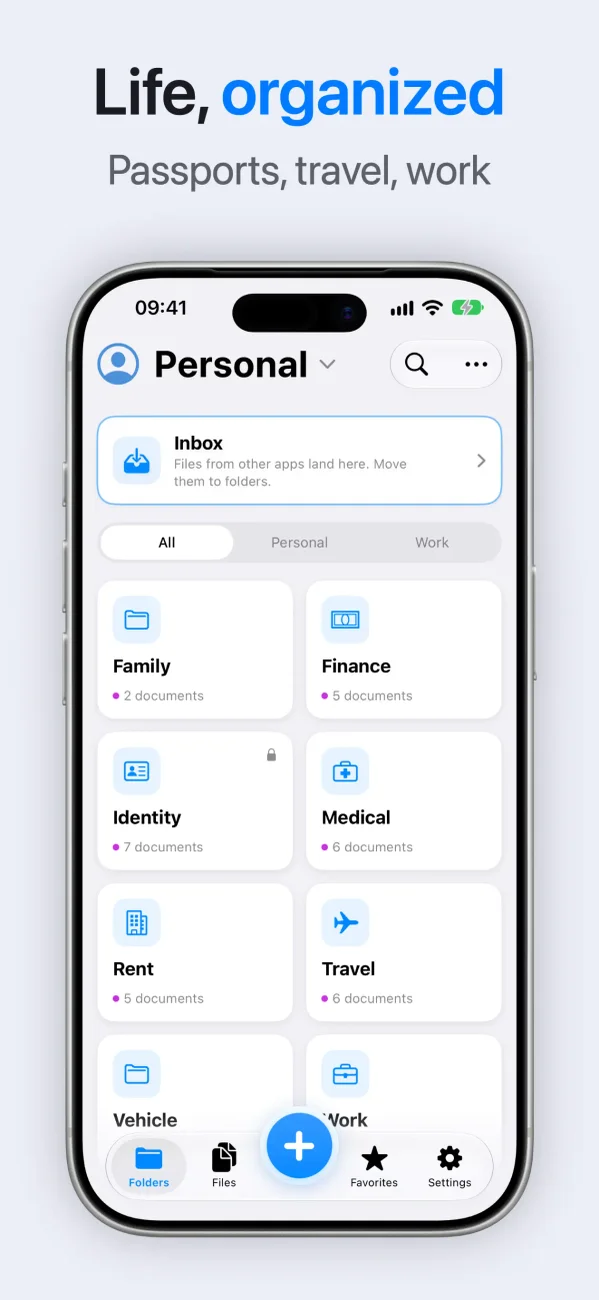
Docsly keeps the documents you actually need — passports, contracts, insurance, warranties, receipts — in one app on your phone, sorted the way you think about them.
ORGANIZE
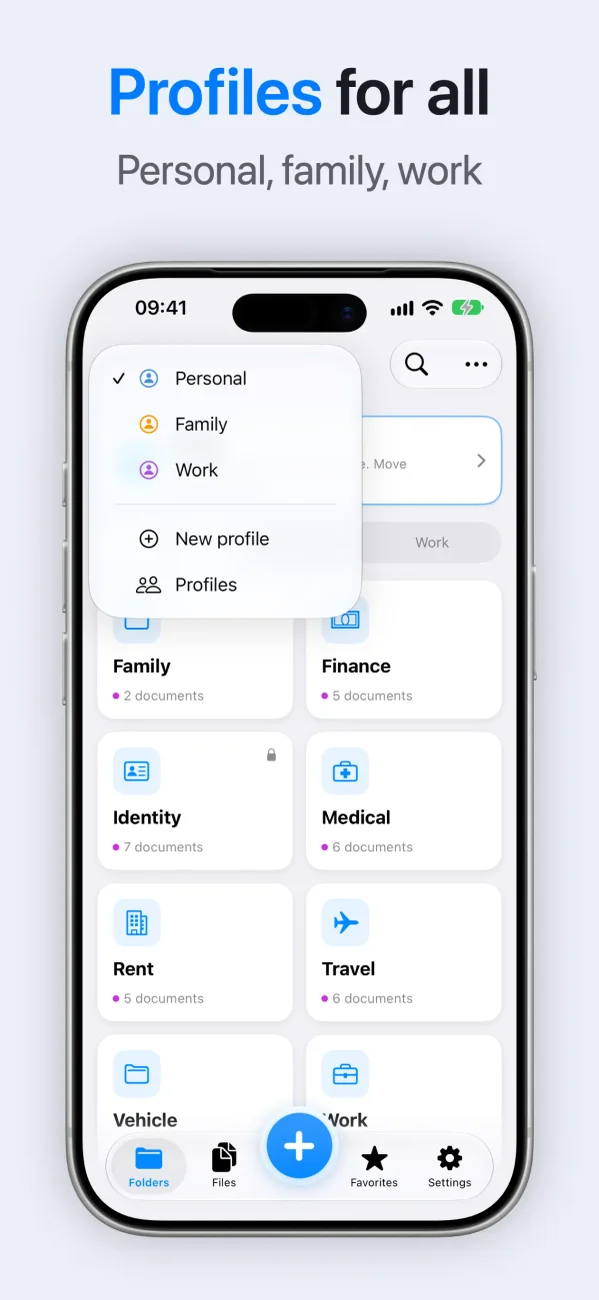
• Profiles for yourself, family and work — each with its own documents, folders and tags
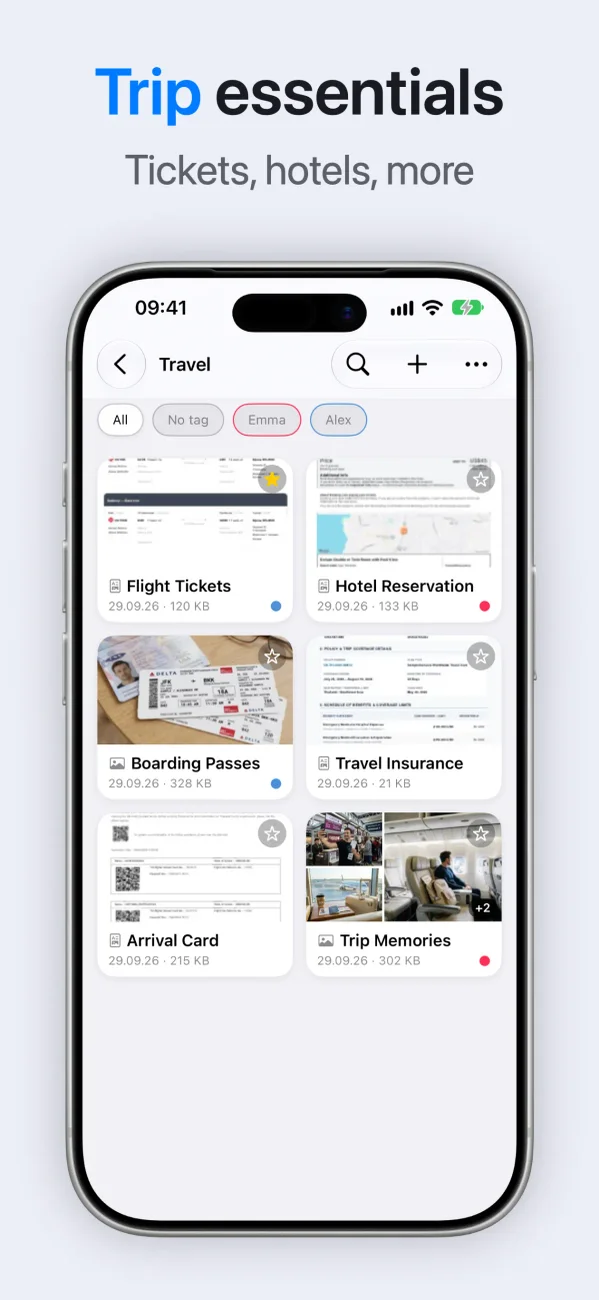
• Folders inside folders, as deep as you need
• Folders by category: identity, finance, medical, home, work
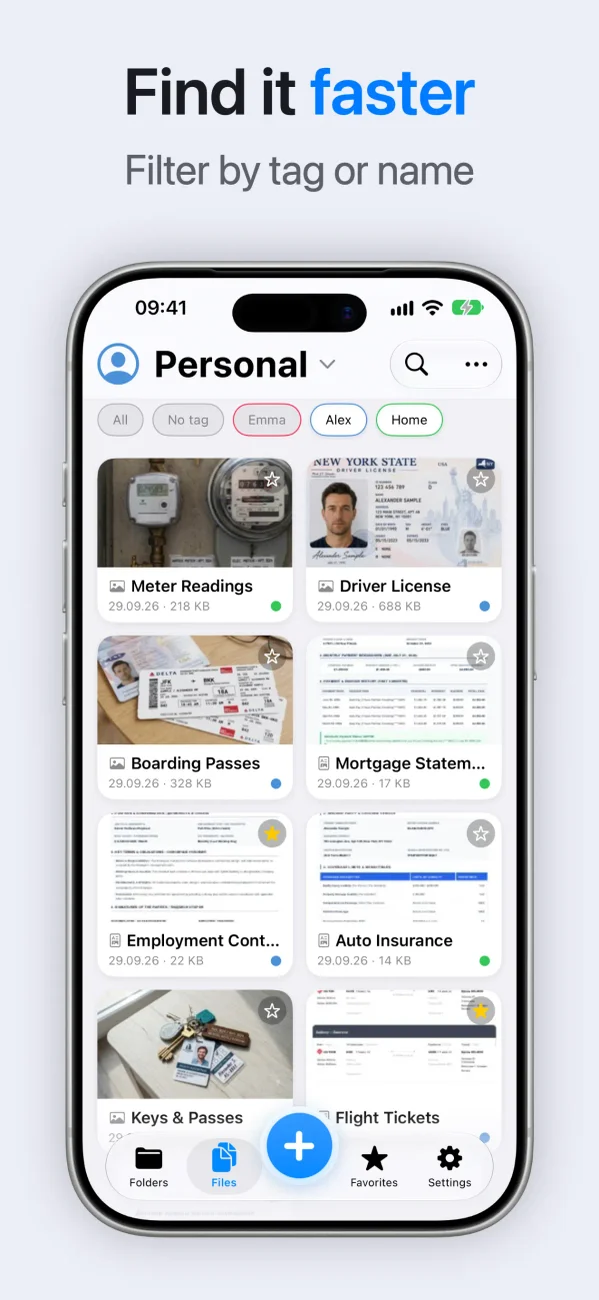
• Tag documents by family member, so everyone's papers stay findable
• Search by name, filter by tag, star the ones you reach for
• Photos, PDFs and video live side by side in the same folder
ADD FROM ANYWHERE
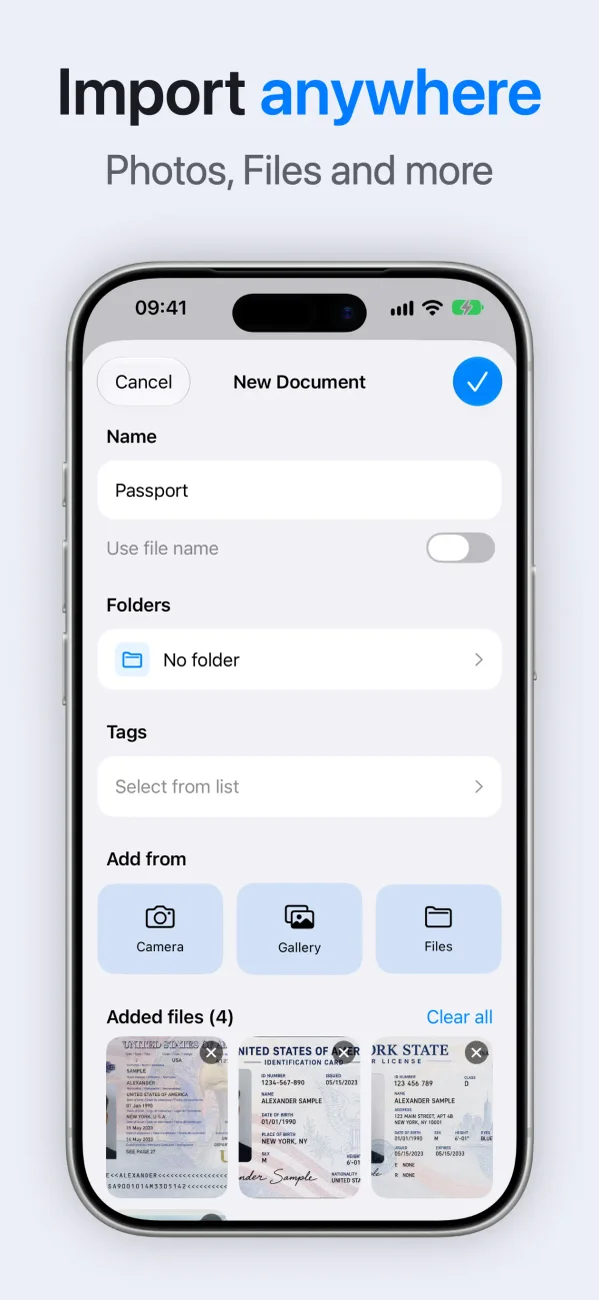
• Scan with the camera
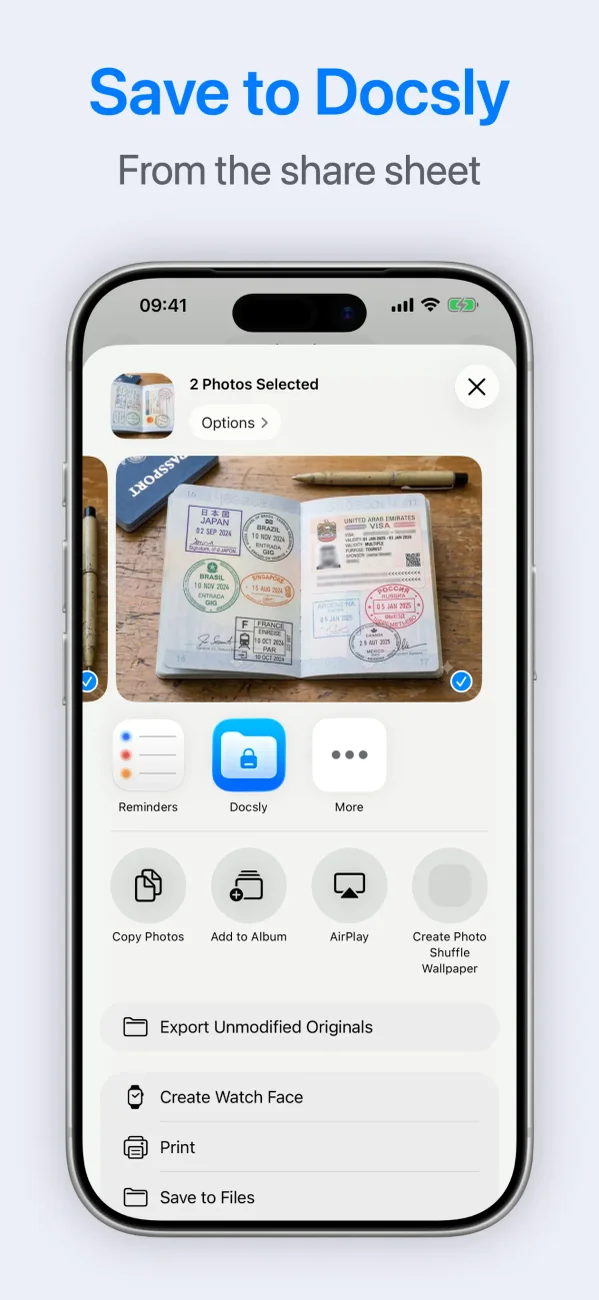
• Import from Photos and Files
• "Save to Docsly" from any app's share sheet
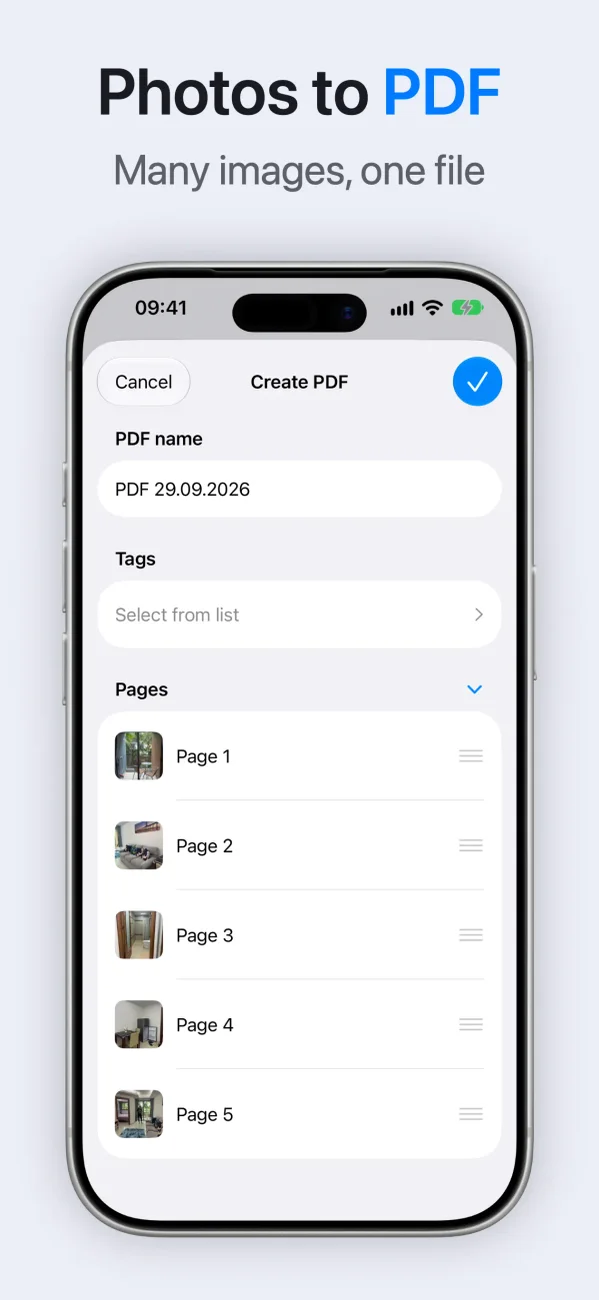
• Several photos become one document — an album, not a mess
• Turn photos into a single PDF
SHARE
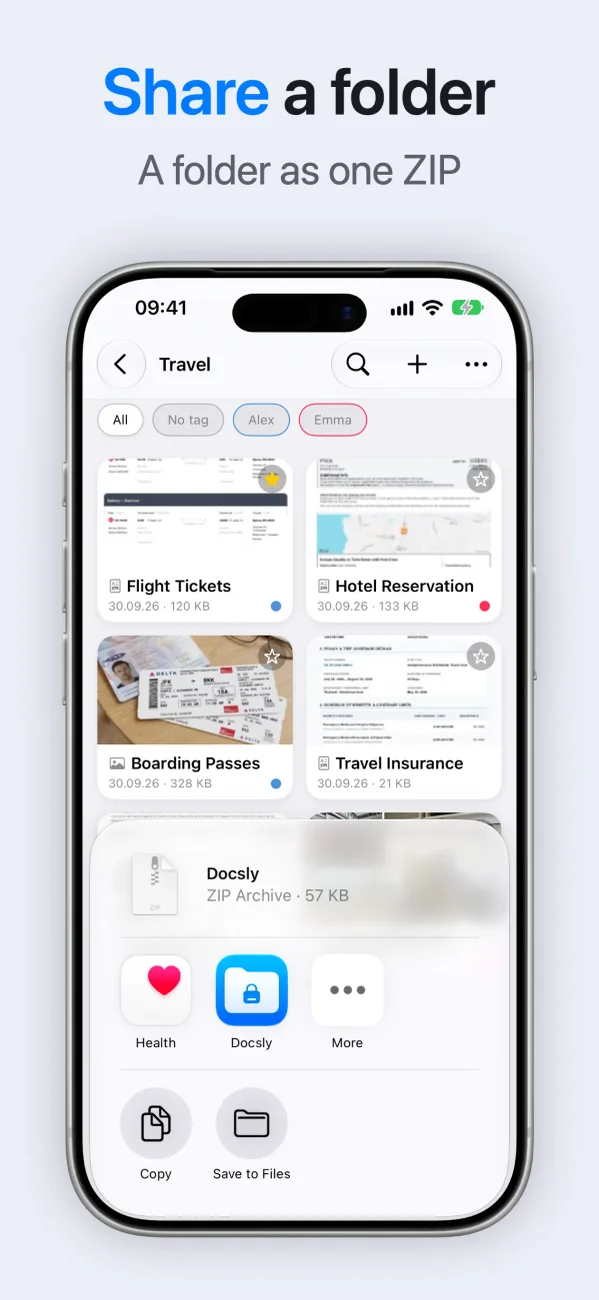
• Send one document, or a whole folder with its structure, in a couple of taps
• Or as a .docsly file that another Docsly opens with a tap — with a password if you set one
• AirDrop, Messages, Mail — anything on the share sheet
PROTECT
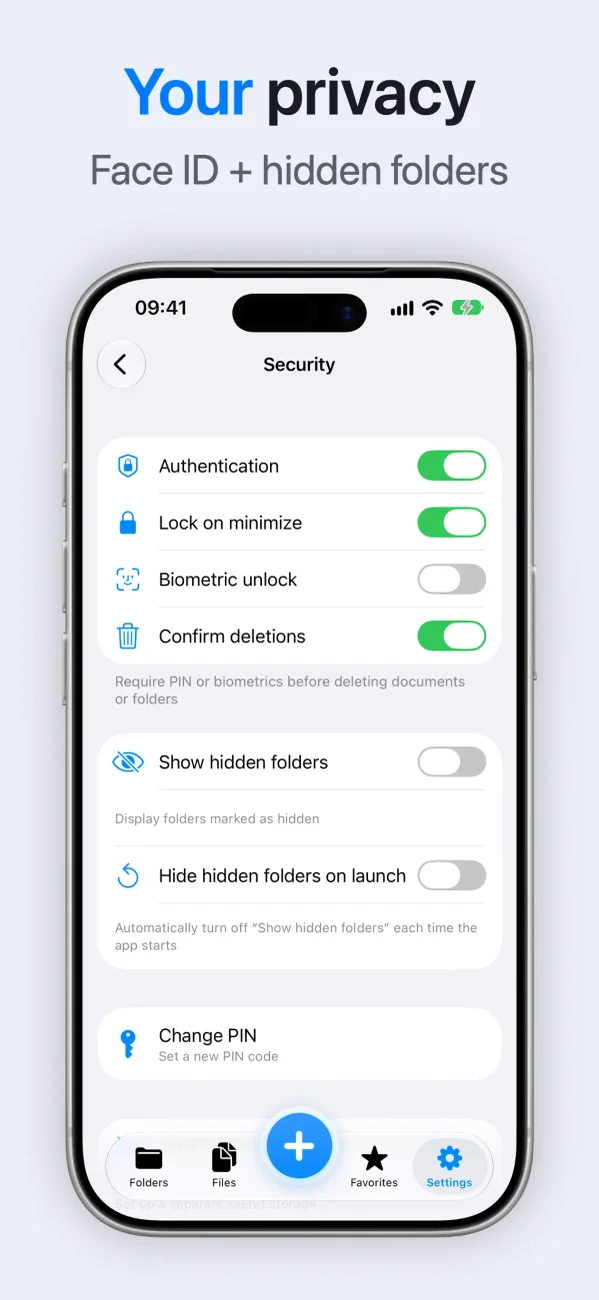
• PIN, Face ID and Touch ID
• Document contents, names and previews are encrypted on your device with AES-256
• A second PIN opens a separate, hidden vault
• Encrypted backups under a passphrase you choose, kept in your own cloud account or exported to a file — everything, or only what you pick
NO ACCOUNT, NO SERVER
Docsly has no backend. Nothing is uploaded, there is nothing to sign up for, and the app works with no connection at all. Backups go to your cloud account, not ours — we do not have one.
Terms of Service: https://www.apple.com/legal/internet-services/itunes/dev/stdeula/
Privacy Policy: https://denyskt.github.io/docsly/privacy.html
How the encryption works: https://denyskt.github.io/docsly/security.html
What’s new
Version 1.3.0 · Oct 25, 2026
Share documents as a .docsly file
• Open the “…” menu of a folder or a document — or select several items and share them together
• With a password, only someone who knows it can open the file. Without one, anyone who has Docsly can
Receive .docsly files
• Open a .docsly file from a messenger or from your files in Docsly — it asks for a password only if the file has one
• Imported documents are added to yours; what you already have stays as it is
Restore all or just a part
• Restore the whole backup, or pick profiles, folders and documents from it
Inbox: filed in one tap
• Select documents, tap the move button, then tap a folder — they move right away, no extra step
• Moved the wrong one? For a few seconds after a move there is an Undo — the document comes back to the Inbox
And also
• “Select all” now takes folders and documents together
• A locked folder always asks for its PIN
• Bug fixes and stability improvements
App privacy
What Denys Kotenko declares on the App Store about how this app handles data.
-
Data not linked to you
May be collected but is not linked to your identity.
- Identifiers
- Usage data
- Diagnostics
Privacy practices may vary, for example with the features you use or your age.
Information
- Seller
- Denys Kotenko
- Category
- Productivity
- Version
- 1.3.0
- Updated
- Oct 25, 2026
- Released
- Sep 2, 2026
- Size
- 19.9 MB
- Requires
- iOS 16.0 or later
- Age rating
- 4+
- Languages
- English, French, German, Hindi, Indonesian, Italian, Japanese, Korean, Polish, Portuguese, Russian, Simplified Chinese + 5 more
- Copyright
- © 2026 Denys Kotenko
You might also like
-
 HomeVault DocumentsSecure. Private. No Account.
-
 Paperbox – Document ManagerProductivity
-
 Found: Home MemoryFind every household item
-
 Document Vault - Scanner PDFDocuments and expiry offline
-
 MyDocs Wallet: Scan & RemindDocuments, IDs & renewals
-
 Kipuno-AI Cloud File AssistantFile clearly. Find easily.
-
 Twelve: Quarterly Goal PlannerQuarterly goals. Weekly scores
-
 LifeVault: Family OrganizerScan Medical, ID & Pet Records
-
 ZeroPaper : Papiers & FacturesProductivity
-
 Clearcan: PDF ScannerScan, Search Text. No Ads