HomeVault Documents
Secure. Private. No Account.
Designed for iPhone, iPad
Free · In-app purchases
- Age rating4+
- CategoryProductivity
- DeveloperSerghei Eschin
- LanguagesEnglish+ 1 more
- Size21.4 MB
Links to the official App Store page
Download.org hosts no file of HomeVault Documents. The button opens its official App Store page, published by Serghei Eschin. Listing last checked on Nov 18, 2026.
Screenshots


About
HomeVault is a private document vault for iPhone and iPad.
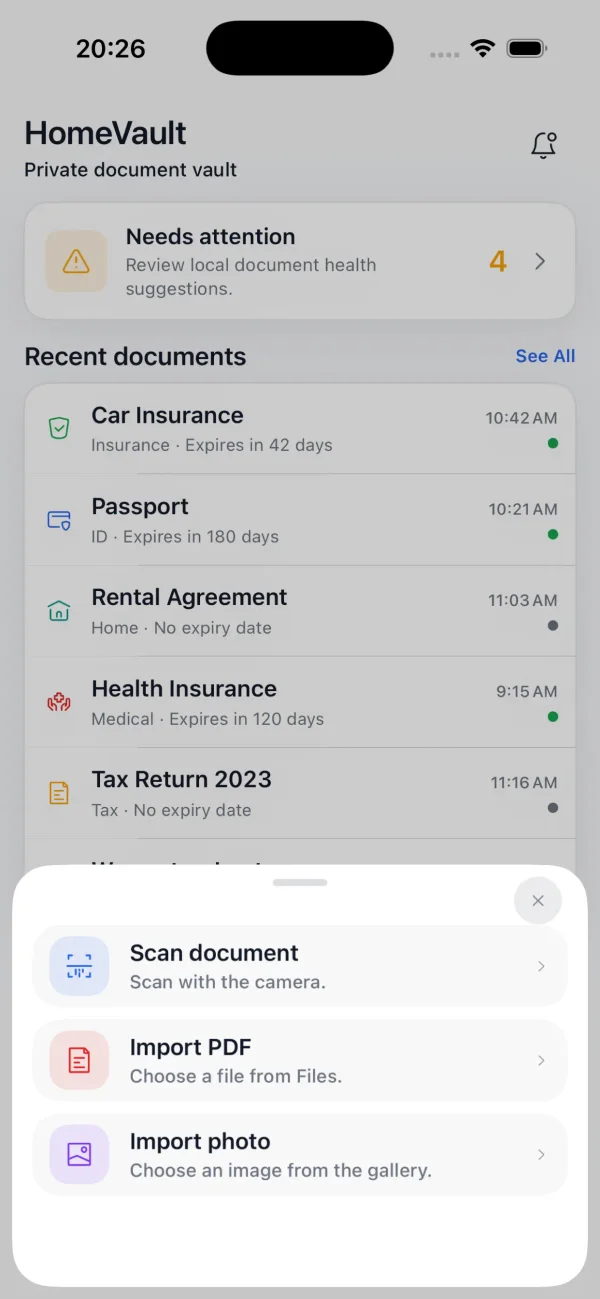
Keep IDs, insurance papers, receipts, warranties, tax documents, travel documents, and other important files in one local-first archive. HomeVault helps you scan, import, organize, search, preview, and export documents without creating an account.
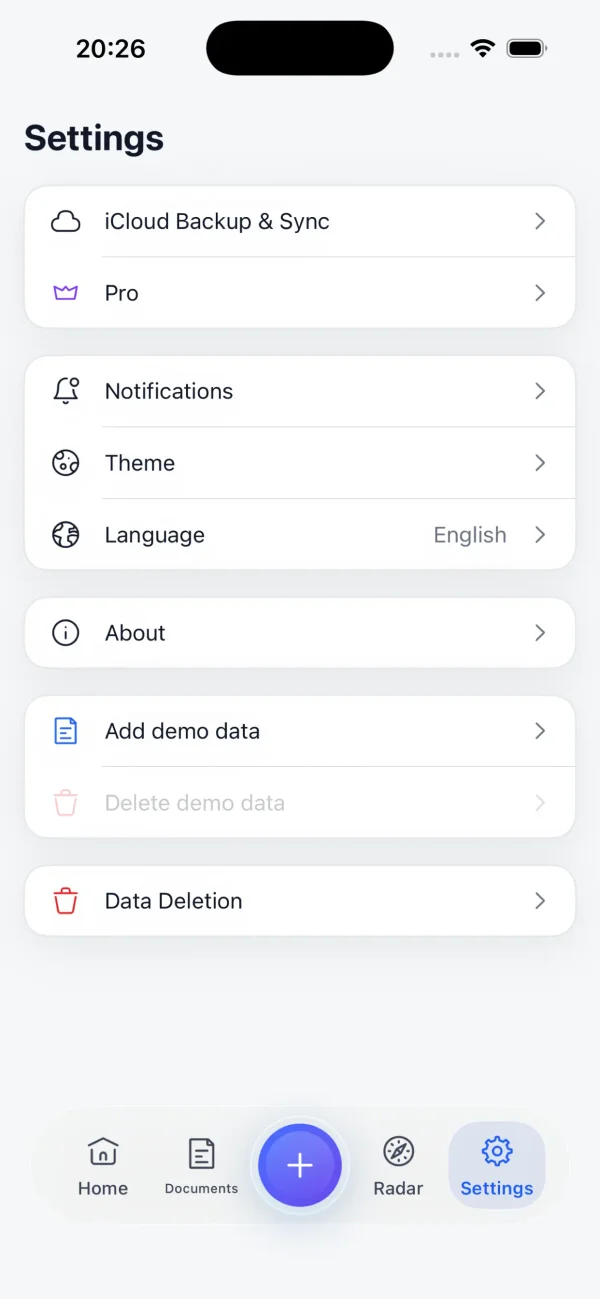
Documents stay on your device by default. Optional encrypted Apple iCloud backup is available only when you enable it.
Key features:
- Scan documents with your camera.
- Import PDFs and images.
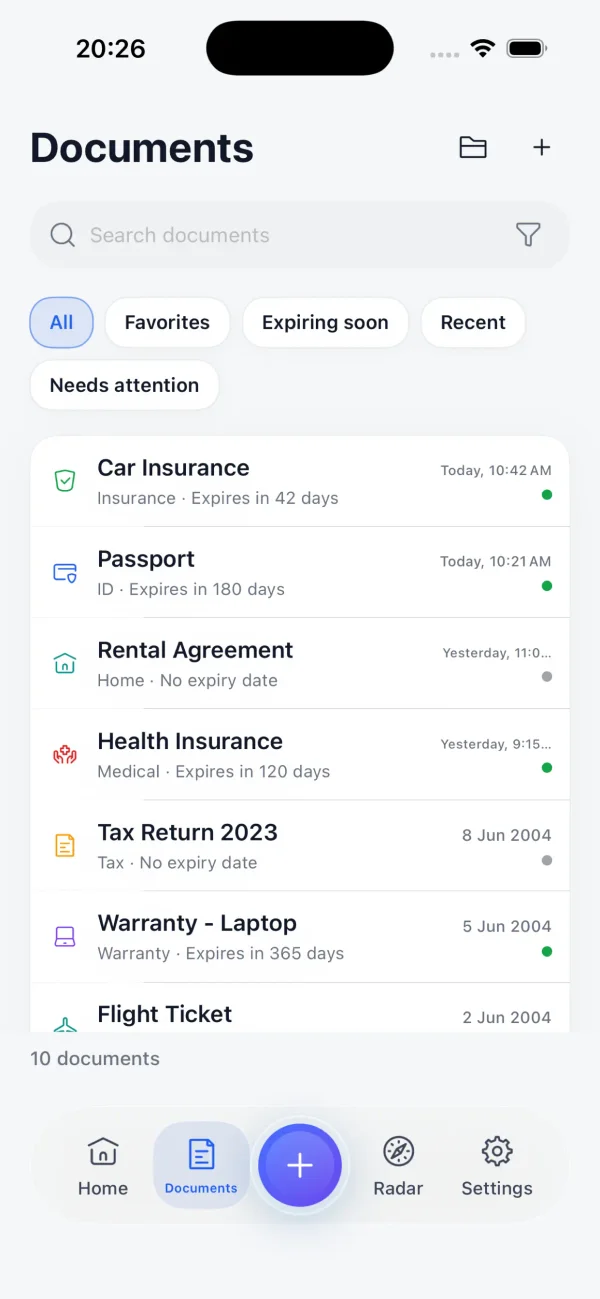
- Organize documents by categories.
- Search document titles, notes, categories, and OCR text.
- Add expiry dates and local reminders.
- Preview PDFs.
- Export PDFs with the native iOS share sheet.
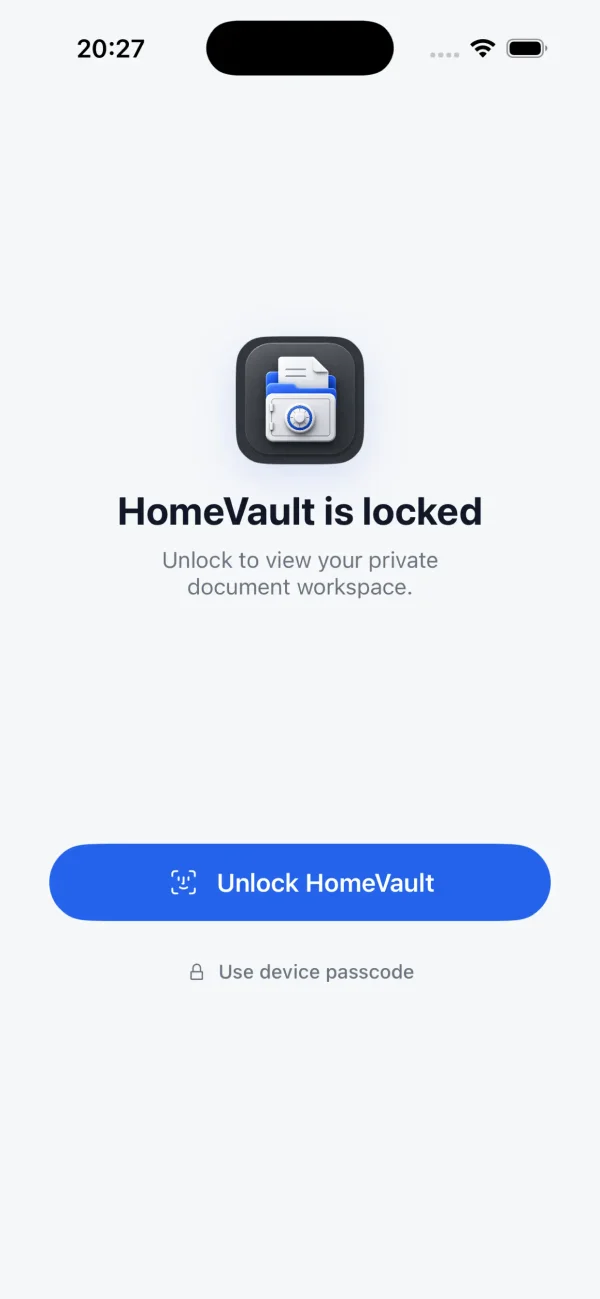
- Protect access with Face ID, Touch ID, or device passcode.
- Use HomeVault on iPhone and iPad.
Privacy-first by design:
- No account.
- No HomeVault backend.
- No non-Apple cloud storage.
- Documents stay local by default.
- OCR runs on device.
- Expiry reminders use local notifications.
- Optional Apple iCloud backup is controlled by you.
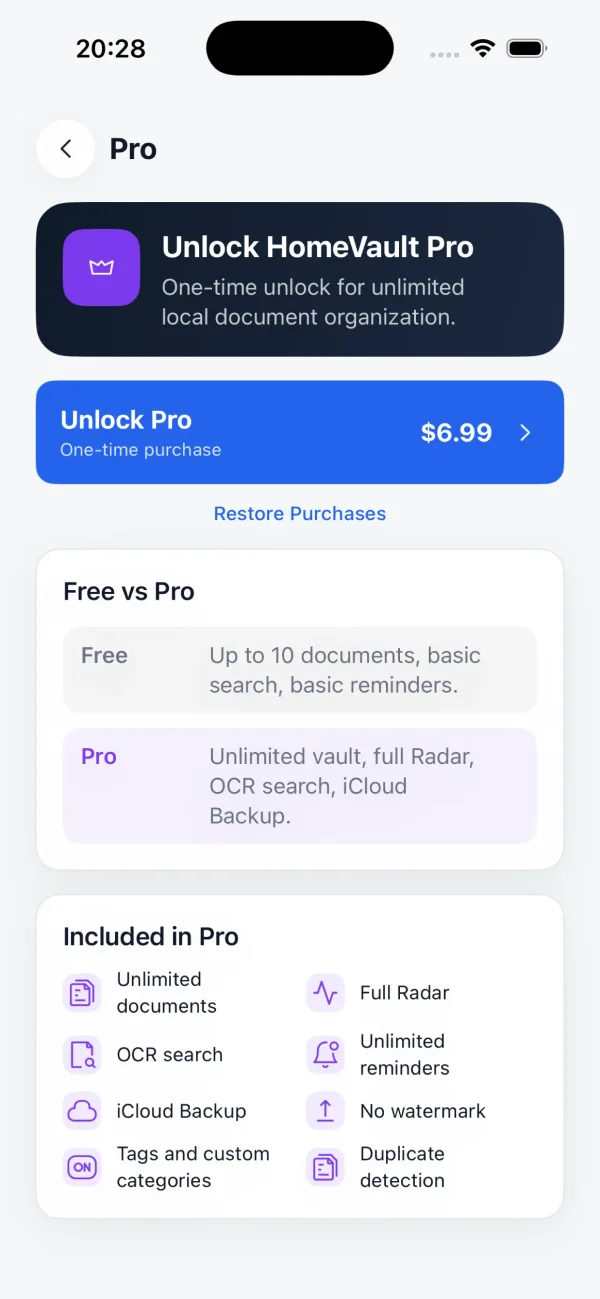
Free includes core document organization and search. Pro is a one-time unlock for unlimited documents, unlimited reminders, tags, backup, and PDF export without a HomeVault watermark.
What’s new
Version 1.1 · Jul 7, 2026
The biggest HomeVault update yet — and your documents still never leave your device.
WIDGETS
See at a glance how many documents expire soon — on your home screen and lock screen. Widgets show only counts, never document names.
SIRI & SHORTCUTS
"Find a document in HomeVault", "What's expiring in HomeVault" — search, scan, and check expiry dates hands-free. Siri only hears counts; your documents stay locked behind Face ID.
SMARTER SCANNING
HomeVault now reads expiry dates right off your passports, IDs, and insurance papers during scanning — including "12 MAR 2027" passport format. On device, as always.
MORE IN FREE
Full-text OCR search is now free for everyone, and the free tier holds up to 25 documents.
ALSO
- Local backup and restore
- Duplicate detection
- Document packs: Travel, Car, Home, Tax, Medical
- Tag management and bulk edit
- iPad keyboard shortcuts
App privacy
What Serghei Eschin declares on the App Store about how this app handles data.
-
Data not collected
The developer does not collect any data from this app.
Privacy practices may vary, for example with the features you use or your age.
Information
- Seller
- Serghei Eschin
- Category
- Productivity
- Version
- 1.1
- Updated
- Jul 7, 2026
- Released
- Jun 5, 2026
- Size
- 21.4 MB
- Requires
- iOS 17.0 or later
- Age rating
- 4+
- Price
- Free
- In-app purchases
- Yes
- Languages
- English, Russian
- Copyright
- © 2026 Sergey Eskin
You might also like
-
 Frentt: Handsfree AI CompanionWork & Learn with AI Experts
-
 Never Forget: Car MaintenanceOil Change & Renewal Reminder
-
 Docsly: Smart Document VaultDocuments, organized and safe
-
 SprintNotesRapid Thoughts Organizer
-
 DoxBox OrganizerProtect & access personal docs
-
 LifeVault: Family OrganizerScan Medical, ID & Pet Records
-
 Document Vault - VaultSecure Personal Doc Organiser
-
 Muddah: Iqama & Doc ExpiryVisa, istimara & ID reminders
-
 SecureDoc: Document ScannerOffline PDF scan & ID expiry
-
 Contex.stYour knowledge, organized