
DocuMe – AI Document Assistant
Scan, organize & auto-remind
Designed for iPhone, iPod touch
Free · In-app purchases
- Age rating4+
- CategoryProductivity
- DeveloperDOCUME LTD
- LanguagesEnglish
- Size121.3 MB
Links to the official App Store page
Download.org hosts no file of DocuMe – AI Document Assistant. The button opens its official App Store page, published by DOCUME LTD. Listing last checked on Nov 16, 2026.
Screenshots
About
Find any document. Never miss a deadline.
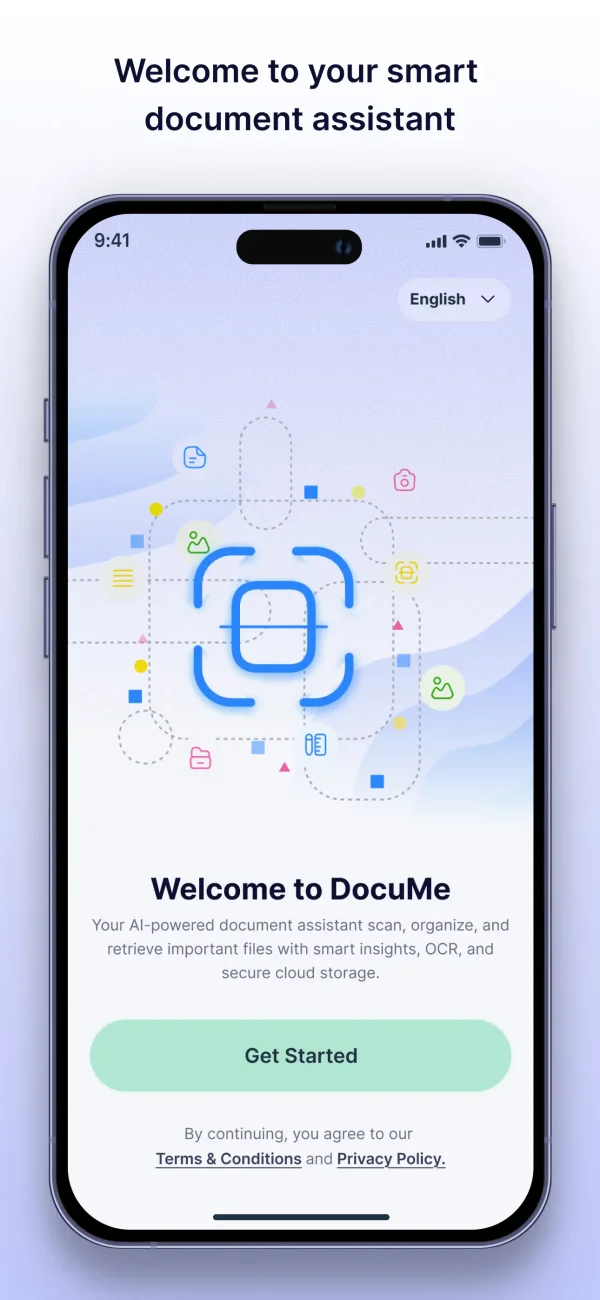
Meet DocuMe, your smart AI-powered assistant for managing all your important documents — from IDs and contracts to receipts and insurance papers.
Scan, upload, and instantly search through your files. DocuMe helps you organize, analyze and set reminders, so you stay stress-free and never miss an expiry again.
1. Instantly Find What You Need
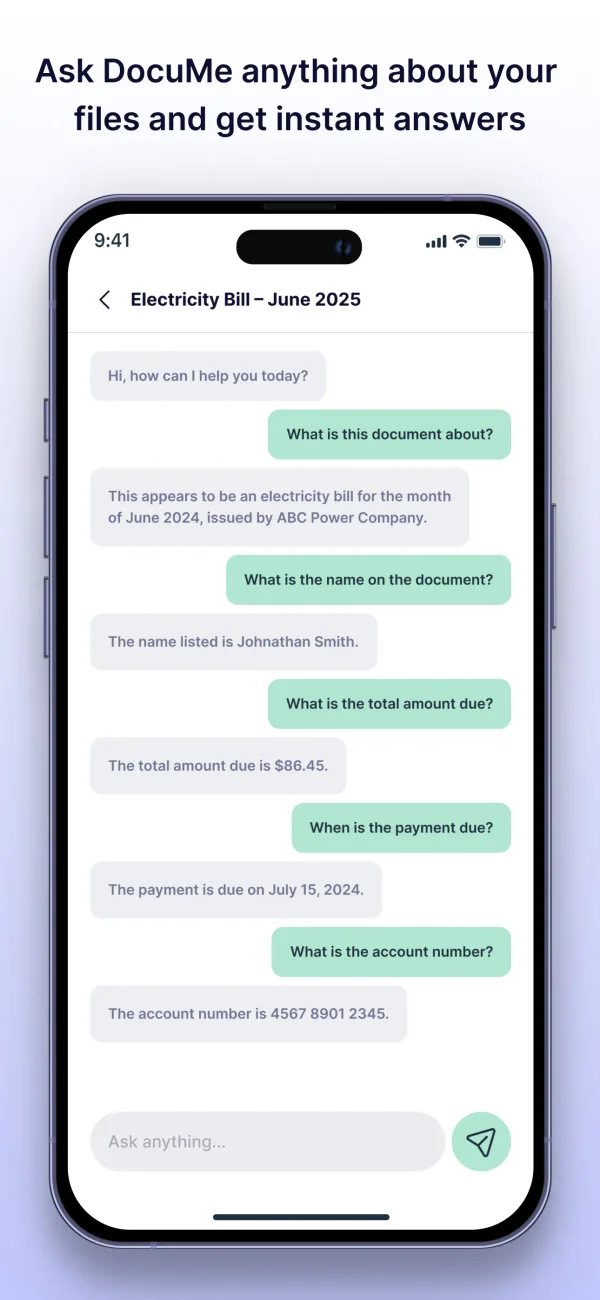
Ask DocuMe anything:
- “When does my passport expire?”
- “Find my car insurance.”
- “Show me my rental agreement.”
Your AI chatbot searches and answers in seconds.
2. Smart Document Analysis
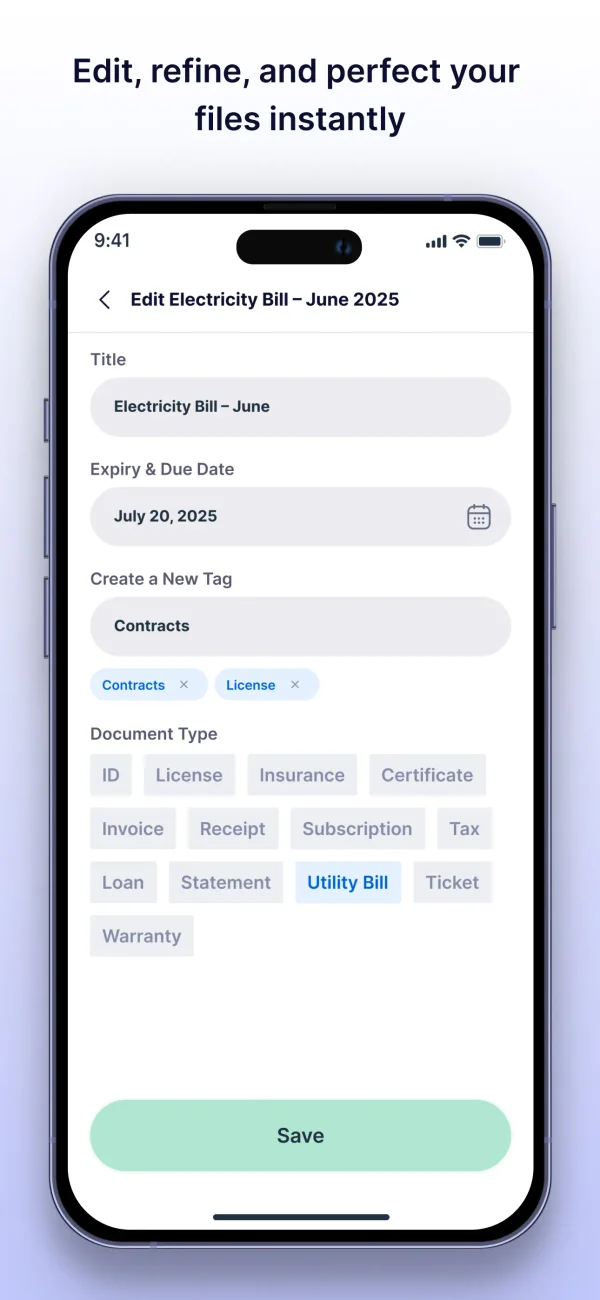
- Detects type (ID, contract, receipt, certificate, and more)
- Auto-suggests the right folder
- Learns and improves every time you upload
3. Effortless Organization
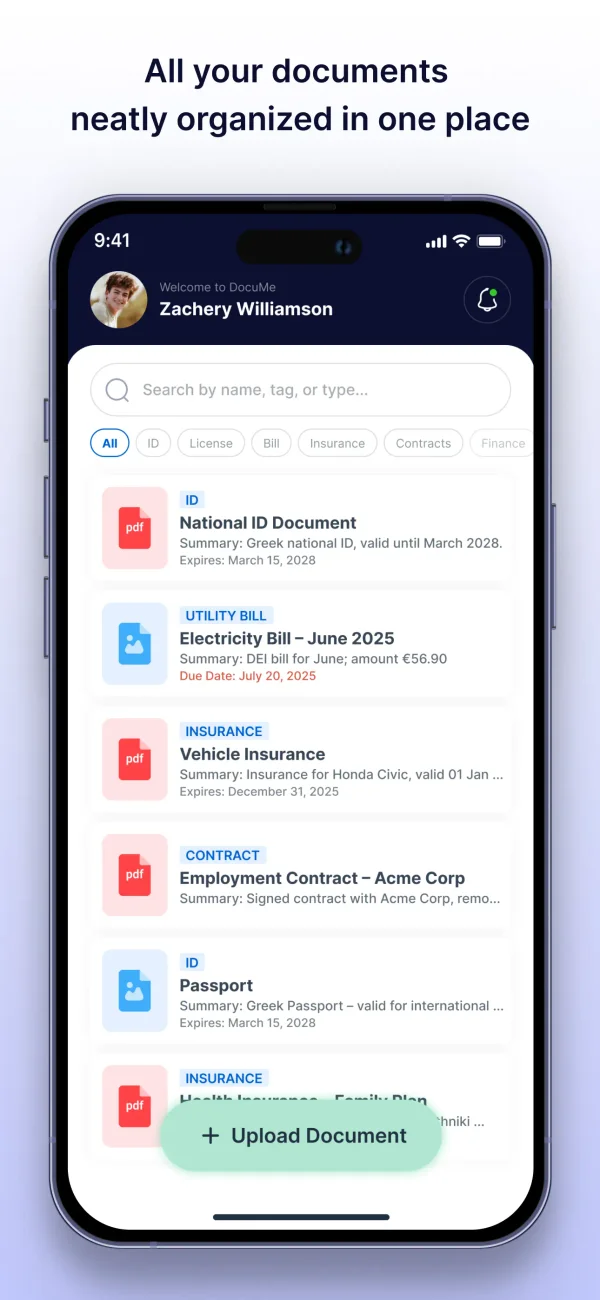
- Scan or upload documents in seconds
- Smart folders group similar files automatically
- Search by name, type, or content — no manual sorting needed
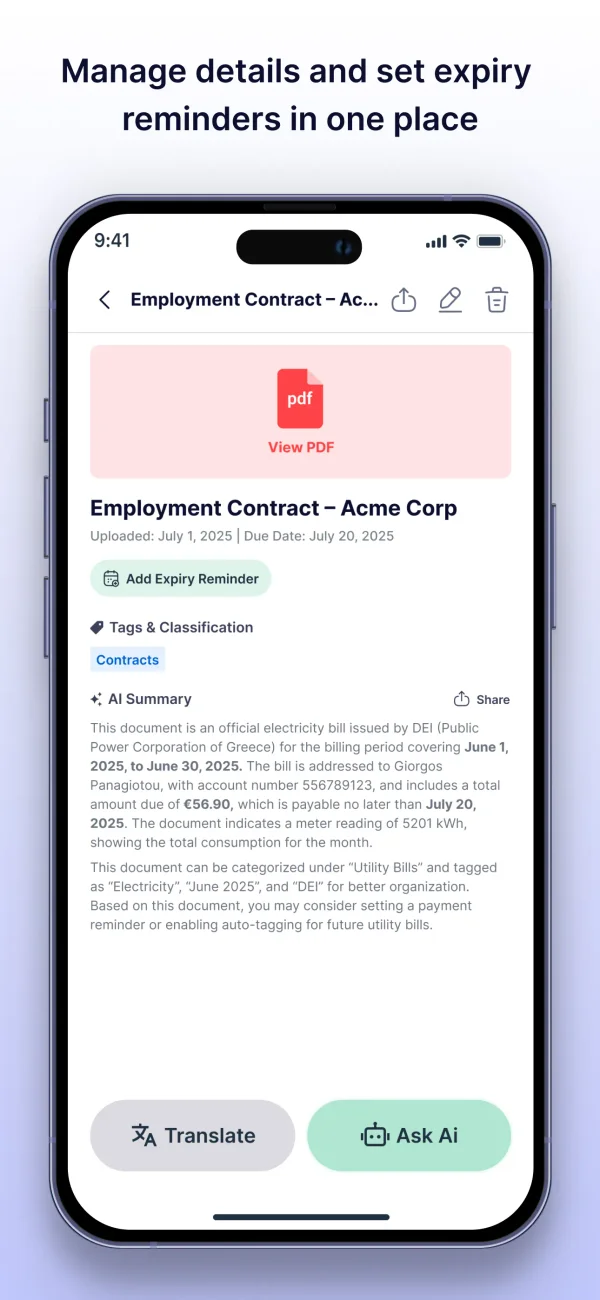
4. Never Miss an Expiry Again
- Get reminders before important IDs, insurance, and policies expire
- Stay ahead on renewals and deadlines
5. Secure Cloud Storage
- Encrypted file storage and App Lock for privacy
- Access your documents anytime, from any device
6. One-Tap Sharing
- Share full documents or summaries securely
- Control who can view or download
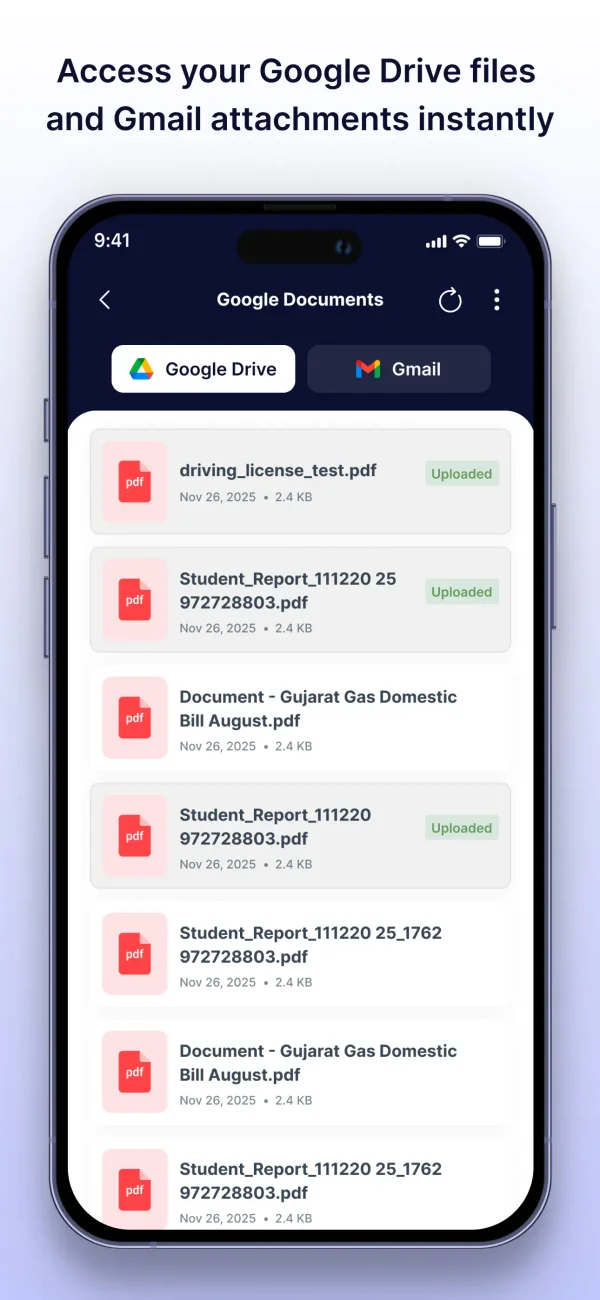
7. Access Google Drive & Email Attachments
- Connect your Google account to instantly access your Drive documents and email attachments — no more manual uploads.
- View, organize, and analyze files directly in DocuMe.
8. Add Calendar Reminders for Expiry Dates
- Never forget an important renewal again.
- DocuMe now lets you add expiry reminders directly to your calendar, keeping every important date in sync across your devices.
DocuMe is more than a storage app — it’s your AI document manager. Save time, avoid lost files, and keep every important date in check.
______________________________________
Subscription options:
Title: Monthly Premium Plan
Length: Monthly
Price: $6.99 per month (auto-renewing)
Title: Yearly Premium Plan
Length: Yearly
Price: $59.99 per year (auto-renewing)
Payment will be charged to your Apple ID account at confirmation of purchase.
Subscription automatically renews unless canceled at least 24 hours before the end of the current period.
You can manage or cancel your subscription in your App Store account settings.
Privacy Policy: https://privacypolicy-wqxdvmcpra-uc.a.run.app
Terms of Use: https://termsandconditions-wqxdvmcpra-uc.a.run.app
What’s new
Version 1.0.7 · Oct 15, 2026
Bug fixes
Ui changes
performance improve
App privacy
What DOCUME LTD declares on the App Store about how this app handles data.
-
Data used to track you
May be used to track you across apps and websites owned by other companies.
- Identifiers
-
Data linked to you
May be collected and linked to your identity.
- Identifiers
-
Data not linked to you
May be collected but is not linked to your identity.
- Contact info
- User content
- Diagnostics
Privacy practices may vary, for example with the features you use or your age.
Information
- Seller
- DOCUME LTD
- Category
- Productivity
- Version
- 1.0.7
- Updated
- Oct 15, 2026
- Released
- Oct 12, 2025
- Size
- 121.3 MB
- Requires
- iOS 15.6 or later
- Age rating
- 4+
- Price
- Free
- In-app purchases
- Yes
- Languages
- English
- Copyright
- Copyright © 2025 Evisa Doda. All rights reserved.
You might also like
-
 DeskZoneProductivity
-
 SumoPDF: PDF Reader & EditorConverter, Sign, Fill & Scan
-
 aiMe TodoSimply Aim, Simply Done.
-
 FlowStack-AIProductivity
-
 NameSnap - Remember PeopleNever Forget a Name
-
 Insight - AI Document AgentProductivity
-
 DueOver: Reminders CleanupTriage & cleanup overdue tasks
-
 AI Writing Keyboard: QuietTypeGrammar Checker & Chat Replies
-
 AI PDF Summarizer & Doc ChatStudy Smarter Summarize Faster
-
 Image To Text, Scan & ConvertPicture to Text, Text Scanner