SumoPDF: PDF Reader & Editor
Converter, Sign, Fill & Scan
Designed for iPhone, iPad
In-app purchases
- Age rating4+
- CategoryProductivity
- DeveloperBrian Stevens
- LanguagesGerman+ 7 more
- Size21.0 MB
Links to the official App Store page
Download.org hosts no file of SumoPDF: PDF Reader & Editor. The button opens its official App Store page, published by Brian Stevens. Listing last checked on Nov 15, 2026.
Screenshots


About
Where PDFs go to get serious.
SumoPDF brings a full PDF toolkit to your iPhone and iPad, with a fast interface, clear controls, and document work that stays on your device.
FREE EVERY DAY
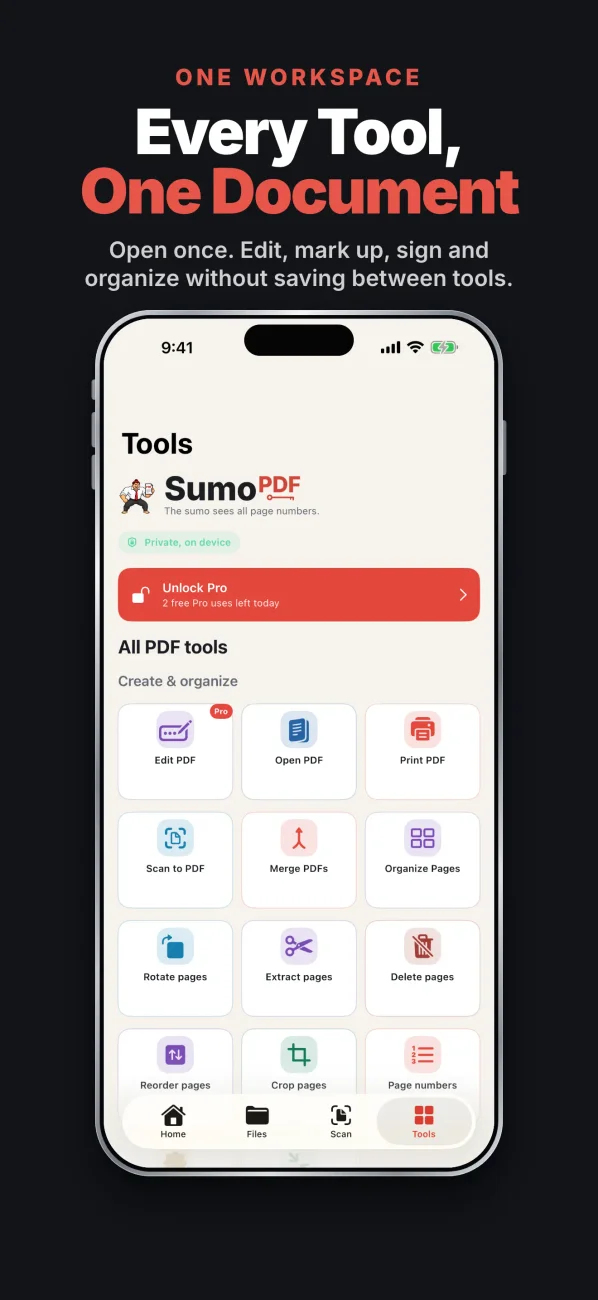
Open, merge, organize, crop, compress, scan, sign, fill, annotate, and print for free, with no daily limit. Pro tools like PDF to Word, Edit PDF, Redact, and OCR give you 2 free uses every day. Free documents can be up to 25 pages, and you can merge 2 PDFs at a time.
UNLOCK PRO YOUR WAY
Unlock forever with one payment, shared with your family through Family Sharing, or choose the monthly plan. Pro removes the daily limit, the page limit, and the merge limit.
WHAT YOU CAN DO
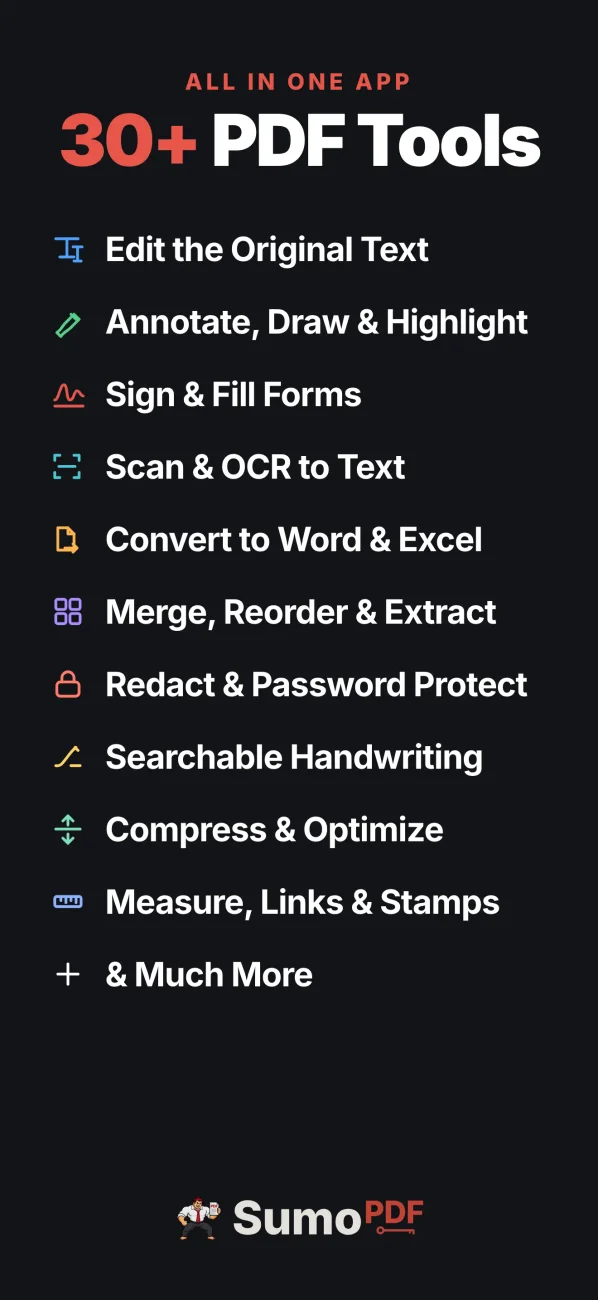
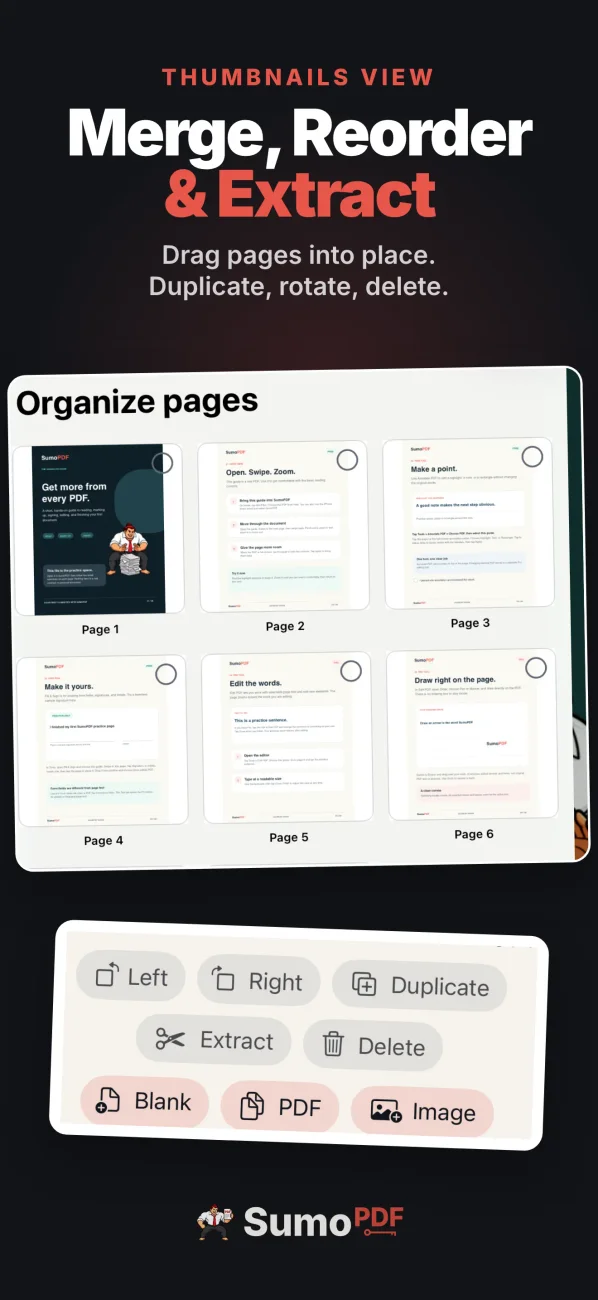
• Read, print, merge, rotate, compress, and organize pages
• Fill forms, sign and initial, annotate, highlight, and draw
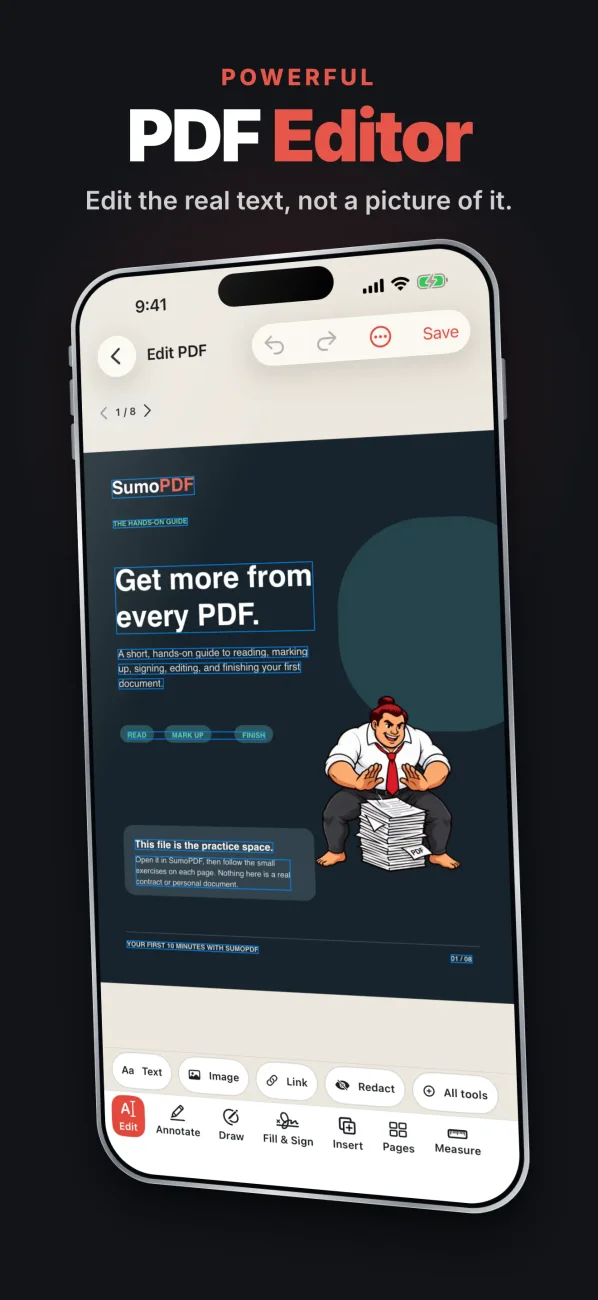
• Edit recognized PDF text in place, and add images, links, and page elements
• Crop, extract, insert, delete, reorder, and number pages; add watermarks
• Convert Word, Excel, PowerPoint, and HTML files to PDF where supported
• Convert PDFs to Word, Excel, PowerPoint, HTML, text, or images where supported
• Scan paper with the camera and turn photos into PDFs
• Run OCR for searchable text, including handwritten notes on supported devices
• Permanently redact content, and protect or unlock authorized PDFs
FINISH YOUR WAY
Pinch to zoom and swipe between pages. Review results, then save, share, print, copy, or keep editing with separate, easy-to-find actions. SumoPDF preserves layout and pictures where the source format allows, and explains limitations when a complex feature cannot be reproduced faithfully.
PRIVATE BY DESIGN
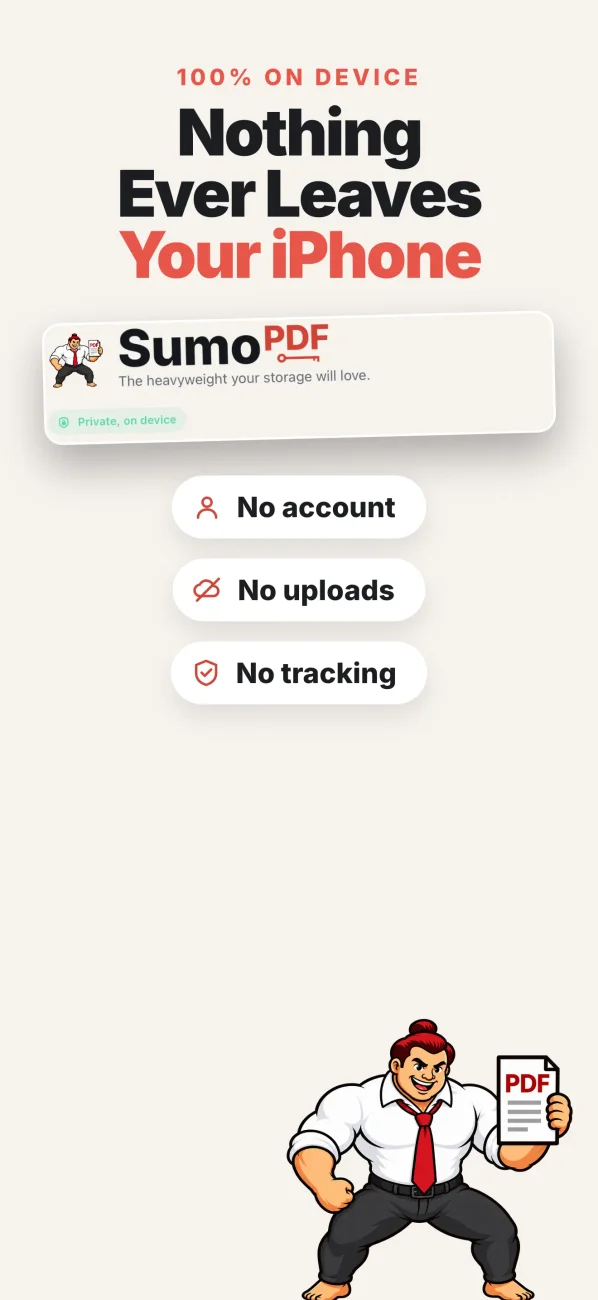
The app's PDF tools process documents on your device. SumoPDF does not use advertising trackers. Camera access is requested only when you choose to scan a document.
PRICING
SumoPDF is free to download and free to use every day. SumoPDF Pro is available as Unlock forever, a one-time purchase of 29.99 USD that is shared with your family through Family Sharing, or as an auto-renewable monthly subscription of 8.99 USD per month. Prices vary by region and the app shows your local price before you buy. Payment is charged to your Apple Account when you confirm the purchase. The monthly subscription renews automatically unless cancelled at least 24 hours before the period ends. Manage or cancel anytime in your Apple Account settings. Restore Purchases is on the Pro screen. Web Pro and App Pro are separate purchases.
Some complex document features may not convert perfectly.
Terms of Use: https://www.apple.com/legal/internet-services/itunes/dev/stdeula/
Privacy Policy: https://sumopdf.com/privacy/
What’s new
Version 1.0.15 · Nov 11, 2026
SumoPDF now speaks your language: Spanish, German, French, Japanese, Korean, Brazilian Portuguese and Simplified Chinese, including the Pro screen, tips and error messages.
PDF to PowerPoint keeps more pages editable: a picture that sits behind your text no longer turns the whole page into an image.
Counts read correctly too: 1 page, not 1 pages. And the Compress screen now says it plainly: your text stays selectable and searchable.
Your files still stay on your iPhone, encrypted, and are never uploaded.
App privacy
What Brian Stevens declares on the App Store about how this app handles data.
-
Data not collected
The developer does not collect any data from this app.
Privacy practices may vary, for example with the features you use or your age.
Information
- Seller
- Brian Stevens
- Category
- Productivity
- Version
- 1.0.15
- Updated
- Nov 11, 2026
- Released
- Sep 26, 2026
- Size
- 21.0 MB
- Requires
- iOS 17.0 or later
- Age rating
- 4+
- In-app purchases
- Yes
- Languages
- German, Japanese, French, Simplified Chinese, English, Portuguese, Spanish, Korean
- Copyright
- © 2026 Luxx Elegant LLC
You might also like
-
 Scan to PDF Scanner: SnapleafDocument scan, ID & receipts
-
 SnapTraxContracts in a Snap
-
 PDF Editor: Scan, Merge, SignView, Convert, Merge & Split
-
 WiredIN: Stop DoomscrollingApp Blocker for Study & Focus
-
 PDF Viewer and Editor - AIScan, Sign, Convert & Merge
-
 PDF Toolkit: Edit Sign RedactOCR, compress, merge & fill
-
 PDF Editor: Scan to PDFScan.Edit.Fill.Sign.Merge
-
 Where's it App?Find what you stored, fast
-
 DocuMe – AI Document AssistantScan, organize & auto-remind
-
 EditPDF | PDF Editor & SignEdit & E-Sign PDF Files