Document Scanner: Doc PDF ID
Scan, Create & Export PDFs
Designed for iPhone, iPad, iPod touch
- Age rating4+
- CategoryProductivity
- DeveloperMobilions Labs Private Limited
- LanguagesEnglish
- Size31.7 MB
Links to the official App Store page
Download.org hosts no file of Document Scanner: Doc PDF ID. The button opens its official App Store page, published by Mobilions Labs Private Limited. Listing last checked on Nov 12, 2026.
Screenshots

About
Turn Your Phone Into the Ultimate Document Scanner Tool for FREE
Manage your documents effortlessly with our Document Scanner app. From scanning to sharing, this app provides all the tools you need to handle paperwork like a pro free of cost. You need to scan anything, our app has got you covered with smart, innovative features all unlocked.
Scan Documents Like a Pro Anywhere
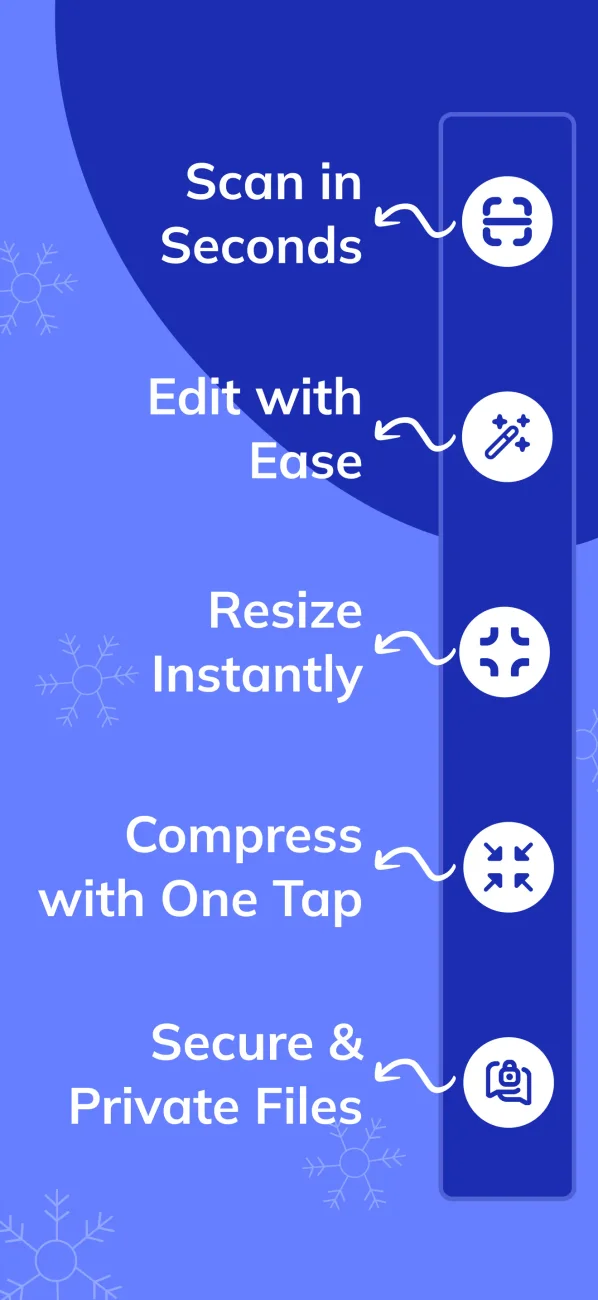
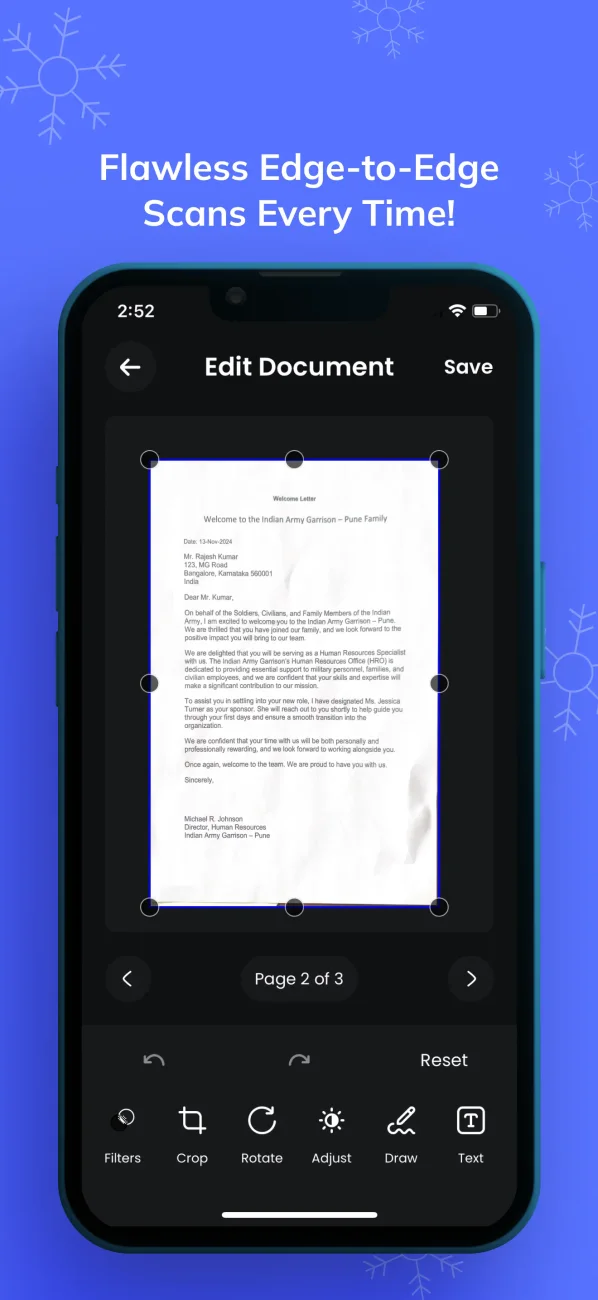
* Capture flawless, high-resolution scans in seconds.
* Smart Cropping: Automatically align edges for a clean, professional finish.
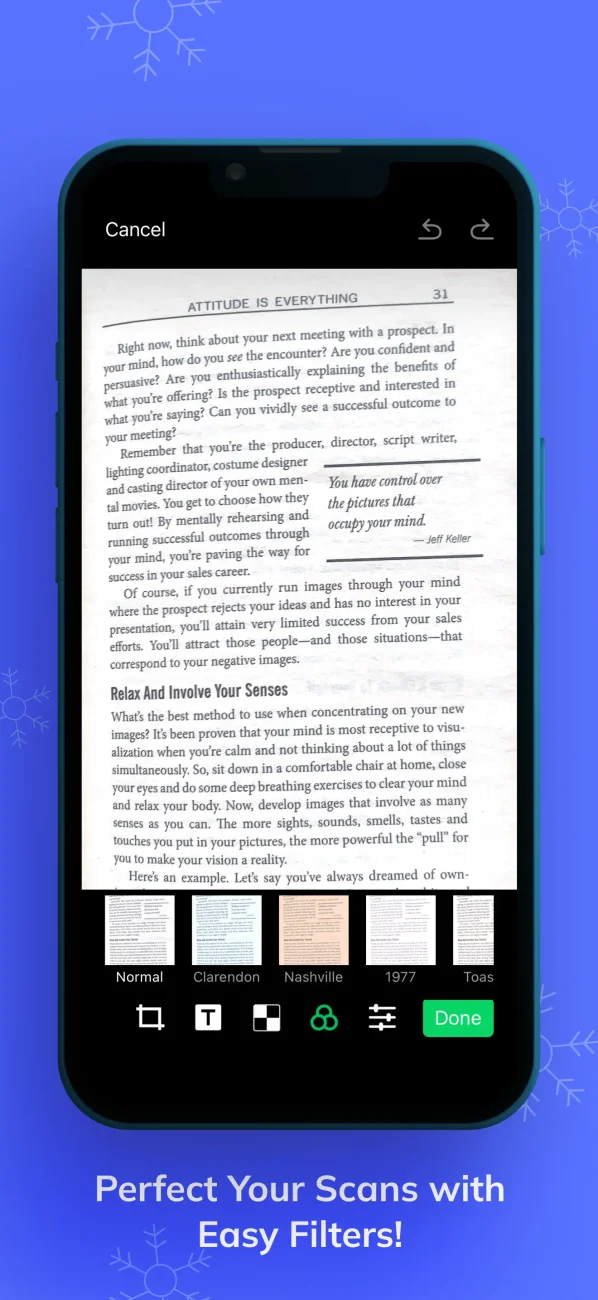
* Add a personalized touch with Color Filters like Magic Enhance, Black & White, and Color.
Effortless PDF Creation and File Management
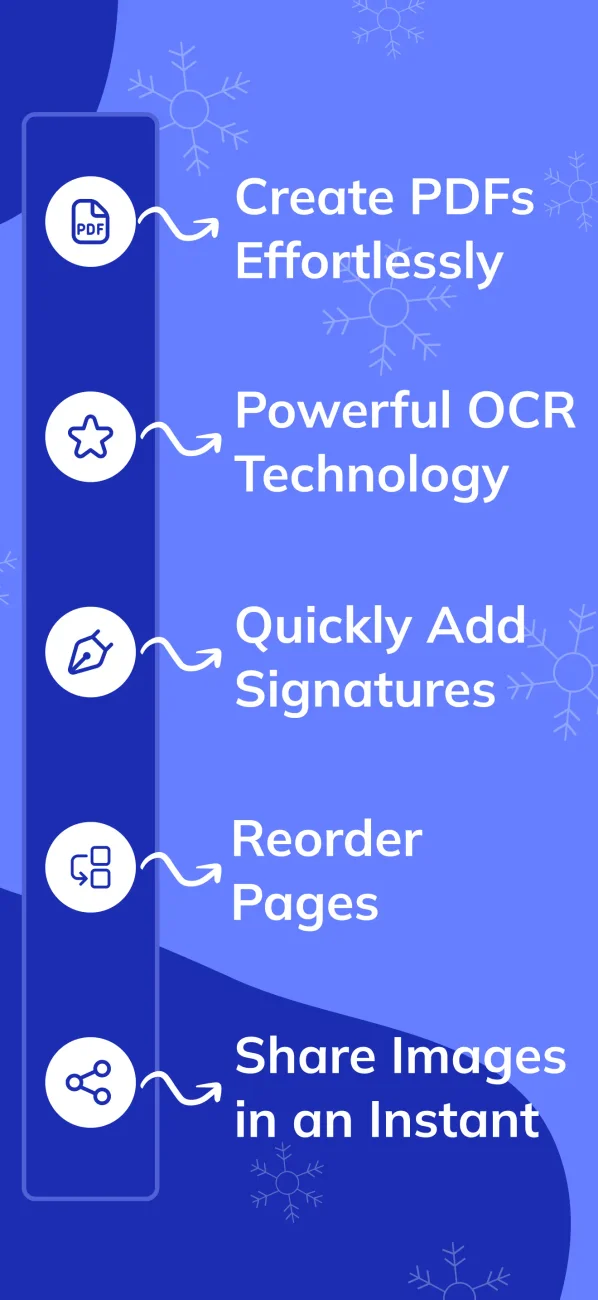
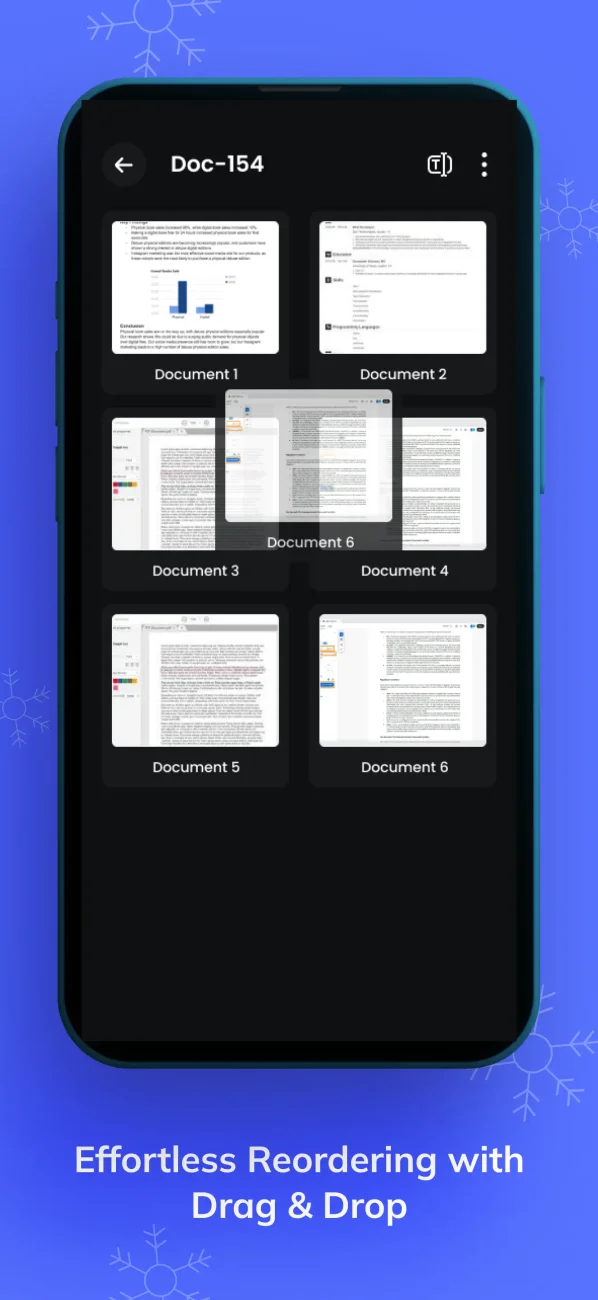
* Use the built-in PDF Maker to create multi-page PDFs in no time.
* Digitize your files with Batch Scanning and organize them neatly in folders or subfolders.
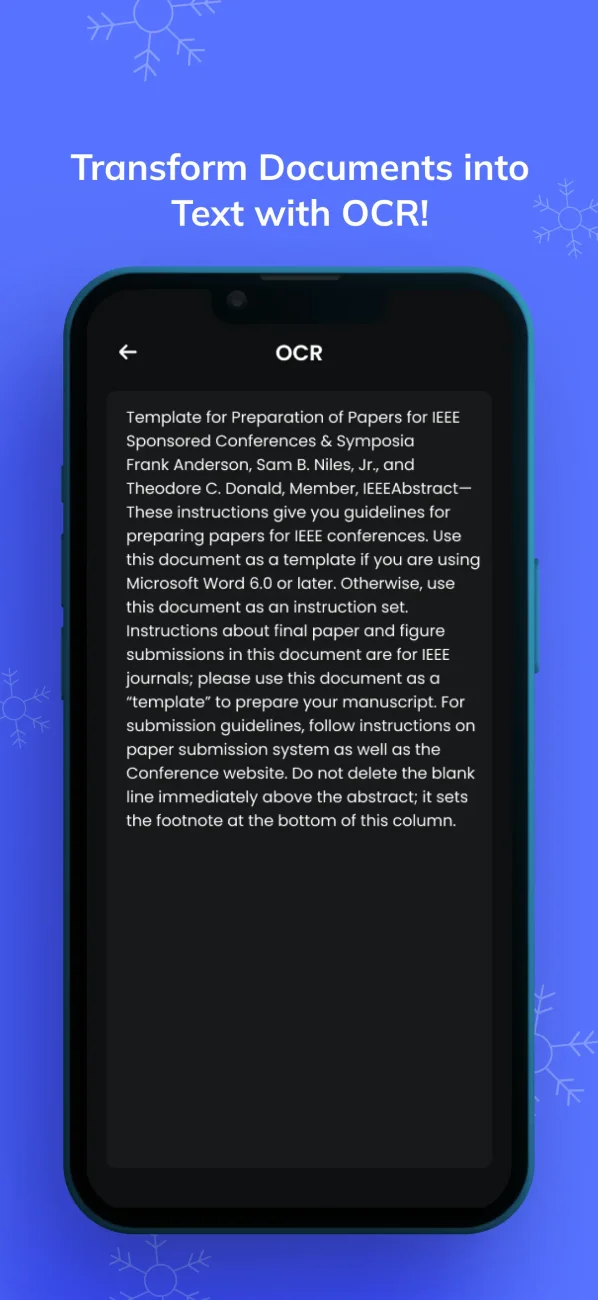
* Extract editable text from images instantly with the advanced OCR feature.
* Resize/Compress PDFs and images without compromising quality, making them perfect for sharing or storing.
Sign, Protect, and Share Your Files
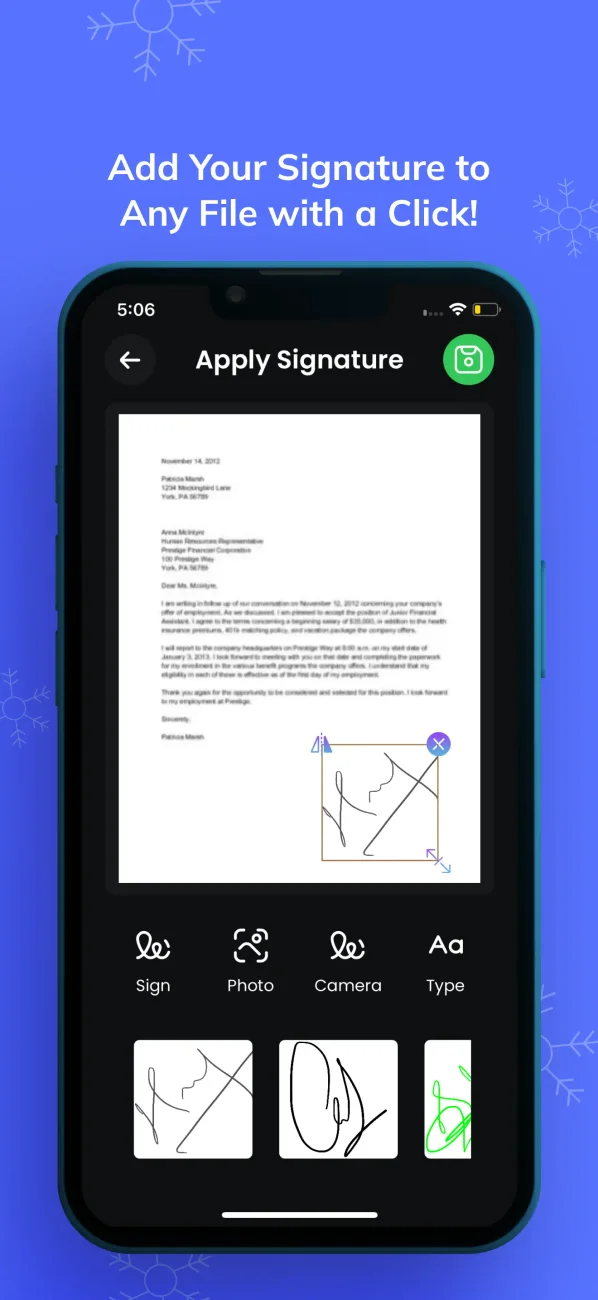
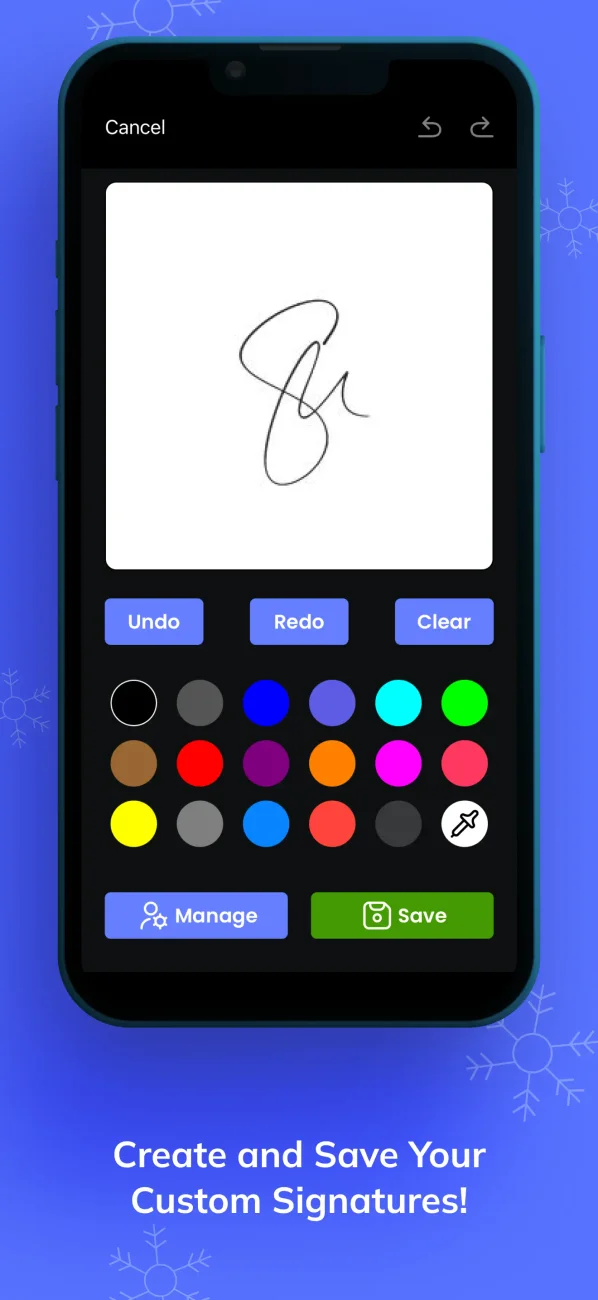
* Use the E Signature feature to sign documents digitally.
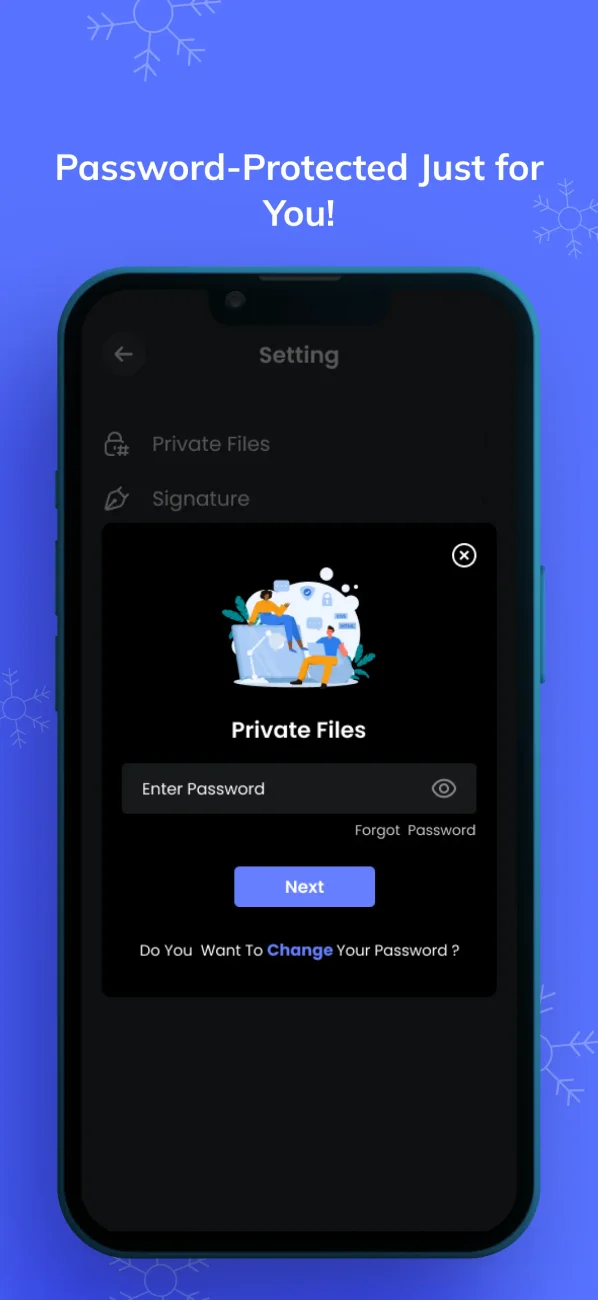
* Protect sensitive documents with Private Files and password security.
* Share files as PDFs or images via email, cloud platforms, or social apps. You can even print or fax them directly from the app.
Why You’ll Love Our Document Scanner App
* Scans are automatic and clear, with perfect results every time.
* PDF generation is seamless, with options to edit and organize files easily.
* The app includes Color Filters, compression tools, and file protection features for added convenience.
* It’s perfect for scanning contracts, IDs, notes, receipts, or even personal keepsakes.
Perfect for Any Occasion
Whether you’re at home, office, or studying, this app adapts to your needs:
* Work Smarter: Scan and share contracts, invoices, or reports effortlessly.
* Study Better: Save notes, textbooks, and study materials for quick access.
* Stay Organized: Keep all your documents safe and secure in one place.
Download the Document Scanner App Today!
Take control of your documents with a powerful tool that combines scanning, organizing, and sharing into one app. With advanced features like OCR, PDF Maker, E Signature, and more, our FREE Document Scanner app ensures your files are always accessible, secure, and easy to manage.
Privacy Policy
https://mobilions.nl/document-scanner/privacy-policy.html
What’s new
Version 1.1.0 · Dec 27, 2024
Thank you for using Document Scanner!
We’re excited to bring you the latest update, featuring performance enhancements for a faster and more efficient experience. Update now to enjoy the improved performance!
App privacy
What Mobilions Labs Private Limited declares on the App Store about how this app handles data.
-
Data not collected
The developer does not collect any data from this app.
Privacy practices may vary, for example with the features you use or your age.
Information
- Seller
- Mobilions Labs Private Limited
- Category
- Productivity
- Version
- 1.1.0
- Updated
- Dec 27, 2024
- Released
- Oct 29, 2024
- Size
- 31.7 MB
- Requires
- iOS 14.0 or later
- Age rating
- 4+
- Languages
- English
- Copyright
- © Mobilions Labs Private Limited
You might also like
-
 My Meeting CardProductivity
-
 PDF Scanner & Document ConvertPhoto Scan & converter to PDF
-
 Docu Scan ItDocu scanner & PDF maker
-
 Image to PDF Converter *Scan, JPG, Merge, CV & Edit
-
 Scan & PDF by PaperlyOffline Productivity for PDFs
-
 PDF Scan - Doc ScannerProductivity
-
 Document Scanner & ExtractorProductivity
-
 Scanr Lens — Document ScannerAdfree tiny document scanner
-
 Doc Scanner : scan to pdfcam scanner with pdf scanner
-
 Scan to PDF : PDF Scanner AppPDF Scanner App