
- Age rating4+
- CategoryProductivity
- DeveloperBeskar Technologies LLP
- LanguagesEnglish+ 11 more
- Size2.8 MB
Links to the official App Store page
Download.org hosts no file of Scanr Lens — Document Scanner. The button opens its official App Store page, published by Beskar Technologies LLP. Listing last checked on Nov 12, 2026.
Screenshots


About
Scanr is a fast, private document scanner that does everything on your device.
No account. No sign-up. No ads. No tracking.
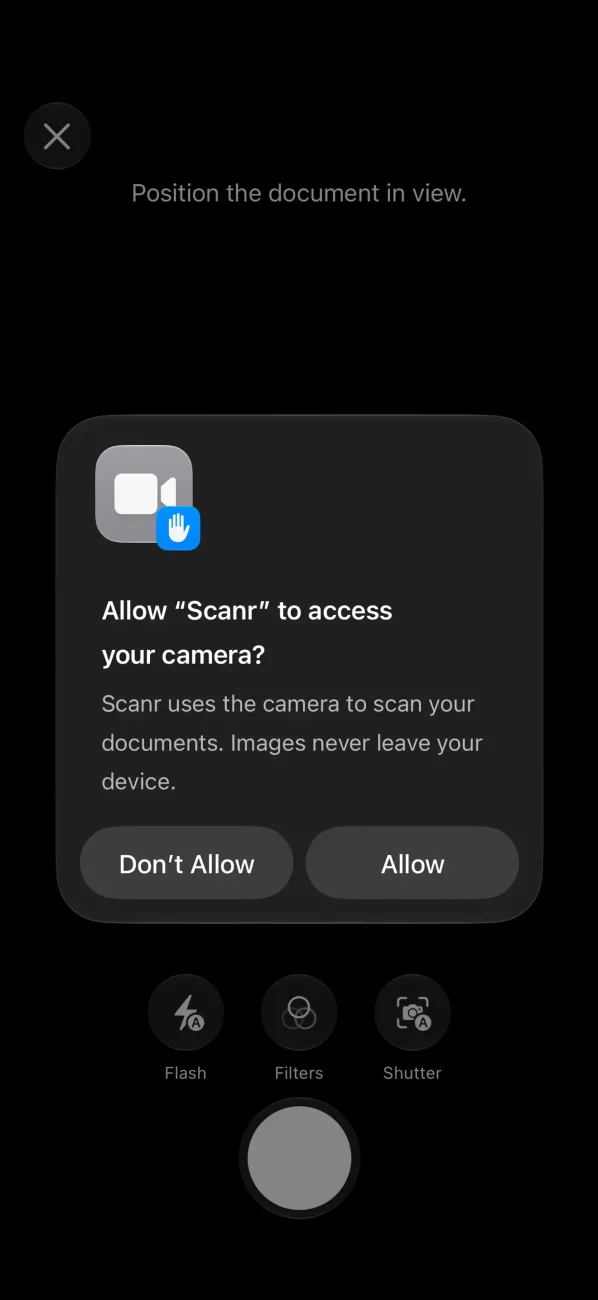
Point your camera at a document and Scanr captures it with automatic edge
detection and perspective correction, powered by Apple's on-device scanner. Scan
a single page or a whole stack, tidy it up, sign it, and export — all in a few
taps.
SCAN
• Automatic edge detection and perspective correction
• Multi-page scanning — build a document one page at a time
• Add more pages to an existing document any time
• Split ID mode: capture the front and back of an ID card onto one page
IMPORT
• Bring in photos and PDFs you already have
• Share images or PDFs into Scanr from any other app
• Imported pages get the same cropping and filters as a fresh scan
MY DOCUMENTS
• Every scan is saved from its first page — nothing to remember to keep
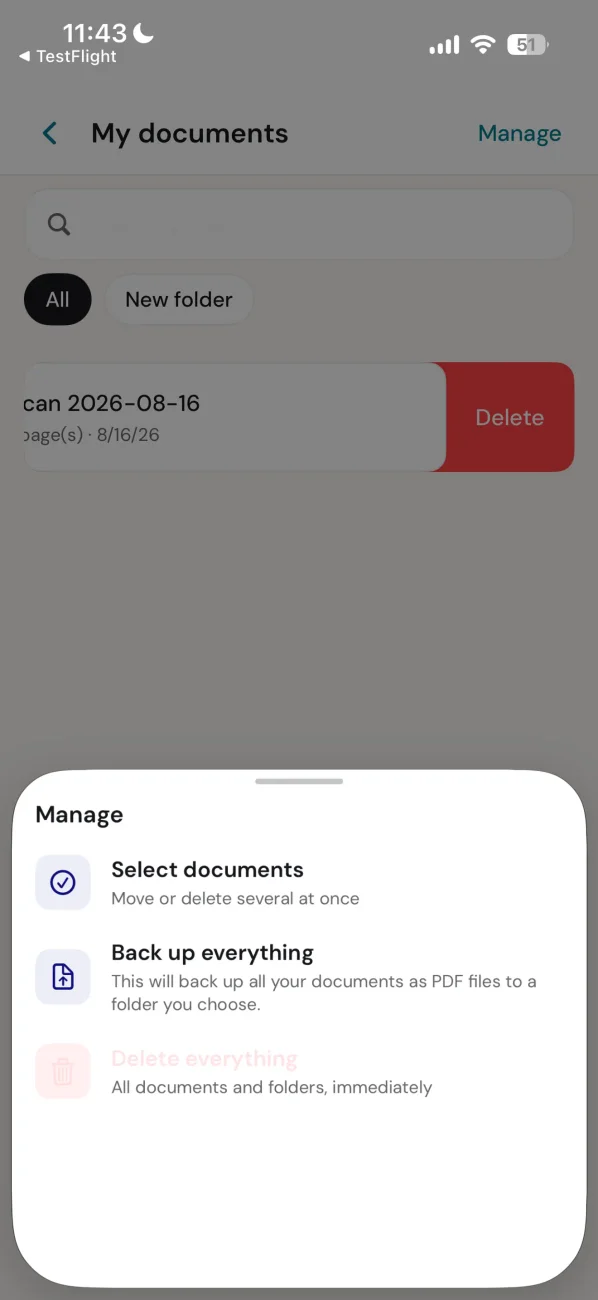
• Organize into folders, rename, and search your documents by name
• Back up everything as PDF files to a folder you choose
• Delete any document immediately — no hidden copies left behind
ORGANIZE
• Reorder, delete, split, and move pages between documents
• Combine pages into one
• Rotate pages
ENHANCE
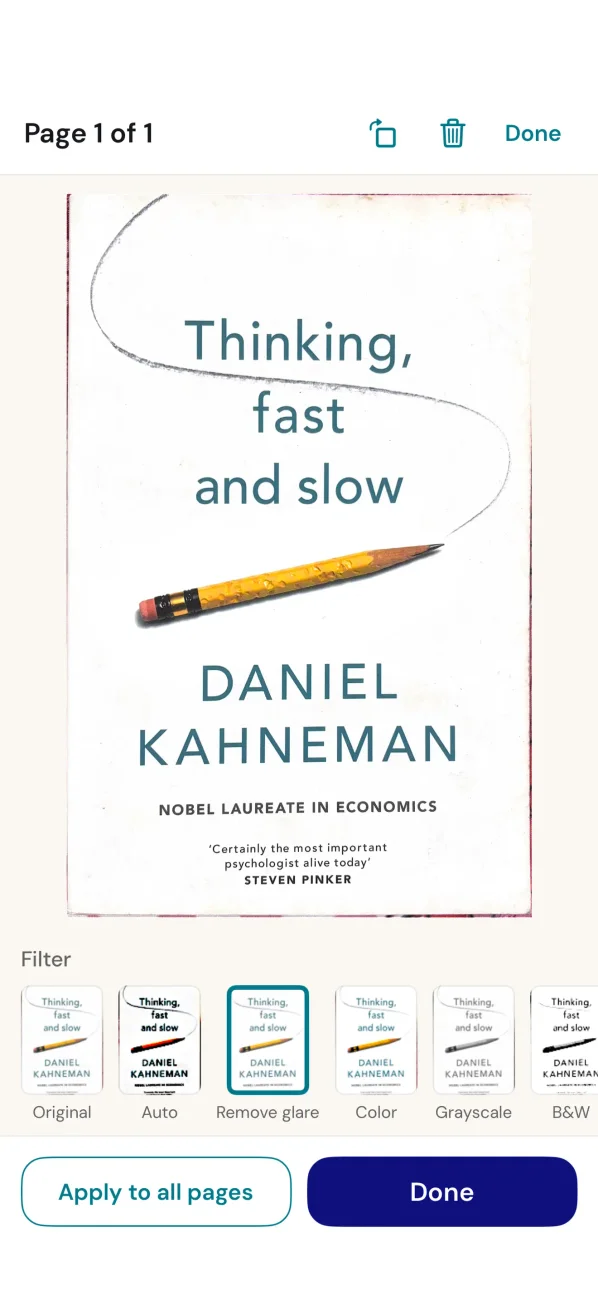
• One-tap filters: Original, Auto, Color, Grayscale, Black & White,
High Contrast, and Soft
• Remove glare from photos of glossy or laminated pages
• Apply a filter to one page or to every page at once
SIGN
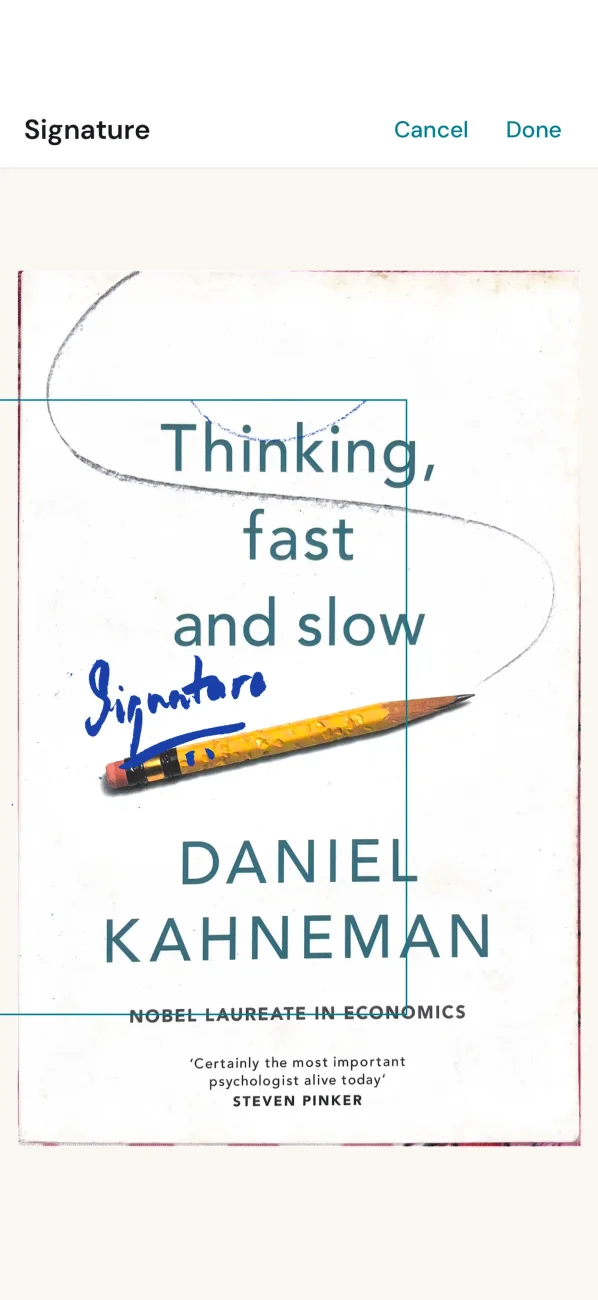
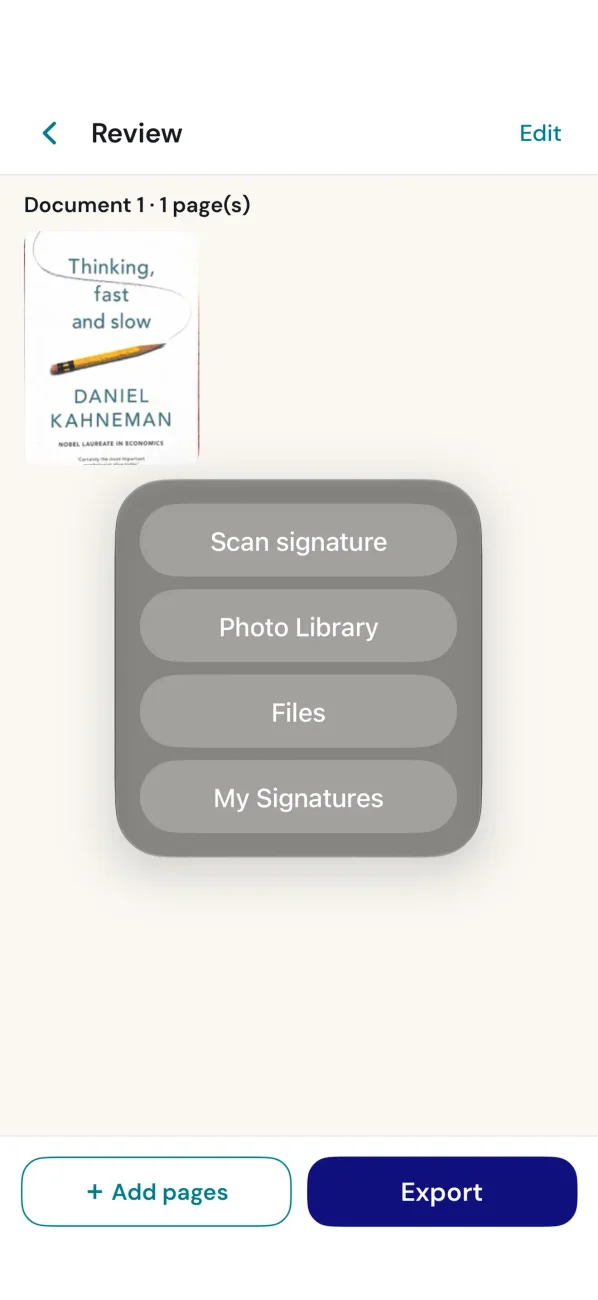
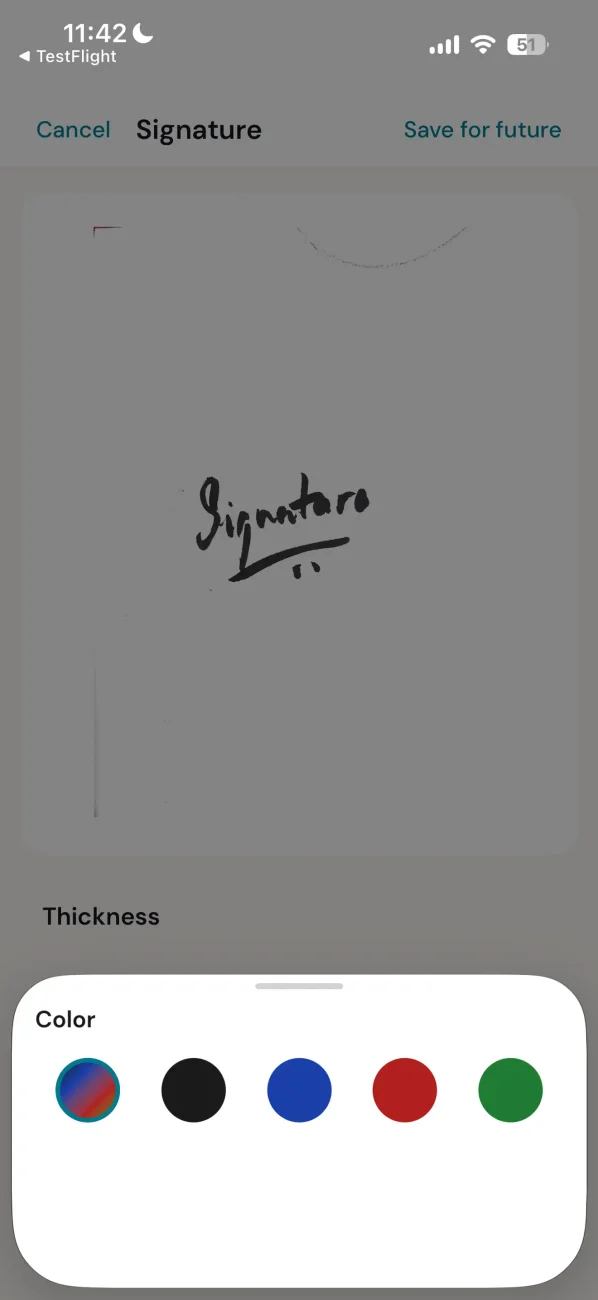
• Draw a signature, or scan one from paper
• Set its thickness and colour, then place and resize it on any page
• Save signatures to reuse later
EXPORT & SHARE
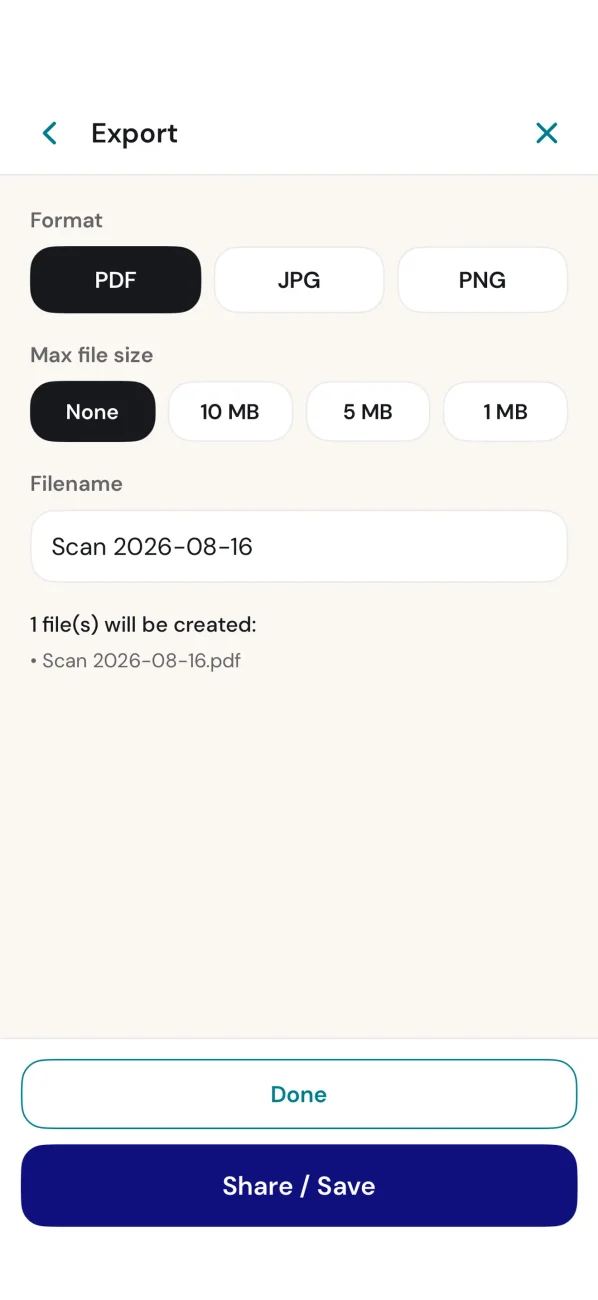
• Export as PDF (one multi-page file), or as JPG / PNG (one image per page)
• Hold exports under a file-size limit when you need to email or upload them
• Share or save through the iOS share sheet
PRIVATE BY DESIGN
• Everything happens on your device — scanning, filtering, signing, export
• No accounts, no cloud, no analytics, no ads
• The app makes no network requests
• Documents live in the app's private storage
SMALL AND SIMPLE
• Point, scan, export, done
• Tiny install size
• Clean, uncluttered interface
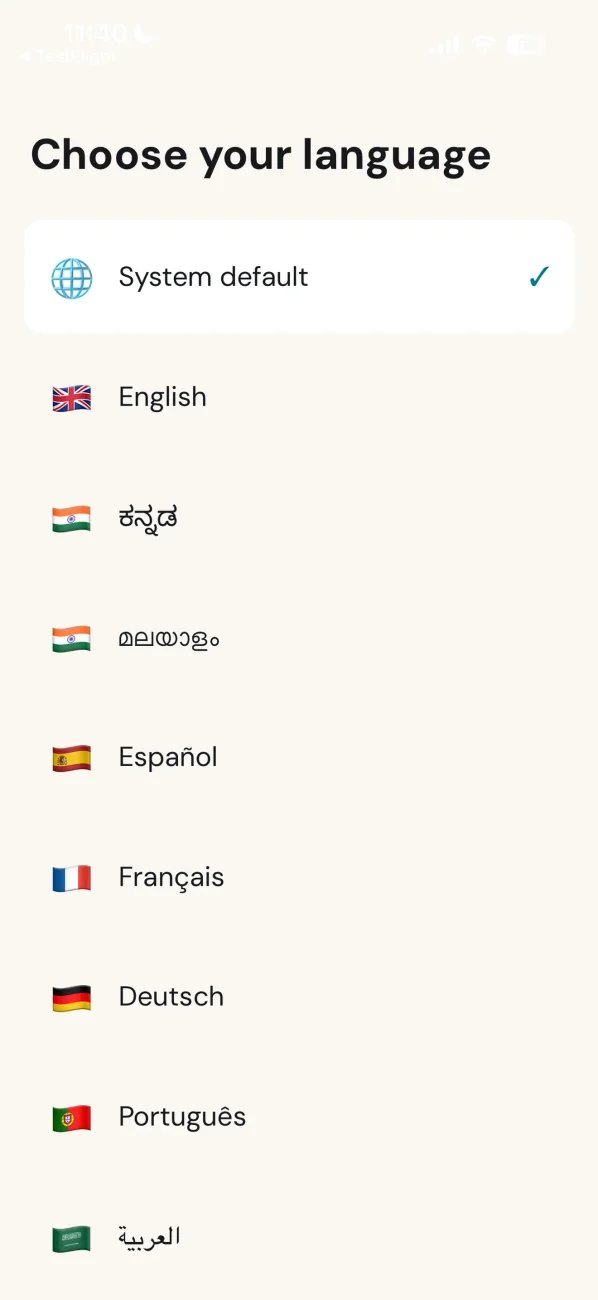
• Available in 12 languages
• Universal — one app for iPhone and iPad
Made by Beskar — fast, private tools. https://beskar.tech
What’s new
Version 1.41 · Aug 28, 2026
ID scanning, improved:
• Exactly one photo for the front and one for the back — no more extra captures that went nowhere
• After each shot, drag the corners to adjust the crop
• The camera now captures the full frame, so portrait IDs and documents fit
Still no cloud, no account, no ads. Everything stays on your phone.
App privacy
What Beskar Technologies LLP declares on the App Store about how this app handles data.
-
Data not collected
The developer does not collect any data from this app.
Privacy practices may vary, for example with the features you use or your age.
Information
- Seller
- Beskar Technologies LLP
- Category
- Productivity
- Version
- 1.41
- Updated
- Aug 28, 2026
- Released
- Aug 18, 2026
- Size
- 2.8 MB
- Requires
- iOS 16.0 or later
- Age rating
- 4+
- Languages
- English, Arabic, French, German, Indonesian, Japanese, Kannada, Malayalam, Portuguese, Russian, Simplified Chinese, Spanish
- Copyright
- © 2026 Beskar
You might also like
-
 ScannerCam LightPrivate on-device PDF scanner
-
 ScanMate: PDF ScannerNo ads. No watermark. Ever.
-
 PocketScan - Snap to PDFDocument Scanner & PDF Maker
-
 Scanner4K4K HD Photo Scanner & Editor
-
 Dscans - Scan Documents easilyScan Documents, Books & More
-
 DocIt: Document ScannerScan. Sign. Lock. Measure. OCR
-
 VibeScan: PDF Document ScannerScan Receipts, Sign & OCR Text
-
 PDF Scanner: Size LimitSmall Files for Uploads
-
 PureScan Doc ScannerPure scanning, shared fast
-
 Scanry: PDF Scanner & OCRCompress scans. Share easily.