Document Scanner: PDF Scan App
Digitize Your Documents Fast
Designed for iPhone, iPad, iPod touch
Free · In-app purchases
- Age rating4+
- CategoryProductivity
- DeveloperNguyen Thuy Linh
- LanguagesEnglish+ 11 more
- Size76.1 MB
Links to the official App Store page
Download.org hosts no file of Document Scanner: PDF Scan App. The button opens its official App Store page, published by Nguyen Thuy Linh. Listing last checked on Nov 17, 2026.
Screenshots
About
Document Scanner: PDF Scan is a document management application that integrates many useful features, helping users scan, edit, extract text and sign documents quickly and efficiently.
Scan everything: ID cards, legal agreements, invoices, purchase orders, receipts, articles, bills, debit notes, business documents...
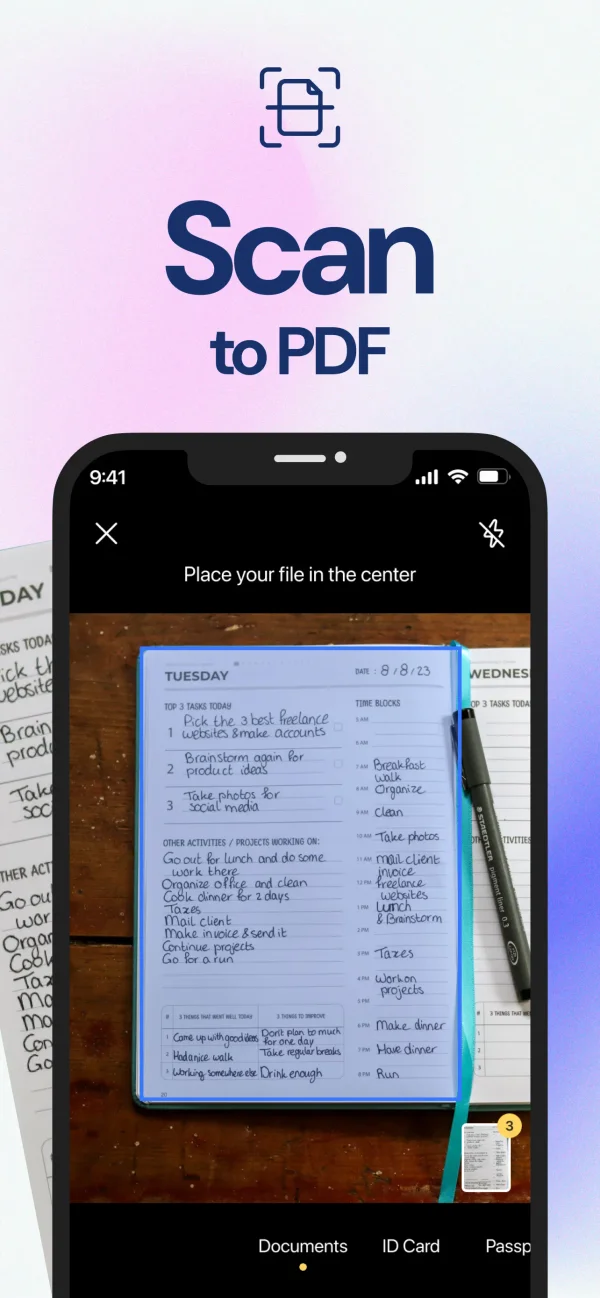
- Scan documents
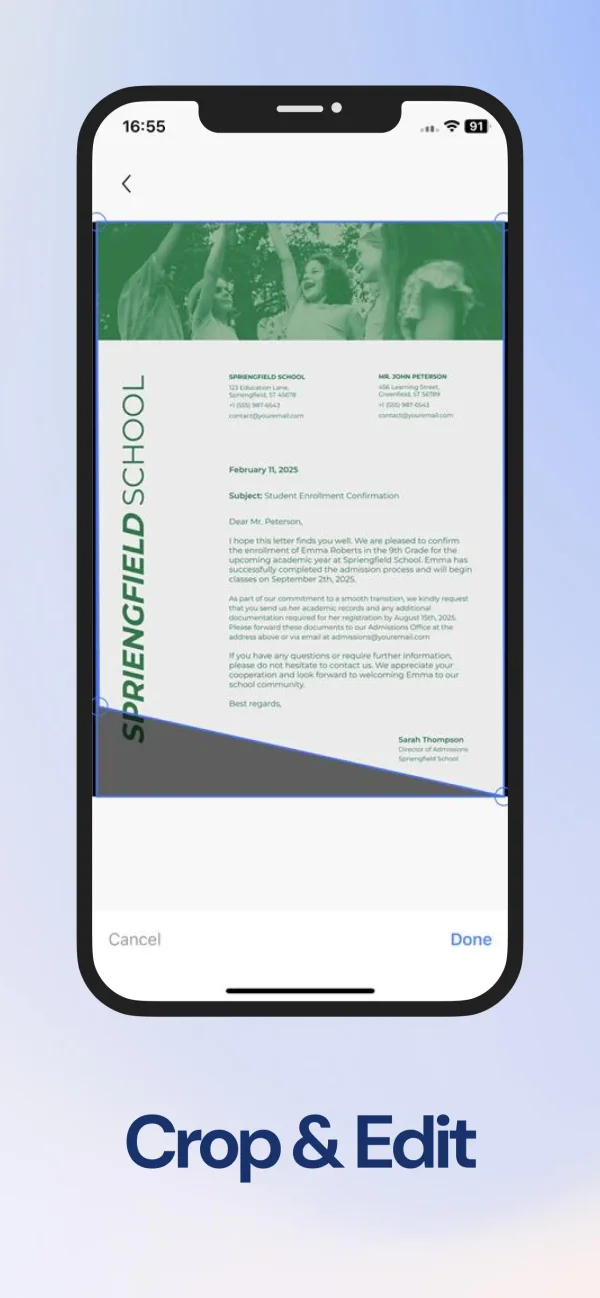
The Document Scanner application allows users to scan paper documents into digital copies in just a few seconds. High-quality scanning, take photos of documents with the phone camera or import photos from the library. Automatic recognition: Detect document edges and intelligently crop for neat scans.
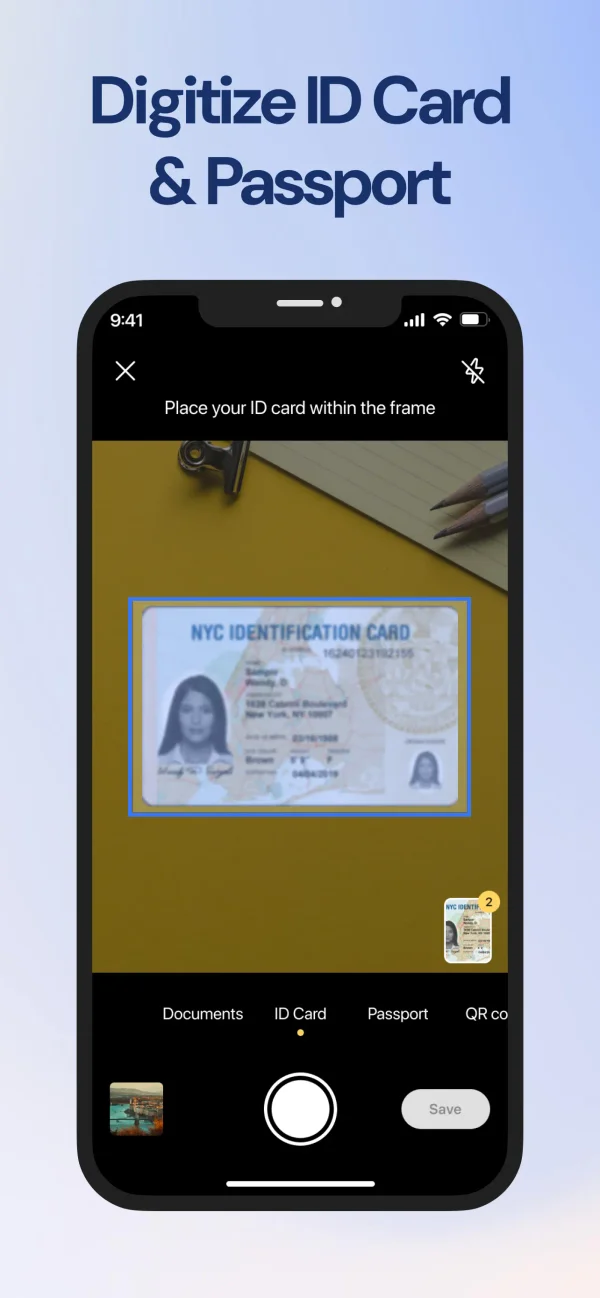
- Digitize ID cards/passports
Scan everything: ID cards, legal agreements, invoices, purchase orders, receipts, articles, bills, debit notes, business documents...
- Edit
After scanning documents, users can edit directly in the application. Crop and rotate pages: Adjust the size and orientation of the document as desired.
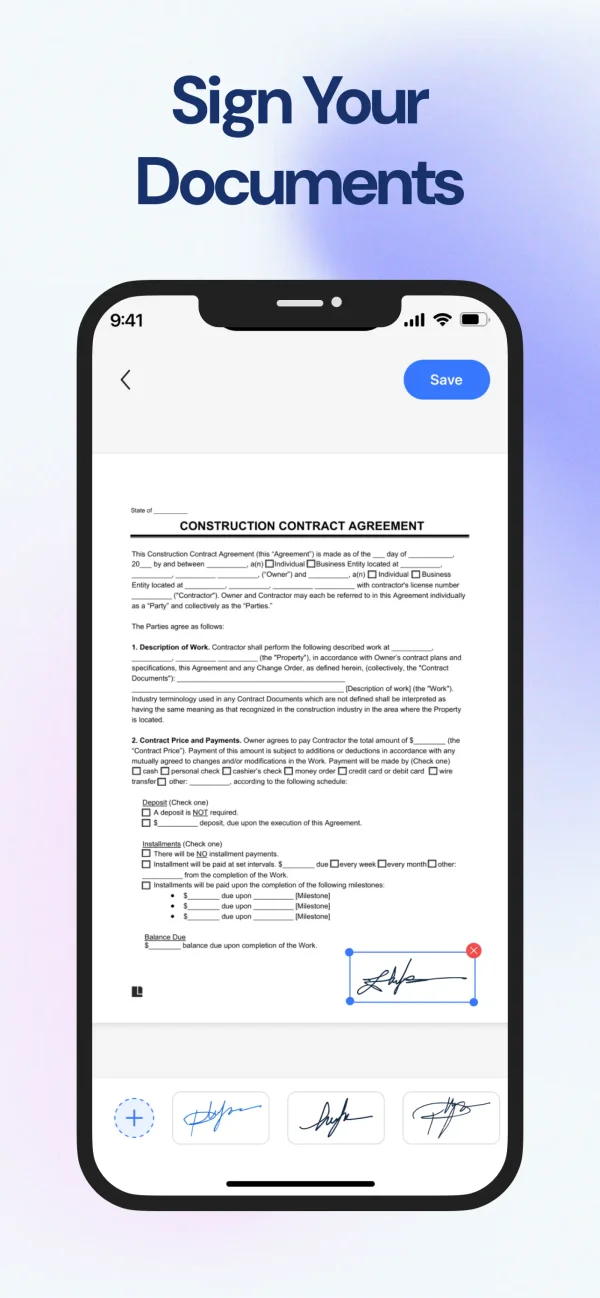
- Signature
Allow users to sign documents electronically without printing them out. Sign any scanned document with your signature. Create and save custom signatures for easy future use. Insert signature easily: Position the signature in the right place on the document.
- Extract Text (OCR)
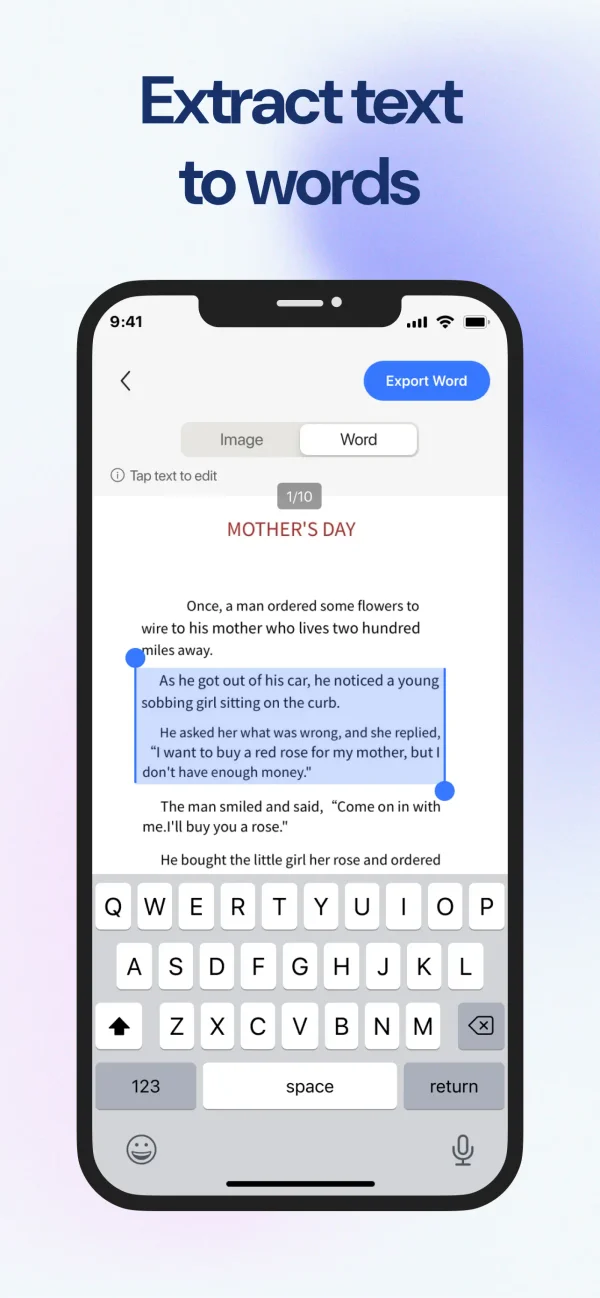
The Document Scanner app integrates Optical Character Recognition (OCR) technology, allowing users to extract text from word documents easily. Convert and edit quickly.
- Save and share: Save and share as PDF simply and quickly.
Download Document Scanner: PDF Scan App today and enter a world where document scanning is as fast, easy, and reliable as you need it to be. Your mobile office is waiting in the palm of your hand!
Privacy Policy: https://docsbizsuite.pro.vn//privacy-policy.html
Term of use: https://docsbizsuite.pro.vn/termsofuse-ios-dcl.html
What’s new
Version 1.0.5 · Oct 6, 2026
- New version 1.0.5
- Overall performance improved
App privacy
What Nguyen Thuy Linh declares on the App Store about how this app handles data.
-
Data used to track you
May be used to track you across apps and websites owned by other companies.
- Identifiers
- Usage data
- Diagnostics
-
Data not linked to you
May be collected but is not linked to your identity.
- Identifiers
- Usage data
- Diagnostics
Privacy practices may vary, for example with the features you use or your age.
Information
- Seller
- Nguyen Thuy Linh
- Category
- Productivity
- Version
- 1.0.5
- Updated
- Oct 6, 2026
- Released
- Apr 2, 2025
- Size
- 76.1 MB
- Requires
- iOS 15.6 or later
- Age rating
- 4+
- Price
- Free
- In-app purchases
- Yes
- Languages
- English, Arabic, Bengali, French, German, Hindi, Indonesian, Italian, Korean, Portuguese, Russian, Spanish
- Copyright
- © Nguyen Thuy Linh
You might also like
-
 PDF View-Picture CreateScan, Merge & Split Documents
-
 PDF Tool - Edit, Convert, SignConvert, Compress & File Maker
-
 PDF Scanner: AI PDF ScanScan Docs, PDF & Convert
-
 ID Scanner: Passport & LicenseScan Any ID to a Clean PDF
-
 PDF Files SnapScan, Edit & Merge PDF
-
 PDF Reader: Convert & EditProductivity
-
 Barcode Scanner-QR Code ReaderQR Code Generator-Scan QR Code
-
 Chat Manager: Backup & RestoreChat Backup & Secure Notes
-
 PDF Guru:Sign & WatermarkScan into PDF & Add Watermarks
-
 Phone Cleaner Clean Up StorageDelete Duplicate Photo & Video