PDF Tool - Edit, Convert, Sign
Convert, Compress & File Maker
Designed for iPhone, iPad, iPod touch
Free · In-app purchases
- Age rating4+
- CategoryProductivity
- DeveloperQuang Tran
- LanguagesEnglish+ 43 more
- Size147.5 MB
Links to the official App Store page
Download.org hosts no file of PDF Tool - Edit, Convert, Sign. The button opens its official App Store page, published by Quang Tran. Listing last checked on Nov 23, 2026.
Screenshots

About
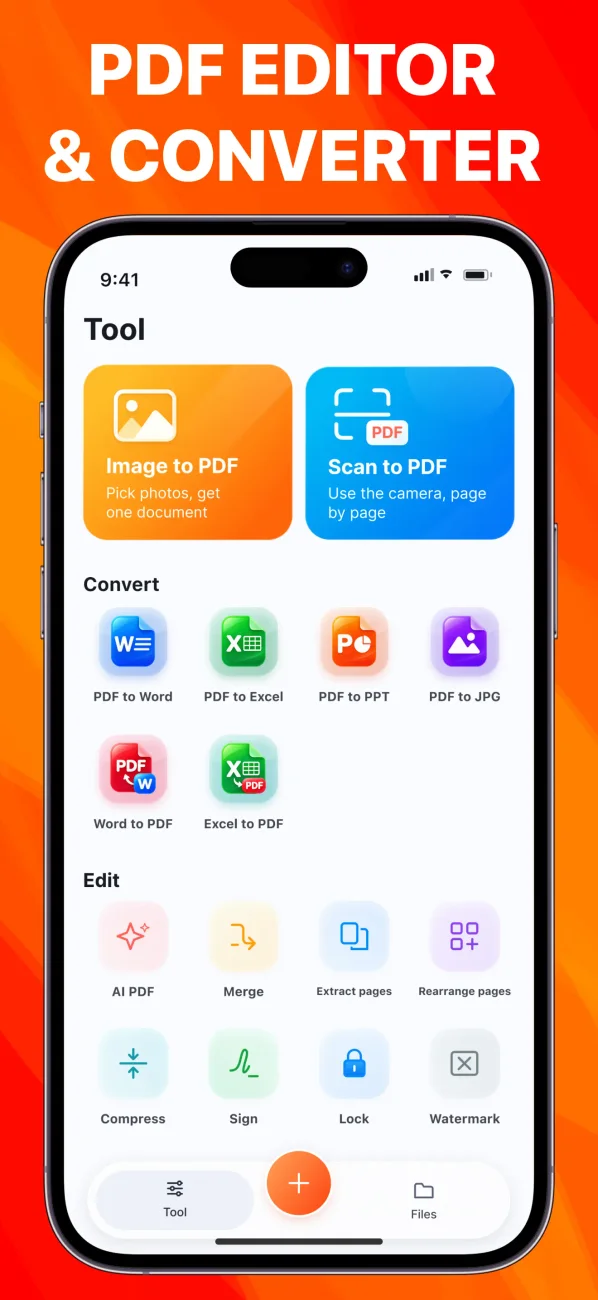
Are you looking for an all-in-one solution to handle your documents on the go? PDF_TOOL is the ultimate PDF converter and editor, powered by smart AI technology to boost your productivity anytime, anywhere.
Whether you need to convert complex Office files, sign contracts remotely, or summarize hundred-page documents, PDF_TOOL solves all your needs in just a few taps.
KEY FEATURES:
1. All-in-One PDF Converter
• Office to PDF & Vice Versa: Seamlessly convert Word (.docx), Excel (.xlsx), and PowerPoint (.pptx) to PDF while keeping the original layout, and convert them back instantly.
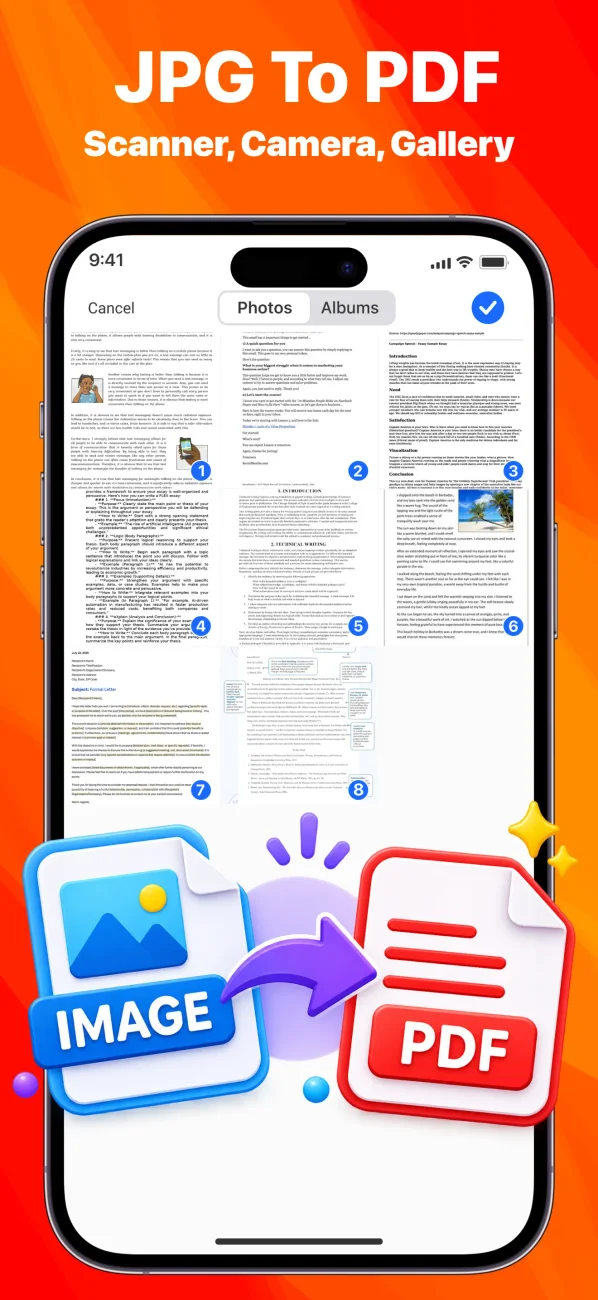
• Image to PDF: Scan or select photos from your gallery (JPG, PNG) to merge them into a single, high-quality PDF file—perfect for saving receipts and documents.
2. Smart AI Document Assistant
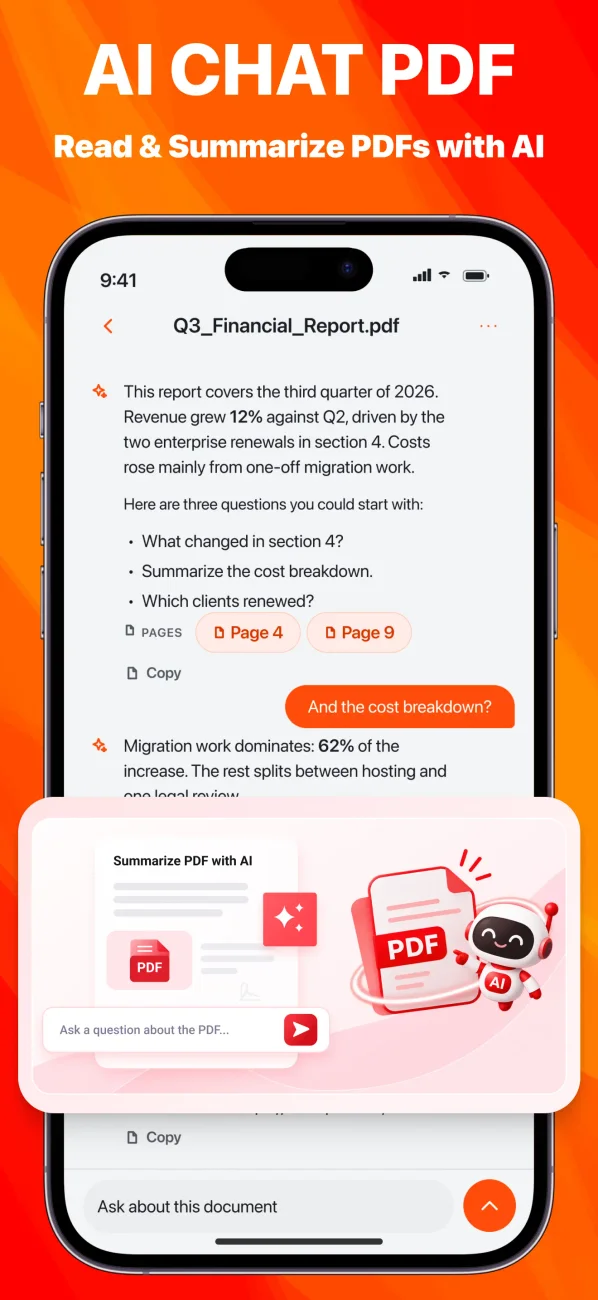
• Instant AI Summarizer: The built-in AI automatically reads and extracts key takeaways from long PDF files, saving you hours of reading time.
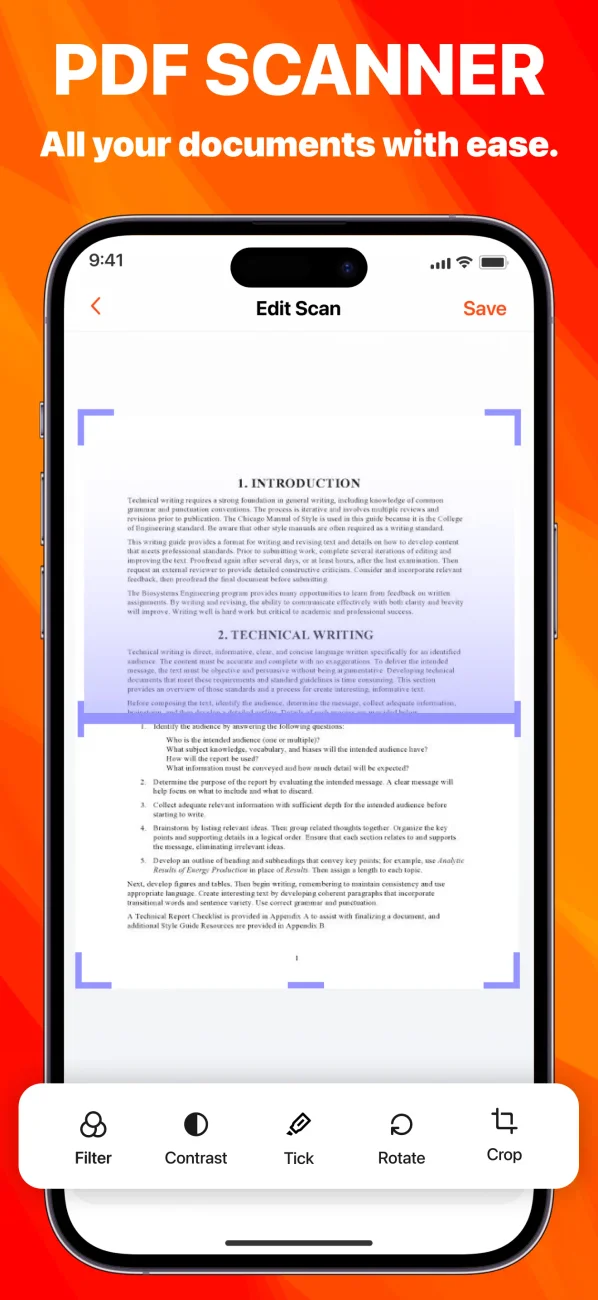
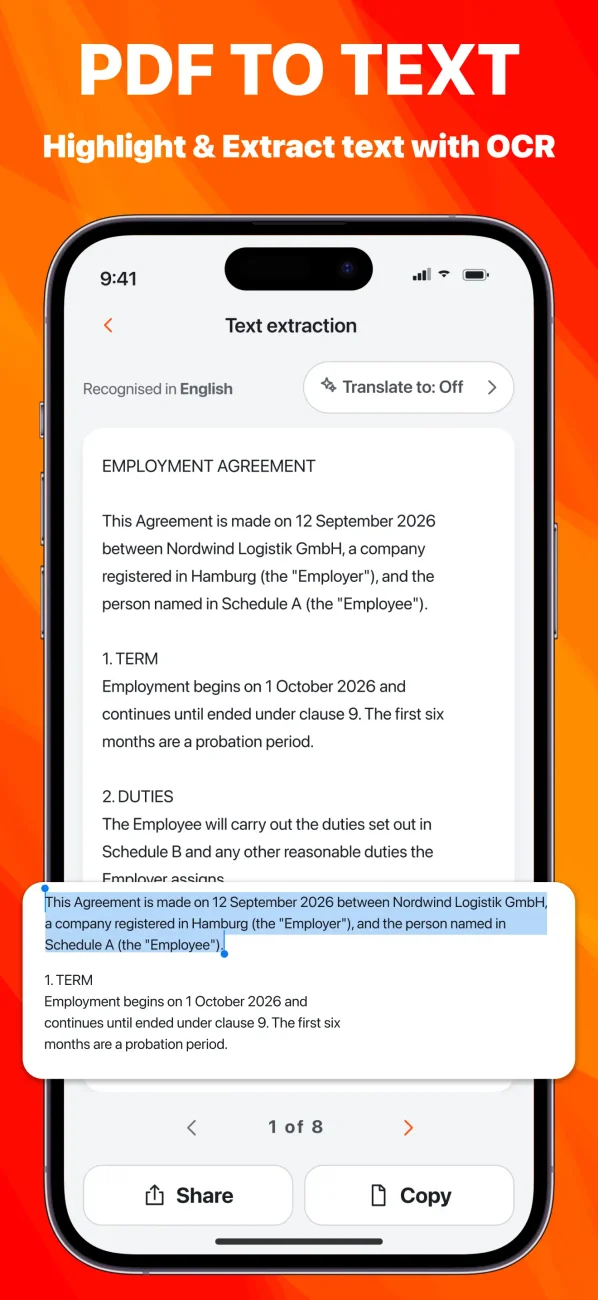
• Text Recognition (OCR): Accurately detect text from scanned documents or images and convert them into fully editable text.
3. Professional PDF Editor & Annotator
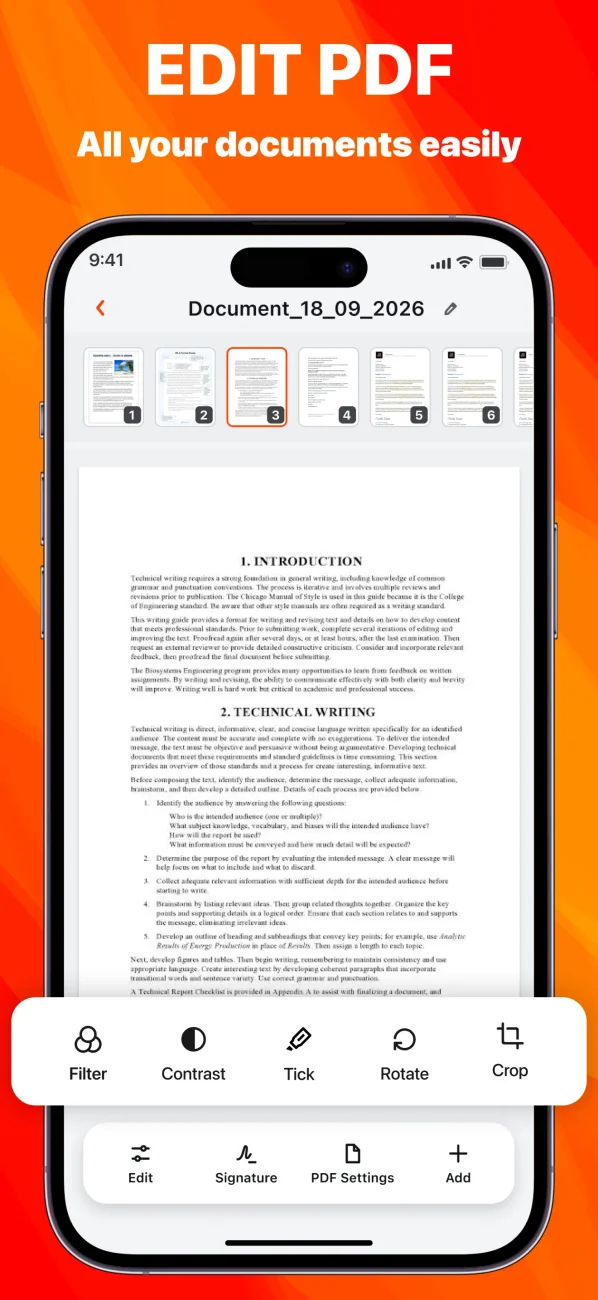
• Direct Editing: Modify text, add, or remove images directly inside your PDF files without needing the original source file.
• Annotate & Mark Up: Use highlighters, drawing pens, text boxes, and stamps to emphasize important information during review.
4. E-Signature & Watermark
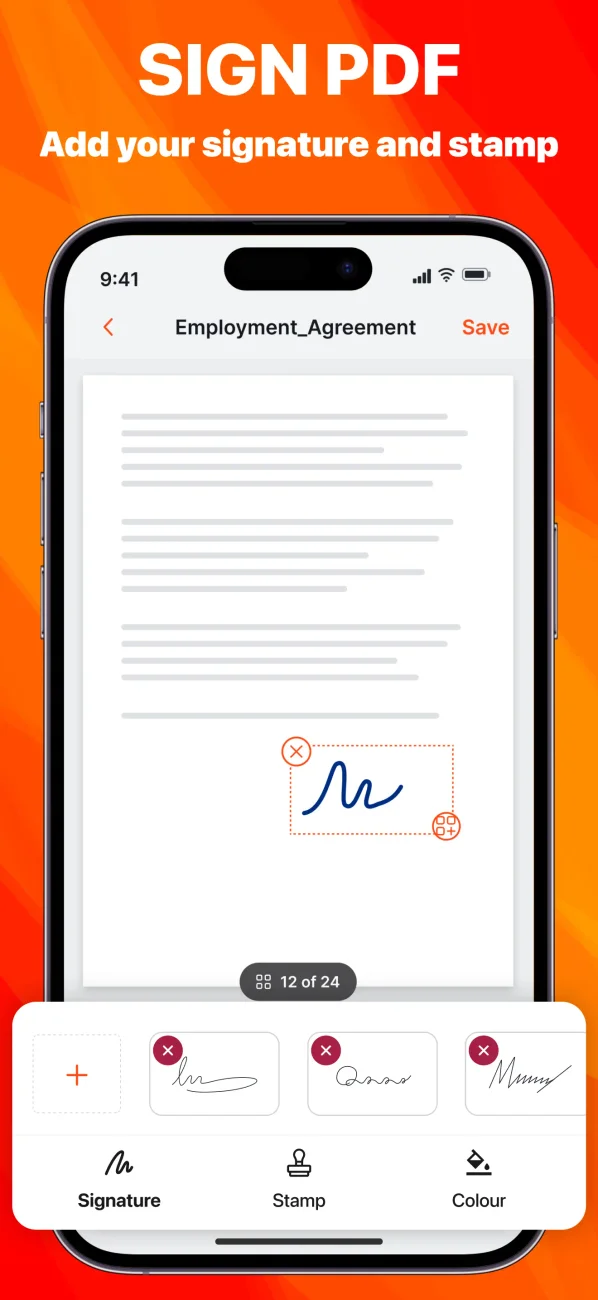
• Quick Signatures: Create and save your handwritten signature to sign contracts, agreements, and forms on the fly.
• Document Protection: Add watermarks or stamps to protect your intellectual property and copyright.
5. File Management & Security
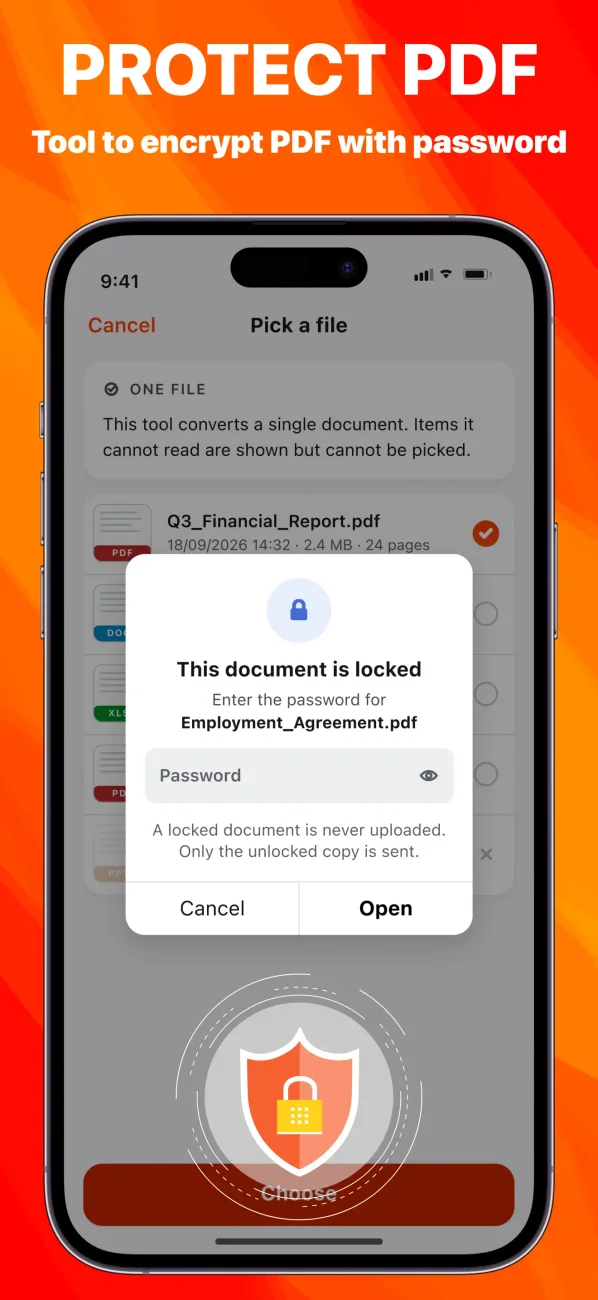
• High-Level Security: Lock confidential documents by setting up secure passwords for your PDF files.
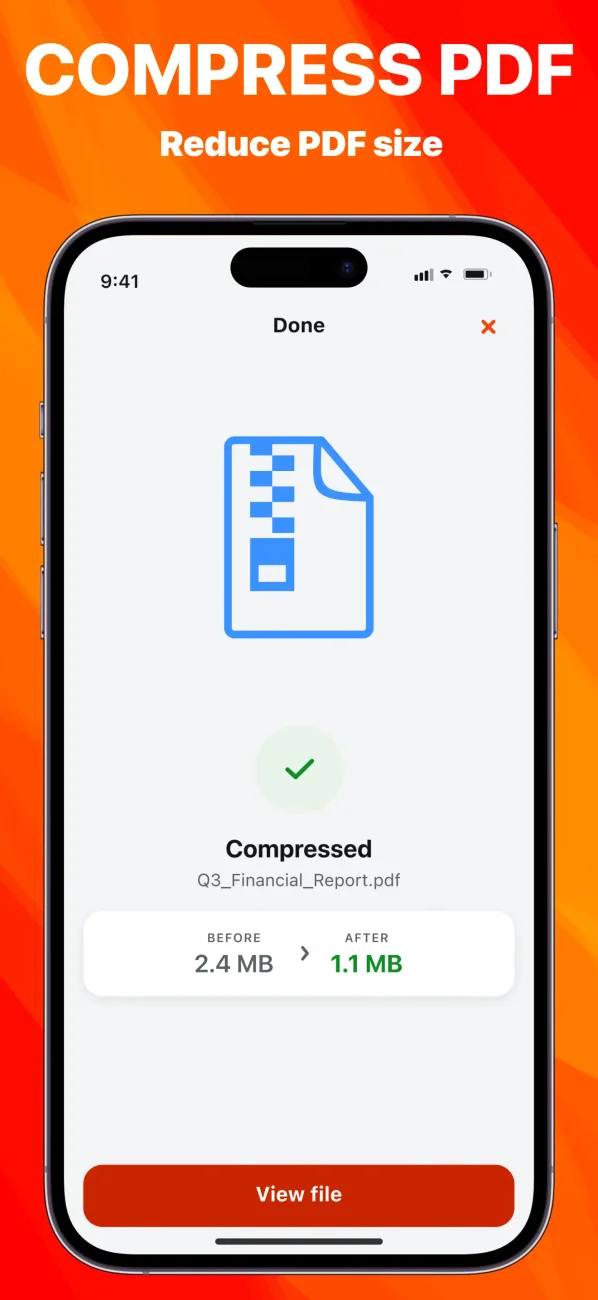
• Organize & Modify: Easily rename, merge, split, or reorder pages in your PDF documents.
WHY CHOOSE PDF_TOOL?
• Intuitive UI/UX: Clean and minimalist design, built for students, freelancers, and corporate professionals alike.
• Blazing Fast Processing: Convert and edit files in seconds with optimized cloud and local rendering.
• Offline Support: Access core conversion and viewing tools even without an active internet connection.
Download PDF_TOOL today and turn your smartphone into a powerful pocket-sized office!
For more infos, Please visit:
https://tikpdf.com/terms-of-service
https://tikpdf.com/privacy-policy
What’s new
Version 1.0.5 · Nov 20, 2026
- Stay up to date with new features and updates.
- Improved performance and a smoother user experience.
We update the app regularly to make it better for you. Please update to the latest version to enjoy all the features of PDF Tool. Thank you for using our app!
App privacy
What Quang Tran declares on the App Store about how this app handles data.
-
Data used to track you
May be used to track you across apps and websites owned by other companies.
- Usage data
- Diagnostics
-
Data not linked to you
May be collected but is not linked to your identity.
- Usage data
- Diagnostics
Privacy practices may vary, for example with the features you use or your age.
Information
- Seller
- Quang Tran
- Category
- Productivity
- Version
- 1.0.5
- Updated
- Nov 20, 2026
- Released
- Oct 23, 2026
- Size
- 147.5 MB
- Requires
- iOS 15.5 or later
- Age rating
- 4+
- Price
- Free
- In-app purchases
- Yes
- Languages
- English, Arabic, Bengali, Catalan, Croatian, Czech, Danish, Dutch, Finnish, French, German, Greek + 32 more
- Copyright
- © Quang Tran
You might also like
-
 Documents: Reader & ConverterDocuments: Reader & Converter
-
 Document Scanner: PDF Scan AppDigitize Your Documents Fast
-
 EasyClean: Storage CleanupKeep the photos you love
-
 PDF View-Picture CreateScan, Merge & Split Documents
-
 PDF Files SnapScan, Edit & Merge PDF
-
 Milo Cleaner: Photo CleanupFree Up Storage & Clean Photos
-
 PDF Scanner: AI PDF ScanScan Docs, PDF & Convert
-
 TidyPopPhoto & Video Cleaner
-
 Scan & Sign PDF ScannerScanner, PDF & Signature
-
 LiLit Cleaner: Scroll & TidyBrowse, compress, organize