Document Voice Reader
Text to Speech PDF
Designed for iPhone, iPad, iPod touch
Free
- Age rating4+
- CategoryProductivity
- DeveloperVan Hai Nguyen
- LanguagesEnglish
- Size90.3 MB
Links to the official App Store page
Download.org hosts no file of Document Voice Reader. The button opens its official App Store page, published by Van Hai Nguyen. Listing last checked on Nov 16, 2026.
Screenshots


About
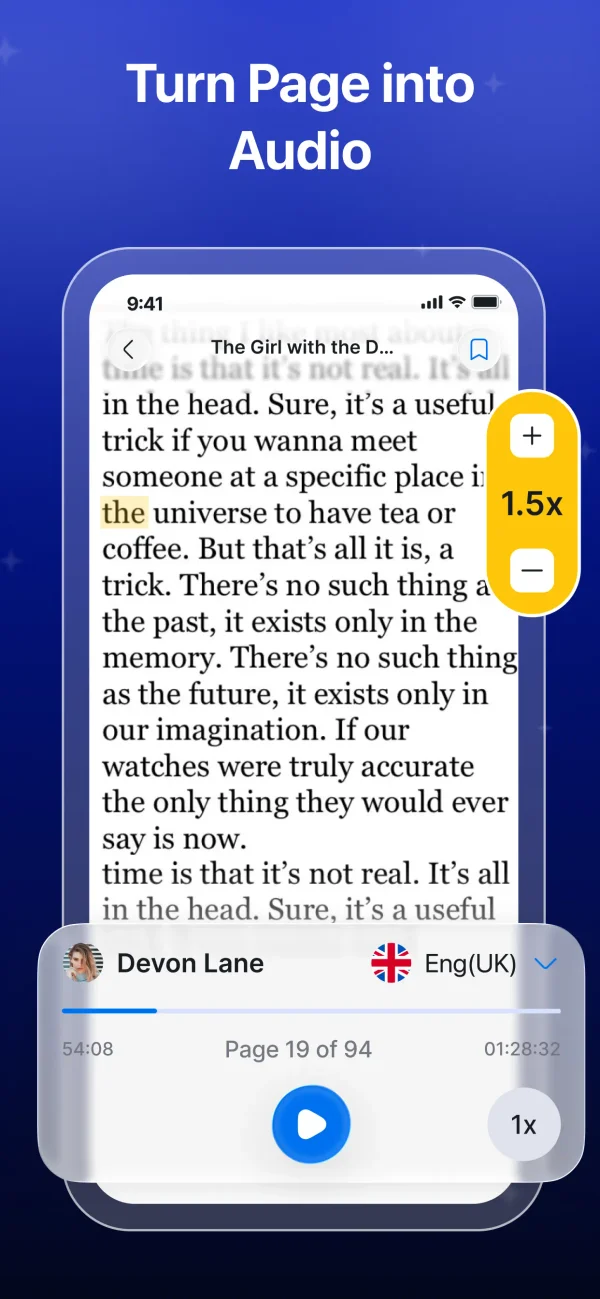
Document Voice Reader is a practical app for reading and listening to documents, PDFs, text, emails, and links on your iPhone. It helps you turn written content into spoken audio so you can read more comfortably, save time, and enjoy hands-free access to information.
Whether you want to scan printed pages, open a PDF, paste text, or listen to content from a link, Document Voice Reader gives you a simple all-in-one experience. It is designed for users who need a clear and convenient way to manage reading tasks on mobile.
Key Features
Read PDFs and Documents
Open PDF files and documents in a clean interface that makes reading easier and more comfortable.
Scan Text with OCR
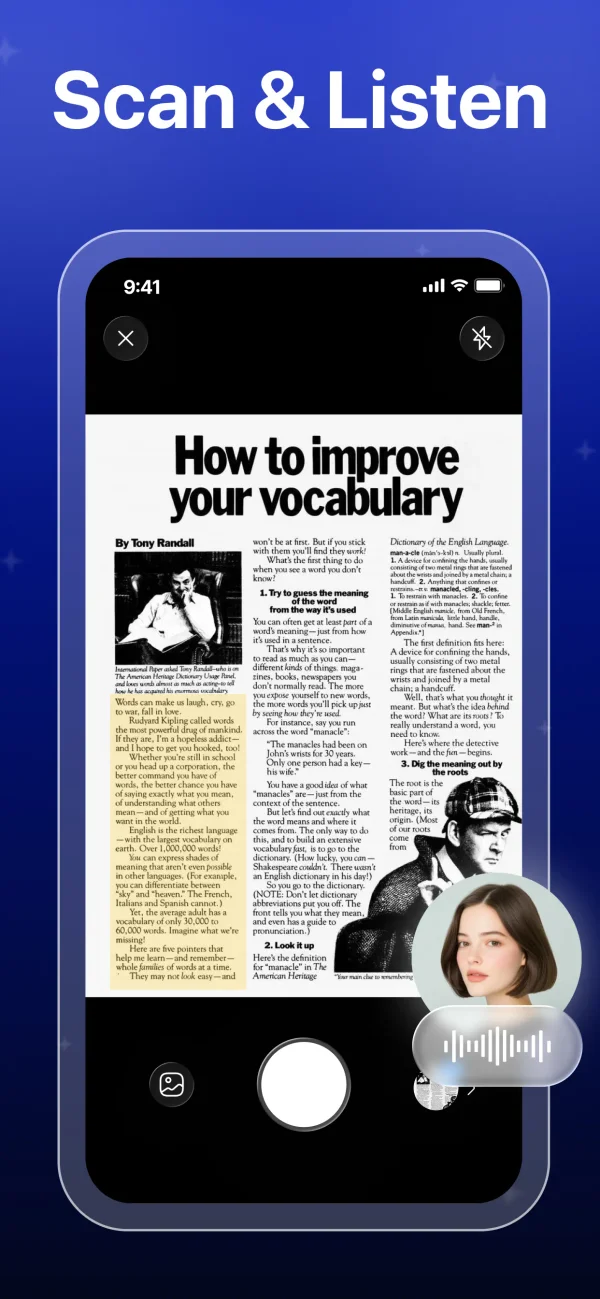
Use your camera to scan printed text and convert it into digital text quickly. Great for notes, books, receipts, papers, and other printed content.
Text to Speech
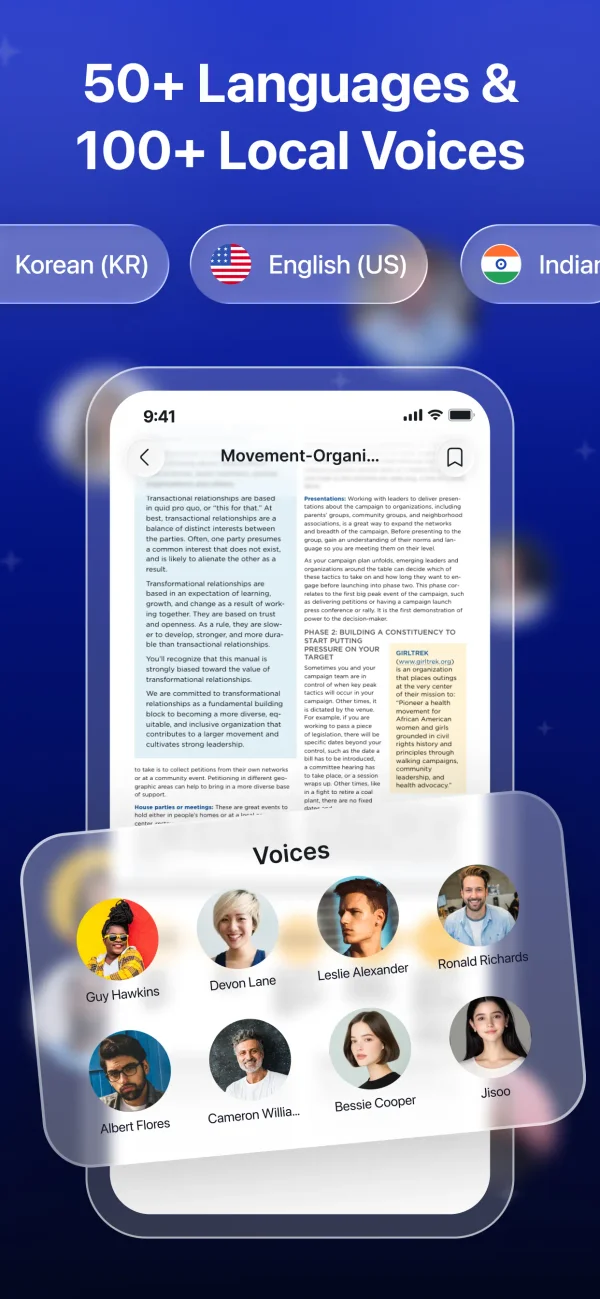
Turn text into voice and listen to it anytime. This is useful when you want to rest your eyes, multitask, or enjoy content while walking, driving, or working.
Input Text Manually
Paste or type text directly into the app and hear it read aloud instantly.
Simple and Clean Design
The app is built with an easy-to-use interface so you can upload files, scan text, enter text, and start listening without extra steps.
Why Use Document Voice Reader?
Document Voice Reader is useful for students, professionals, readers, and anyone who wants easier access to written content. It can help improve productivity, support accessibility, and make everyday reading more flexible.
Perfect For
- Reading PDFs and documents
- Scanning text into digital form
- Listening to text aloud
- Reviewing notes and articles
- Hands-free reading
- Accessibility and convenience
With Document Voice Reader, you can choose how you want to read: scan it, paste it, open it, or listen to it.
What’s new
Version 1.0.1 · May 28, 2026
- fix bugs
App privacy
What Van Hai Nguyen declares on the App Store about how this app handles data.
-
Data used to track you
May be used to track you across apps and websites owned by other companies.
- Identifiers
-
Data linked to you
May be collected and linked to your identity.
- Contact info
- Identifiers
-
Data not linked to you
May be collected but is not linked to your identity.
- Diagnostics
Privacy practices may vary, for example with the features you use or your age.
Information
- Seller
- Van Hai Nguyen
- Category
- Productivity
- Version
- 1.0.1
- Updated
- May 28, 2026
- Released
- May 11, 2026
- Size
- 90.3 MB
- Requires
- iOS 13.0 or later
- Age rating
- 4+
- Price
- Free
- Languages
- English
- Copyright
- © Nguyen Van Hai
You might also like
-
 Speech to text - TranscriptionYour voice to text and copy it
-
 ScanLite: Scanner and OCRScan to PDF and image to text
-
 Spokn: Expenses & RemindersOrganize life with your voice
-
 CognitiveAnchor: Focus & TasksLock Screen Reminders & Timers
-
 App Blocker OffKitStop doomscrolling. Block apps
-
 Transcription ProSpeech to Text · Offline
-
 Authenticator: 2FA Code & OTPPassword Manager, MFA & Vault
-
 Habit Tracker: Planner RoutineBuild Good & Quit Bad Habits
-
 Sandbook: Text to SpeechNatural Voice Reader for Books
-
 AI Reader: Read Aloud Pdf BookNatural Audio Ebook Epub Text