
Docuslice - Poster Printing
Tiled Printing | Block Poster
Designed for iPhone, iPad, iPod touch
Free · In-app purchases
- Age rating4+
- CategoryGraphics & Design
- DeveloperJeremiah Lachica
- LanguagesEnglish
- Size90.6 MB
Links to the official App Store page
Download.org hosts no file of Docuslice - Poster Printing. The button opens its official App Store page, published by Jeremiah Lachica. Listing last checked on Nov 29, 2026.
Screenshots



About
No giant printer? No problem!
Want to create massive posters, banners, or wall art with your home printer?
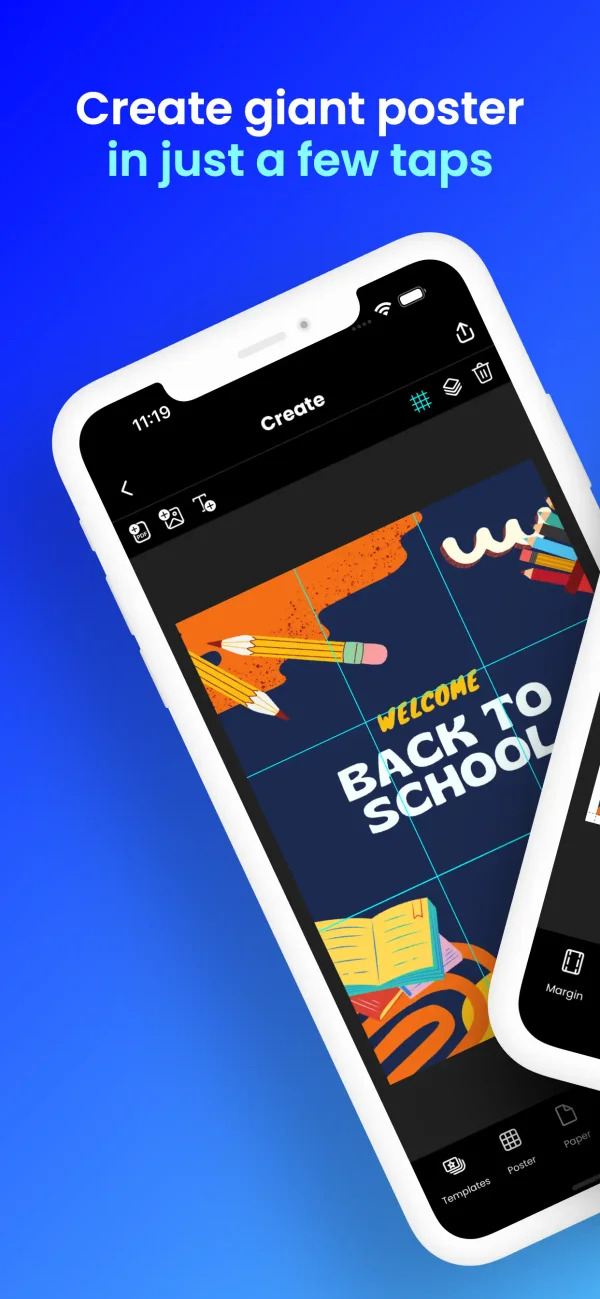
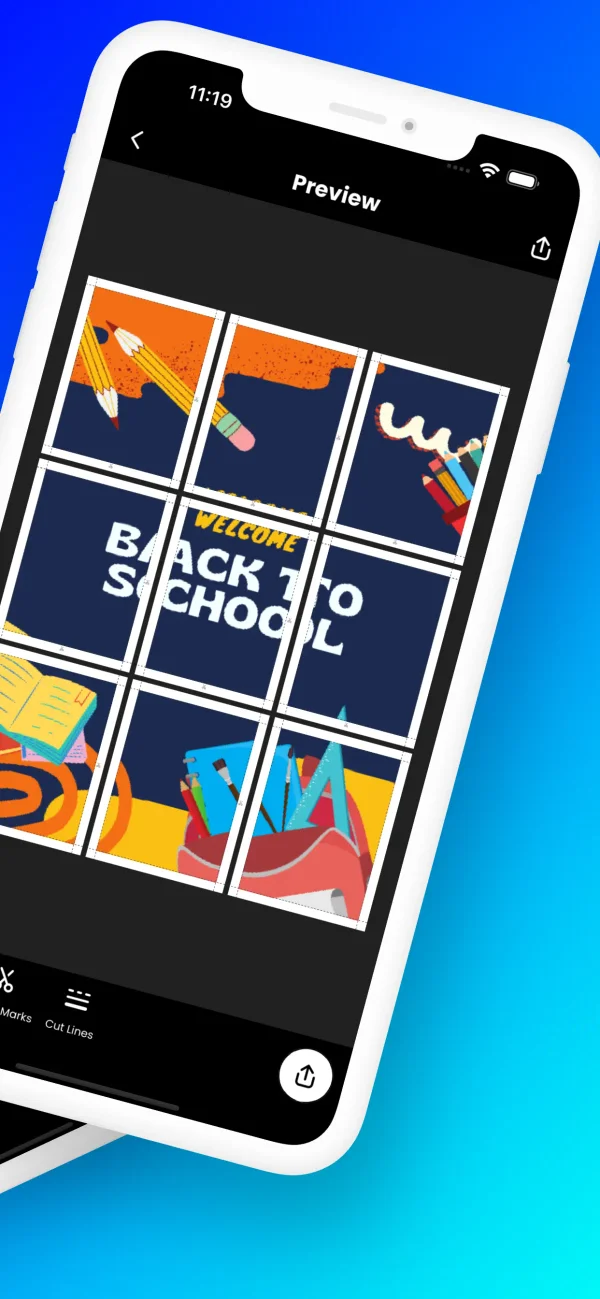
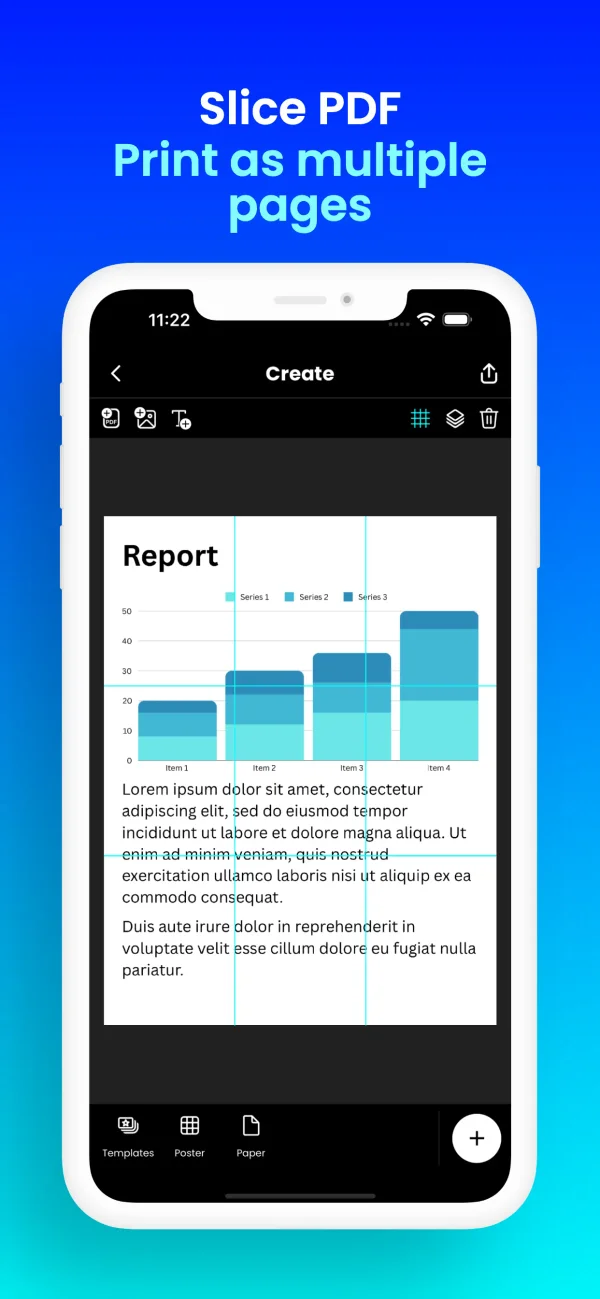
Docuslice lets you turn any image, PDF, or SVG into a stunning, multi-page masterpiece using your regular printer! Tiled printing is easier than ever — simply print across multiple pages and assemble them into one giant poster.
Here’s how it works:
- Choose your layout:
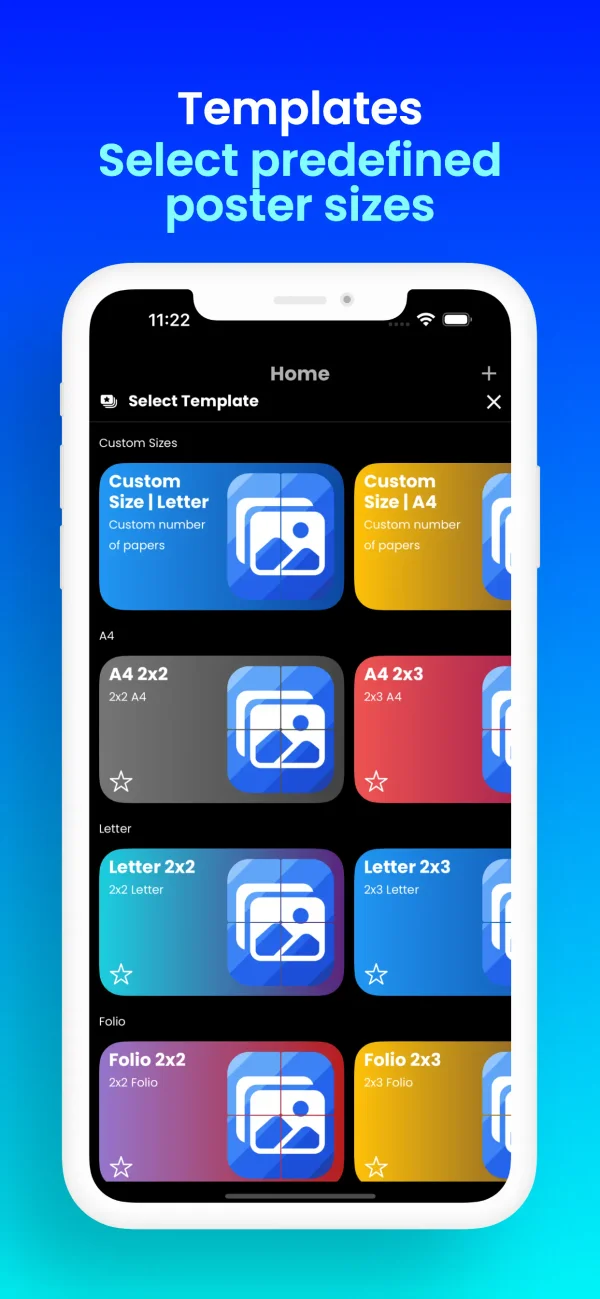
- Grid Mode – set poster size using rows and columns (fixed number of papers).
- Size Mode – set exact width and height for your poster.
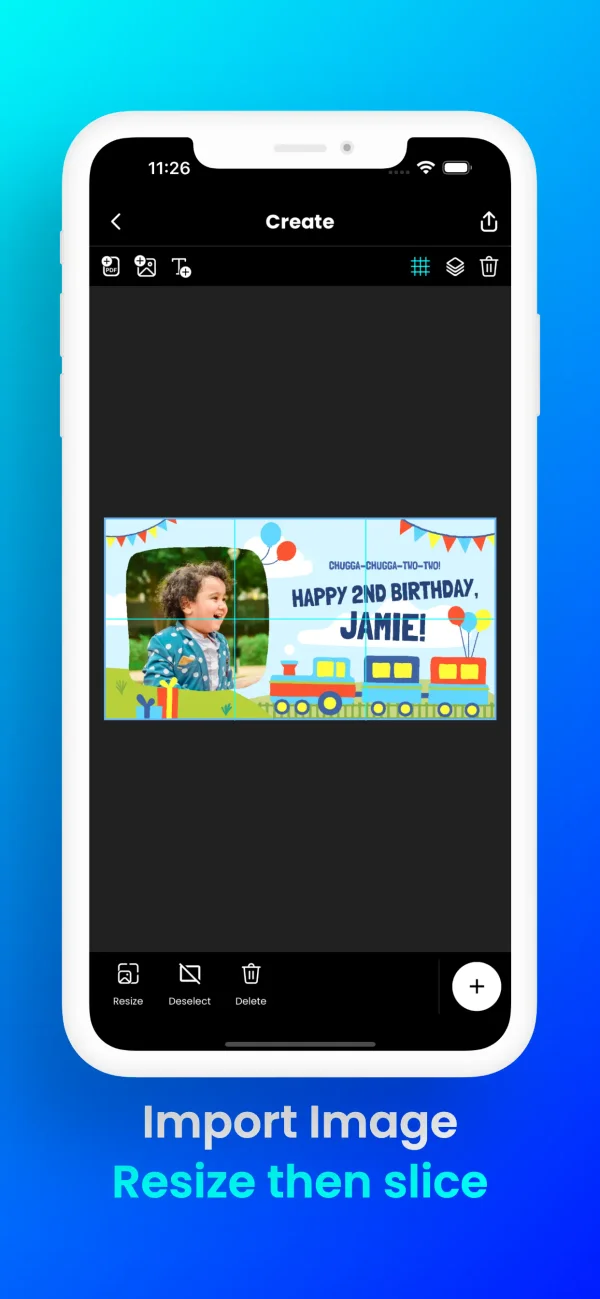
- Import any image, PDF, or SVG.
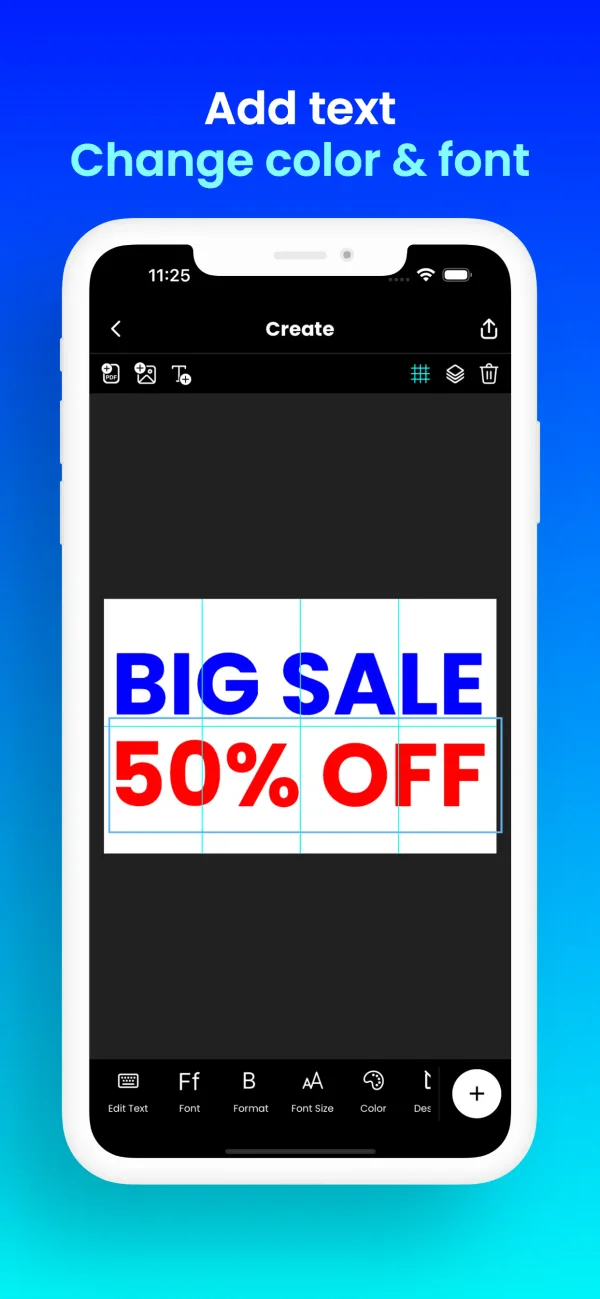
- Customize it to perfection: Resize and crop, add text, paragraphs and shapes, and style them with gradients, outlines, shadows and 1,900+ free fonts.
- Docuslice magically slices your design into printable tiles.
- Export your way — three options to choose from:
- PDF (Standard) – a rasterized PDF, perfect for photo-heavy posters.
- PDF (Vector) – razor-sharp at any size, ideal for text, logos, and line art.
- Images – saved straight to your photo gallery.
- Print directly to your home printer or send to print shops if you don’t have one.
New: Design tools — shapes, gradient fills, outlines, opacity, drop shadows, crop and masks, photos inside your letters, plus multi-select, groups, and align and distribute.
Design tools:
- 15 shapes, from circles and stars to hearts, clouds and speech bubbles
- Solid and gradient fills for shapes, text and the page
- Outlines inside, centered or outside — solid, dashed or dotted
- Opacity, rounded corners and drop shadows
- Crop, flip and replace photos
- Mask a photo into a shape, or put it inside your text
- Select several objects, group them, and align and distribute them
- Lock and hide objects in Layers
Text and fonts:
- Paragraphs that wrap to their box — drag a side to change the width
- Align text left, center or right, and justify paragraphs
- Bullet and numbered lists, with nesting
- Line and letter spacing
- Mix fonts, styles, sizes and colors in one text
- 1,900+ free fonts, in every weight each family has
- Sharp text on paper — real vector text in the vector PDF
Perfect for:
- Eye-catching event posters (birthdays, holidays, etc.)
- Giant cut-out letters for walls, bulletin boards, and parties
- Educational charts, decorations, and classroom posters
- Unique wall art for your home or office
- Campaign, activism, and protest posters
- Large banners, signage, and shop displays
- Blueprints, floor plans, and CAD drawings
- Engineering and architectural diagrams
- Logos, branding, and wordmarks
- Maps and infographics
- Line art, coloring pages, and stencils
- Stained glass patterns
- Cut files for vinyl and signage
- Sewing, quilting, and craft patterns
- Sheet music and lyric posters
Docuslice is:
- FREE to download and use
- Incredibly easy to learn
- Compatible with images, PDFs, and SVGs
- Packed with 1,900+ free fonts
- Exportable as standard PDF, vector PDF, or images
- Lets you print large image on multiple pages — at any size
- Cost-efficient – no need for large format printers
- Eco-friendly – save resources by using your home printer
Ready to unleash your creativity and print giant posters with ease?
Download Docuslice today!
What’s new
Version 2.60 · Nov 15, 2026
- Shapes: Add 15 shapes — from circles, stars and hearts to arrows, clouds and speech bubbles.
- Fill & Gradients: Fill shapes, text and the page itself with a solid color or a gradient, at any opacity.
- Outlines: Outline any object inside, centered or outside, in solid, dashed or dotted lines — a handy guide for cutting.
- Opacity, Corners & Shadows: Fade any object, round the corners of photos and rectangles, and add drop shadows.
- Crop & Mask: Crop photos and PDF pages, or mask them into a shape. You can even put a photo inside your text.
- Flip & Replace: Mirror any object, and swap a photo without losing its styling.
- Multi-Select & Groups: Select several objects to move, scale and rotate together, and group them.
- Align & Distribute: Line objects up with the page or with each other, and space them evenly.
- Layers: Lock and hide objects, and organize them into groups.
- Nudge: Move an object one step at a time with the arrow buttons.
- Performance Improvements: Bug fixes and stability enhancements for a smoother experience.
App privacy
What Jeremiah Lachica declares on the App Store about how this app handles data.
-
Data used to track you
May be used to track you across apps and websites owned by other companies.
- Identifiers
- Usage data
-
Data linked to you
May be collected and linked to your identity.
- Contact info
- Identifiers
- Usage data
-
Data not linked to you
May be collected but is not linked to your identity.
- Contact info
- Identifiers
Privacy practices may vary, for example with the features you use or your age.
Information
- Seller
- Jeremiah Lachica
- Category
- Graphics & Design
- Version
- 2.60
- Updated
- Nov 15, 2026
- Released
- Aug 20, 2023
- Size
- 90.6 MB
- Requires
- iOS 15.6 or later
- Age rating
- 4+
- Price
- Free
- In-app purchases
- Yes
- Languages
- English
- Copyright
- © Xystemize
You might also like
-
 Griddy: Split Photo Grid PostsMarketing Banner for Instagram
-
 Creador (Party Designer)Party decor power in hands
-
 ImgSplitter -Image Split-Graphics & Design
-
 Grid Post Pic Collage MakerPhoto Video Collage In Profile
-
 SubPrinta Sublimation DesignerTumbler, Mug, T-Shirt Printer
-
 Poster Maker + Flyer CreatorCreate logos, cards, flyers
-
 Poster Maker, Flyer MakerAI Poster Maker, Flyer Creator
-
 Posters4U - AI Poster MakerBanner Templates, Flyer Maker
-
 TattooStencilPro - AI PoweredCreate AI Powered stencils
-
 Silhouette GoGraphics & Design