Griddy: Split Photo Grid Posts
Marketing Banner for Instagram
Designed for iPhone, iPad, iPod touch
Free · In-app purchases
- Age rating4+
- CategoryGraphics & Design
- Developerkeang david
- LanguagesEnglish+ 11 more
- Size191.4 MB
Links to the official App Store page
Download.org hosts no file of Griddy: Split Photo Grid Posts. The button opens its official App Store page, published by keang david. Listing last checked on Nov 25, 2026.
Screenshots


About
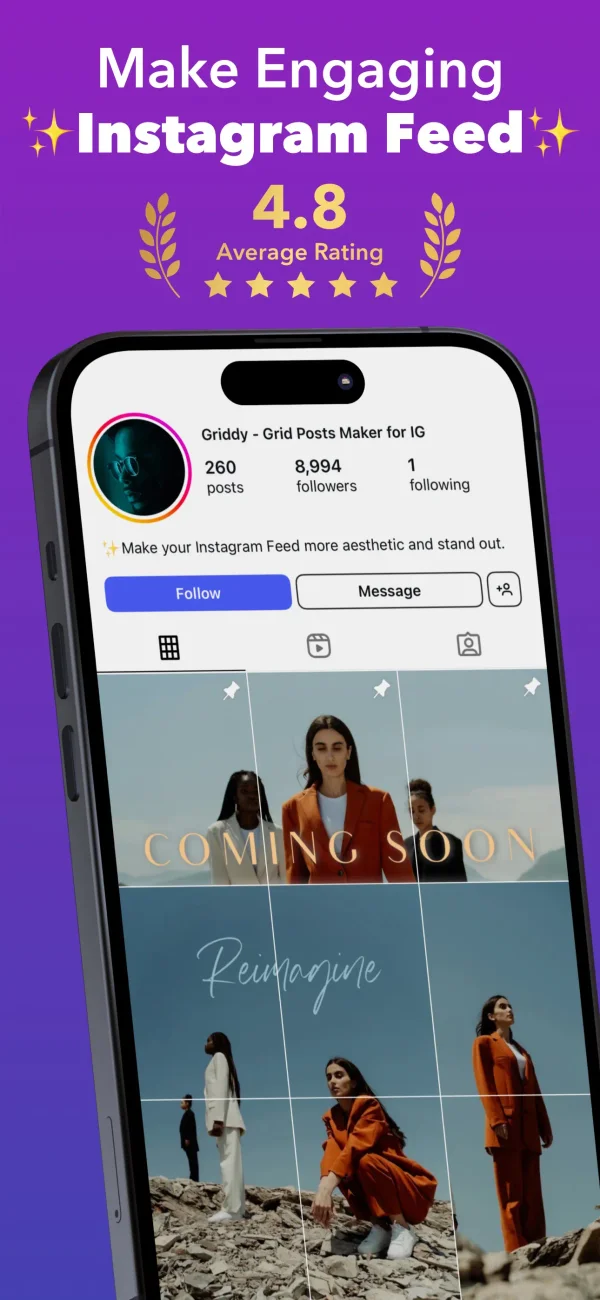
Transform your Instagram Profile into a professional look with Griddy – the All-In-One tool for creating grid posts, seamless carousel layouts, engaging instagram stories, and visually captivating content. Whether you’re an influencer, small business owner, or content creator, Griddy simplifies Instagram marketing like never before.
*** Key Features ***
1. Photo Splitter
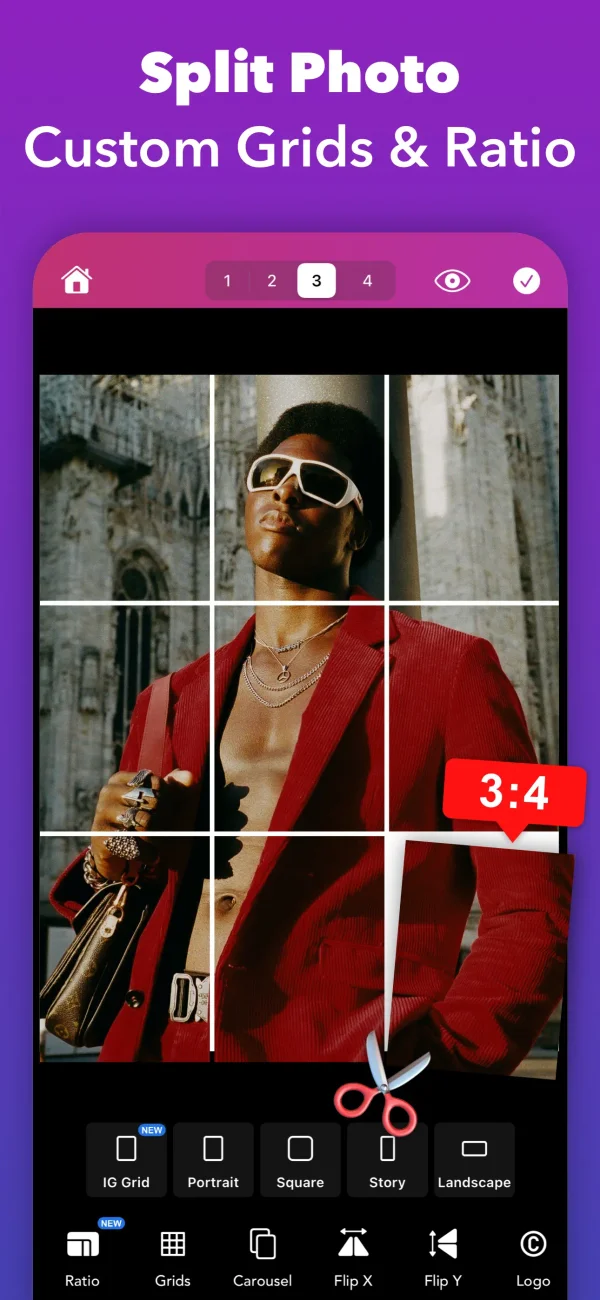
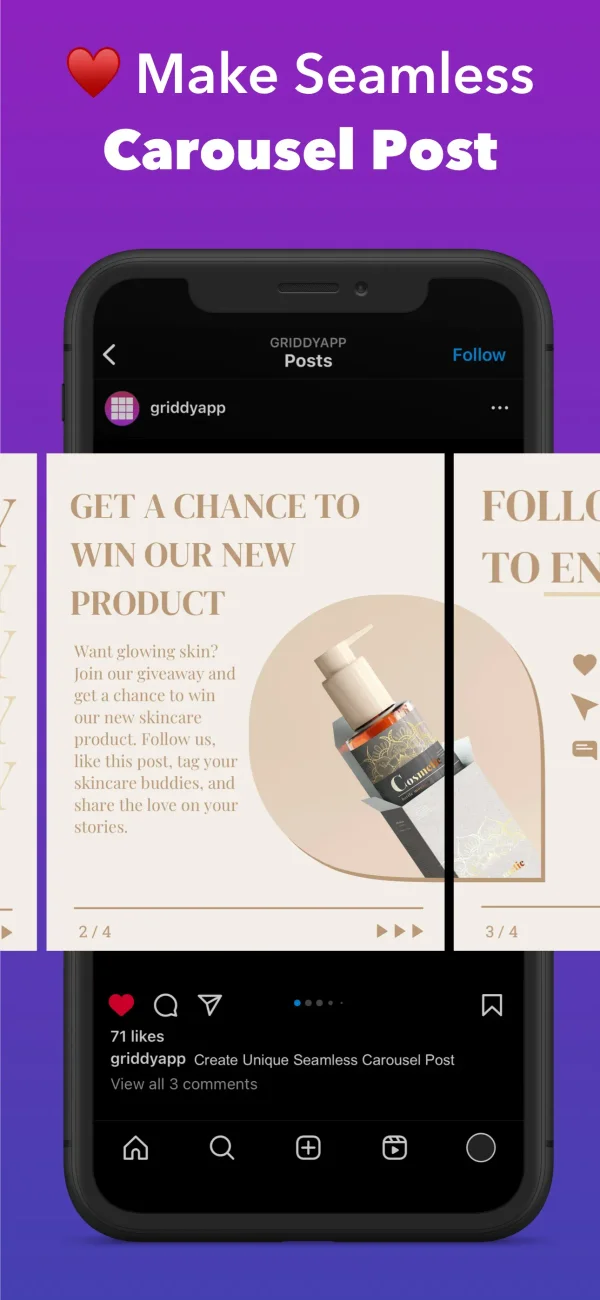
Griddy makes it easy to split your photos into grid layouts for Instagram, with options for up to 10 rows (30 posts) to create eye-catching feed layout. YChoose from predefined grid layouts such as 1x3, 2x3, 3x3, or 4x3 with a single tap to quickly achieve a stunning Instagram feed or slice panorama photos into seamless carousel posts with ease.
For more control, you can split your photo into custom grid layouts and adjust the aspect ratio (landscape, square, portrait, story to fit your unique style.
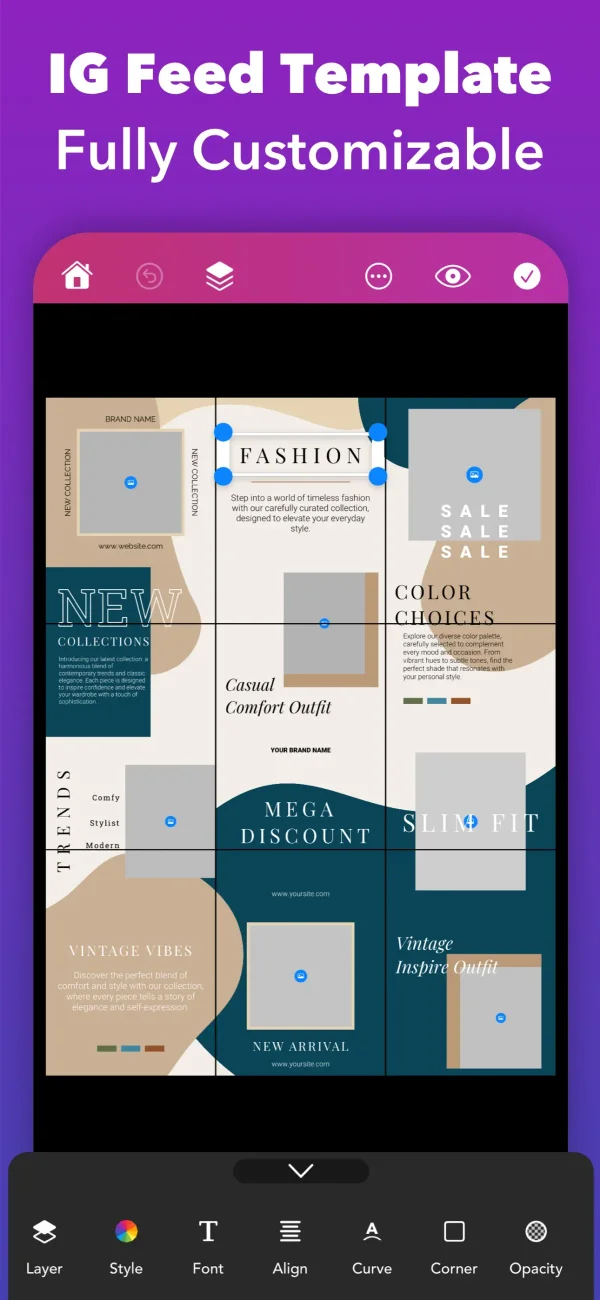
2. Puzzle Feed Templates
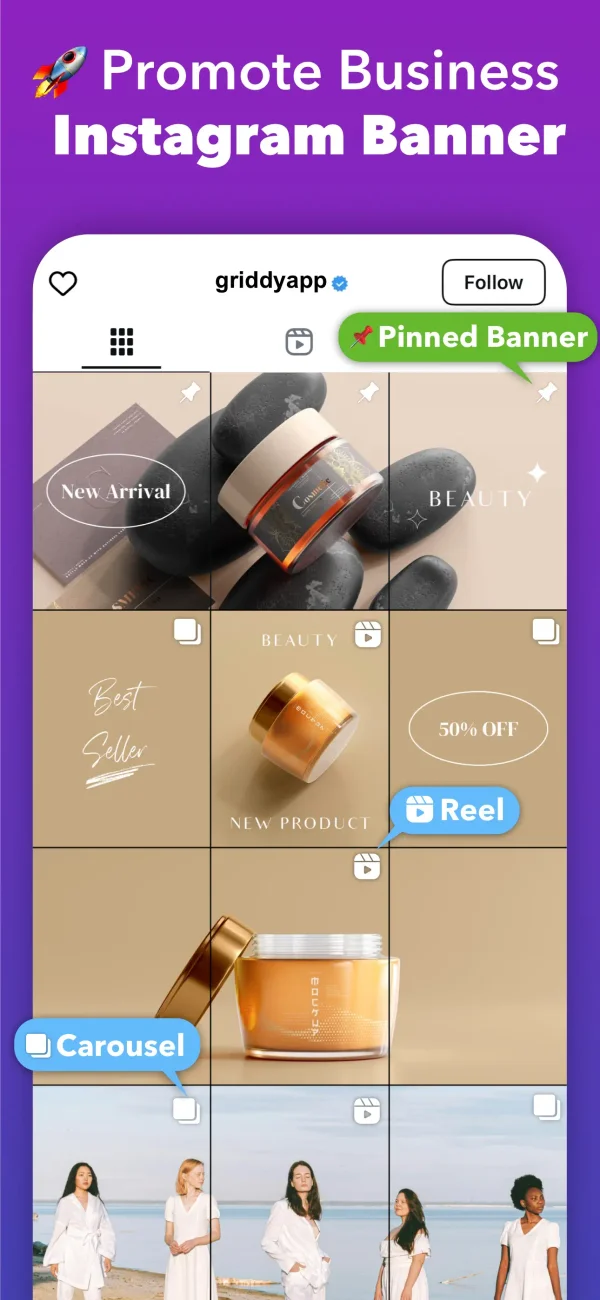
Design seamless puzzle-style Instagram feeds with our aesthetic template. Perfect for creating a cohesive, professional look.
3. Carousel Post Maker
Turn your regular carousel posts into seamless photo collages or image galleries in seconds, ensuring your audience swipes for more.
4. Photo Collage Maker
Easily combine multiple photos with our easy-to-use, free photo collage maker app. Create beautiful collages from your photos and choose from dozens of creative layouts!
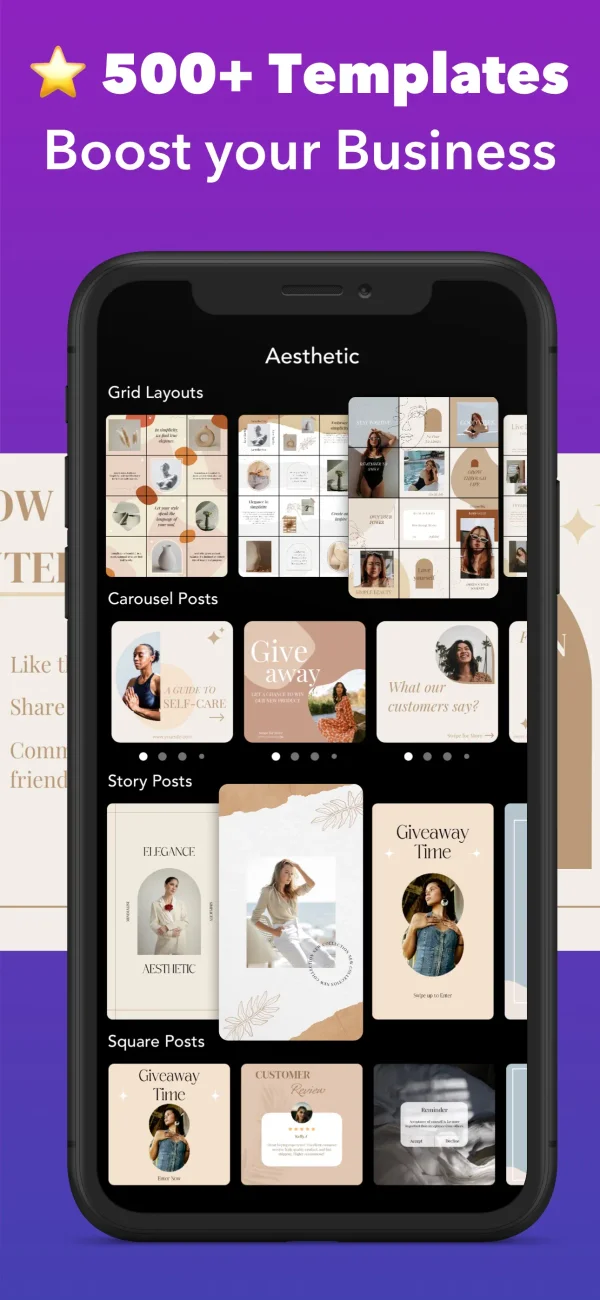
5. 500+ Customizable Templates
Choose from a diverse collection of fully customizable templates for different content types such as Grid Feeds, Carousel Posts, Stories, and Square Posts, curated for your business and brand.
6. Design Anything
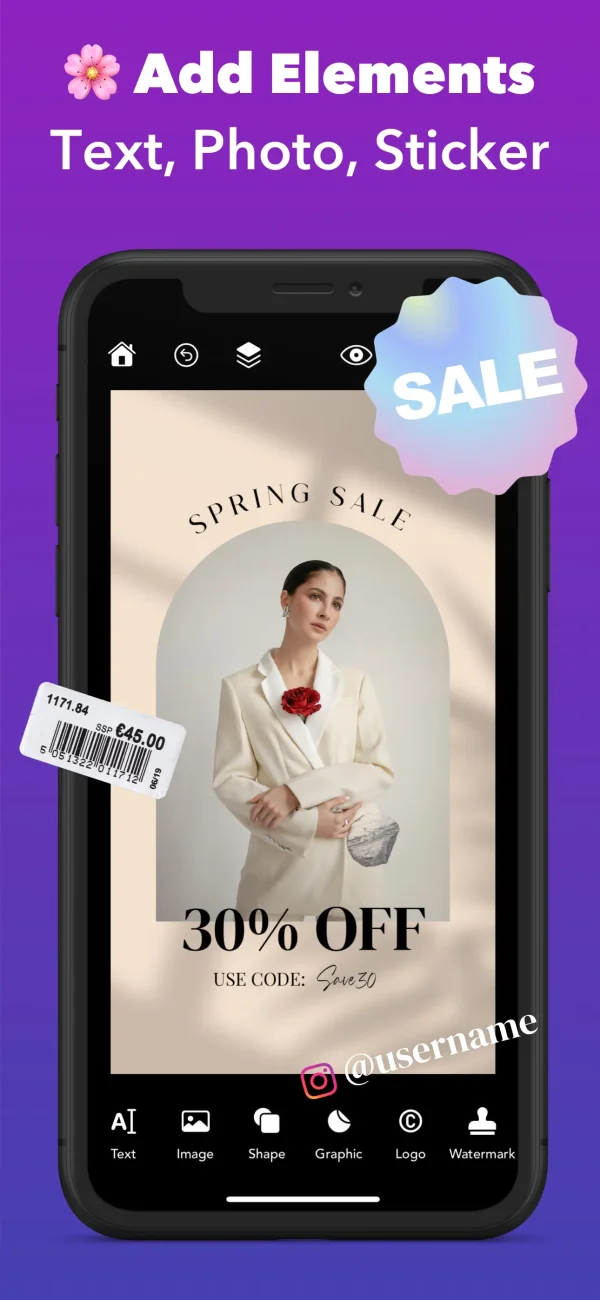
Create on-trend Instagram posts with beautiful text fonts, stickers, and shapes. With our easy-to-use tools, you can do anything effortlessly with zoom & edit mode, working with layers, and multiple selection.
7. Add Text with Style
Enhance your posts with text effects like curved text, strokes, shadows, background colors, and rounded corners to make your captions pop.
8. Resize & Crop Photos
Quickly resize your photos to different Instagram Post sizes with a beautiful background color selection.
9. Watermark Tool
Protect your photos and content with an instant watermarking feature, ideal for maintaining your brand’s identity.
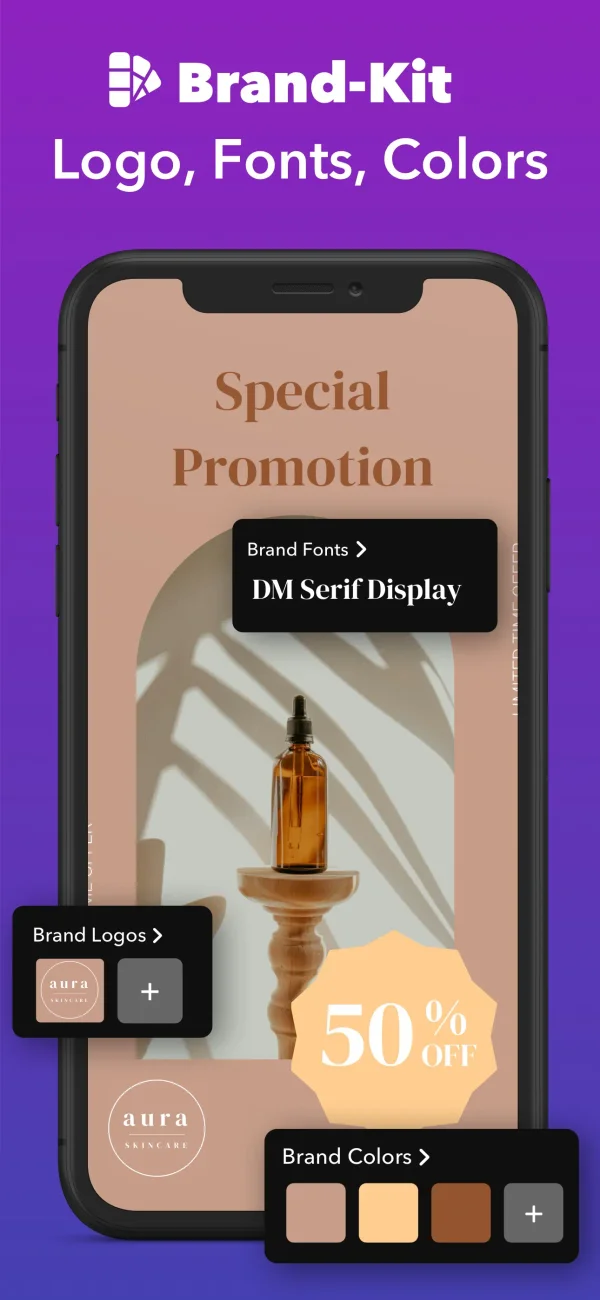
10. Brand Kit
Manage and apply your brand's logos, fonts, and colors to your designs easily.
Import custom fonts to elevate your projects.
11. Preview Mode
See how your Instagram feed, carousel post, or story will look before sharing with your audience.
12. Share to Instagram
Export your grid or carousel posts directly to Instagram in HD quality with just a few taps.
Why Choose Griddy?
Griddy is your all-in-one solution for Instagram marketing, helping you:
• Split photos into Instagram grid layouts.
• Create seamless carousel posts from panoramic photos.
• Design professional-looking puzzle feeds.
• Save time with easy-to-use design tools.
• Grow your brand with visually stunning content.
Download Griddy Now!
Level up your Instagram profile with creative grids, seamless carousels, and aesthetic puzzle feeds. Whether you’re growing a brand or expressing your creativity, Griddy makes it easy and fun!
Follow us on Instagram @griddyapp to get inspired and explore amazing designs made with Griddy.
If you enjoy using Griddy, we’d love to hear from you! Leave a review or contact us at support@cornapps.com.
Terms of Use: https://cornapps.com/griddyapp-terms/
Privacy Policy: https://cornapps.com/griddyapp-terms#privacy
What’s new
Version 4.0.30 · Sep 9, 2026
• Improved Feed Planner
• Bugs fixes and performance improvements to make your experience smoother.
If you enjoy using Griddy, please leave us a review on the AppStore!
App privacy
What keang david declares on the App Store about how this app handles data.
-
Data used to track you
May be used to track you across apps and websites owned by other companies.
- Identifiers
-
Data not linked to you
May be collected but is not linked to your identity.
- Identifiers
- Usage data
- Diagnostics
Privacy practices may vary, for example with the features you use or your age.
Information
- Seller
- keang david
- Category
- Graphics & Design
- Version
- 4.0.30
- Updated
- Sep 9, 2026
- Released
- May 18, 2016
- Size
- 191.4 MB
- Requires
- iOS 15 or later
- Age rating
- 4+
- Price
- Free
- In-app purchases
- Yes
- Languages
- English, Dutch, French, German, Indonesian, Italian, Japanese, Korean, Polish, Portuguese, Spanish, Thai
- Copyright
- © 2022 GRIDDY
You might also like
-
 Grid Post Pic Collage MakerPhoto Video Collage In Profile
-
 Grid layout for Instagram feedPhoto Collage & Split Pic
-
 UNUM — Layout & Feed PreviewGrid, Collage Maker & Reels
-
 Panorama Scroll Carousel MakerPhoto Collage Instagram Layout
-
 ImgSplitter -Image Split-Graphics & Design
-
 Pixislice - Image SplitterGrid Maker, Panorama
-
 Docuslice - Poster PrintingTiled Printing | Block Poster
-
 BnCuts - Split Image into GridSplit Panorama Photo Into Grid
-
 Photo Layout Maker - Grid PostGrid Maker for Collage
-
 Grid Preview for InstagramFeed Preview & Post Planner